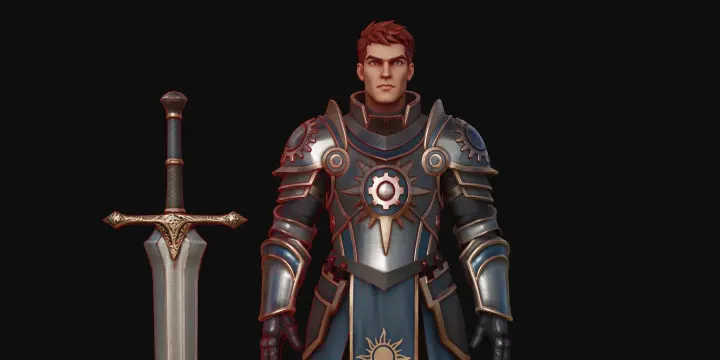
Learn how to generate clean, game-ready low-poly assets with Tripo Smart Mesh P1.0. A step-by-step tutorial for game developers and 3D artists, from image upload to engine-ready export.
Tripo Team
Tripo Studio's stylization features represent a paradigm shift in 3D content creation. Whether you're transforming an image to 3D model or starting from scratch with text prompts, the ability to instantly apply professional artistic styles opens unlimited creative possibilities.
Amdad
This article compares image-to-3D and text-to-3D generation workflows, helping you choose the right method for faster, smarter 3D model creation using Tripo AI.
Amdad
The Magic Brush in Tripo Studio represents a significant leap forward in AI 3D model generator technology. It democratizes advanced texturing techniques that once required specialized skills and expensive software, making professional-quality 3D creation accessible to everyone from hobbyists to professional designers.
Amdad
Learn how to clean up 3D meshes in Blender and Tripo AI. This guide covers manual cleanup and AI-powered retopology for optimized, animation-ready models.
Amdad
Explore how to rig 3D models in Blender, from beginner-friendly steps to pro techniques—plus how to fast-track the process with Tripo's auto-rigging and image-to-3D features.
Amdad
Learn how to segment a 3D model for easier editing, texturing, and animation. Follow this step-by-step guide for beginners and pros in 3D modeling.
Maisie