
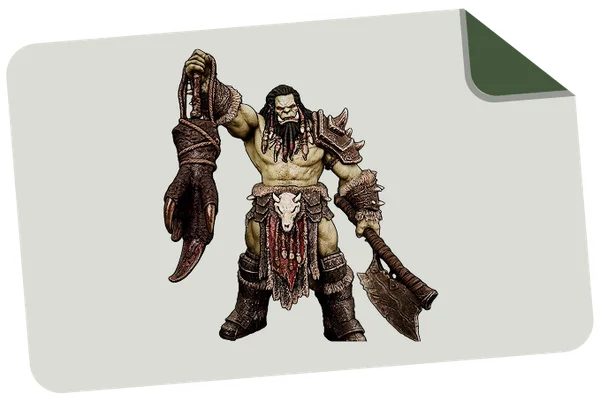









 Text & Image to 3D models
 Free Credits Monthly
 High-Fidelity Detail Preservation
OUR WONDERFUL CASES












Pipeline-Ready Intelligent Segmentation
One-Click Part Separation
Automatically split complex models into logical parts—head, torso, limbs, or components—without manual work.

Edit and Merge with Ease
Tweak individual parts or merge them with ease, while keeping the rest of the model intact.Segmentation preserves solid topology and logical grouping, making models easier to edit and export.
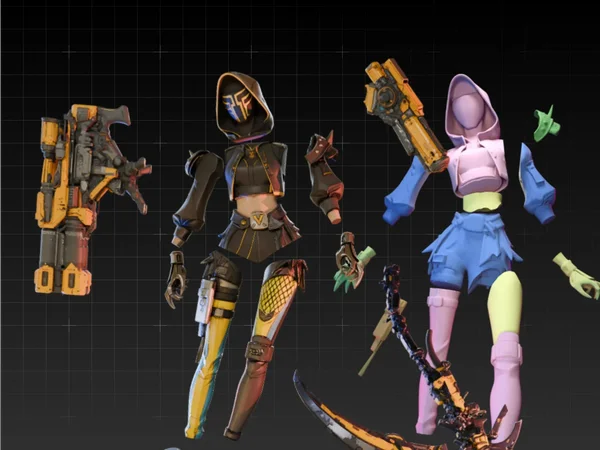
Three Precision Tiers
Choose how detailed you want the split to be before segmentation starts. Use Simple for quick separation, Balanced for most production workflows, or Detailed when you need full control over limbs, accessories, joints, and complex assemblies.

Built Beyond Basic Segmentation
Unlike basic model-splitting tools that simply cut meshes into disconnected pieces, Tripo Segmentation v2 gives you precision control, semantic boundary detection, editable parts, and intelligent mesh completion in one workflow.

See Complex Models Split into Editable Parts
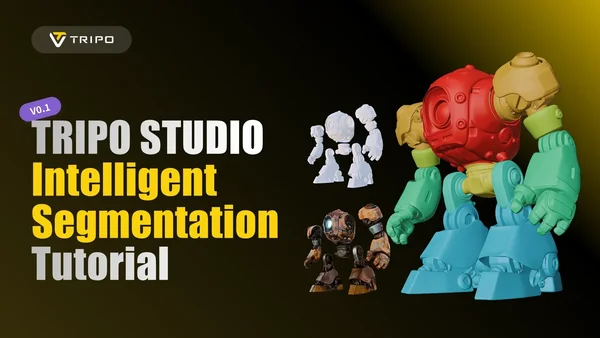
How to Use Intelligent Segmentation in Tripo
Generate
Generate your 3D model from texts or images in seconds.
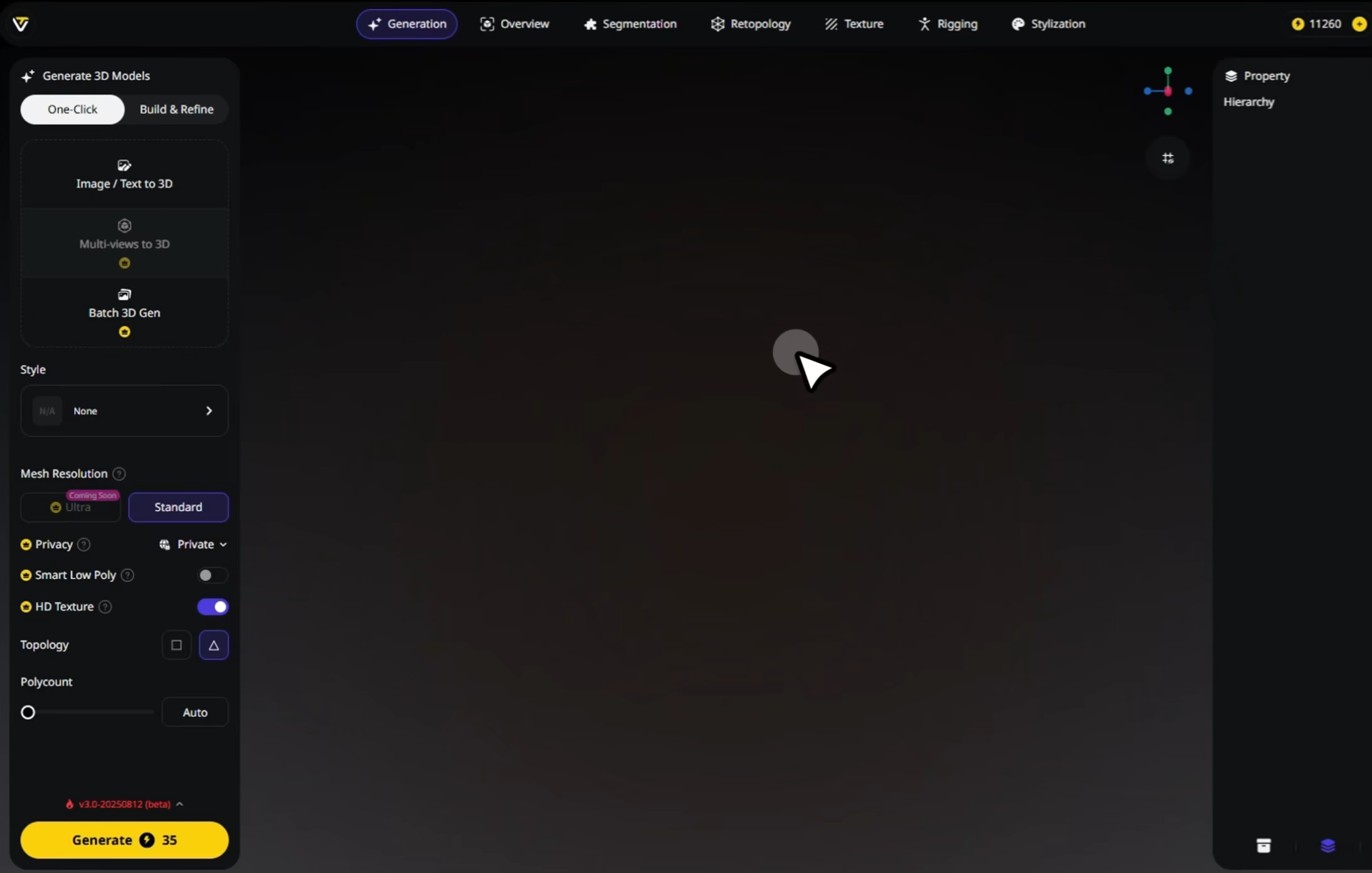
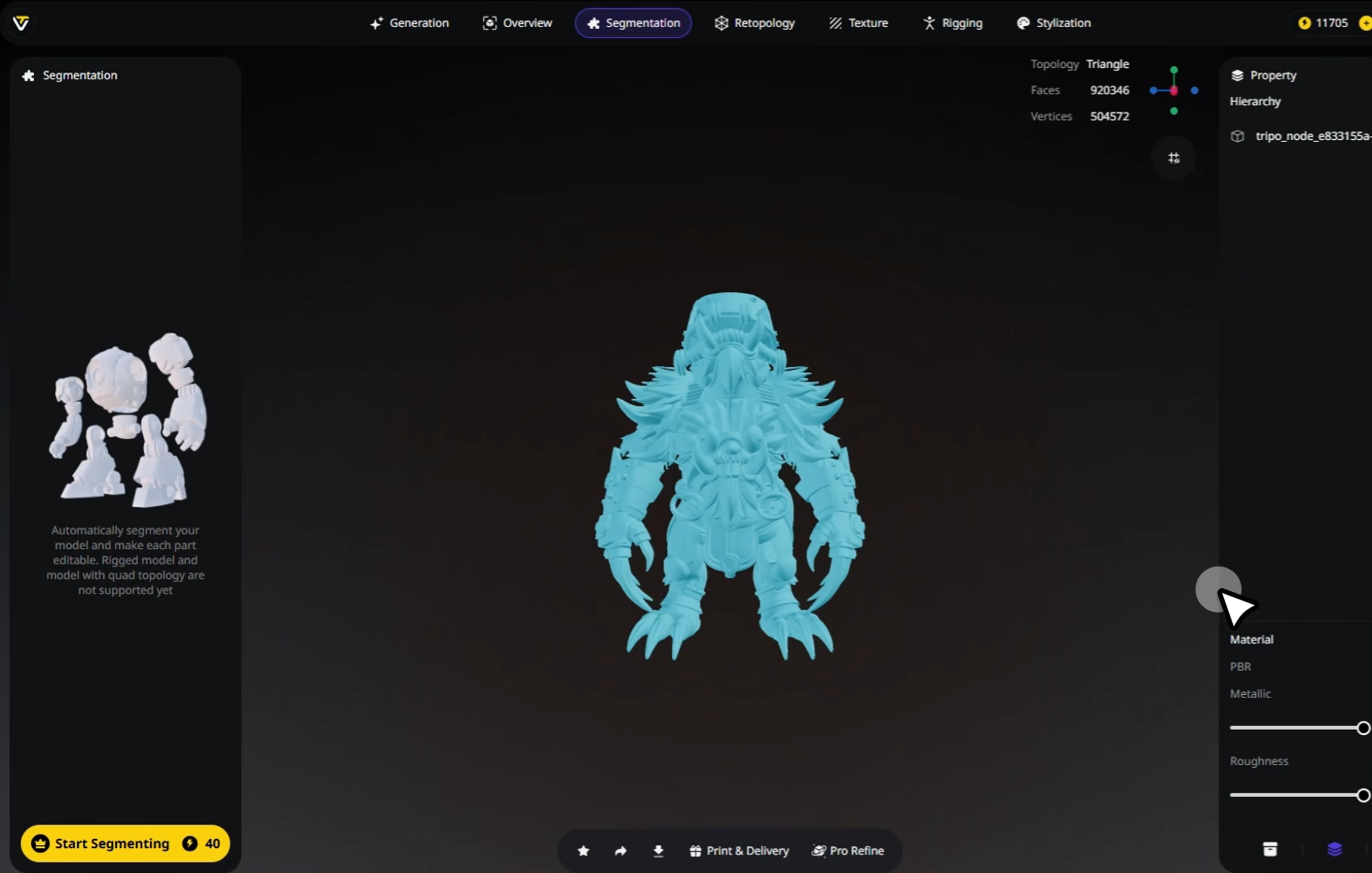
Segment
Tripo splits the model into meaningful parts automatically and instantly.
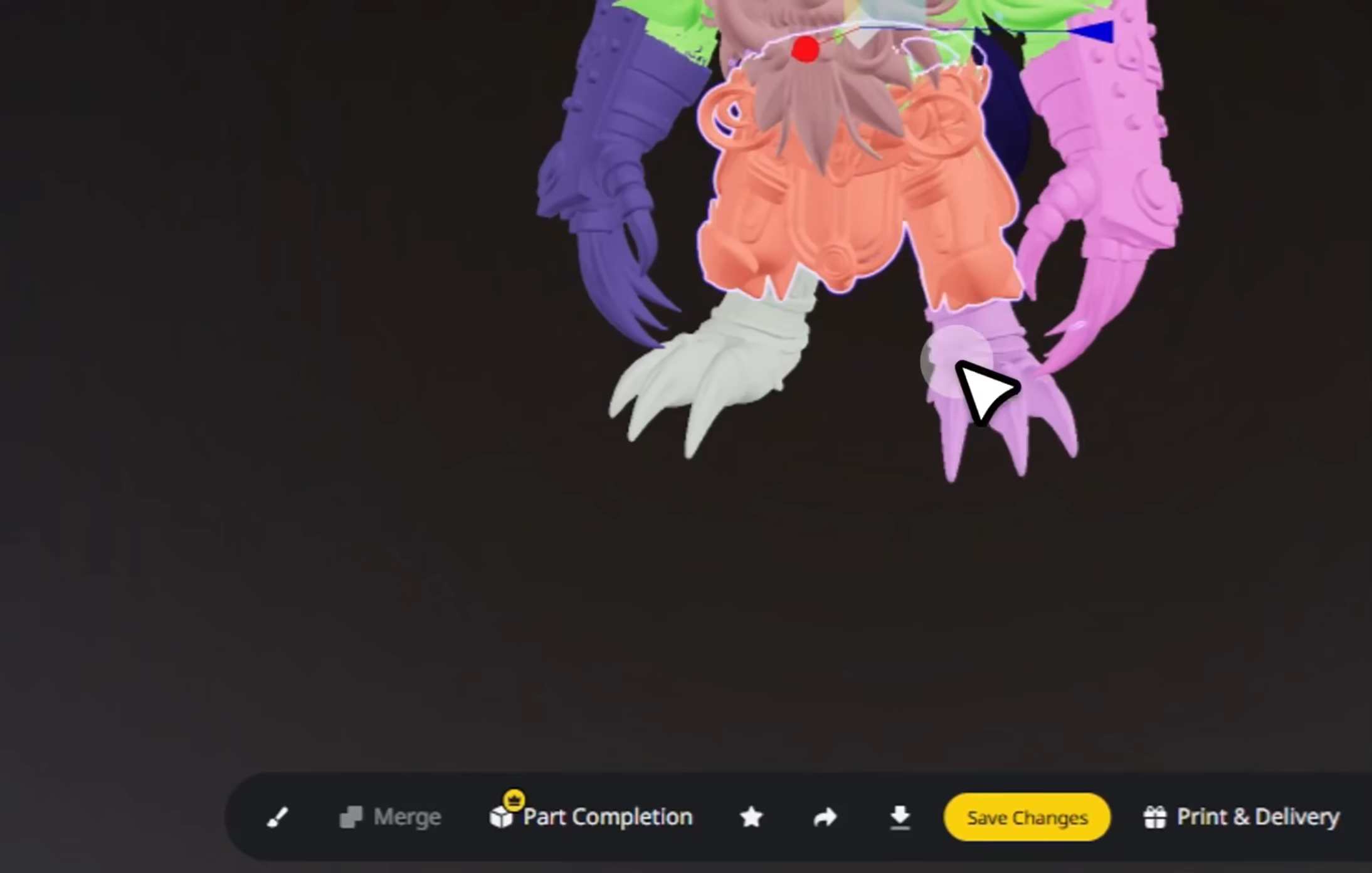
(Optional) Edit
Fine-tune, merge, or enhance individual parts.
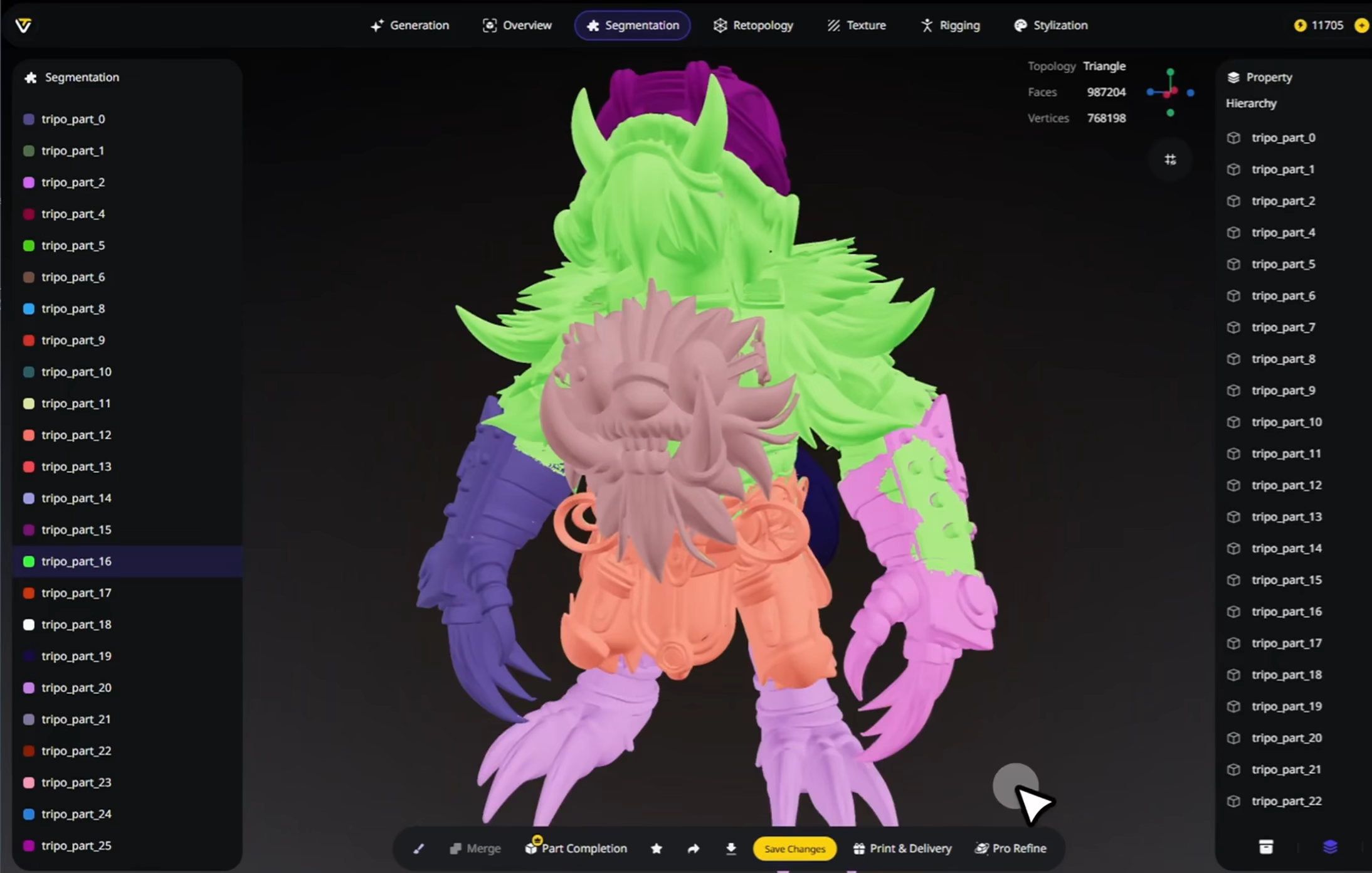
Export
Download segmented models, ready for editing or reuse in other projects.




Loved by Creators Worldwide
Splitting models into parts took seconds, saved me hours of manual work.
Finally, I can separate limbs cleanly without struggling in Blender.
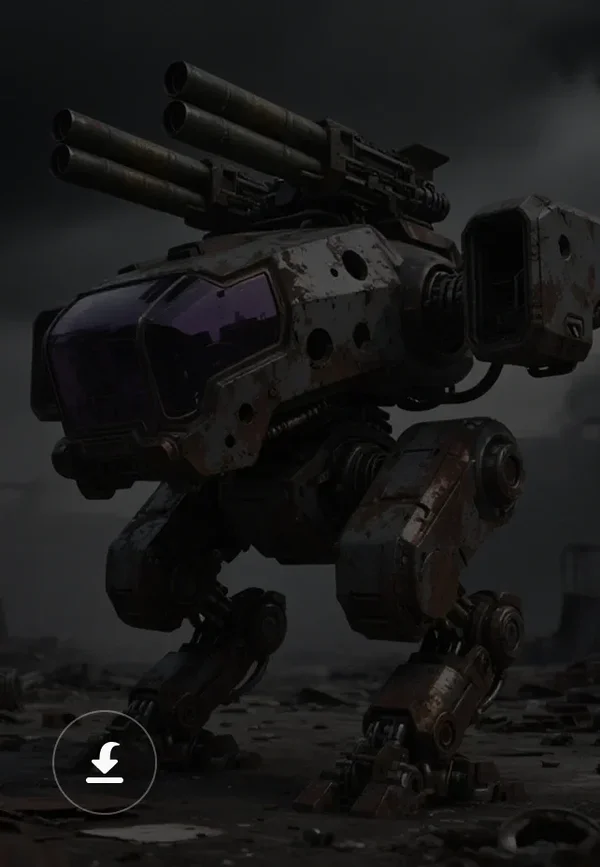
Used it for robot models, segmentation handled mechanical joints well.
Editing heads and hands separately was so much easier after auto-split.
My workflow for game characters feels smoother thanks to fast part cuts.
Tried it on furniture models, and components came apart logically.
A single click gave me cleanly divided meshes, ready for rigging.
Perfect for customization. I can swap out parts without breaking models.
FAQ: Intelligent Segmentation
Stay Ahead with the Latest Trends
Explore AI-powered workflows, model editing techniques, and next-gen 3D tools.
How to Segment a 3D Model: A Complete Guide for Beginners and Professionals
Learn how to segment a 3D model for easier editing, texturing, and animation. Follow this step-by-step guide for beginners and pros in 3D modeling.
Read moreIntroducing Tripo Segmentation v2: Segment a 3D Model With Precision Control
Tripo Segmentation v2 splits any 3D model into clean, editable parts in under a minute. Three precision tiers, semantic cuts, no mesh editor needed.
Read moreIntroducing Project Eden: A World Model for Multiplayer and Agents
VAST AI Research introduces Project Eden, a persistent multiplayer world model. Worlds remember your actions, stay consistent across views, and run continuously.
Read moreTripo Turns 1: New Plans, Bigger Possibilities, and Our Biggest Sale Yet
Celebrate Tripo's first anniversary with the new Max plan and limited-time discounts, including up to 75% off selected AI 3D creation plans.
Read moreRelated Features
Explore More on Tripo AI
Image to 3D Model
Upload any image and generate a high-quality 3D model in seconds with Tripo AI. Supports single-view and multi-view inputs.
Learn moreModel Stylization
Apply artistic styles to 3D models with Tripo AI. Transform realistic meshes into stylized, cartoon, or low-poly aesthetics.
Learn moreImage Gen: GPT-4o
Generate high-quality reference images with GPT-4o integrated in Tripo AI. Create perfect input images for 3D generation.
Learn moreLow-Poly 3D Model Generator
Create game-ready assets with clean topology. Tri-mesh/quad-mesh available. Powered by Tripo P1.0.
Learn more