









 Text & Image to 3D models
 Free Credits Monthly
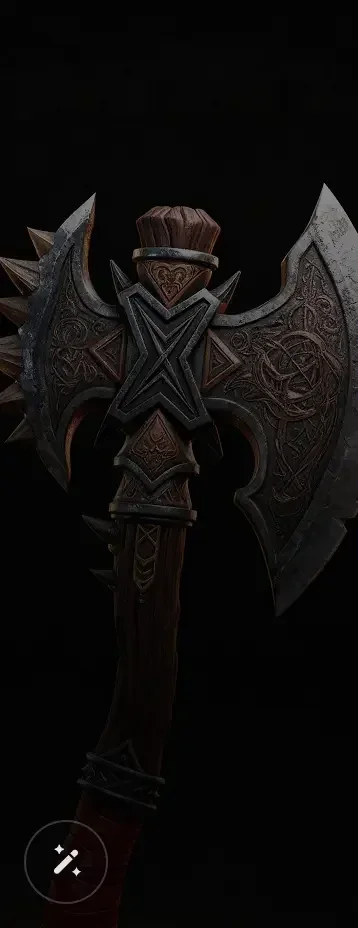
 High-Fidelity Detail Preservation
Turn Image into Stunning 3D Model
Create a high-quality 3D model from a photo, sketch, illustration, or concept image. Tripo converts 2D images into detailed 3D models with accurate structure, rich textures, and realistic depth in seconds. Maintaining multi-view consistency
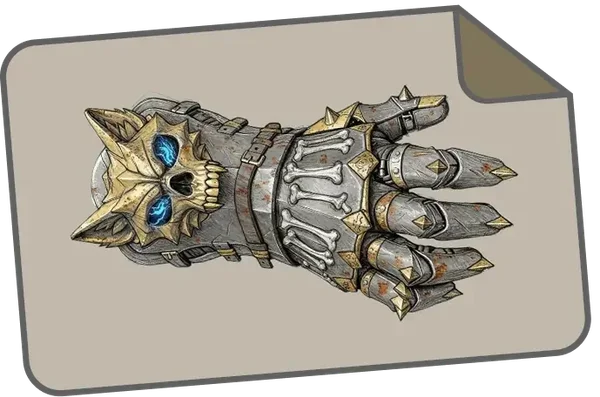
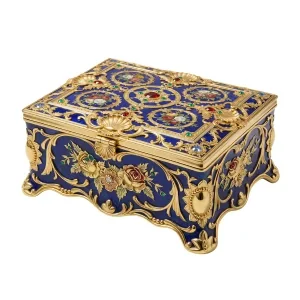
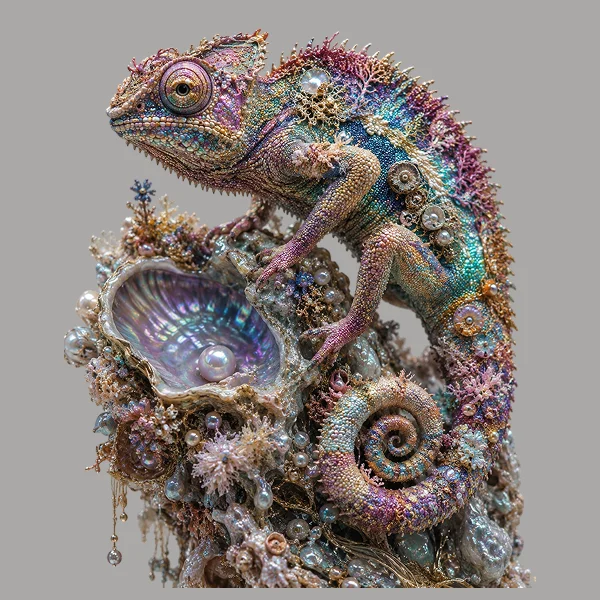
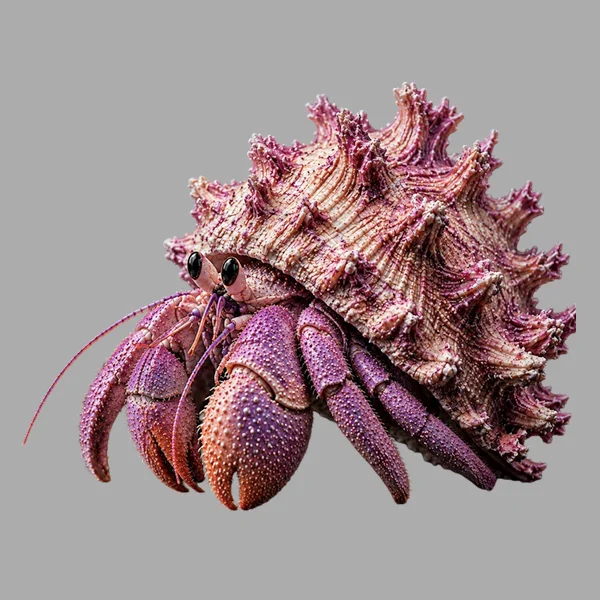
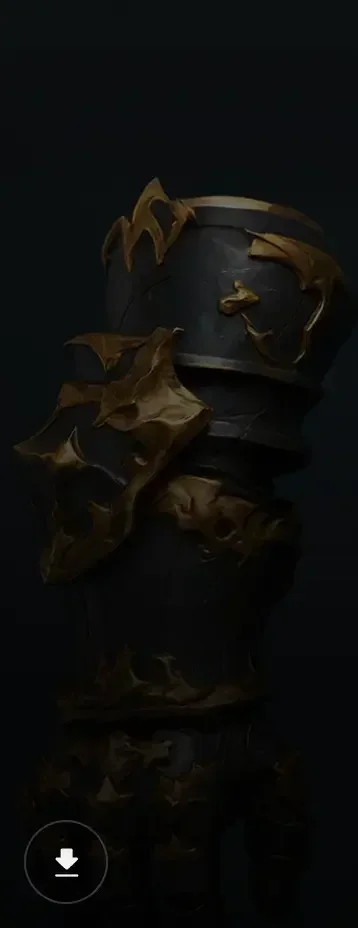
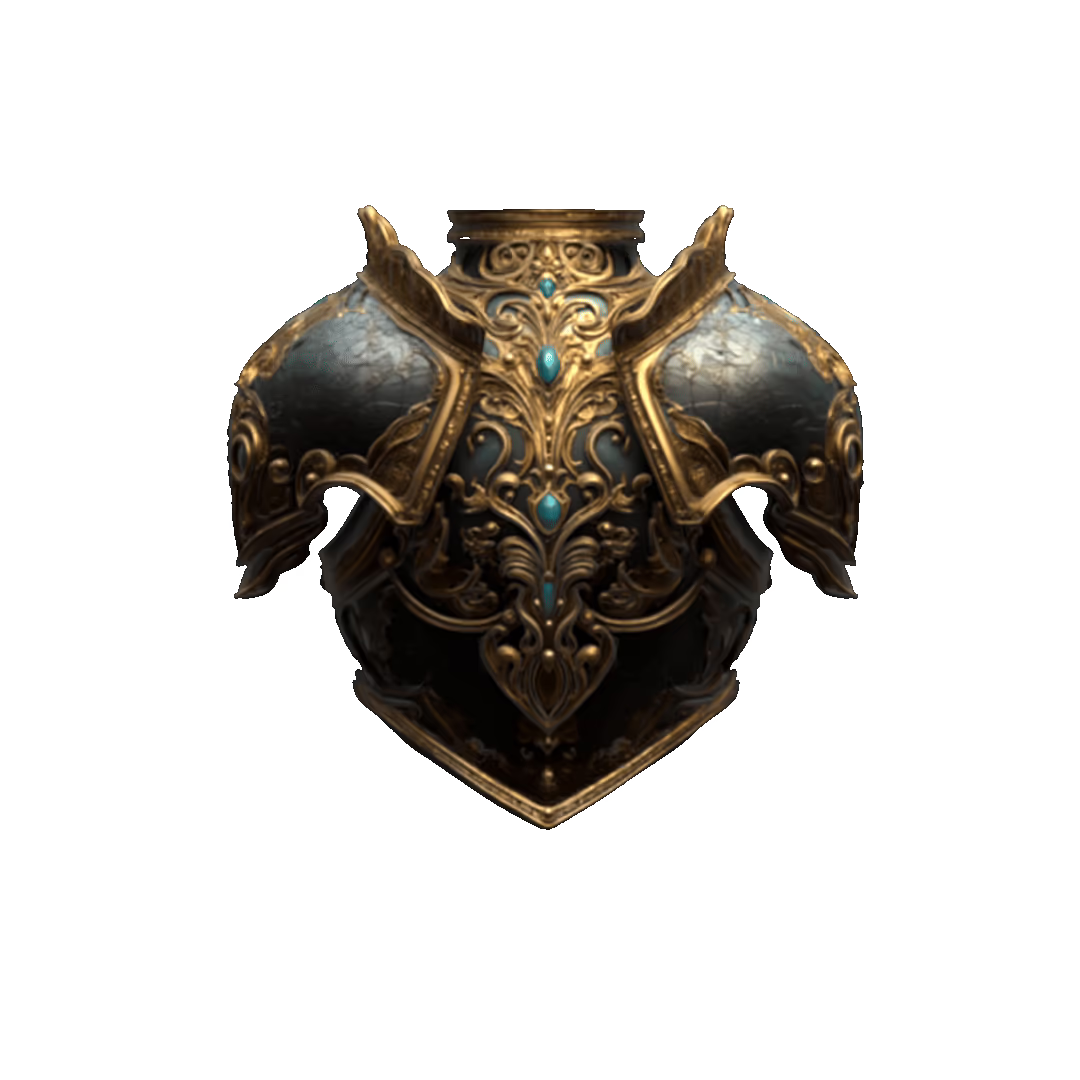
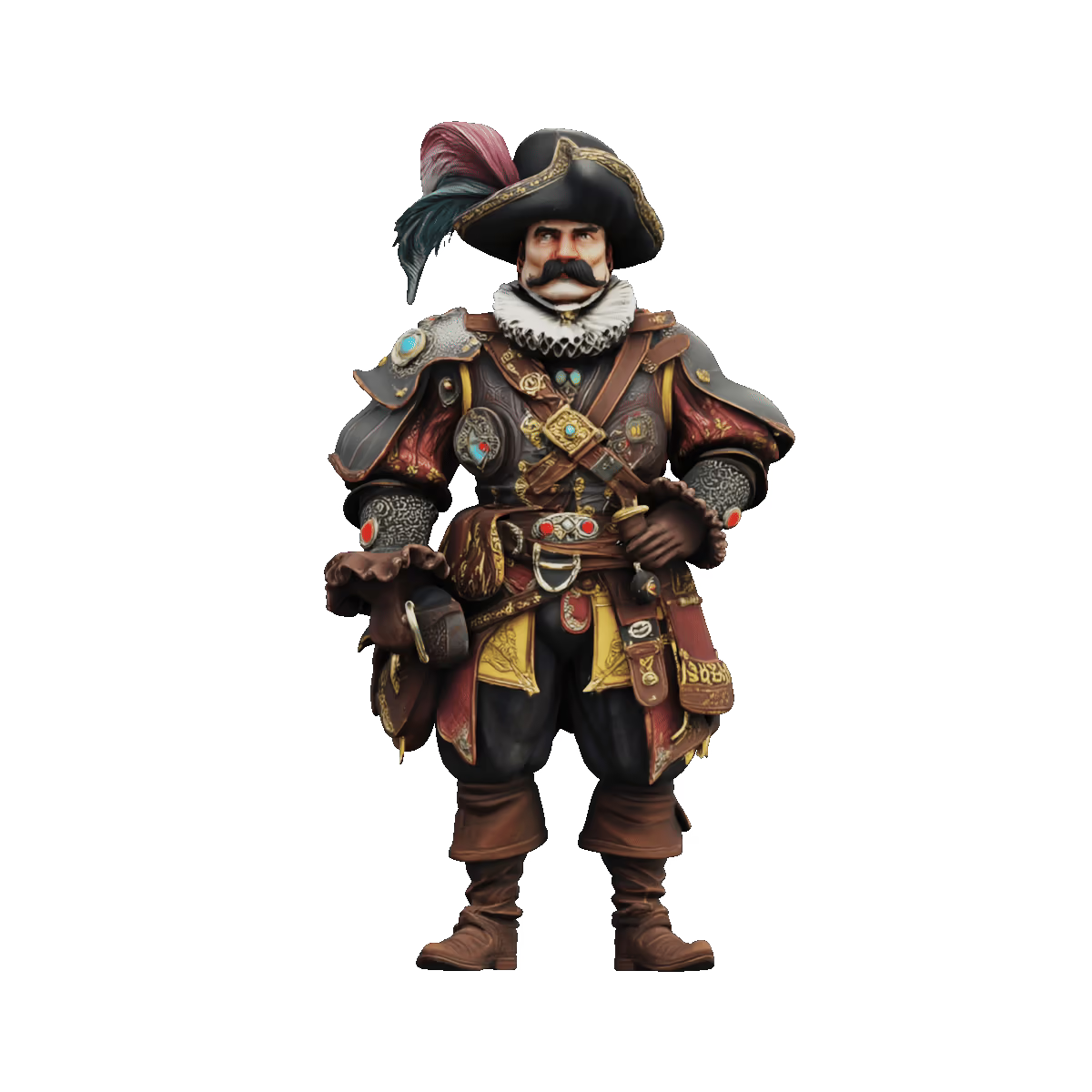
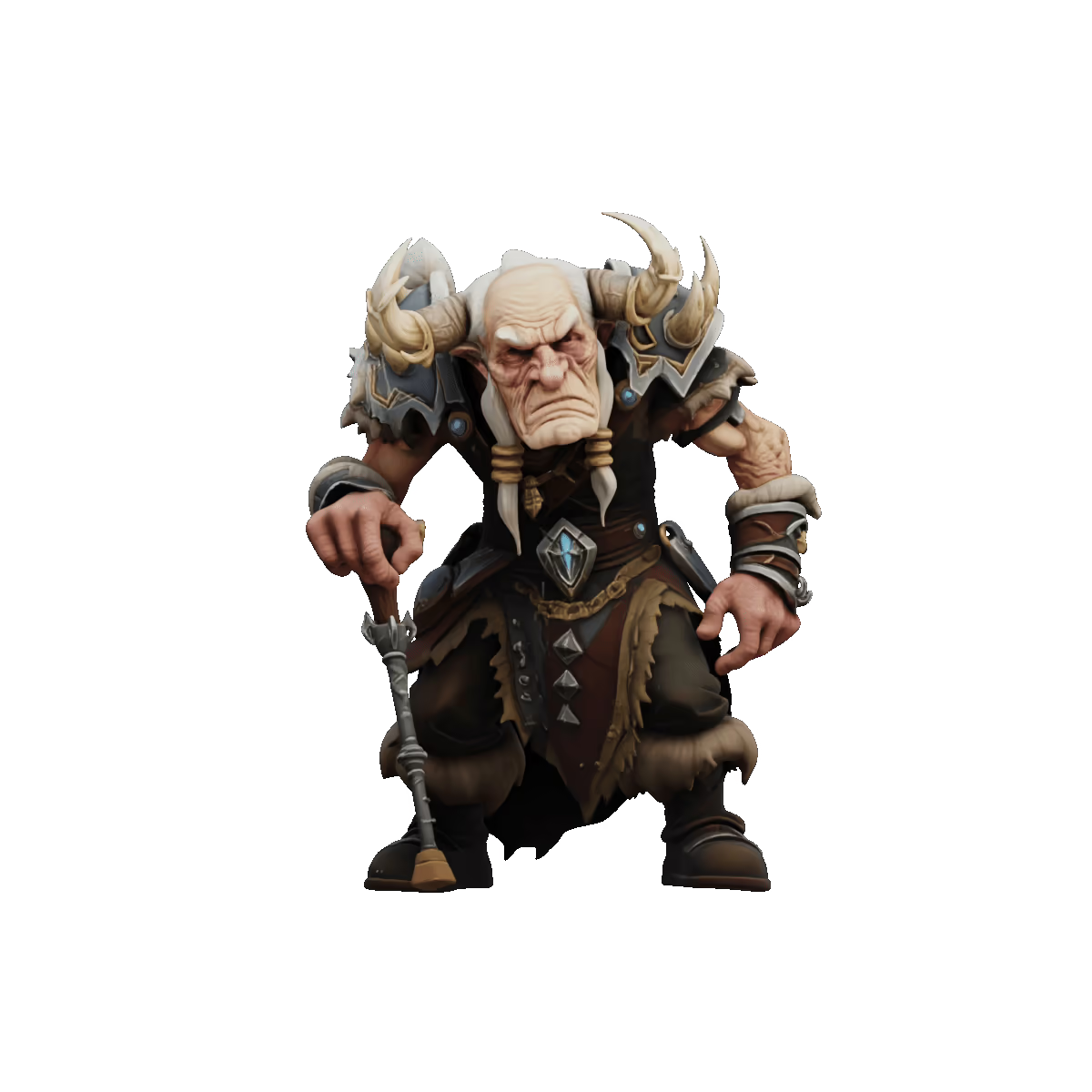
Image to 3D Model Showcases






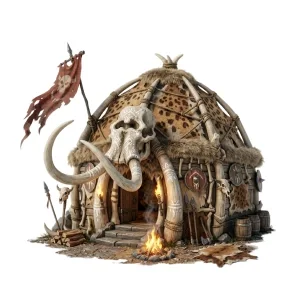
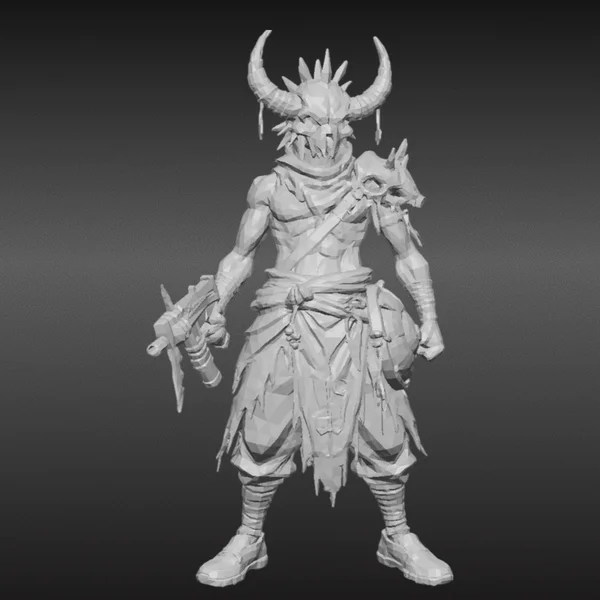
Pipeline-Ready AI 3D Model Generation
True-to-Image Accuracy, High-Fidelity Results
Generate 3D models with high fidelity to your source image, preserving form, proportion, and detail with strong input alignment and structural precision.

Clean Geometry for Editing, Rigging, and Export
Create structured meshes with clear geometry and organized topology, making your 3D model easier to refine, animate, and move into production.

Rich 8K Textures with Natural Surface Detail
From subtle surface patterns to realistic materials, textures are applied naturally and with depth.

Single-View and Multi-View Image to 3D
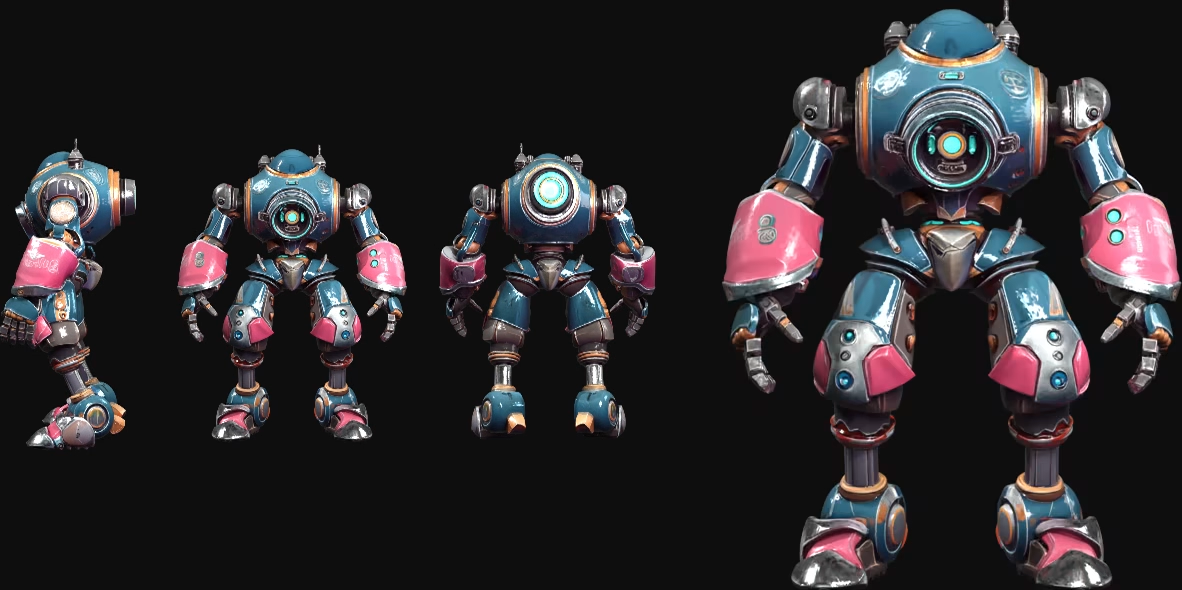
Generate a 3D model from one image for speed and simplicity, or use multiple views for stronger structure, better depth, and more detailed results. Maintaining multi-view consistency
How to Use Image to 3D Feature in Tripo
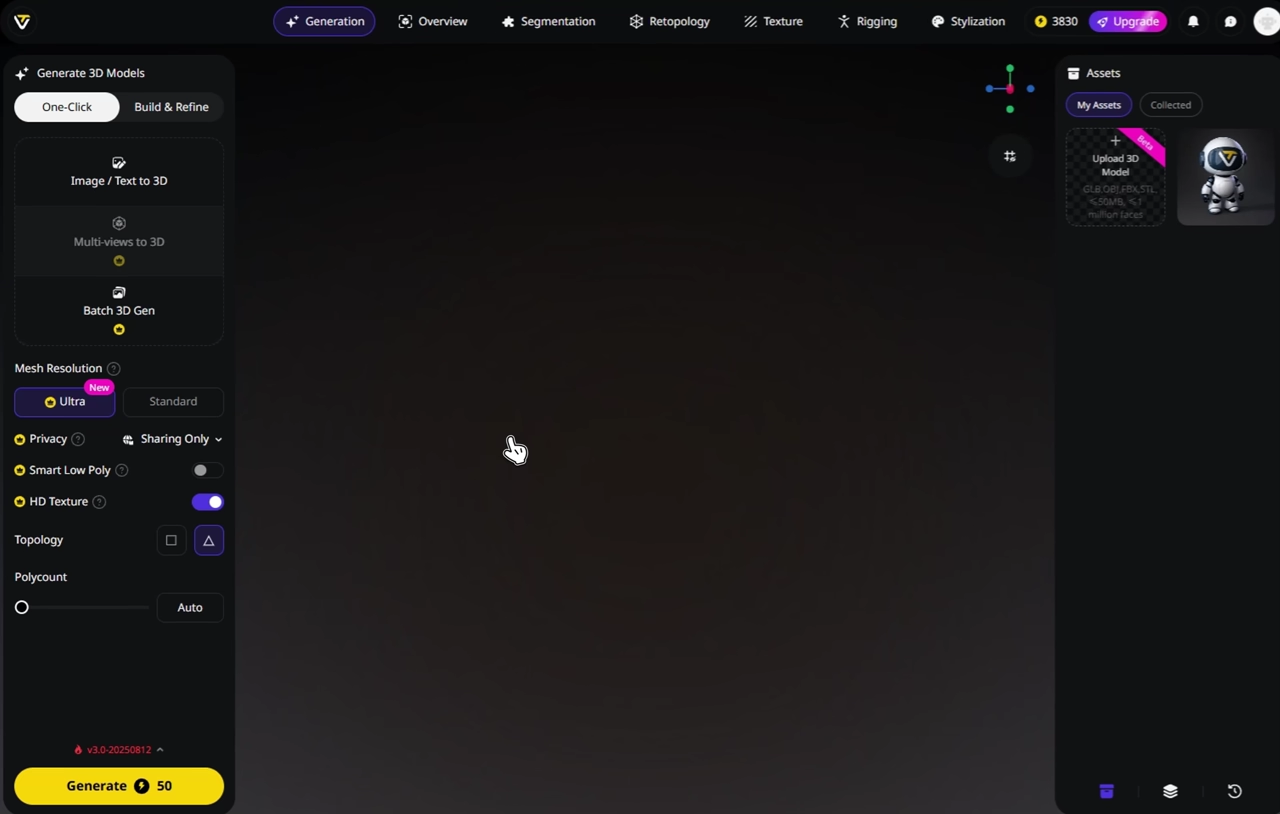
Upload Your Image
Start with one image or multiple views. Tripo supports common formats such as JPG, PNG, WEBP, and more.
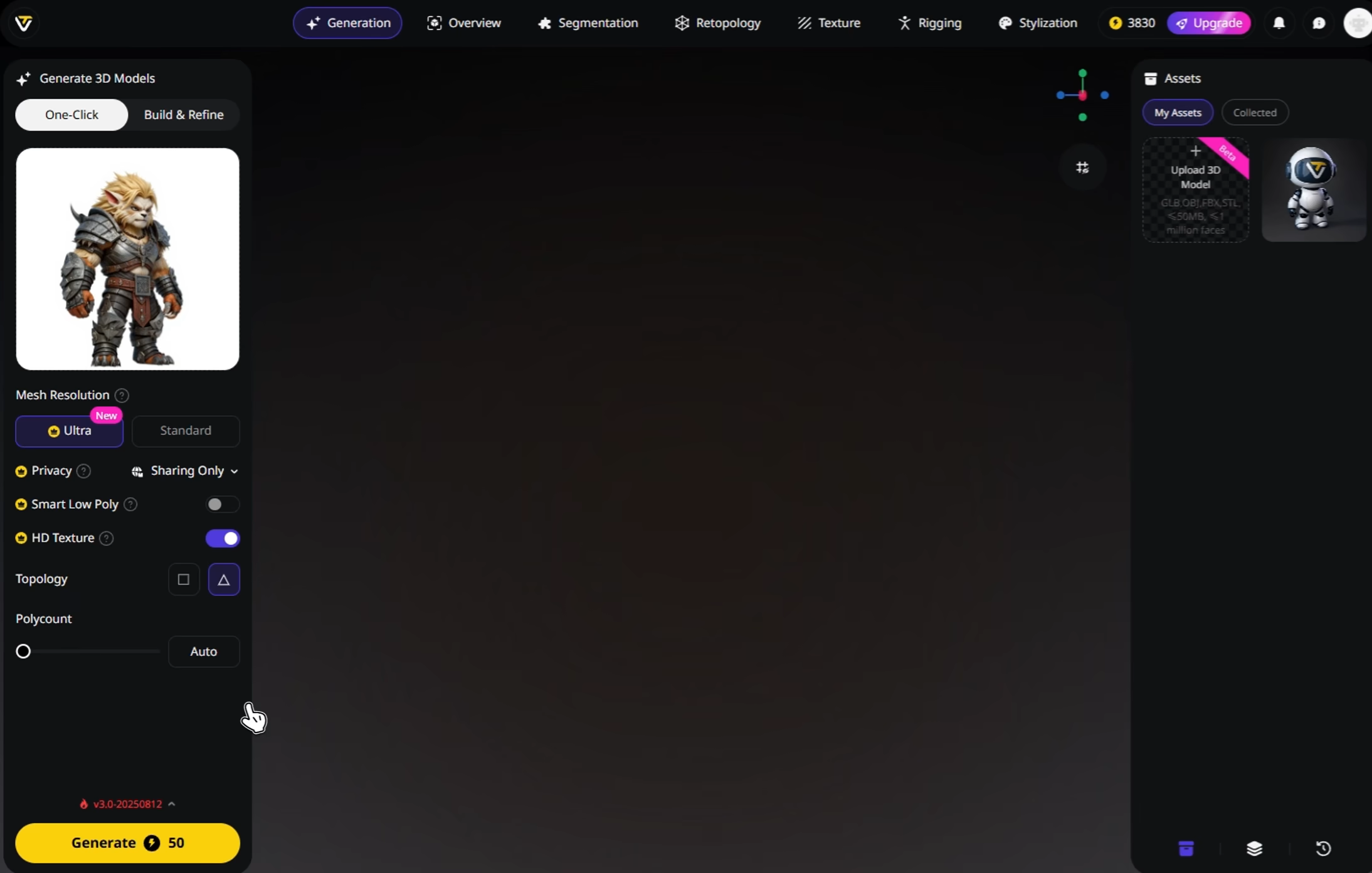
Generate Your 3D Model
Tripo analyzes your image and creates a 3D model in seconds, fast enough for iteration and precise enough for real work.
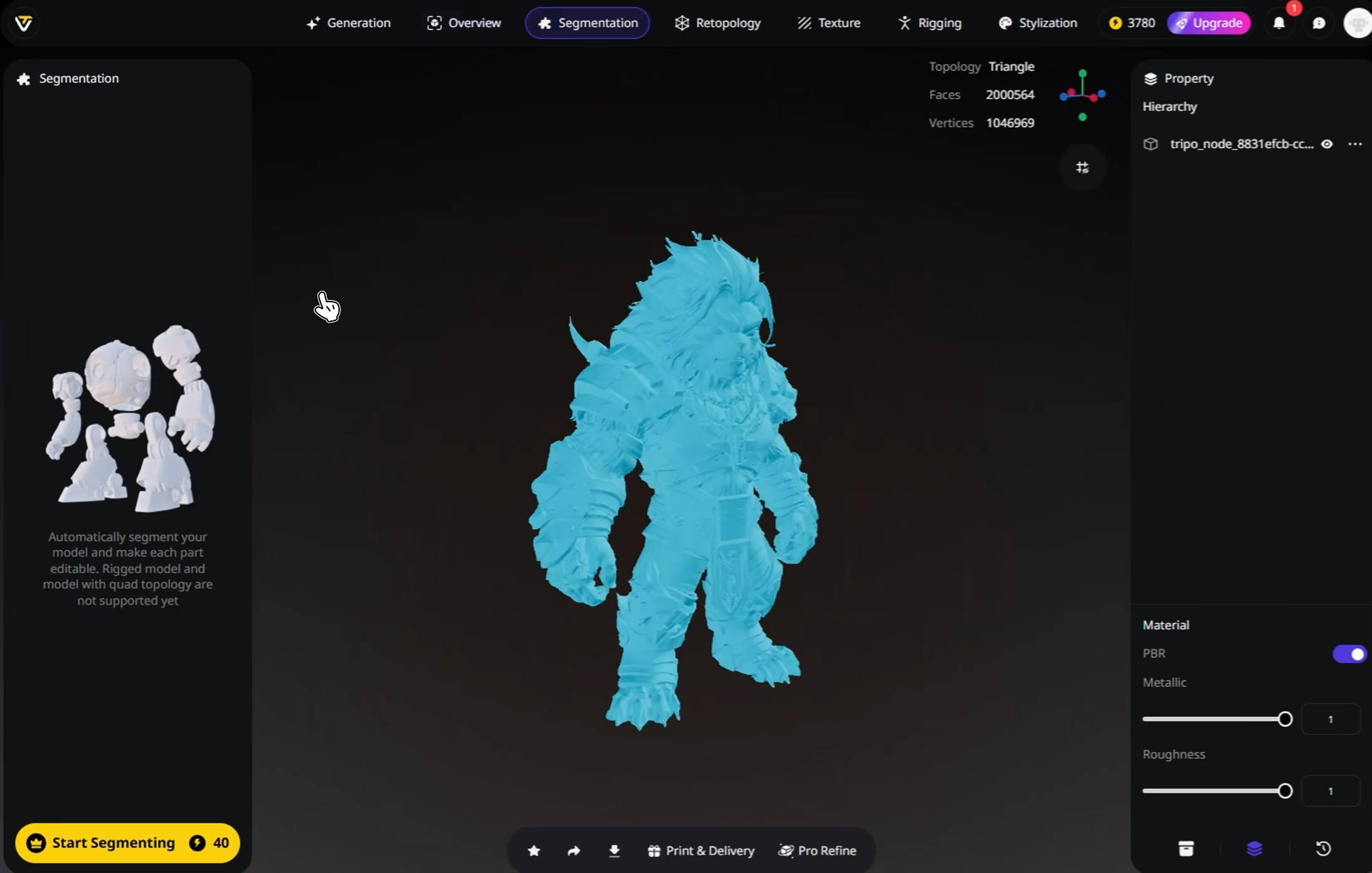
(Optional) Enhance
Refine your result with textures, rigging, animation, or part separation depending on your workflow.
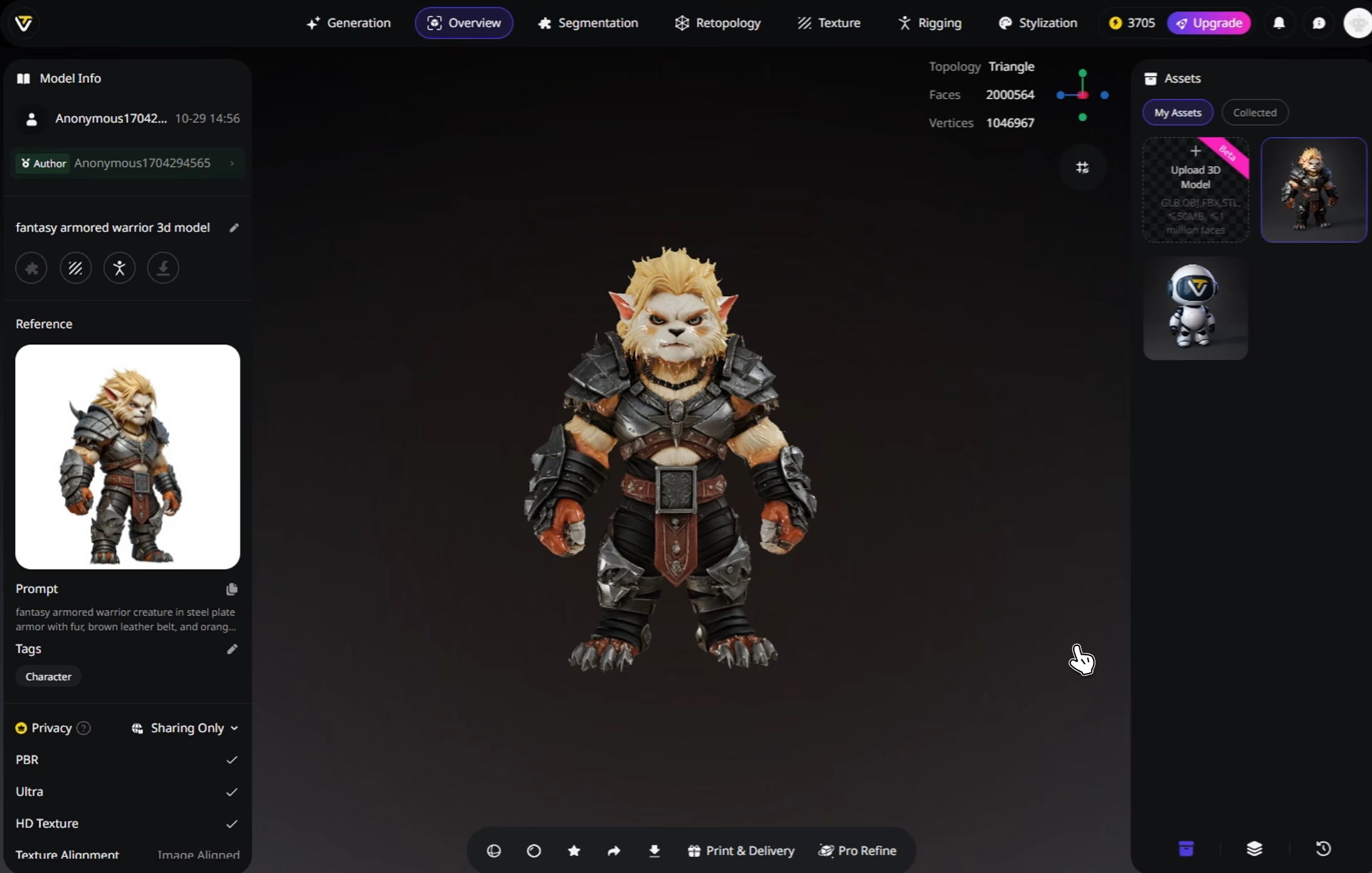
Download and Use Anywhere
Export your 3D model in formats like STL, OBJ, and FBX for use in design, games, prototyping, and more.


Loved by Creators Worldwide
Didn't expect one photo to work so well. My model looked ready in seconds.
Perfect for my design project. Everyone thought I spent days in Blender.
Multi-view mode takes longer but delivers details I can't get anywhere else.
UI is simple, nothing fancy, but the models export clean every time.
Jewelry prototype came out surprisingly crisp, even the tiny parts.
As an indie dev, I saved days of work. Assets dropped right into my game.
Rigging feature is smoother than I expected. Mixamo accepted my model fine.
First time trying AI for 3D. Honestly shocked at how fast it delivers.
FAQ
Stay Ahead with the Latest Trends
Explore trending topics in 3D modeling, AI tools, and the world of 3D creation.
Introducing Tripo H3.1: High Detail Model for Production-Ready Assets
Tripo H3.1 generates high-fidelity 3D models with dense geometry and production-level detail, ideal for hero assets, marketing visuals, rendering, and 3D printing.
Read moreImage-to-3D vs. Text-to-3D: When to Use Each in Your Workflow
This article compares image-to-3D and text-to-3D generation workflows, helping you choose the right method for faster, smarter 3D model creation using Tripo AI.
Read moreTripo 3D Tutorial Center
Systematically master end-to-end workflows of Tripo 3D from beginner to advanced, and learn how to create production-ready 3D assets with greater speed and control.
Read moreIntroducing Tripo Smart Mesh P1.0: Clean Low-Poly Topology in 2 Seconds
Generate clean, optimized topology meshes in seconds with Tripo Smart Mesh. Create lightweight, game-ready 3D models for engines, web, and real-time workflows.
Read moreRelated Features
Explore More on Tripo AI
Text to 3D Model
Enter text prompts and turn words into fully-formed 3D models with Tripo AI. From concept to creation, instantly.
Learn moreAI Texturing
Generate rich PBR textures for any 3D model with Tripo AI. Automatic UV mapping and material generation in seconds.
Learn moreAI 3D Model Generator
Convert Text/Image into stunning 3D model with speed, control, industry-leading textures, and clearn topology.
Learn moreAuto Rigging
Rig any static 3D model into animation-ready in seconds. Tripo AI delivers clean skeletons and smooth skin weights automatically.
Learn more