










Automatic Character Rigging
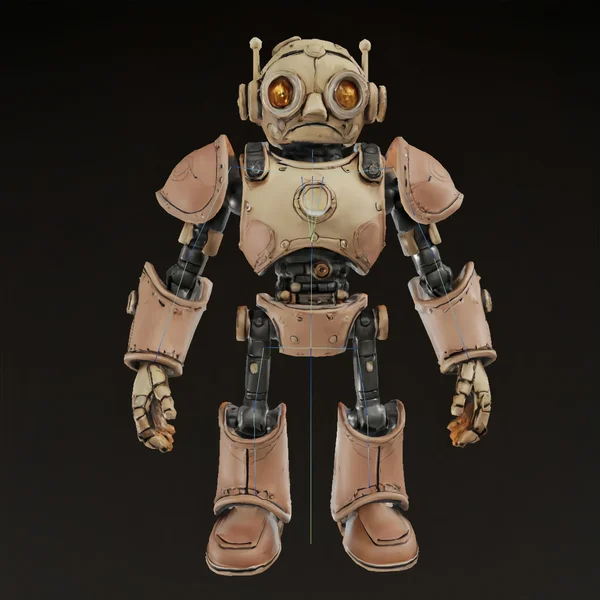

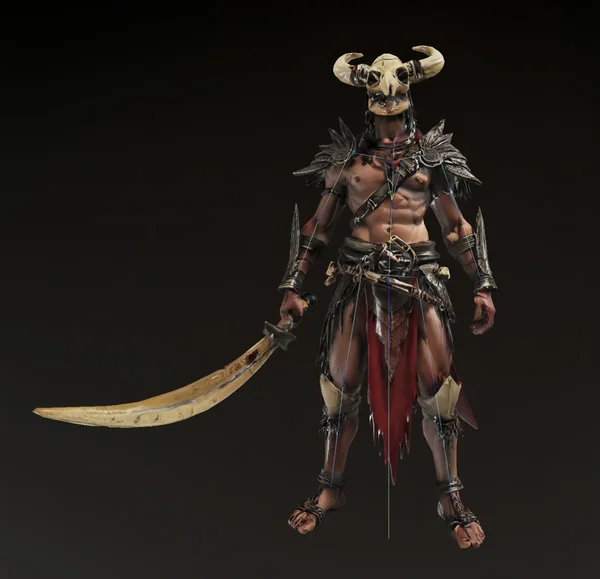

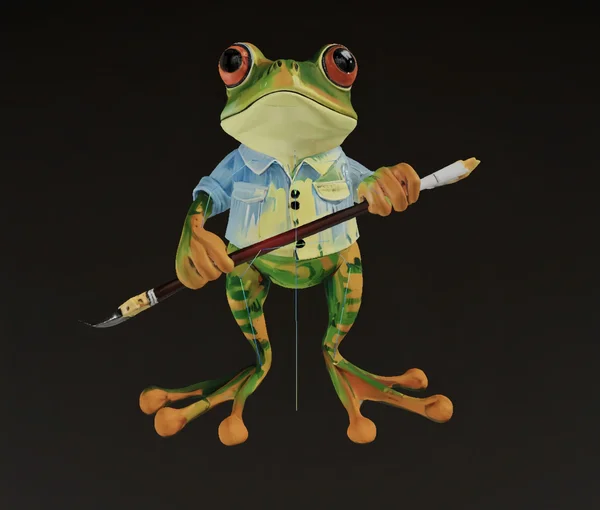

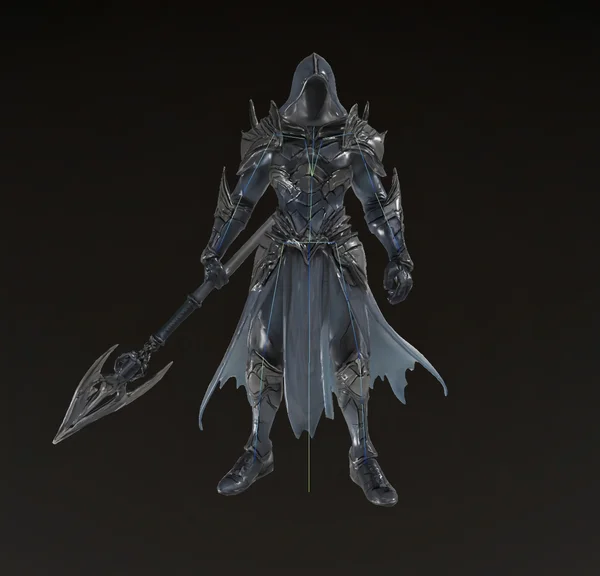

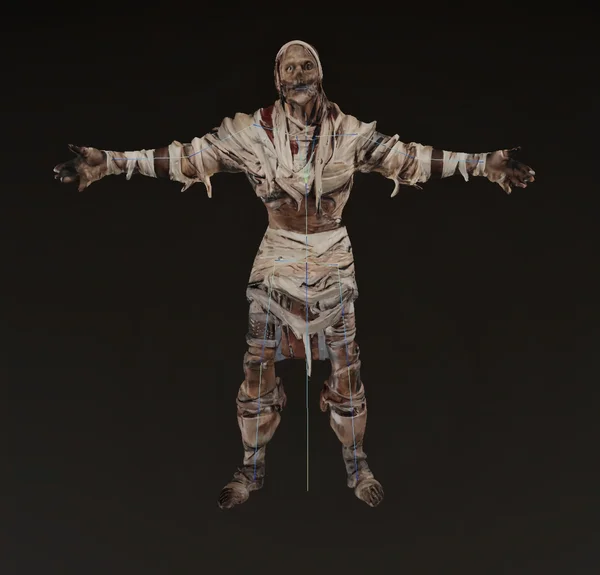
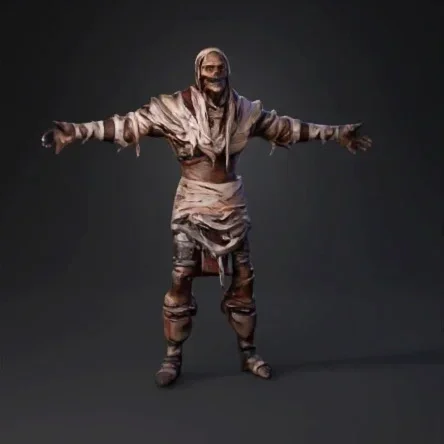
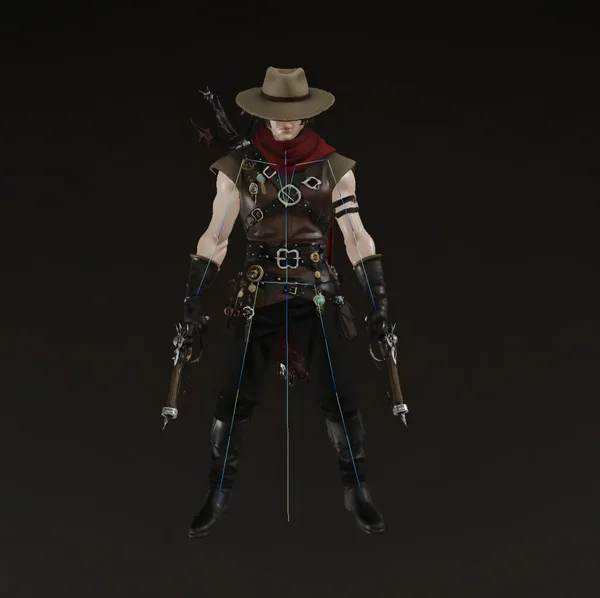
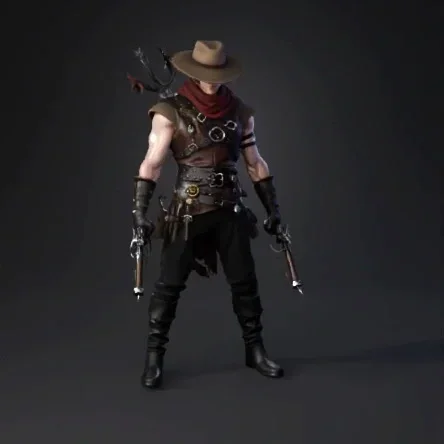
Pipeline-Ready AI 3D Modeling
Automatic Skeleton Detection
Tripo finds the right joints and bones for humans, animals, and stylized characters—no manual setup.
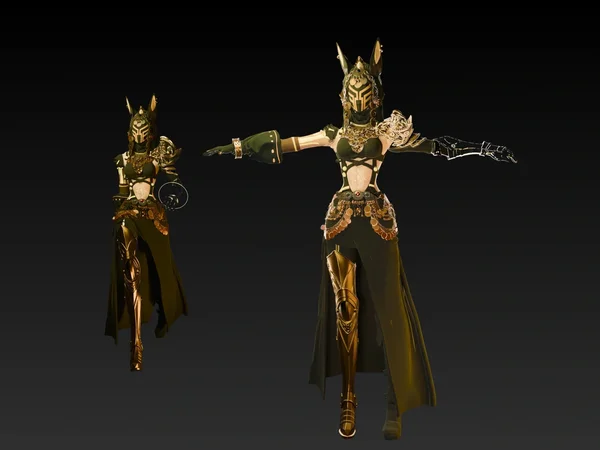
Smooth Skin Weights, Zero Hassle
AI-driven skinning ensures natural movement and accurate deformation without tedious weight painting.
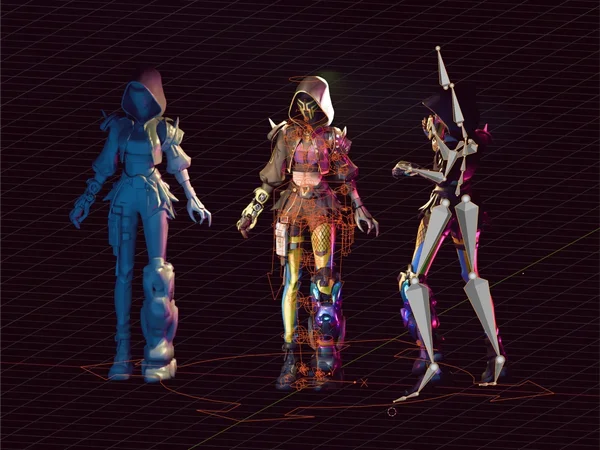
Export to Any Workflow
FBX, GLB, or OBJ—your rigged model is ready for Blender, Maya, Unity, Unreal, or Mixamo.
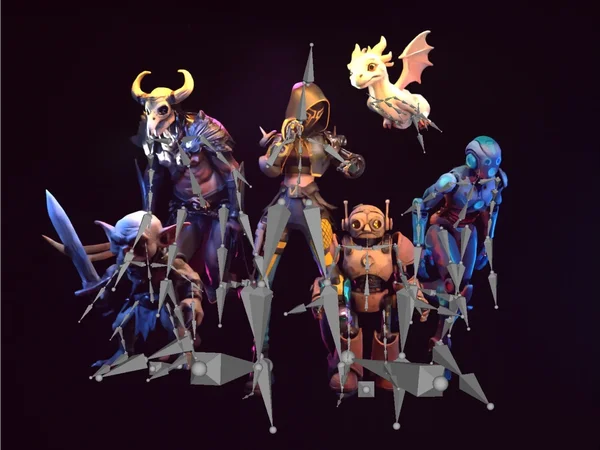
Animation-Ready Rigs, Instantly
How to Rig Models in Tripo
Enter Prompts
Start with a few words, describe what you want to see in 3D.
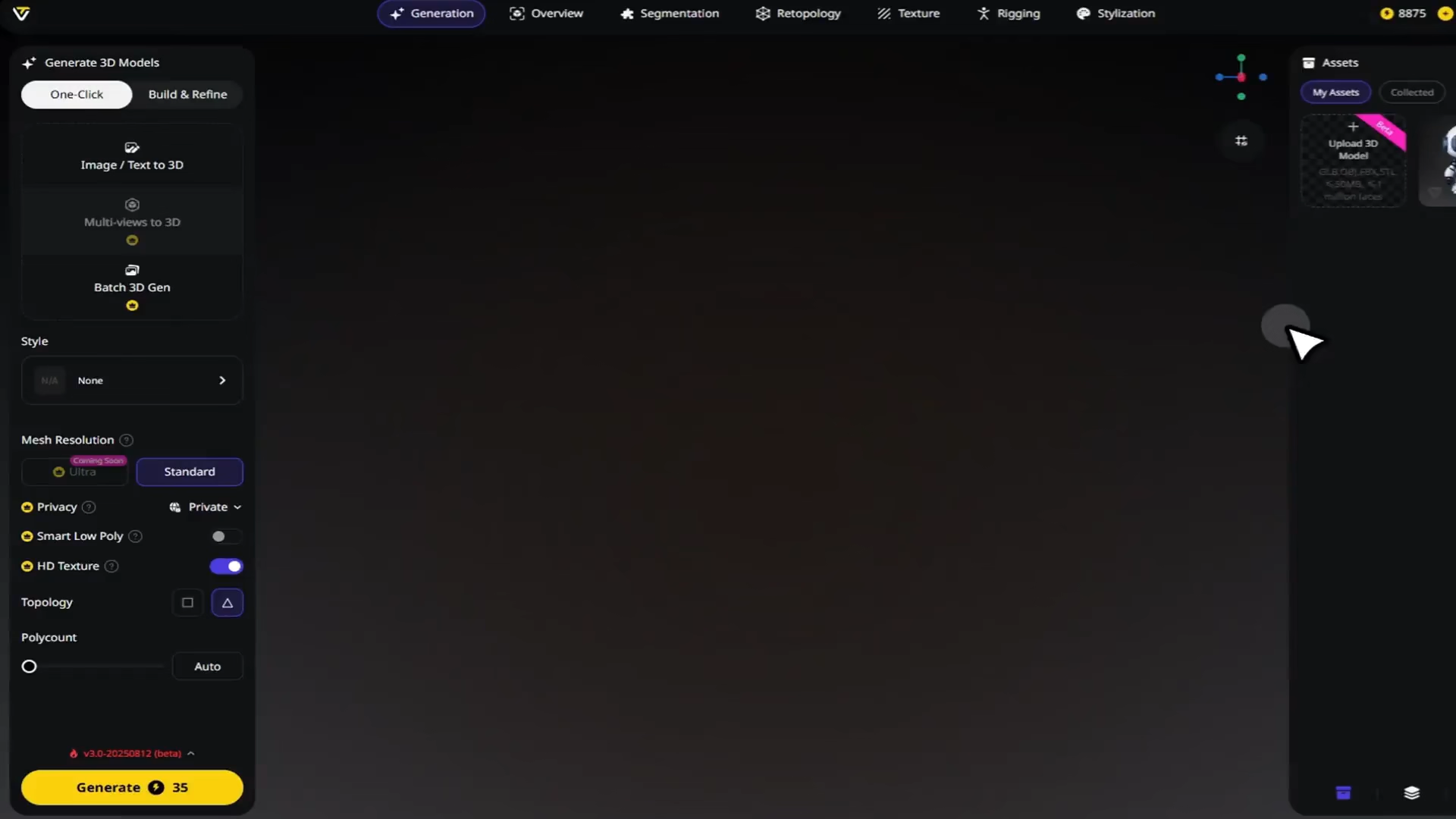
Preview Your Concept
Tripo generates a reference image based on your prompt, giving a visual starting point.
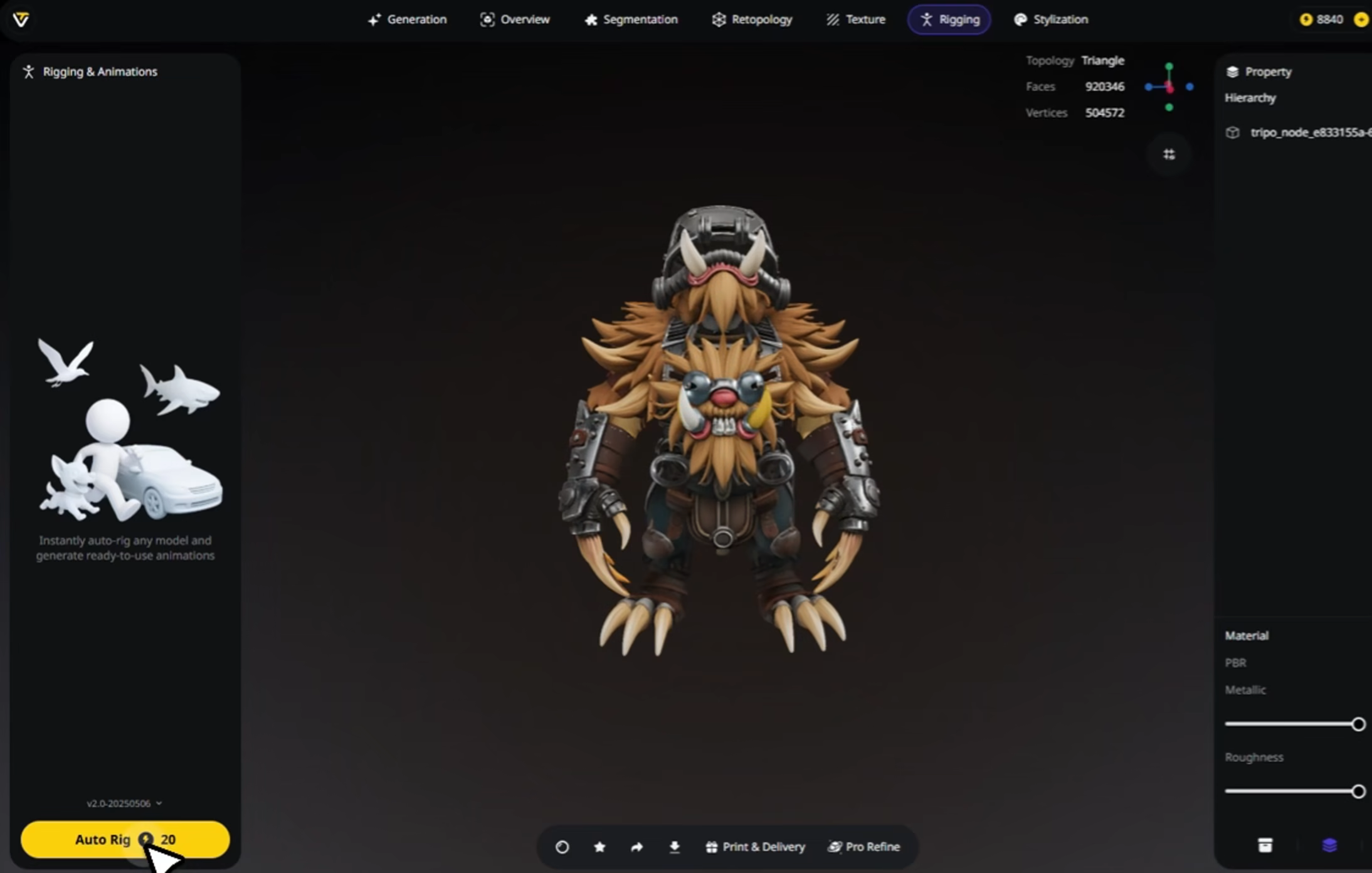
Generate
Tripo creates your model in seconds, quick and precise.
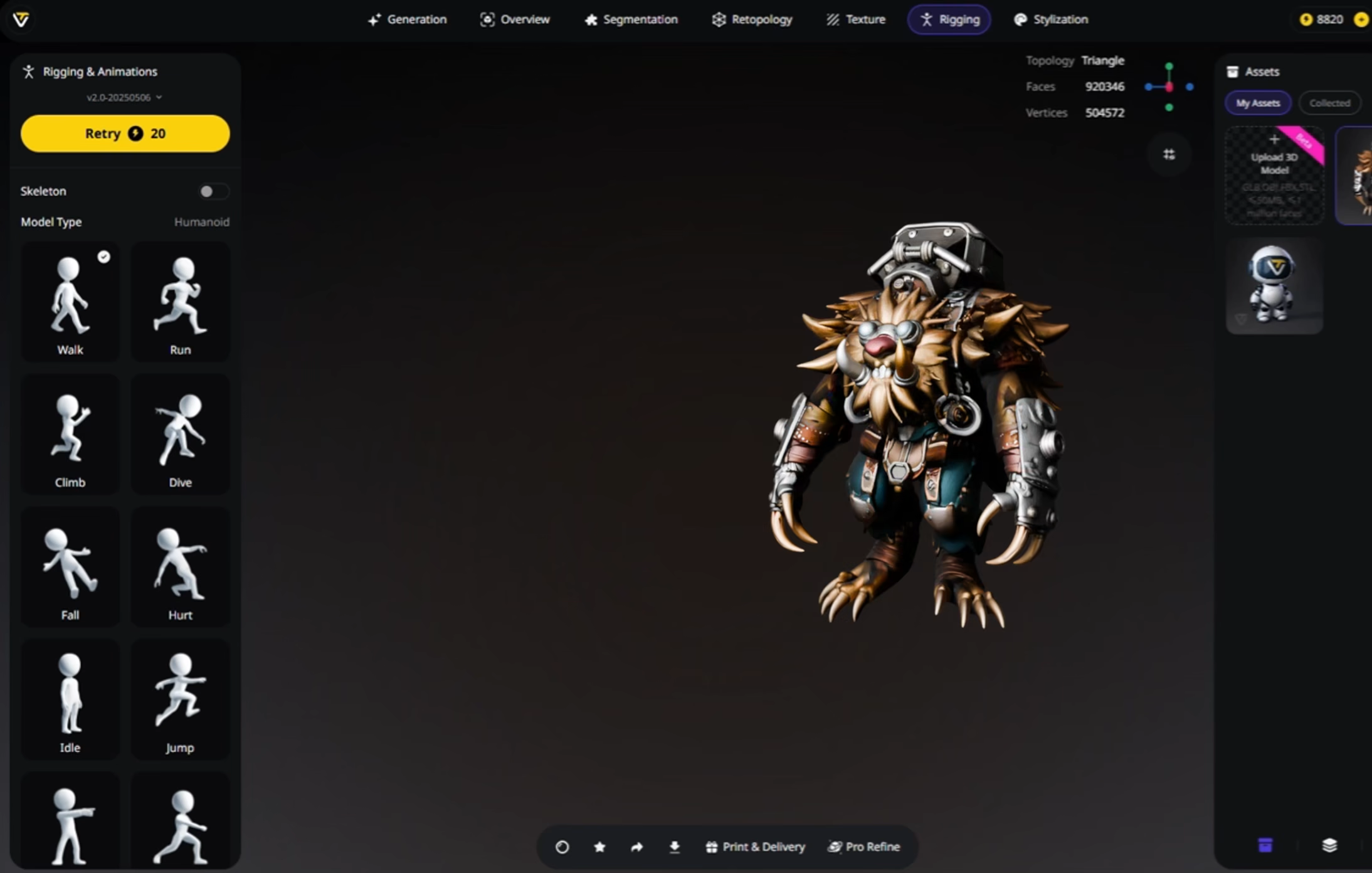
Download
Export fully rigged files, ready to integrate into your project.
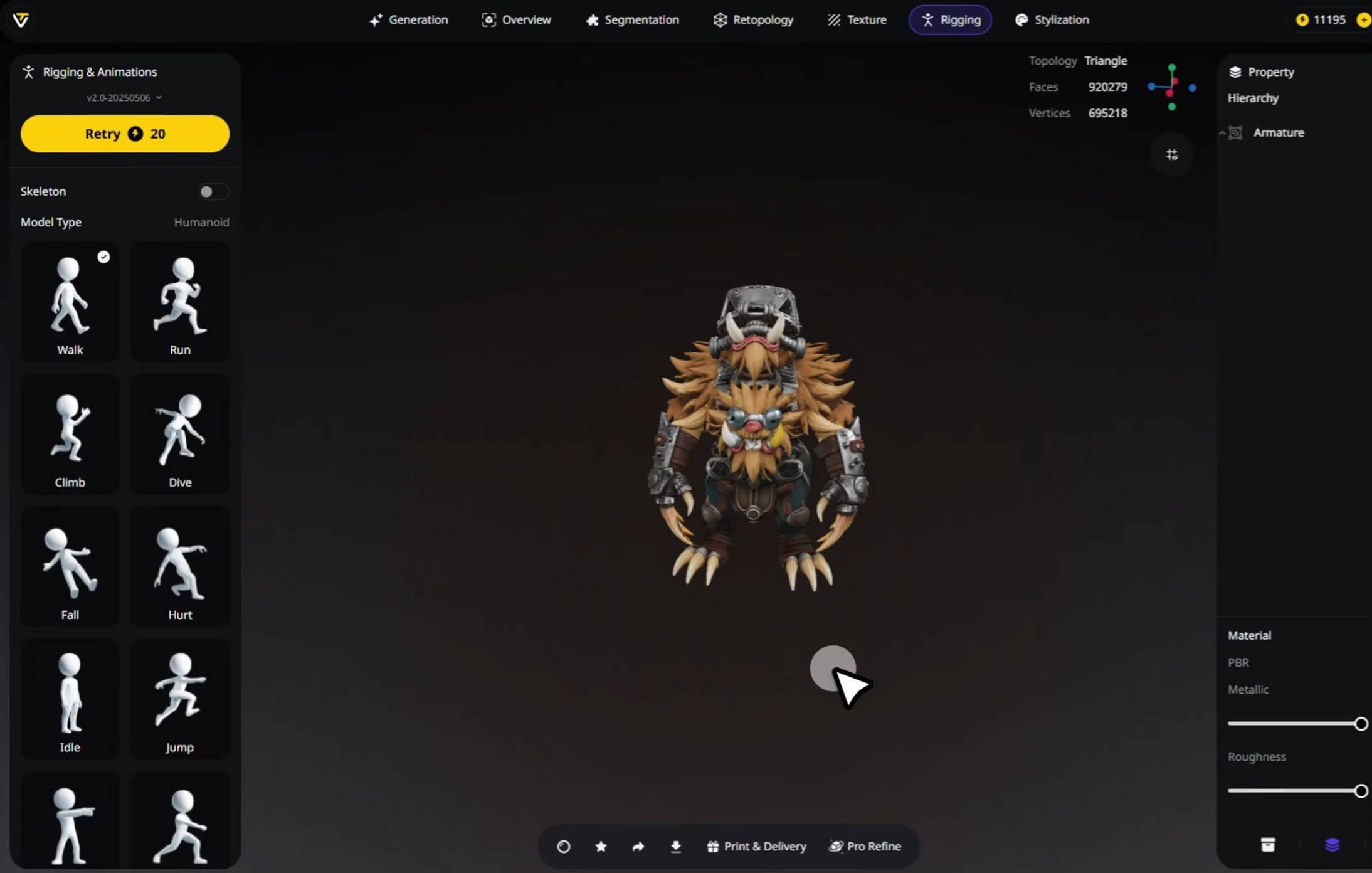
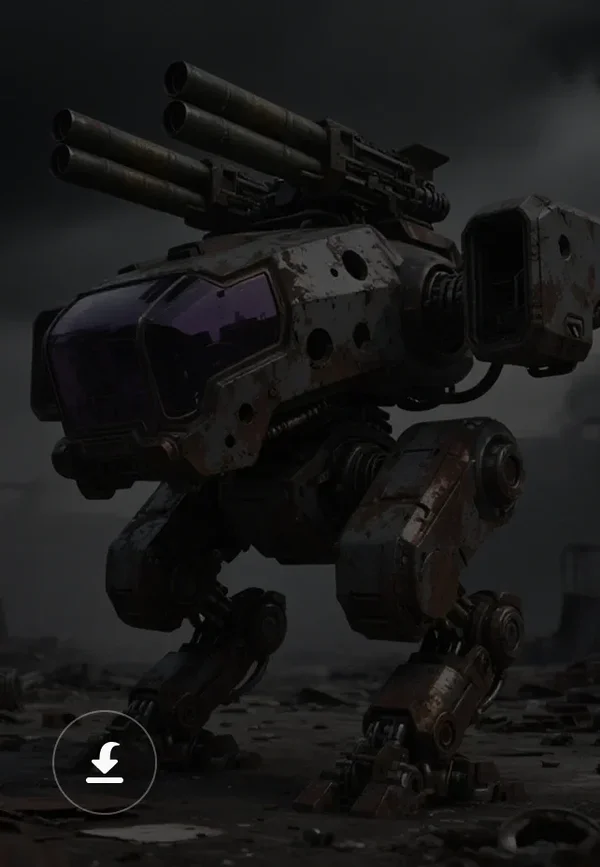
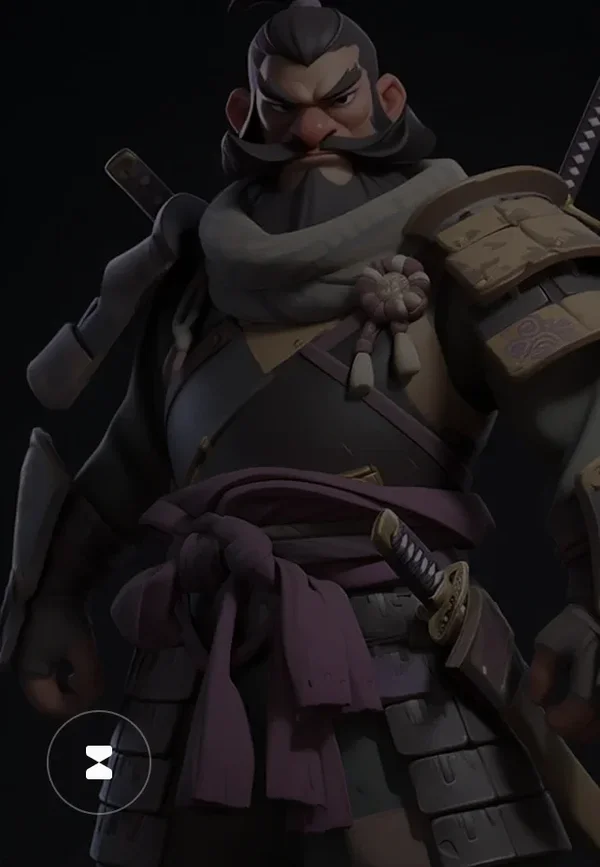

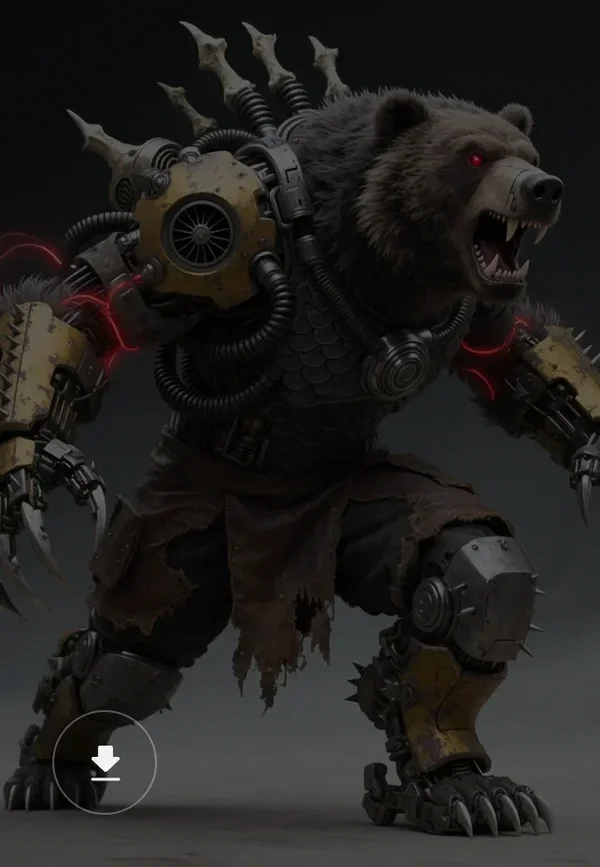
Loved by Creators Worldwide
Auto-rigging turned my static mesh into a moving character in seconds.
Bones aligned perfectly, I didn't need to fix twisted joints at all.
For game demos, rigging with Tripo is simple and incredibly fast.
Exported to Blender and everything worked as if I had rigged it manually.
Saved me hours of weight painting. The rig felt solid right away.
Works even on my cartoonish models, joints still bend correctly.
My first time rigging, and I got a clean skeleton without frustration.
Uploaded a creature model, and the rig actually made sense to animate.
FAQ: Auto Rigging
Stay Ahead with the Latest Trends
Explore rigging techniques, animation workflows, and AI-powered 3D tools.
Best Free AI Rigging Tools in 2025: Top Picks for Faster Character Setup
Discover the best free AI rigging tools in 2025 to speed up character setup. From Tripo Studio's all-in-one pipeline to Mixamo, AccuRIG, and Cascadeur, learn how AI cuts rigging time from days to minutes and makes animation-ready characters effortless.
Read moreHow to Animate 3D Models in Blender: Easy AI Solutions for Beginners
Explore how to bring your static 3D creations to life using Blender and cutting-edge AI tools. Whether you're a beginner or an experienced artist looking to streamline your workflow, this tutorial will show you how to AI animate 3D models with professional results in less time than traditional methods.
Read moreHow to Rig a 3D Model: The Complete Guide for Beginners and Professionals
Explore how to rig 3D models in Blender, from beginner-friendly steps to pro techniques—plus how to fast-track the process with Tripo's auto-rigging and image-to-3D features.
Read moreIntroducing Tripo 3.0: Built for Precision and Imagination
Discover Tripo 3.0, a new benchmark in AI 3D Modeling, with sharper geometry, cleaner topology, richer textures, and faster generation. A step forward toward seamless creation and limitless imagination.
Read moreRelated Features
Explore More on Tripo AI
Image to 3D Model
Upload any image and generate a high-quality 3D model in seconds with Tripo AI. Supports single-view and multi-view inputs.
Learn moreText to 3D Model
Enter text prompts and turn words into fully-formed 3D models with Tripo AI. From concept to creation, instantly.
Learn moreAI Texturing
Generate rich PBR textures for any 3D model with Tripo AI. Automatic UV mapping and material generation in seconds.
Learn moreAI Model Segmentation
Automatically separate 3D models into meaningful parts with Tripo AI. Split meshes for animation, editing, or modular workflows.
Learn more