








 Text & Image to 3D models
 Free Credits Monthly
 High-Fidelity Detail Preservation
One-Click AI Texturing for Rich Detail and Ultra Precision
Apply consistent global styles, refine details with pixel-level control, and export high-quality 3D assets in seconds.
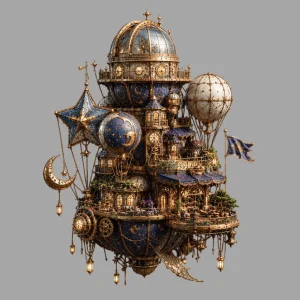
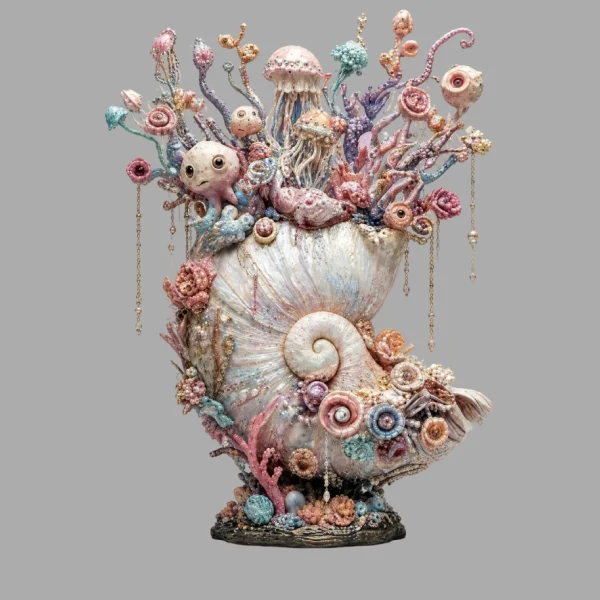
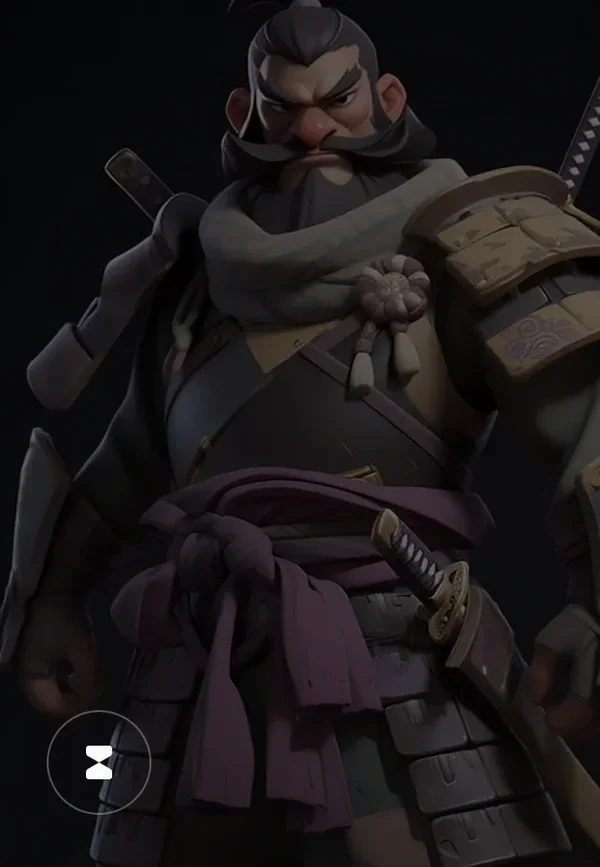
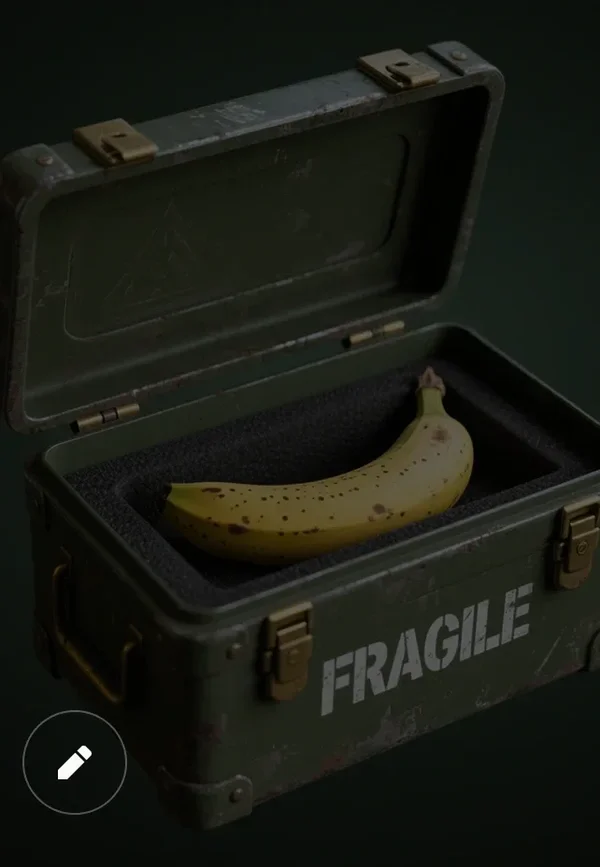
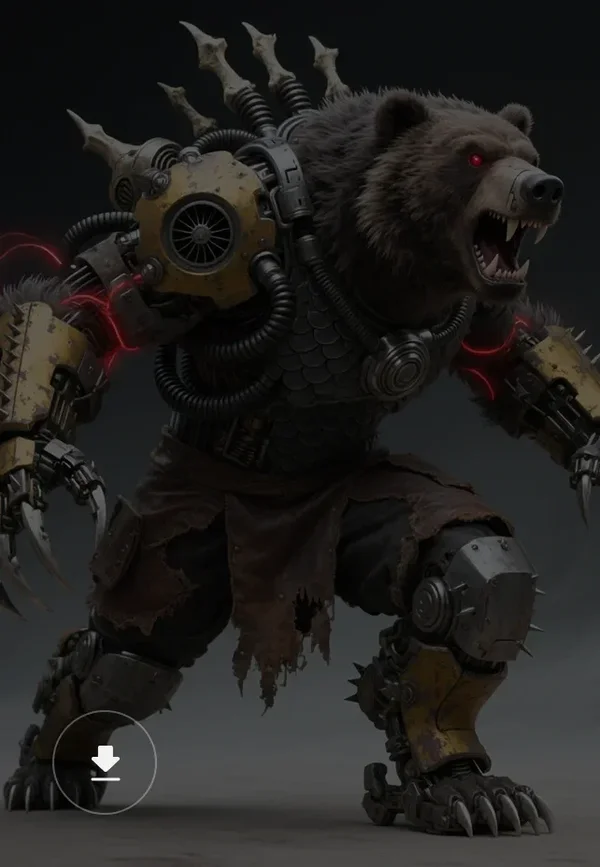
Production-Ready AI Texturing Showcases



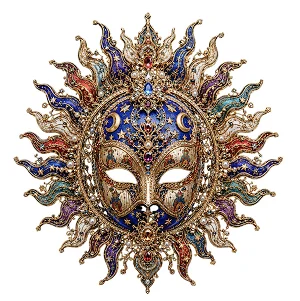

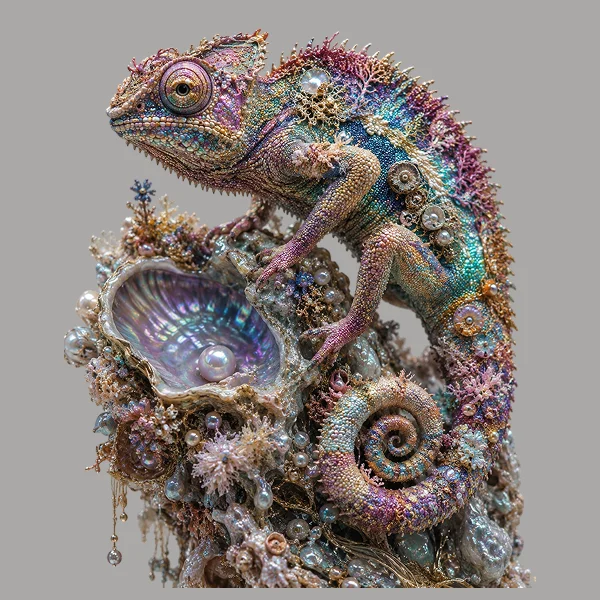

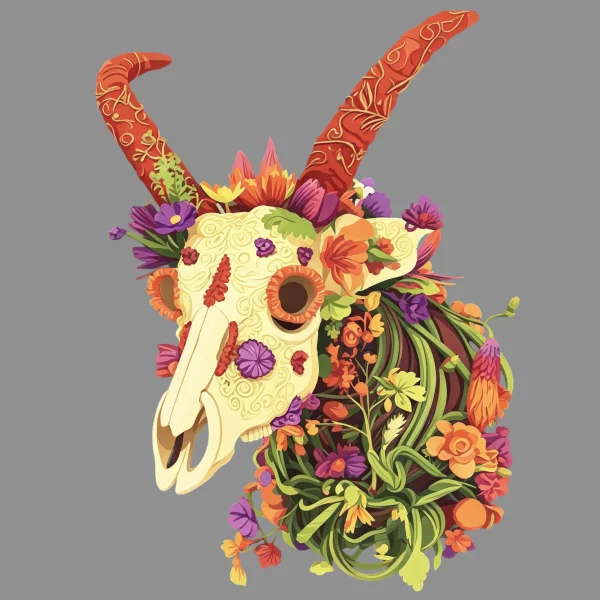

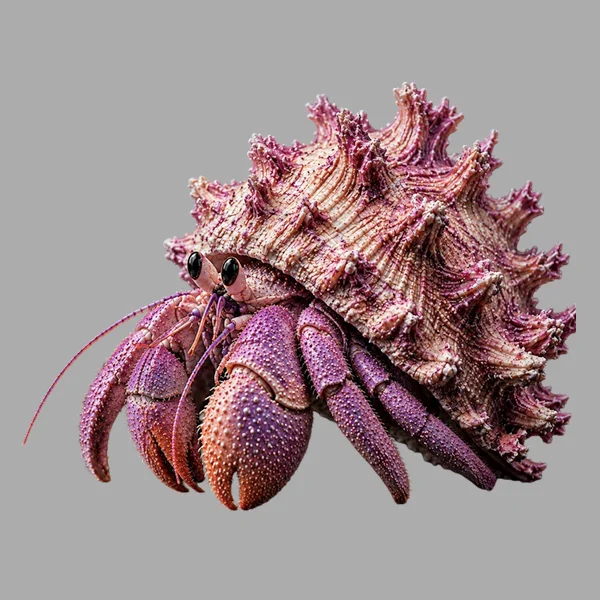
Pipeline-Ready AI Texturing
One-Click Global Texturing
Transform blank models into fully textured 3D assets with consistent color, style, and material across the entire surface.

HD Textures with AI Upscaling
Generate ultra-high-resolution 3D textures with AI-powered upscaling. Preserve sharp edges, fine surface details, and material accuracy for demanding production pipelines.

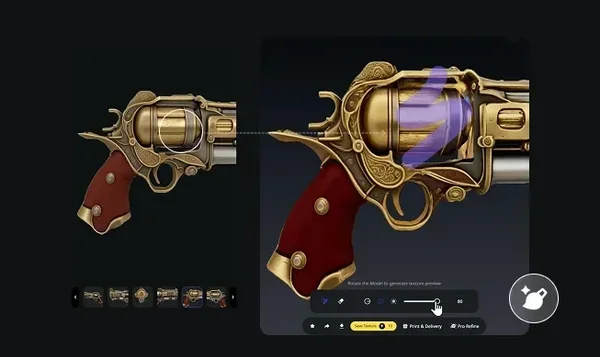
Magic Brush for Local Fixes
Correct flaws, enhance details, or repaint small areas with a simple brush stroke—AI-powered and seamless.
PBR Materials, Ready for Render
Generate physically based textures instantly—Base Color, Normal, Roughness, and more—for real-time engines and offline renders.
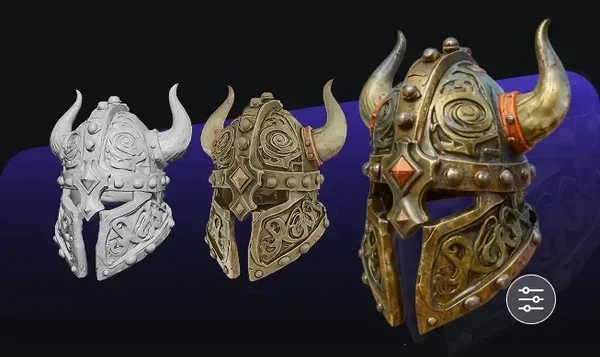
Turn Gray Meshes into Textured, PBR-Ready Assets
How to Texture Models in Tripo
Generate Models
Generate your 3D model from texts or images in seconds.
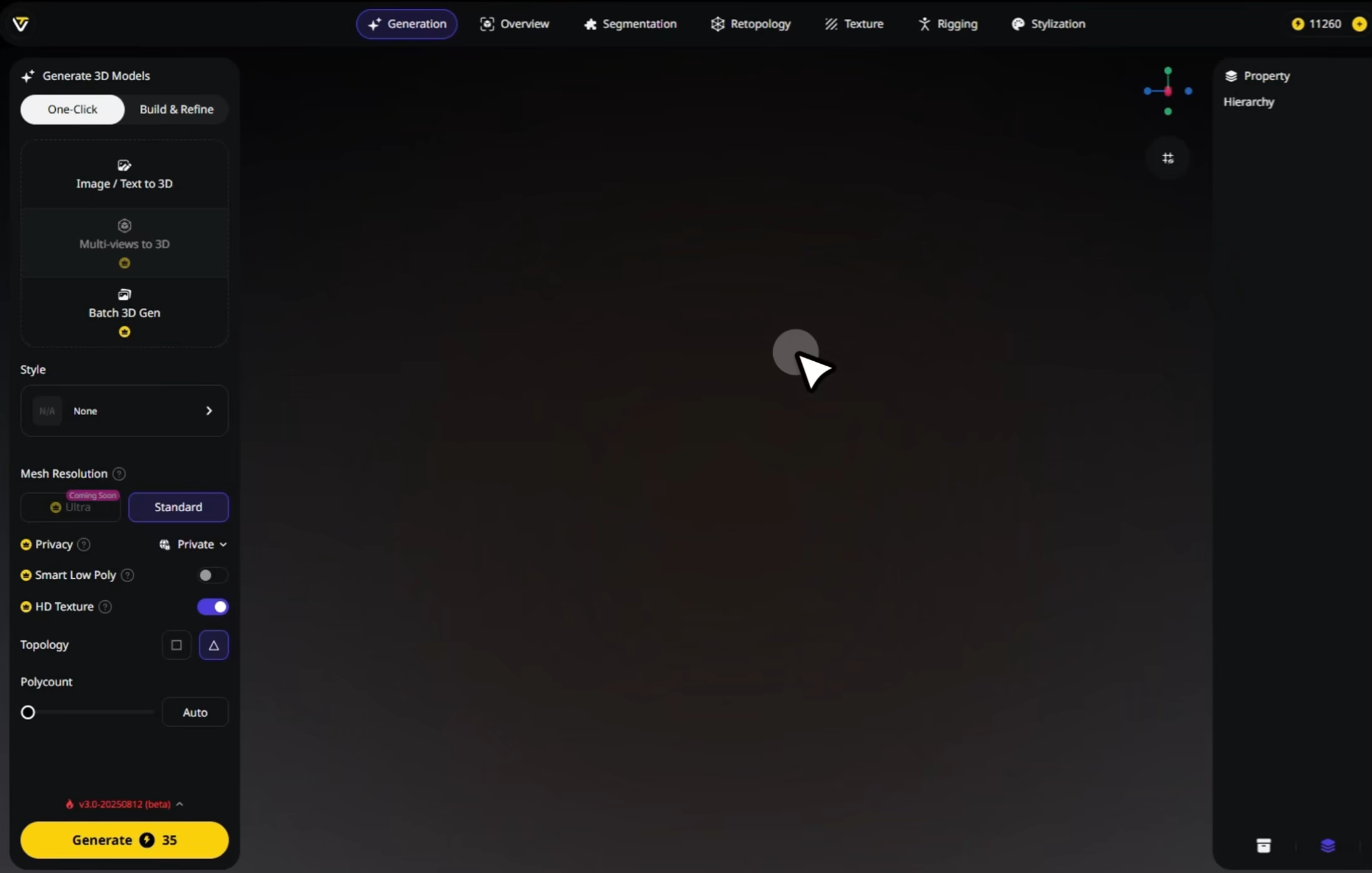
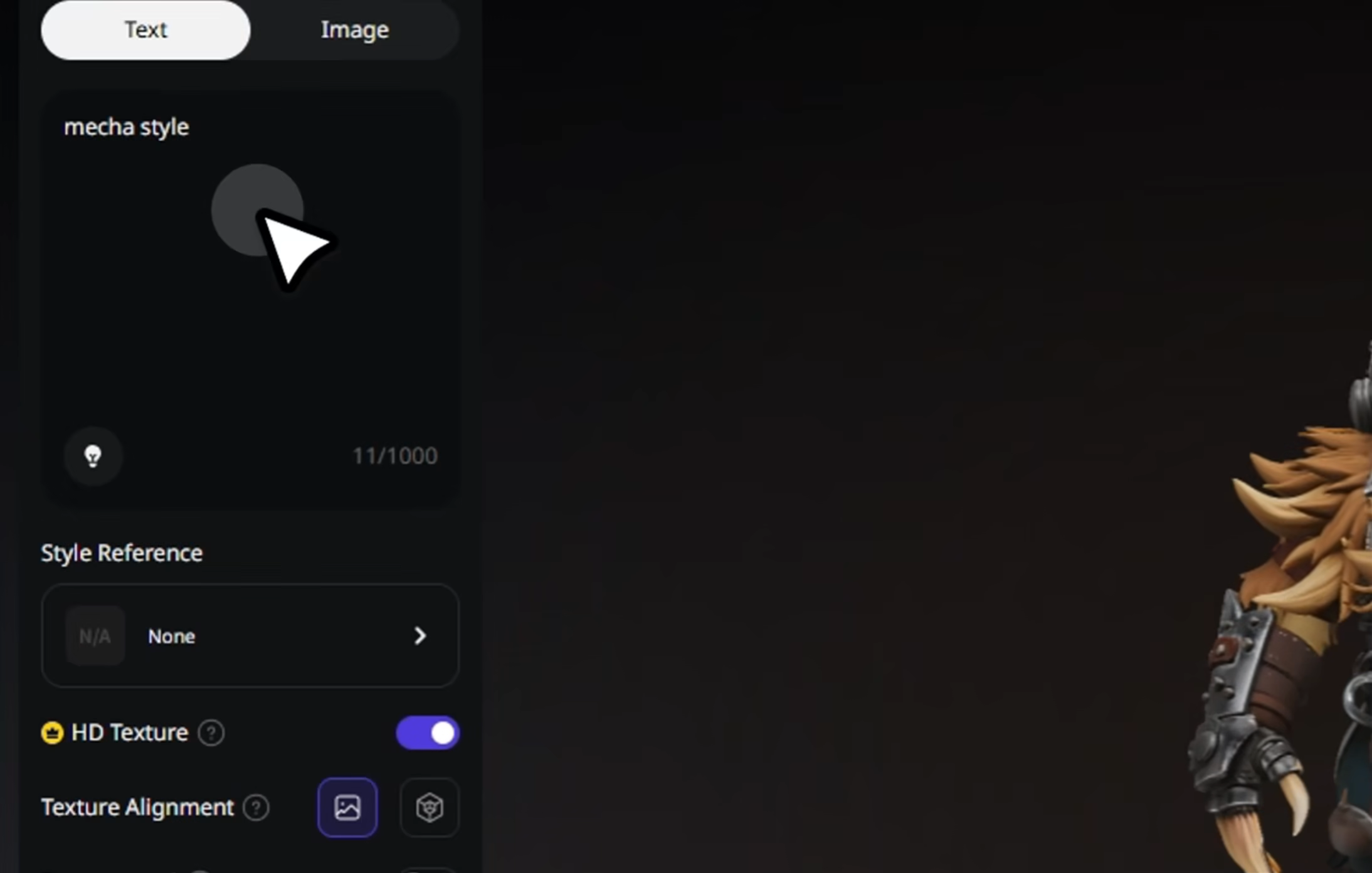
Generate Textures
Tripo applies global texturing or style transfer instantly.
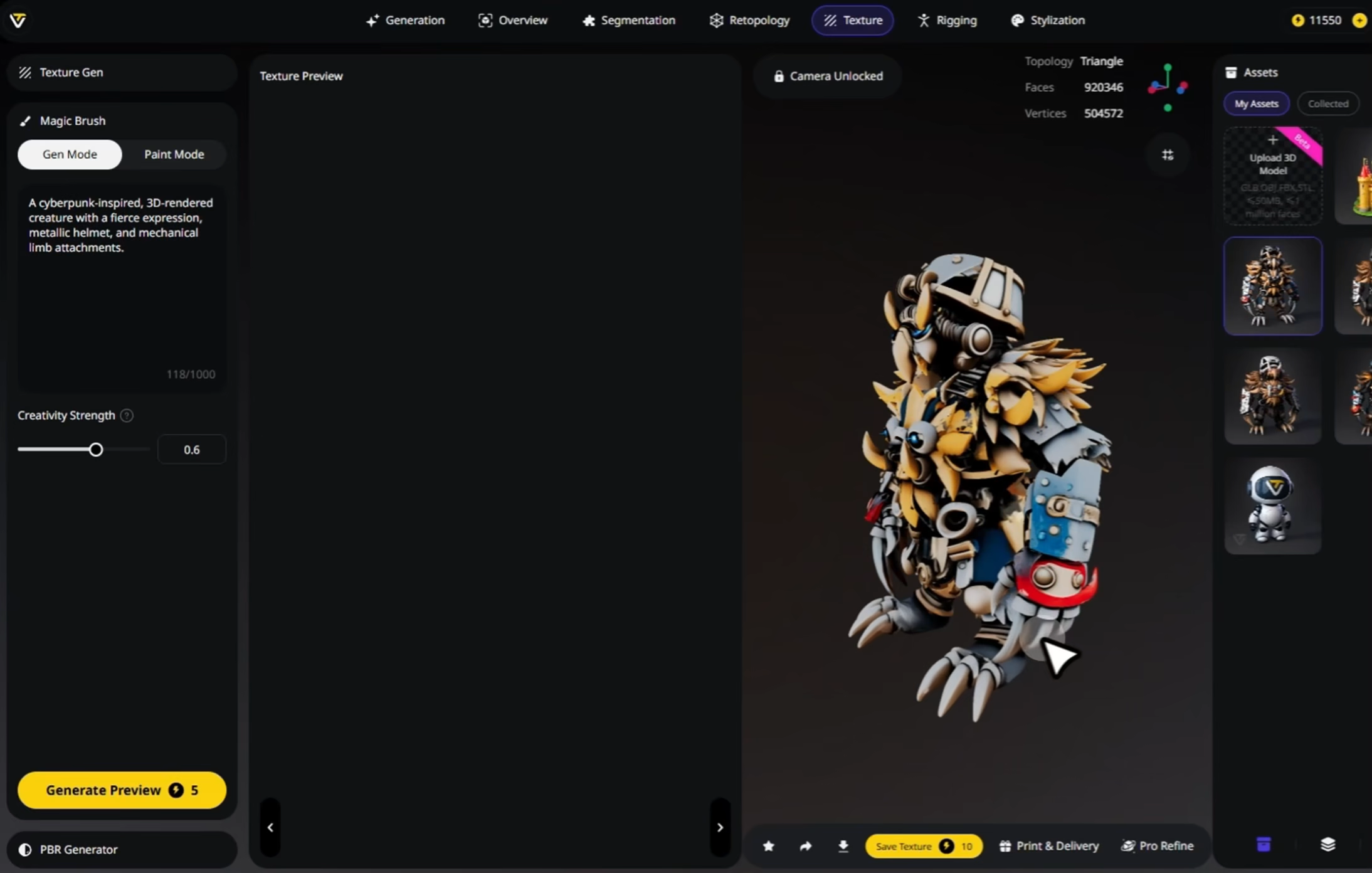
(Optional) Edit with Magic Brush
Fix imperfections or repaint selected regions for perfect 3D results.
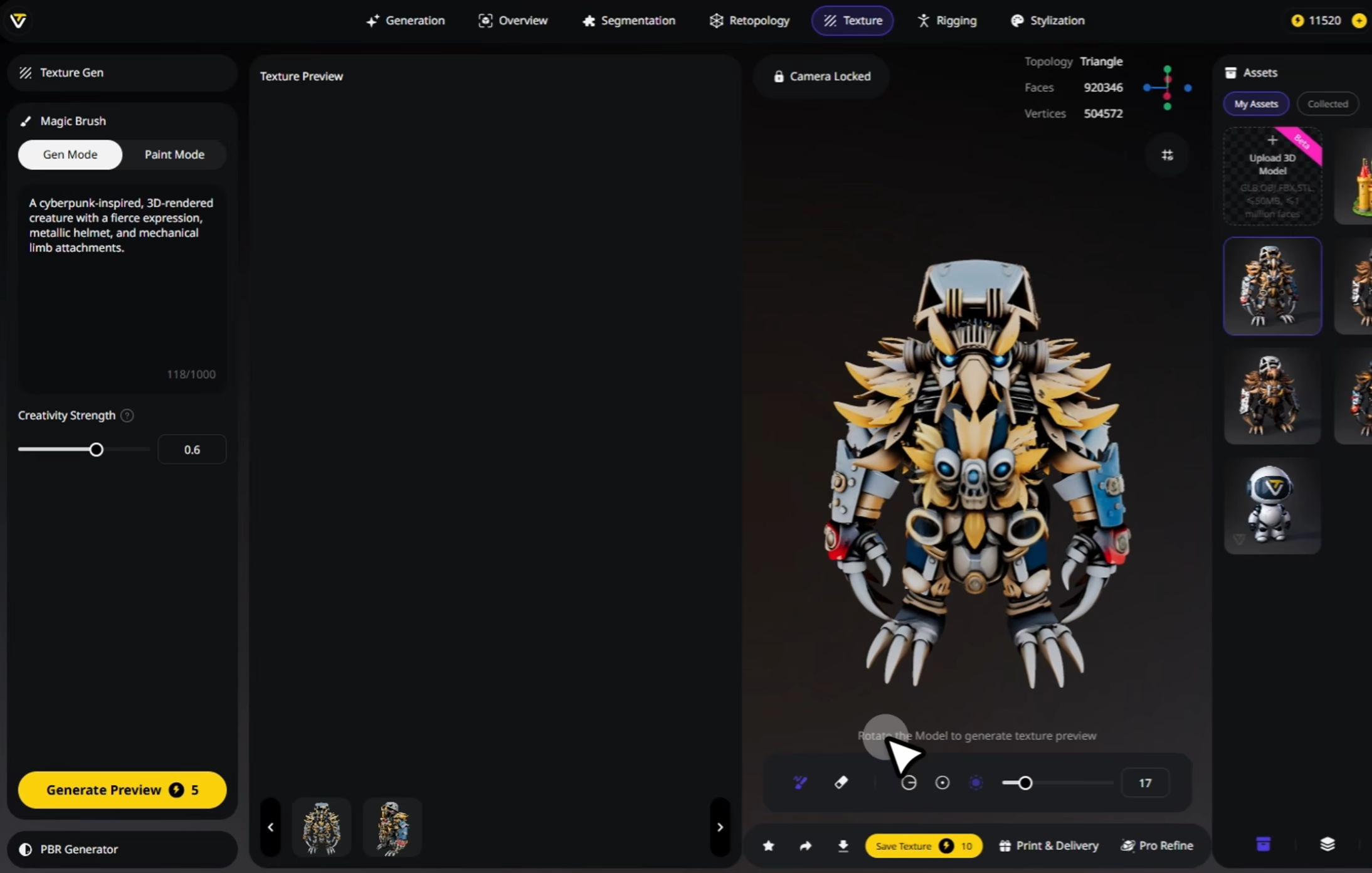
Download
Export full PBR texture sets, ready for Blender, Maya, Unity, or Unreal.
Loved by Creators Worldwide
Applied textures in one click, my plain model instantly looked finished.
The UV mapping held up nicely, no stretching even on curved surfaces.
Used it for product mockups, textures came out sharp and realistic.
Finally, a tool that makes adding materials fast without endless tweaks.
My game props went from grey to polished in just a few minutes.
Tried leather and metal presets, both looked far better than I expected.
No more hunting for texture packs, results are good right out of the box.
Textures stayed aligned when I edited parts, very consistent workflow.
FAQ: AI Texturing
Stay Ahead with the Latest Trends
Explore texturing workflows, material generation, and AI-powered 3D design.
How to Achieve Different Artistic Styles in Tripo Studio
Tripo Studio's stylization features represent a paradigm shift in 3D content creation. Whether you're transforming an image to 3D model or starting from scratch with text prompts, the ability to instantly apply professional artistic styles opens unlimited creative possibilities.
Read moreIntroducing Tripo 3.0: Built for Precision and Imagination
Discover Tripo 3.0, a new benchmark in AI 3D Modeling, with sharper geometry, cleaner topology, richer textures, and faster generation. A step forward toward seamless creation and limitless imagination.
Read moreHow to Add Textures in Blender 4.0: A Beginner-Friendly Guide
Learn how to apply image textures in Blender 4.0 using materials, UV mapping, and the Shader Editor. Perfect for 3D modeling beginners.
Read moreMagic Brush: Tripo's AI-powered texturing revolution
The Magic Brush in Tripo Studio represents a significant leap forward in AI 3D model generator technology. It democratizes advanced texturing techniques that once required specialized skills and expensive software, making professional-quality 3D creation accessible to everyone from hobbyists to professional designers.
Read moreRelated Features
Explore More on Tripo AI
Image to 3D Model
Upload any image and generate a high-quality 3D model in seconds with Tripo AI. Supports single-view and multi-view inputs.
Learn moreText to 3D Model
Enter text prompts and turn words into fully-formed 3D models with Tripo AI. From concept to creation, instantly.
Learn moreAI Model Segmentation
Automatically separate 3D models into meaningful parts with Tripo AI. Split meshes for animation, editing, or modular workflows.
Learn moreAuto Rigging
Rig any static 3D model into animation-ready in seconds. Tripo AI delivers clean skeletons and smooth skin weights automatically.
Learn more