Tripo vs Meshy

Which AI 3D Model Generator Is Right for Your Workflow?

Choosing between Tripo and Meshy? Both tools can turn text or images into 3D models, but they are built for different creative workflows. Tripo is designed for creators and teams who care about model quality, clean topology, fast iteration, 3D printing readiness, and a production pipeline that continues beyond AI generation.

📅May 25, 2026
Partner LogoPartner LogoPartner LogoPartner LogoPartner LogoPartner LogoPartner LogoPartner LogoPartner LogoPartner LogoPartner LogoPartner LogoPartner LogoPartner LogoPartner LogoPartner LogoPartner LogoPartner Logo

TL;DR: Tripo Is Built for High-Quality 3D Models, Not Just One-Step Generation

Tripo is built for production-ready AI 3D creation across text-to-3D, image-to-3D, Smart Mesh, 4K texture, image-preparation workflows, 3D printing, DCC bridges, and downstream editing/export workflows.

Tripo StudioOUR PICK

Choose Tripo if you need cleaner geometry, industry-leading texture quality, faster production iteration, stronger topology control, and Smart Mesh for gaming workflows — with assets that can move into Blender, Maya, Unity, Unreal Engine, Godot, Cocos, Bambu Studio, Cura, and other real production tools.

SmartMesh in ~5–10s. Production-usable meshes for real-time iteration; full HD models in ~2 min.

Clean, animation-ready topology. Smart low-poly with quad / tri output and reasonable edge flow.

4K textures with industry-leading detail resolution — not just a 4K canvas with a blurry result.

Bipedal & multi-legged rigging + animation, smart part-splitting, and depth repair built in.

Direct hand-off to Blender, Maya, Unity, Unreal, Bambu Studio & Cura — plus an end-to-end 3D-print delivery flow.

Backed by peer-reviewed research at CVPR, SIGGRAPH and ICCV. ISO/IEC certified, GDPR compliant.

VS
MeshyLIMITATIONS

Choose Meshy if your main priority is a simple AI 3D generation experience with basic generation, texturing, and animation features in one place.

Workflow is shallow and rigid — there's a generator, not a pipeline.

"4K" textures advertise dimensions, but detail resolution is far below 4K.

No smart retopology — manual cleanup is required for game/animation work.

Rigging is polycount-limited and bipedal-only; no creature support.

No part-splitting, no depth repair, no real 3D-print fulfilment flow.

Current ToS permits using customer data for model training.

Where each platform actually scores.

Fourteen capabilities, scored on a 0–5 scale by our team using a fixed benchmark prompt set. Higher = better.

CAPABILITY
Tripo
SCORE
Meshy
SCORE
Image to 3D
High-fidelity image-to-3D generation with strong structure restoration and support for pre-3D image preparation workflows.
5/5
Supports image-to-3D generation for general creative use cases.
4/5
Text to 3D
Generates 3D models from text prompts with flexible style and workflow options.
4.5/5
Supports text-to-3D generation for fast prototyping.
4/5
Smart Mesh P1.0
Smart Mesh P1.0 generates clean, production-usable low-poly topology in 2 seconds.
5/5
Does not offer the same Smart Mesh low-poly generation workflow.
3/5
HD Model H3.1
High-detail model generation for sharper geometry, stronger structure accuracy, and better visual restoration.
5/5
Supports high-detail generation, but quality can vary across complex structures.
3/5
Texture Quality
Supports high-resolution texture workflows with strong visual detail restoration.
5/5
Supports AI texturing for generated models.
4/5
Rigging
Supports rigging for high-poly and low-poly models, including biped, quadruped, and creature-style assets.
3/5
Limited rigging options; mainly manual, biped-only rigging
3/5
Animation
Supports biped and quadruped animation.
3/5
Mainly supports humanoid animation.
3/5
Pre-3D Image Optimization
Built-in image-generation templates with GPT Image 2, Nano Banana 2, and more.
5/5
No built-in image templates; requires manual prompting.
3/5
Segmentation
Precise part splitting for editable assets.
5/5
Not available.
Generation Speed
Smart Mesh can generate clean meshes in seconds; HD generation is optimized for fast iteration.
5/5
Supports fast generation, but some workflows may require longer waiting time.
2/5
Plugin Ecosystem
Supports DCC and engine workflows across Blender, Maya, Unity, Unreal Engine, Godot, Cocos, and more.
5/5
Supports several common DCC and engine integrations.
5/5
3D Printing Service
Generate a model in Tripo Studio, submit it for printing in one click, and get it delivered through a mature fulfillment workflow.
4.5/5
Offers more template options, but mainly at the preview stage with limited physical fulfillment workflow.
4.5/5
Pro Refine
Professional repair and optimization support available
5/5
No comparable model repair workflow
Cost per Model
Around $0.17 per model
Around $0.20 per model

Pricing

PRICING
Tripo
Meshy
Plan Structure
Free / Pro / Max / Team / Enterprise
Free / Pro / Studio / Enterprise
Free Plan
$0 / mo
$0 / mo
Entry Plan
Pro — $19.9 / mo · Up to 120 assets
Pro — $20 / mo · Up to 100 assets
High-Volume Plan
Max — $89.9 / mo · Up to 1,000 assets
Not available
Team Plan
Available
Available
Concurrent Tasks
Up to 200
Up to 20
Image Models
Nano Banana, Nano Banana Pro, Nano Banana 2, GPT Image 2, Midjourney, more
Nano Banana, Nano Banana Pro, Nano Banana 2, GPT Image 2
Commercial License
Free: CC BY 4.0 Paid: Private models with clear commercial-use rights
Free: CC BY 4.0 Paid: Private license

Ratings & Trust

RATINGS & TRUST
Tripo
SCORE
Meshy
SCORE
G2 Rating
4.8/5
4.7/5
Trustpilot Rating
4.9/5
4.7/5
Product Hunt
#1 Product of the Day
#2 Product of the Day
Tech Support
Backed by peer-reviewed research at CVPR, SIGGRAPH & ICCV
Public technical research support less emphasized

Why Creators Choose Tripo Over Meshy

AI 3D generation should not end with a simple model. For real creators, the model still needs to be edited, optimized, rigged, animated, printed, imported, or deployed. Tripo is built around that full creative reality.

Image to 3D

Image to 3D

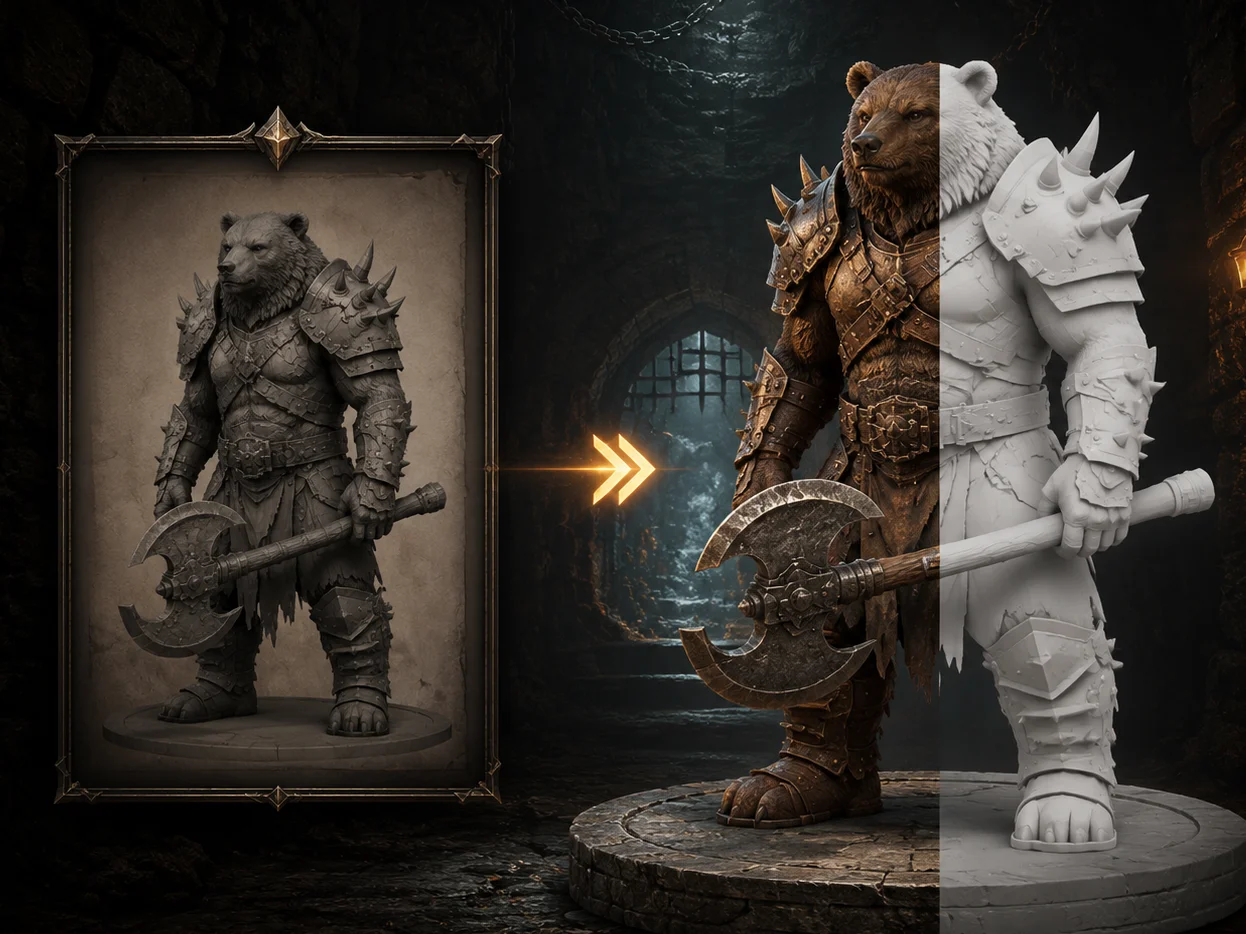
Turn Reference Images into High-Fidelity 3D Models

Tripo transforms images into 3D models with strong attention to geometry, structure, and visual consistency. Whether you are working from concept art, product images, character references, or stylized designs, Tripo helps preserve the core shape and visual identity of your input.

Smart Mesh P1.0

Smart Mesh P1.0

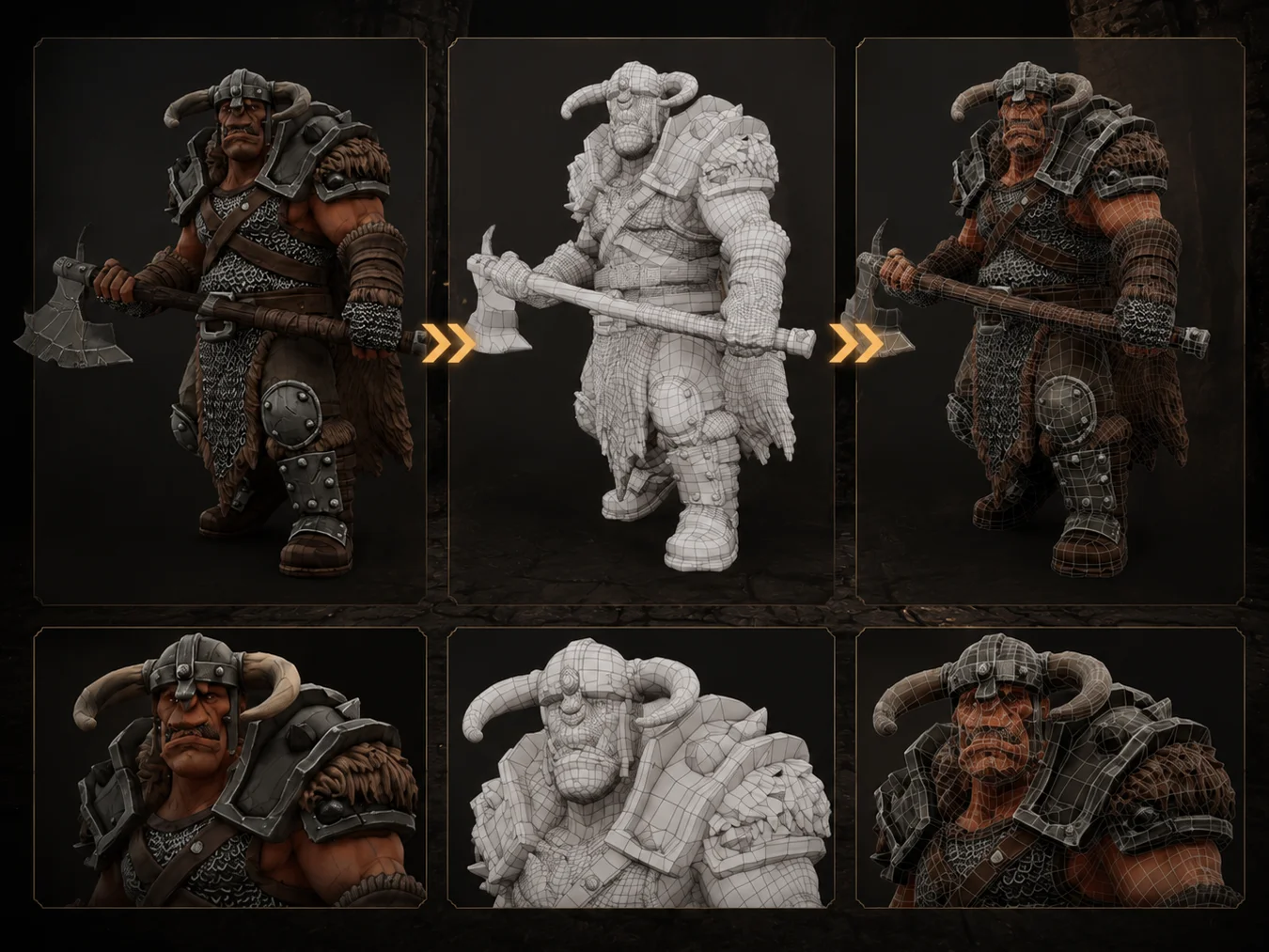
Generate Clean Low-Poly Meshes in Seconds

Tripo's Smart Mesh workflow is built for creators who need usable topology, not just a dense AI-generated object. Generate cleaner low-poly meshes with more reasonable structure, faster iteration, and better downstream usability for editing, animation, games, and real-time applications.

HD Model H3.1

HD Model H3.1

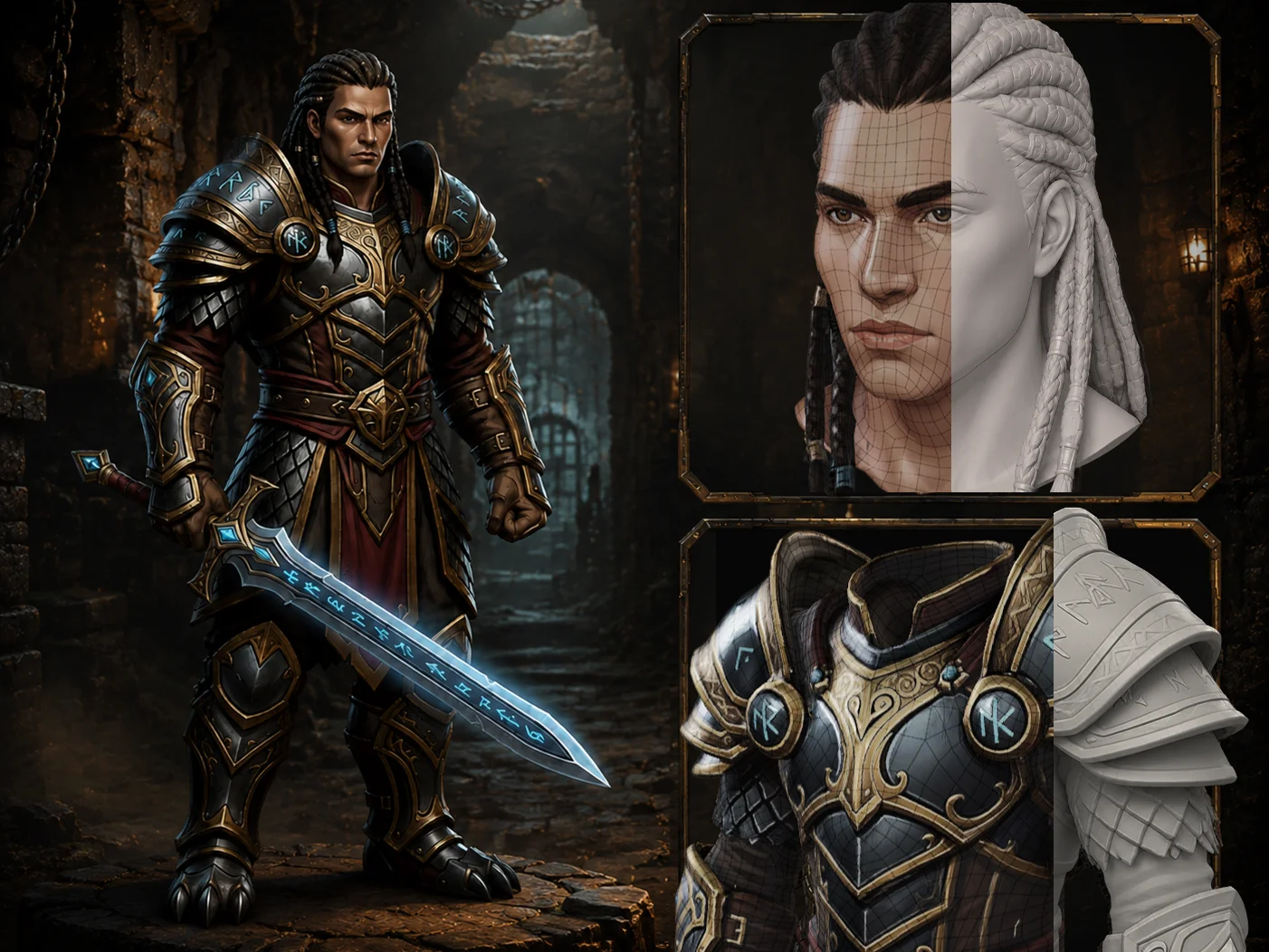
Create High-Detail Models with Stronger Shape Fidelity

When detail matters, Tripo's HD model H3.1 helps restore sharper silhouettes, richer surfaces, and more accurate structures. It is especially useful for characters, collectibles, product concepts, organic shapes, and assets that need to look convincing before they move into editing or production.

Texture Quality

Texture Quality

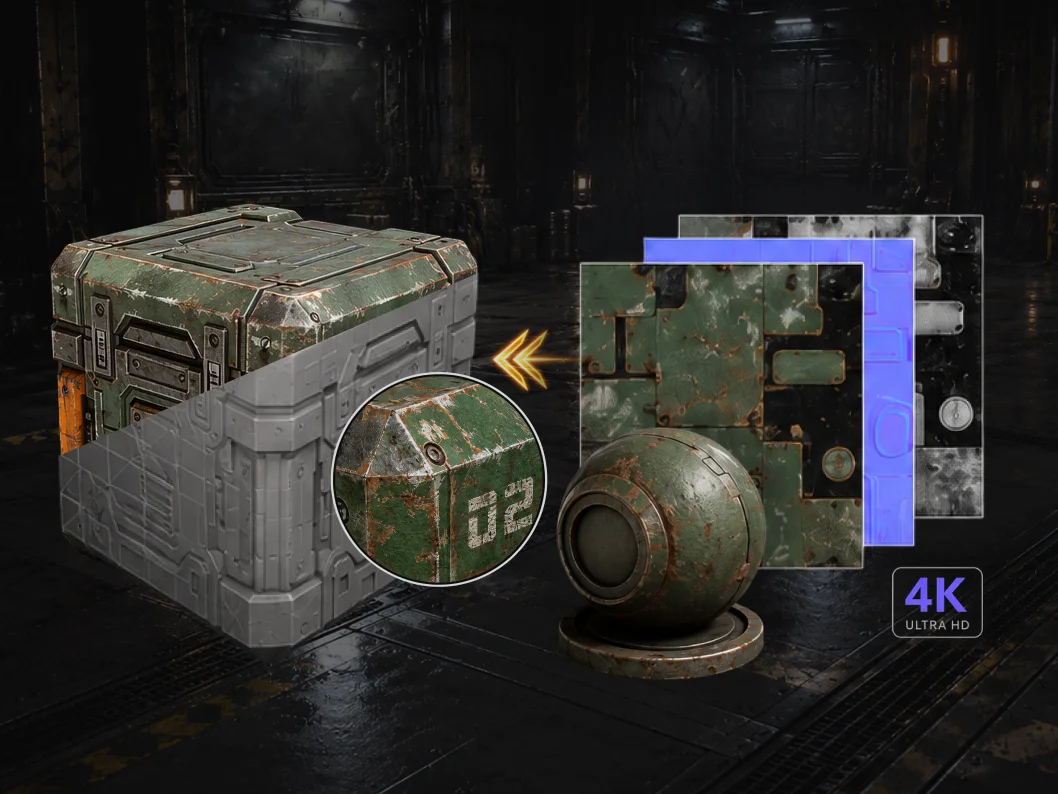
Bring Models Closer to Production with Detailed 4K Textures

Tripo supports high-resolution texture workflows that help assets look more complete, more readable, and more faithful to the original concept. From stylized models to detailed objects, Tripo helps bridge the gap between raw geometry and visually usable 3D assets.

3D Printing

3D Printing

Go from AI Generation to Printable Assets More Reliably

For 3D printing workflows, model quality is not just about appearance. Geometry needs to be solid, continuous, exportable, and compatible with slicing software. Tripo supports STL/3MF export and AI-to-print workflows designed to make generated assets easier to prepare, slice, and produce.

3D Asset Library

3D Asset Library

Explore One of the Largest AI 3D Model Galleries

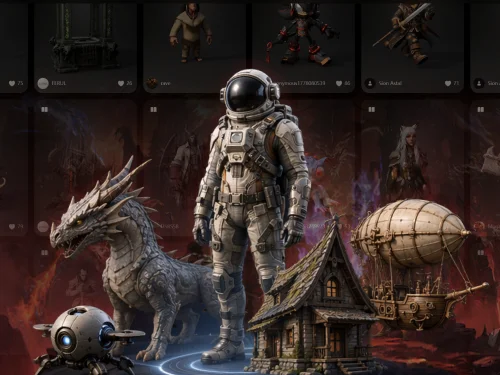
Browse a growing gallery of AI-generated 3D models created by the Tripo community. Use it for inspiration, workflow references, style exploration, and discovering what is possible with image-to-3D, text-to-3D, Smart Mesh, and HD generation.

Awards and Ratings

ProductHunt
PRODUCT HUNT#1 Product of the Day

ProductHunt

1.4k followers

G2

G2

4.8/5 (166 reviews)

TrustPilot

TrustPilot

4.9/5 (679 reviews)

User Feedback

K
Kurt K.Small-Business

"I use Tripo Studio for creating 3D models for 3D printing, and it really helps with my lack of 3D modeling skills. I like how it turns my ideas into what I need. The thing I appreciate most about Tripo Studio is how detailed the models it creates are compared to similar programs. I also enjoy the speed at which it delivers the model. I switched from Meshy AI to Tripo Studio because it gives me better detail and better hard surfaces. The initial setup was very easy."

F
Francisco C.Arquitecto | Small-Business

"I appreciate Tripo Studio's Free Mode as it's very useful and makes well-done models from initial renders or sketches. Since I can draw faster than I sculpt, it's a godsend. It's incredibly powerful for how inexpensive it is; the free mode is super good, allowing up to 1.5 million polygons, which is insanely detailed and speeds up my workflow. The app is very comfortable to use, and the check-in rewards are fair. Even though I don't subscribe due to economic reasons, these features are really helpful. I've tried other modeling tools like Meshy, but Tripo Studio is on a whole different level."

S
seiSmall-Business

"Tripo3D's SmartMesh is the best AI retopology tool. Retopology used to be the most tedious part of my workflow, but this AI tool delivers perfectly clean, all-quad meshes in under two minutes. The edge loops follow the geometry curves flawlessly, making it completely ready for rigging and animation. For indie developers, this is the fast, seamless solution we've all been waiting for."

E
Edgar V.Small-Business

"I love Tripo Studio because it's very easy to use and gets amazing results. The AI previews are awesome, and it's great for working with 3D models. The initial setup was very easy, and I switched from Meshy AI to Tripo Studio because it generates better models."

Frequently Asked Questions