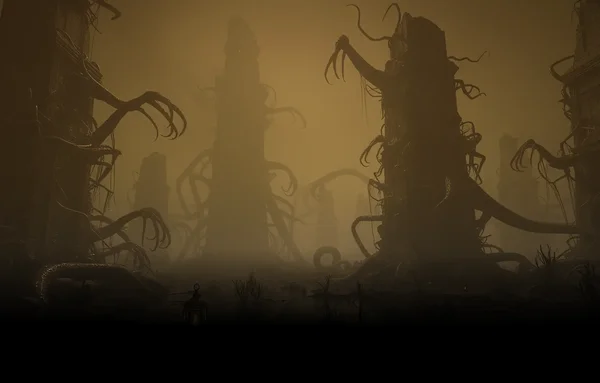
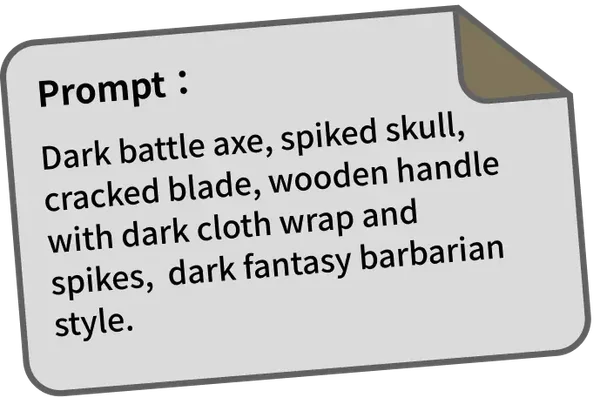








Stunning 3D Models, Straight from Prompts
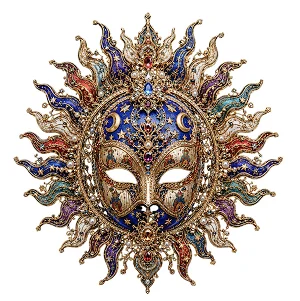
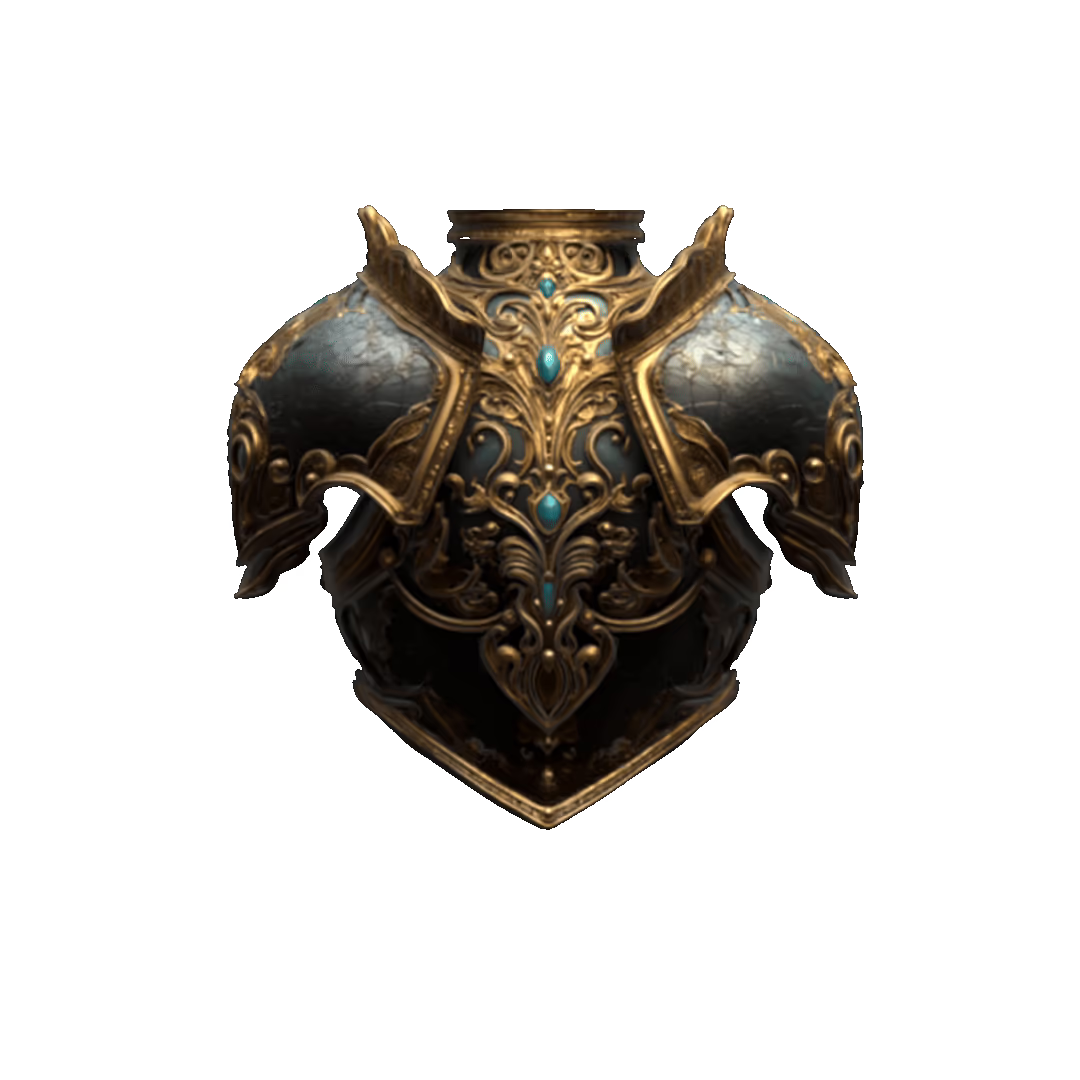
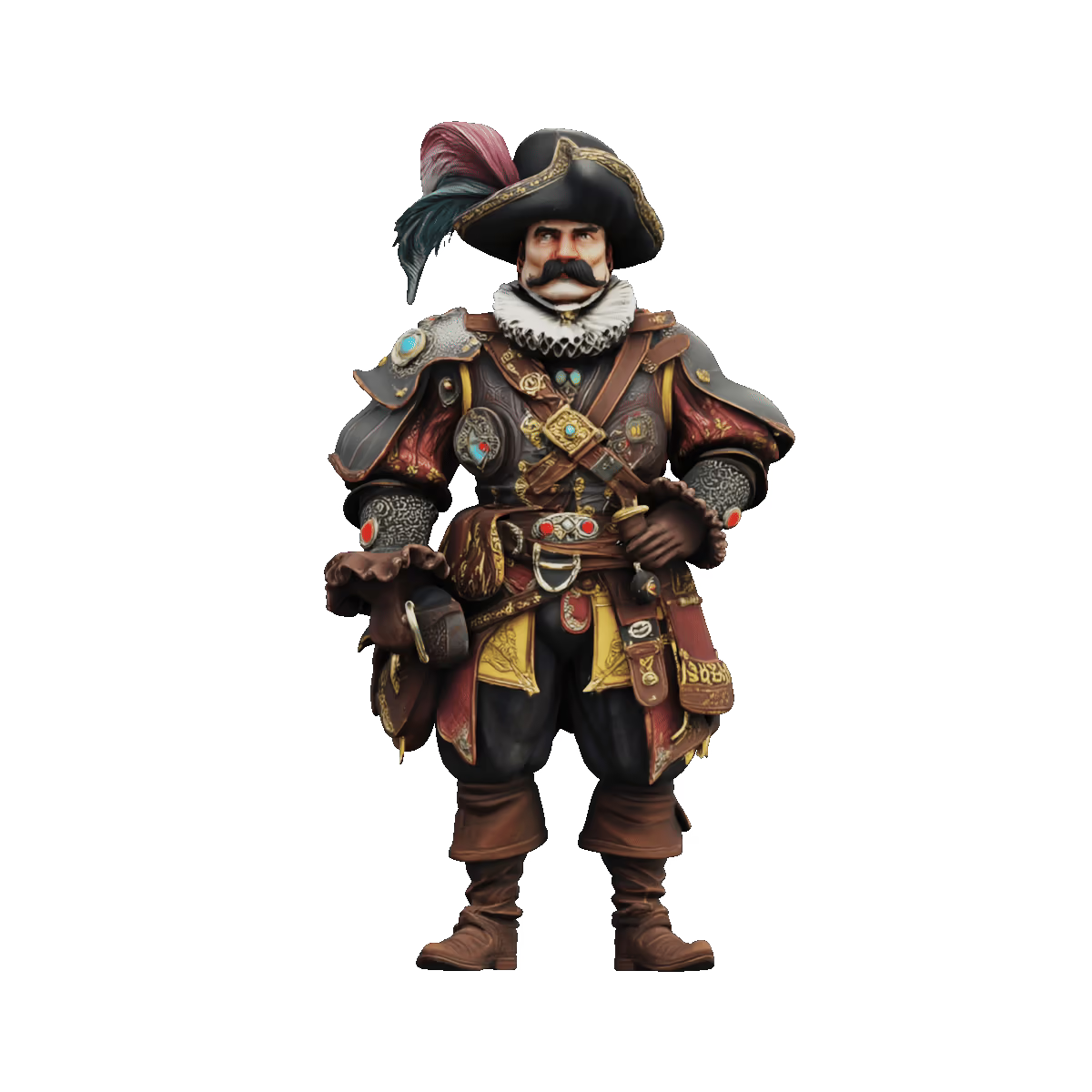
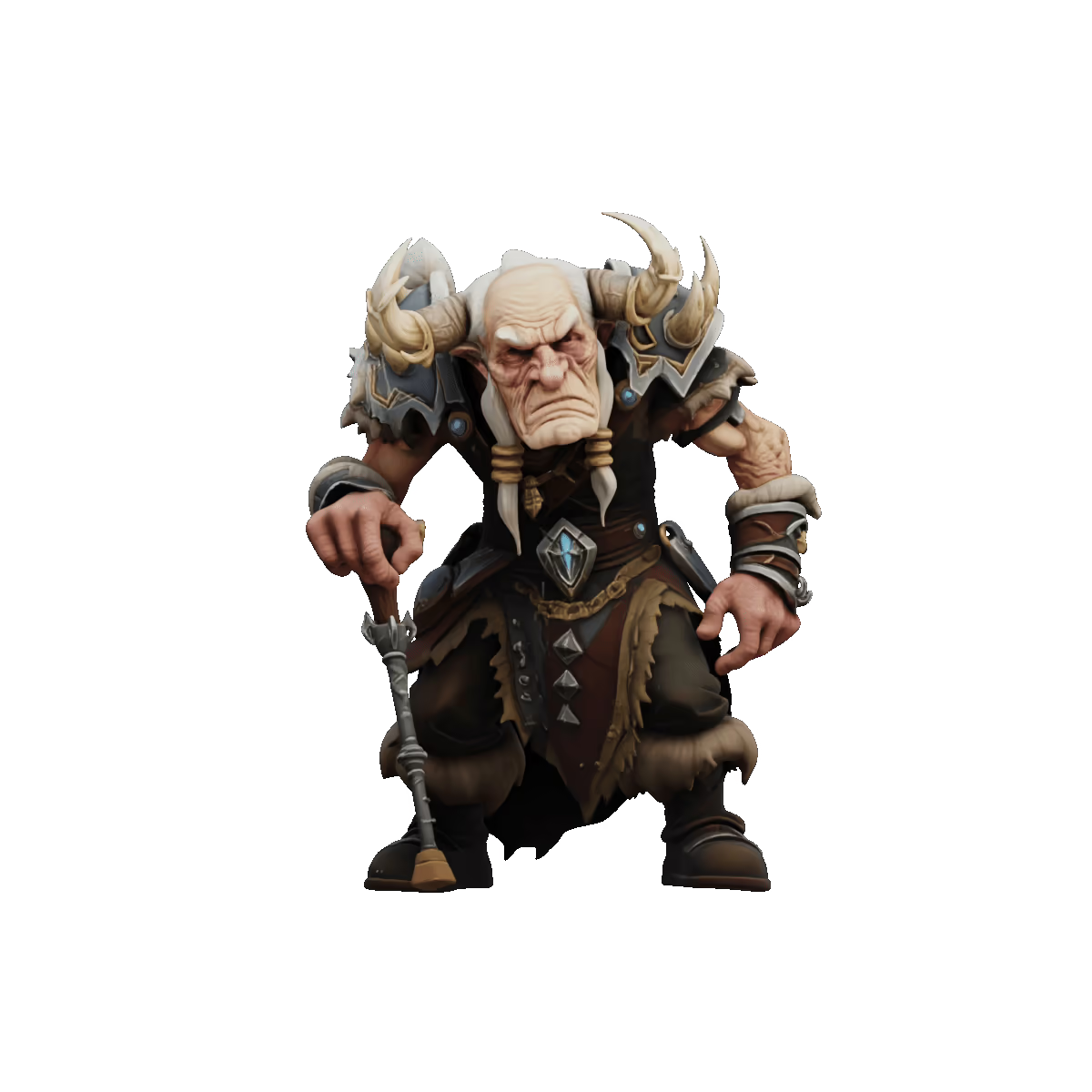
Creating groundbreaking 3D models from text has never been this easy, with high-quality shape, texture, and detail—ready in seconds.
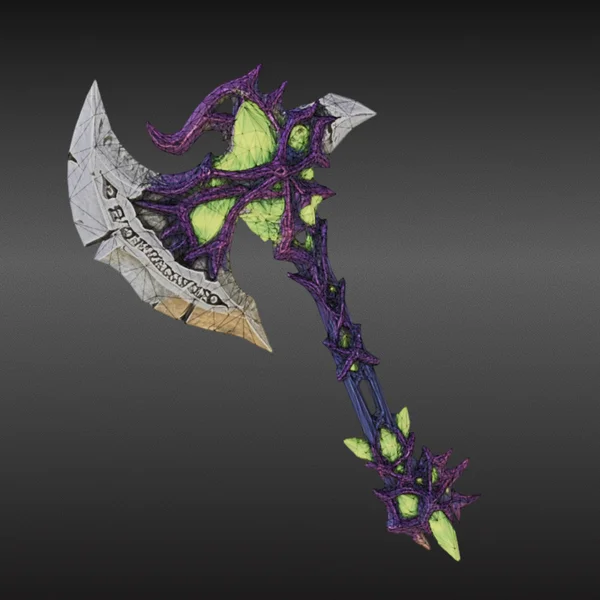
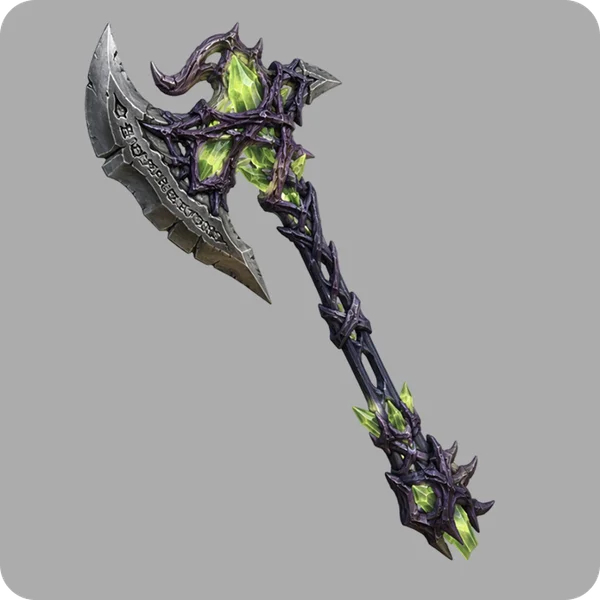
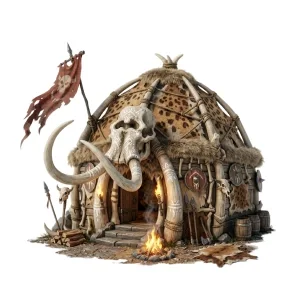
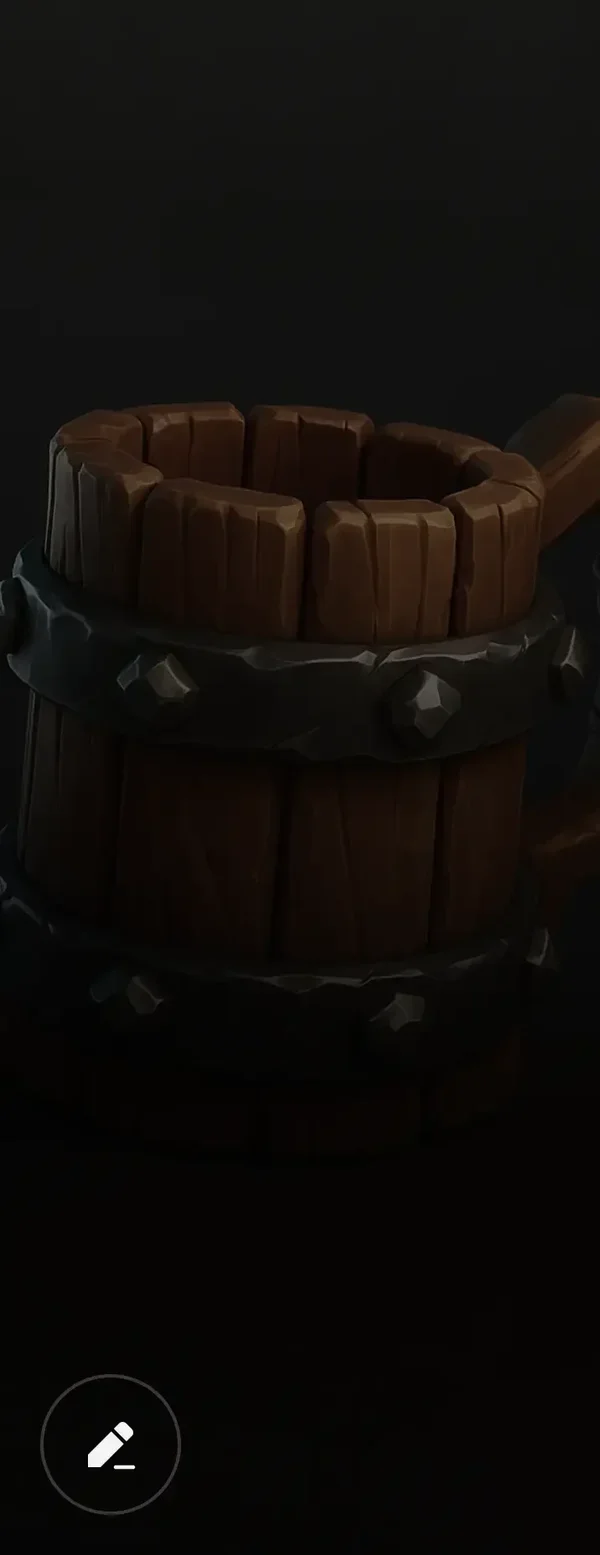
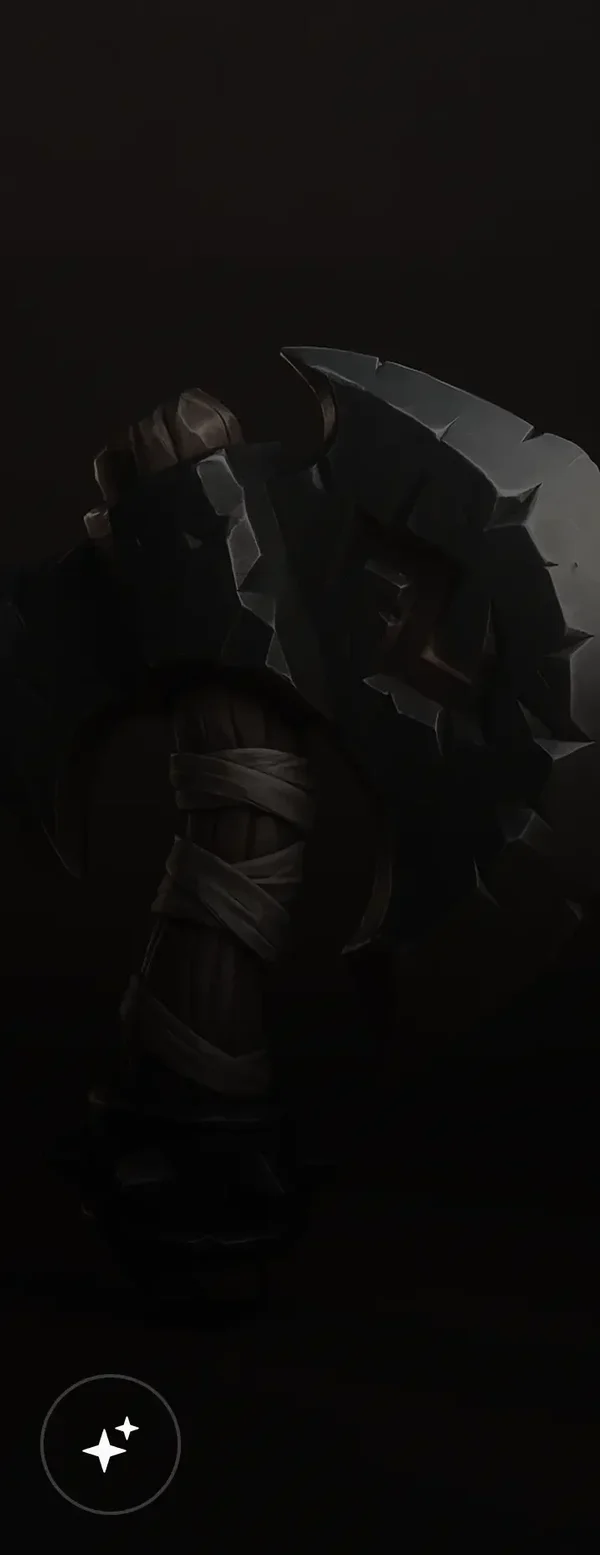
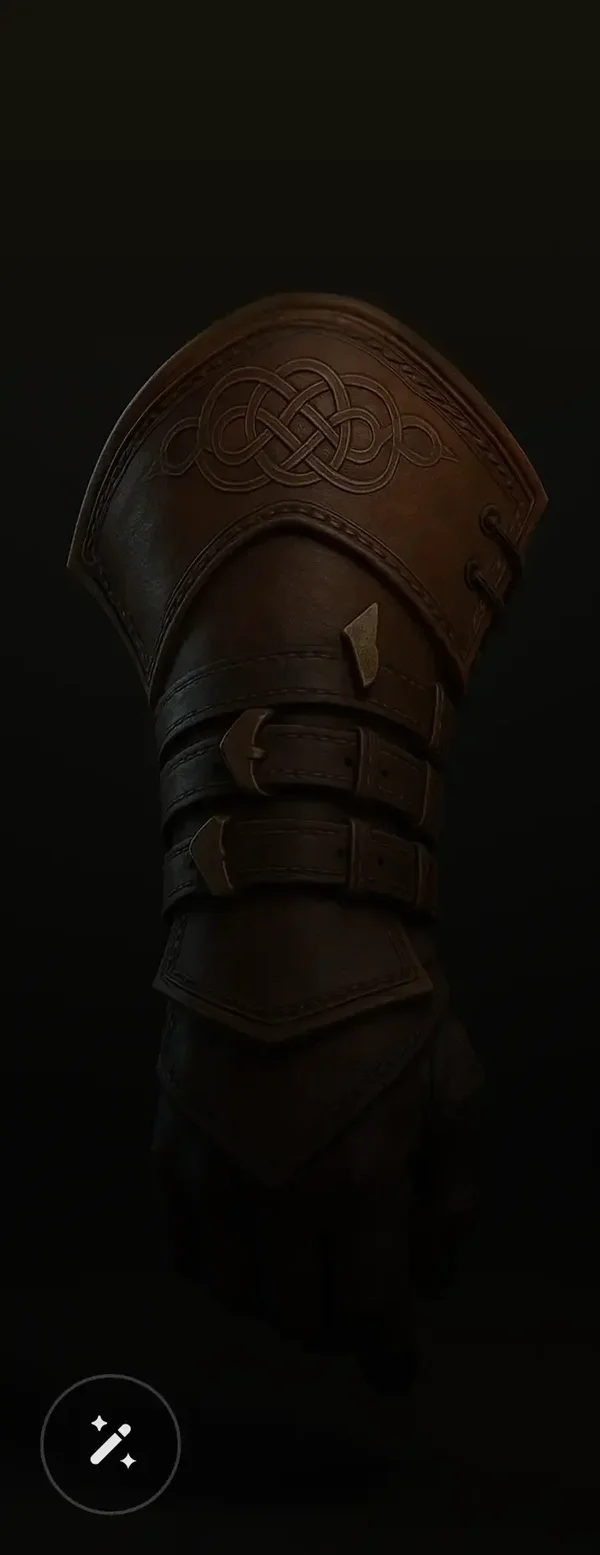
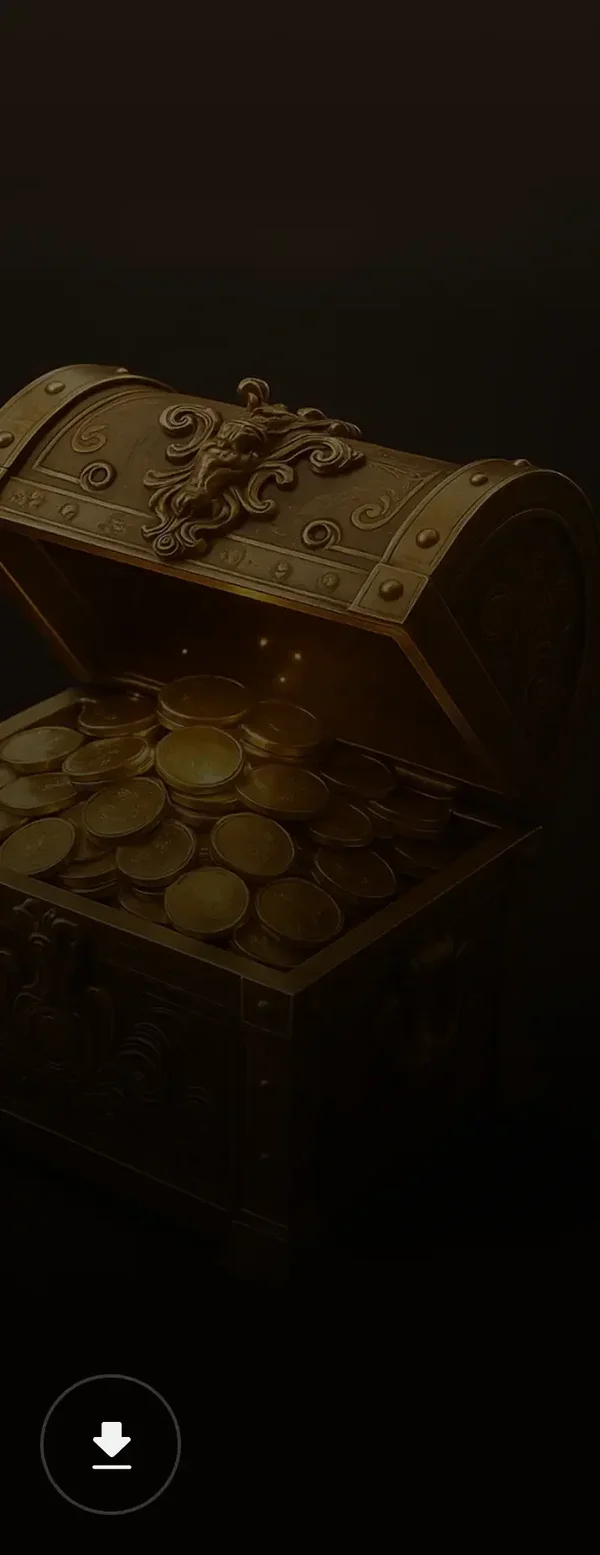
Wonderful AI 3D Modeling Showcases

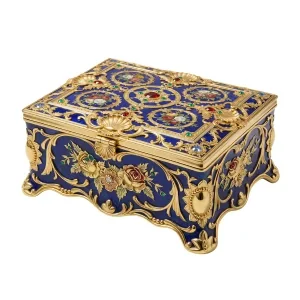

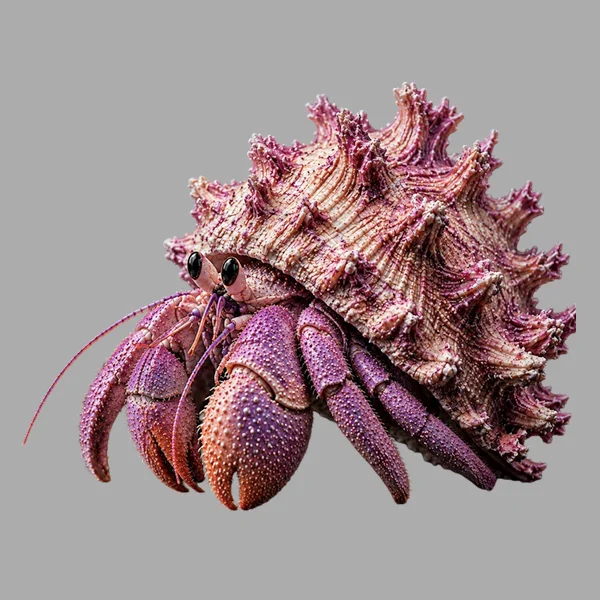




Pipeline-Ready AI 3D Modeling
Pixel-Accurate Shapes True to Your Vision
Rebuild your concept with clean, untextured models that stay true to your original Input.

Sharp Geometry, Structured with Clarity
Well-organized meshes with clean edges (tri-mesh, quad-mesh) and solid topology—easy to edit, rig, or export.

AI-Powered Texturing, Rich in Detail
From subtle surface patterns to realistic materials, textures are applied naturally and with depth.

How to Use Text to 3D in Tripo
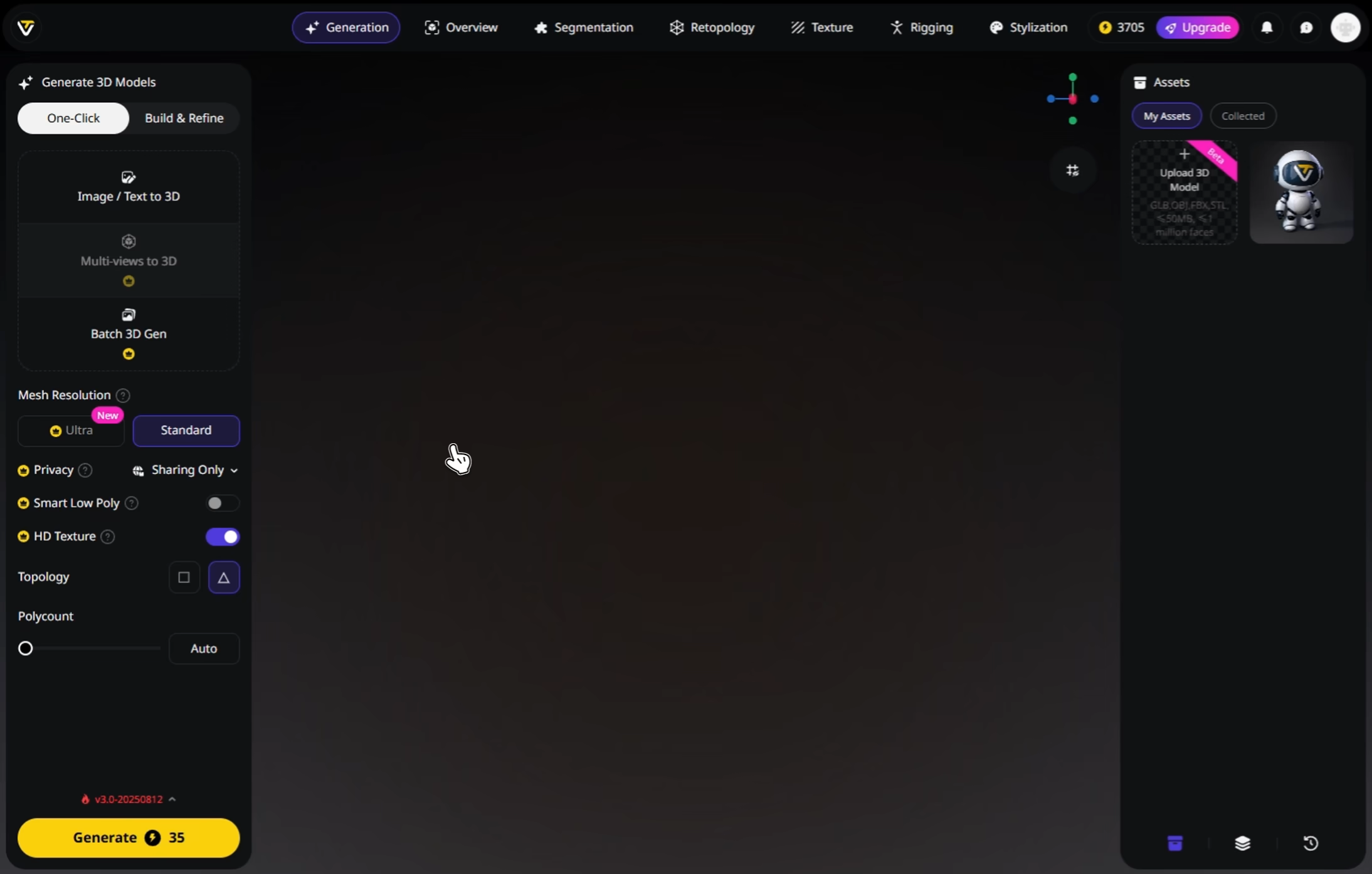
Enter Prompts
Start with a few words, describe what you want to see in 3D.
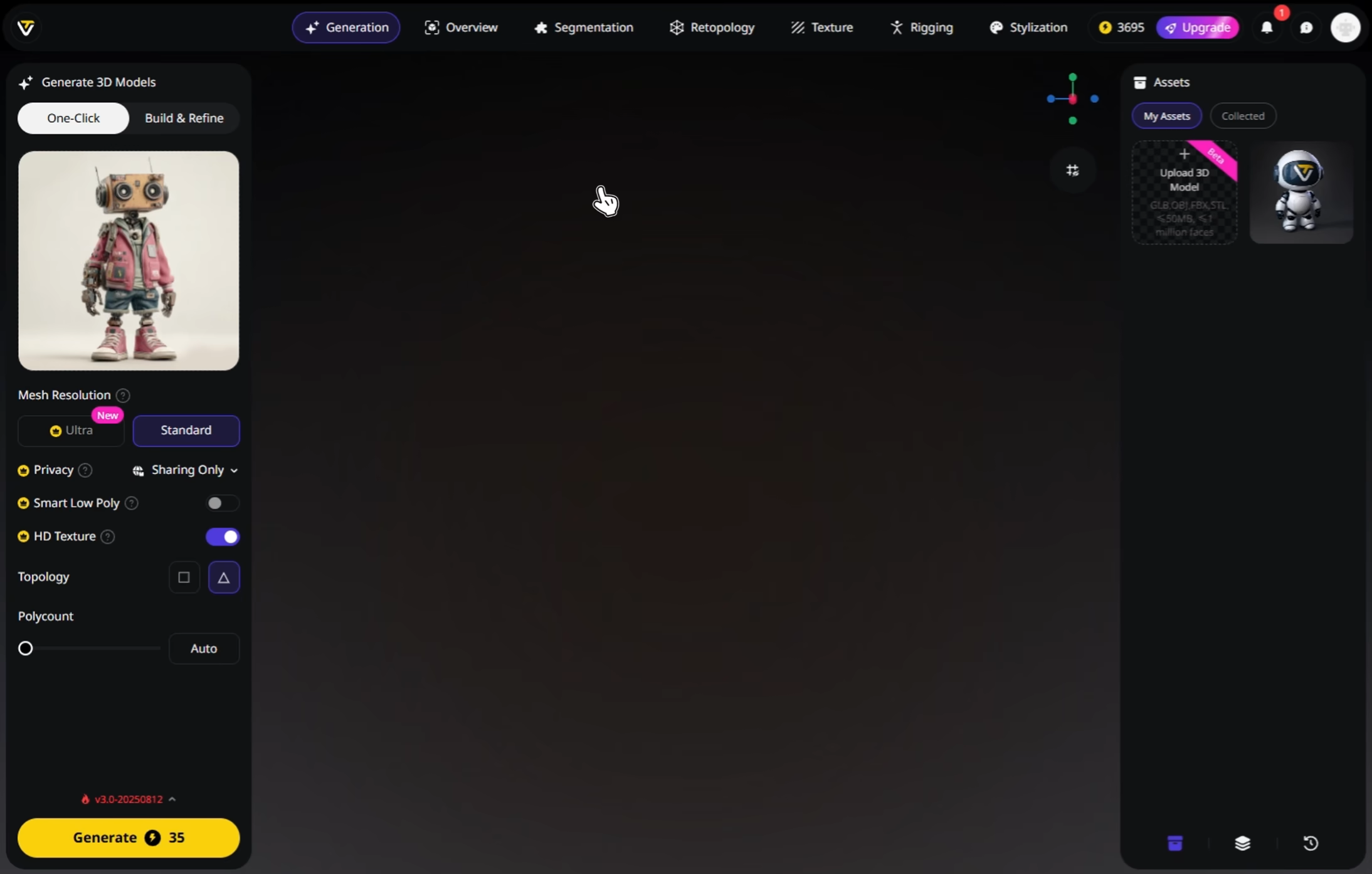
Generate Image & 3D Model
Generates a reference image from text prompts. Once confirmed, Tripo converts the 2D image to a high quality 3D model.
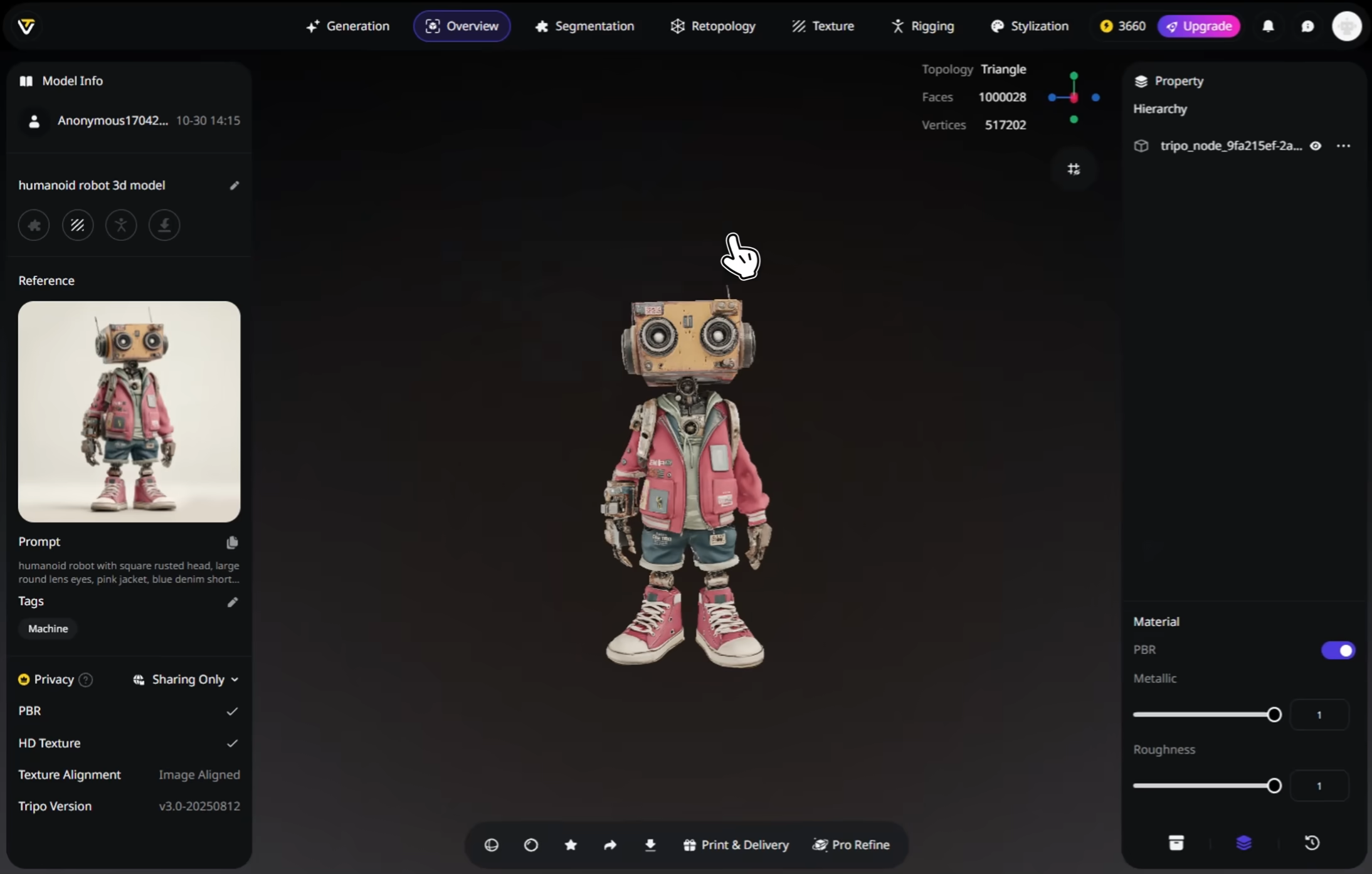
(Optional) Enhance
Rig, animate, apply textures, or split parts as needed.
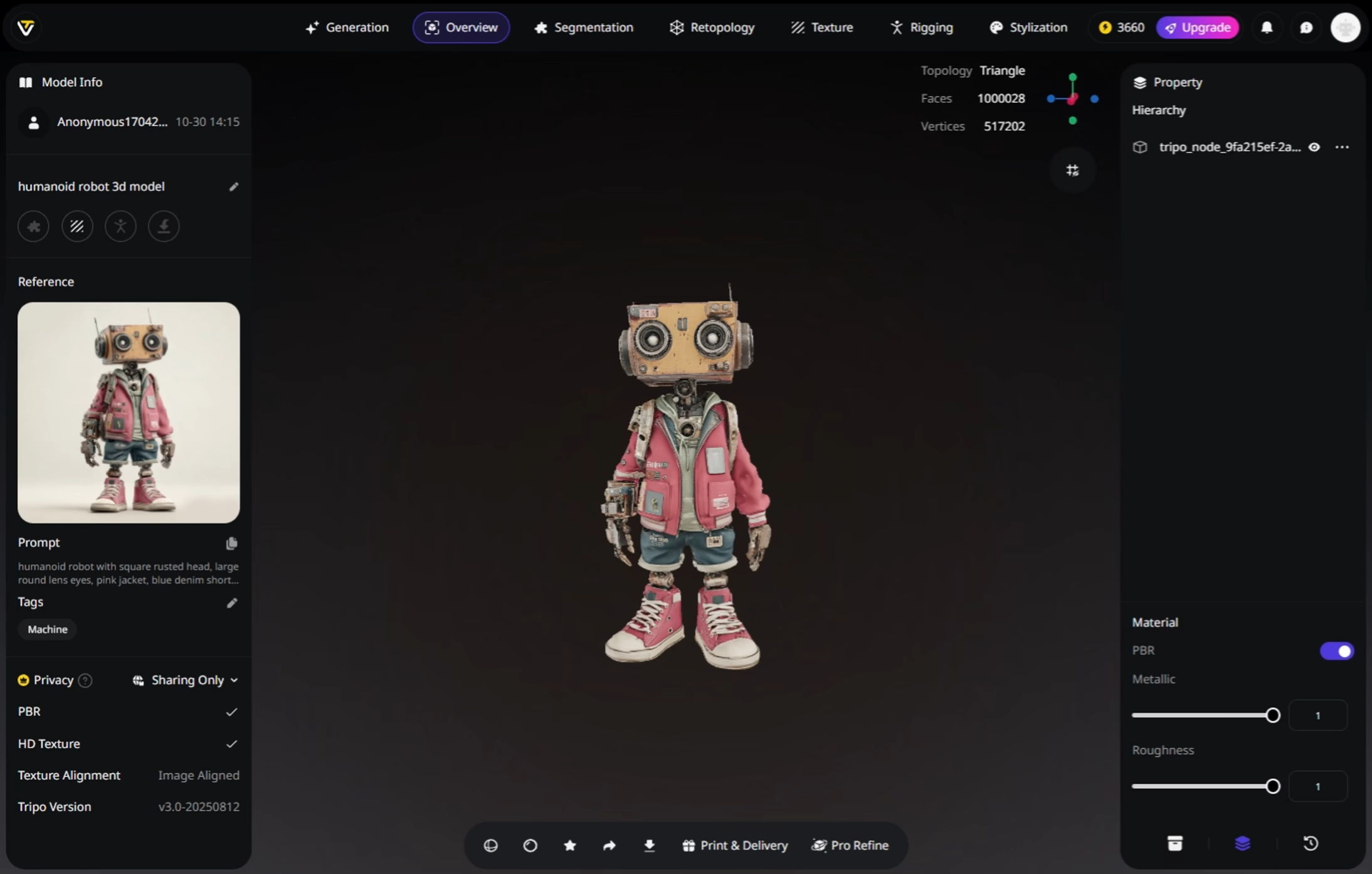
Download
Export your 3D model in STL, OBJ, FBX, and other formats.
Loved by Creators Worldwide
Typed a short prompt and got a clean 3D model in seconds. Very practical.
Text to 3D feels natural, like sketching ideas but using plain words.
The details from simple prompts were sharper than I honestly expected.
Wrote 'ancient sword' and the generated model was ready to use fast.
Perfect for quick ideation. I describe my idea and instantly see a draft.
Text prompts cut out early steps. I can skip concept sketches entirely.
Even short prompts create usable bases that I can refine later on.
Tried 'retro car with spoiler' and got a neat starting asset for my game.
FAQ:Text to 3D Model
Stay Ahead with the Latest Trends
Explore trending topics in 3D modeling, AI tools, and the world of 3D creation.
Introducing Tripo 3.0: Built for Precision and Imagination
Discover Tripo 3.0, a new benchmark in AI 3D Modeling, with sharper geometry, cleaner topology, richer textures, and faster generation.
Read moreImage-to-3D vs. Text-to-3D: When to Use Each in Your Workflow
This article compares image-to-3D and text-to-3D generation workflows, helping you choose the right method for faster, smarter 3D model creation using Tripo AI.
Read moreTripo Studio Tutorial
Explore the Tripo Studio Tutorial to learn how to generate, segment, retopologize, texture, and rig 3D models effortlessly.
Read moreTripo MCP Tutorial
Learn how to install the Tripo plugin in Blender, set up the MCP server, and connect it to Cursor for an AI-powered 3D modeling workflow.
Read moreRelated Features
Explore More on Tripo AI
Free Online STL File Viewer
The top-rated STL file viewer best for all 3D printing, 3D modeling, 3D generating projects. View stl files, share and review with all creators for collaboration with 3D printing workflow integration.
Learn moreAI Texturing
Generate rich PBR textures for any 3D model with Tripo AI. Automatic UV mapping and material generation in seconds.
Learn moreAI 3D Model Generator
Convert Text/Image into stunning 3D model with speed, control, industry-leading textures, and clearn topology.
Learn moreAuto Rigging
Rig any static 3D model into animation-ready in seconds. Tripo AI delivers clean skeletons and smooth skin weights automatically.
Learn more