

Multi-format 3D viewer
Open 3D, CAD, BIM and print files in one browser workbench.
Open GLB, FBX, OBJ, STL, glTF, USDZ, 3MF, PLY, VOX and other 3D models online. Rotate, zoom and inspect dimensions, geometry, materials, textures and animation—no install or signup.
Supported input
Compare geometry, material, texture and animation support across GLB, glTF, FBX, OBJ, STL and other 3D formats.
| Format | Extension | Geometry | Materials | Animation | Typical use | Open viewer |
|---|---|---|---|---|---|---|
| 3DM | .3dm | Rhino scene | Materials + layers | No | Rhino and CAD review | Open viewer |
| GLB | .glb | Full scene | PBR, embedded | Yes | Web and engine handoff | Open viewer |
| glTF | .gltf | JSON scene | PBR, external possible | Yes | Web authoring and interchange | Open viewer |
| DAE | .dae | COLLADA scene | Materials + textures | Yes | Legacy scene interchange | Open viewer |
| DXF | .dxf | CAD drawing | Layer colours | No | CAD drawings and exchange | Open viewer |
| FBX | .fbx | Meshes + skeleton | Partial | Yes | DCC and engine exchange | Open viewer |
| GCODE | .gcode | Printer toolpaths | Extrusion + travel | No | 3D printing toolpaths | Open viewer |
| IFC | .ifc | BIM elements | Element colours | No | BIM coordination | Open viewer |
| IGES | .iges / .igs | CAD surfaces | Part colours | No | CAD surface exchange | Open viewer |
| OBJ | .obj | Meshes | Separate .mtl | No | Static props and scans | Open viewer |
| STL | .stl | Triangle mesh | None | No | 3D printing | Open viewer |
| STEP | .step / .stp | CAD solids | Part colours | No | Manufacturing and CAD exchange | Open viewer |
| 3MF | .3mf | Meshes + units | Colour + basic | No | Modern print workflows | Open viewer |
| PLY | .ply | Mesh or points | Vertex colour | No | Scans and photogrammetry | Open viewer |
| USDZ | .usdz | Full scene | PBR, embedded | Yes | Apple AR handoff | Open viewer |
| VOX | .vox | Voxel grid | Palette colour | No | Voxel art | Open viewer |
| 3DS | .3ds | Legacy scene | Basic materials | No | Legacy DCC handoff | Open viewer |
| USD | .usd / .usda | Scene graph | Materials + references | Yes | VFX and DCC interchange | Open viewer |
| VRM | .vrm | Humanoid avatar | MToon + PBR | Yes | VTuber and virtual avatar delivery | Open viewer |
Online 3D viewer features
Each format page focuses on the geometry, materials, animation, packaging or print checks that matter for that file type.
Open 3D, CAD, BIM and print files in one browser workbench.
Read bounds, geometry, materials, textures, animation and format-specific evidence.
Inspect locally, then choose whether to share or continue in Tripo Studio.
The Viewer parses the model in this browser. A file is selected and uploaded only when you choose an online Studio workflow.
Private, local 3D file viewing
Upload the model in Studio, create a shareable 3D view and send it to clients, teammates or reviewers.
Upload & share 3D modelHow it works
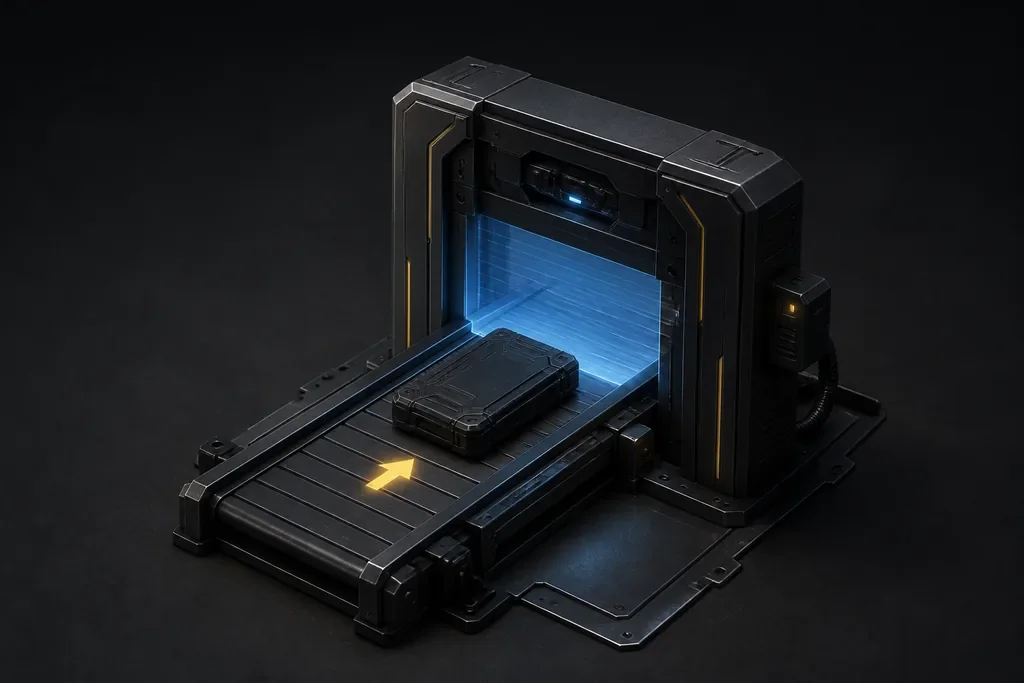
Drop one 3D file or choose it from your device.
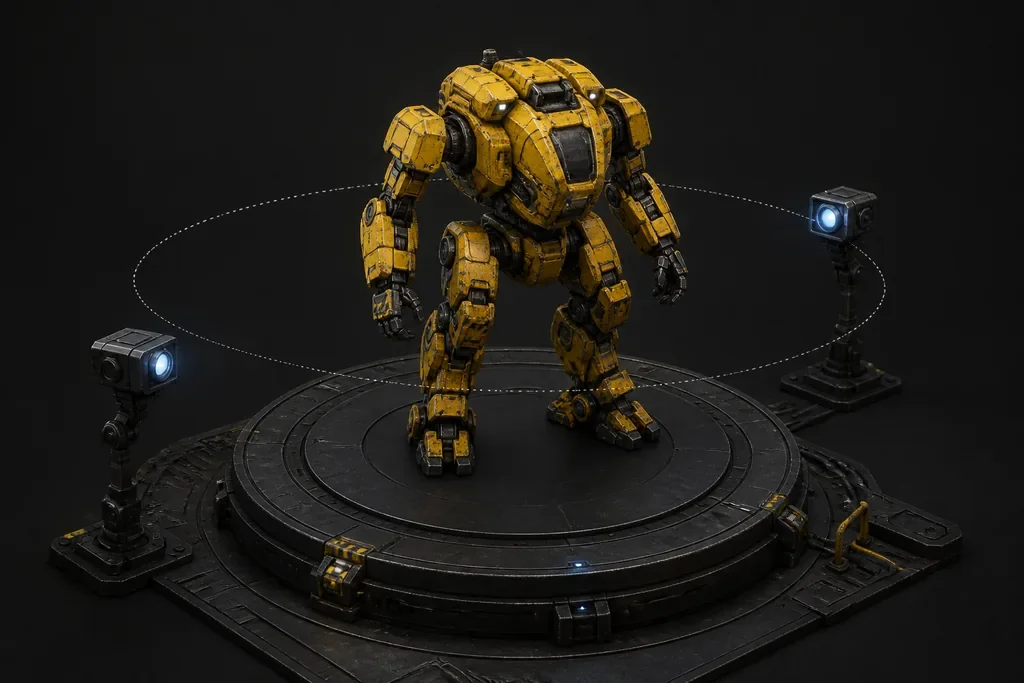
Inspect the visible model from every angle and confirm its orientation.
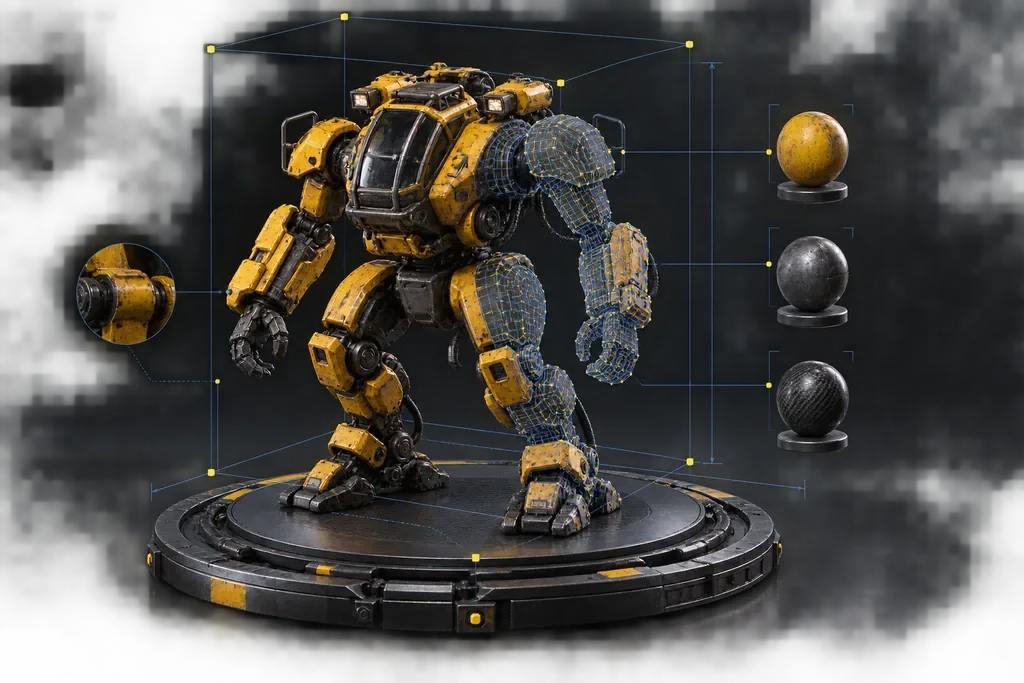
Read bounds, geometry, materials, textures, animation and format-specific evidence.
Continue in Tripo Studio to share, convert or edit the model.
Who uses this
Review geometry, materials and scene structure before editing.
Geometry · Materials · SceneCheck file weight and visible content before publishing or engine import.
Delivery · Size · PreviewOpen the submitted asset without installing its authoring application.
Review · Privacy · SharingViewer comparison
Compare the features that matter for opening, inspecting, sharing and continuing work on a 3D file.
| Viewer comparison | TripoTools to view, inspect and share 3D models | 3dviewer.net | Meshy 3D Viewer |
|---|---|---|---|
| Supported input | Tripo · Viewer comparison18 dedicated pages · 24 extensions | 3dviewer.net18 import formats | Meshy 3D Viewer20 public format viewers |
| Private, local 3D file viewing | Tripo · Viewer comparisonYes | 3dviewer.netYes | Meshy 3D ViewerYes |
| Model information | Tripo · Viewer comparisonBounds · Geometry · Materials · Animation | 3dviewer.netScene tree · bounds · materials · volume/surface | Meshy 3D ViewerBounds · meshes · triangles · vertices · materials |
| Format-specific workflow | Tripo · Viewer comparisonBounds · geometry · materials · animation · wireframe | 3dviewer.netGeneral viewing and export | Meshy 3D ViewerGeneral viewing and file facts |
| Upload & share 3D model | Tripo · Viewer comparisonTripo Studio · Upload & share 3D model | 3dviewer.netExport model or preview image | Meshy 3D ViewerContinue in Meshy |
Based on same-file checks completed August 25, 2026 and the competitors’ public format lists. Unverifiable limits are omitted instead of guessed.
Answers about supported files, privacy, materials, textures, animation for the 3D model Viewer.
An online 3D viewer opens and renders a 3D model directly in a web browser. You can rotate, pan and zoom the model, switch viewing modes, and inspect available dimensions, geometry, materials, textures and animation.
Drag and drop a supported 3D file or choose one from your device. When it opens, use the mouse or touch controls to rotate, pan and zoom, then switch between material, clay and wireframe views.
The viewer accepts GLB, glTF, FBX, OBJ, STL, 3MF, PLY, USDZ and VOX. Each format stores different data: STL is mainly triangle geometry, while formats such as GLB, glTF and FBX can also carry materials or animation.
No. The Viewer parses the selected file in your browser and does not publish it. A file is uploaded only if you choose a separate online workflow such as Tripo Studio sharing.
Upload the model to Tripo Studio to create a shareable interactive 3D page. Send the link to clients, teammates or reviewers for model presentation and collaboration.
A model may appear grey when texture images or material references are missing. Animation may be absent if the file contains no supported clips. Use the dedicated GLB, glTF, FBX or OBJ viewer to check format-specific material, texture and animation data.
Open GLB, FBX, OBJ, STL and other 3D files to inspect geometry, materials, dimensions and animation.