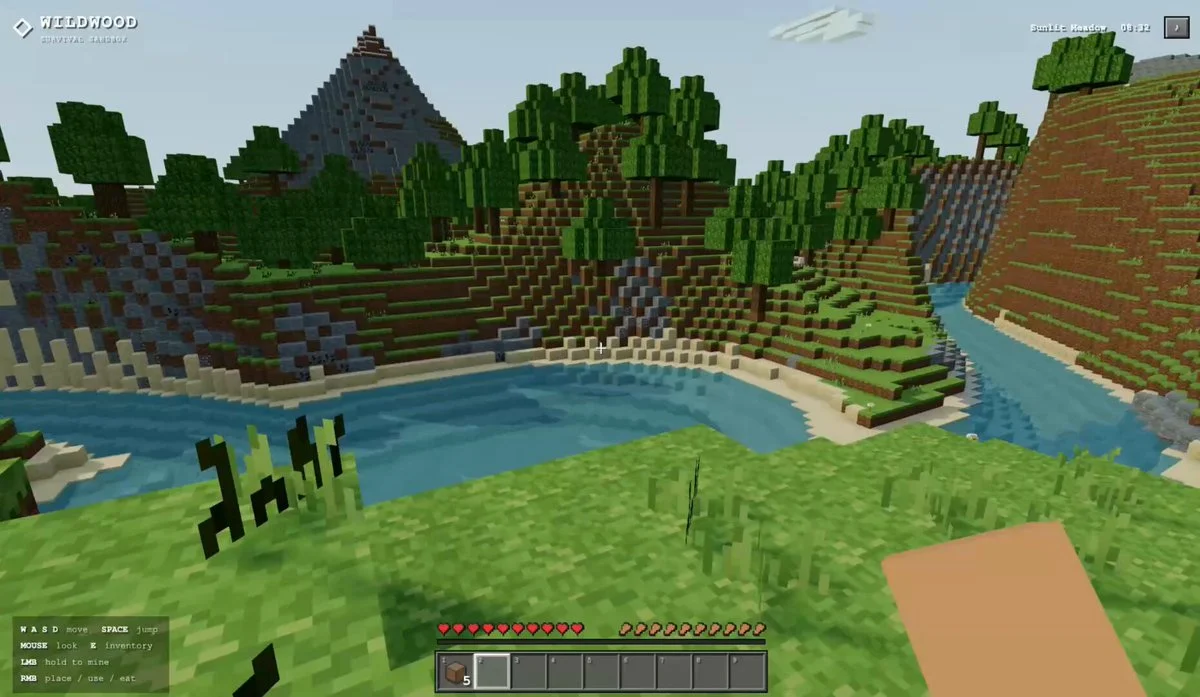
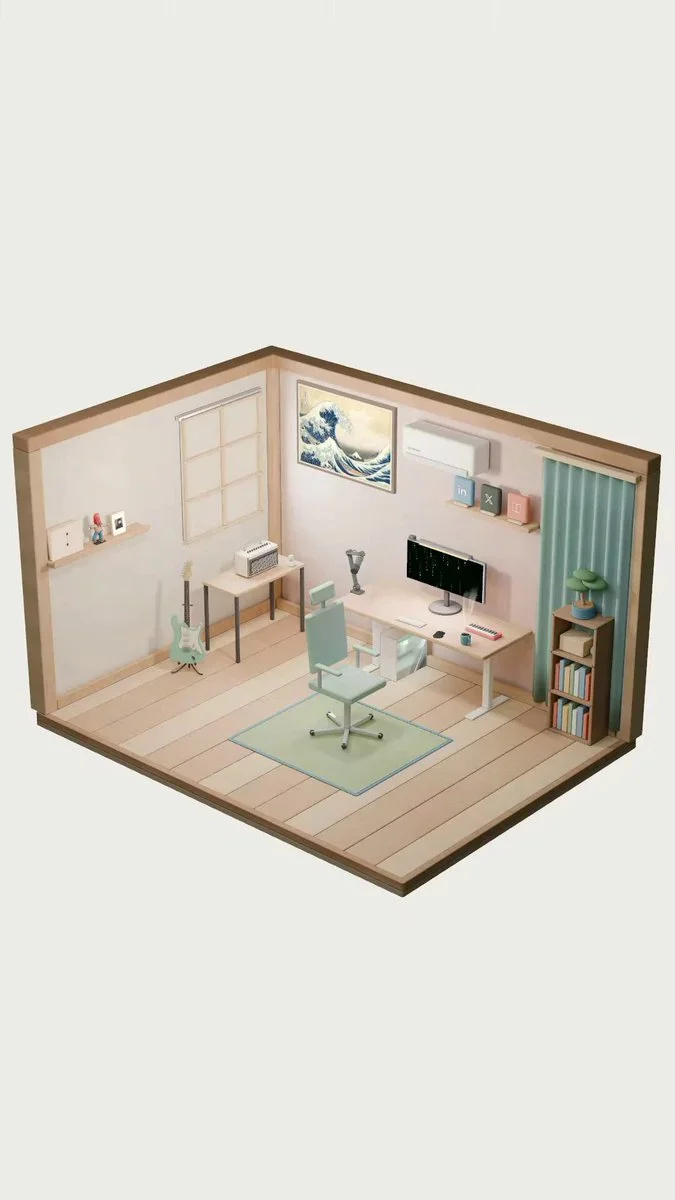
Personal room as an interactive portfolio
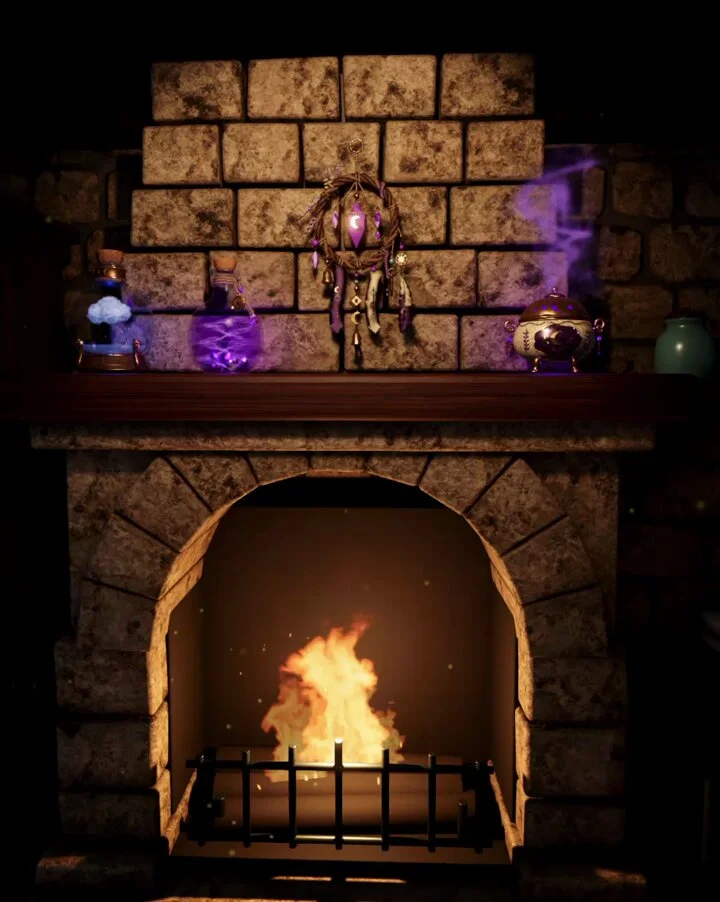
Turn a personal room into an interactive self-introduction website. Build and bake the scene in Blender, then add coffee steam, Matrix-style animation and subtle shader effects.
Fresh 3D inspiration, updated daily
Use these source-backed 3D prompts as references, adapt them, and try the same idea across GPT-6 Astra, Claude, Kimi or any model you use.
Turn a personal room into an interactive self-introduction website. Build and bake the scene in Blender, then add coffee steam, Matrix-style animation and subtle shader effects.
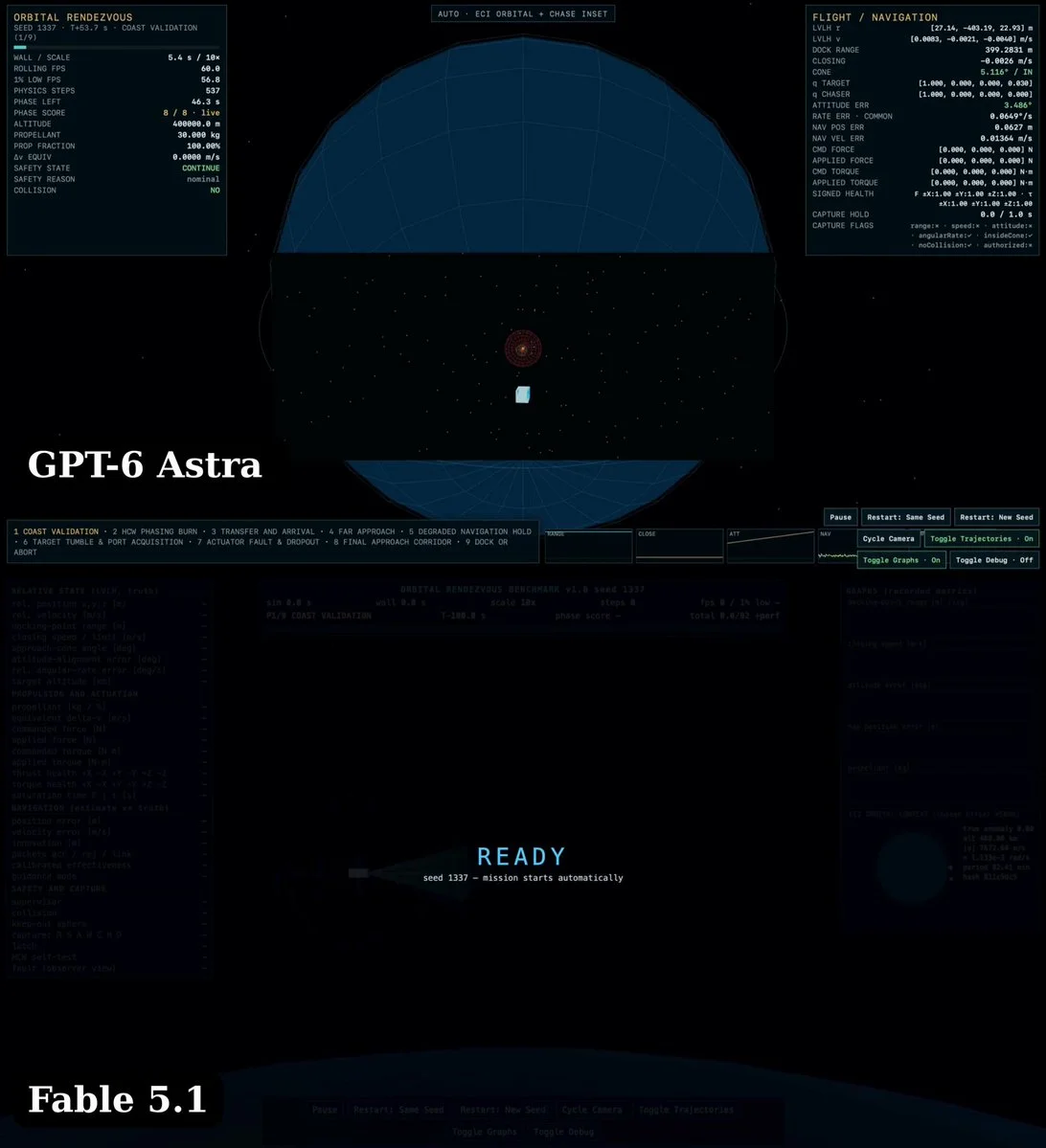
Build a real-time orbital rendezvous simulation using two-body ECI propagation and HCW guidance. Include six-degree-of-freedom orientation, fuel use, force limits and a docking objective.
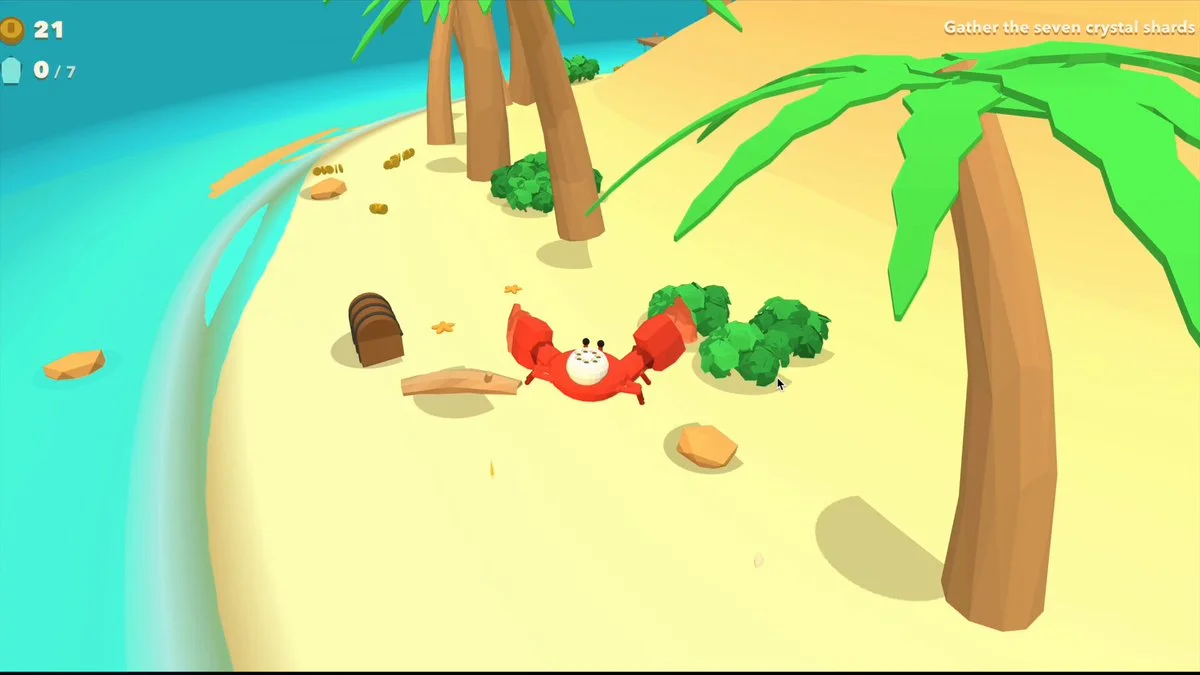
Build a Three.js crab game from a structured brief covering appearance, character, world, actions, goals, interface and camera. Make coins rise and fly toward the passing crab; flag contradictory requirements.
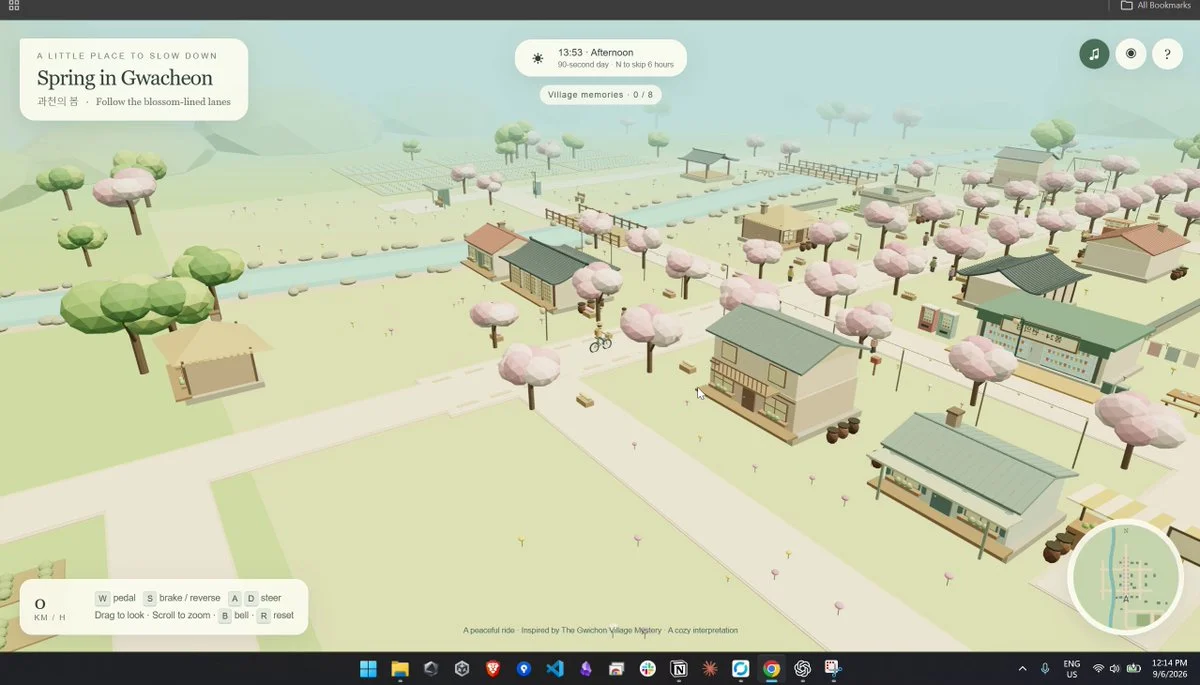
Create a cozy, explorable low-poly village inspired by Gwacheon in a single HTML file. Combine procedural 3D scenery, atmosphere, interface and interactions.
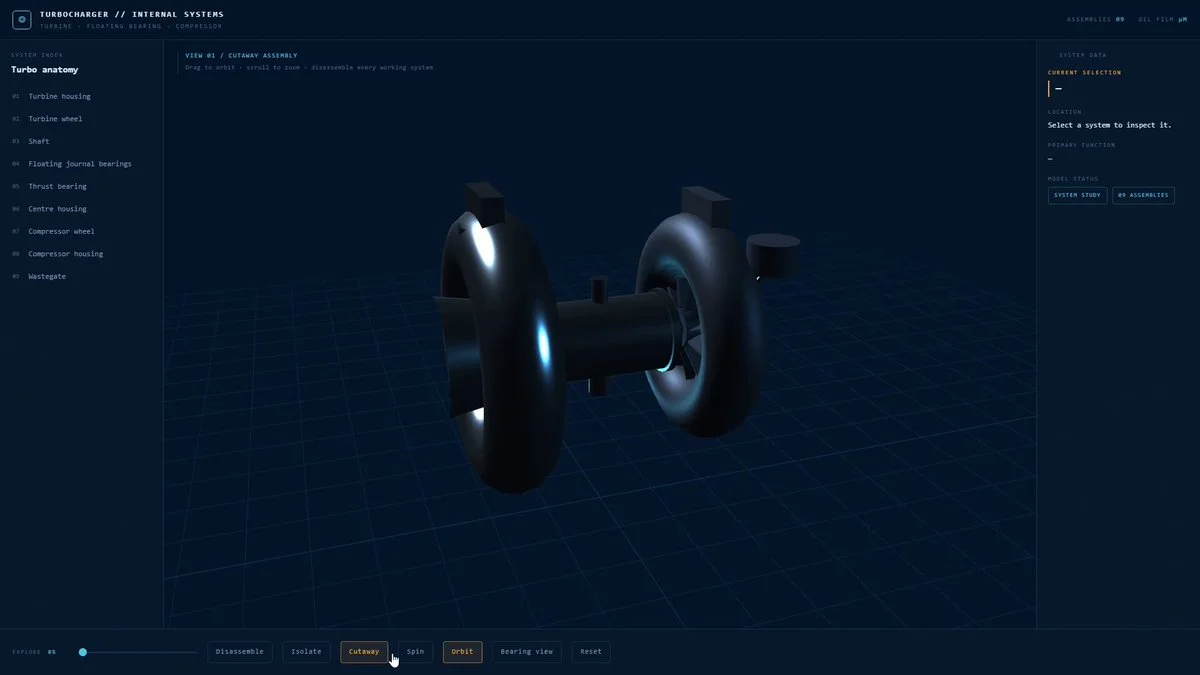
Build an interactive 3D turbocharger. Separate every working system. Let me rotate it, isolate parts, and see what the machine is actually doing.
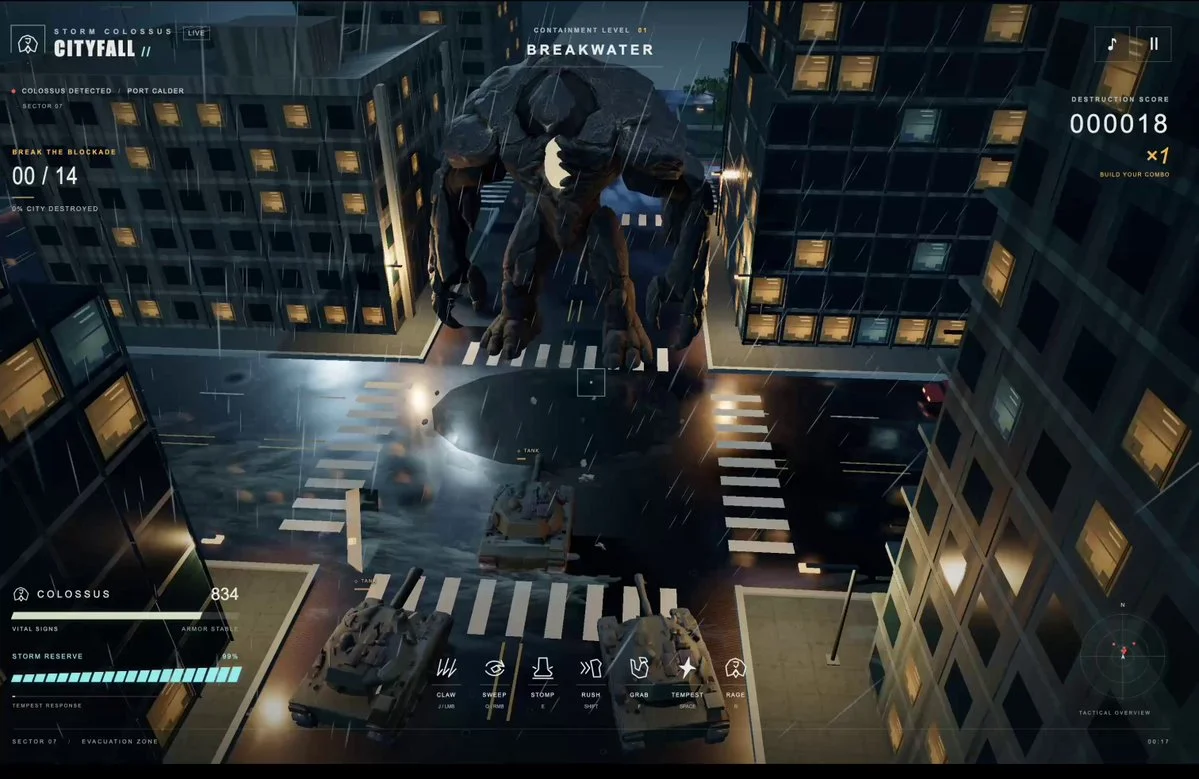
Review this video https://t.co/I0i1uPfPtb and build a modern remake. It should be utterly perfect, visually beautiful, with every single thing done at AAA quality—from textures to physics to anything you could think of. Fan out sub-agents and have sub-agents tackle each one individually so that the game is utterly perfect. You should /loop on each item and have a separate sub-agent check it visually to ensure it looks triple A. That separate sub-agent should be a really harsh critic, and if it doesn't look triple A, it should keep going. Don't stop until each sub-agent is utterly wowed with the quality when compared with other games. Do this in whichever technology will provider the best result. /loop until it's utterly perfect.
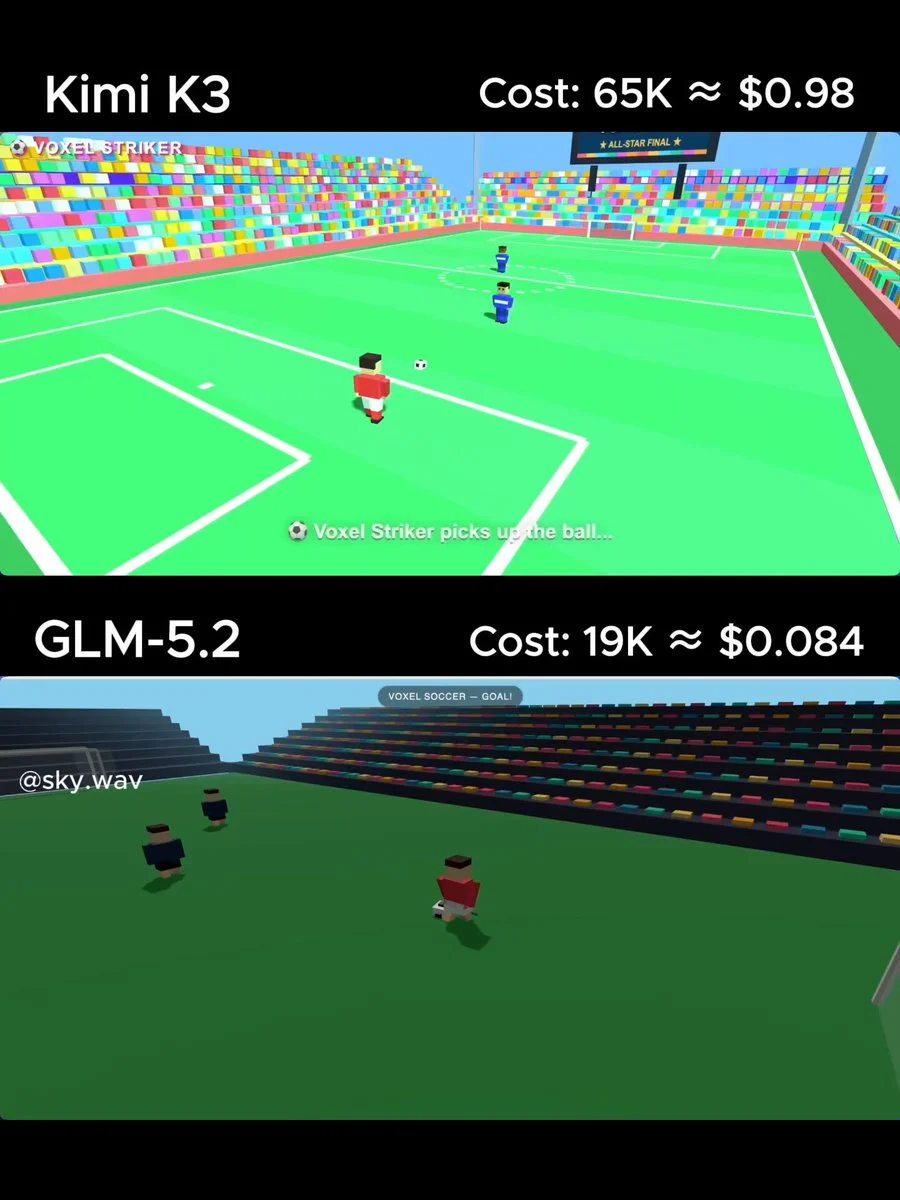
Create a single HTML file with Three.js (CDN) for a simple voxel-style soccer animation. A blocky player dribbles past 2 defenders and scores a spectacular goal with celebration particles. Colorful stadium look. Output ONLY the full HTML code.
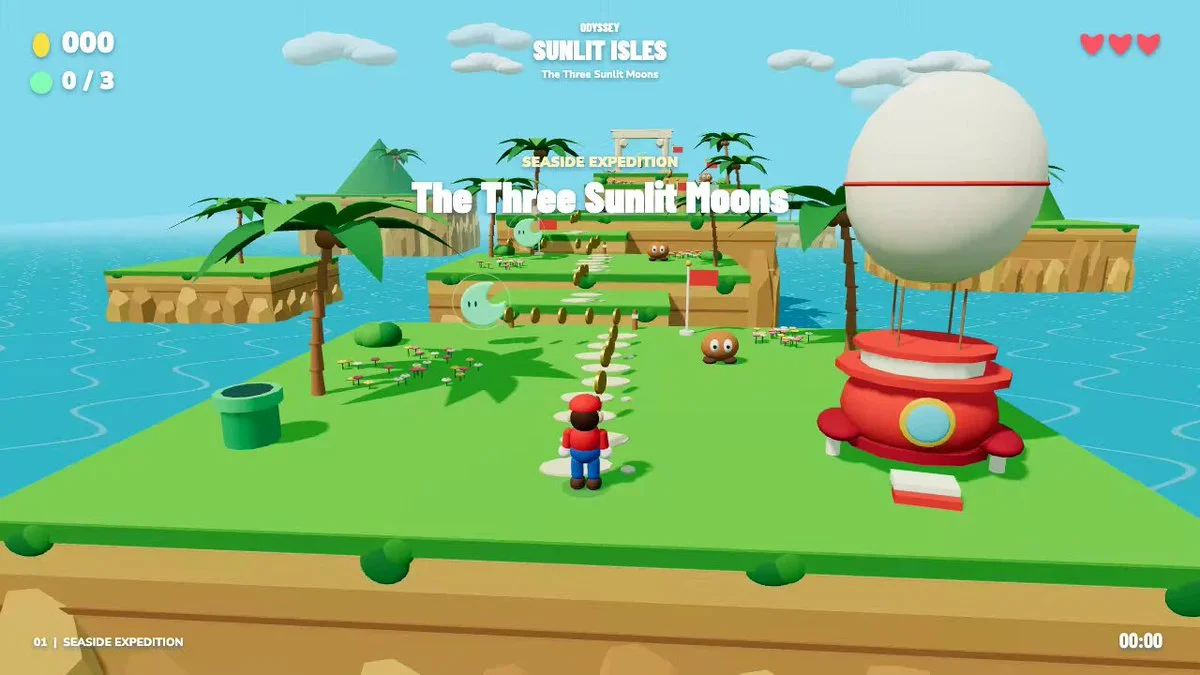
Build an Odyssey-inspired Three.js level with eight platforms, three collectible moons, returning cap attacks, enemies and checkpoints. Add touch controls and test a complete playthrough.
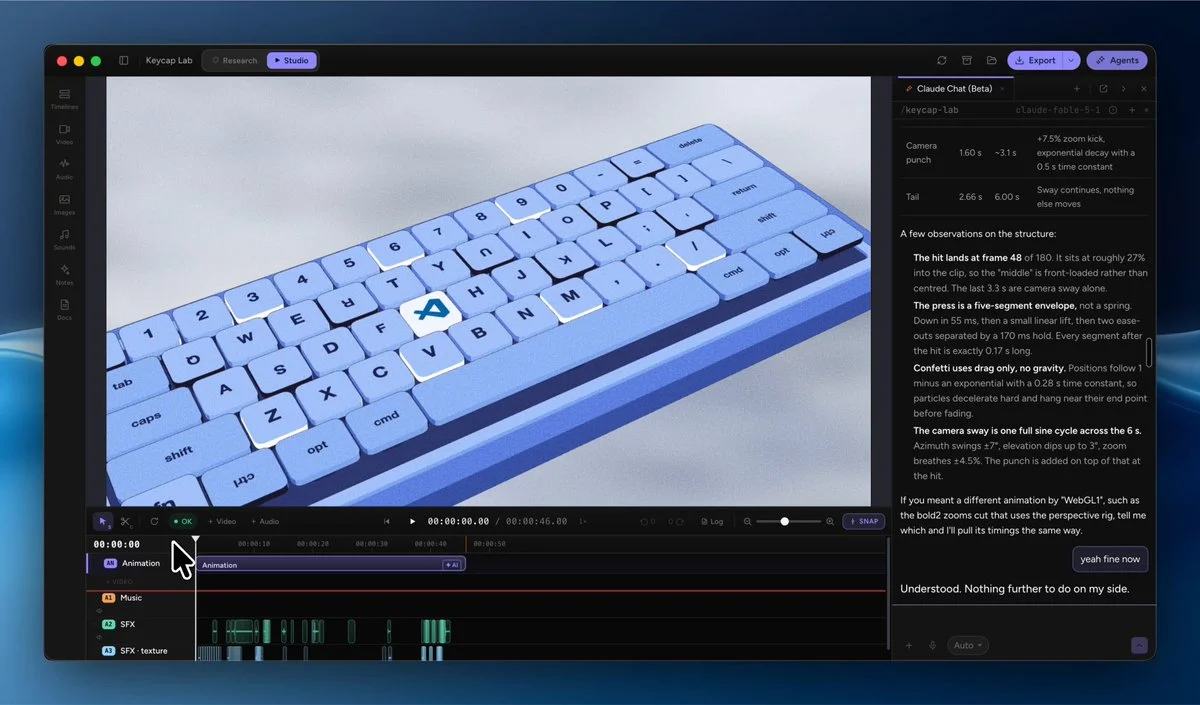
Create an editable 3D keyboard animation with satisfying key travel, lighting, camera motion and configurable labels, colors and timing.
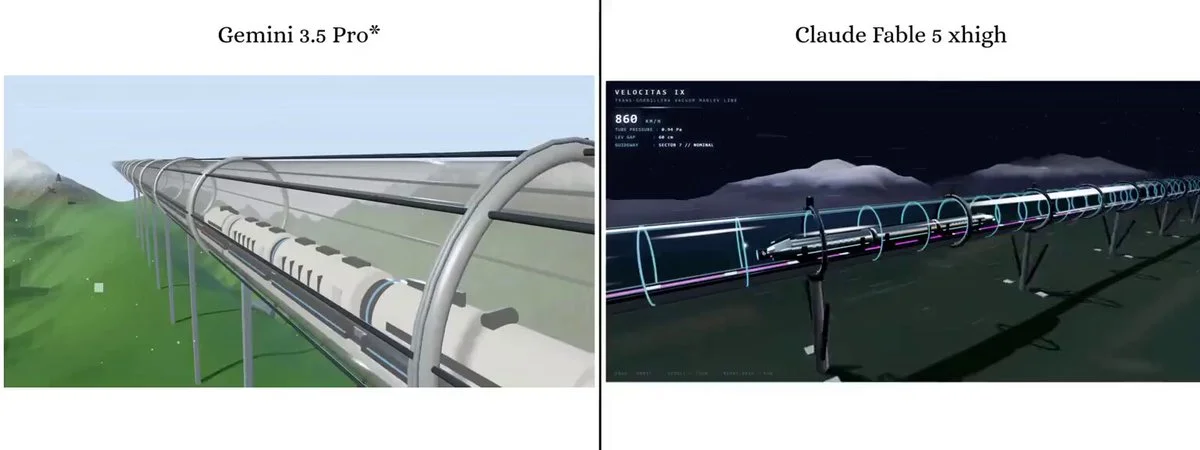
A futuristic maglev bullet train speeding through a transparent glass vacuum tube.
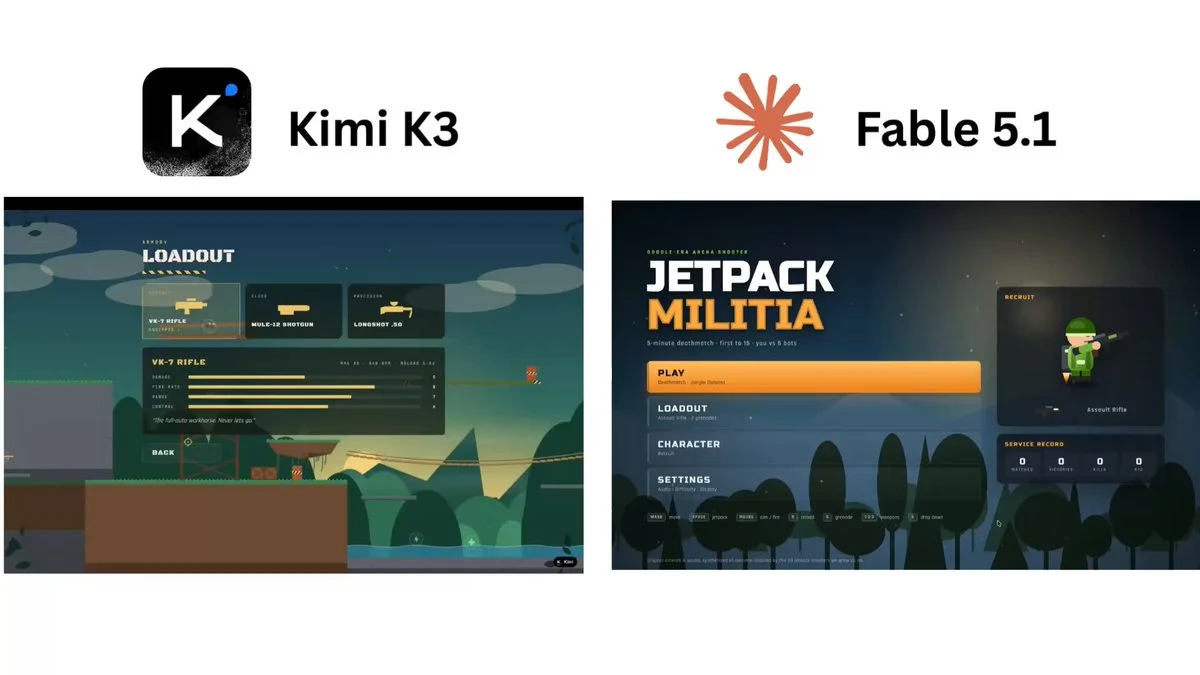
Create a Mini Militia-style action game with responsive movement, aiming, weapons, compact arenas, bots and immediate hit and damage feedback.
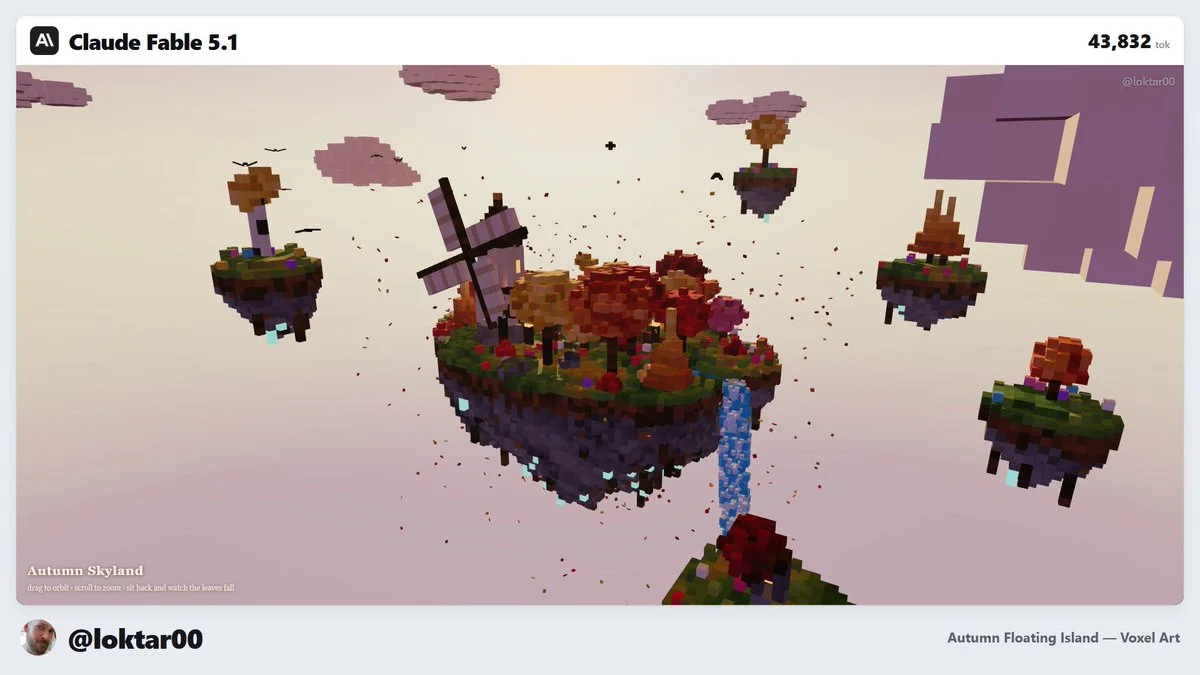
Build a floating voxel island with readable terrain layers, vegetation, water, structures, ambient motion and a camera that can orbit and inspect the whole scene.
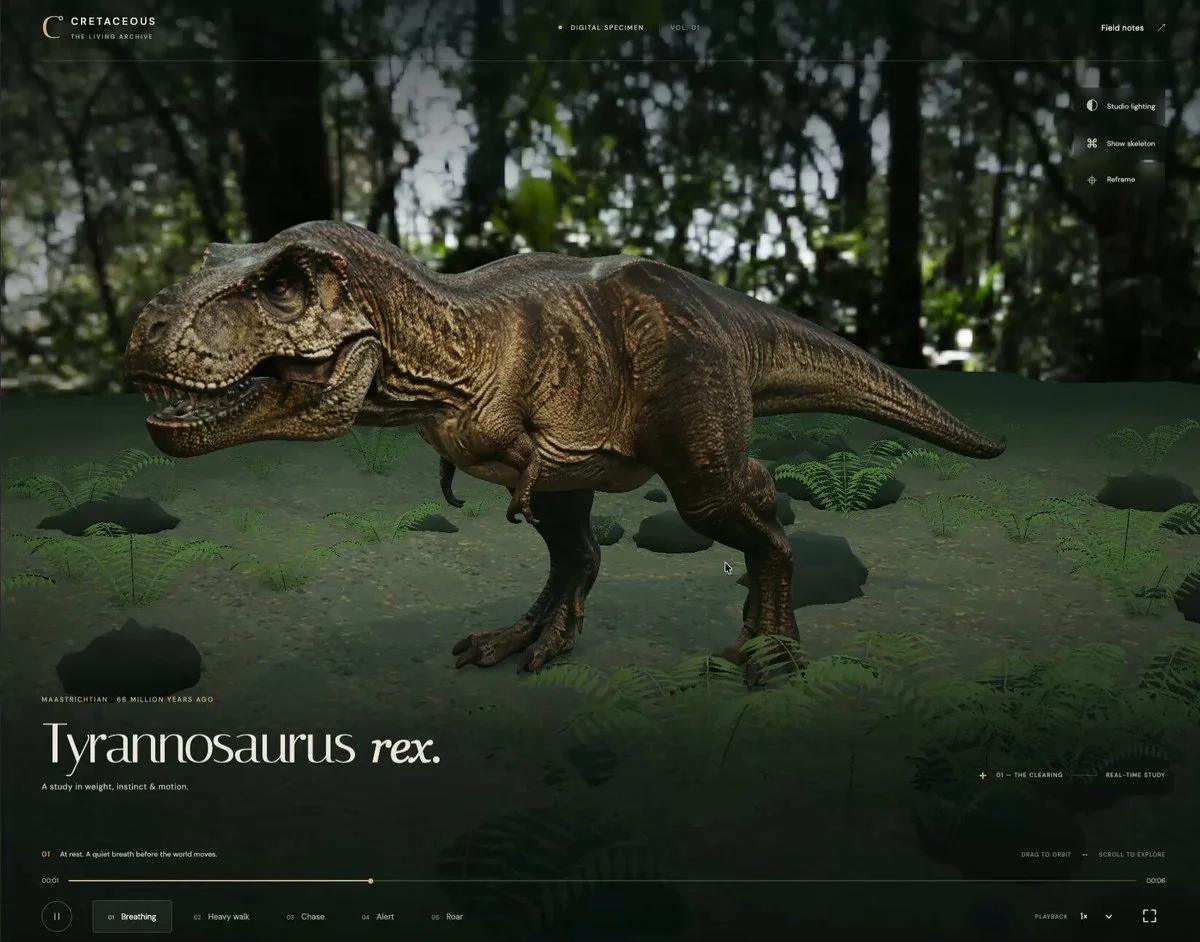
Take a generated T. rex model, rig it and create believable movement. Render the character in Three.js and verify that the animation deforms the model coherently.
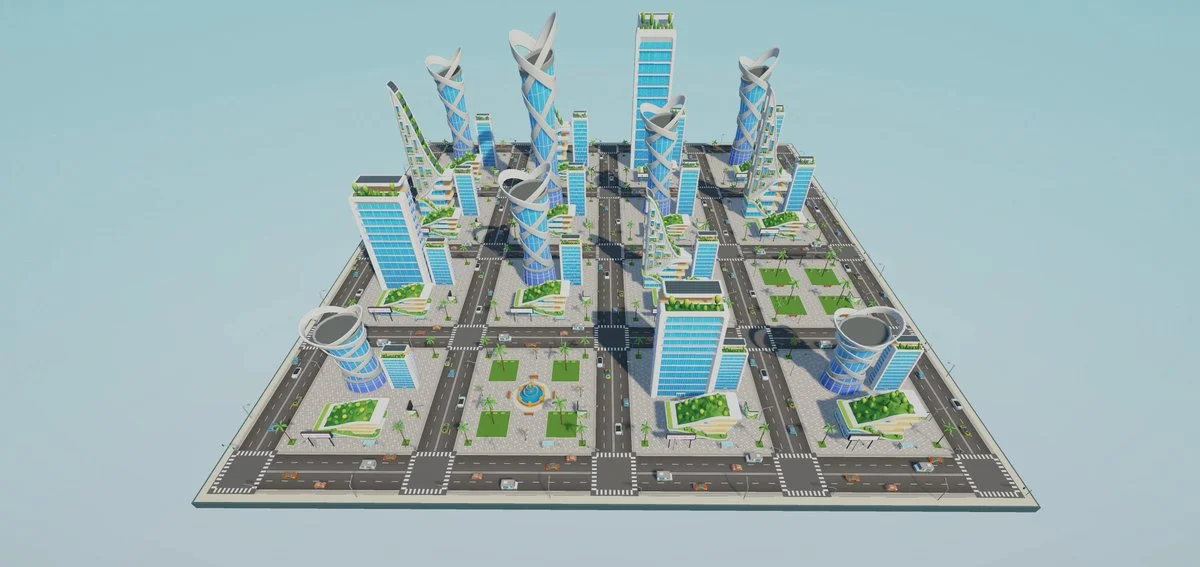
Turn the supplied city vision into an explorable Unity environment with towers, roads, vehicles, palms and atmospheric light. Establish believable scale, navigation, traffic motion and a smooth first-person camera.
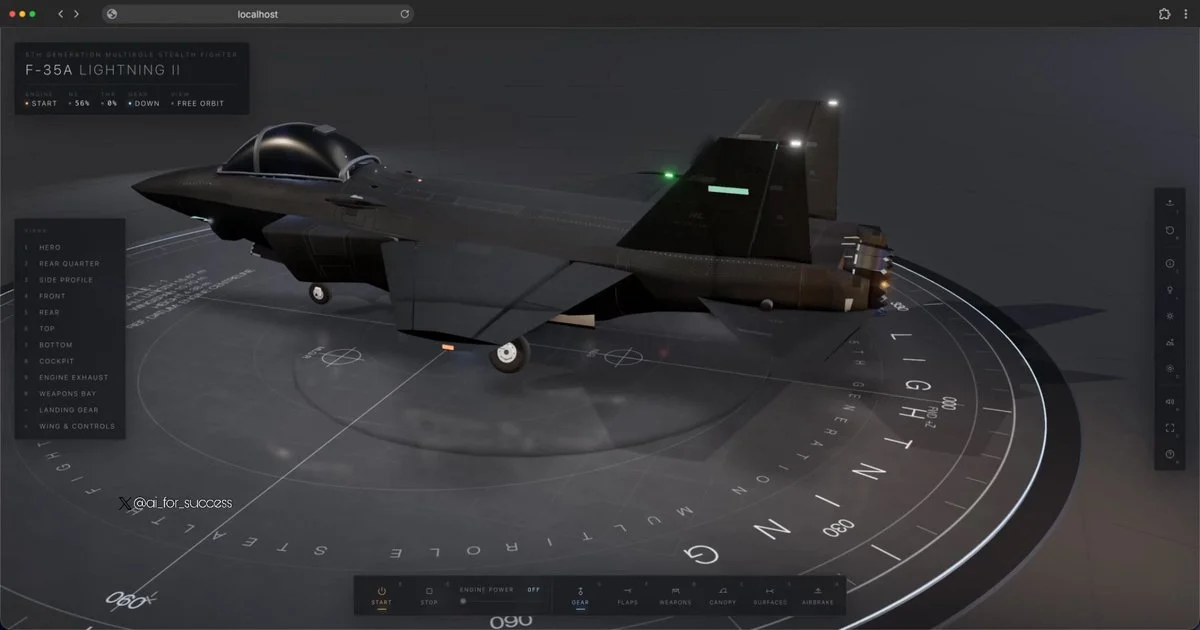
Generate a detailed interactive F-35A through code, with accurate proportions, control surfaces, landing gear, cockpit cues, labels and inspection animations.
Almost all of the code was written with Claude Opus 5. But what let the project keep moving through thousands of iteration loops was not a clever prompt. It was organizing the project so the AI could find what it needed without reading the entire codebase. 1. Keep instructions next to the code, not in one central pile Every folder has its own guide with common workflows and previously discovered pitfalls. The guide loads automatically when a session starts in that folder. Work on monsters does not need to pay the context cost of the map guide. The context required before each task dropped from roughly 76,000 tokens to about 10,000. 2. Enforce rules with tools, not discipline I had it write scripts that fail the build when they detect circular imports or color values written directly at the point of use instead of being defined centrally. Do not hope the AI remembers every rule; making the commit fail is much more reliable. 3. Let TypeScript be the reminder Add a skill without its effect and the project will not compile. Add a monster without creating its model and the project will not compile. It cannot be forgotten because the type system does not allow it. 4. Make content data-driven Adding a monster, skill or item should mean adding one row instead of modifying the whole system. AI handles “add one row” much more accurately than “update five places that must stay consistent.” 5. Effective prompts define evaluation criteria, not procedures Examples: “regular monsters must die within 2 to 5 seconds,” “at least 97% of every map must be reachable,” and “no game item may have a drop rate below 3%.” Then encode those criteria as tests. Once the AI knows what good means, it can find the route and determine whether it has succeeded. In short: invest in structure and tests first, then invest in the prompt.
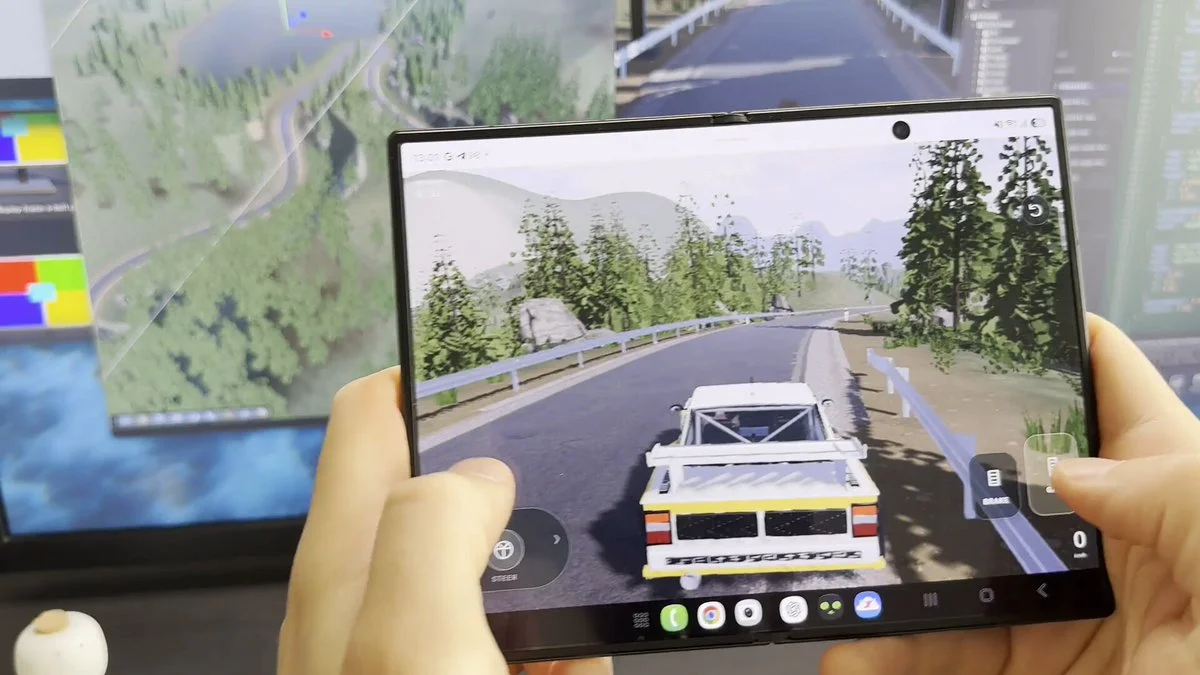
Build a rally-driving prototype with Codex, Blender and Unity. Prepare its 3D assets and controls for playtesting on a phone.
Create scene models in Blender and import them into Unity. Add effects with VFX Graph and light the scene so the models and effects read clearly together.
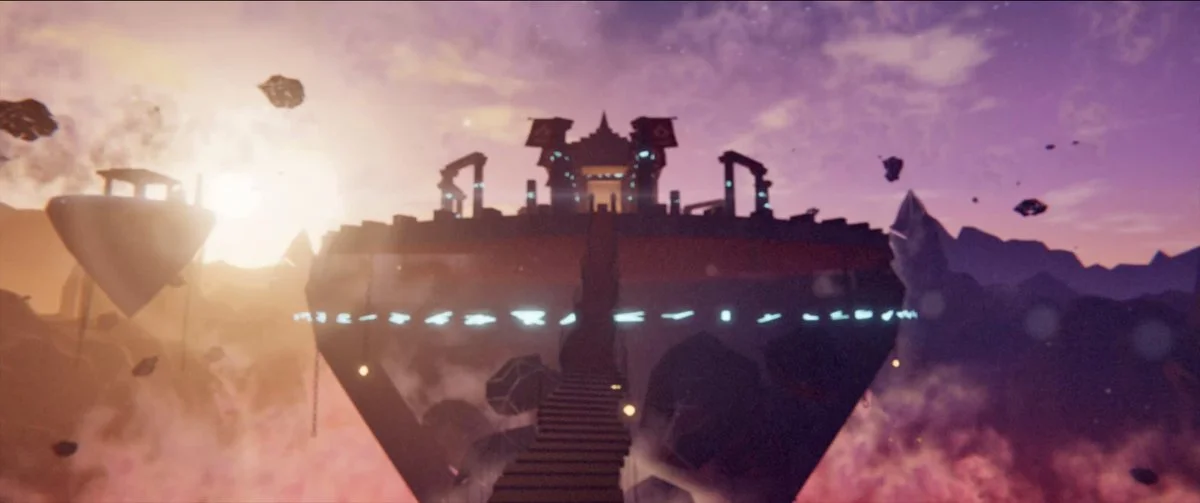
Create a procedural Three.js scene of an ancient temple floating above a glowing canyon at dusk, with cloth in the wind, god rays, lightning and a cinematic approach.
Rebuild a childhood train table as a tactile Three.js toy with voxel tracks and rolling stock. Let the player drive trains, switch junctions, orbit the table and discover animated miniature scenes.
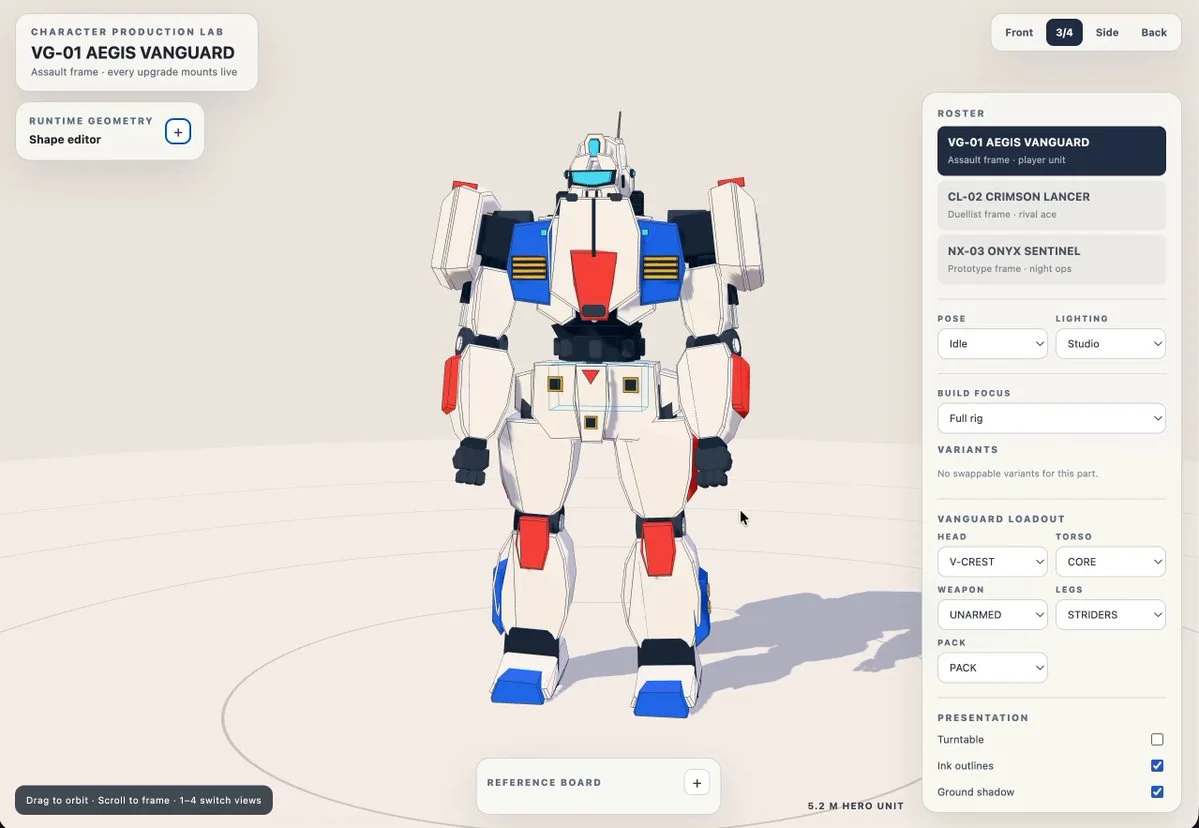
Create a polished Three.js showcase of original Gundam-inspired mechas with mechanical articulation, scale cues, dramatic lighting and an inspection camera.
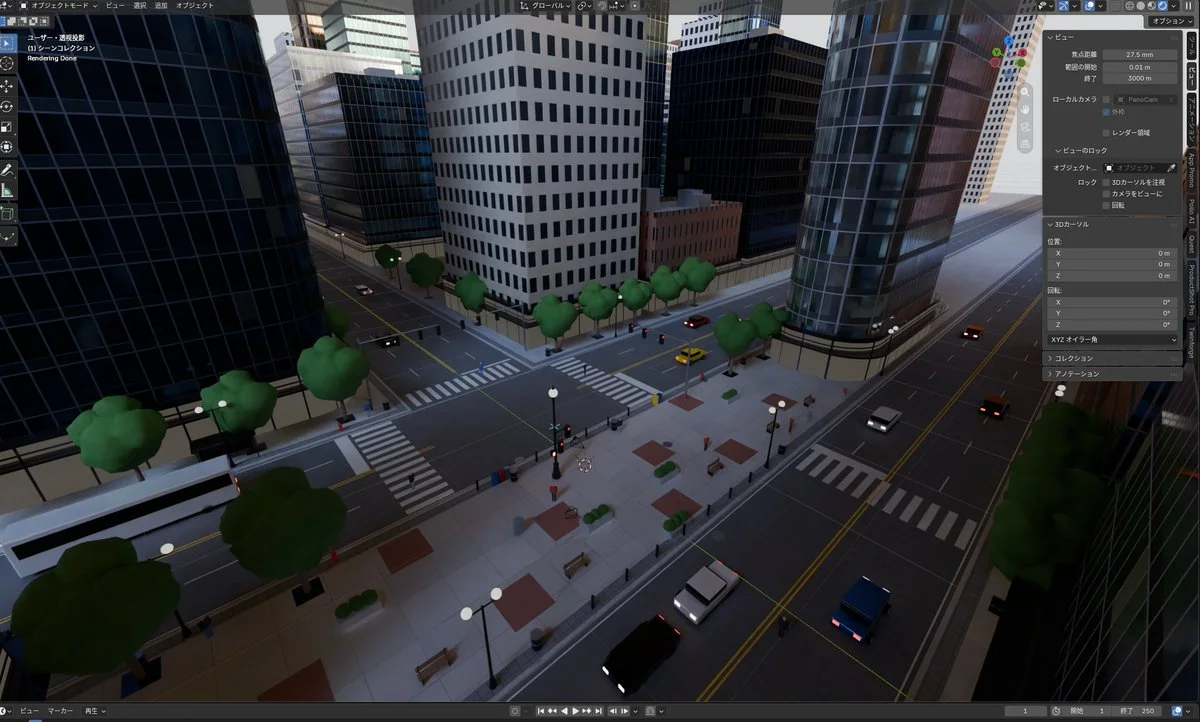
Use the supplied equirectangular city panorama as visual reference to construct a dense Blender city model in one pass, preserving major roads, masses, skyline and spatial relationships.
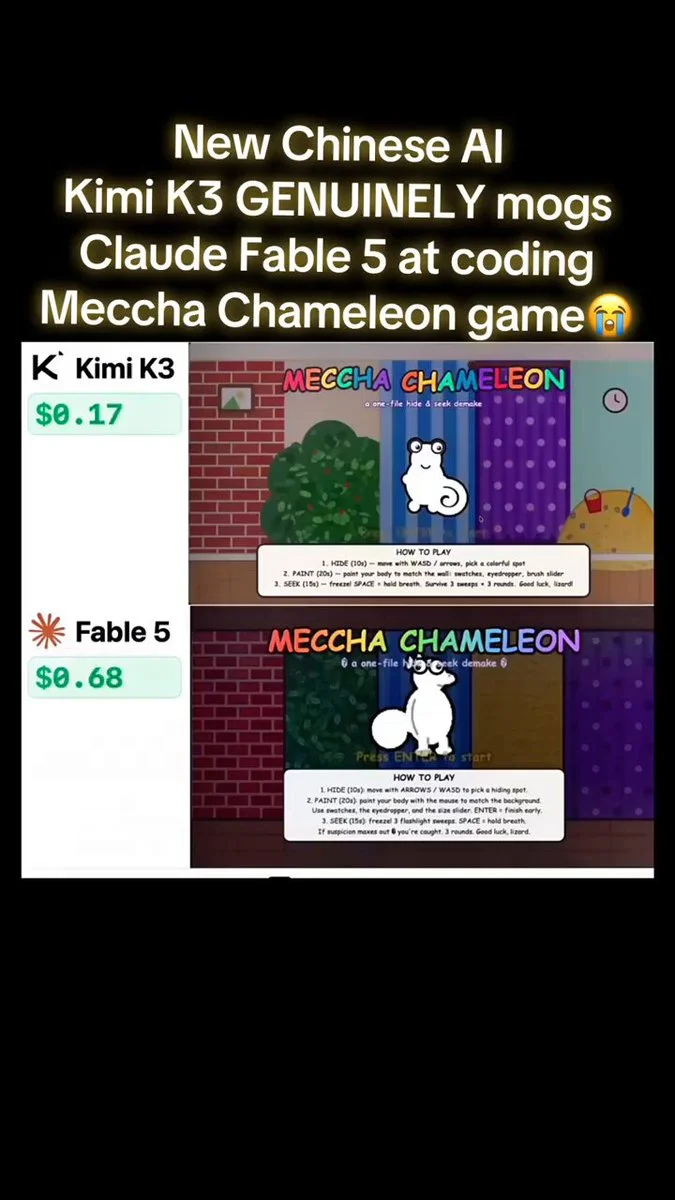
One prompt, sent to both: a hide and seek game. A chameleon paints itself to match the wall while a robot hunts it. One file, playable, rounds, scoring, match percentage. Not a demo, a finished game.
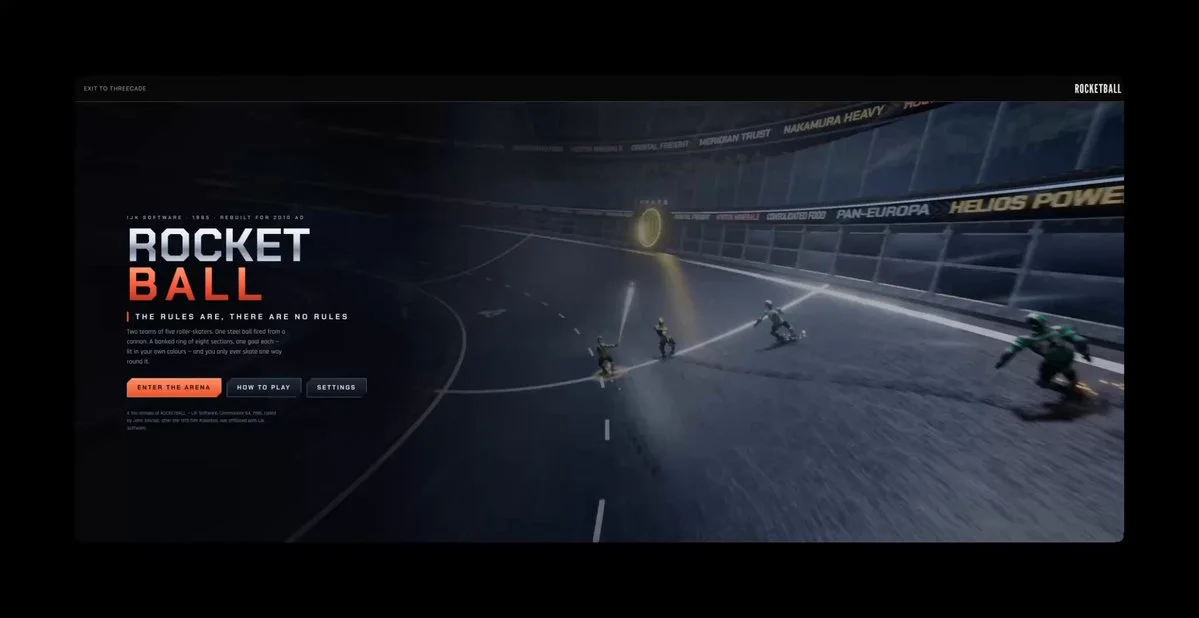
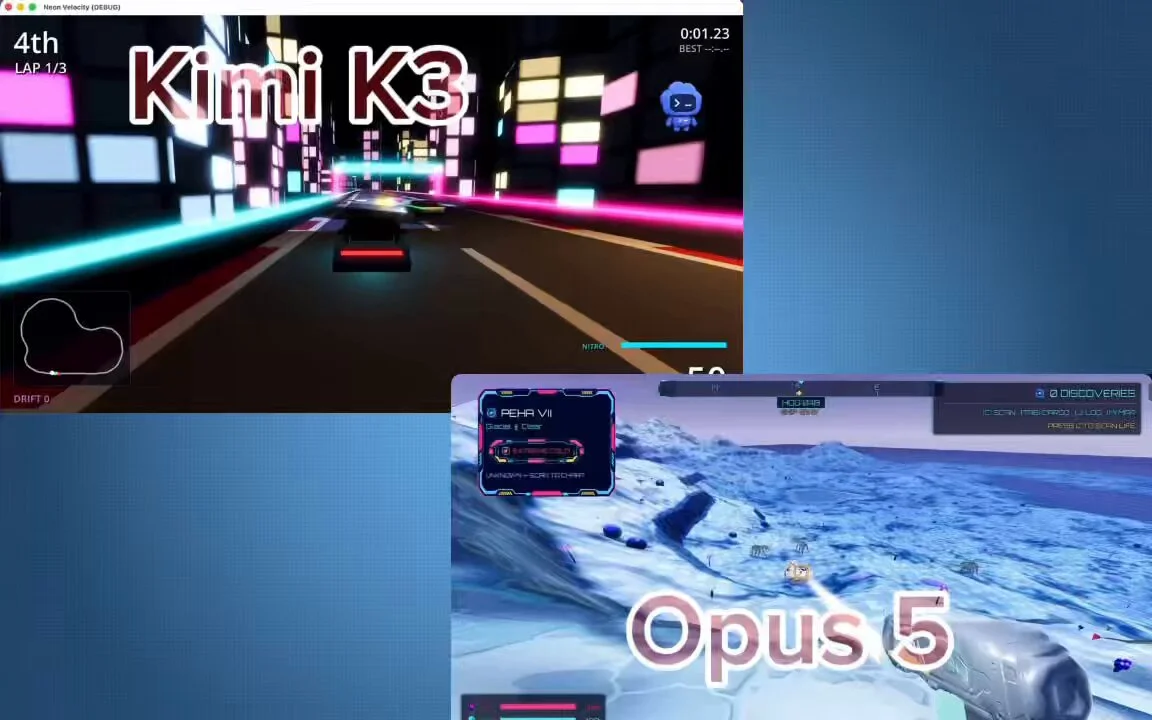
Make me an NFS-type game.
3D build walkthroughs
Watch independent creators put each model through a real 3D build, then use the free prompts above to run your own version of the experiment.
Follow Peter Yang’s workflow for four game projects, from reference images and setup to playable scenes and iterative feedback.
YouTube ↗Jump to the 3D segment at 11:35: a werewolf character, animation and a playable forest scene. This is part of a broader Astra review.
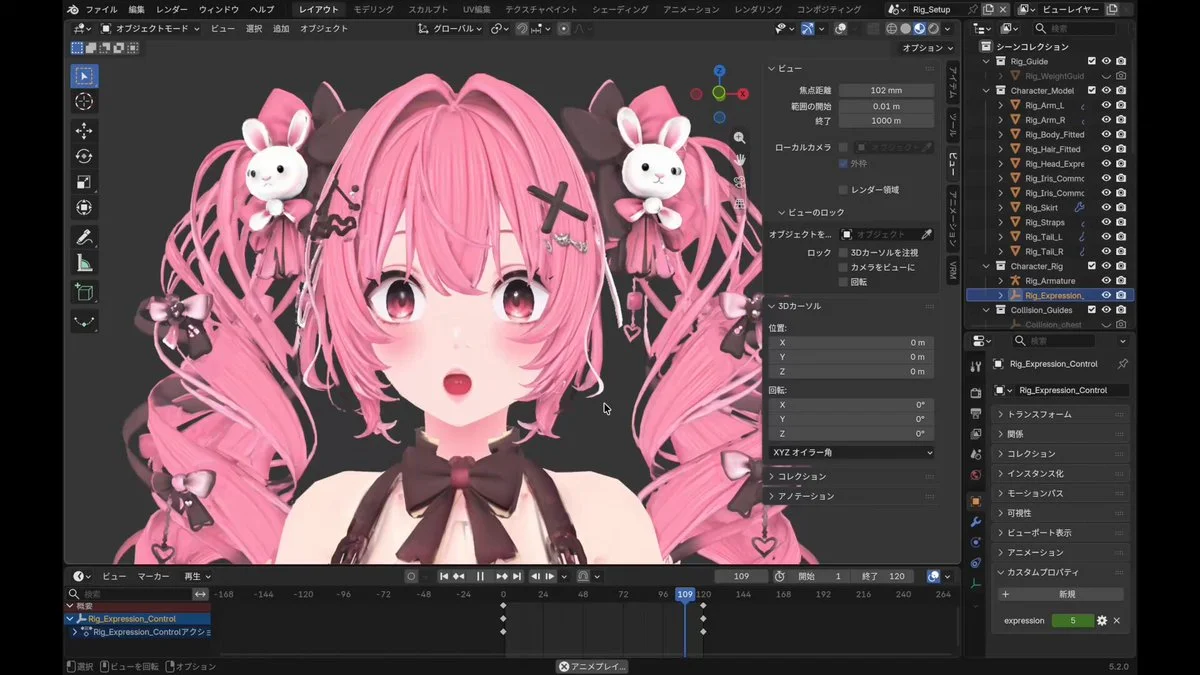
YouTube ↗See how Kimi K3 drives a 3D and Blender workflow, from interpreting the brief to planning geometry and iterating on a scene.
YouTube ↗A practical one-prompt challenge that asks Claude Opus 5 to create a playable 3D game—useful evidence for structuring controls, game state and acceptance checks.
YouTube ↗A hands-on test of Claude Fable 5 as a 3D modeling agent, with useful context on the strengths and limits to account for when refining a visual prompt.
YouTube ↗Free AI 3D prompt library
Browse 3D prompt examples for Blender modeling, Three.js websites, browser games and interactive worlds. Each entry links to a public project and distinguishes the author’s exact prompt from a source-derived brief, so you know what you are adapting.
Start with Astra prompts, explore Claude and Kimi examples, or filter for projects with GitHub code. Copy a reference, adapt it to your scene and try it in your preferred model. For more detailed characters and props, create 3D assets in Tripo.
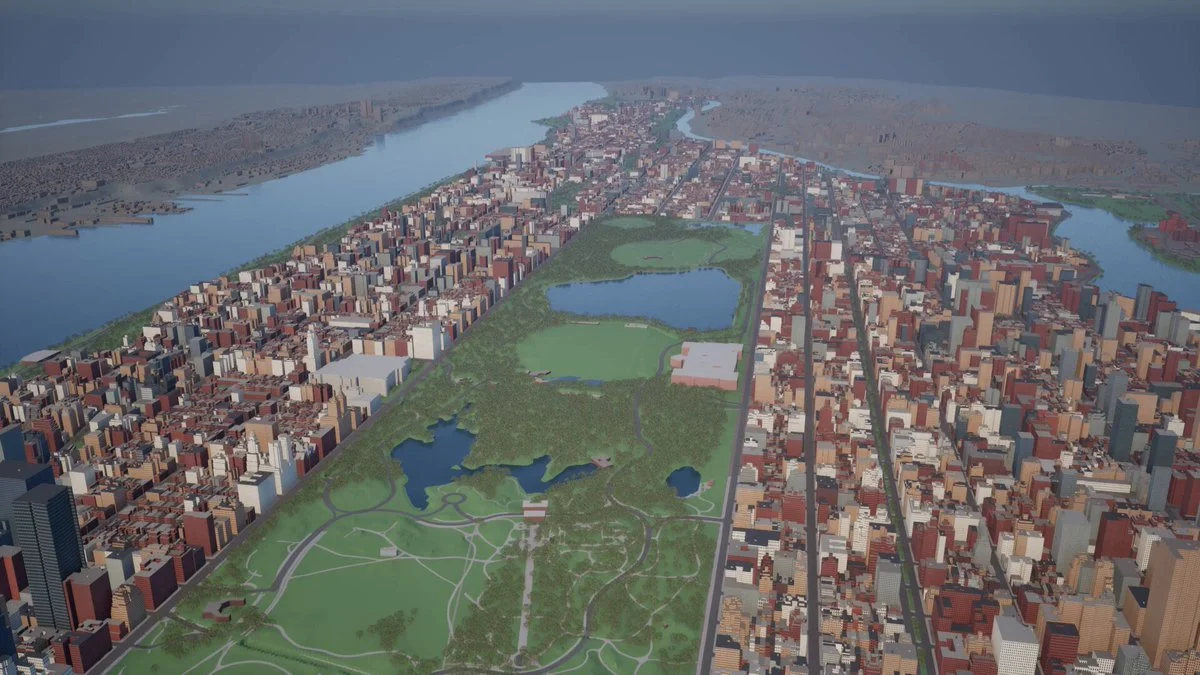
Browse Astra prompts and real 3D examples for Blender scenes, Three.js websites and games. Preview the results, copy a brief and explore GitHub projects where available.
Explore prompts →Free Claude Fable 5.1 3D prompts and source-backed briefs for Three.js games, WebGL worlds, Blender scenes, simulations and interactive websites.
Explore prompts →Free Kimi K3 3D prompts for playable browser games, Three.js worlds, physics simulations and fast interactive coding experiments.
Explore prompts →Free Claude Opus 5 3D prompts for complex Three.js applications, physics simulations, browser games and carefully constrained interactive prototypes.
Explore prompts →Free Claude Fable 5 3D prompts for expressive Three.js scenes, stylized environments, generative motion and interactive visual experiments.
Explore prompts →Keep the scene hierarchy, controls and feedback loop before changing the theme.
Swap the subject, camera, palette and signature interaction instead of rewriting everything.
Generate original characters, props and environments in Tripo once the prototype works.
Give your next scene a character worth a closer look. Create detailed, textured 3D assets from an image or a few words.
Generate 3D Assets Free