Three.js prompt for an explorable Japanese suburban street in hand-drawn anime style
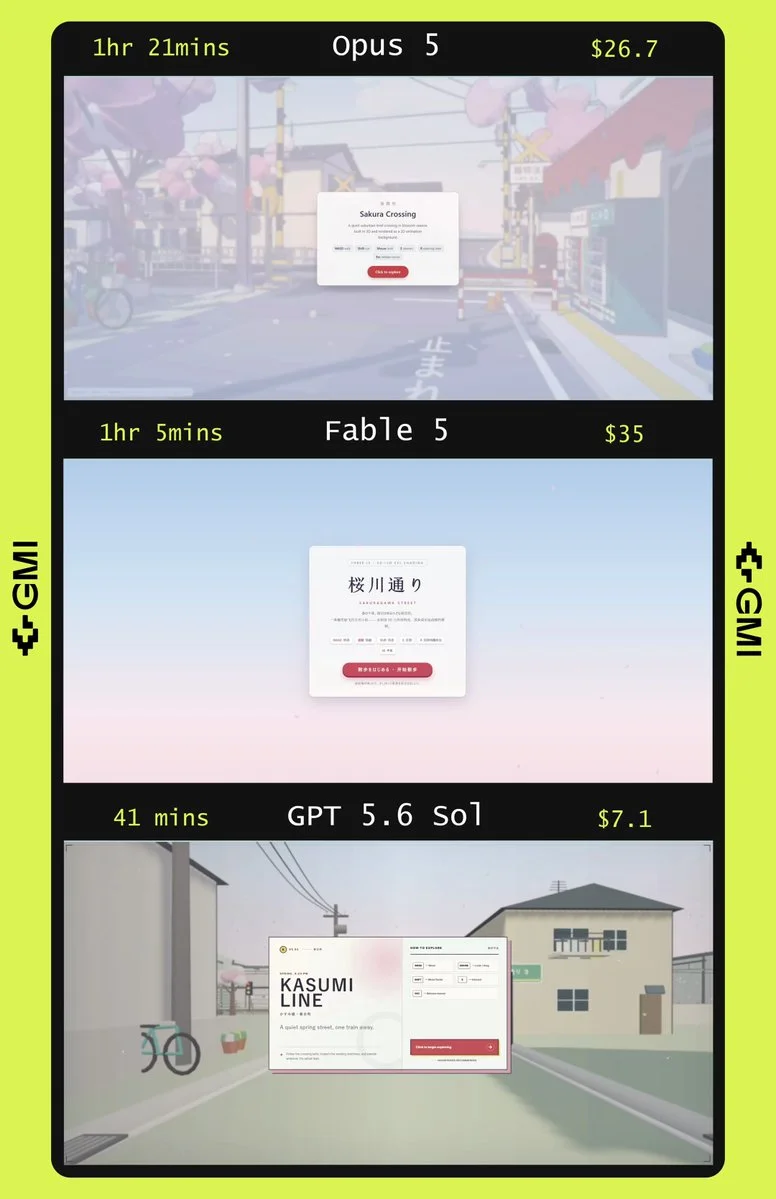
build an explorable Japanese suburban street in Three.js, full 3D, rendered like a hand-drawn anime background
Visual direction → interactive world
Free Claude Fable 5 3D prompts for expressive Three.js scenes, stylized environments, generative motion and interactive visual experiments.
Copy, adapt, build
build an explorable Japanese suburban street in Three.js, full 3D, rendered like a hand-drawn anime background
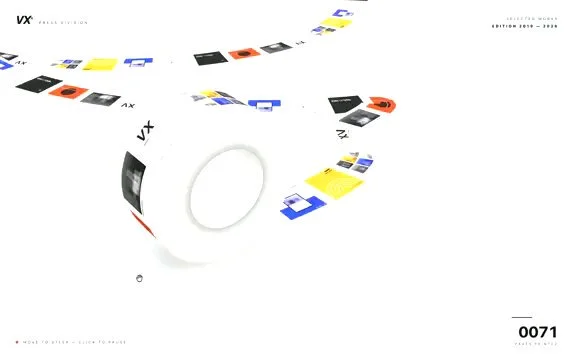
Build an infinite Three.js paper machine in a single prompt. Convert a static Pinterest concept into a functional 3D web app. The app should render a paper strip that rolls infinitely while continuously printing dynamic images onto its surface in real time.
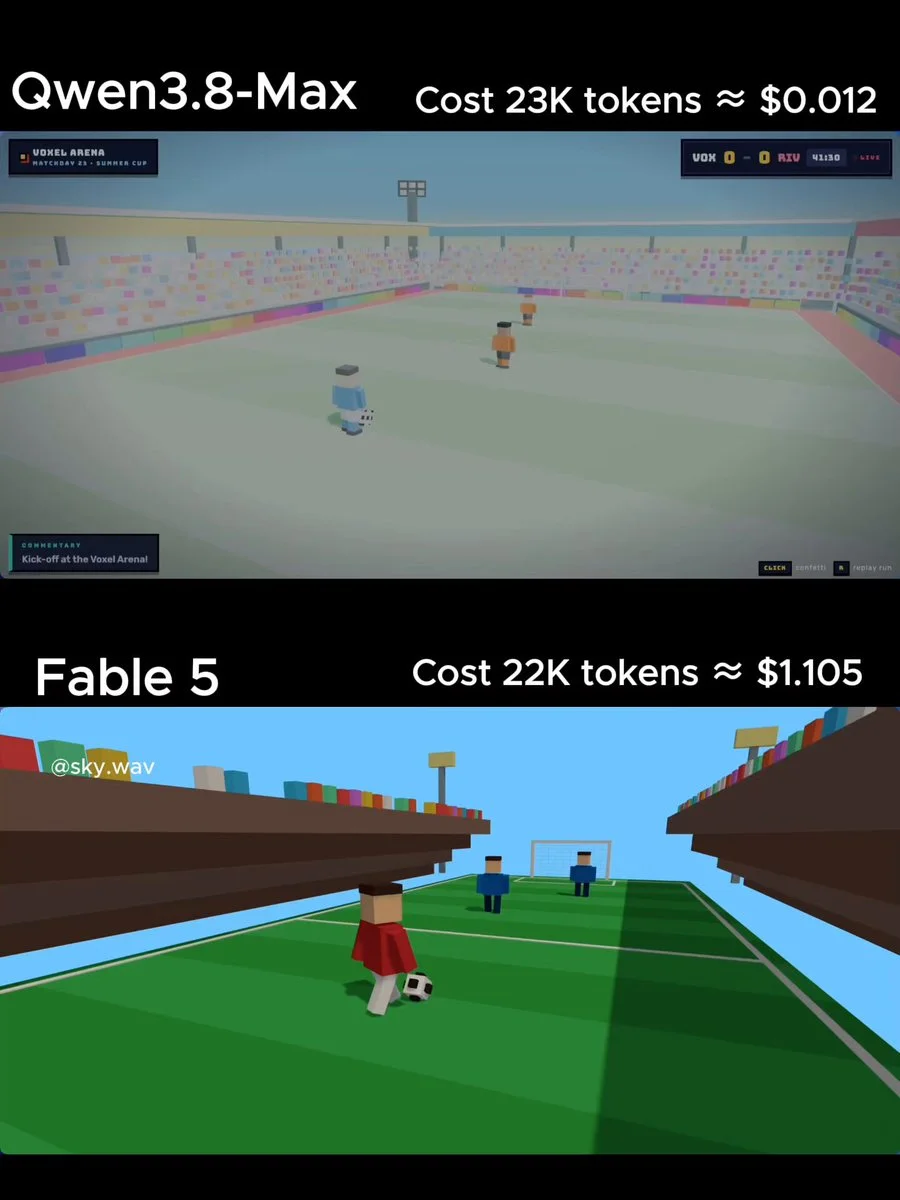
Create a single HTML file with Three.js (CDN) for a simple voxel-style soccer animation. A blocky player dribbles past 2 defenders and scores a spectacular goal with celebration particles. Colorful stadium look. Output ONLY the full HTML code.
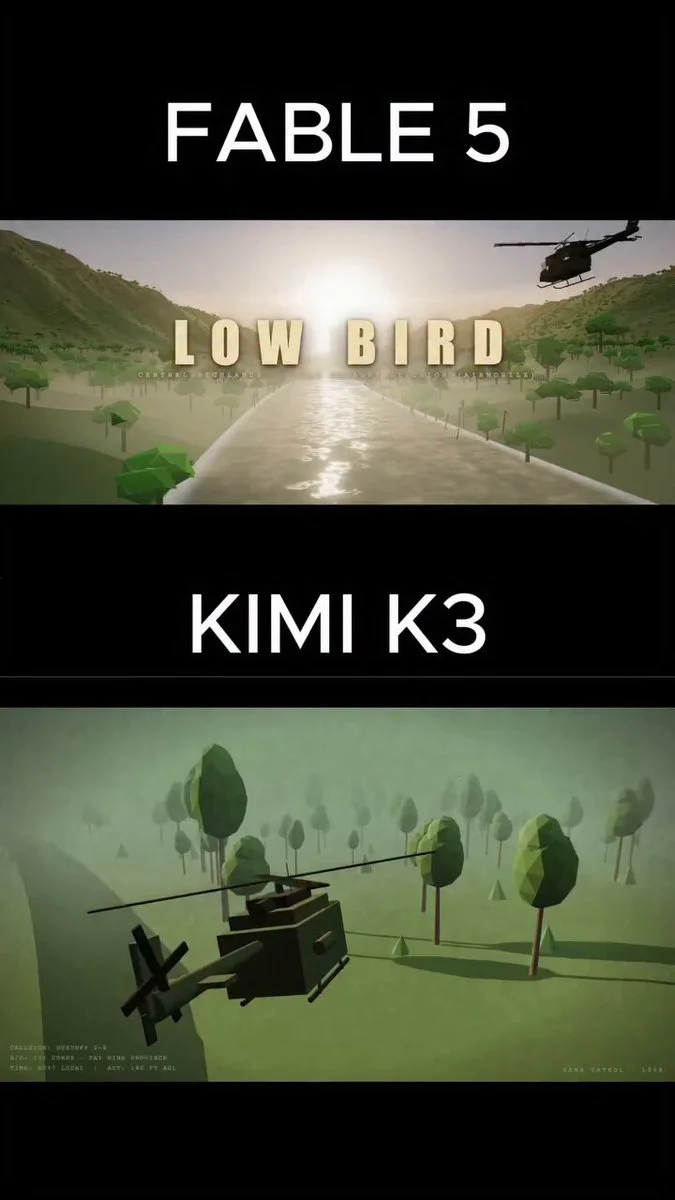
A cinematic 3D animation of an army helicopter flying through the Vietnam jungle during the war.
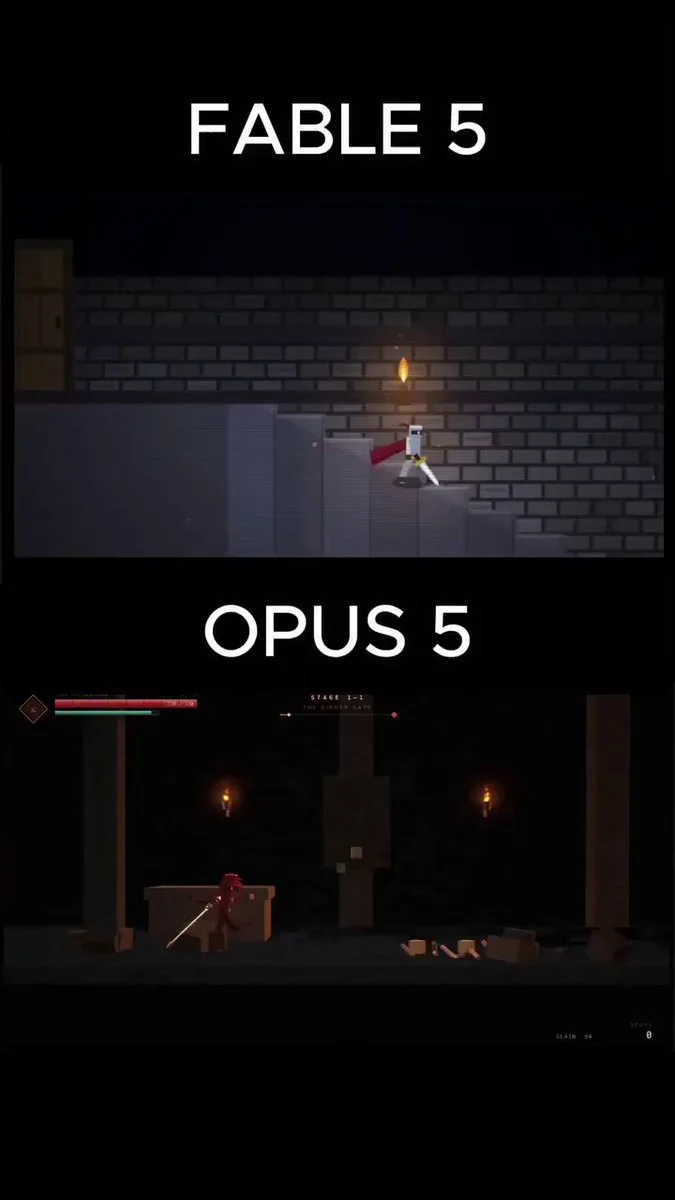
In a single HTML file, create a playable dark fantasy side scroller.
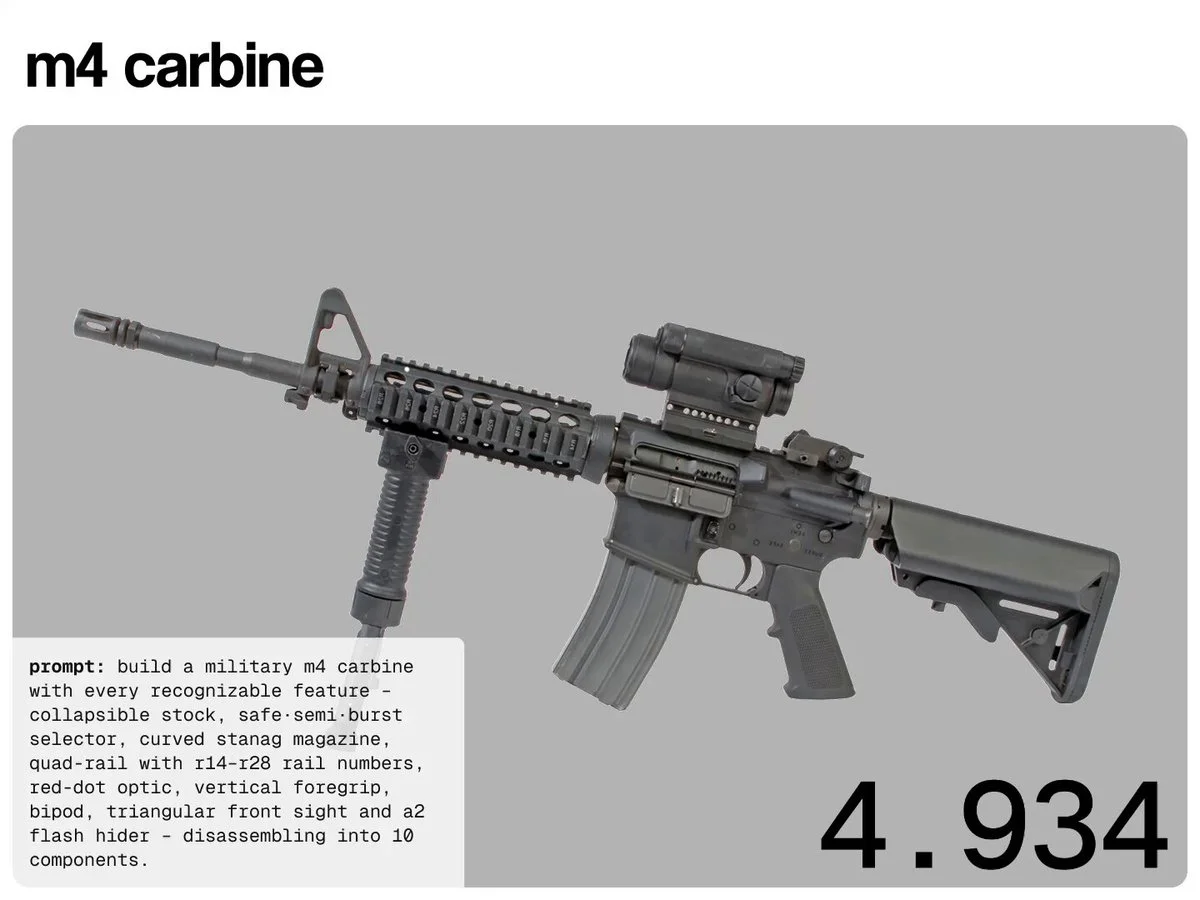
The Hype compared Claude Opus 5, Fable 5, GPT-5.6 Sol, and Kimi K3 on the exact same procedural Three.js engineering tasks Each model had to build: • M4 Carbine • Glock 18C • Steyr TMP
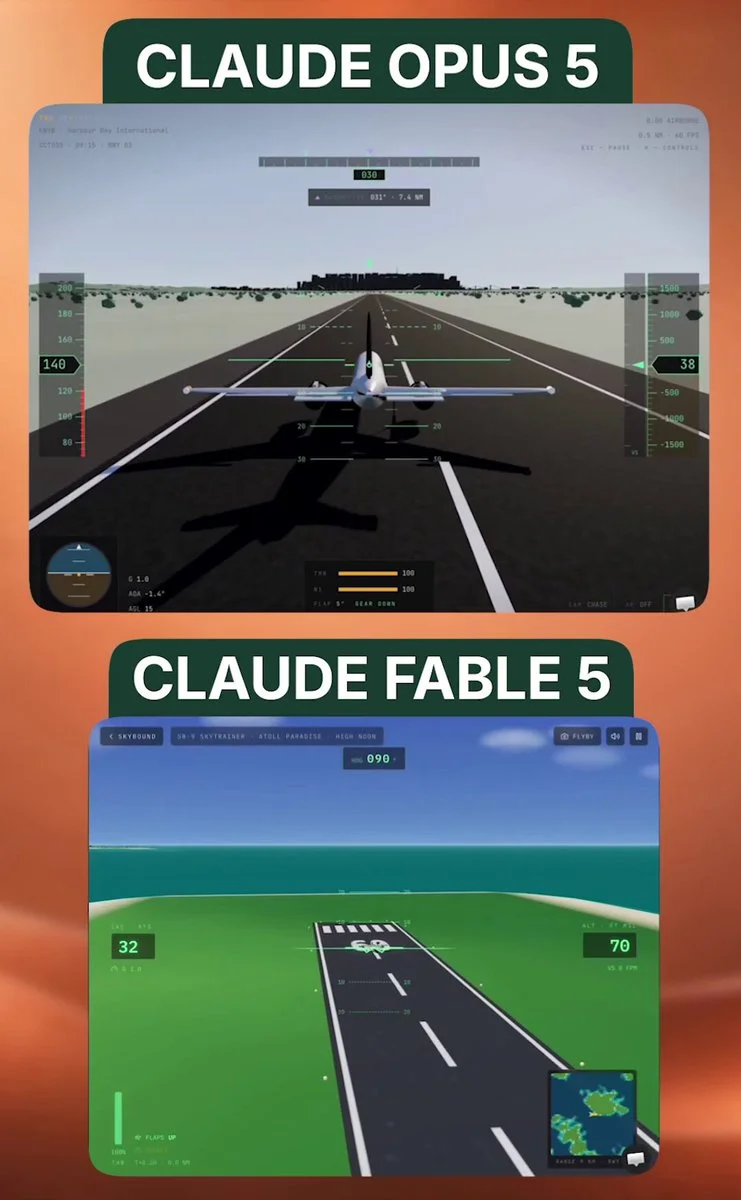
Build an ultra-realistic 3D flight simulator.
Build 1: e-commerce store with 30 products and 30 generated images Build 2: an interactive 3D museum pulling almost 1,000 real paintings from Wikipedia into a database Build 3: an Age of Empires clone
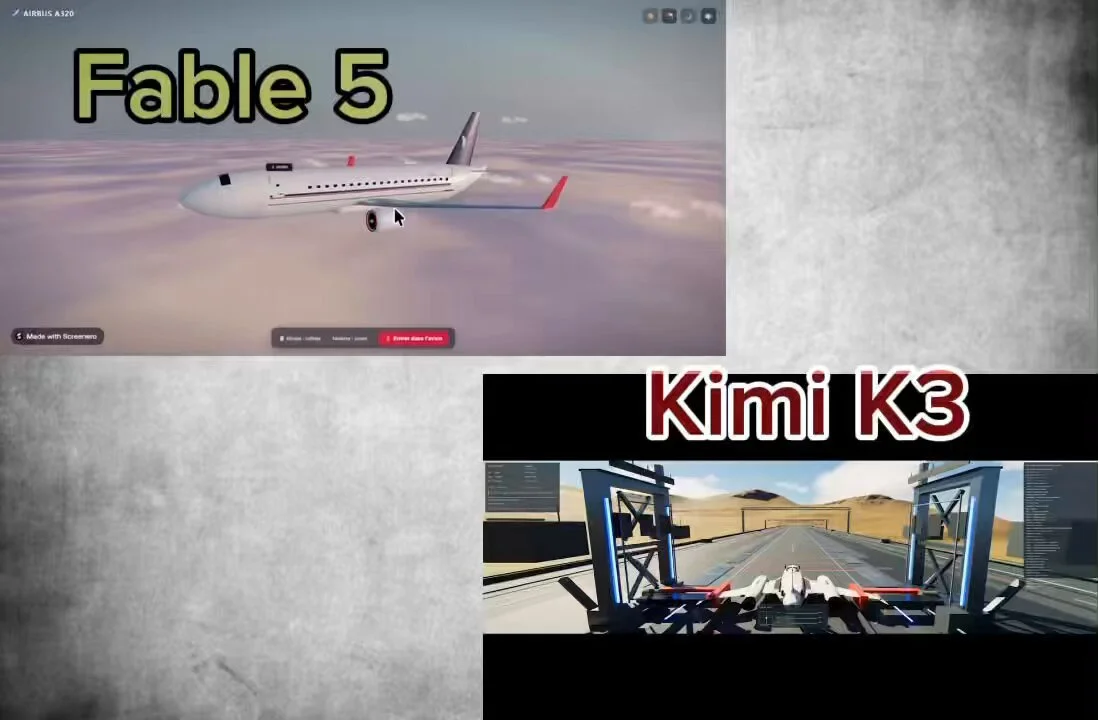
Generate in Three.js an experience allowing me to visualize a 3D airplane model and walk inside it.
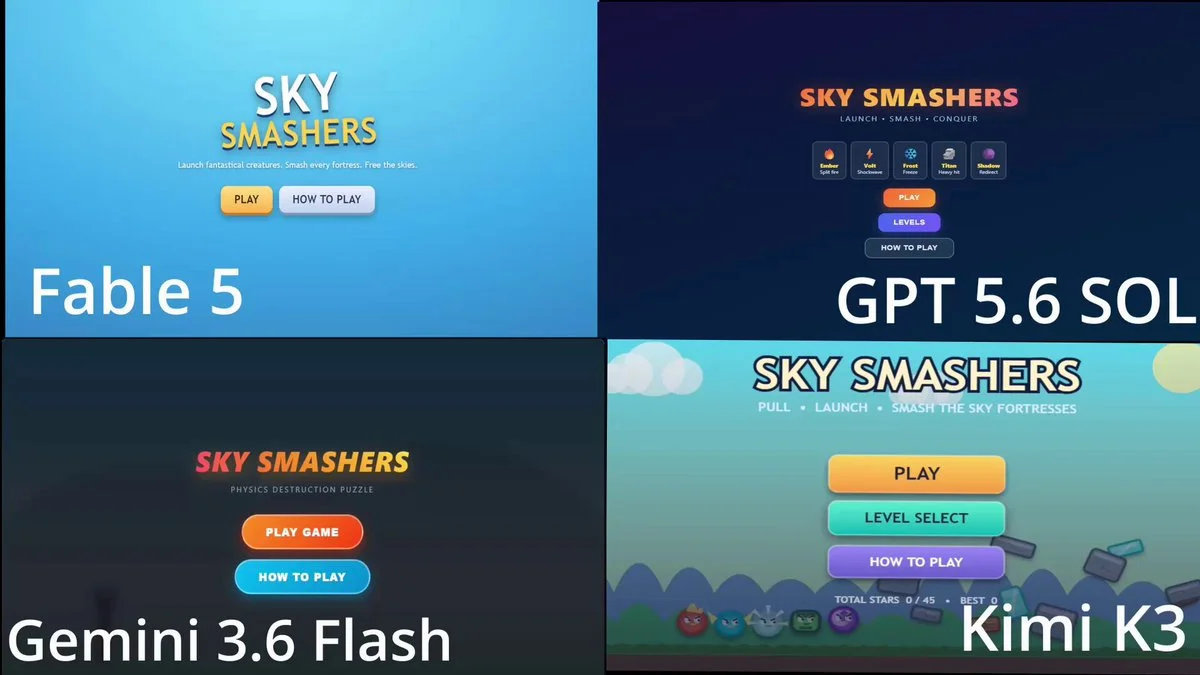
Make an Angry Bird Clone with unique birds, multiple levels and mechanics.
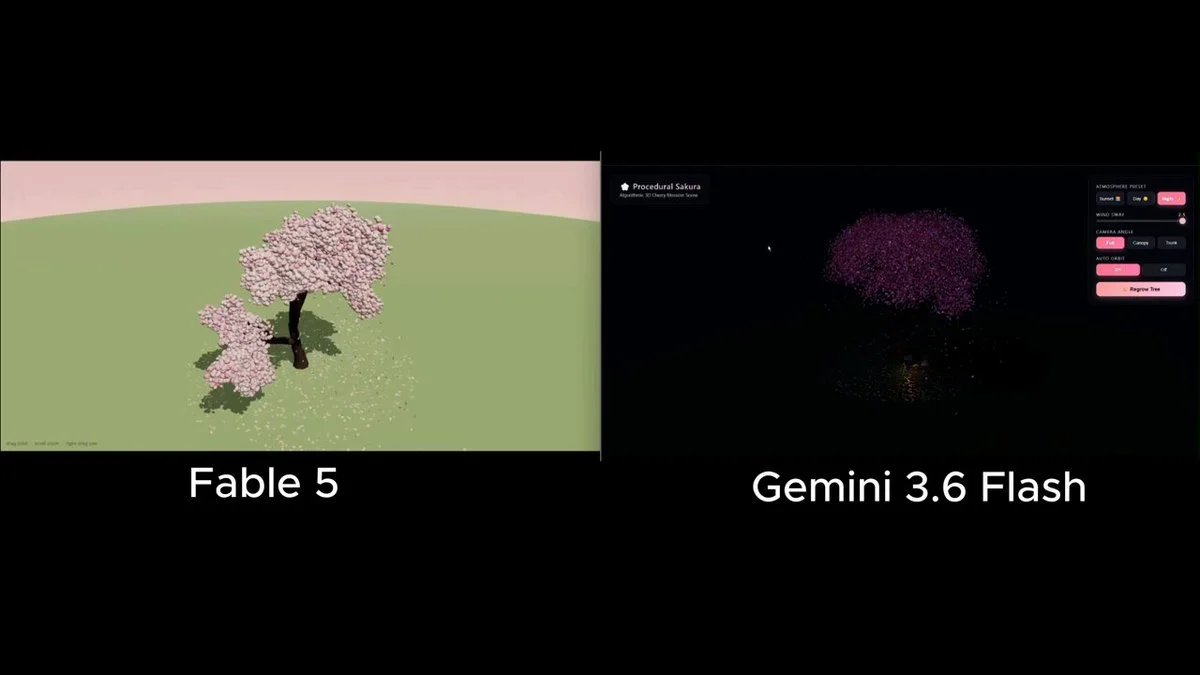
Build a 3D cherry blossom tree; give it no prebuilt tree libraries; the model has to generate the structure itself
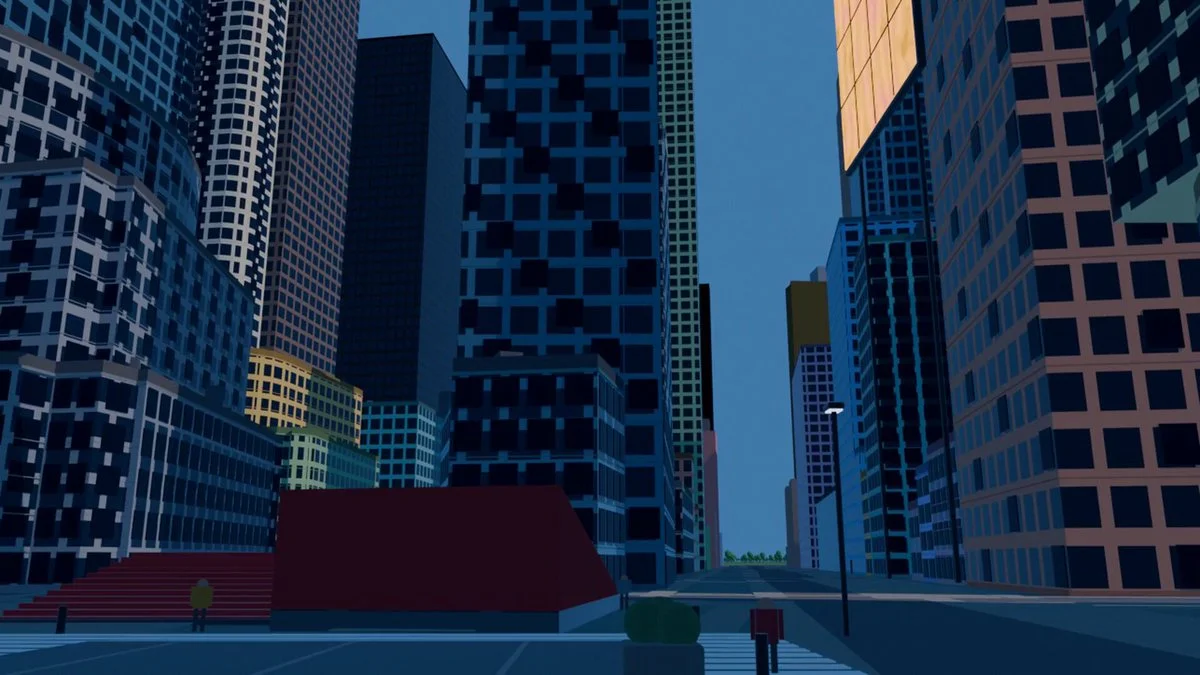
This is New York. An agent built it by itself, with ONE prompt. I didn’t lift a finger. I still can’t process it. A few days ago I came across posts of people modeling in Blender with GPT 5.6 Sol and couldn’t think about anything else. I had to try it with something real. I started with my own house. It came out like garbage: deformed, gray, like a plastic model. I could have stopped there. But I started iterating. I put together some agents that crawl real data about the place from a thousand sources. Footprints, heights, coordinates. With Blender MCP + skills + libraries, they build the model using Blender’s own tools. When the system was ready, I typed a prompt: "armá Nueva York" It returned Manhattan. Real measurements, location nailed to the meter, without me touching a single vertex. What I didn’t expect is that I tested several models and in this GPT 5.6 Sol beats Fable 5 by A LOT. This was only a few days. I’m still iterating on the building detail. If you look at the previous videos on my profile you’ll see how much it improved from one update to the next. Now I’m trying to make it cover more area and detail with a single prompt. (If you know about textures and materials in Blender, I’m listening 🙏) But what’s really blowing my mind isn’t the model. It’s what opens up after. The .blend stays alive. With a couple of phrases you can add a new tower, move an avenue, or fuse entire cities. Buenos Aires on top of New York. The Obelisk standing in the middle of Times Square. I’m not modeling a city. I’m turning reality into a draft that can be edited. Repo + .blend in the first comment 👇 I’ll keep posting every step here. If you like how it progresses, follow me because we’re just getting started. What city do you want me to model next?
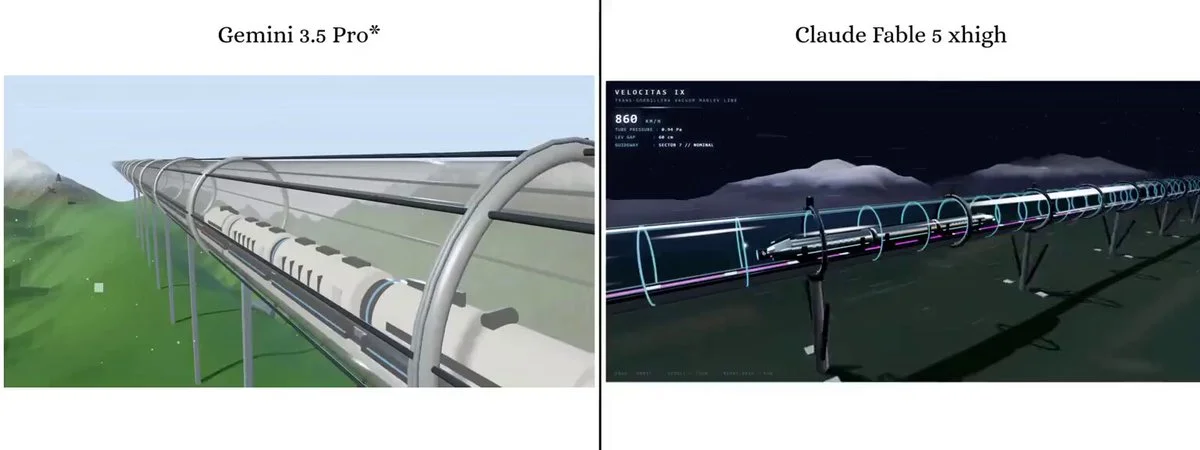
A futuristic maglev bullet train speeding through a transparent glass vacuum tube.
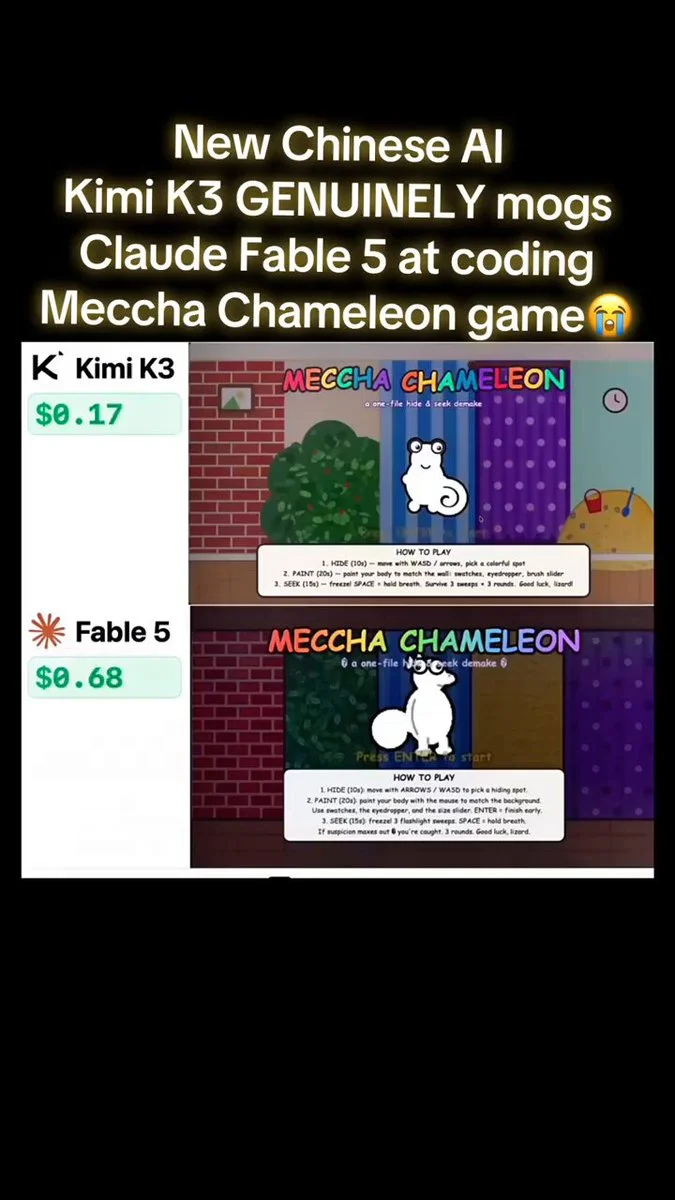
One prompt, sent to both: a hide and seek game. A chameleon paints itself to match the wall while a robot hunts it. One file, playable, rounds, scoring, match percentage. Not a demo, a finished game.
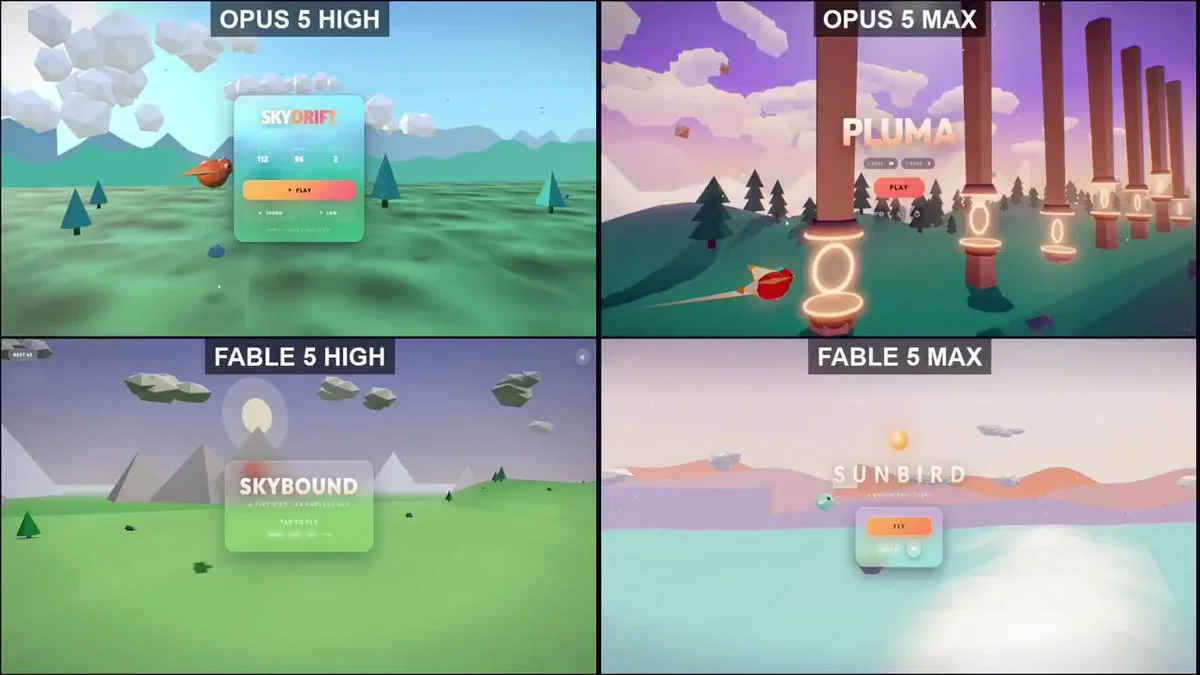
Build a 3D Flappy Bird game.
Design a Jeep-style 4x4 and assemble it in Blender part by part, without any manual modeling
A one-shot hide-and-seek game: a white chameleon hiding in a hand-drawn room, painting itself to match the wall, surviving three sweeps of a robot seeker. Live pixel-diff match %, five procedural zones, synthesized sound, three scored rounds — one HTML file, no libraries.
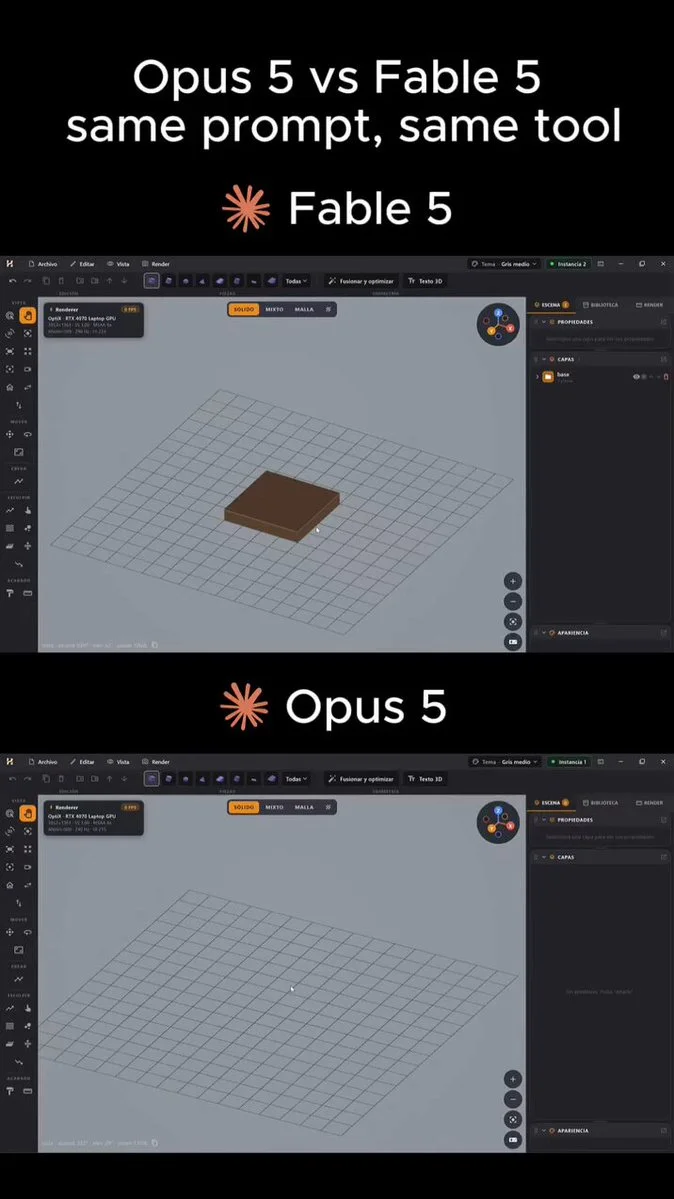
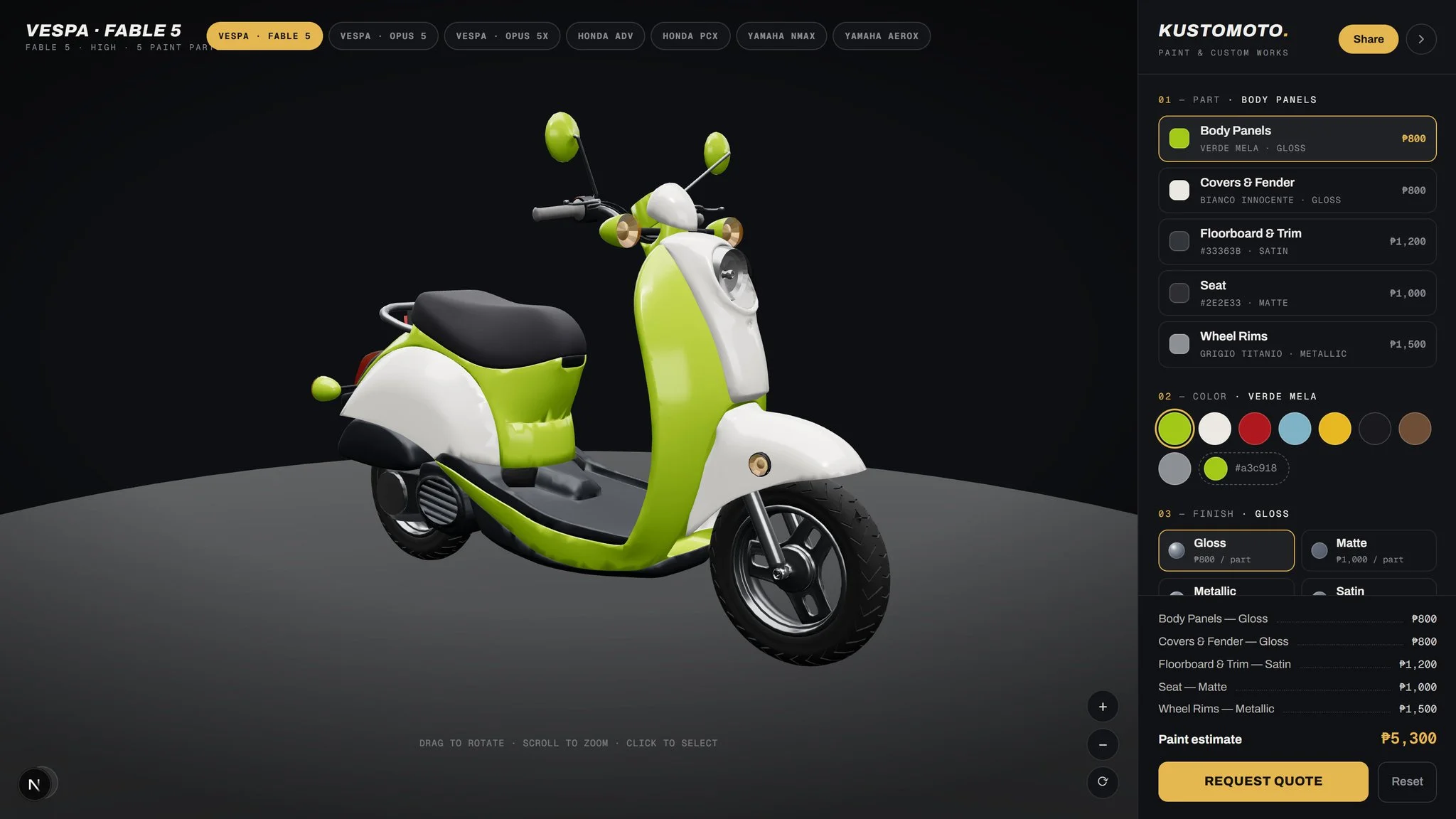
Add a Vespa 125 to my 3D configurator, end to end.
Want to inspect the implementation? Filter this collection for GitHub projects, or explore source-code examples across models. Check the repository license before reusing code.
Explore 3D projects with source code ↗3D build walkthroughs
Watch independent creators put each model through a real 3D build, then use the free prompts above to run your own version of the experiment.
A hands-on test of Claude Fable 5 as a 3D modeling agent, with useful context on the strengths and limits to account for when refining a visual prompt.
YouTube ↗Why this collection
This free Claude Fable 5 prompt collection is strongest when the brief starts with a distinctive visual idea. The observed examples lean into hand-drawn anime streets, infinite paper machines, surreal architecture and other concepts where art direction matters as much as code.
Treat each prompt as a reusable scene brief. Keep its hierarchy—world, camera, light, materials, motion—then replace the subject and mood. When you need original characters or props, generate those assets in Tripo and bring them into the scene.
Best for
01
Translate a strong art direction into camera, lighting, material and environment instructions for Three.js.
02
Build atmospheric scenes with motion, depth and a recognizable visual identity instead of a generic demo.
03
Turn a still visual reference into an explorable environment, generative sculpture or animated installation.
Prompt recipe
Name the visual reference, palette, surface quality and lighting relationship instead of relying on a single style adjective.
Describe foreground, midground and background so the generated world has depth and a deliberate camera path.
Choose one memorable interaction—printing, unfolding, orbiting or transforming—and make it the center of the scene.
Give your next scene a character worth a closer look. Create detailed, textured 3D assets from an image or a few words.
Generate 3D Assets FreeStart with a visual thesis, then specify the environment, camera behavior, lighting, surface treatment and one signature motion. The prompts on this page show that structure in working examples.
Yes. Use the reference for composition and mood, but describe the interaction and depth layers explicitly so the result becomes a real-time scene rather than a flat recreation.