Lead with the outcome
State the user-visible outcome first, then list the systems that must cooperate to produce it.
Explore Claude Opus 5 development workflow for a 3D MMO: a Claude Opus 5 3D example featuring 3D MMO, browser game. Preview the result and adapt the prompt for your project.
Almost all of the code was written with Claude Opus 5.

But what let the project keep moving through thousands of iteration loops was not a clever prompt. It was organizing the project so the AI could find what it needed without reading the entire codebase.

1. Keep instructions next to the code, not in one central pile
   Every folder has its own guide with common workflows and previously discovered pitfalls. The guide loads automatically when a session starts in that folder. Work on monsters does not need to pay the context cost of the map guide. The context required before each task dropped from roughly 76,000 tokens to about 10,000.

2. Enforce rules with tools, not discipline
   I had it write scripts that fail the build when they detect circular imports or color values written directly at the point of use instead of being defined centrally. Do not hope the AI remembers every rule; making the commit fail is much more reliable.

3. Let TypeScript be the reminder
   Add a skill without its effect and the project will not compile. Add a monster without creating its model and the project will not compile. It cannot be forgotten because the type system does not allow it.

4. Make content data-driven
   Adding a monster, skill or item should mean adding one row instead of modifying the whole system. AI handles “add one row” much more accurately than “update five places that must stay consistent.”

5. Effective prompts define evaluation criteria, not procedures
   Examples: “regular monsters must die within 2 to 5 seconds,” “at least 97% of every map must be reachable,” and “no game item may have a drop rate below 3%.” Then encode those criteria as tests. Once the AI knows what good means, it can find the route and determine whether it has succeeded.

In short: invest in structure and tests first, then invest in the prompt.
Prompt breakdown
Explore “Claude Opus 5 development workflow for a 3D MMO”, a Claude Opus 5 3D example about Claude Opus 5, 3D MMO, browser game. Check the evidence label to see whether the text is an original prompt or a brief adapted from the public source.
Keep the core outcome, then specify the camera, controls, lighting and what a successful result should do. Test that first before adding more visual detail.
State the user-visible outcome first, then list the systems that must cooperate to produce it.
Make controls, state transitions, collisions and reset behavior explicit; do not leave core interaction rules implied.
Ask for asset budgets, responsive controls and graceful fallbacks so the prototype remains usable beyond a desktop demo.
Your prompt builds the game or scene. Bring it to life with more detailed characters and props, created in Tripo to replace simple placeholder models.
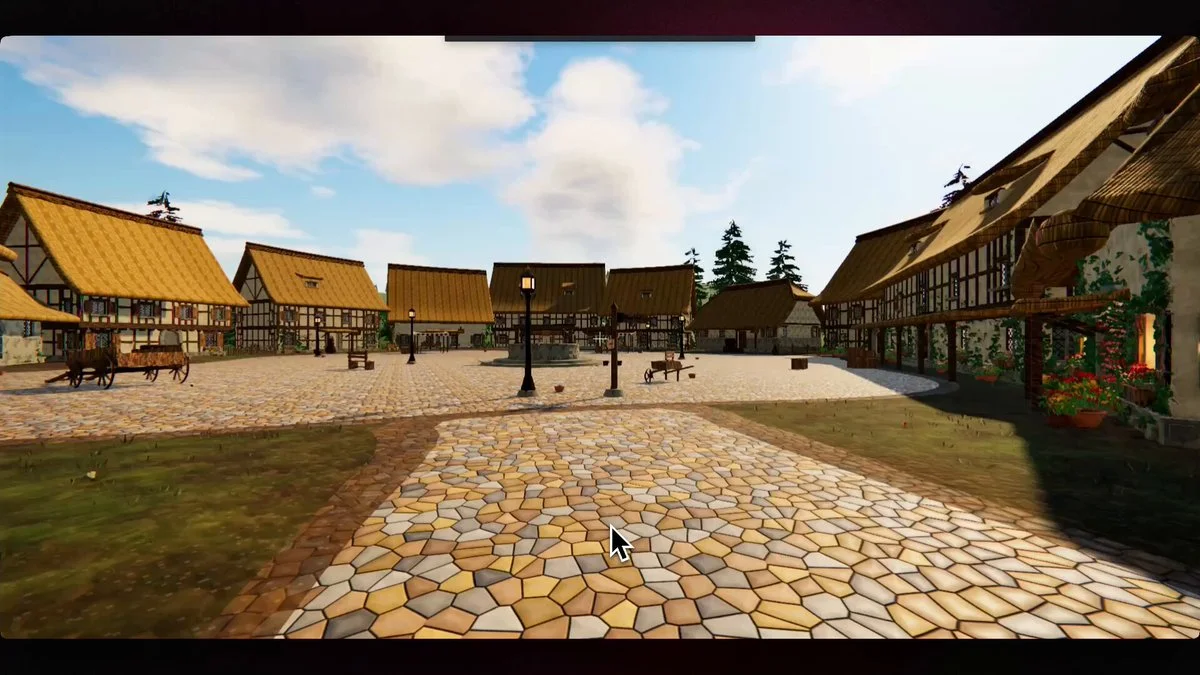
Build an explorable 3D world in Three.js based on the attached image. Requirements First-person controls (WASD + mouse look), collision detection, no clipping through geometry AAA visuals: PBR materials, HDRI-based lighting, real shadows, post-processing (tone mapping, bloom, AA) Physics on anything that moves or can be interacted with 60fps on a mid-range GPU Process Split the work into independent streams: terrain, props/geometry, materials/textures, lighting, physics, controls/camera, performance. Assign one sub-agent per stream. Each sub-agent owns its stream end to end and reports what it built plus what is still weak. Integrate, then run a review pass: walk the world, list every visible defect, fix them. Repeat that loop until a full pass produces zero defects, or until 5 loops. Report anything unresolved either way. Deliver a single runnable project plus launch instructions.
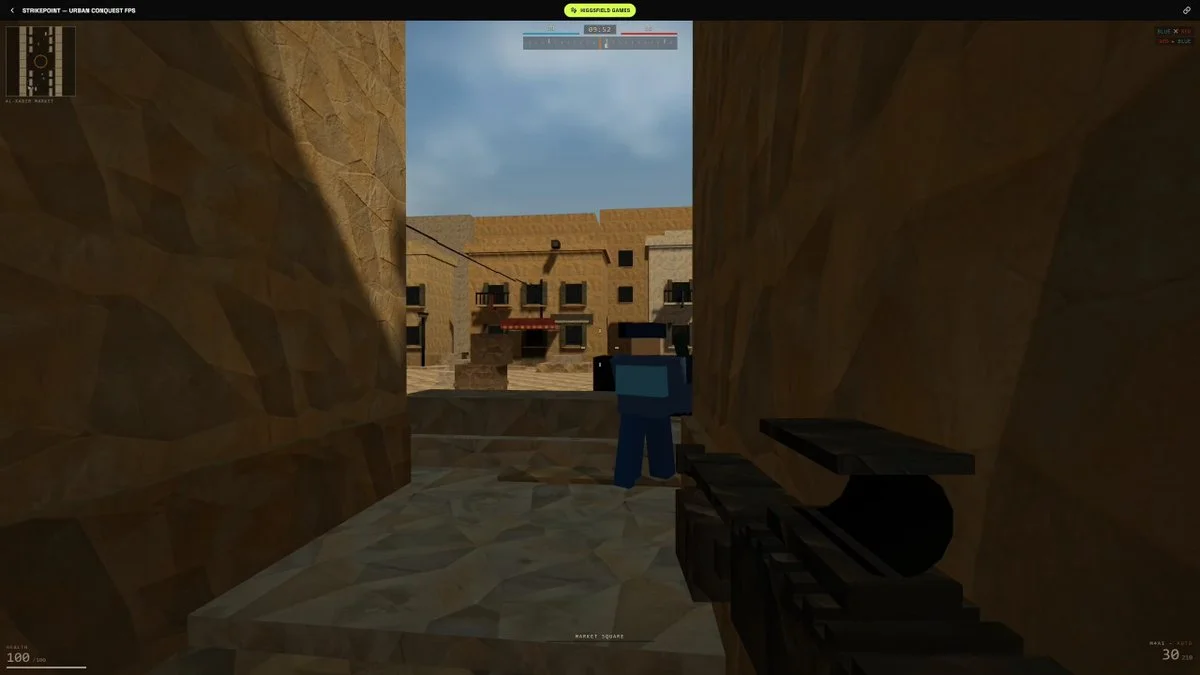
try making a first-person shooter that's a mix of CS2 and Battlefield.
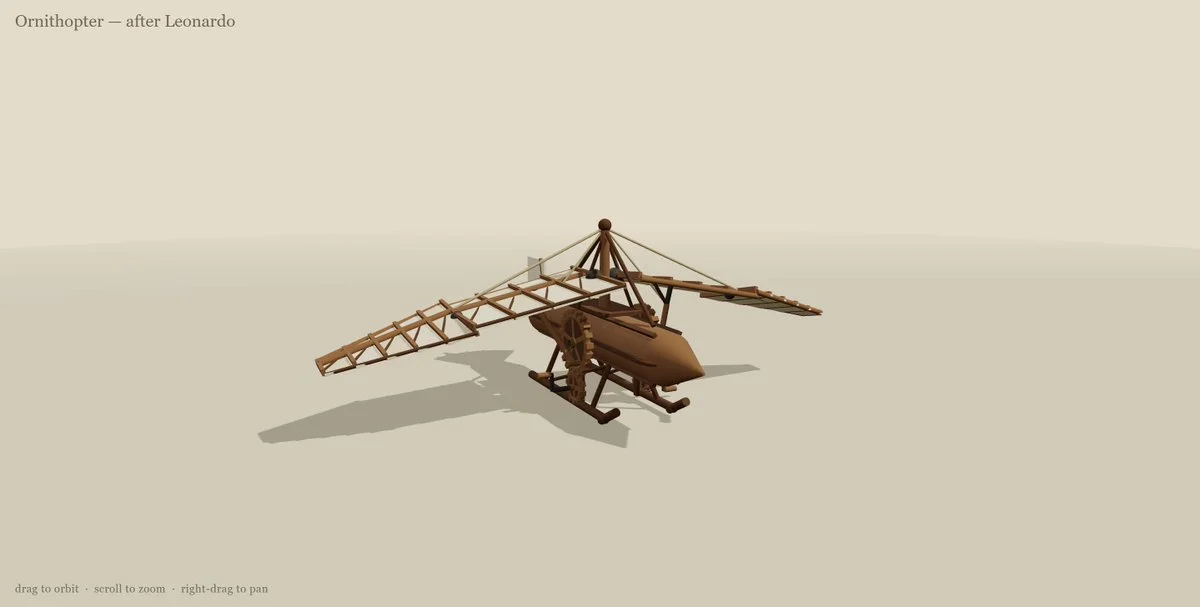
leonardo da vinci ornithopter in three js