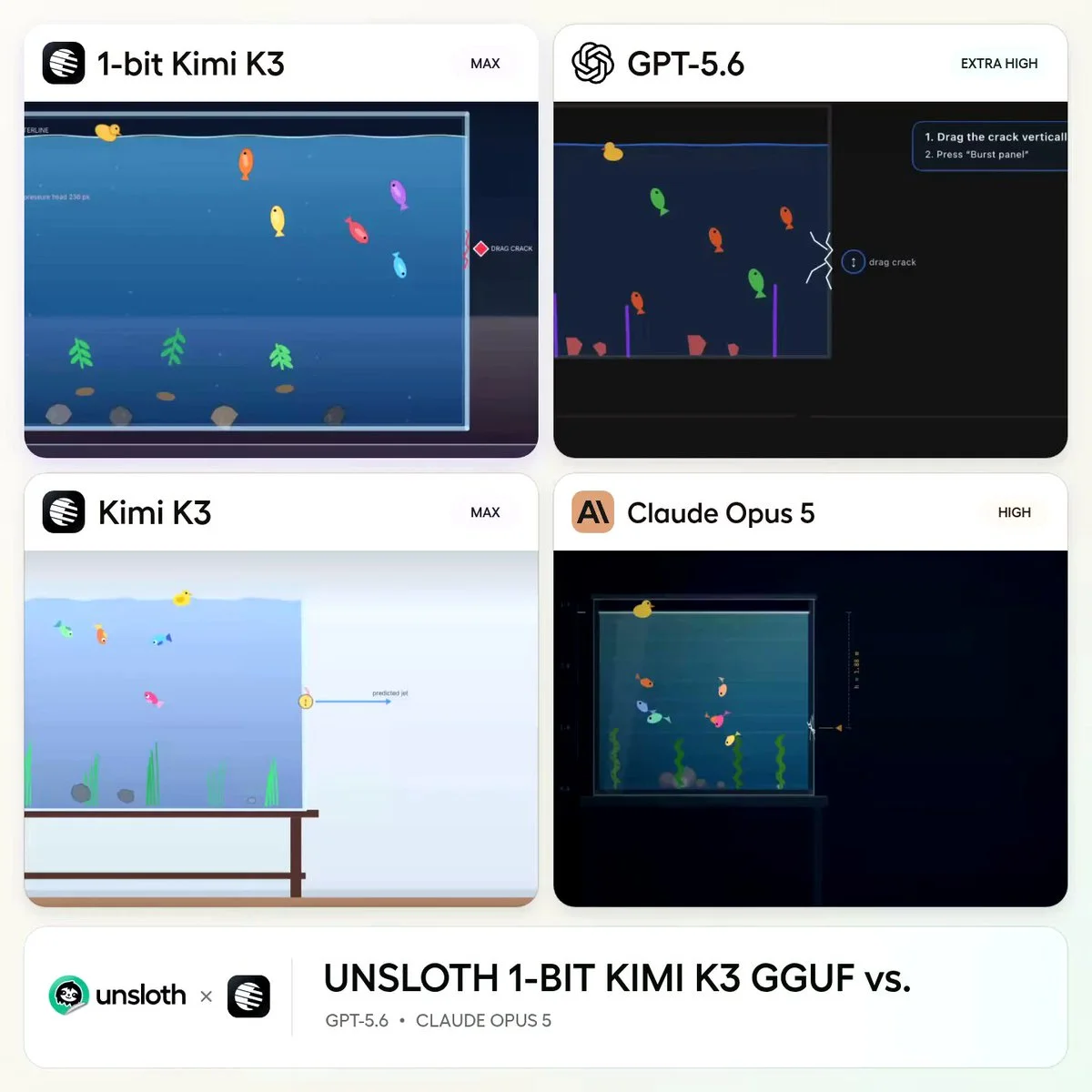
Kimi K3 3D simulation prompt for a cracking aquarium
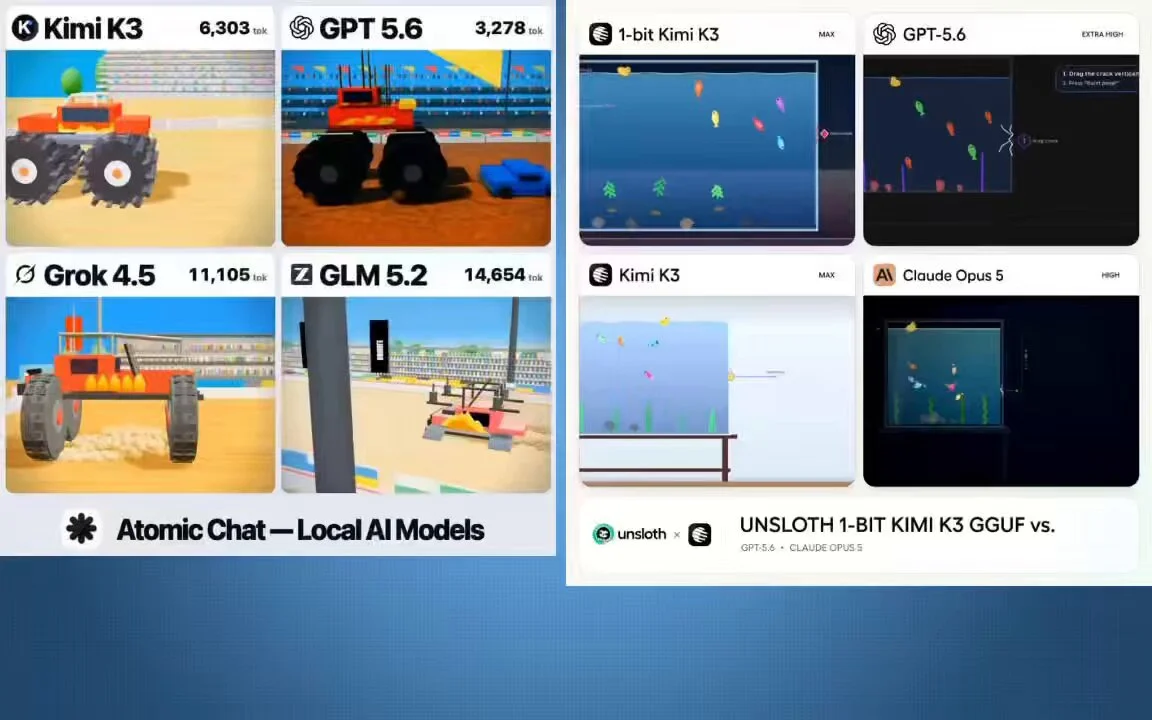
Create a glass aquarium whose side panel develops a visible crack and then bursts.
One mechanic → playable 3D demo
Free Kimi K3 3D prompts for playable browser games, Three.js worlds, physics simulations and fast interactive coding experiments.
Copy, adapt, build
Create a glass aquarium whose side panel develops a visible crack and then bursts.
build a playable combat game
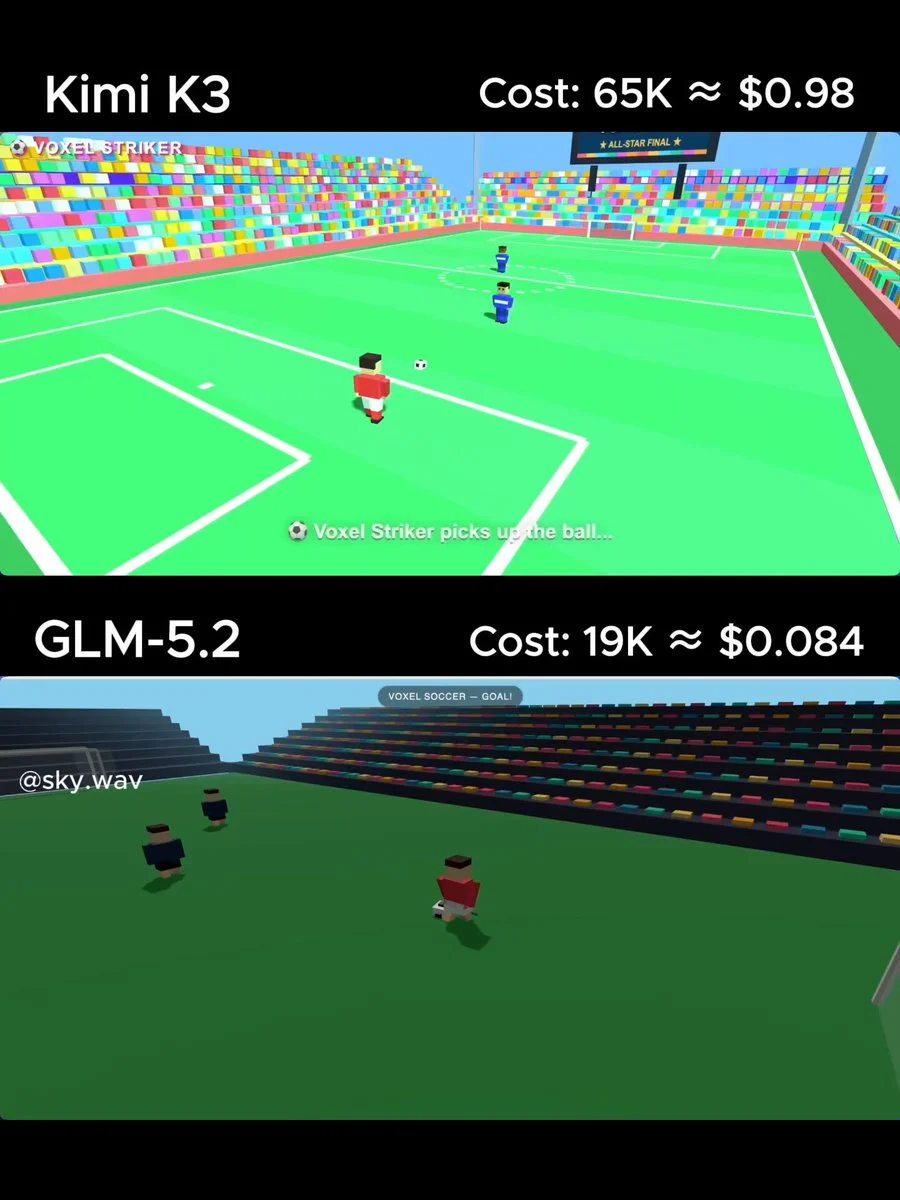
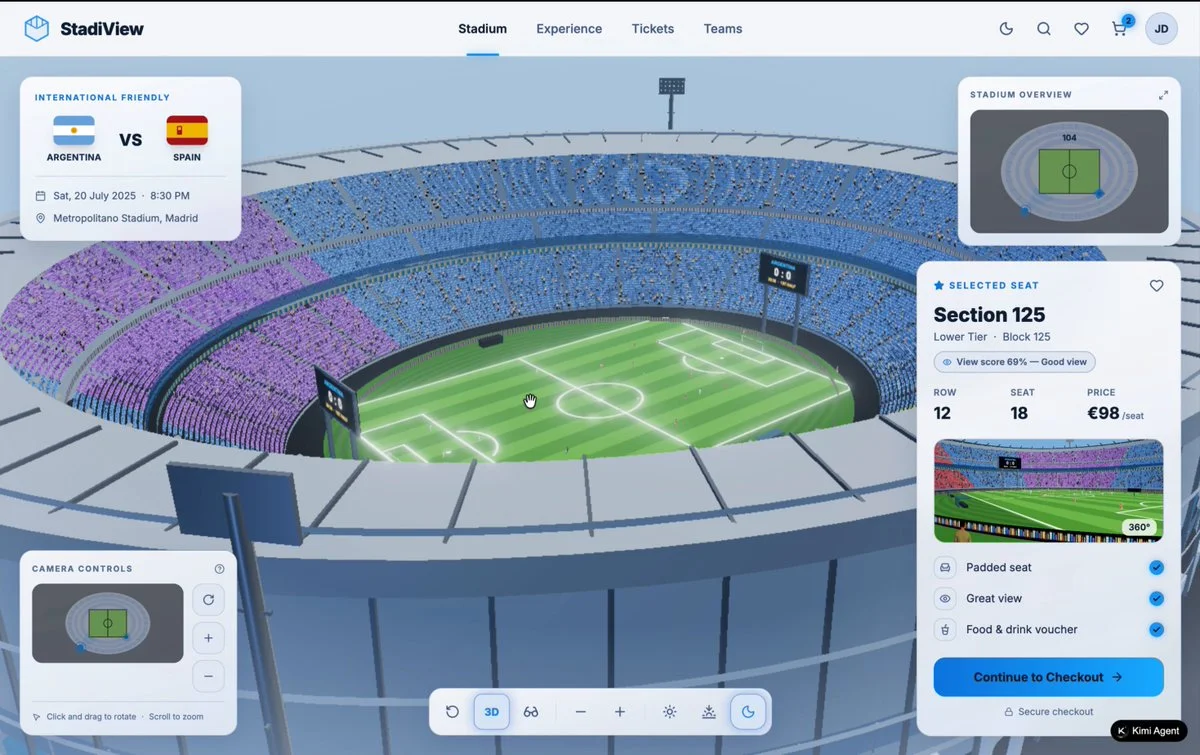
A developer compared models by giving them the same task: "build a 3D soccer stadium."
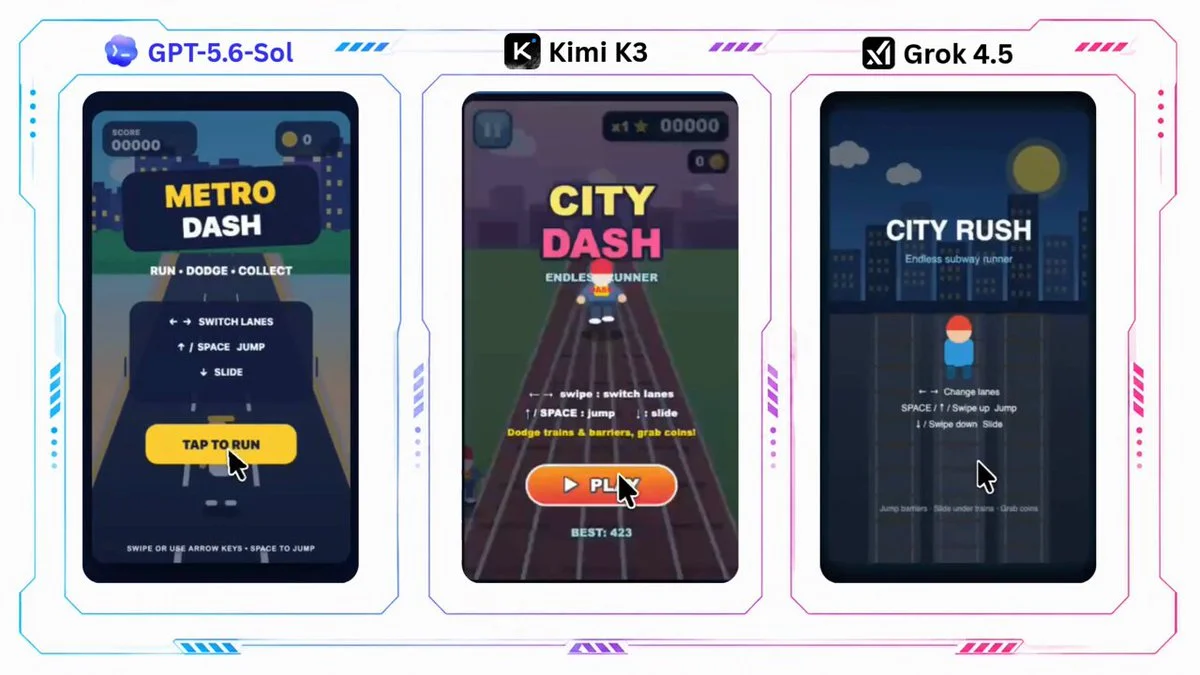
build a Subway Surfers game
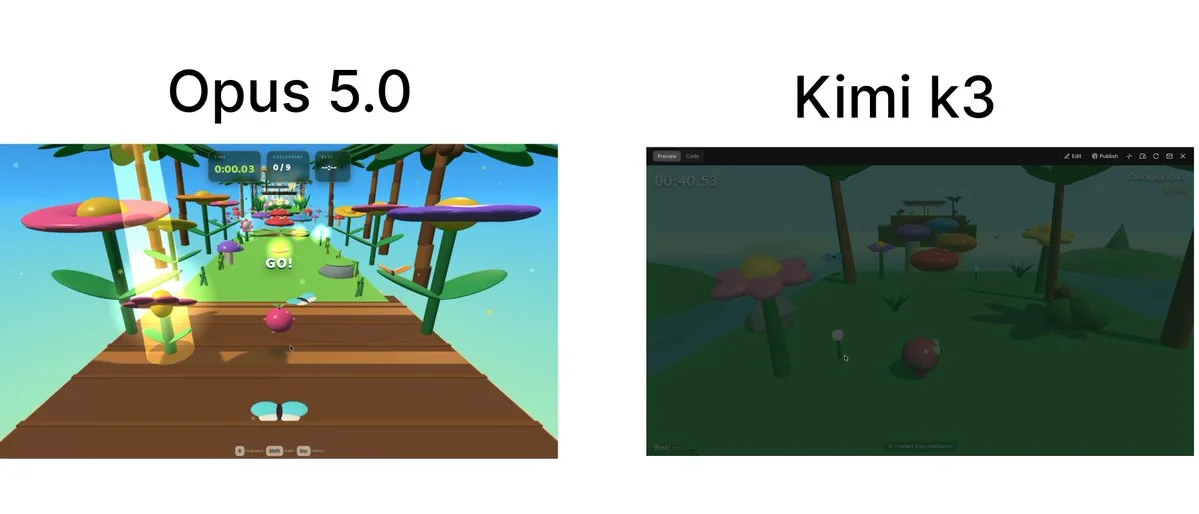
Prompt - Build a complete browser-based 3D game called "Jelly Jungle" using Three.js with plain HTML, CSS, and JavaScript (unless the existing project already uses a framework). Create an original arcade obstacle course inspired by colorful toy worlds and jungle playgrounds. Do
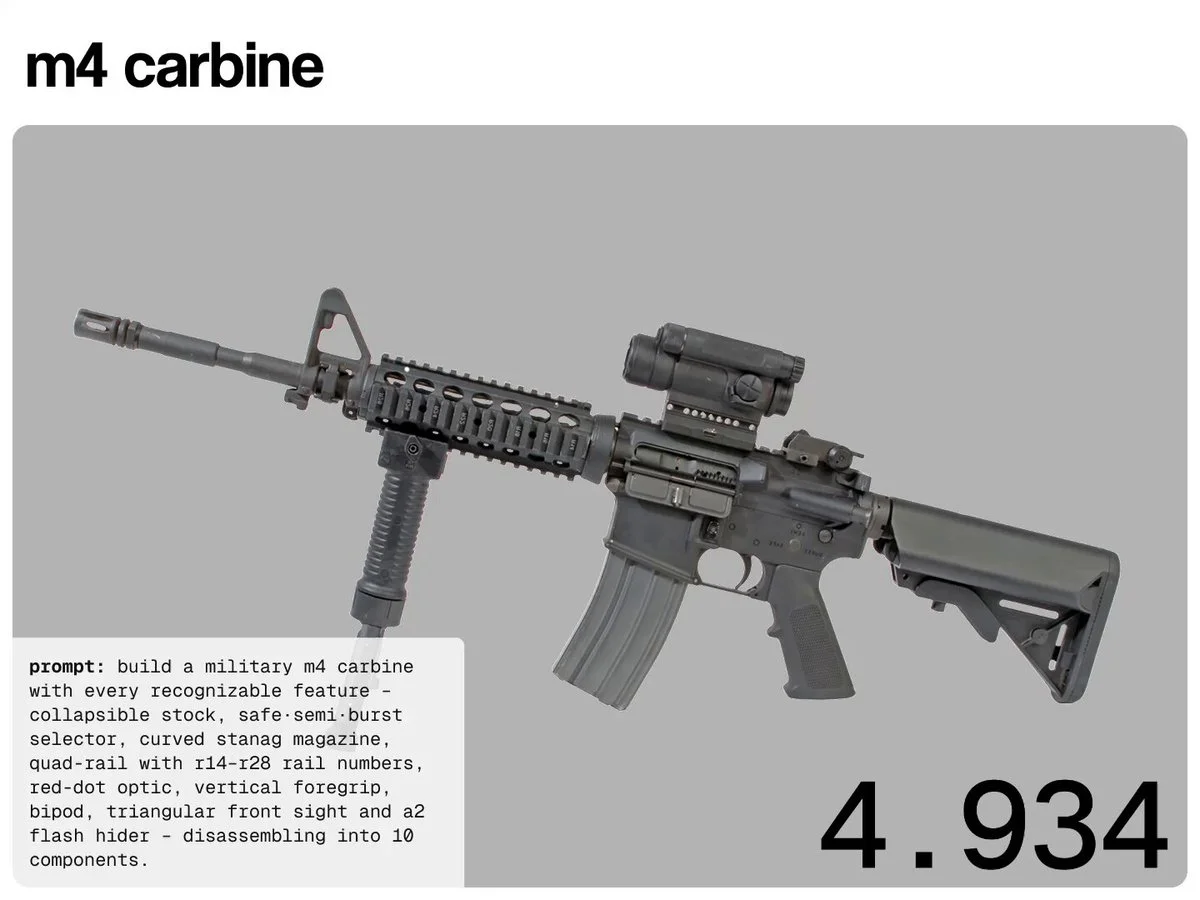
our test – 3 prompts, single-file html, @threejs, fully procedural, no assets. each has a small fire button (web audio gunshot + muzzle flash + recoil + ejected brass) and a disassemble toggle that explodes the gun into labelled parts and rebuilds it: 1. 5.56 m4 carbine – collapsible stock, safe·semi·burst lower, quad-rail with r14–r28 panel numbers, aimpoint red-dot, vertical foregrip, folding bipod, a2 flash hider, breaks into 10 parts 2. glock 18c – select-fire machine pistol, ported 18c compensator slots, "glock 18c / austria 9x19" roll-marks, extended 33-round mag, field-strips into slide, ported barrel, recoil spring, frame, mag 3. steyr tmp – ribbed polymer housing, threaded barrel, integral forward vertical foregrip, canted translucent 30-round mag
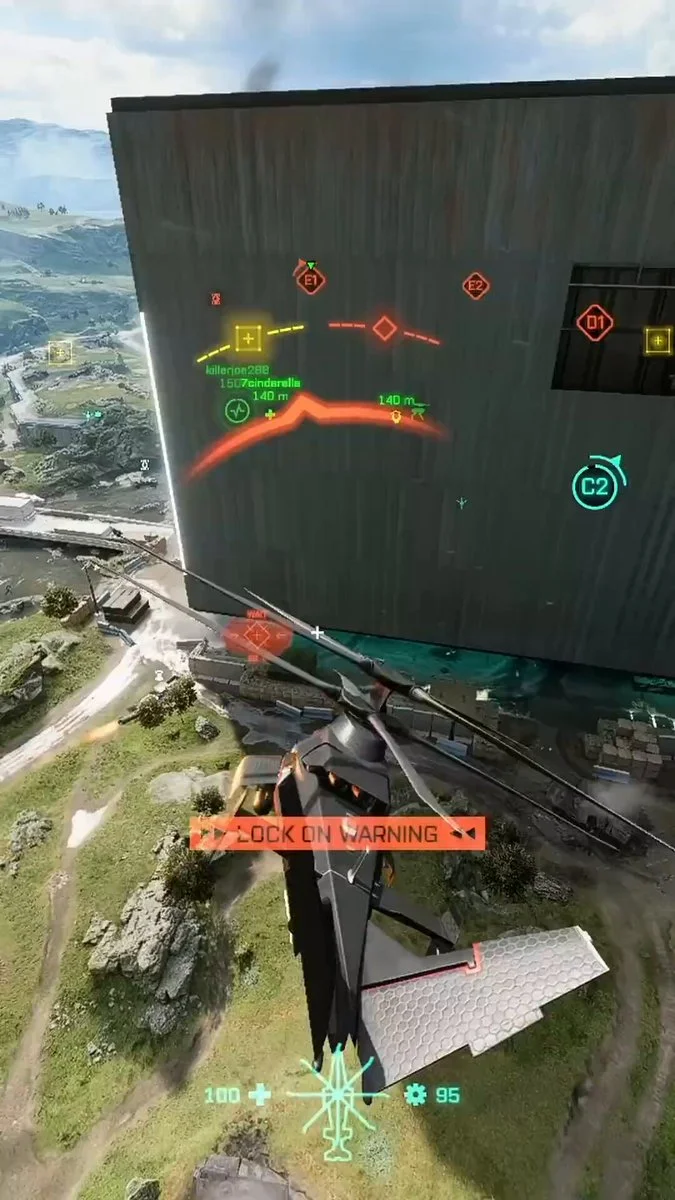
Make me a realistic helicopter shooter.
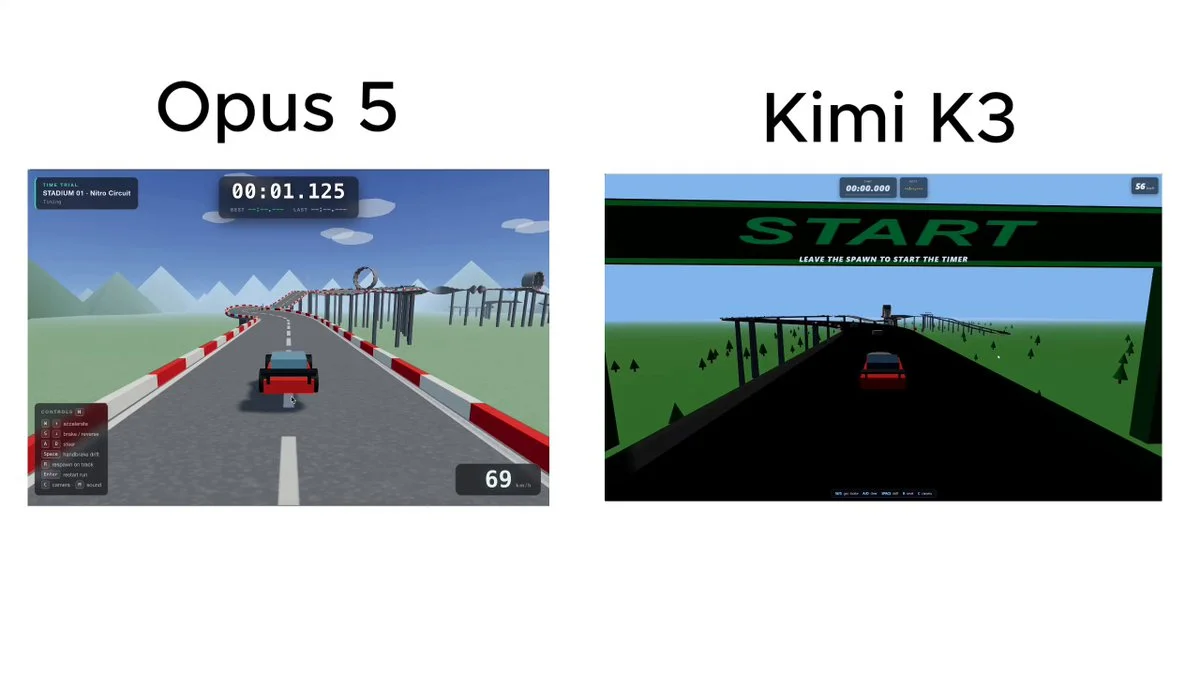
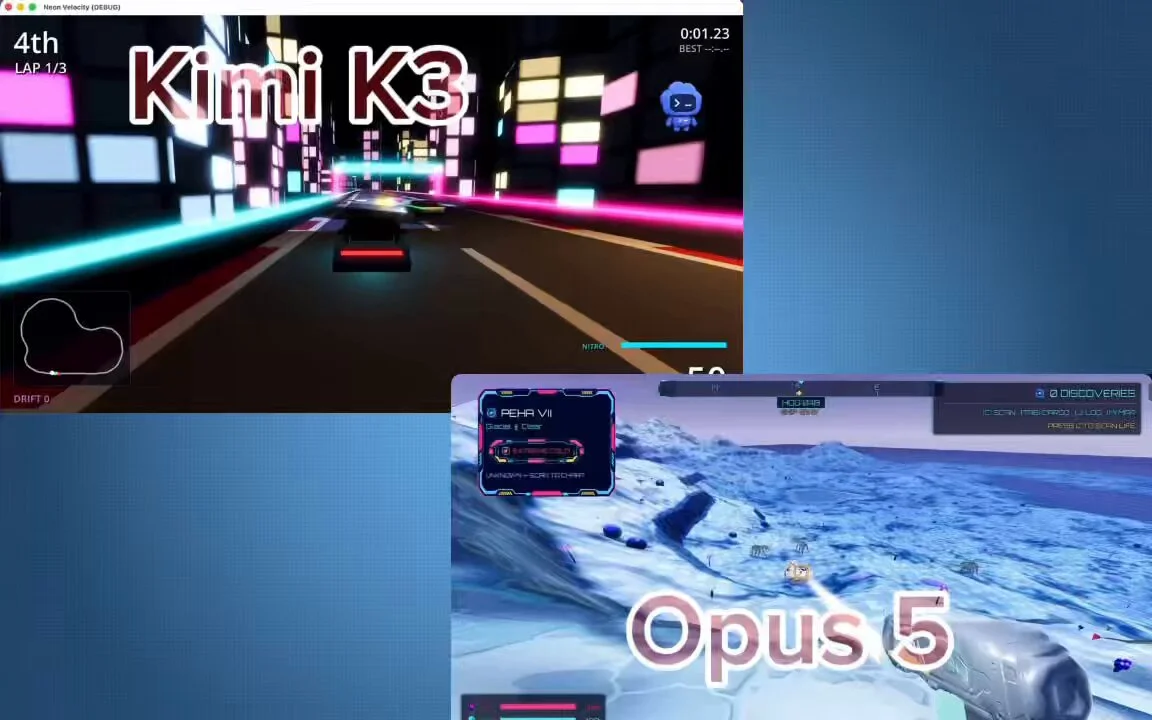
Build a full browser-based 3D game inspired by Trackmania racing tracks. Use Three.js, plain html, css and javascript. The player controls a car doing time trials. On the top of the UI there should be a timer that times the race. It should start as soon as the player
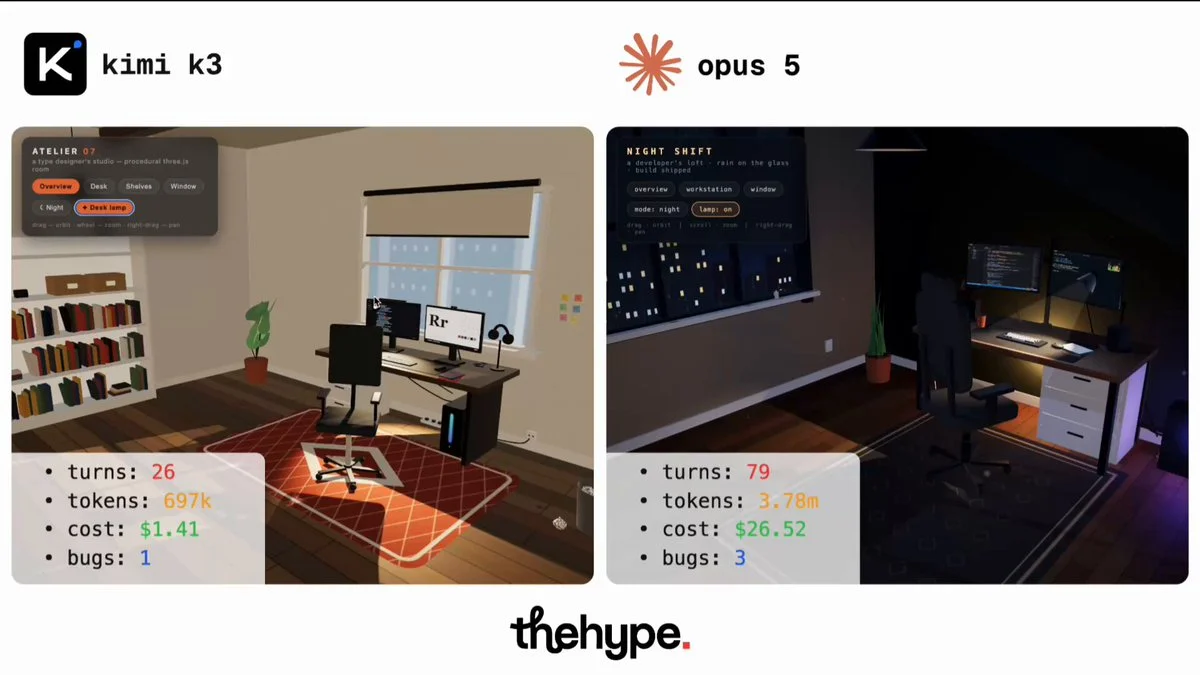
build an explorable 3d room around a computer workstation, single self-contained html file, Three.js via importmap, procedural geometry only, no meshes, no image textures, no layout or style specified. "you are the designer. surprise me"
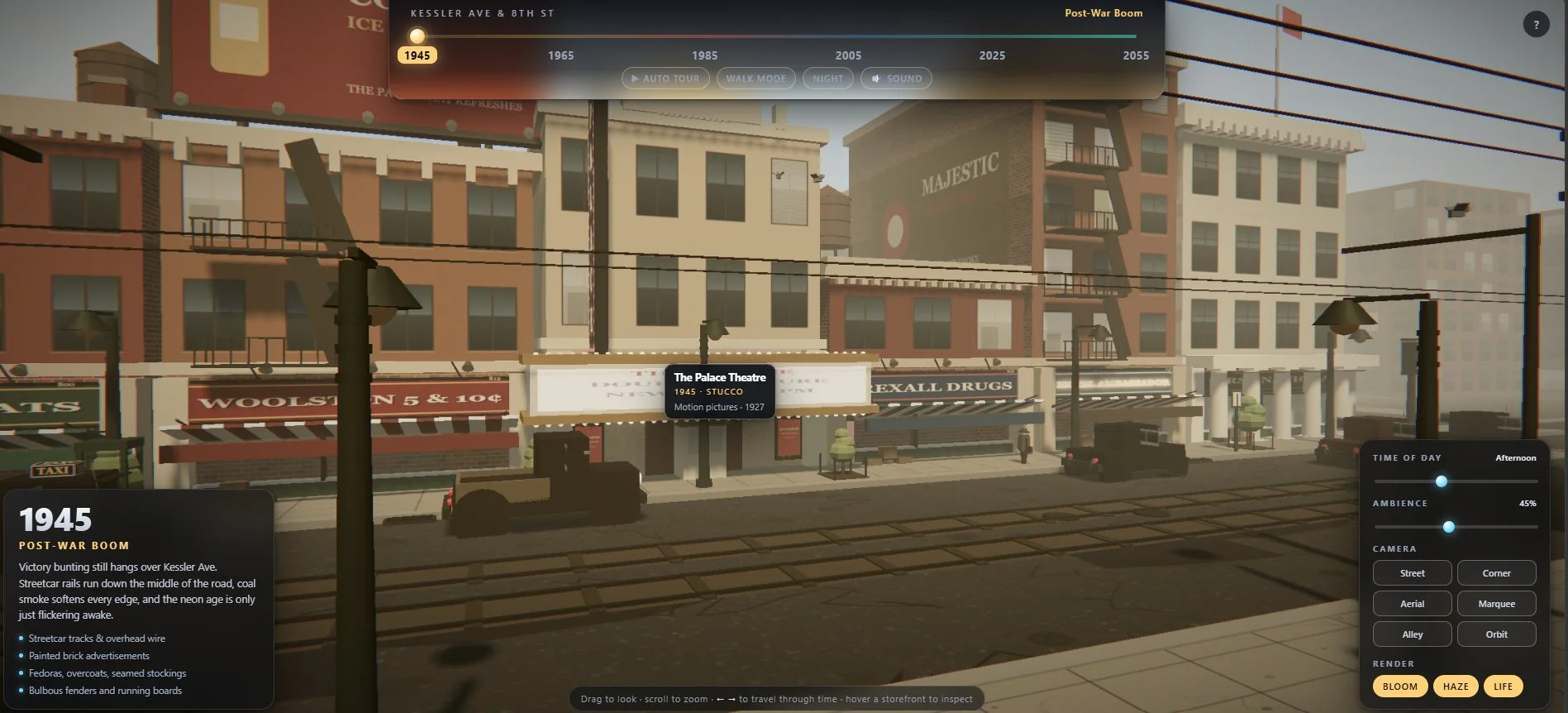
I gave it a brutal Three.js prompt: build one city block that transforms from 1945 to 2055, changing buildings, cars, shops, crowds, lighting and SFX in a single HTML file.
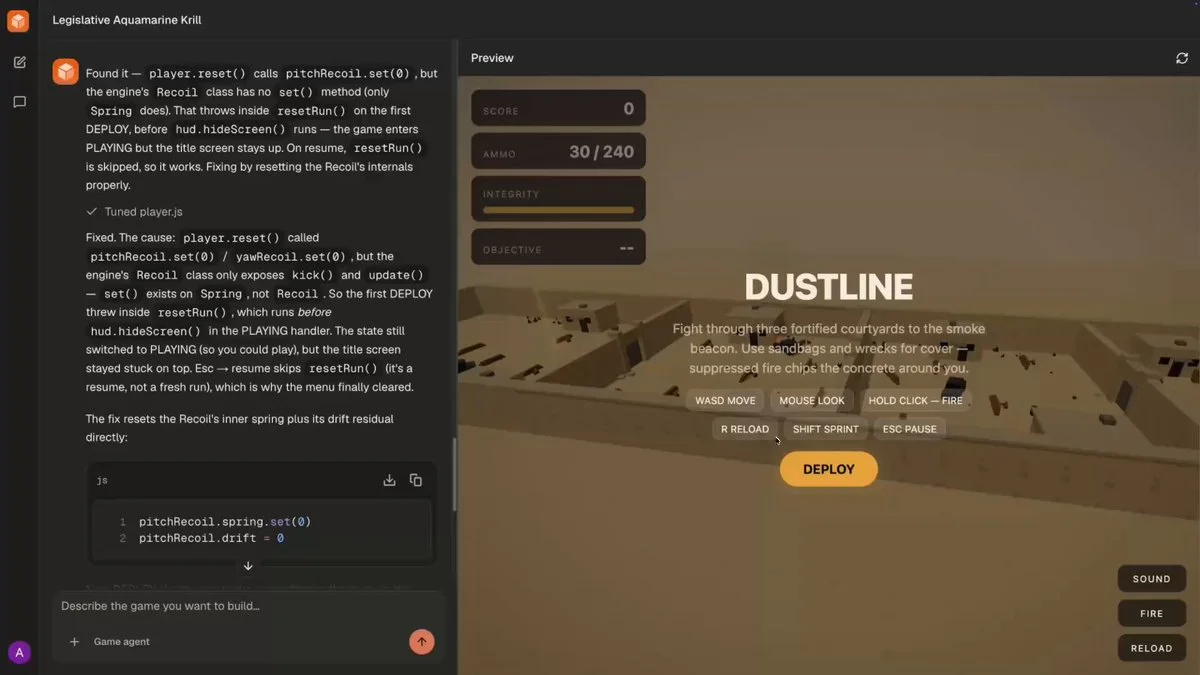
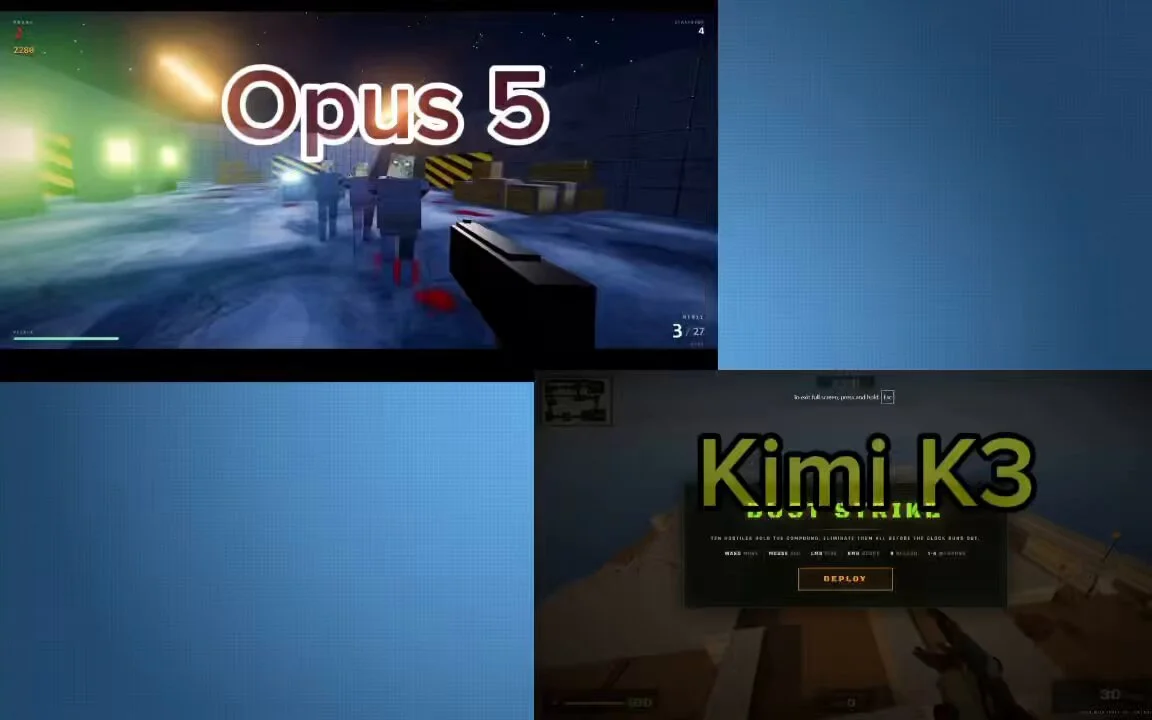
Build me an FPS
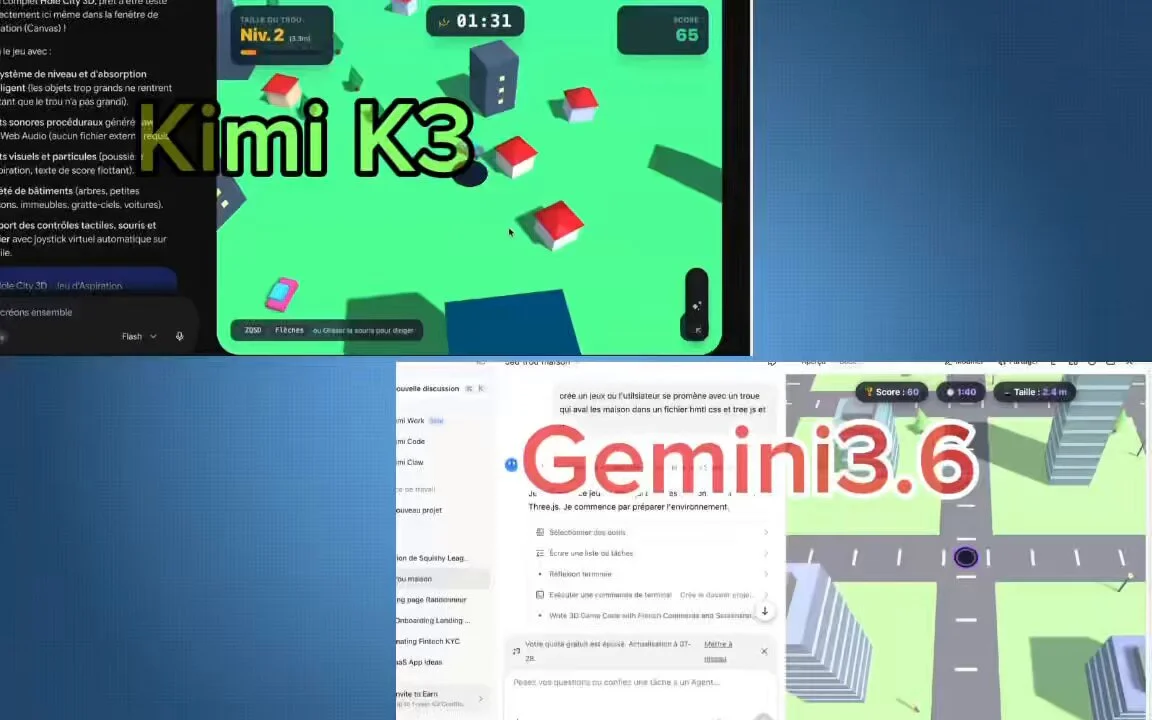
Build a complete Hole.io-style game in HTML + Three.js in a single attempt.
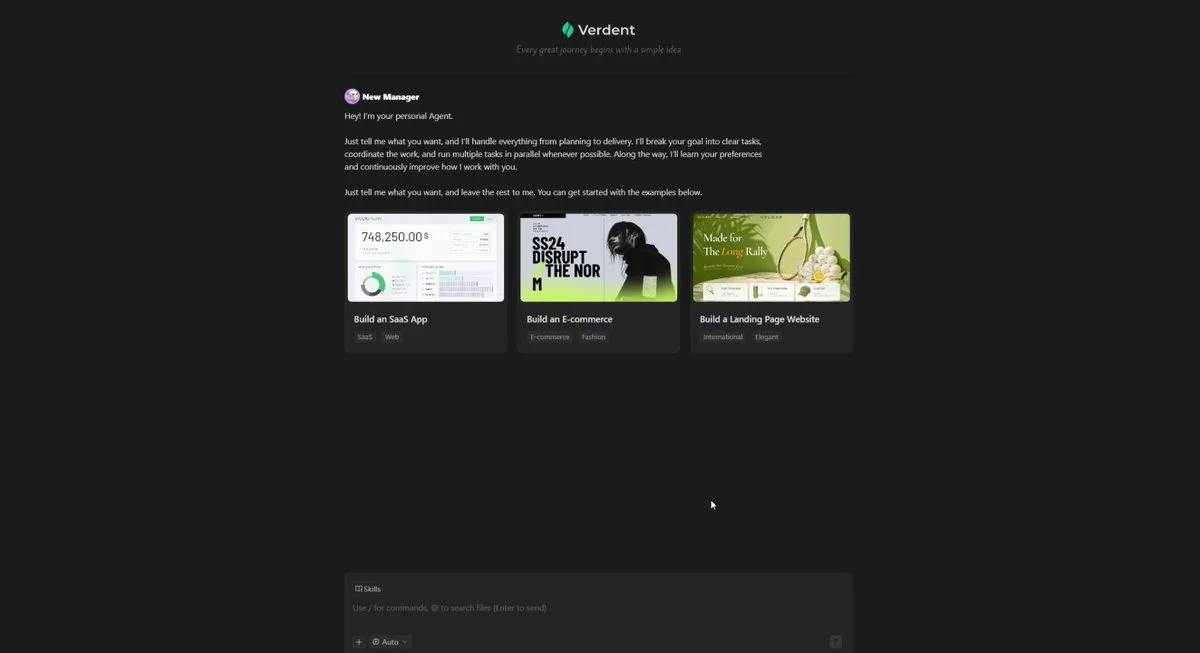
I GAVE KIMI K3 AND GPT-5.6 THE SAME PROMPT ON VERDENT: BUILD A PLAYABLE LEAGUE OF LEGENDS STYLE 1V1 IN ONE HTML FILE. both shipped a game. i opened them side by side and played each one. i changed one thing between the runs. the model in the dropdown at https://t.co/ItoGlnpiXi https://t.co/3PYQVli1zm
Built a Counter-Strike-inspired game in the browser with Kimi K3. One HTML file. Over 3,700 lines of code. No build step. It includes: 🔫 Dust2-inspired layout with tunnels, catwalk, and Long A 🎯 AK, AWP with scope, MP5, knife, and reload mechanics 🤖 10 AI bots that patrol, react to gunfire, and push your position 💥 Headshots, kill feed, and a 2-minute round system 🔊 Fully procedural audio with no sound files 🌐 Built with Three.js and PBR materials, running entirely in the browser
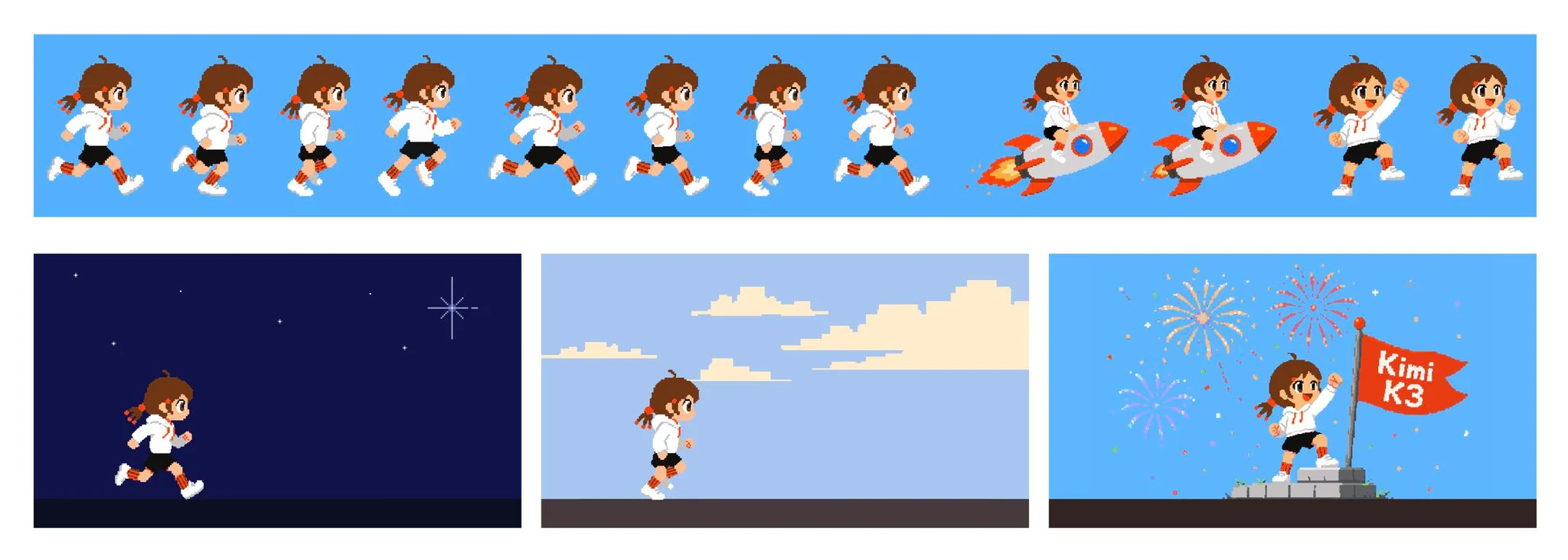
make a playable Chrome-dino game.
Create a single HTML file with Three.js (CDN) for a simple voxel-style soccer animation. A blocky player dribbles past 2 defenders and scores a spectacular goal with celebration particles. Colorful stadium look. Output ONLY the full HTML code.
Make me an NFS-type game.
A monster truck crushing a row of cars Two cars jumping a canyon and colliding head-on mid-air A giant anvil flattening cars one by one
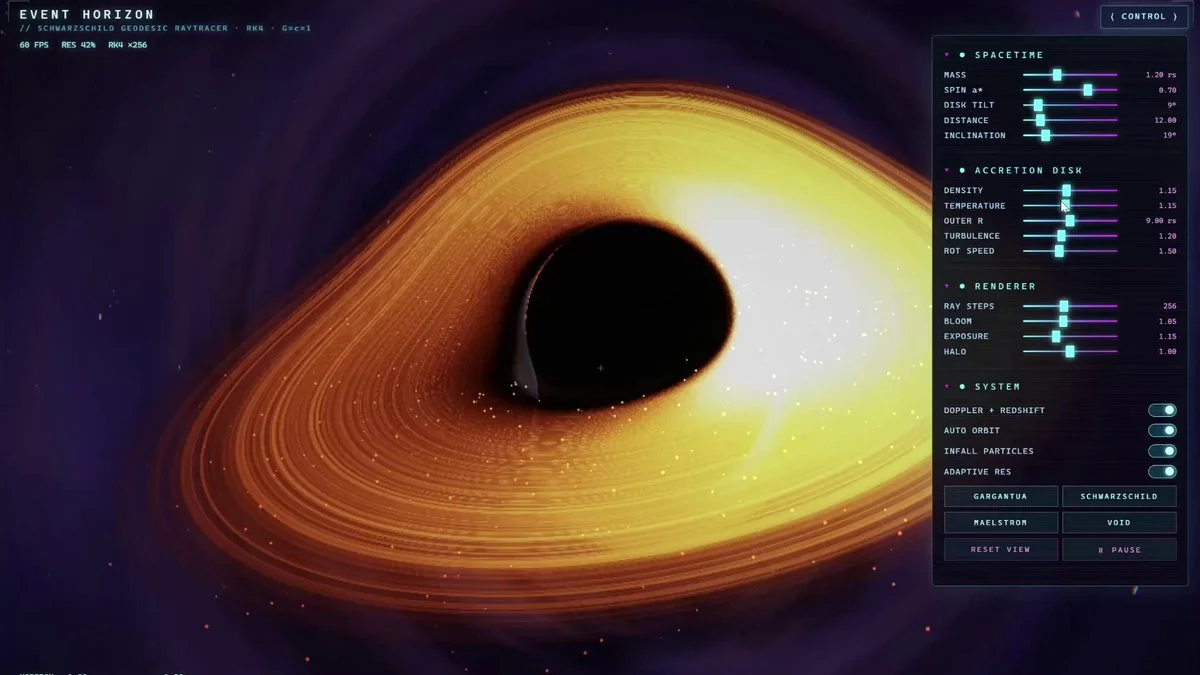
Create a complete, self-contained single HTML file (no external libraries like Three.js) that implements a real-time geodesic raytracer for a Schwarzschild black hole inspired by Gargantua. Use raw WebGL2 with GLSL ES 3.00 in a single fragment shader. Implement accurate physics: null geodesic integration with 4th-order Runge-Kutta solver, event horizon, photon sphere, accretion disk with proper rendering, gravitational lensing, Doppler beaming, and gravitational redshift effects. Target stable 60 FPS performance. Include mouse-controlled camera orbiting/zooming, and a cyberpunk-style control panel with sliders for parameters (mass, spin, disk density, view angle, etc.). Add subtle particle effects for matter falling in and dynamic lighting/shadows. The output must be 100% complete, immediately runnable in a modern browser, with no black screen, NaNs, errors, or missing features. Prioritize numerical correctness, boundary handling, solver discipline, and physical accuracy above all. Verify and comment key physics equations in the code. Make it visually stunning and interactive like a premium physics demo/game.
A one-shot hide-and-seek game: a white chameleon hiding in a hand-drawn room, painting itself to match the wall, surviving three sweeps of a robot seeker. Live pixel-diff match %, five procedural zones, synthesized sound, three scored rounds — one HTML file, no libraries.
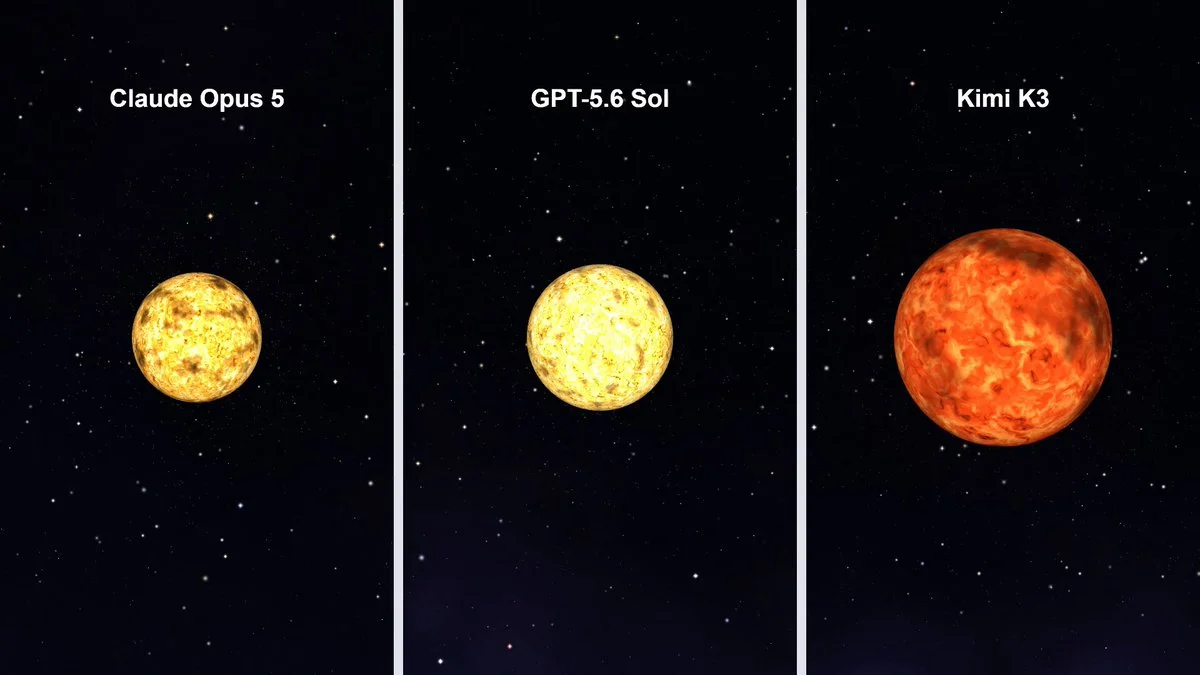
Build a 3D visualizer of the Sun spinning in space. One HTML file.
Want to inspect the implementation? Filter this collection for GitHub projects, or explore source-code examples across models. Check the repository license before reusing code.
Explore 3D projects with source code ↗3D build walkthroughs
Watch independent creators put each model through a real 3D build, then use the free prompts above to run your own version of the experiment.
See how Kimi K3 drives a 3D and Blender workflow, from interpreting the brief to planning geometry and iterating on a scene.
YouTube ↗Why this collection
This free Kimi K3 3D prompt library captures the model’s July search breakout with practical examples for playable combat, physics events and explorable browser scenes. The strongest briefs begin with one visible mechanic and make the feedback loop immediately testable.
Use these examples as scaffolds rather than magic phrases. Keep the mechanic, controls and success condition; swap the world, art direction and assets. If primitive geometry makes the prototype feel generic, generate a character, prop or environment asset in Tripo and replace it.
Best for
01
Move quickly from a short game mechanic to a playable browser prototype with camera, controls and a clear win state.
02
Prototype destructible objects, collisions, particles and cause-and-effect sequences that are easy to evaluate visually.
03
Generate a compact Three.js starting point, then iterate on one mechanic at a time instead of over-specifying the first pass.
Prompt recipe
Write one sentence for the mechanic, one for controls and one for the success or failure condition before adding visual detail.
Ask for visible state changes—cracks, impact, debris, score or progress—so you can judge the first result quickly.
Once the loop works, replace placeholder geometry with Tripo-generated assets instead of making the initial prompt carry every detail.
Give your next scene a character worth a closer look. Create detailed, textured 3D assets from an image or a few words.
Generate 3D Assets FreeDefine one core mechanic, the camera, controls, feedback and a clear completion or failure state. Start small, verify the loop, then add polish.
Yes. Ask for a single-file or clearly structured Three.js prototype, then specify the browser controls, physics behavior and responsive fallback you need.