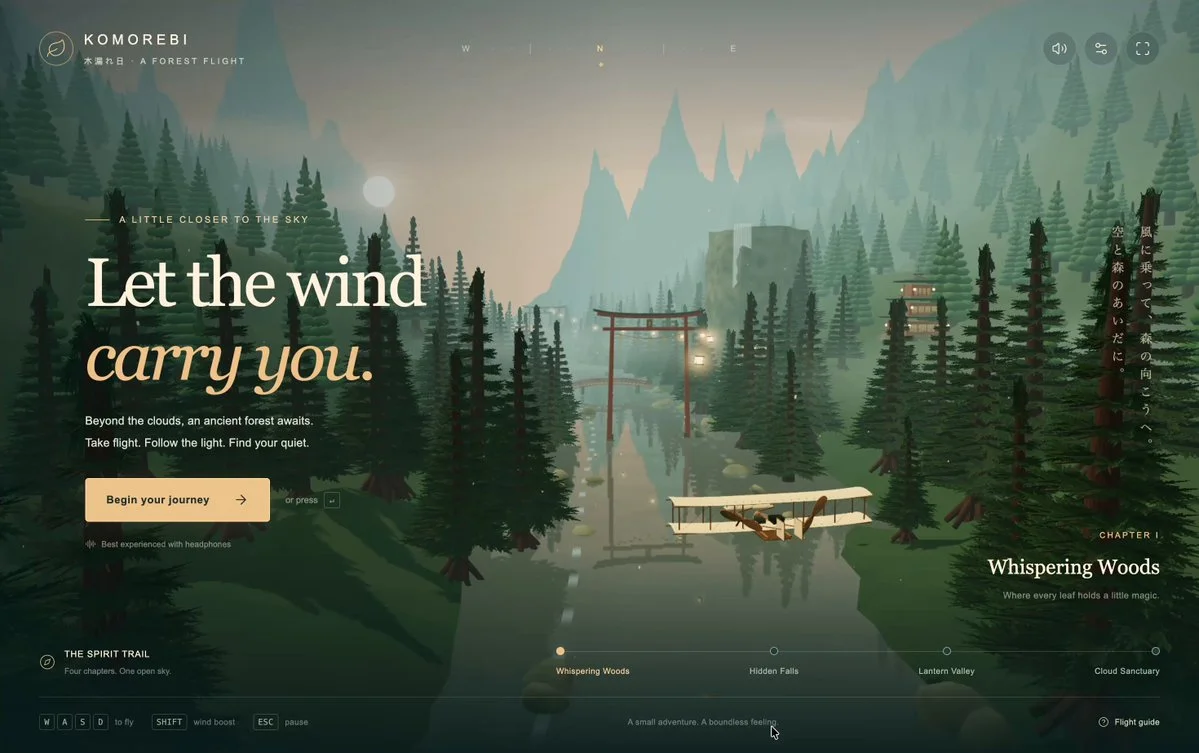
Wright Flyer through a Japanese forest
Build a Three.js flight game featuring the 1903 Wright Flyer in a Japanese forest. Research the aircraft and procedurally create the plane, trees, torii gates, houses and mountains without external assets.
Fresh 3D inspiration, updated daily
Use these source-backed 3D prompts as references, adapt them, and try the same idea across GPT-6 Astra, Claude, Kimi or any model you use.
Build a Three.js flight game featuring the 1903 Wright Flyer in a Japanese forest. Research the aircraft and procedurally create the plane, trees, torii gates, houses and mountains without external assets.
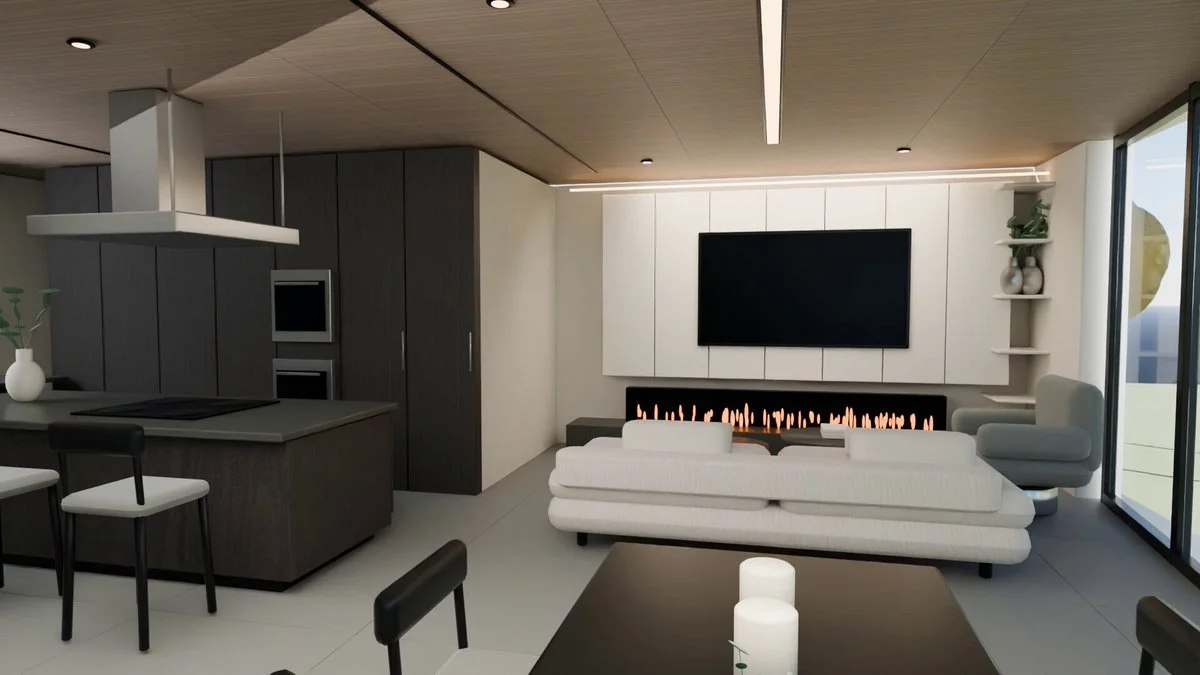
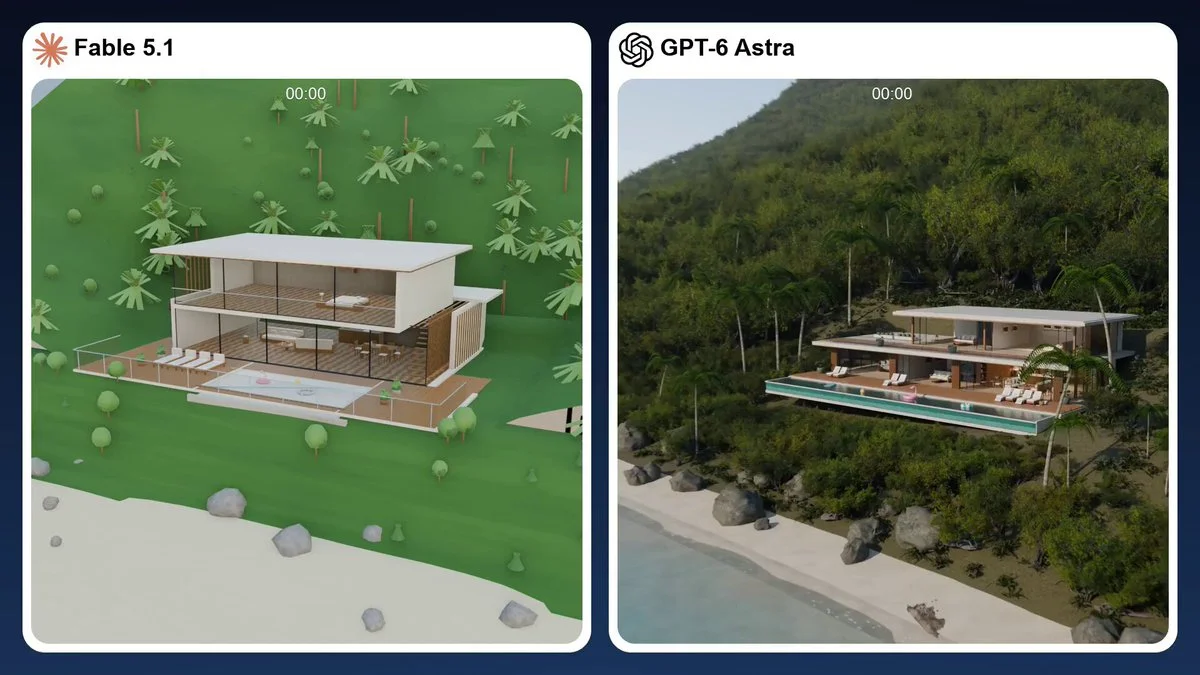
Use a home's top-floor plan to build a Blender scene and render a 10-second low-sample preview. Prioritize a clear spatial layout before refining materials.
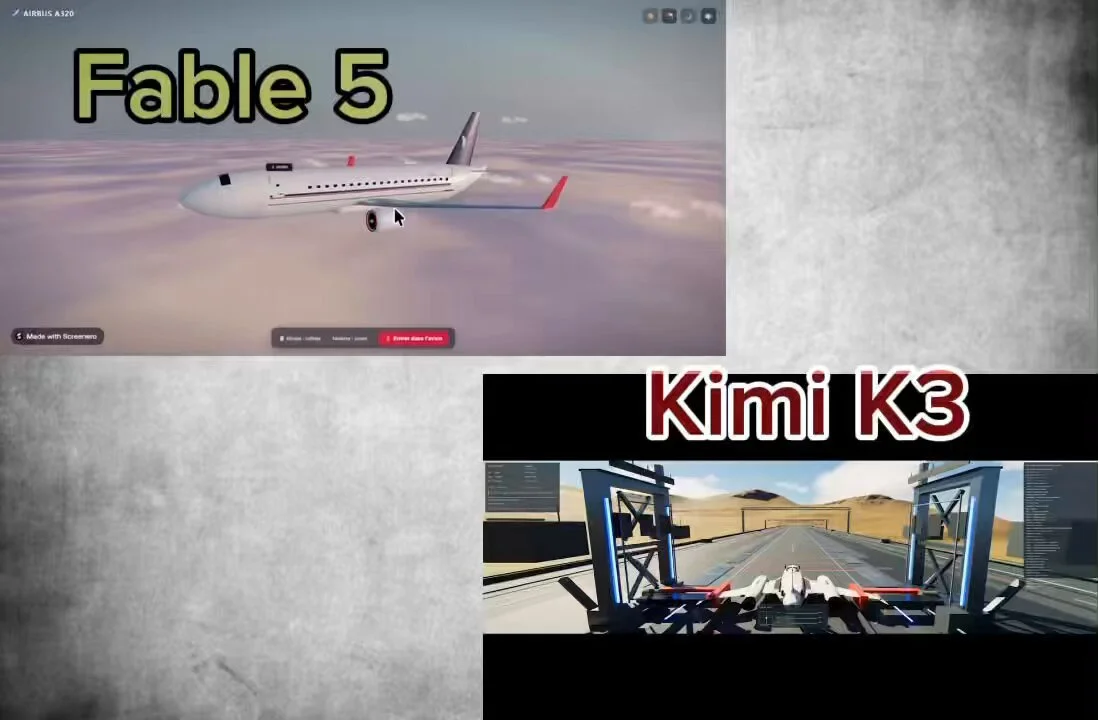
Generate in Three.js an experience allowing me to visualize a 3D airplane model and walk inside it.
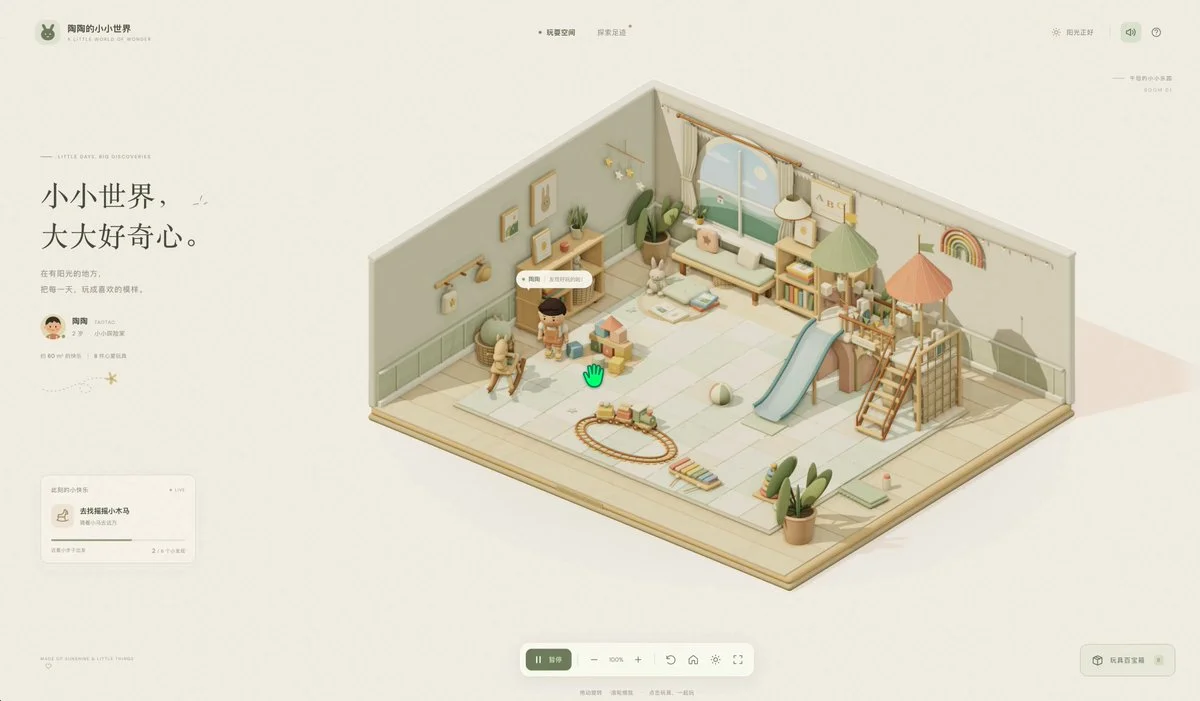
Build a warm Three.js playroom where a toddler moves between toys and uses each with a different animation. Include a play mat, books, shelves and climbing structures, with orbit and zoom controls.
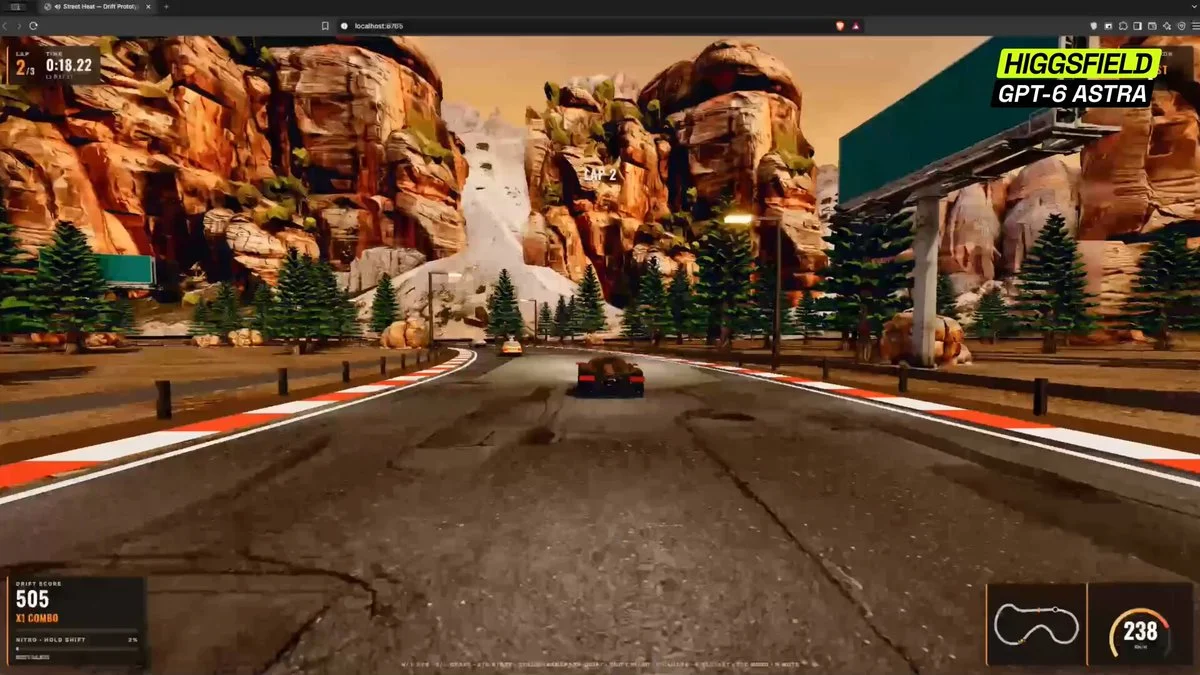
Build a complete arcade street racer in the browser from one sentence. Implement satisfying drift physics, combo scoring, near-miss bonuses, speed traps, nitro, traffic, a readable HUD and a short replayable course.
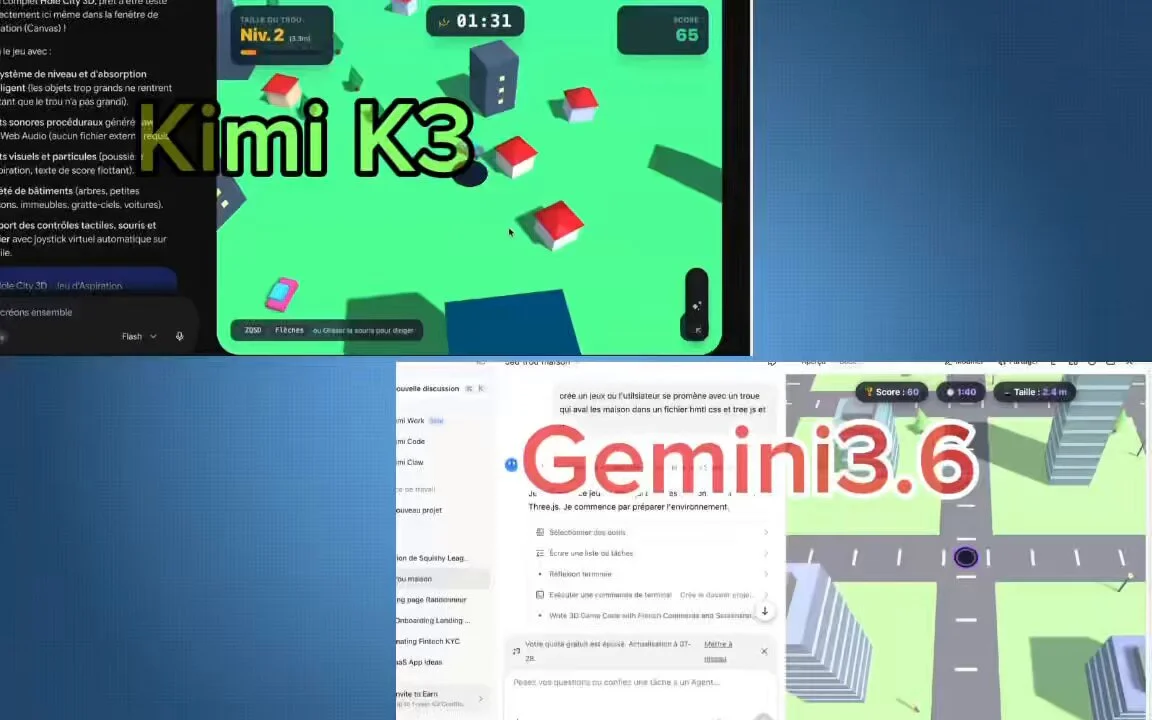
Build a complete Hole.io-style game in HTML + Three.js in a single attempt.
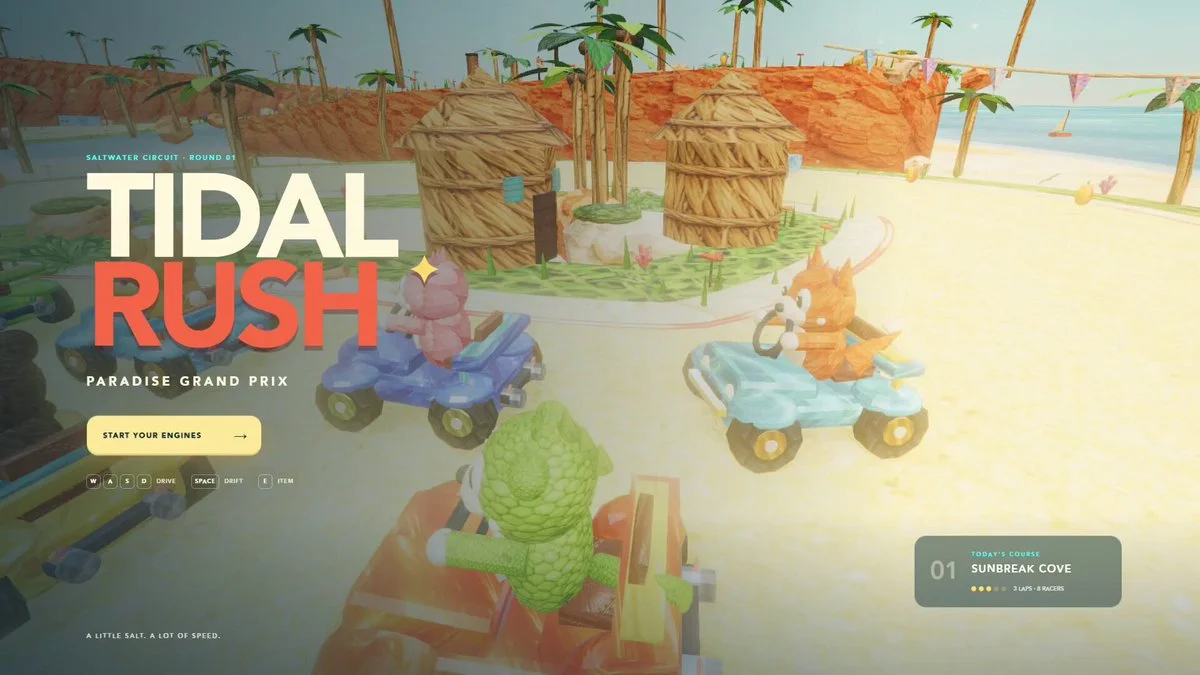
Build a complete browser kart-racing game with eight racers, three laps, drifting, collectible items, responsive physics, clear HUD, attractive graphics and a finish-state results screen.
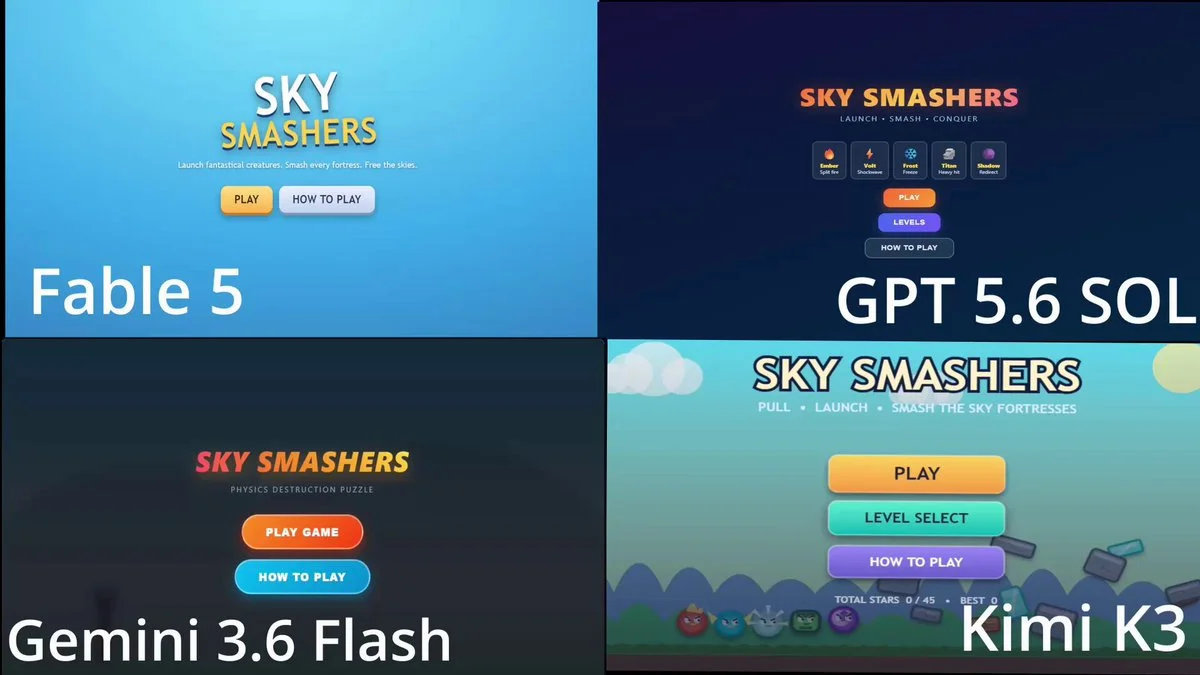
Make an Angry Bird Clone with unique birds, multiple levels and mechanics.
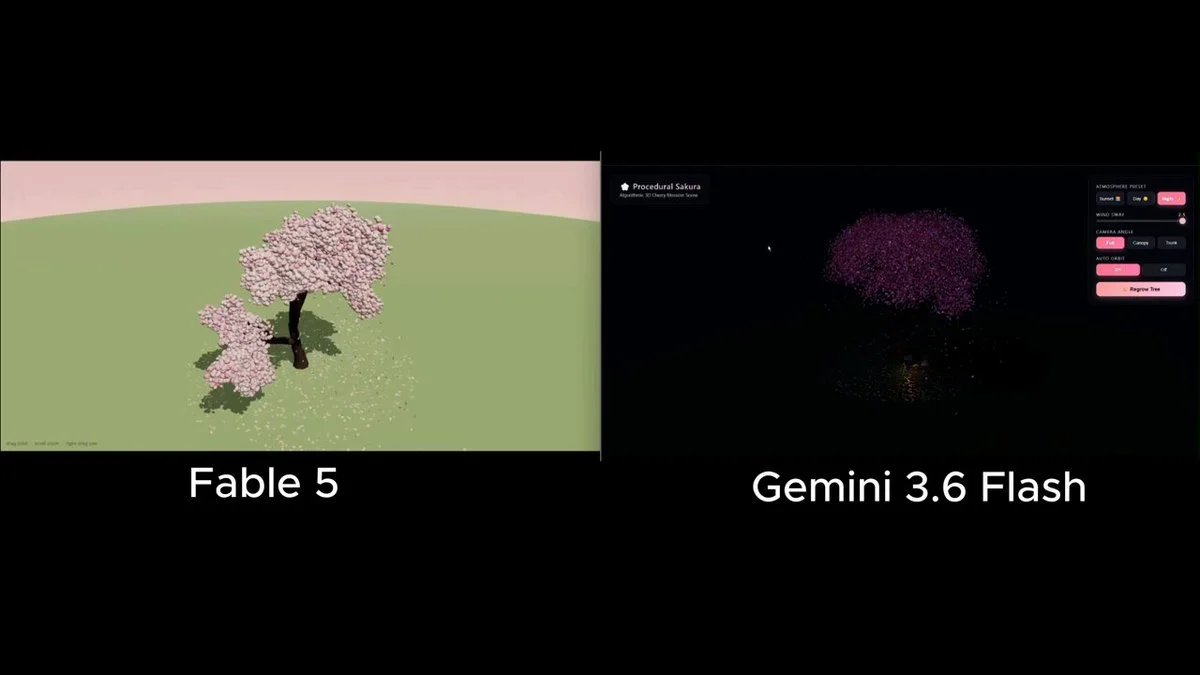
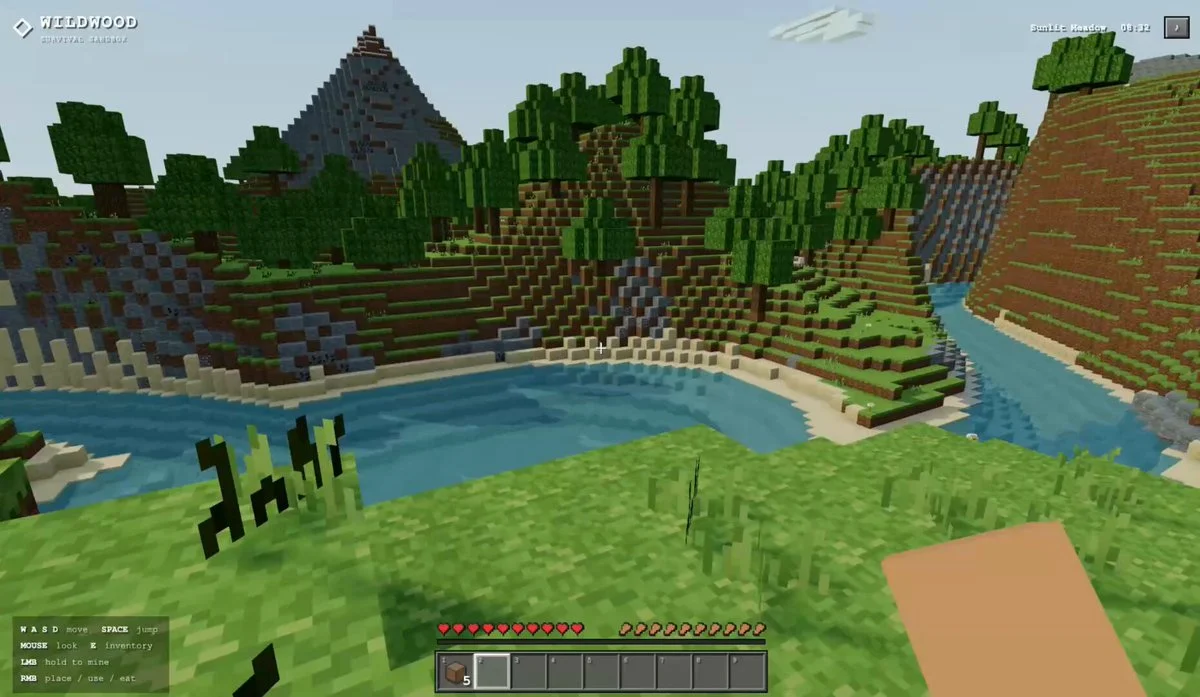
Build a 3D cherry blossom tree; give it no prebuilt tree libraries; the model has to generate the structure itself
Reconstruct the supplied real house as a fully editable Blender scene. Keep architectural and furnishing elements separate, optimize geometry and materials, and deliver a locally rendered walkthrough that sustains 60 FPS.
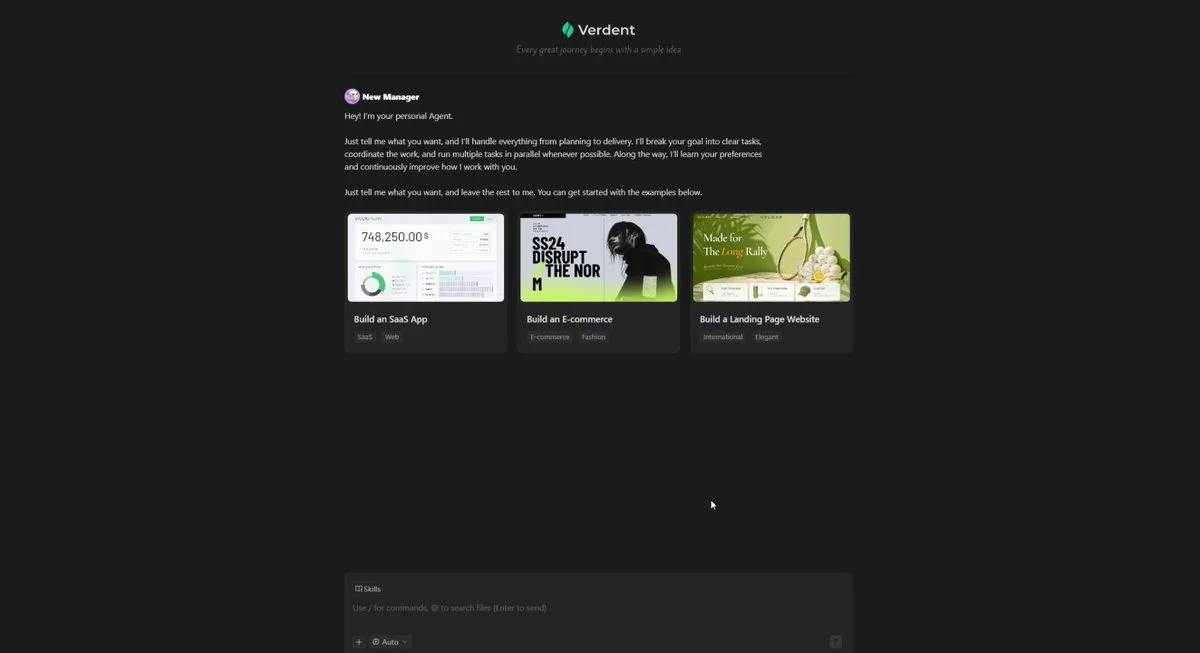
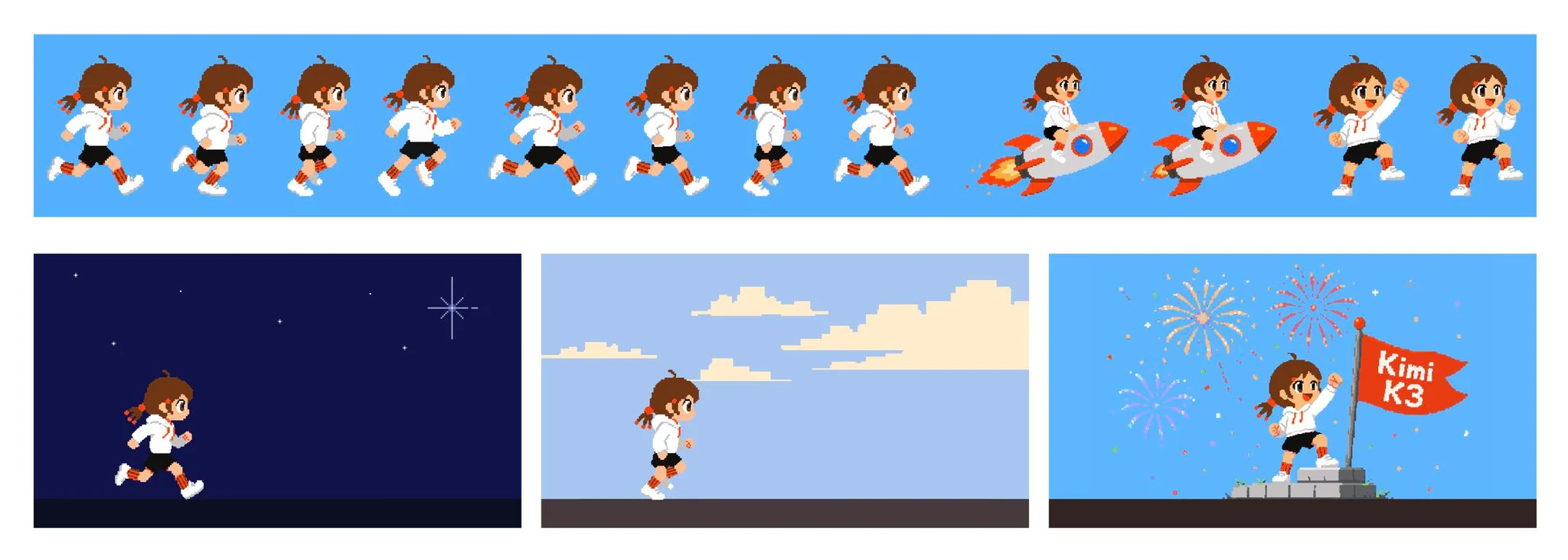
I GAVE KIMI K3 AND GPT-5.6 THE SAME PROMPT ON VERDENT: BUILD A PLAYABLE LEAGUE OF LEGENDS STYLE 1V1 IN ONE HTML FILE. both shipped a game. i opened them side by side and played each one. i changed one thing between the runs. the model in the dropdown at https://t.co/ItoGlnpiXi https://t.co/3PYQVli1zm
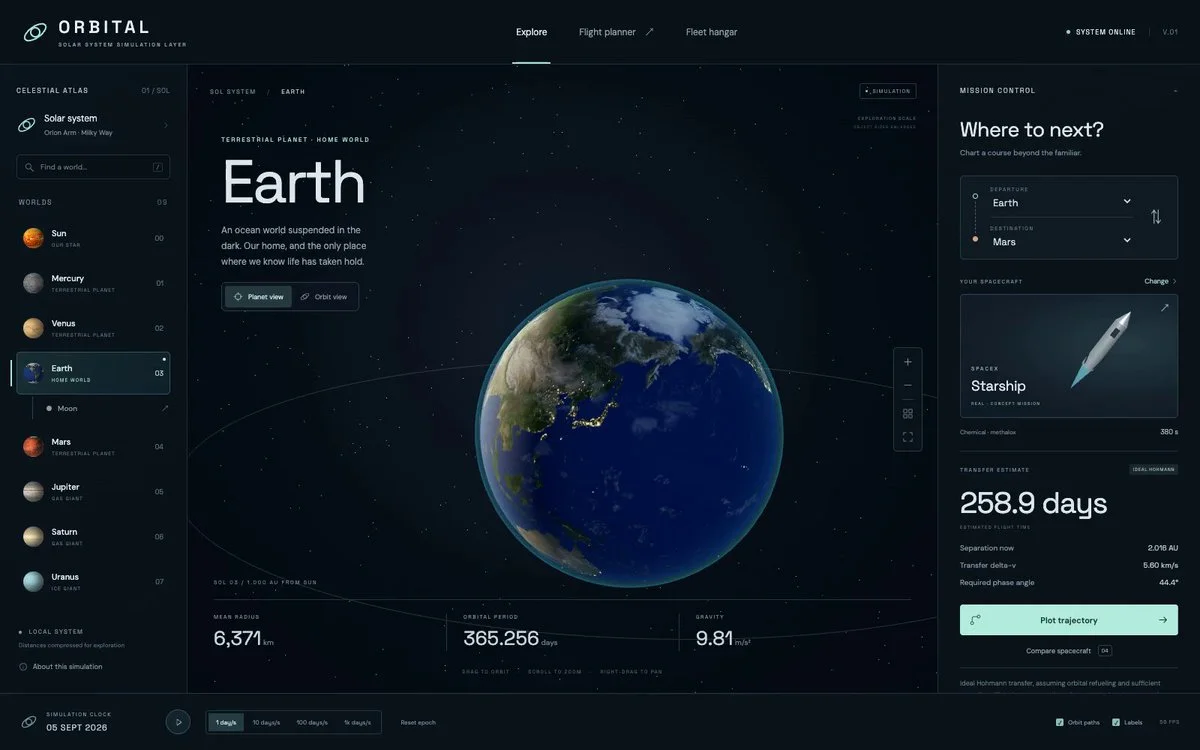
Create a browser solar-system explorer in Three.js with eight planets and twenty moons. Allow camera movement and simplified spaceflight planning.
Design and implement a premium interactive prototype in one pass from the supplied product concept. Choose a strong visual system, prioritize the primary action, add polished transitions and deliver a responsive hosted build.
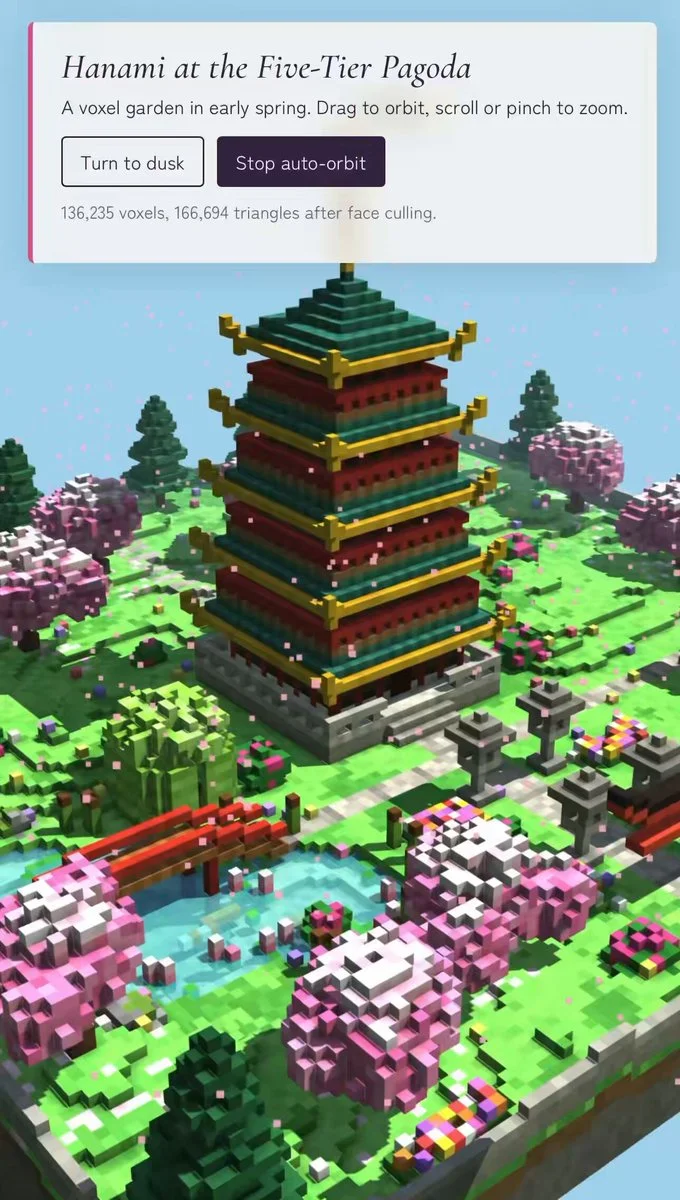
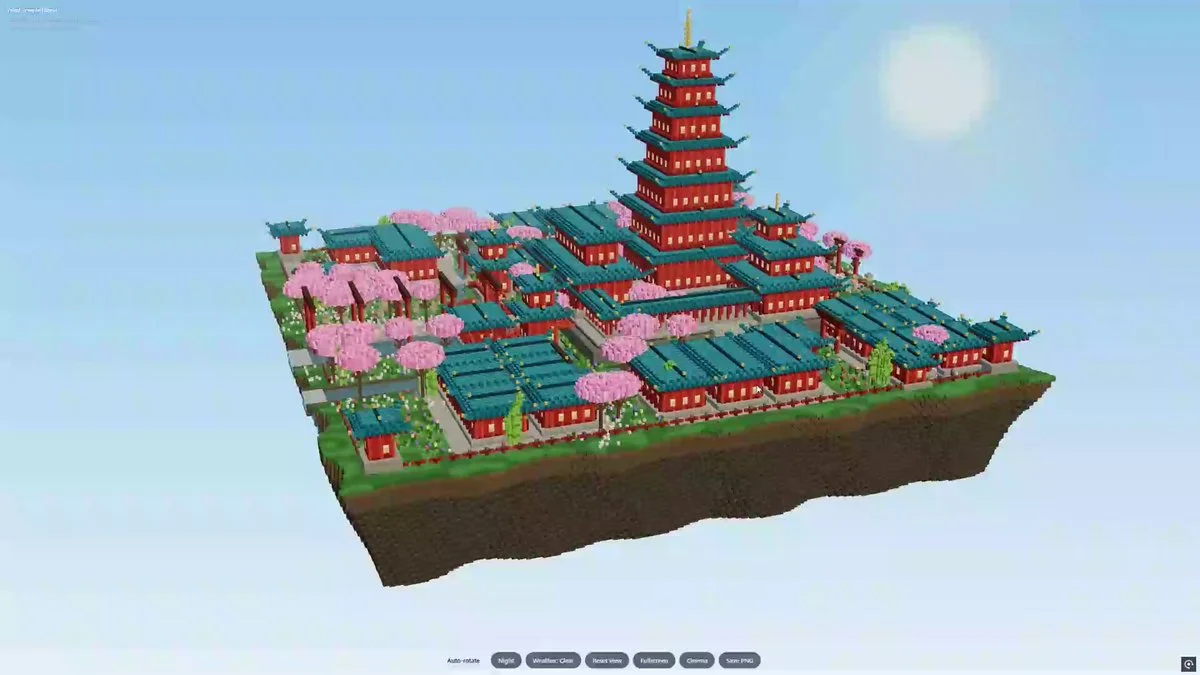
Generate a deterministic 136,000-voxel pagoda in Three.js with readable architectural layers, efficient instancing, stable output and an inspection camera.
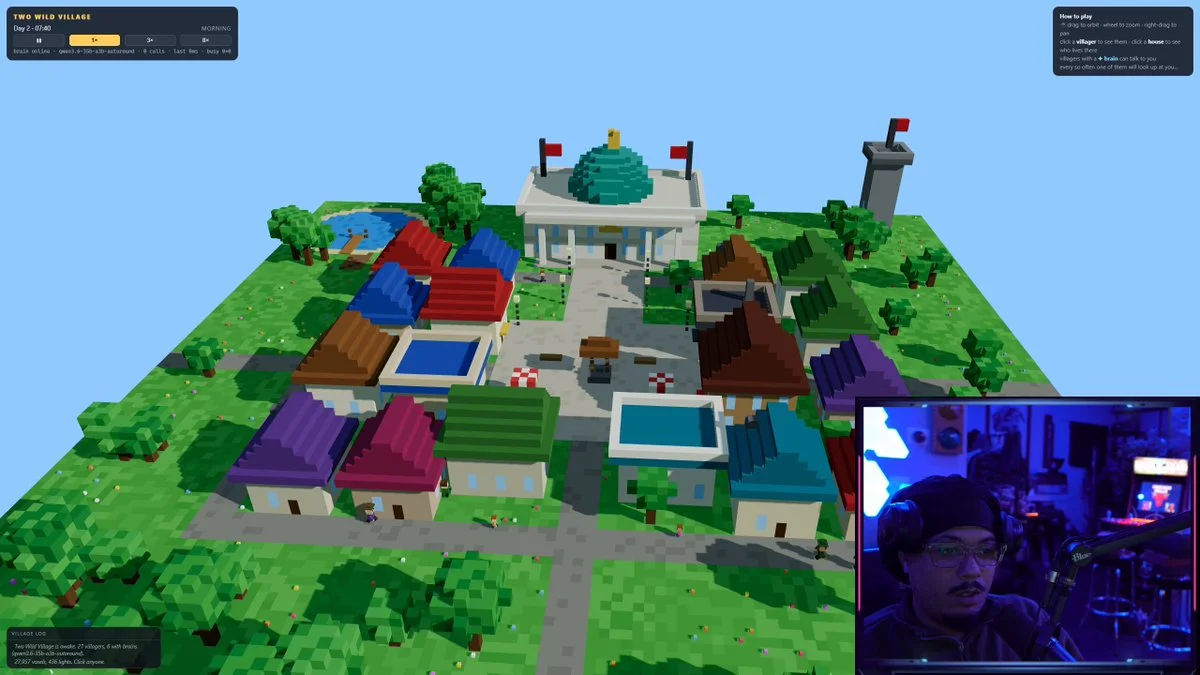
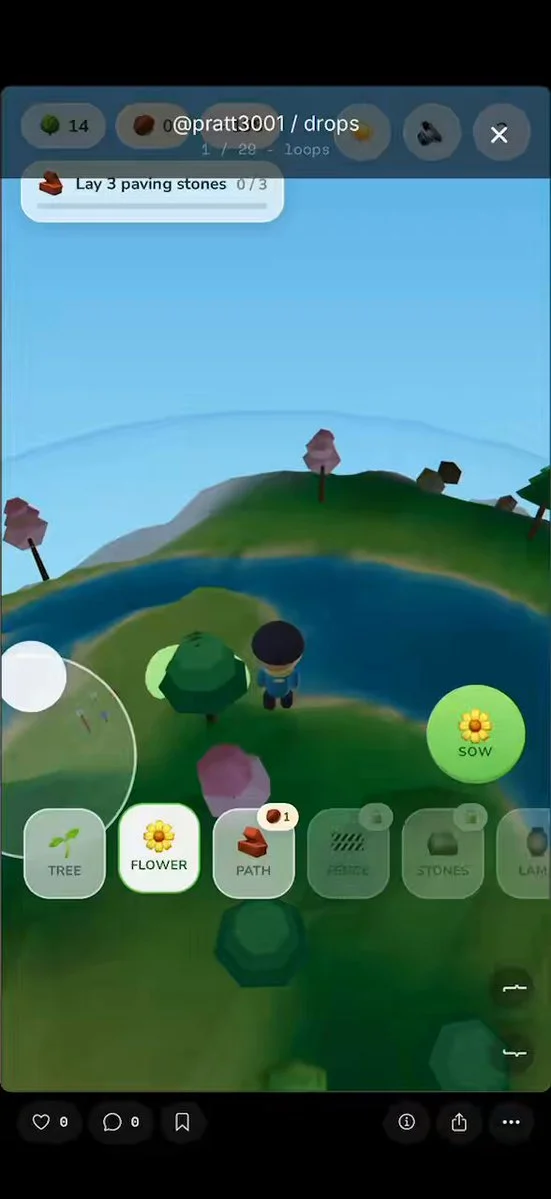
Build a voxel village where residents have jobs, routines, memory and local language-model brains so they can react to the player and to one another.
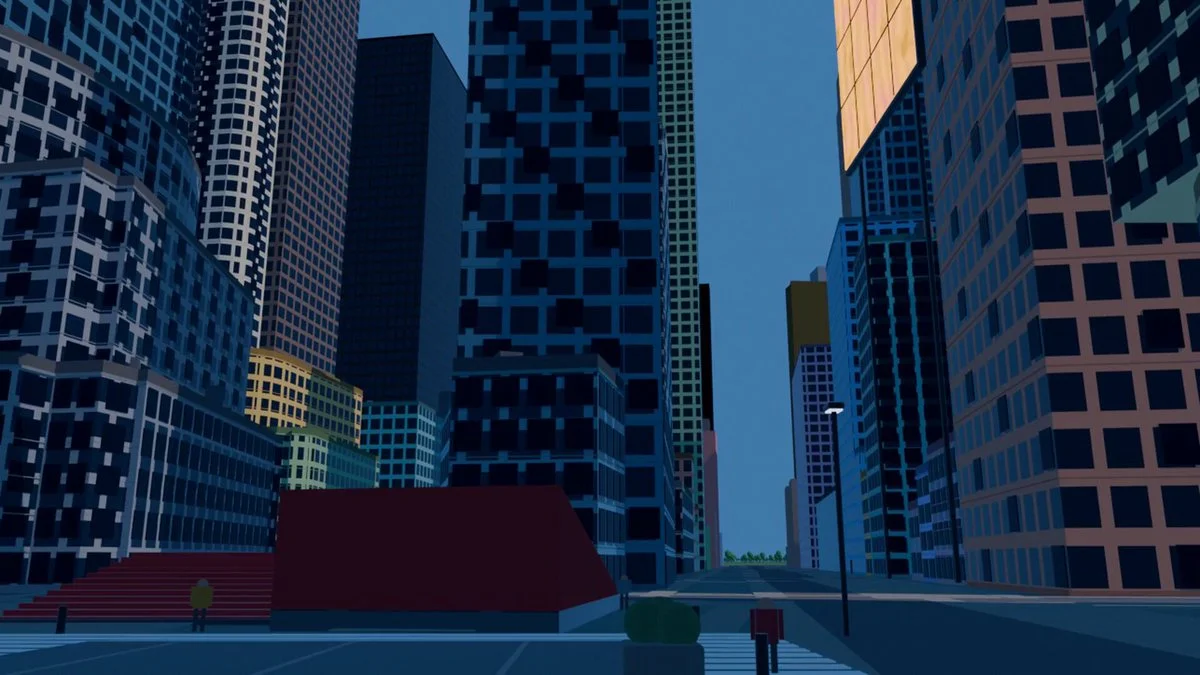
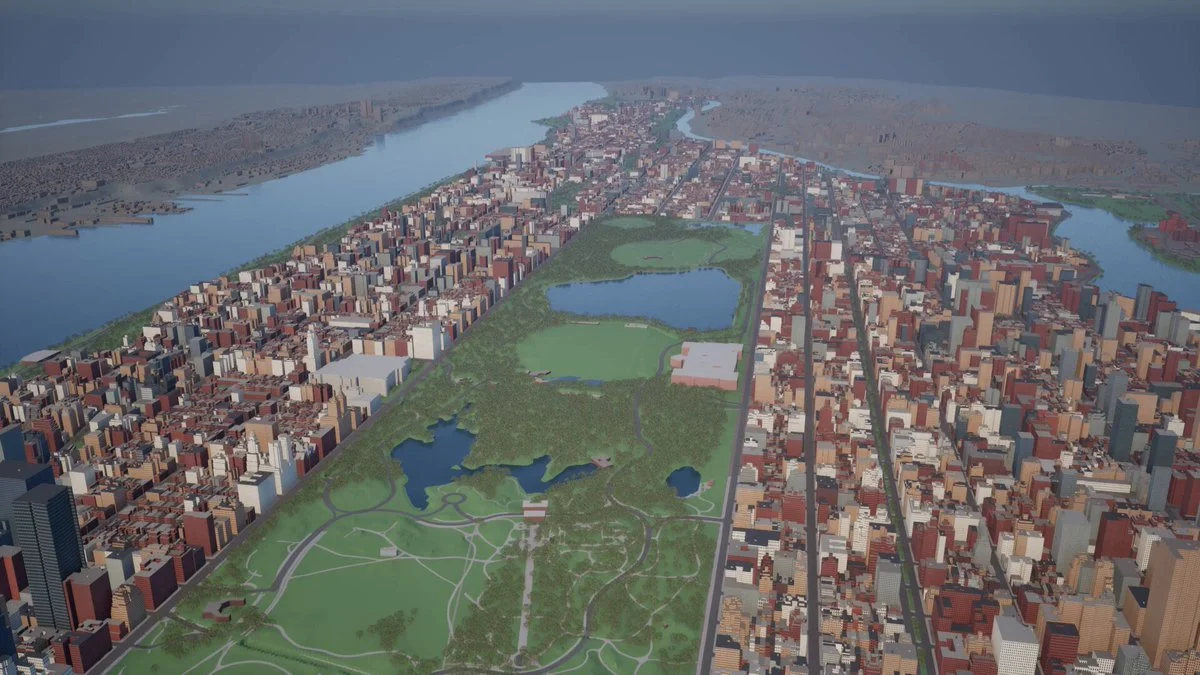
This is New York. An agent built it by itself, with ONE prompt. I didn’t lift a finger. I still can’t process it. A few days ago I came across posts of people modeling in Blender with GPT 5.6 Sol and couldn’t think about anything else. I had to try it with something real. I started with my own house. It came out like garbage: deformed, gray, like a plastic model. I could have stopped there. But I started iterating. I put together some agents that crawl real data about the place from a thousand sources. Footprints, heights, coordinates. With Blender MCP + skills + libraries, they build the model using Blender’s own tools. When the system was ready, I typed a prompt: "armá Nueva York" It returned Manhattan. Real measurements, location nailed to the meter, without me touching a single vertex. What I didn’t expect is that I tested several models and in this GPT 5.6 Sol beats Fable 5 by A LOT. This was only a few days. I’m still iterating on the building detail. If you look at the previous videos on my profile you’ll see how much it improved from one update to the next. Now I’m trying to make it cover more area and detail with a single prompt. (If you know about textures and materials in Blender, I’m listening 🙏) But what’s really blowing my mind isn’t the model. It’s what opens up after. The .blend stays alive. With a couple of phrases you can add a new tower, move an avenue, or fuse entire cities. Buenos Aires on top of New York. The Obelisk standing in the middle of Times Square. I’m not modeling a city. I’m turning reality into a draft that can be edited. Repo + .blend in the first comment 👇 I’ll keep posting every step here. If you like how it progresses, follow me because we’re just getting started. What city do you want me to model next?
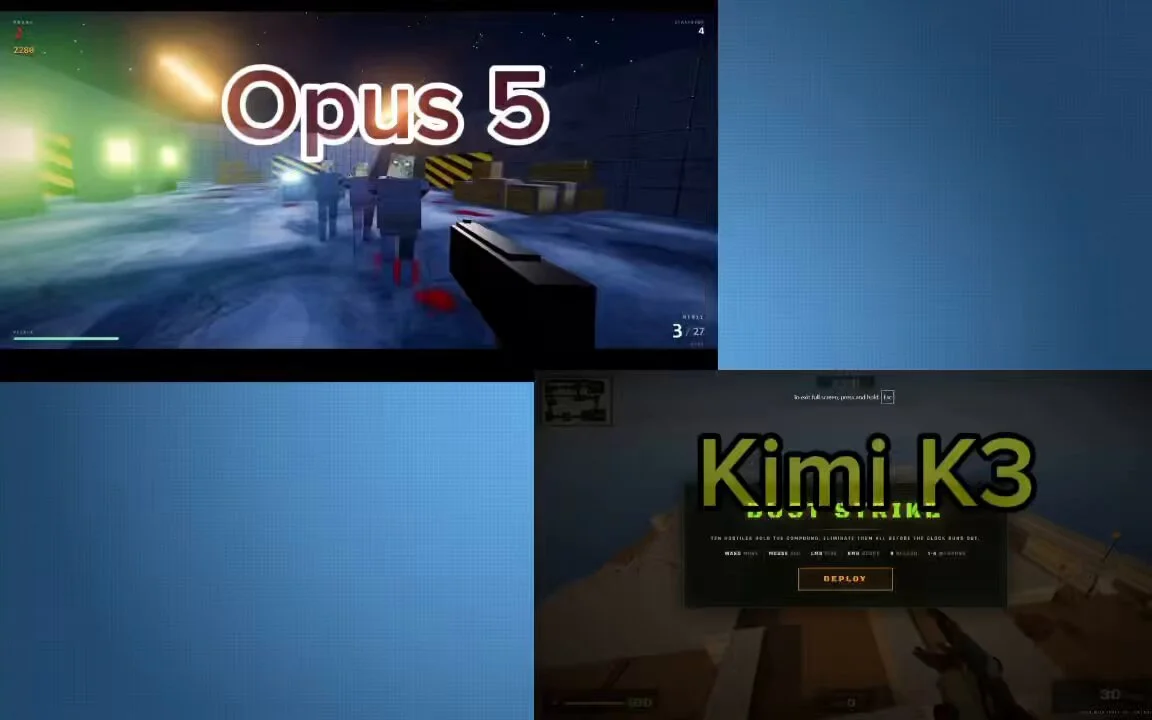
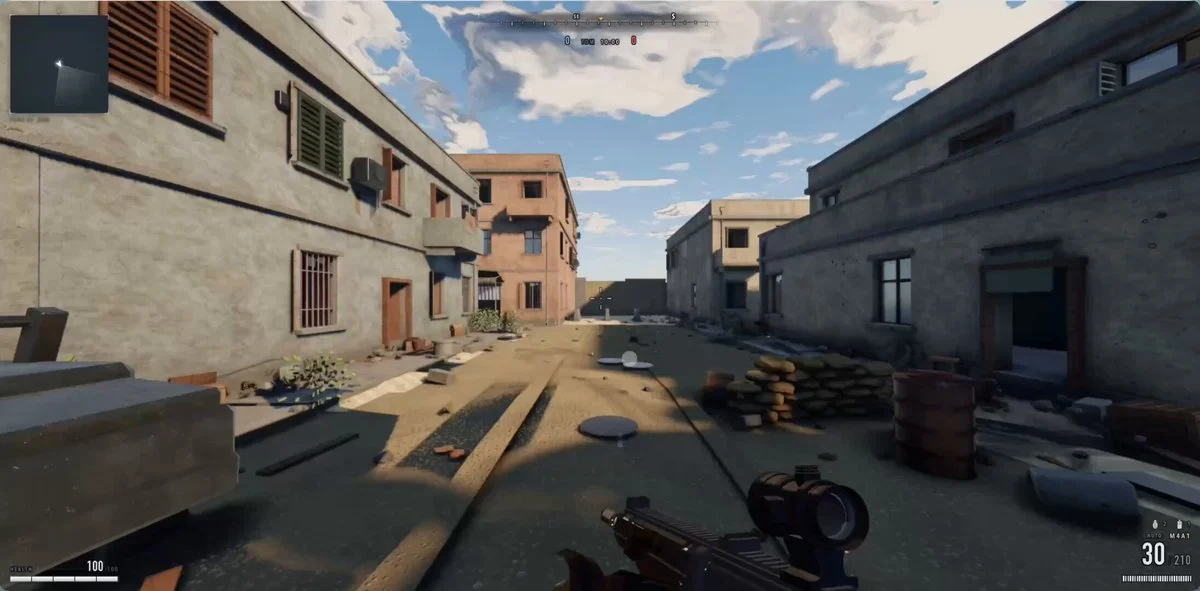
Built a Counter-Strike-inspired game in the browser with Kimi K3. One HTML file. Over 3,700 lines of code. No build step. It includes: 🔫 Dust2-inspired layout with tunnels, catwalk, and Long A 🎯 AK, AWP with scope, MP5, knife, and reload mechanics 🤖 10 AI bots that patrol, react to gunfire, and push your position 💥 Headshots, kill feed, and a 2-minute round system 🔊 Fully procedural audio with no sound files 🌐 Built with Three.js and PBR materials, running entirely in the browser
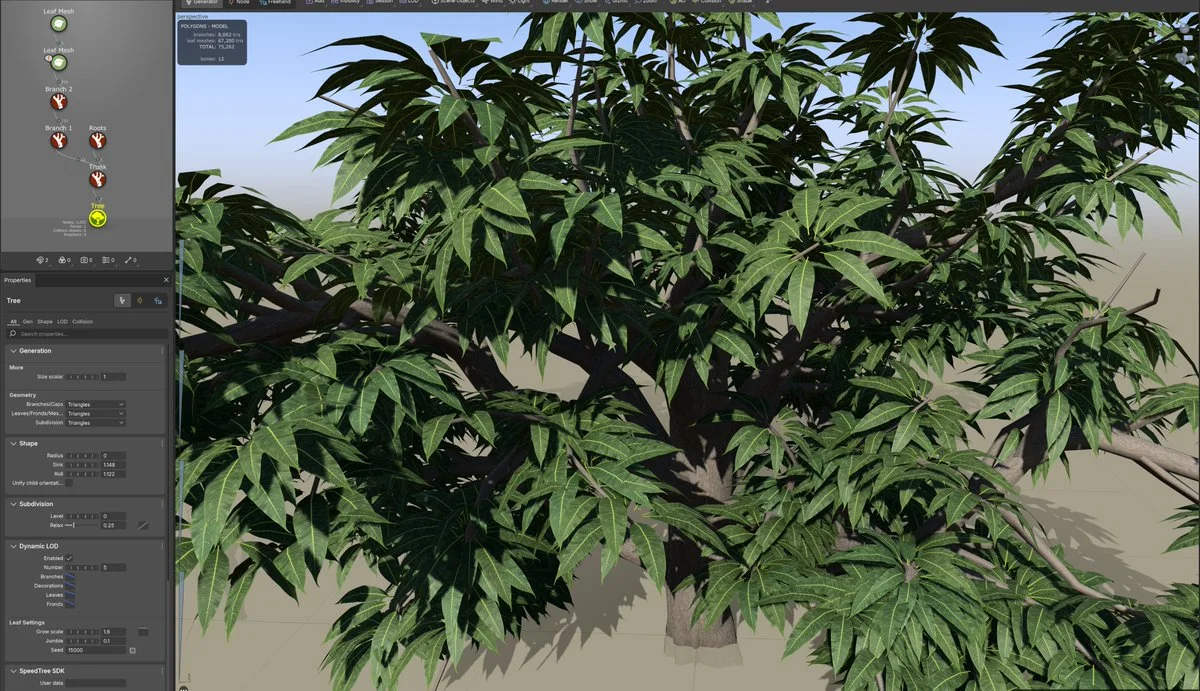
Create an Indian mango tree in SpeedTree for an Unreal scene targeting 60 FPS. Generate leaf and bark materials and review their appearance before finalizing the asset.
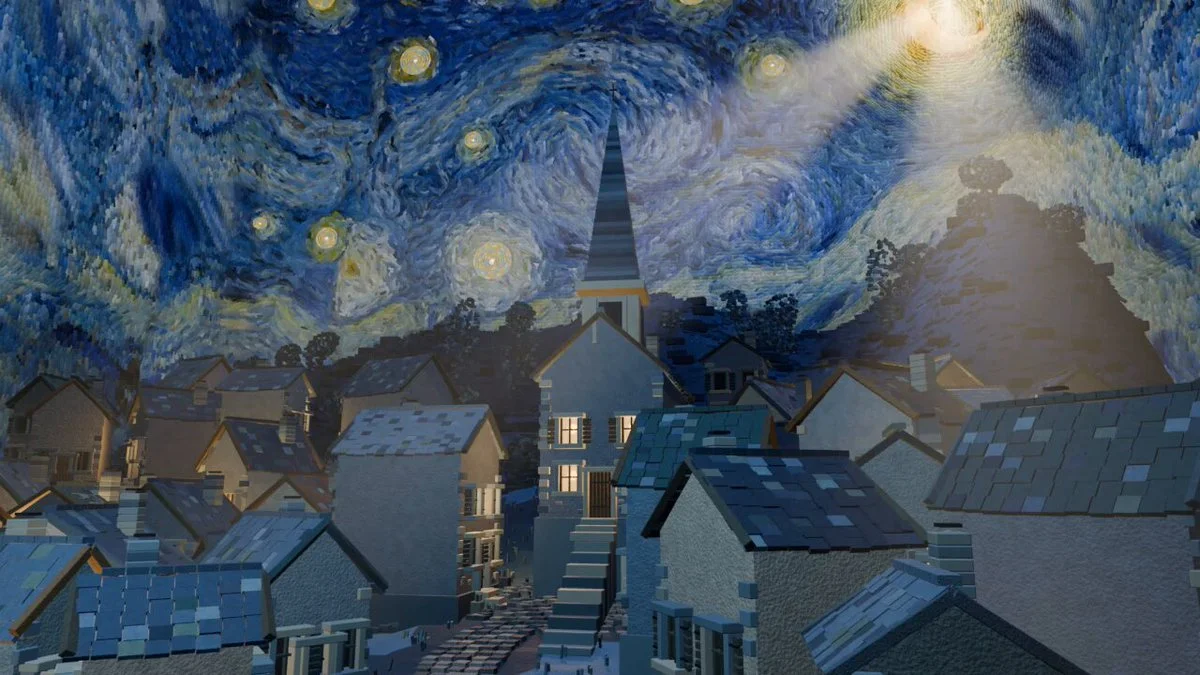
Transform Van Gogh's Starry Night into an explorable 3D village with inhabitants, lighting and a day-night cycle. Render a short film through the finished world.
Make an original Three.js game in one shot that earns the title “Amaze.” Pick one surprising visual mechanic, teach it within seconds, build a short progression arc and end with a satisfying spectacle.
Create an interactive floating Japanese city centered on a richly detailed pagoda, with layered islands, bridges, mist, lantern light and cinematic flight controls.
make a playable Chrome-dino game.
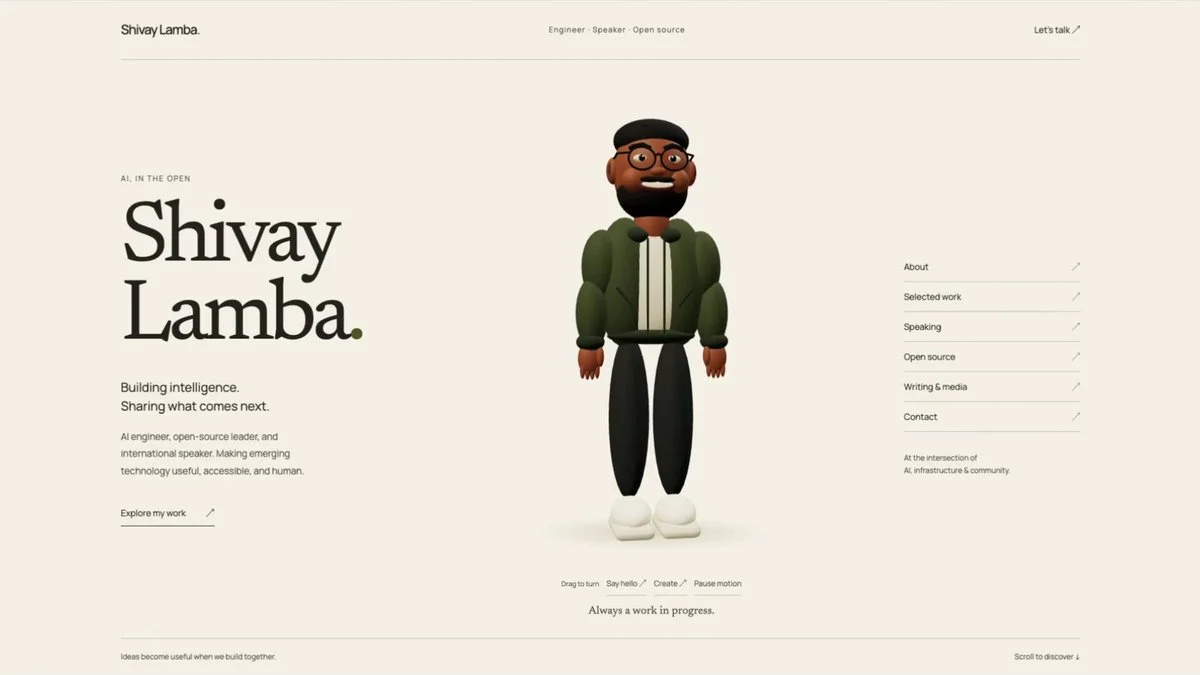
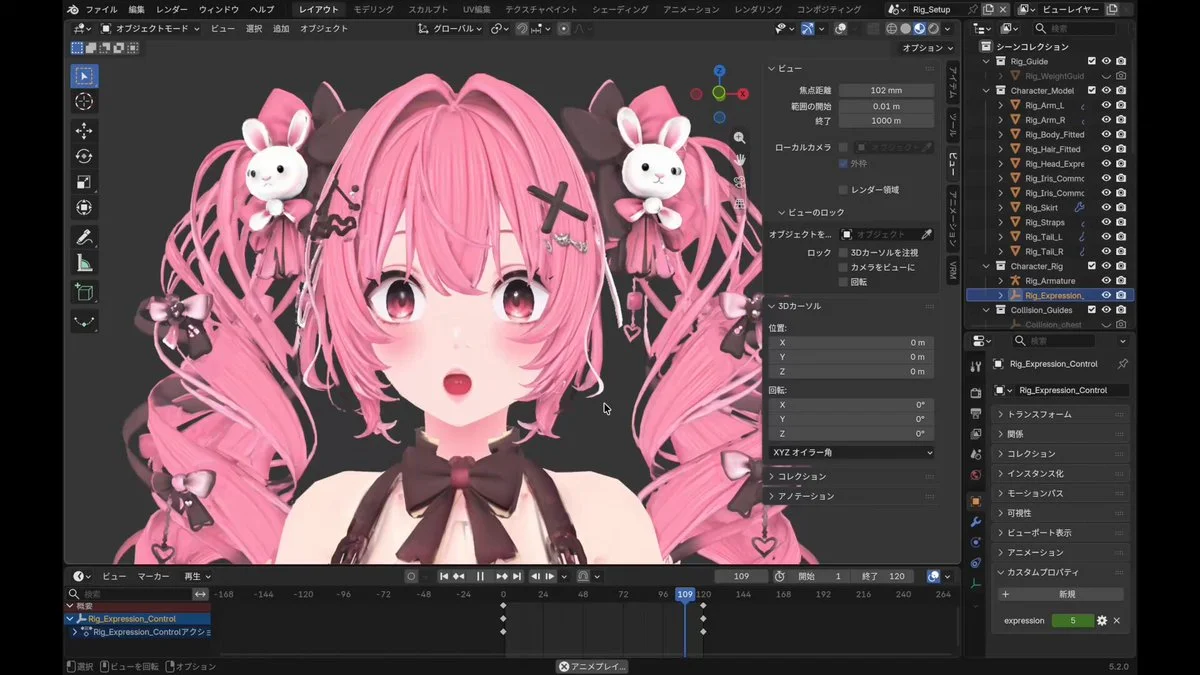
Turn a portrait into a Blender character inside an editorial WebGL portfolio. Add a revolving globe that maps speaking events and integrate the assets into the website.
Here’s the prompt I gave to Claude Code, running Opus 5 on High mode. This was spoken/transcribed with @WisprFlow hence the conversational format. PROMPT: I want you to fork this zombie project directory, and I want us to make the environment, the map, and the gameplay look AAA, just like this tweet (screenshots attached for visual reference): https://t.co/b5CzKRTbVt Right now, the game you'll see is very blocky and not realistic... I want it to look like Battlefield 6 or the latest Call of Duty, with motion blur, amazing shadows, lighting, microanimations, and all the other bells/whistles that differentiate a vibe-coded game from a studio-level game. I want the map and gameplay and logic to effectively stay the same, but the visuals and movement need a huge update. Let's not edit this directory directly. I just want you to fork it and then redo everything graphics-wise: * visual theme * movement * all the models * etc If you need new sound effects, you can do it with ElevenLabs, and you can even do new music with ElevenLabs or text-to-speech, anything. You can also use the ElevenLabs library of sound effects we already have as well. Whatever's best. For the 3D modeling of the zombies, the gun, that map, the lighting, everything, the motion blur, the movement systems, how smooth it is, how your camera shakes when you run, all that stuff: that's gotta get to that level of quality of latest Battlefield/COD. Work until you are done. Test using browser if you need. And just have many recursive loops until its fully up to AAA standards. (note: attached screenshots of Matt's video for visual reference)
3D build walkthroughs
Watch independent creators put each model through a real 3D build, then use the free prompts above to run your own version of the experiment.
Follow Peter Yang’s workflow for four game projects, from reference images and setup to playable scenes and iterative feedback.
YouTube ↗Jump to the 3D segment at 11:35: a werewolf character, animation and a playable forest scene. This is part of a broader Astra review.
YouTube ↗See how Kimi K3 drives a 3D and Blender workflow, from interpreting the brief to planning geometry and iterating on a scene.
YouTube ↗A practical one-prompt challenge that asks Claude Opus 5 to create a playable 3D game—useful evidence for structuring controls, game state and acceptance checks.
YouTube ↗A hands-on test of Claude Fable 5 as a 3D modeling agent, with useful context on the strengths and limits to account for when refining a visual prompt.
YouTube ↗Free AI 3D prompt library
Browse 3D prompt examples for Blender modeling, Three.js websites, browser games and interactive worlds. Each entry links to a public project and distinguishes the author’s exact prompt from a source-derived brief, so you know what you are adapting.
Start with Astra prompts, explore Claude and Kimi examples, or filter for projects with GitHub code. Copy a reference, adapt it to your scene and try it in your preferred model. For more detailed characters and props, create 3D assets in Tripo.
Browse Astra prompts and real 3D examples for Blender scenes, Three.js websites and games. Preview the results, copy a brief and explore GitHub projects where available.
Explore prompts →Free Claude Fable 5.1 3D prompts and source-backed briefs for Three.js games, WebGL worlds, Blender scenes, simulations and interactive websites.
Explore prompts →Free Kimi K3 3D prompts for playable browser games, Three.js worlds, physics simulations and fast interactive coding experiments.
Explore prompts →Free Claude Opus 5 3D prompts for complex Three.js applications, physics simulations, browser games and carefully constrained interactive prototypes.
Explore prompts →Free Claude Fable 5 3D prompts for expressive Three.js scenes, stylized environments, generative motion and interactive visual experiments.
Explore prompts →Keep the scene hierarchy, controls and feedback loop before changing the theme.
Swap the subject, camera, palette and signature interaction instead of rewriting everything.
Generate original characters, props and environments in Tripo once the prototype works.
Give your next scene a character worth a closer look. Create detailed, textured 3D assets from an image or a few words.
Generate 3D Assets Free