RPG with first- and third-person cameras
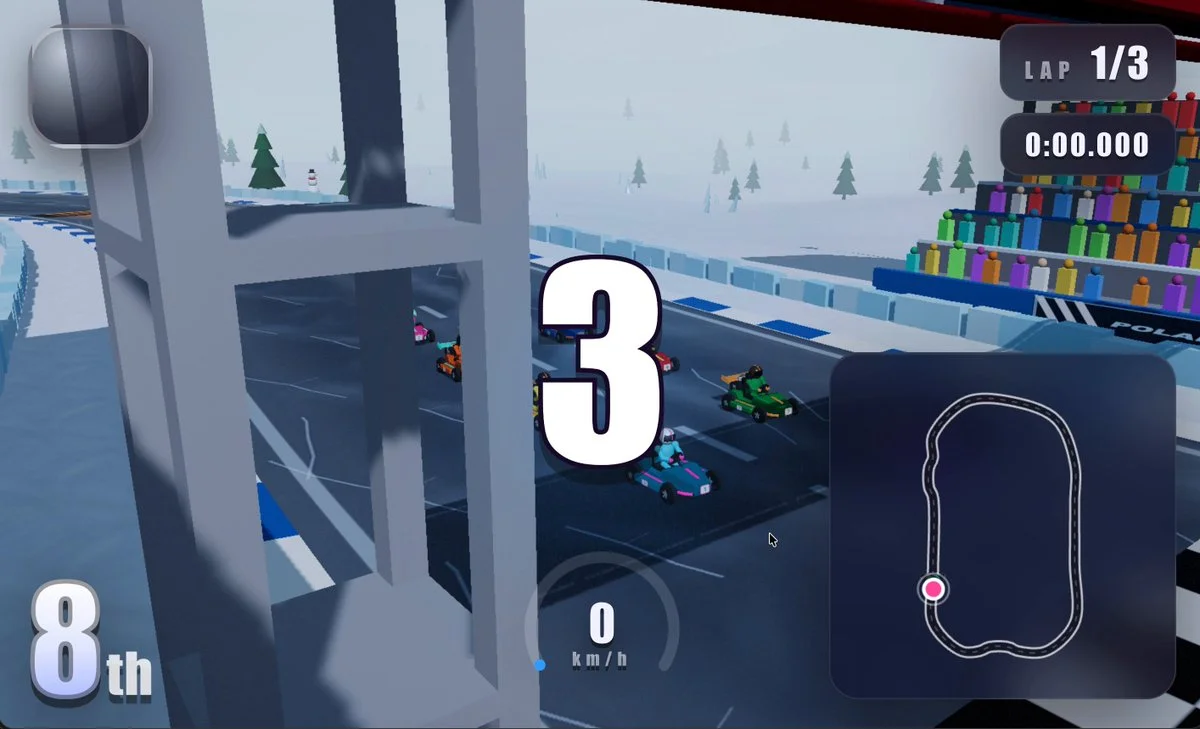
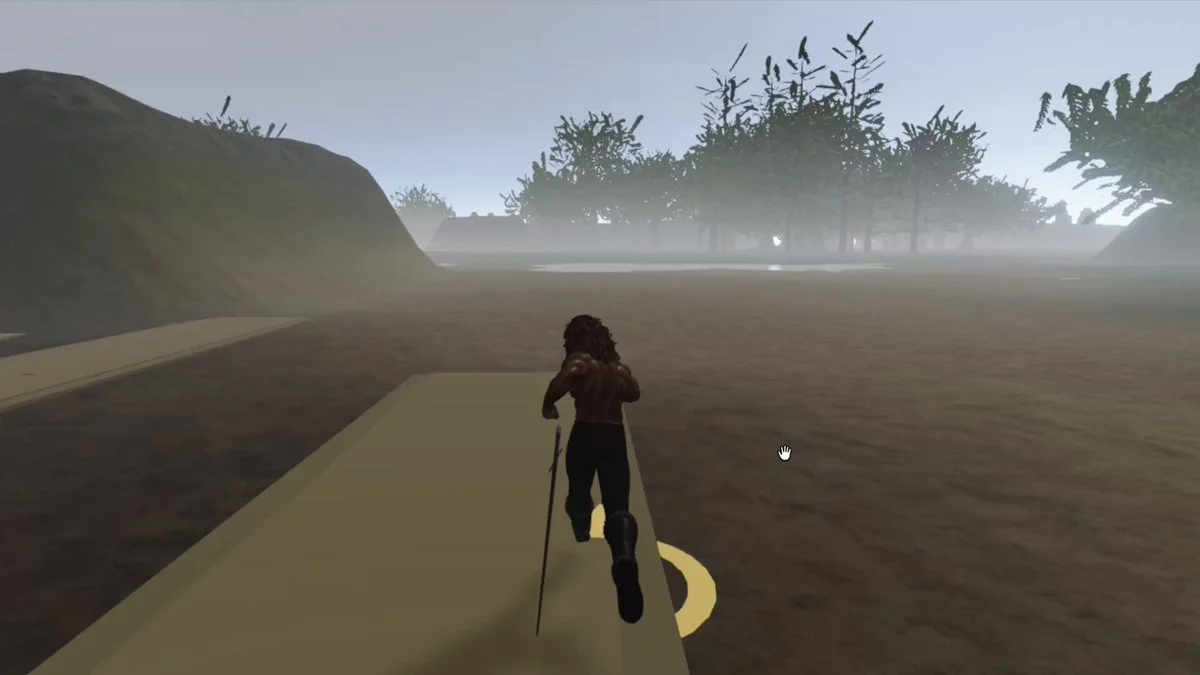
Extend a Three.js role-playing game with first- and third-person cameras. Preserve movement and exploration when switching between the two views.
Source-backed idea → working 3D experience
Free Claude Fable 5.1 3D prompts and source-backed briefs for Three.js games, WebGL worlds, Blender scenes, simulations and interactive websites.
Featured results
82 prompts
Copy, adapt, build
Extend a Three.js role-playing game with first- and third-person cameras. Preserve movement and exploration when switching between the two views.
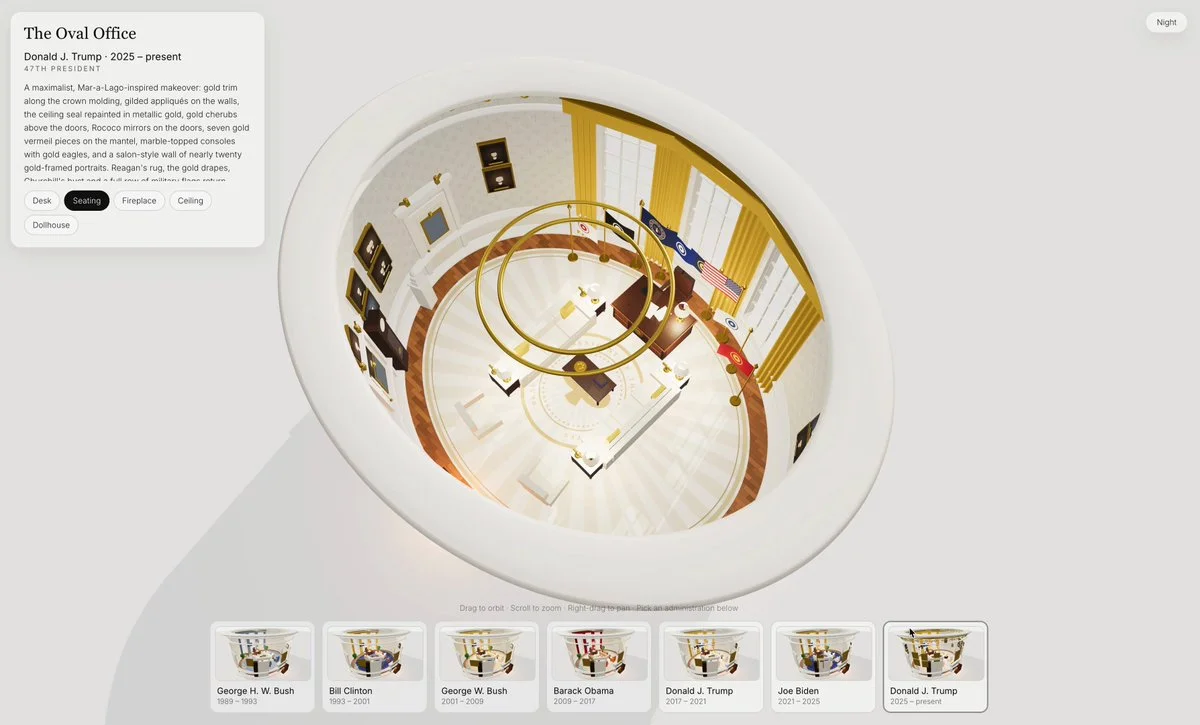
Build an interactive Three.js project exploring how the Oval Office changed across presidencies. Allow switching periods to inspect furniture, decor and room composition.
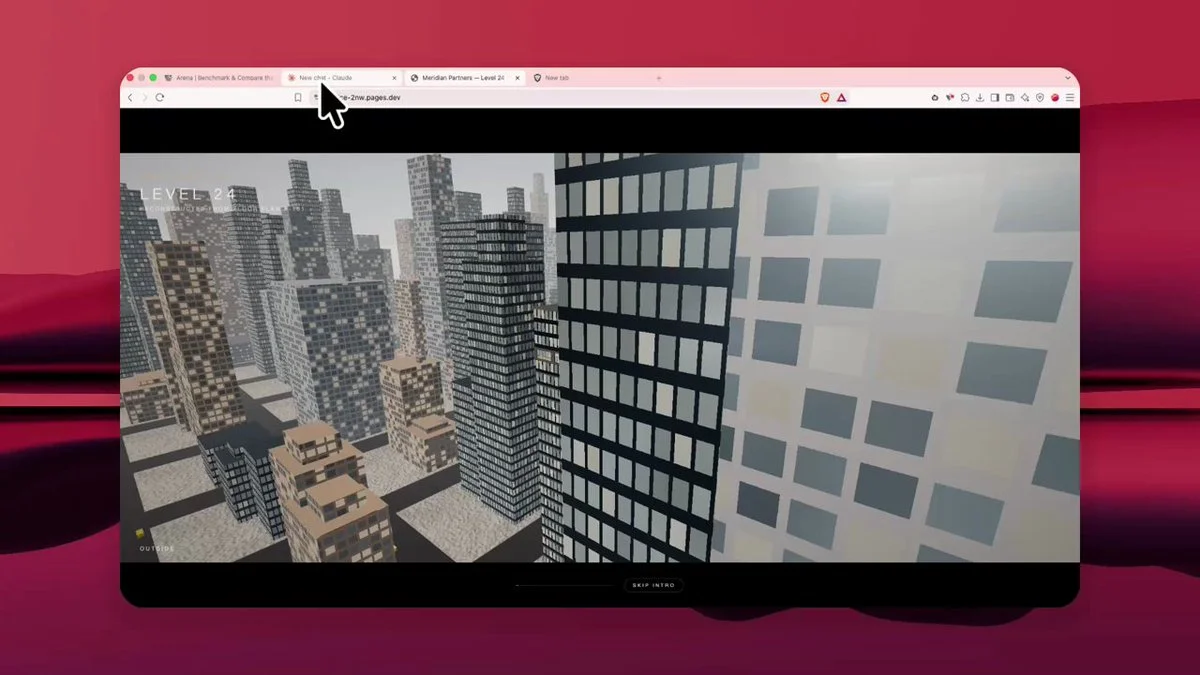
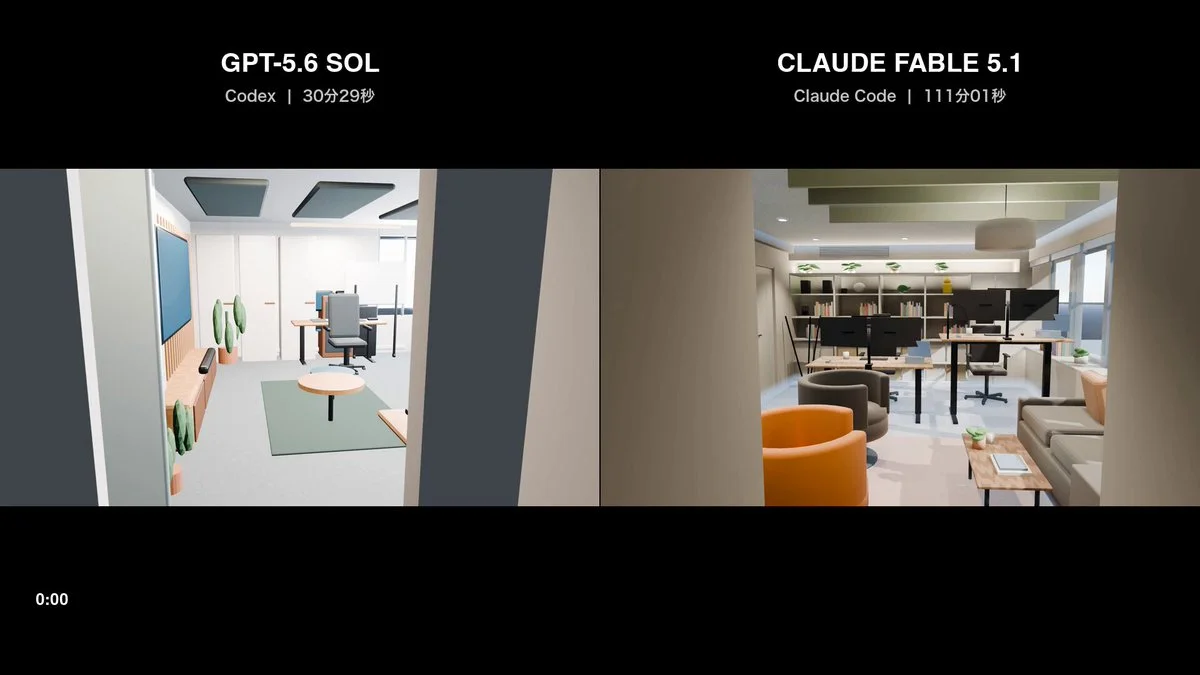
Build a browser office in Three.js with first-person navigation, 32 rigged people who greet the visitor by name, clickable doors, orbit controls and a blueprint view.
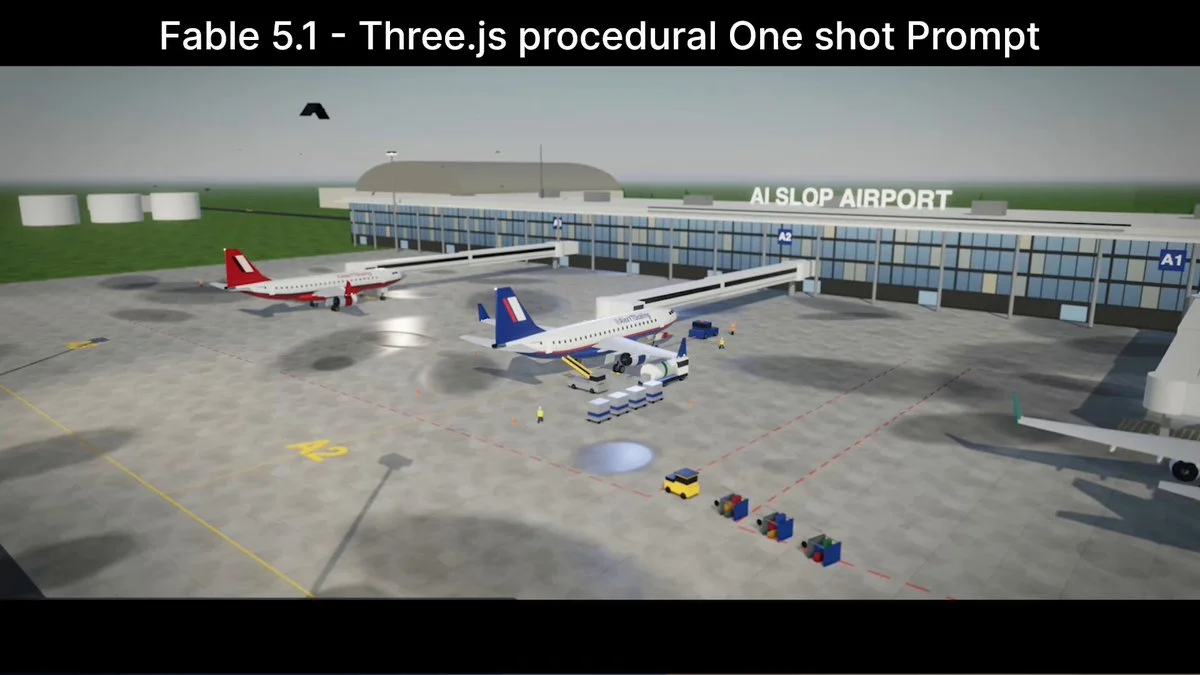
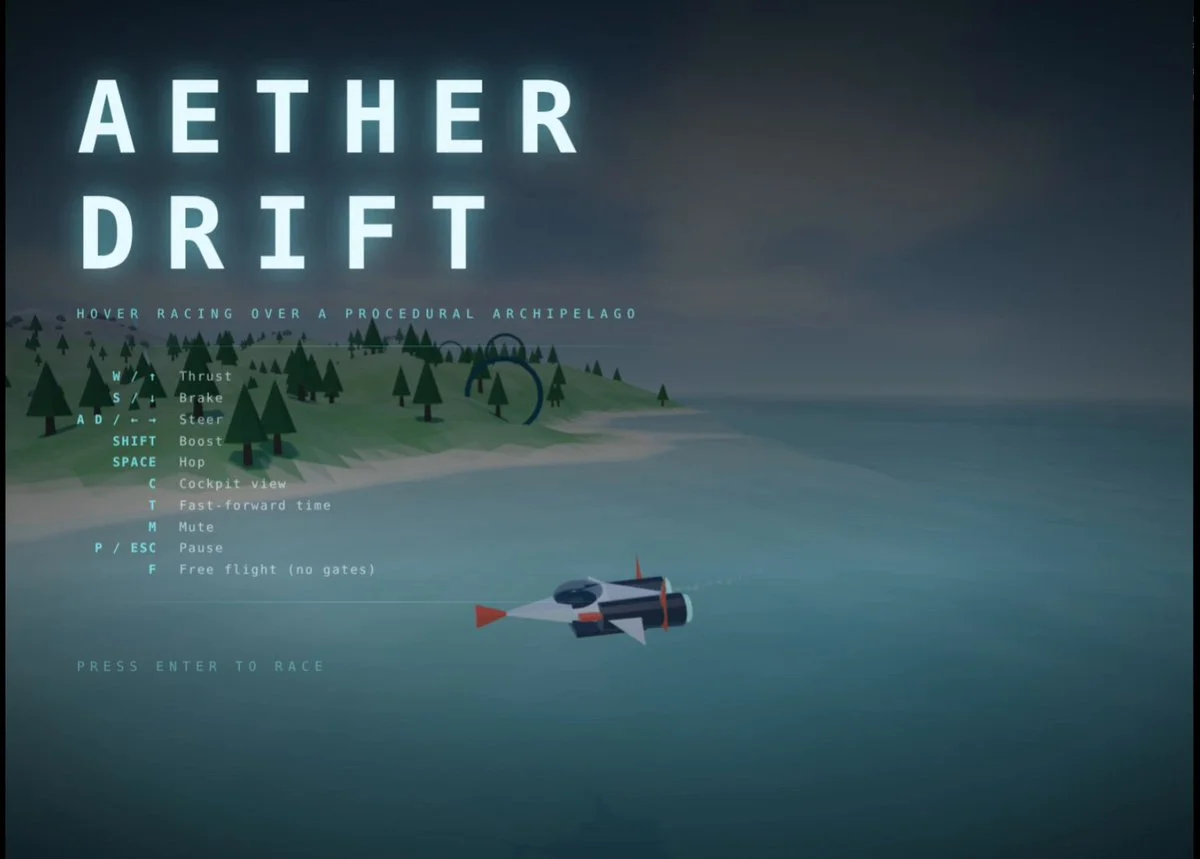
Build a one-shot Three.js airport simulation with runways, terminals, aircraft taxi and takeoff behavior, ground vehicles, time-of-day lighting and an overview camera.
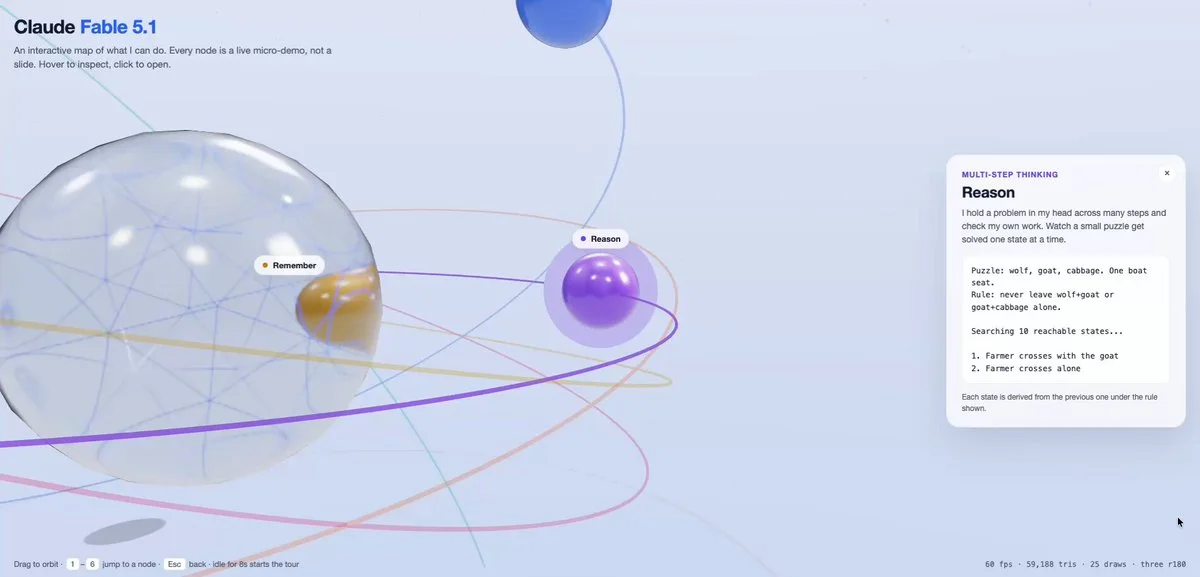
make a Three.js demo of your capabilities.
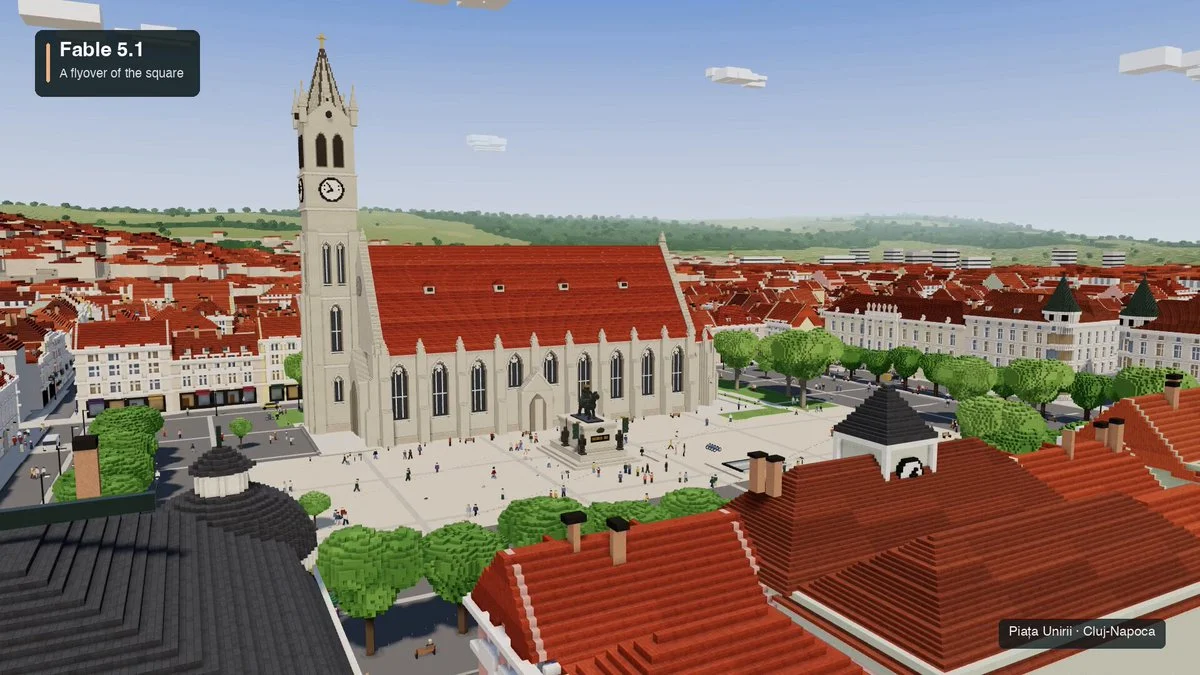
Create an interactive voxel world of Piața Unirii in Cluj-Napoca. Adapt the square's recognizable layout and landmarks into an explorable miniature.
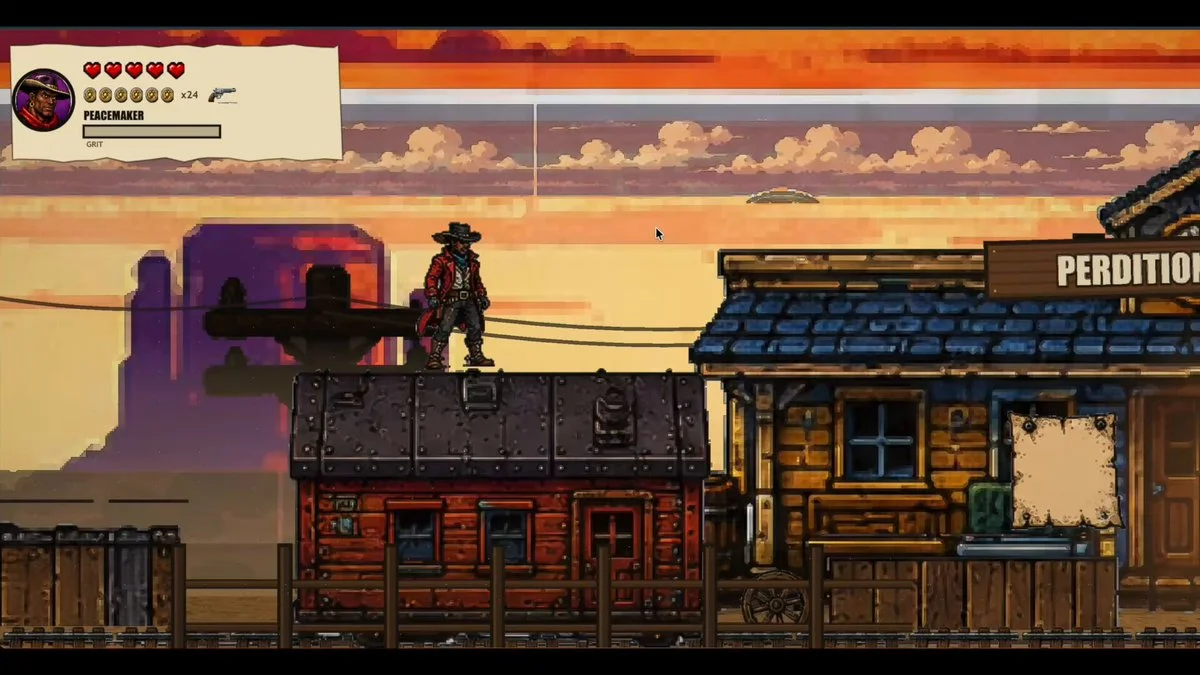
Create a dream cowboy game in Three.js that combines the arcade energy of Sunset Riders with comic-book rendering, responsive shooting, horseback action and memorable set pieces.
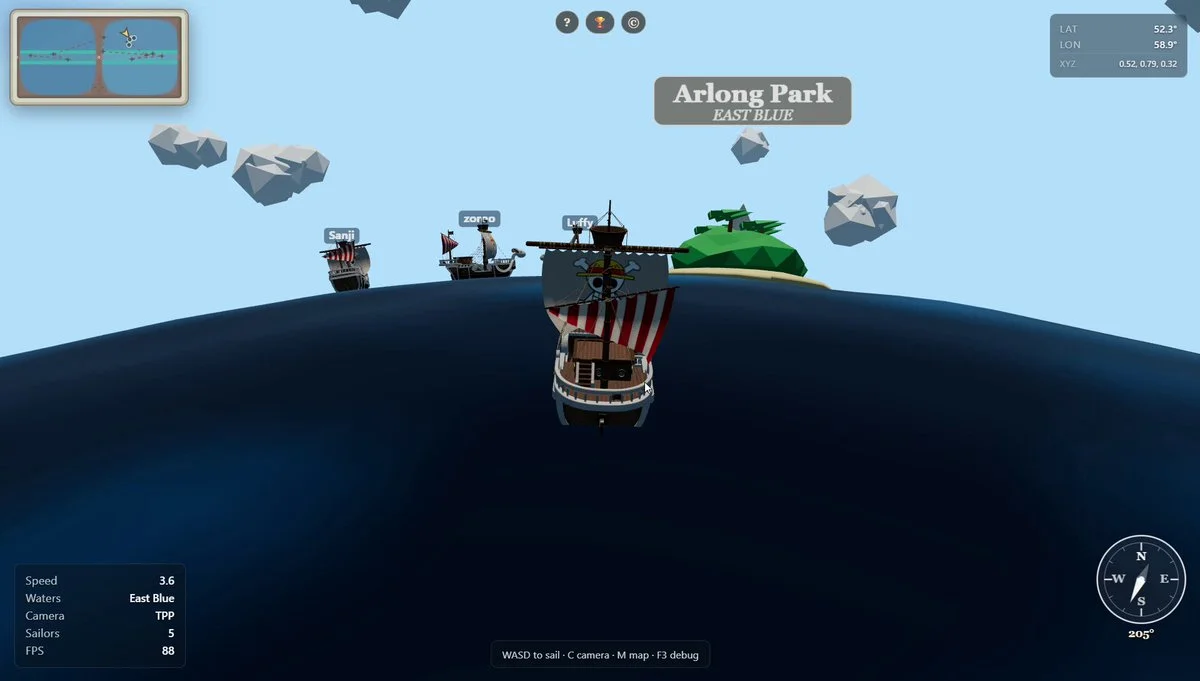
Build a multiplayer Three.js world inspired by adventurous pirate anime, with islands, ships, traversal, combat and a social exploration loop.
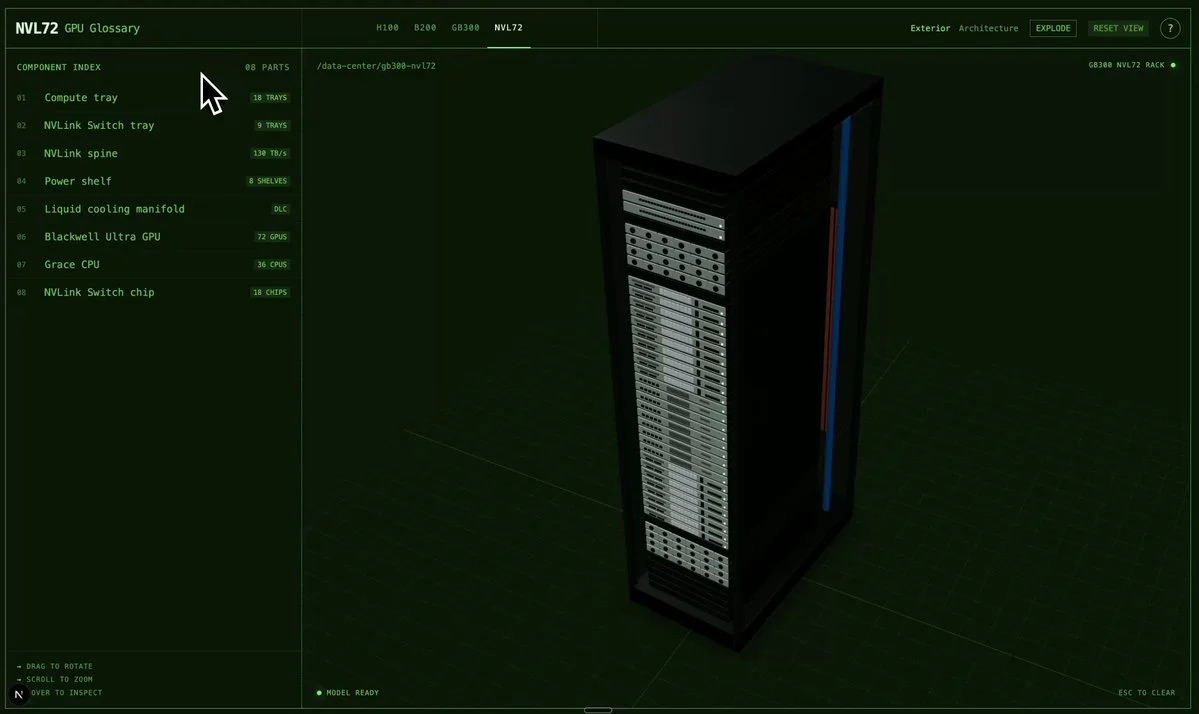
Build a Three.js exploded-view visualization of an NVL72 rack and GB300 system, with labeled components, staged separation, technical lighting and smooth camera transitions.
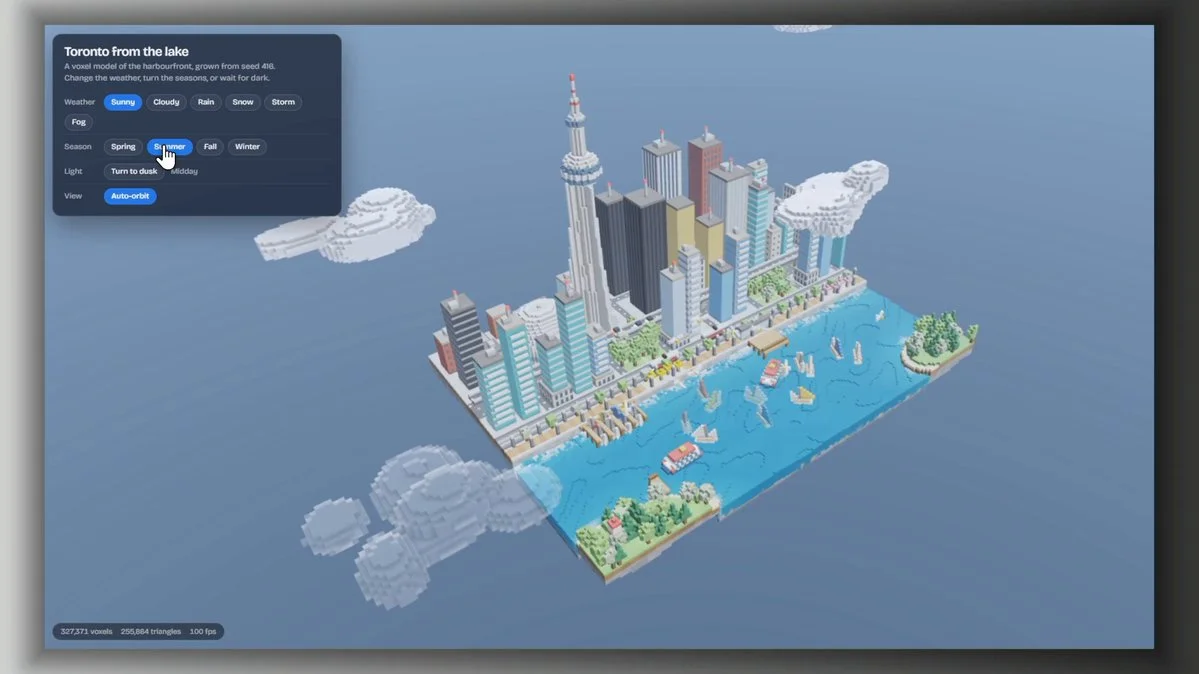
Build an interactive 3D Toronto skyline with recognizable landmarks, water, atmospheric depth, day-to-night lighting and smooth orbit and fly-through controls.
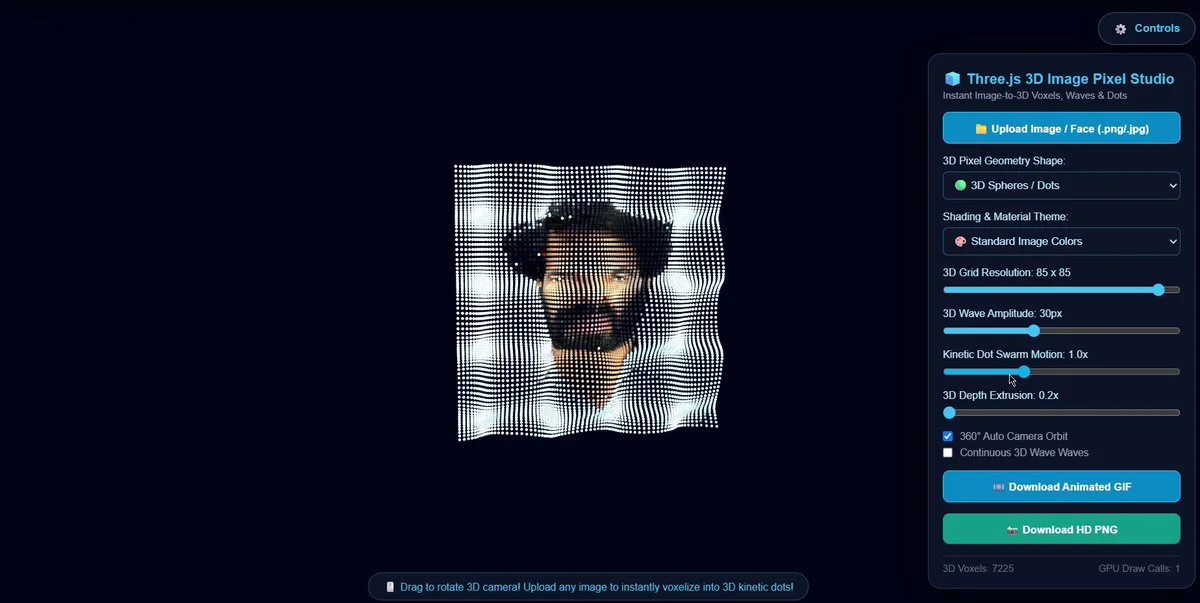
Transform the uploaded portrait into more than 10,000 interactive 3D voxels with wave displacement, cyberpunk shaders, efficient instancing and pointer-driven motion.
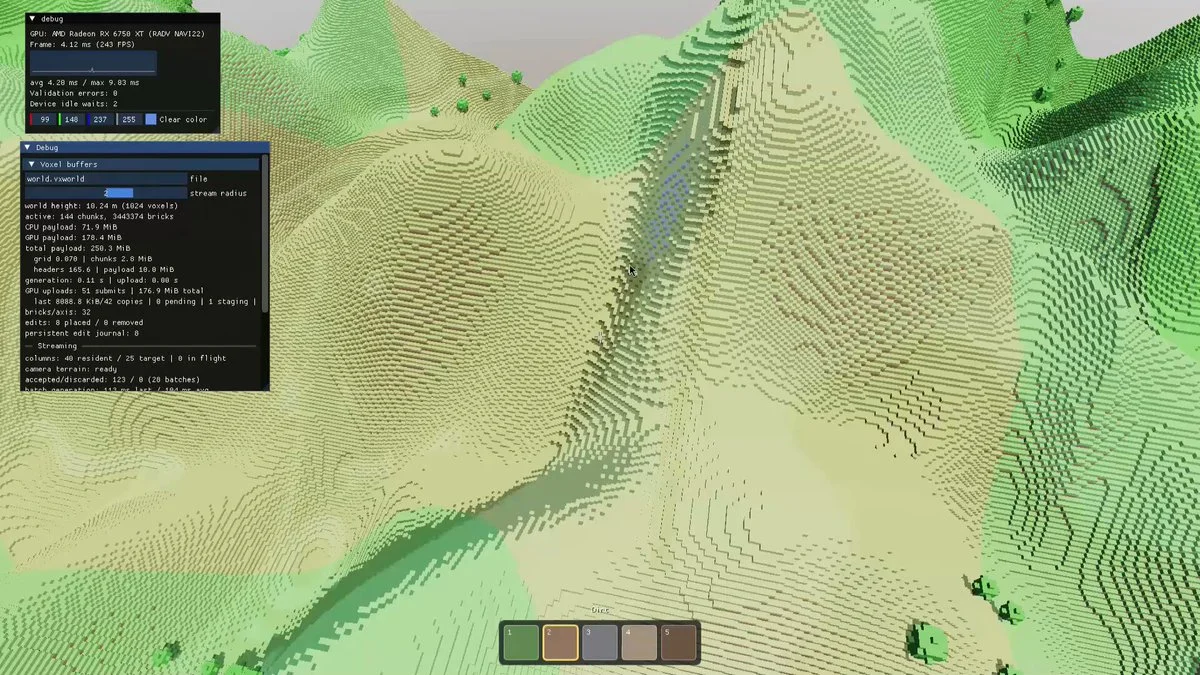
Build a Minecraft-like ray-marched voxel engine in C++ with procedural terrain, camera controls, block interaction, lighting and performance-conscious chunk handling.
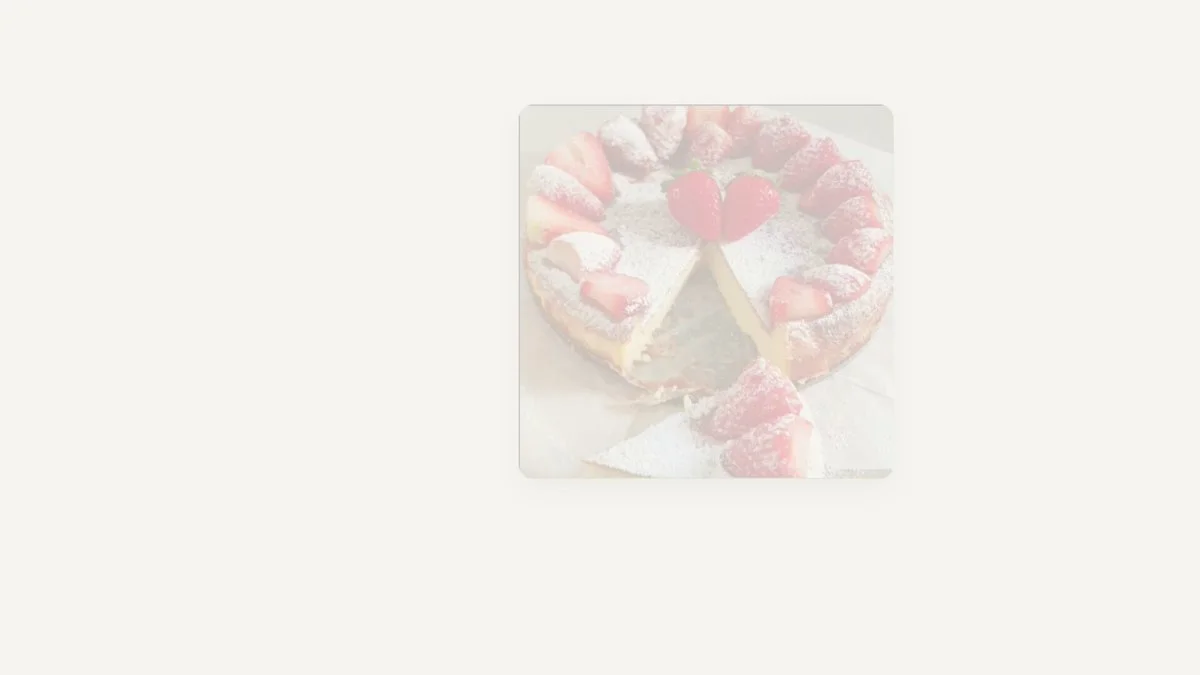
Rebuild a real cheesecake as a Three.js scene from its recipe. Model the six layers, springform and parchment separately, then create a one-minute presentation of the cake.
Create a procedurally generated Three.js world with varied terrain, biomes, points of interest, ambient life and smooth exploration controls from a single prompt.
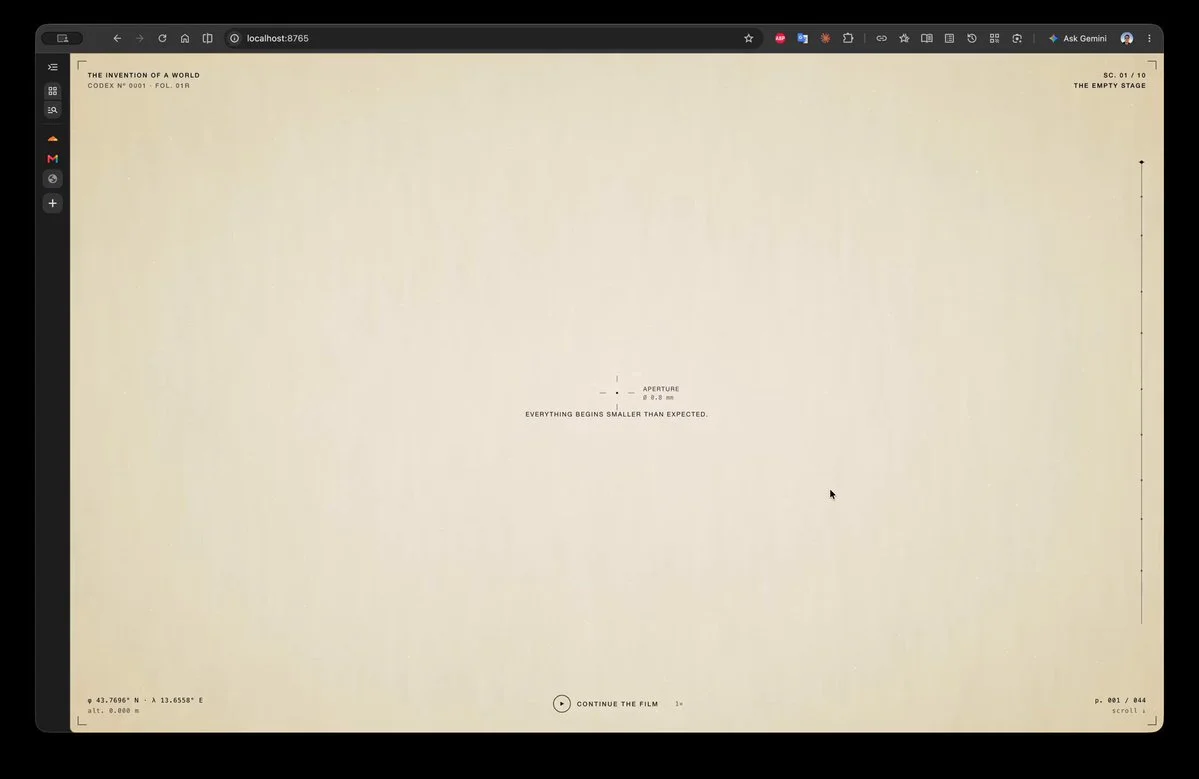
Build a ten-scene cinematic browser experience that combines Renaissance painting, editorial typography, GSAP transitions, WebGL grain and the theme of inventing a world.
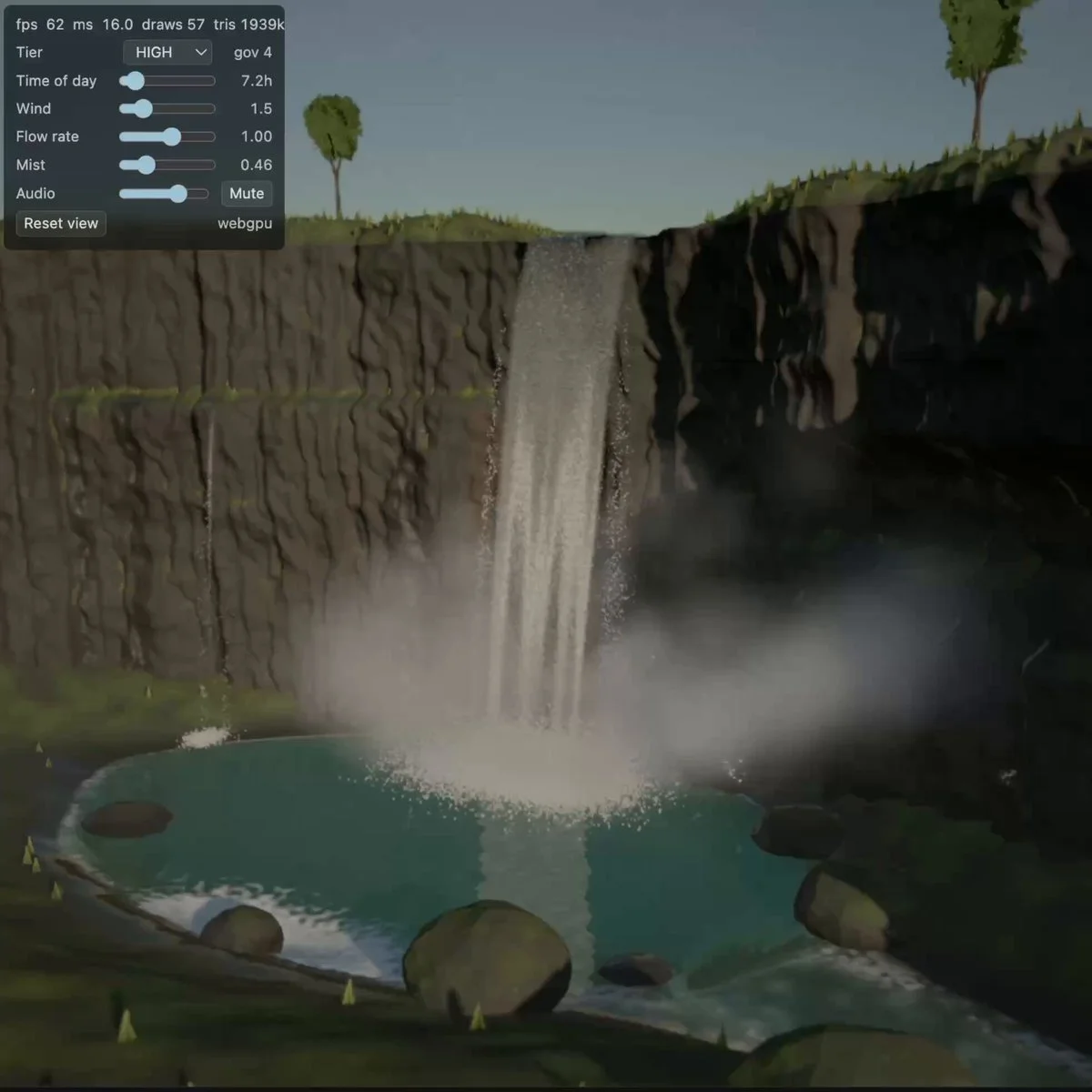
Create a Three.js waterfall scene with flowing water, spray, rocks and a clear sense of scale. Use lighting and camera framing to make the water motion readable.
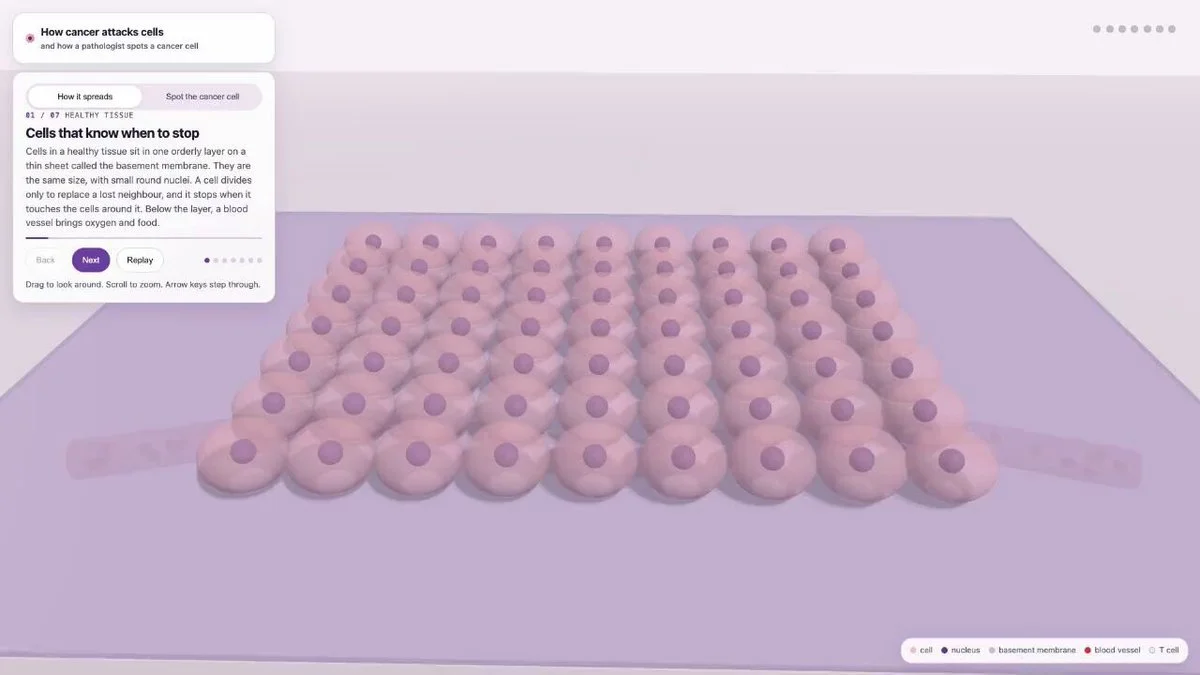
Build an educational 3D cancer-cell simulation showing mutation, division, angiogenesis, invasion and metastasis with a timeline, labels and careful visual distinction between stages.
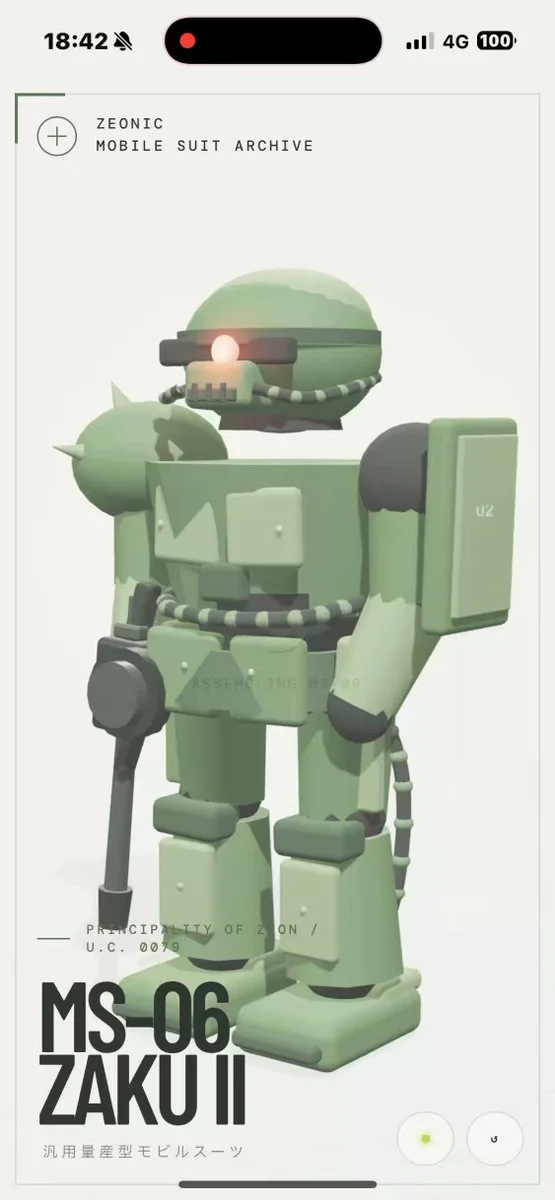
Create a detailed MS-06-inspired mecha in Three.js on a clean white background so the main object reads clearly, with convincing proportions, materials and inspection controls.
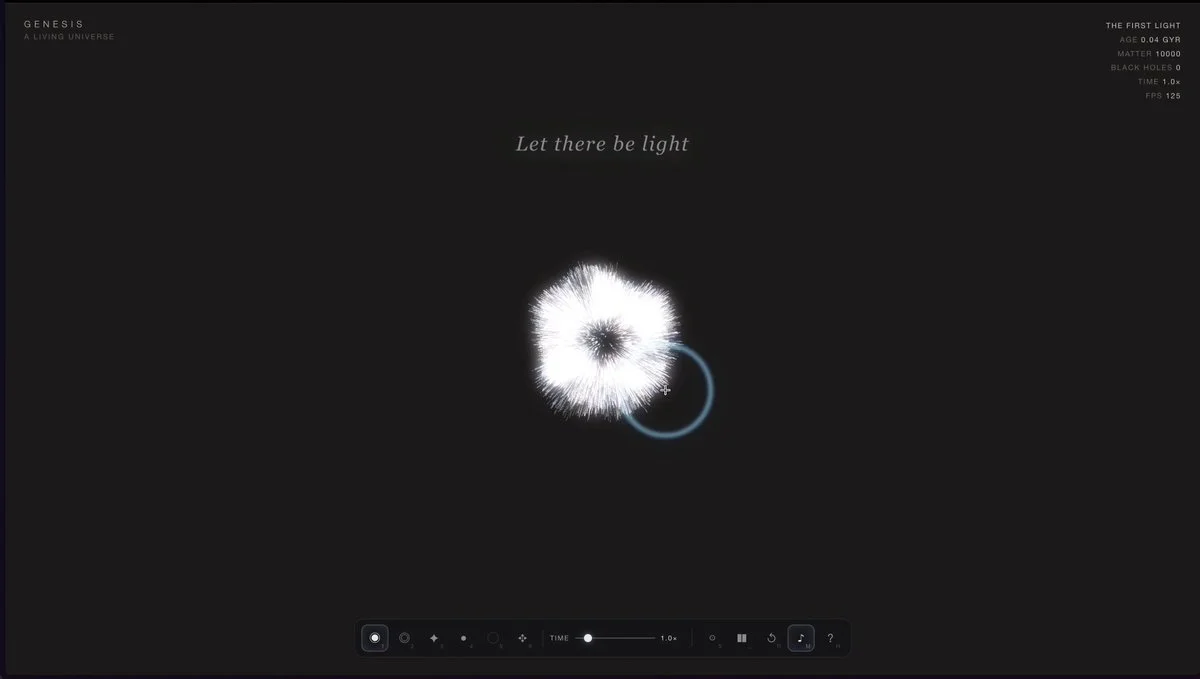
build a living universe in one HTML file.
Create a playful flying cooking pot in Blender, with a readable silhouette, rig or procedural motion, expressive banking, materials, lighting and a short presentation animation.
Build a cinematic black hole in one HTML file using raw WebGL2. Include ray-marched gravitational lensing, a procedural accretion disk, Doppler beaming and orbiting particles.
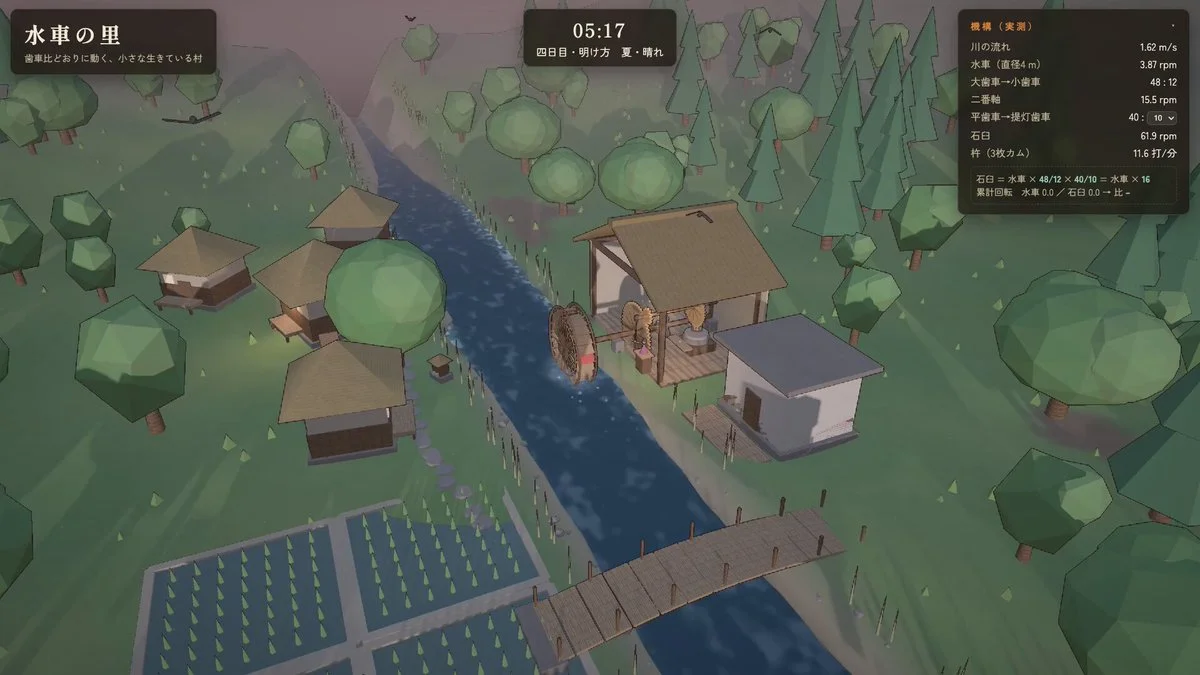
Build a working Three.js water-mill village where the wheel drives gears, a cam and pestles at believable ratios, while villagers and environmental motion make the scene feel alive.
Create a Three.js marble-factory simulation with a readable production flow, moving marbles and machinery. Let the viewer follow a marble through the process.
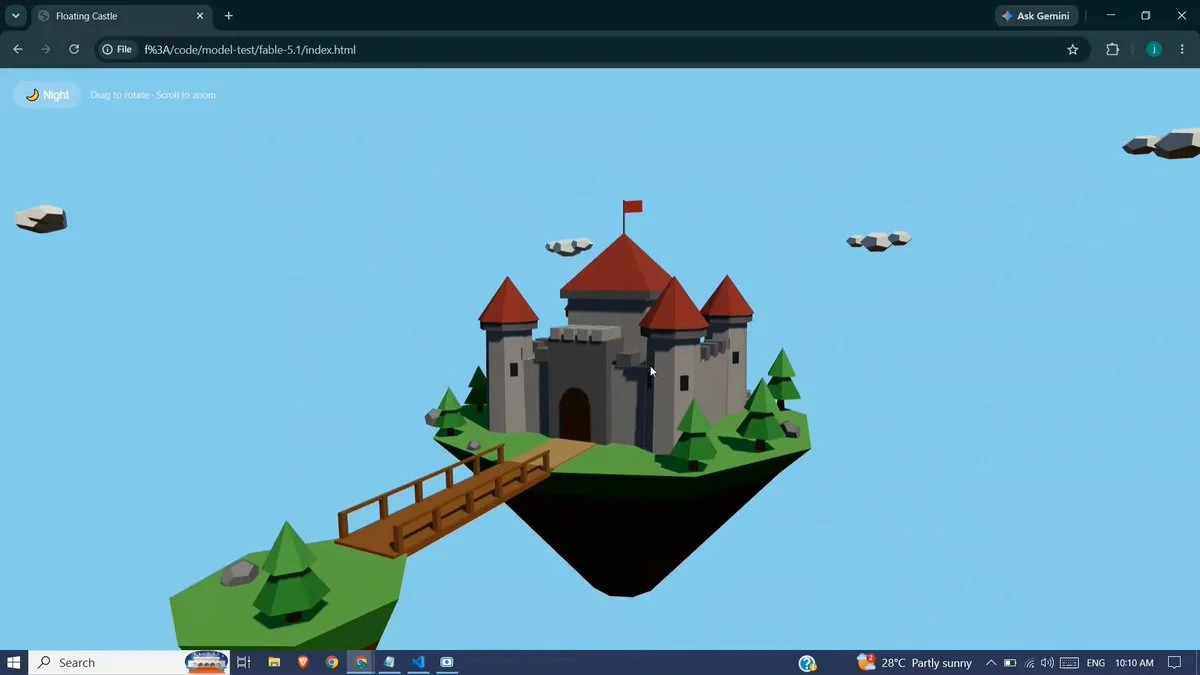
Build an interactive 3D castle in Three.js with explorable rooms, towers, gates, terrain, atmospheric lighting and smooth desktop and mobile controls.
Want to inspect the implementation? Filter this collection for GitHub projects, or explore source-code examples across models. Check the repository license before reusing code.
Explore 3D projects with source code ↗Why this collection
This collection comes from an X search conducted immediately after Claude Fable 5.1 launched. It covers browser shooters, voxel cities, scientific visualizations, Blender assets and interactive websites. Replies were followed when authors said the prompt, demo or source lived in the thread.
Public evidence varies. Copy a verbatim prompt when available; otherwise treat the source-derived entry as a production brief and tune it to your own constraints. Repository and live-demo links are shown separately so you can inspect the actual result before investing tokens.
Best for
01
Turn a game idea into a complete browser prototype with controls, feedback, opponents and a finish condition.
02
Coordinate rendering, simulation, UI and world state in one demanding Three.js or WebGL build.
03
Use Blender, Godot or Unity workflows for assets, physics, animation and presentable scene output.
Prompt recipe
Define what the player can do, what changes in response and how the experience ends before adding visual polish.
Specify camera modes, input, state transitions, collision and restart behavior as testable requirements.
For dense voxel or simulation scenes, state object budgets, instancing strategy and frame-rate expectations.
Give your next scene a character worth a closer look. Create detailed, textured 3D assets from an image or a few words.
Generate 3D Assets FreeEach entry is labeled. “Verbatim” means the author published the task wording. “Source-derived brief” means we reconstructed a reusable prompt from the public project description and do not claim access to a hidden prompt.
Start with the visible outcome and core interaction, then add camera, controls, visual direction, performance limits and acceptance checks. For large builds, split evaluation and implementation into explicit stages.
Several authors published repositories or live builds. Those links appear only when they were independently resolved and are kept separate from the X source post.