Lock the playable loop
Define what the player can do, what changes in response and how the experience ends before adding visual polish.
Explore Exploding AI server rack visualization: a Claude Fable 5.1 3D example featuring exploded view, server rack. Preview the result and adapt the prompt for your project.
Build a Three.js exploded-view visualization of an NVL72 rack and GB300 system, with labeled components, staged separation, technical lighting and smooth camera transitions.
Prompt breakdown
Explore “Exploding AI server rack visualization”, a Claude Fable 5.1 3D example about Claude Fable 5.1, exploded view, server rack. Check the evidence label to see whether the text is an original prompt or a brief adapted from the public source.
Keep the core outcome, then specify the camera, controls, lighting and what a successful result should do. Test that first before adding more visual detail.
Define what the player can do, what changes in response and how the experience ends before adding visual polish.
Specify camera modes, input, state transitions, collision and restart behavior as testable requirements.
For dense voxel or simulation scenes, state object budgets, instancing strategy and frame-rate expectations.
Your prompt builds the game or scene. Bring it to life with more detailed characters and props, created in Tripo to replace simple placeholder models.
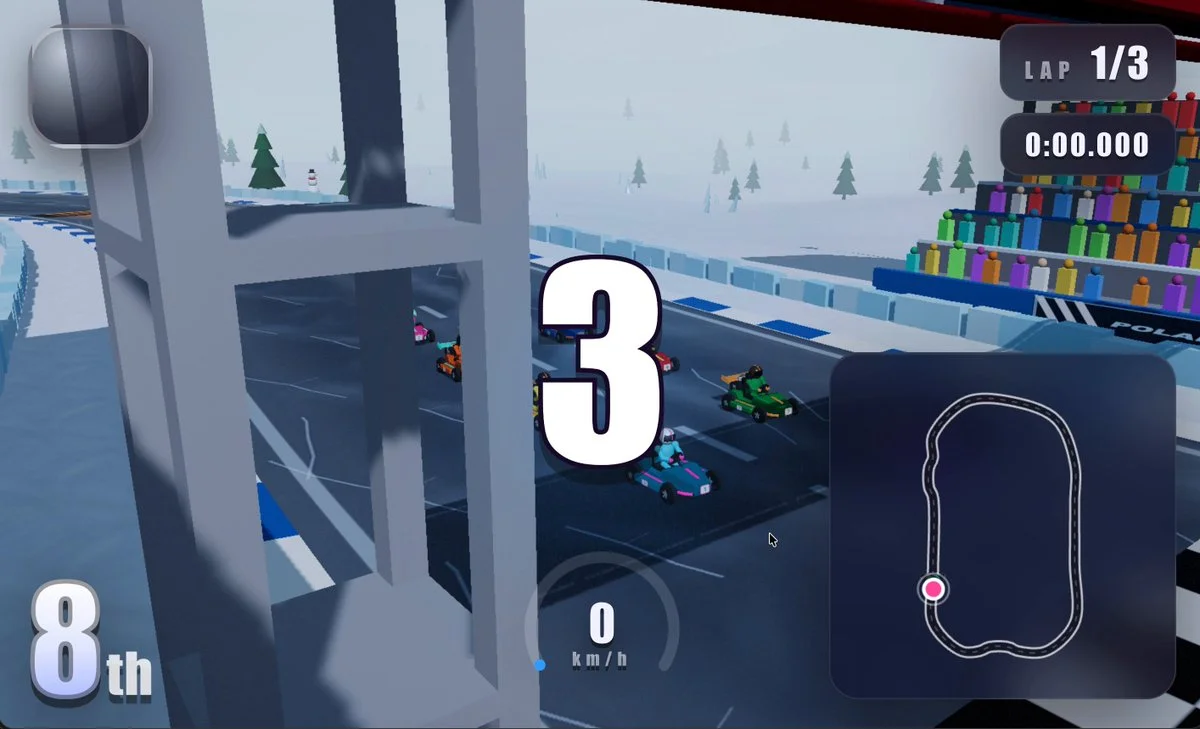
Build an AAA-quality kart racing game in Three.js with polished driving, expressive tracks, opponents, items, UI, sound and a complete playable race loop.
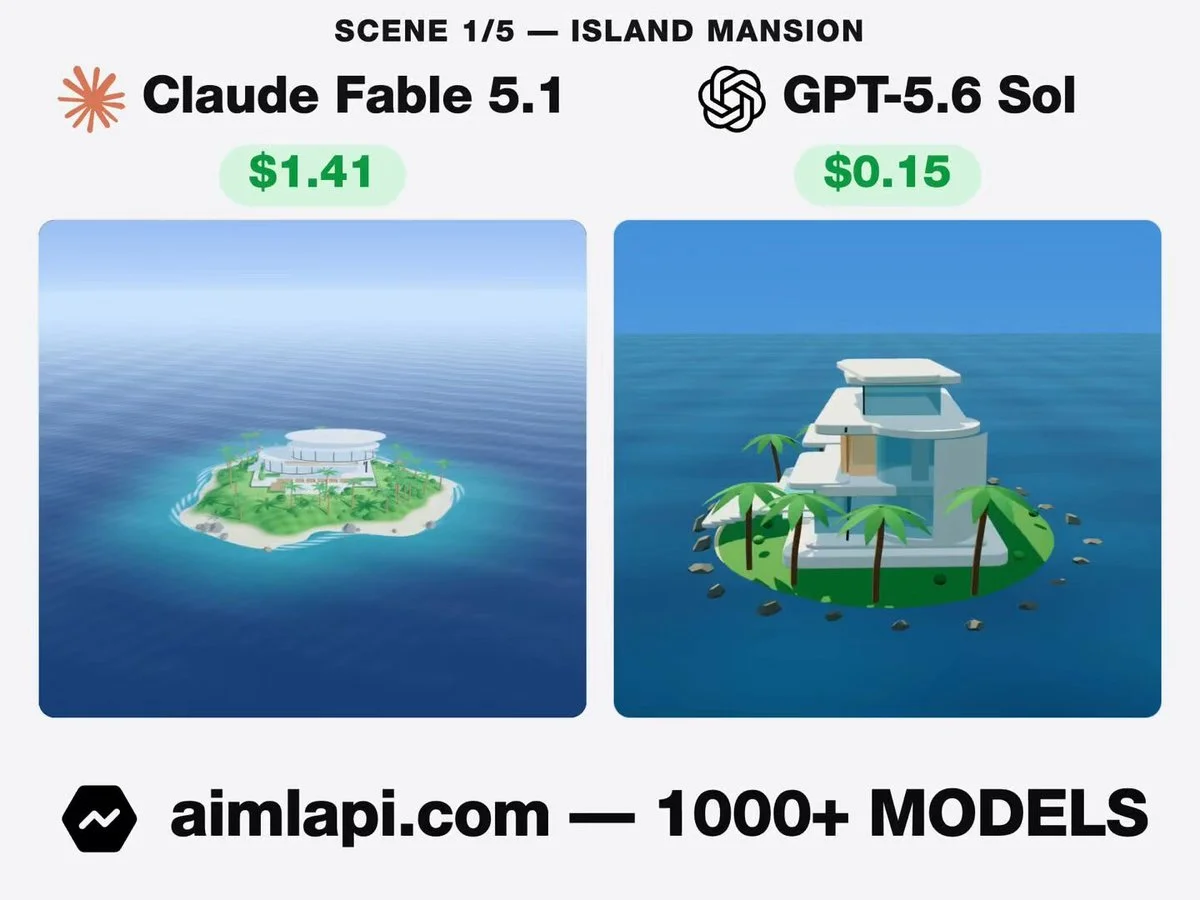
Design an explorable futuristic mansion on a private island, presented through five connected Three.js scenes with cinematic camera movement, premium materials and environmental storytelling.
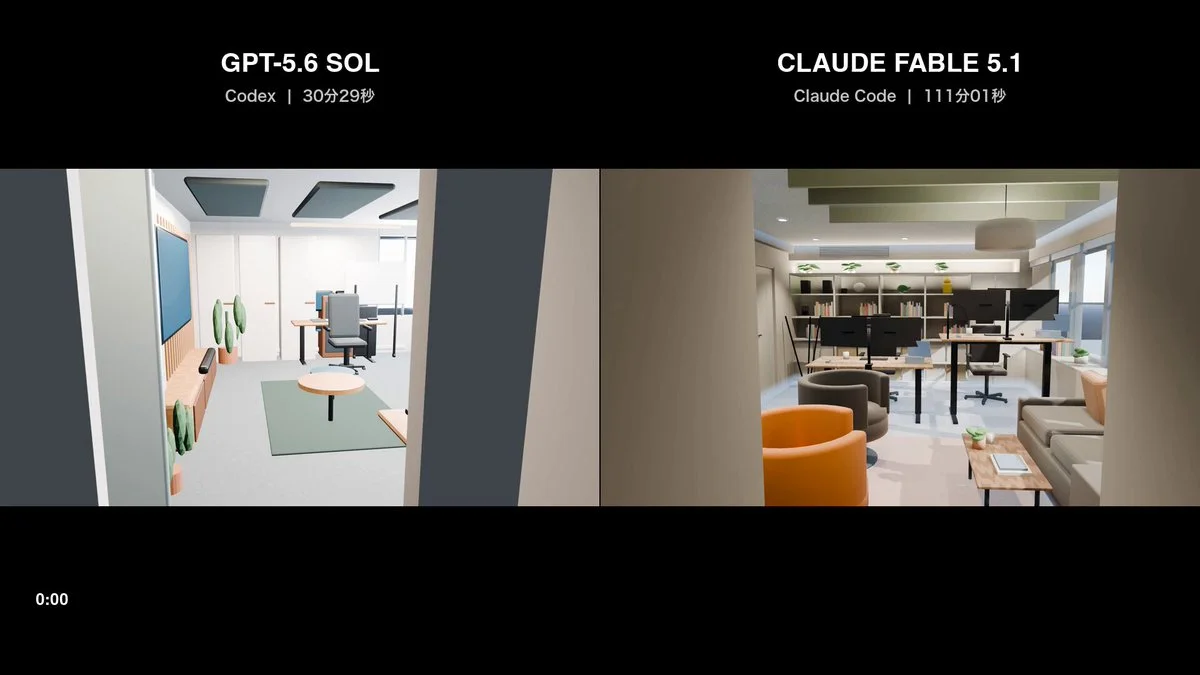
Use the supplied floor plan to create an accurate Blender 3D model, render a set of representative still images and produce a coherent walkthrough video.