Start with the playable loop
Write one sentence for the mechanic, one for controls and one for the success or failure condition before adding visual detail.
Explore 3D destruction physics prompts for self-contained HTML scenes: a Kimi K3 3D example featuring 3D destruction physics, HTML scene. Preview the result and adapt the prompt for your project.
A monster truck crushing a row of cars
Two cars jumping a canyon and colliding head-on mid-air
A giant anvil flattening cars one by one
Prompt breakdown
Explore “3D destruction physics prompts for self-contained HTML scenes”, a Kimi K3 3D example about Kimi K3, 3D destruction physics, HTML scene. Check the evidence label to see whether the text is an original prompt or a brief adapted from the public source.
Keep the core outcome, then specify the camera, controls, lighting and what a successful result should do. Test that first before adding more visual detail.
Write one sentence for the mechanic, one for controls and one for the success or failure condition before adding visual detail.
Ask for visible state changes—cracks, impact, debris, score or progress—so you can judge the first result quickly.
Once the loop works, replace placeholder geometry with Tripo-generated assets instead of making the initial prompt carry every detail.
Your prompt builds the game or scene. Bring it to life with more detailed characters and props, created in Tripo to replace simple placeholder models.
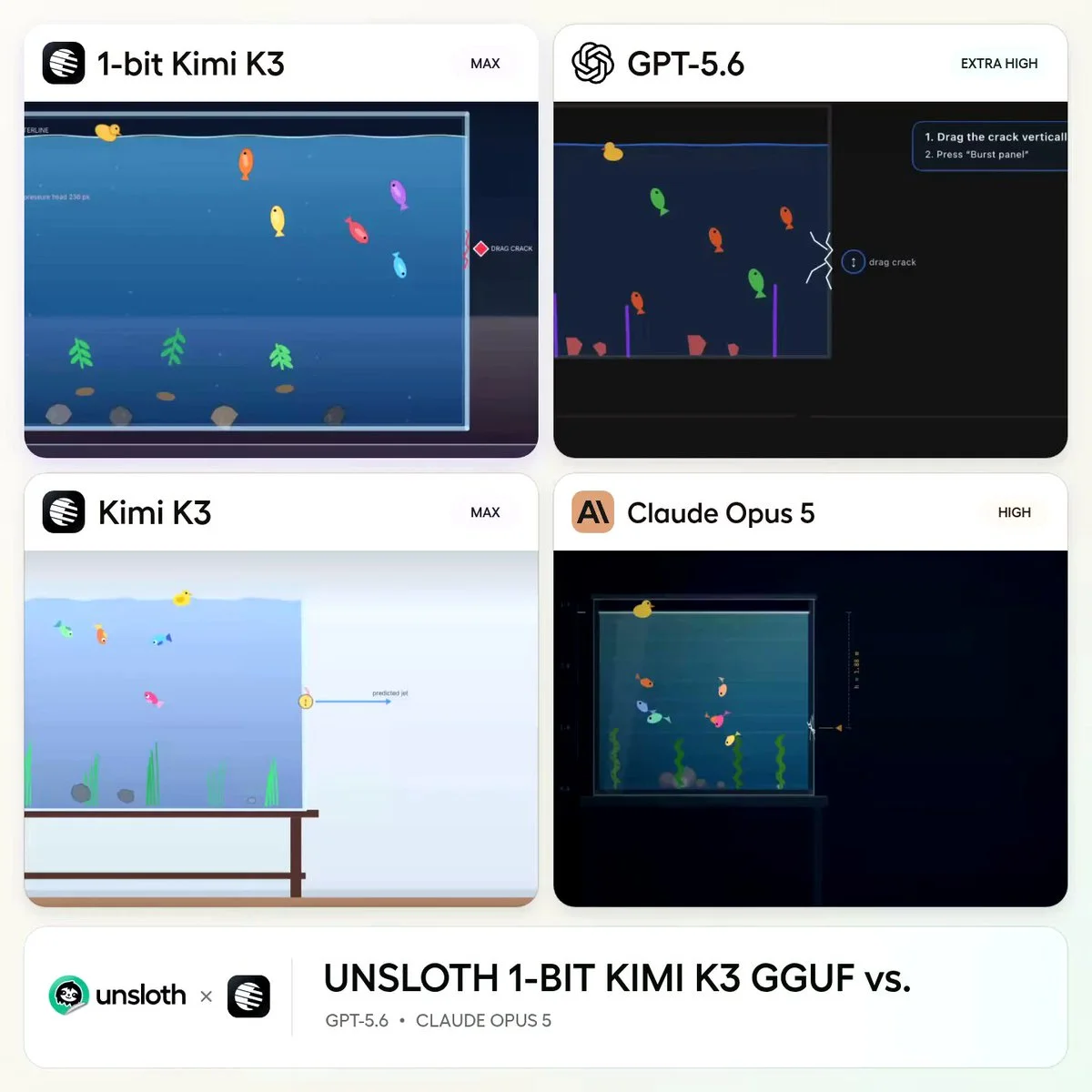
Create a glass aquarium whose side panel develops a visible crack and then bursts.
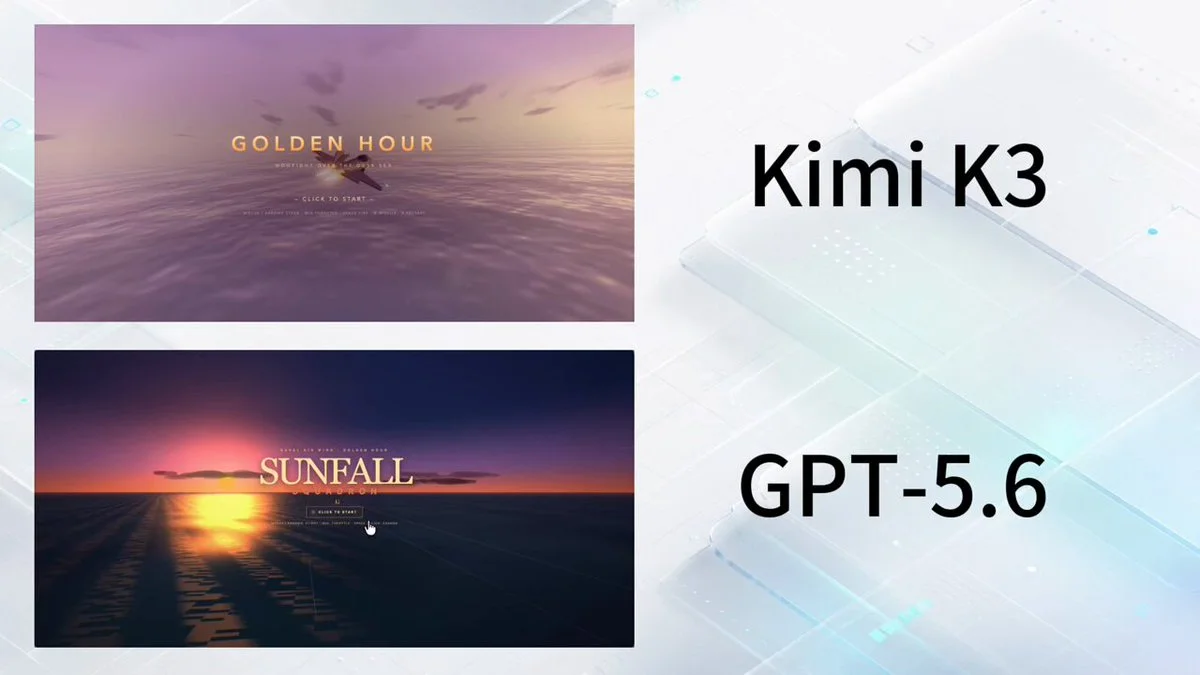
build a playable combat game
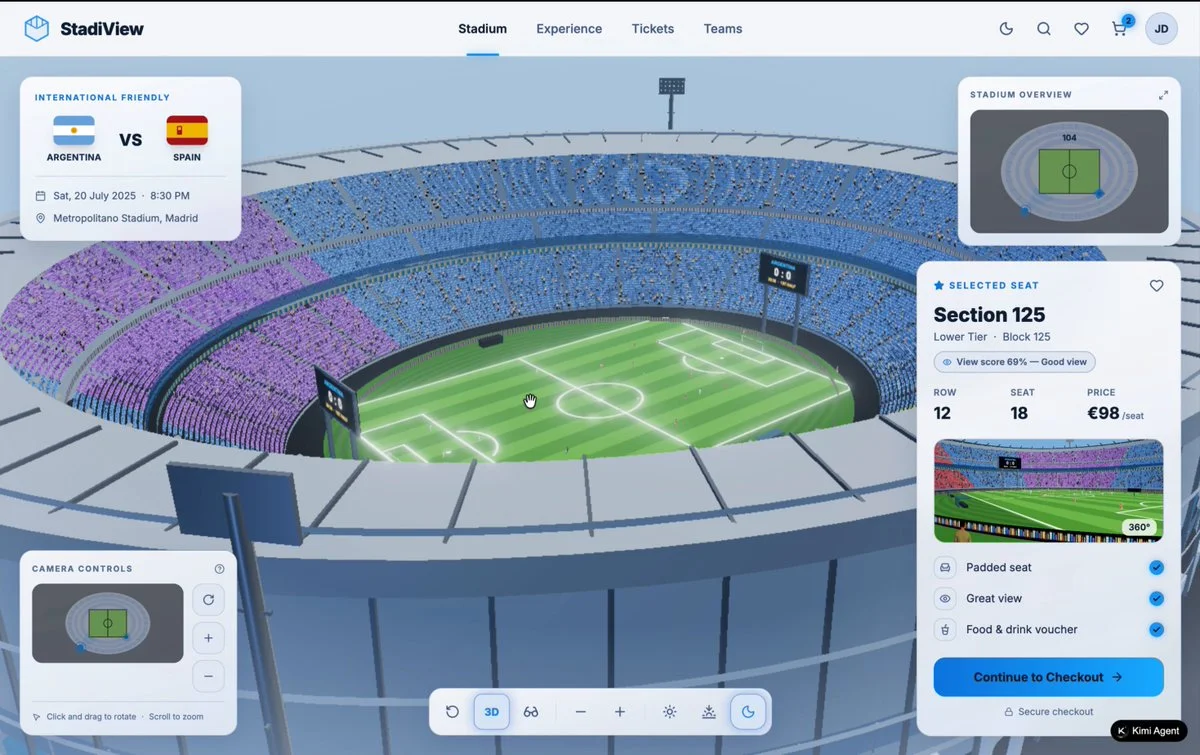
A developer compared models by giving them the same task: "build a 3D soccer stadium."