Apartment sketch to rendered interiors
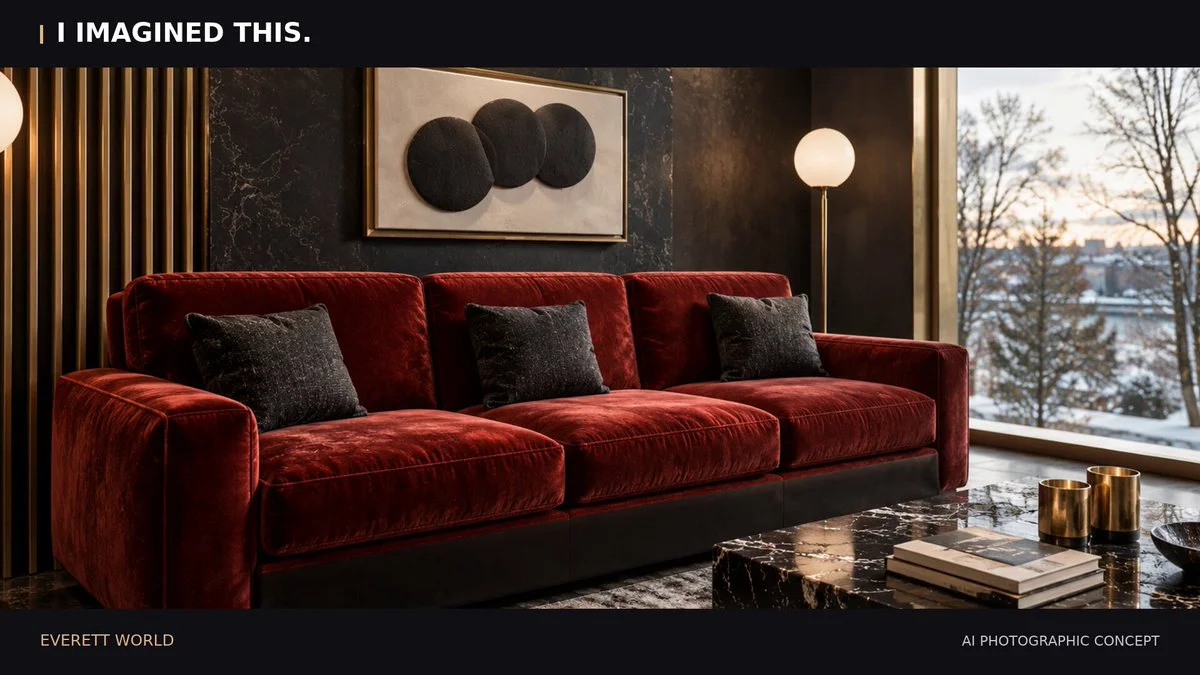
Combine apartment reference images with a simple floor-plan sketch to reconstruct the interior in Blender. Deliver an editable scene, room renders and a short edited walkthrough.
Reference → editable world → playable result
Browse Astra prompts and real 3D examples for Blender scenes, Three.js websites and games. Preview the results, copy a brief and explore GitHub projects where available.
Featured results
153 prompts
Copy, adapt, build
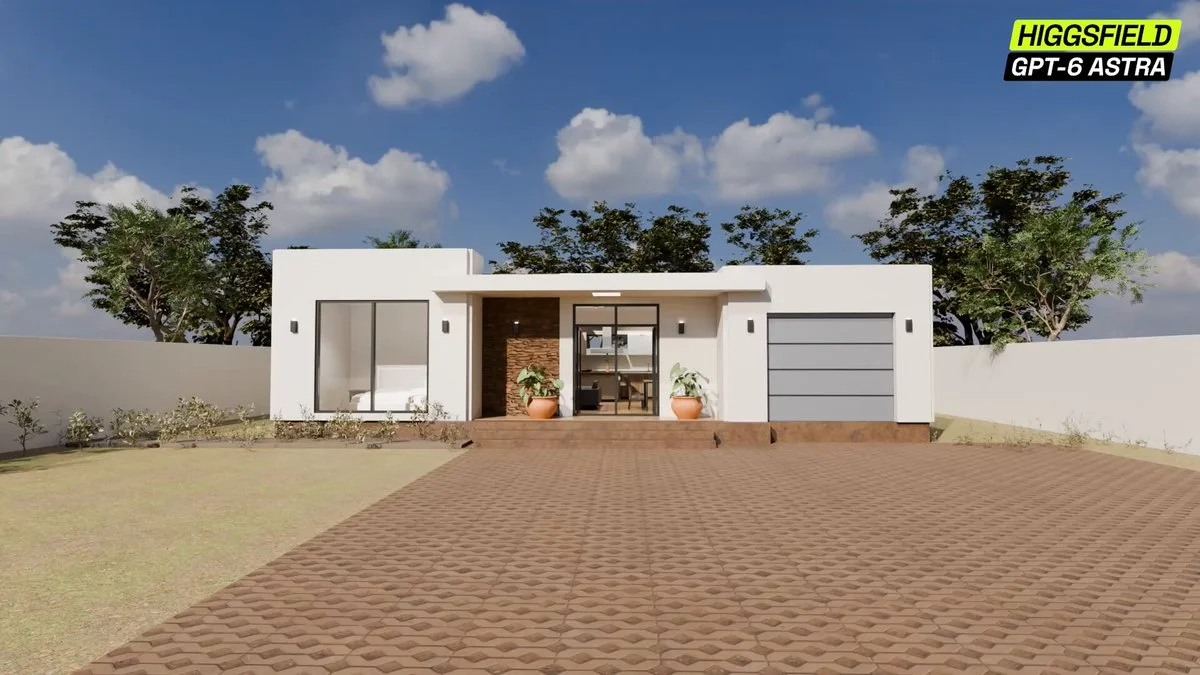
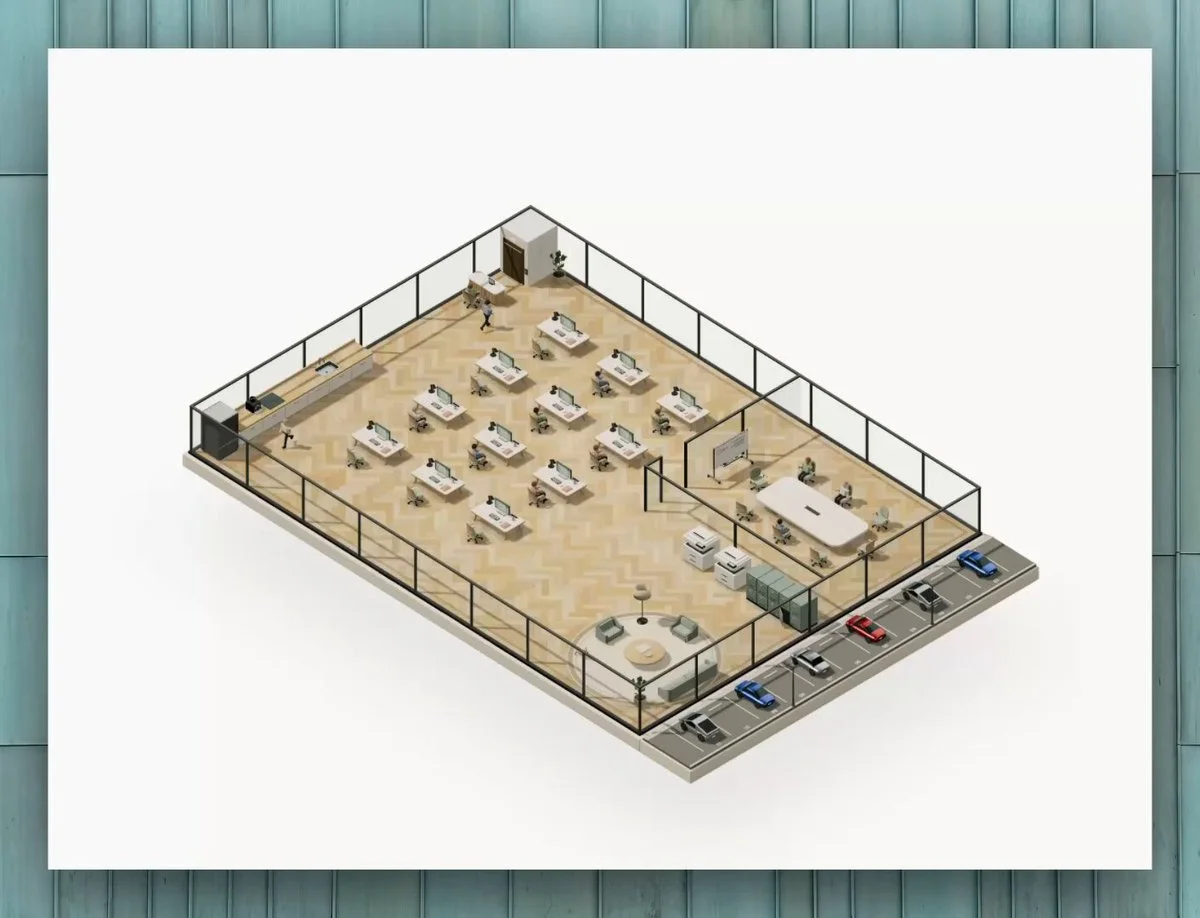
Combine apartment reference images with a simple floor-plan sketch to reconstruct the interior in Blender. Deliver an editable scene, room renders and a short edited walkthrough.
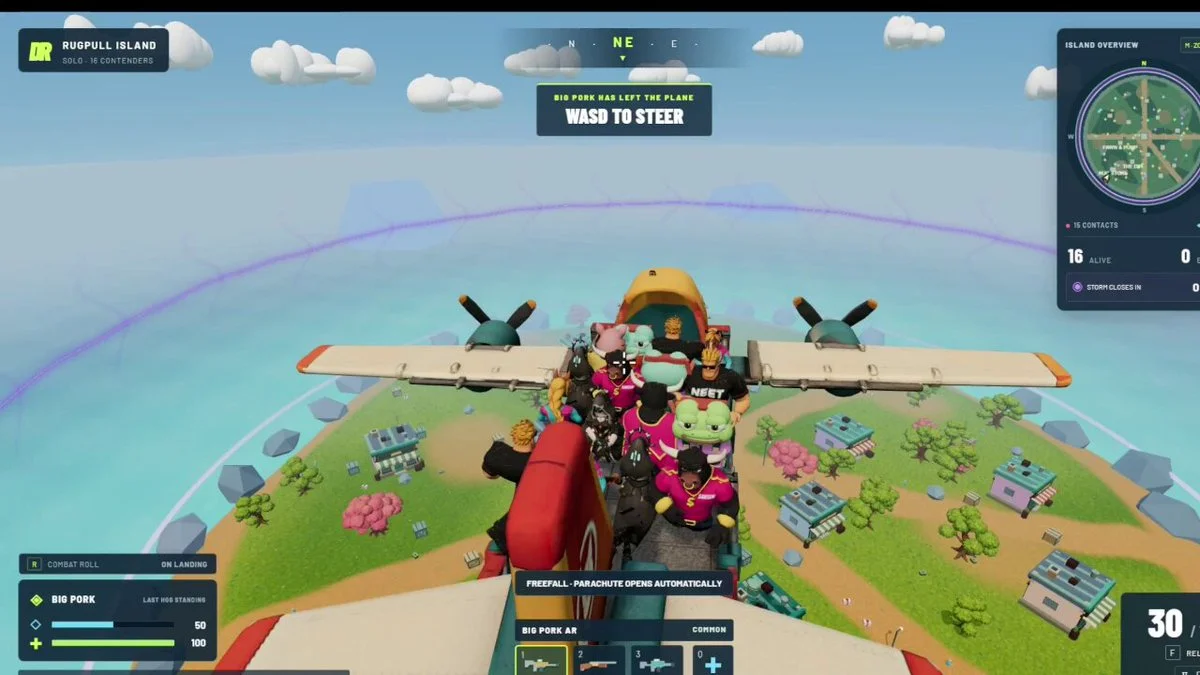
Create a visually coherent playable game prototype under a strict time and token budget. Prioritize one complete loop, responsive input, clear feedback, stable performance and a shippable browser build over feature count.
Convert the supplied floor plan into a full 3D architectural walkthrough. Respect room dimensions and circulation, add doors, windows, furniture, materials and lighting, then create a camera path that explains the layout.
Build a playable battle arena in Three.js. Use Tripo-generated characters and trees, and integrate them into the arena and its game loop.
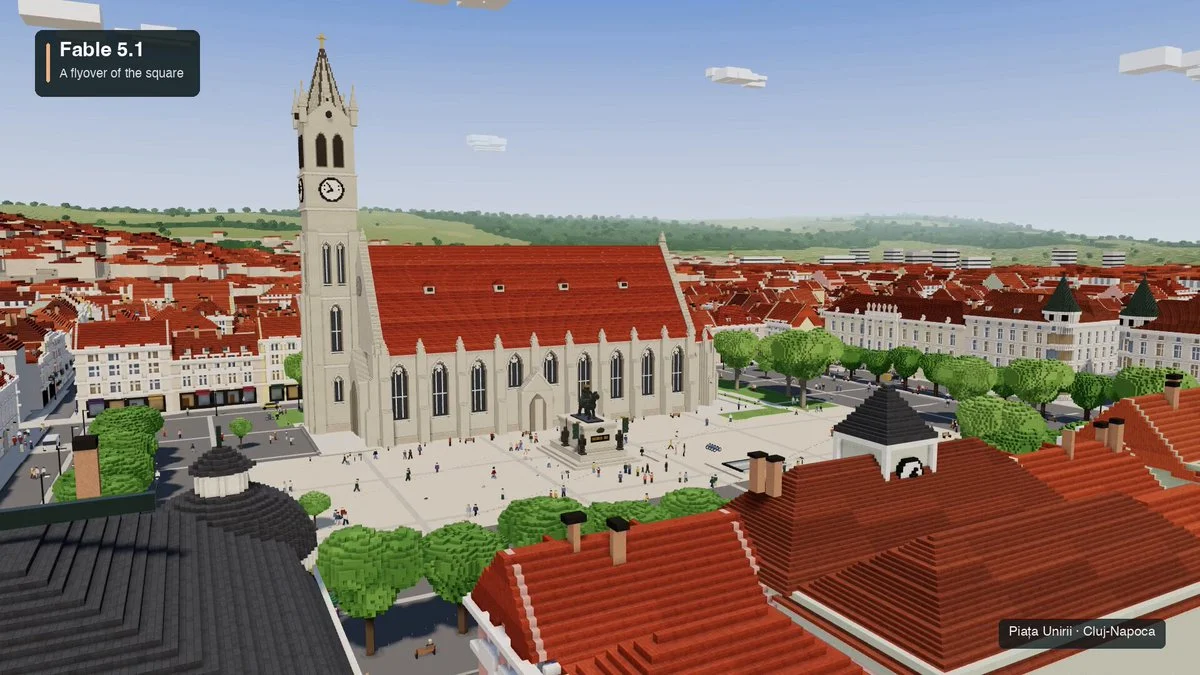
Create an interactive voxel world of Piața Unirii in Cluj-Napoca. Adapt the square's recognizable layout and landmarks into an explorable miniature.
Build a small onboarding diorama in Blender and bring it to life in Three.js. Use clear focal objects and short animation sequences to explain the first user actions.
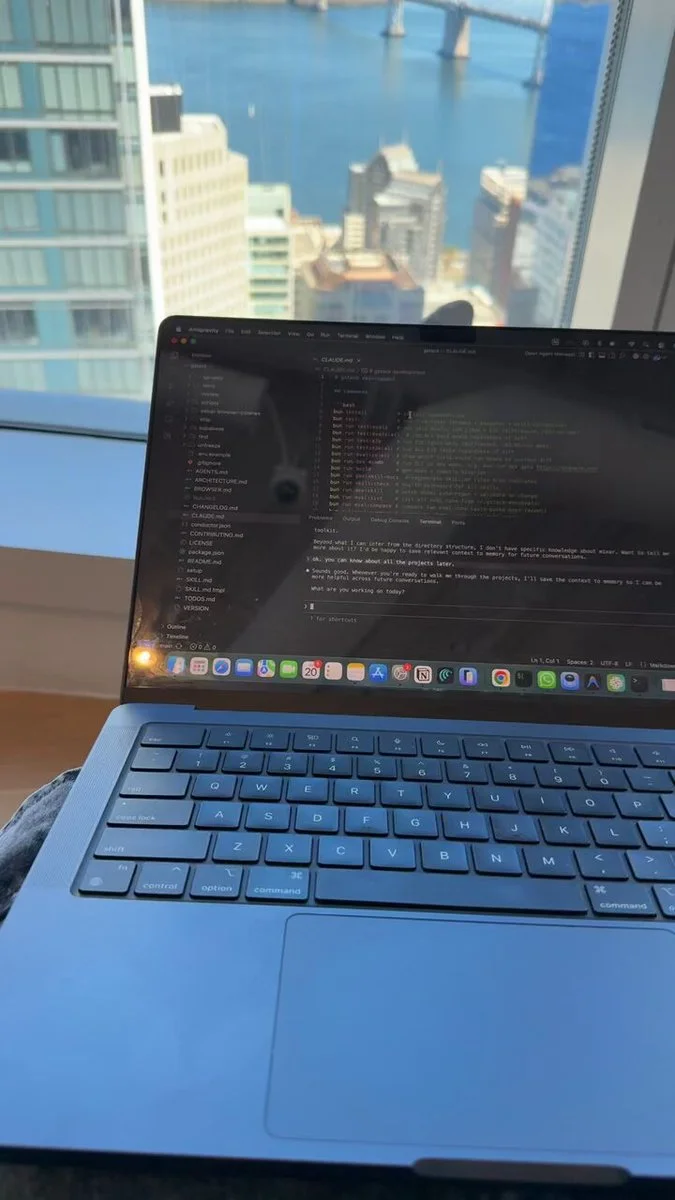
Build a coherent Blender scene under an extreme time limit. Prioritize a strong silhouette, three depth layers, one hero material, cinematic lighting and a camera-ready composition; leave every object editable.
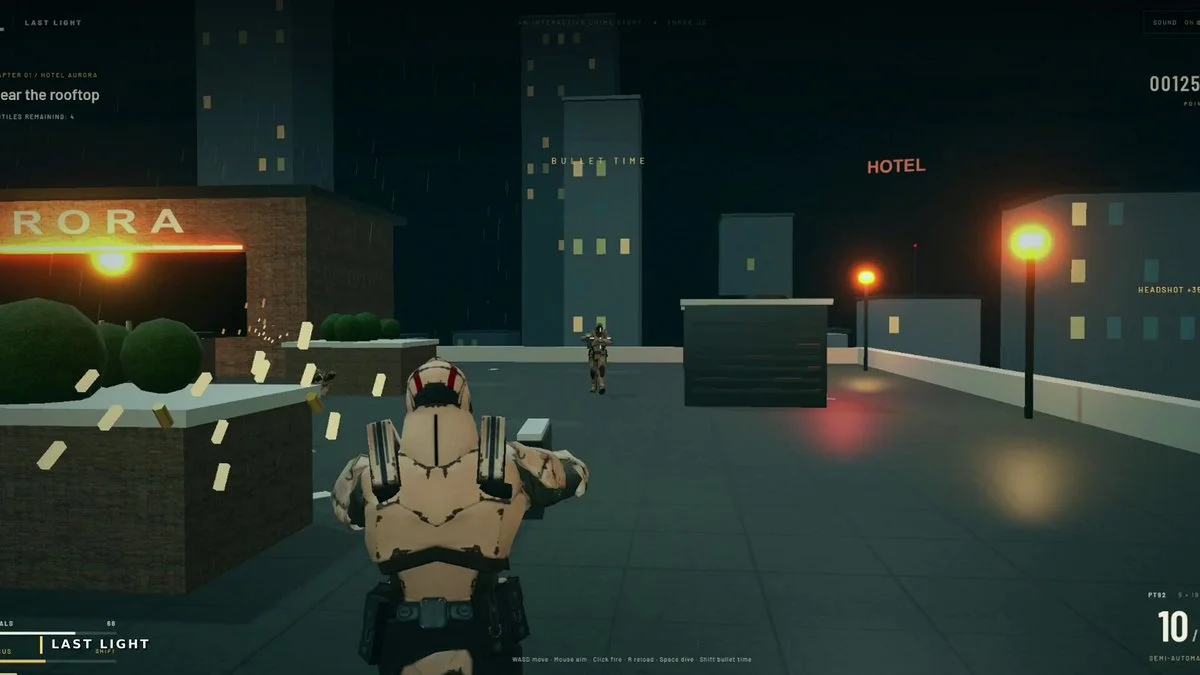
Build a Three.js third-person shooter inspired by Max Payne. Focus on slow-motion action, responsive gunplay and a playable scene with an effective chase camera.
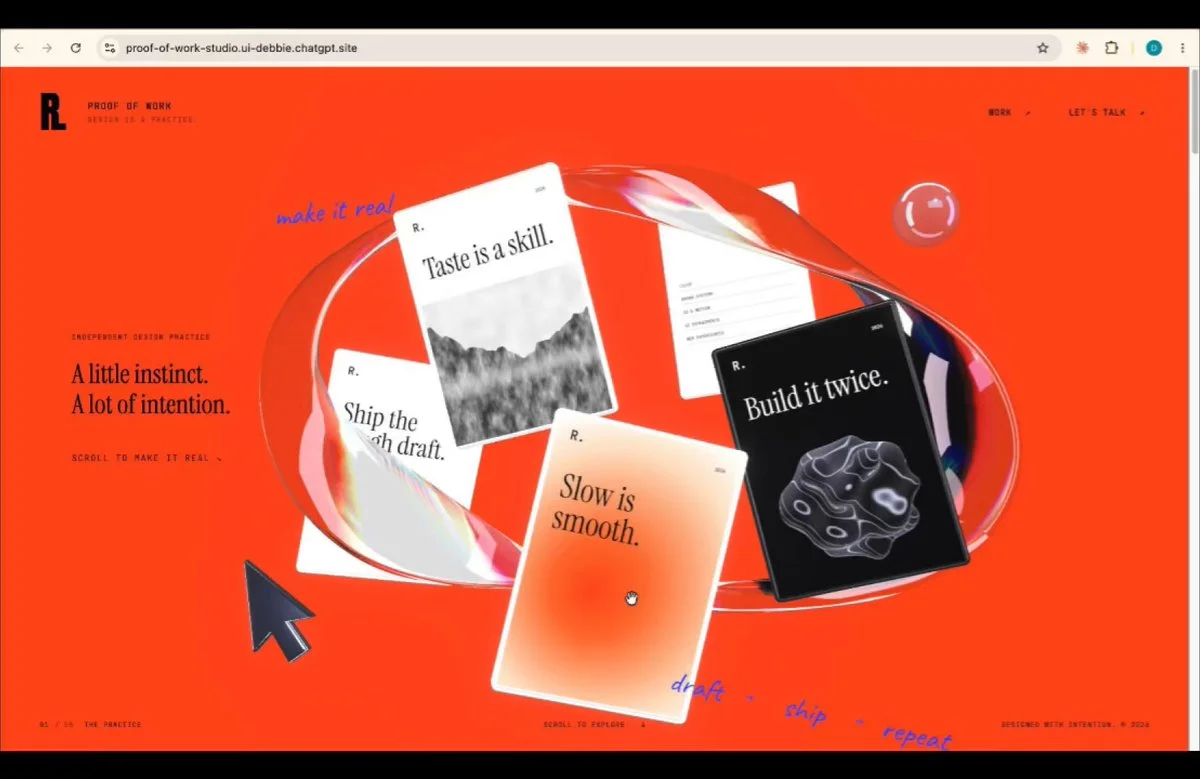
Turn the supplied reference image into a Three.js scene within a smooth scroll-driven studio website. Coordinate camera motion, typography and section transitions.
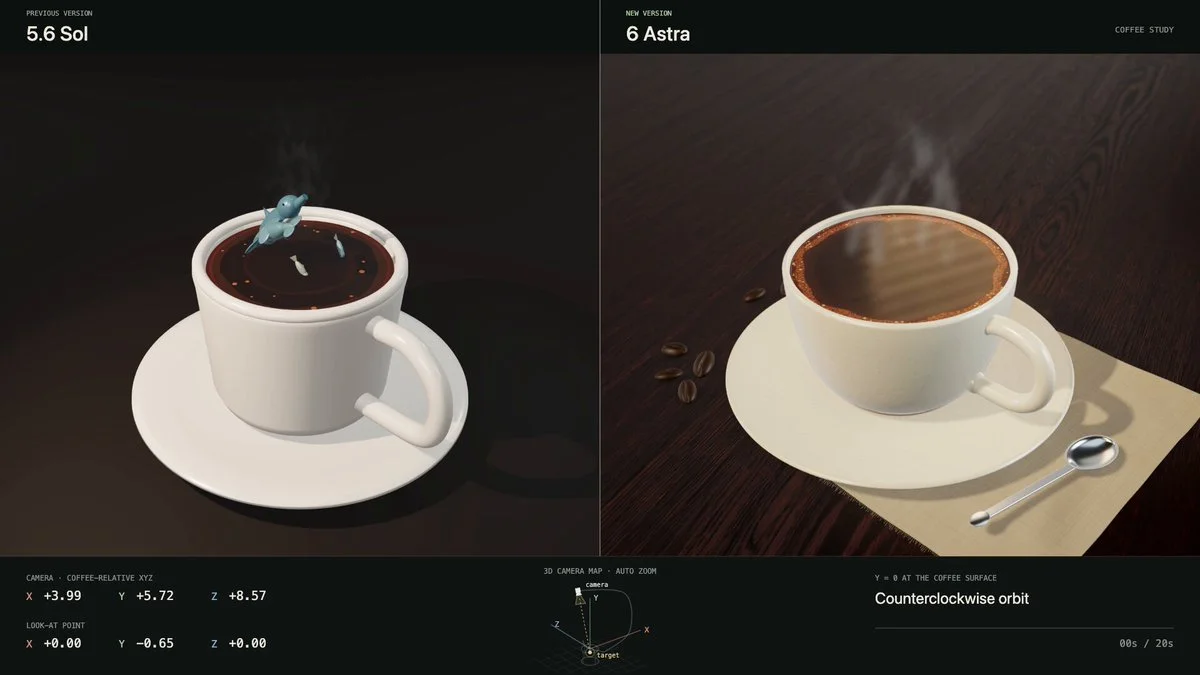
Create a miniature marine ecosystem inside a cup of coffee in Three.js. Use a directed camera to reveal the aquatic life while keeping the cup and small-scale setting readable.
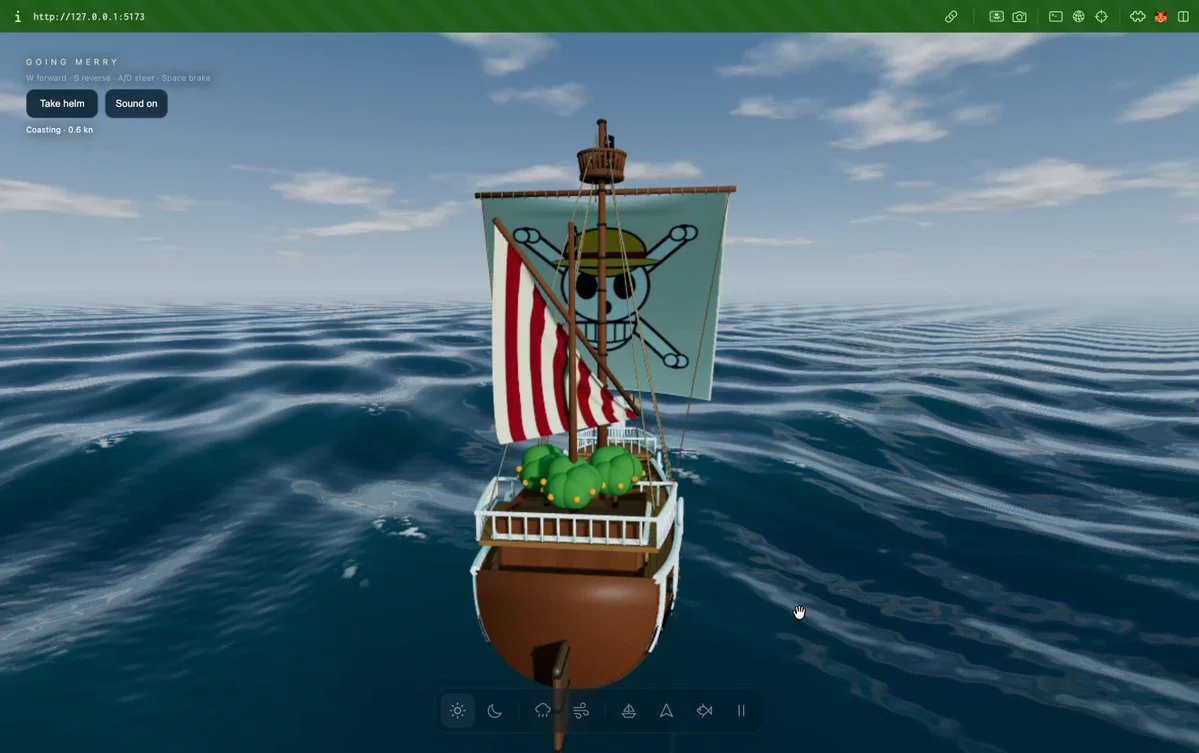
Build a playable sailing world with a Blender ship and a Three.js ocean. Add changing weather, underwater exploration, wake, foam, spray and moving sails.
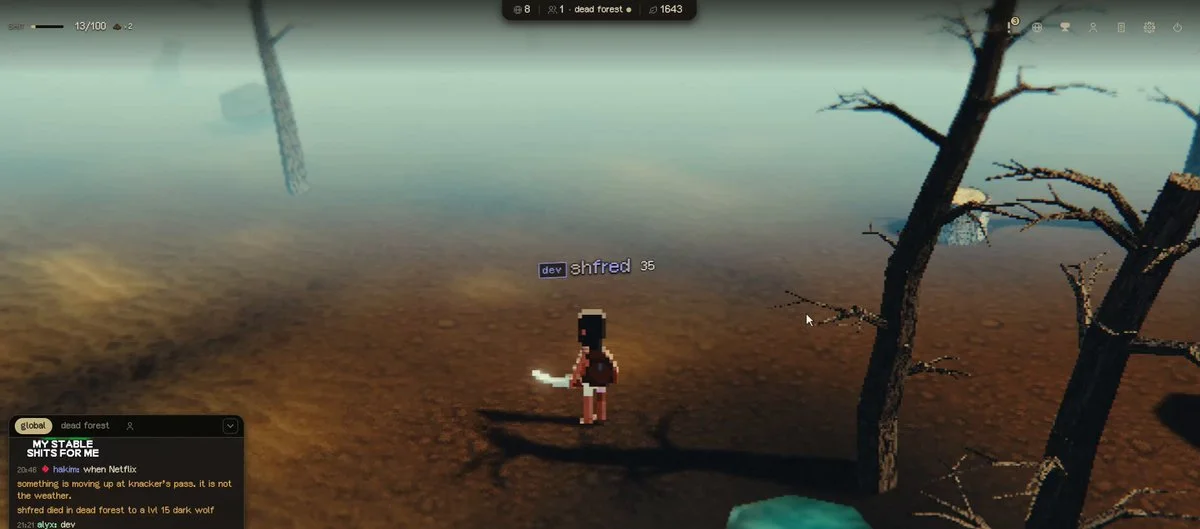
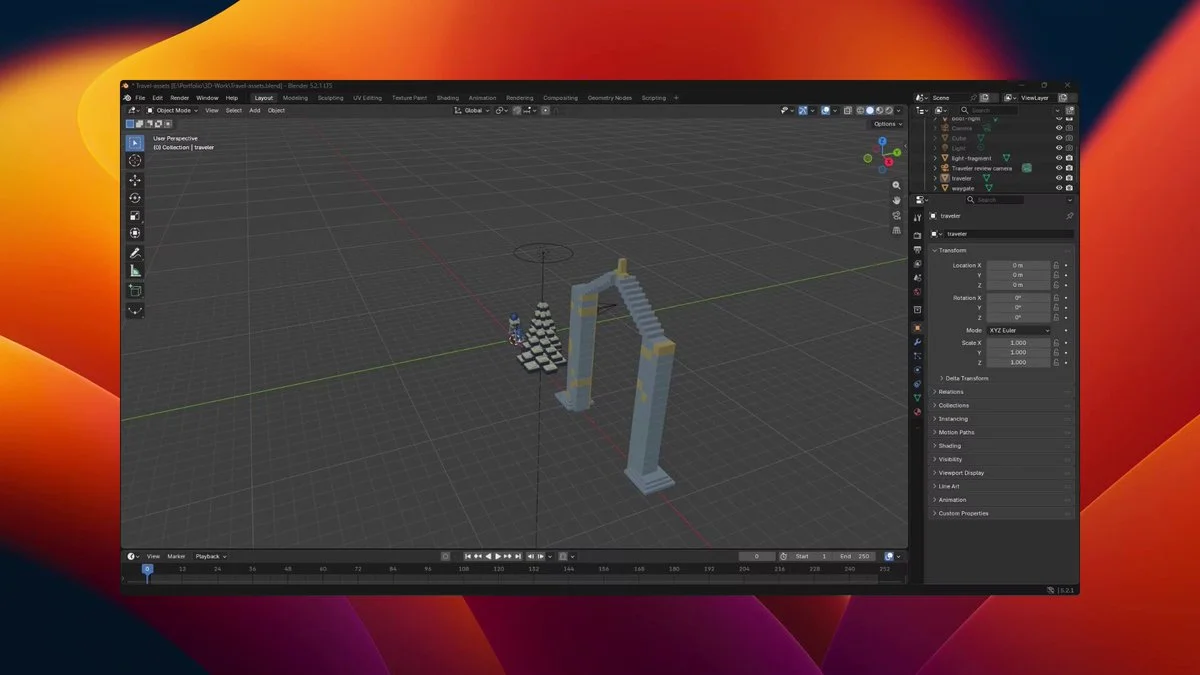
Build a snowy Three.js exploration game with a Blender character, voxel pines and a stone waygate. Collect six glowing fragments, follow the character with the camera and show the gate's distance.
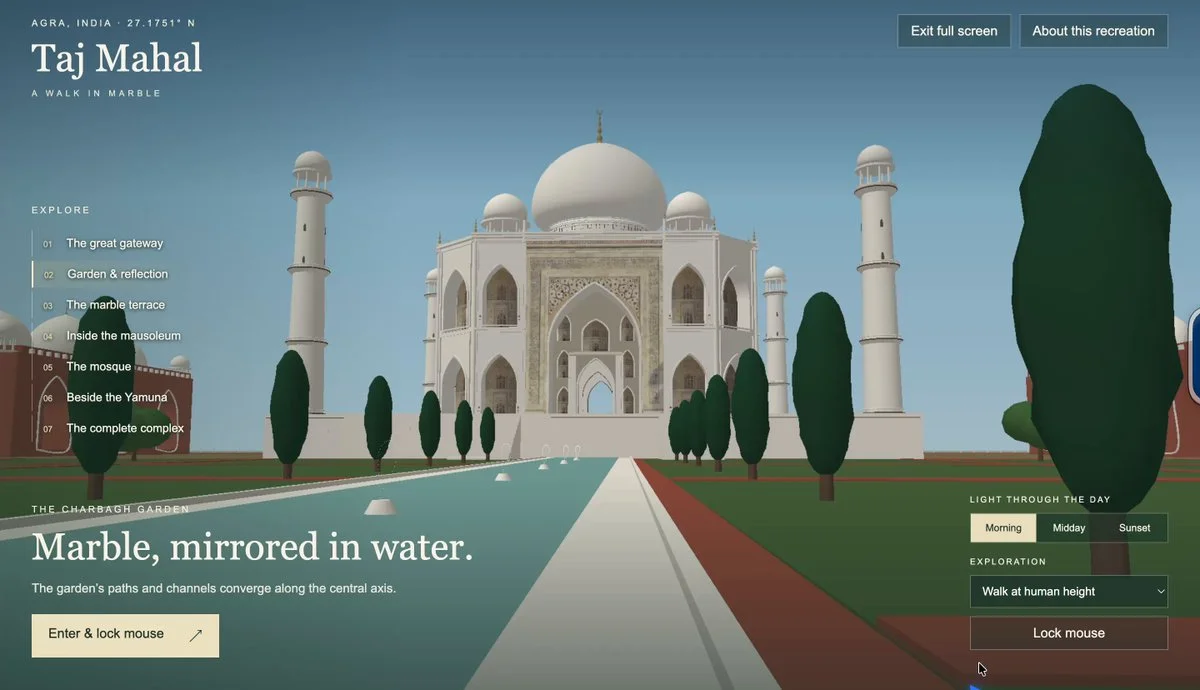
Recreate the Taj Mahal as an explorable 3D scene. Prioritize recognizable proportions, symmetric gardens, the central dome, minarets and the relationship between buildings.
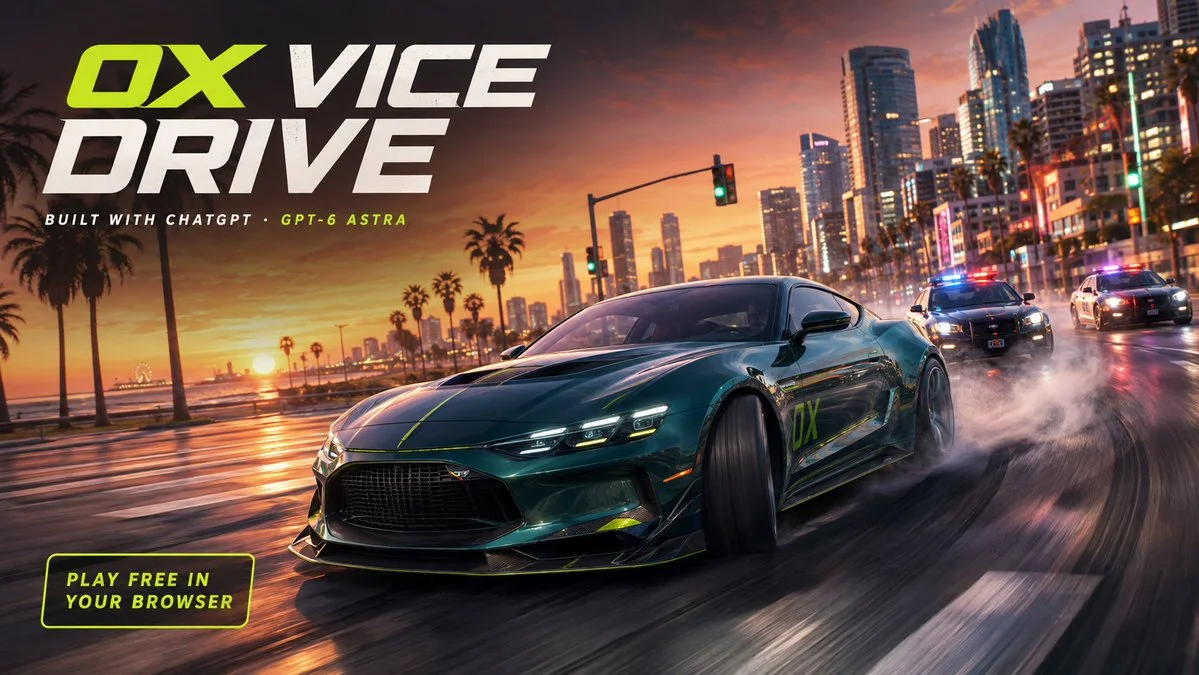
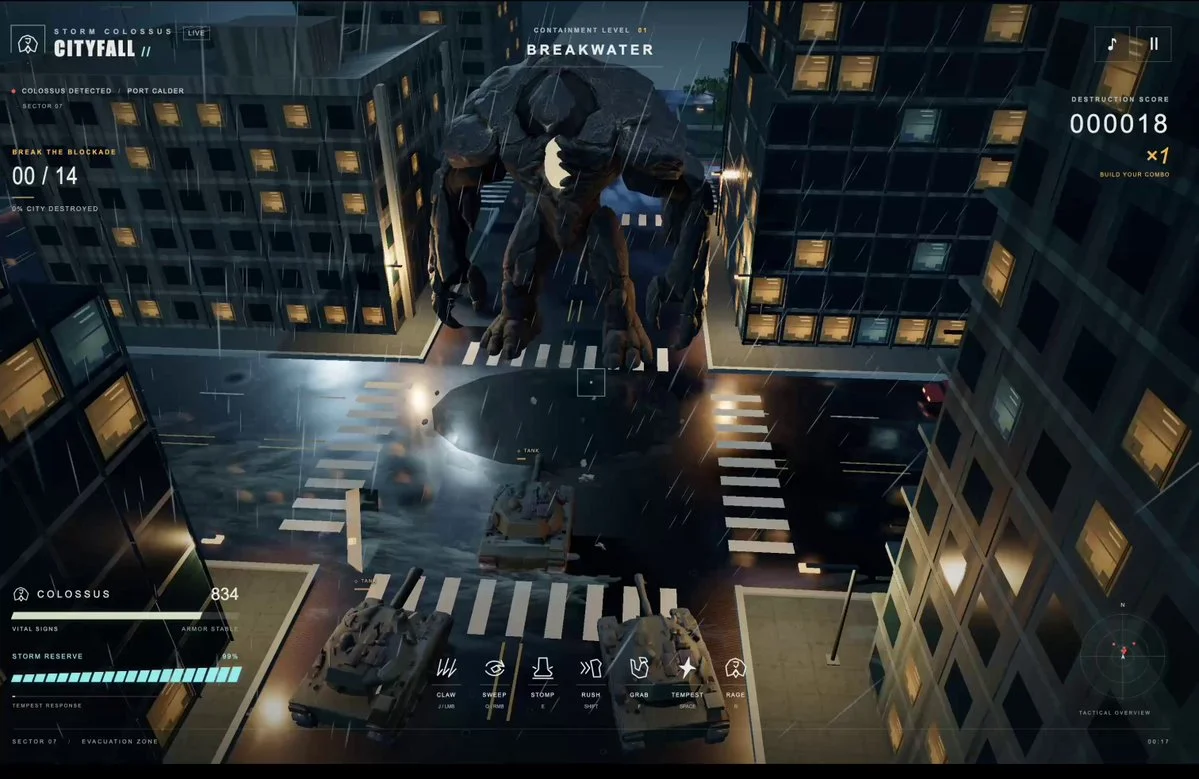
Build an open-city browser driving game with traffic, drifting and delivery races. Design a coastal city that is enjoyable to navigate and supports a complete driving loop.
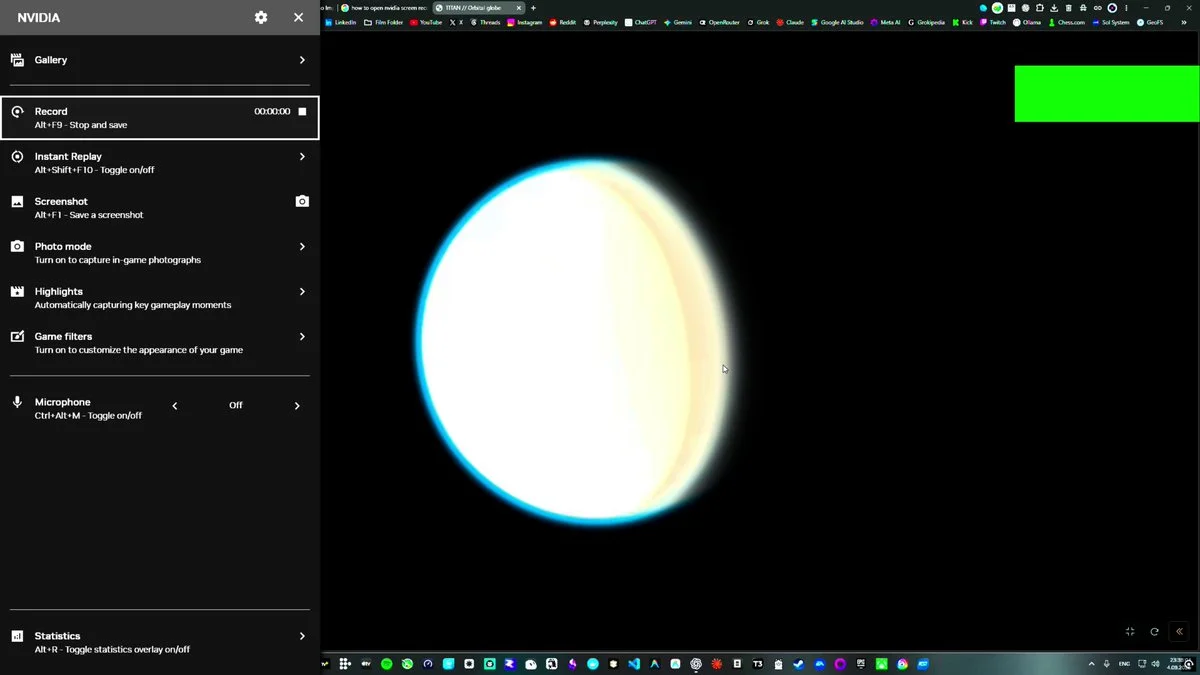
Build an educational 3D simulation of Titan, Saturn’s largest moon, with an explorable environment and an information layer explaining its distinctive physical features.
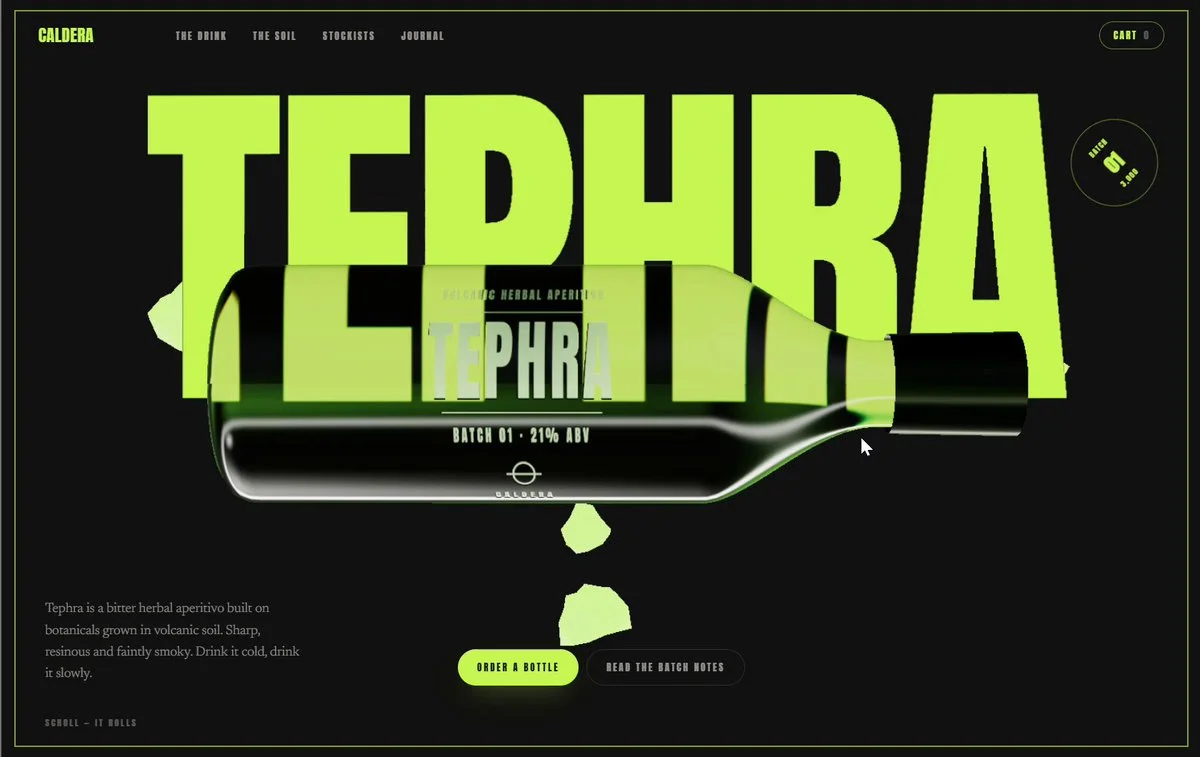
Build an interactive product website around a photorealistic WebGL glass bottle. Use refractive liquid, scroll-driven rotation and bold typography while maintaining browser performance.
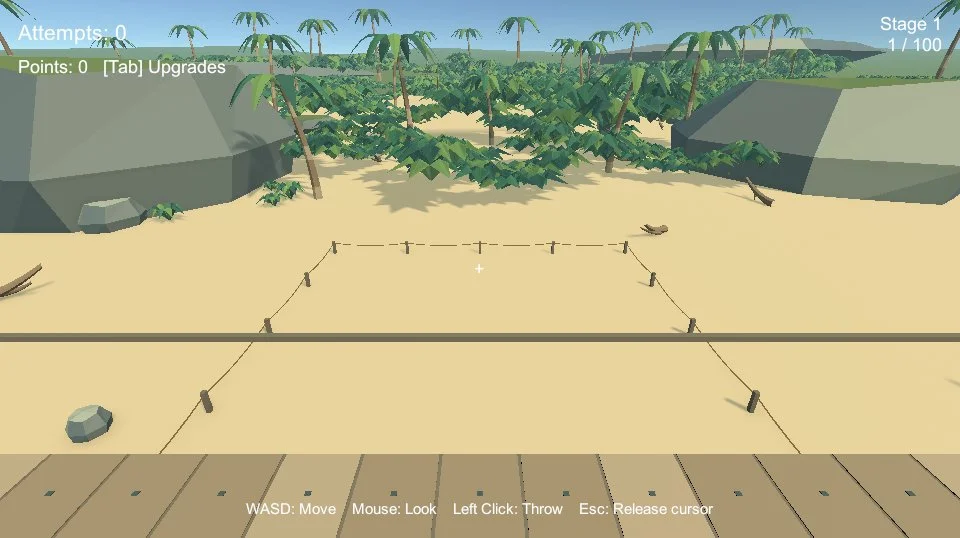
Build a playable 3D treasure hunt on a beach in Unity. Model low-poly palm trees and wooden decks, and establish the core exploration and treasure-finding loop.
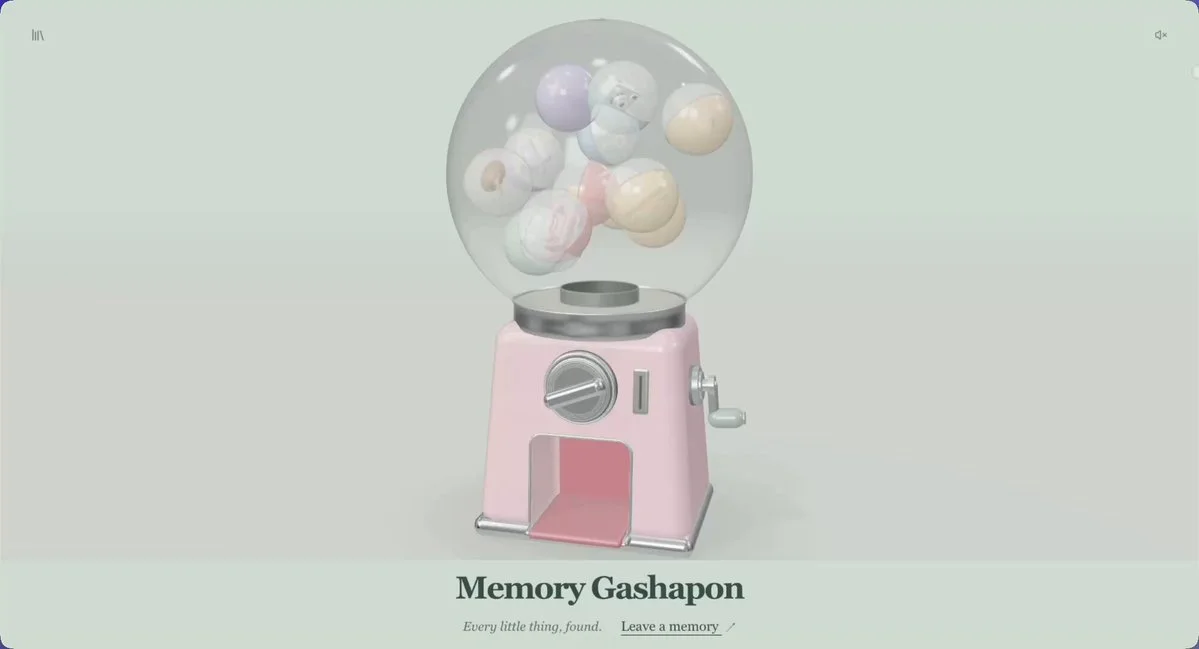
Build a 3D memory capsule machine. Turn a knob to release a memory, model the mechanism in Blender and give the falling capsules believable motion and sound.
Build a complete 3D puzzle-game level in Three.js, including its playable mechanics. Integrate supplied audio after the level and interactions work.
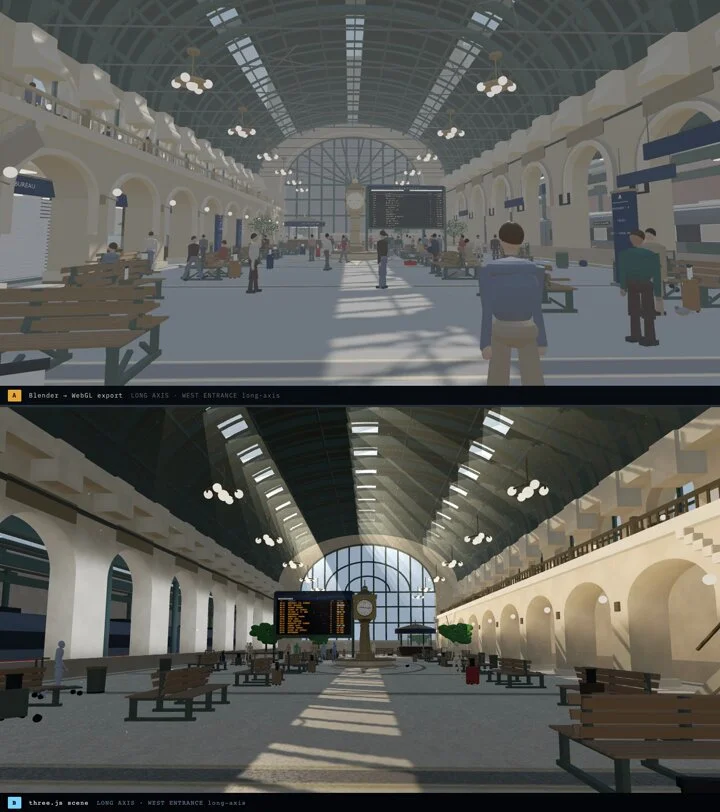
Create a railway concourse with a strong architectural rhythm, believable scale and convincing materials. Produce an inspectable 3D scene with carefully framed station views.
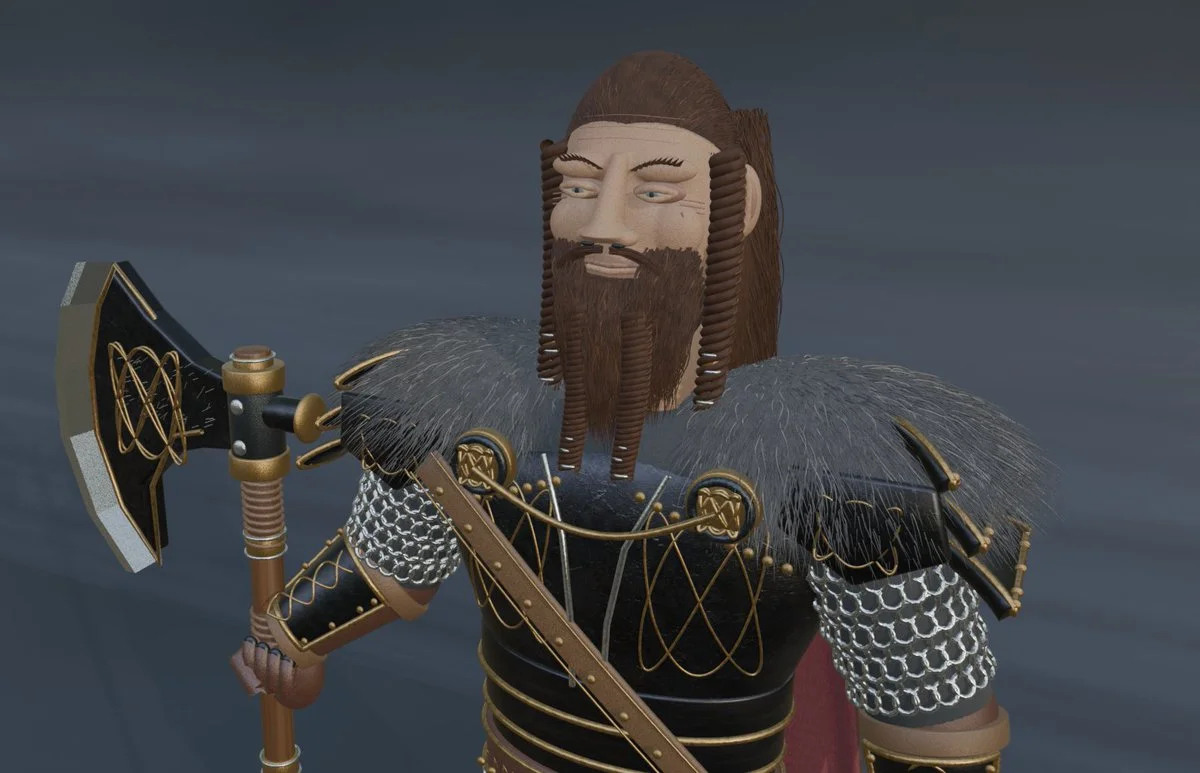
Create an editable 3D Viking character in Blender. Focus on recognizable costume, facial structure, body proportions and a readable presentation pose.
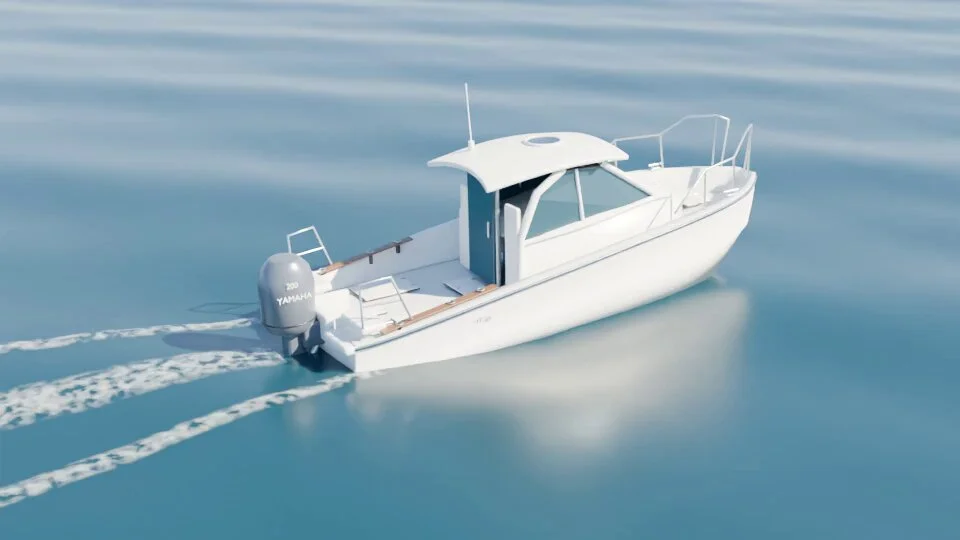
Model a YF-24 boat in Blender and animate it travelling across a three-dimensional sea at Beaufort force 2. Use boat references to improve the shape.
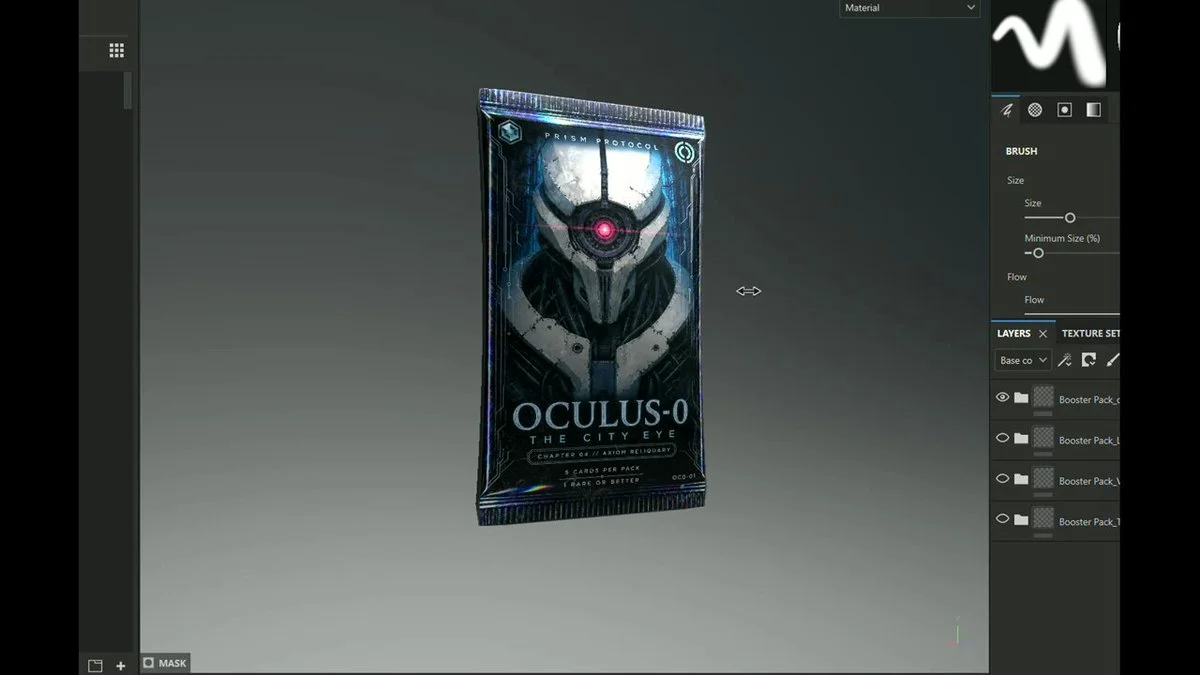
Build a Three.js trading-card prototype: buy decks and boosters, construct a deck, enter a battle arena and earn rewards. Keep placeholder meshes replaceable with finished assets.
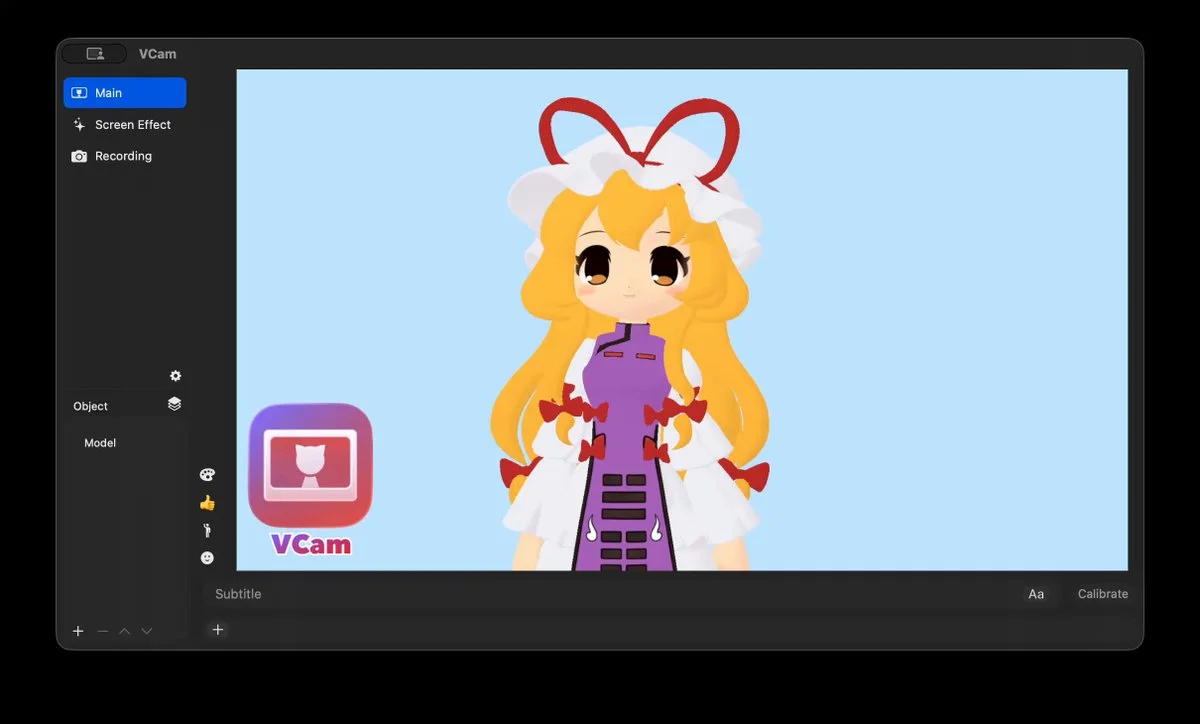
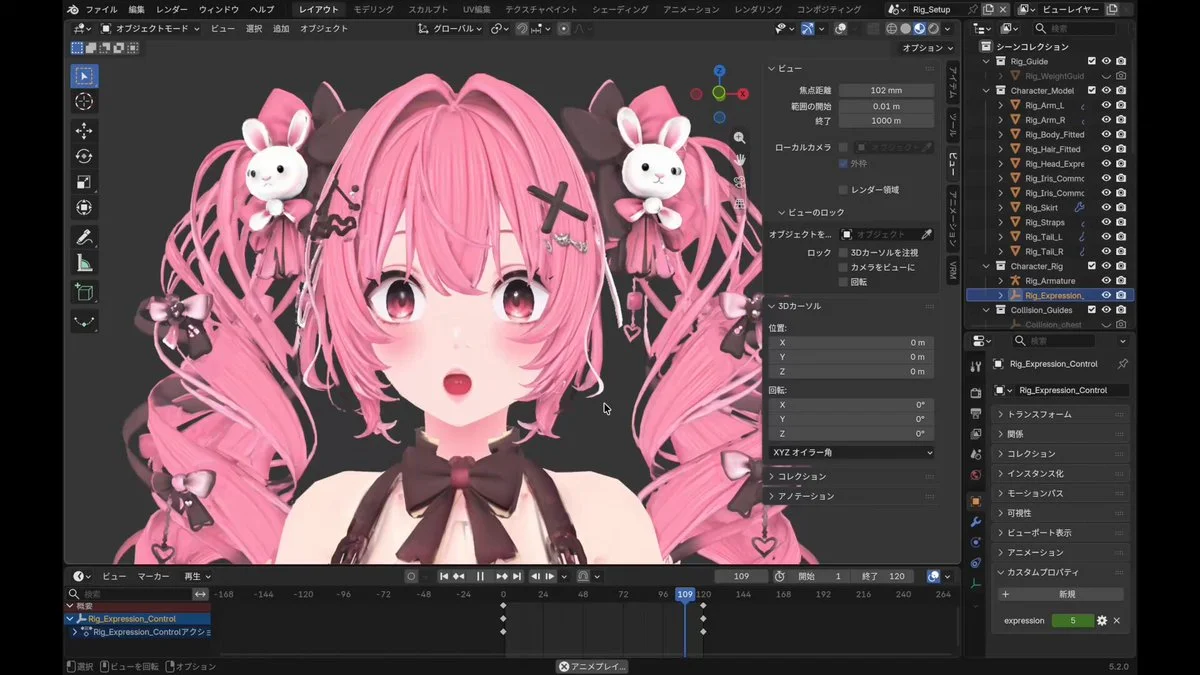
Take a Tripo Smart Mesh character into Blender. Apply its textures and build a usable body rig before moving on to facial expressions.
Want to inspect the implementation? Filter this collection for GitHub projects, or explore source-code examples across models. Check the repository license before reusing code.
Explore 3D projects with source code ↗3D build walkthroughs
Watch independent creators put each model through a real 3D build, then use the free prompts above to run your own version of the experiment.
Follow Peter Yang’s workflow for four game projects, from reference images and setup to playable scenes and iterative feedback.
YouTube ↗Why this collection
Looking for Astra prompts you can actually build from? Start with a 3D example that matches your task: a Blender model, a Three.js website, a browser game or an explorable world. Each entry pairs a visual result with an author, a source link and a prompt or a clearly identified source-derived brief.
A useful Astra 3D prompt defines what to make, which software to use, what should remain editable and how to check the result. Copy a starting point, change the subject and constraints, then test the same brief with GPT-6 Astra or another model. These are references to adapt, not a guarantee that one prompt reproduces an entire demo.
Best for
01
For an Astra Blender prompt, name the objects, materials, lighting and camera. Ask for separate editable objects and a saved scene, then inspect the render from more than one angle.
02
For an Astra Three.js prompt, describe the scene, mouse and touch controls, loading behavior and a target device. Include a playable loop when making a browser game.
03
Use the Unreal Engine and Unity examples to plan explorable worlds. Specify scale, collisions, camera movement and the files you need; a showcase video alone does not prove a project is ready to ship.
Prompt recipe
State which objects must remain separate, named and editable; otherwise a visually convincing shell may still be unusable.
Ask the model to run the scene, inspect visible failures and repeat until concrete frame-rate, interaction and layout checks pass.
For large worlds, split the work into districts, assemblies or milestones and approve each section before expanding scope.
Give your next scene a character worth a closer look. Create detailed, textured 3D assets from an image or a few words.
Generate 3D Assets FreeNo. Every entry is labeled. “Verbatim” preserves wording published by the author; “source-derived brief” is a reusable prompt reconstructed from the public demo description. We do not claim access to prompts that were never published.
Use them as references, not model-specific magic words. Keep the outcome and acceptance checks, then adapt the tool, asset budget, camera, controls and output format for Astra, Claude, Kimi or another model.
Use the With GitHub filter to find Astra 3D examples with public code, then open an example for its repository and available live demo. The open-source collection brings these projects together across models. Check each repository’s license and setup instructions before reuse.