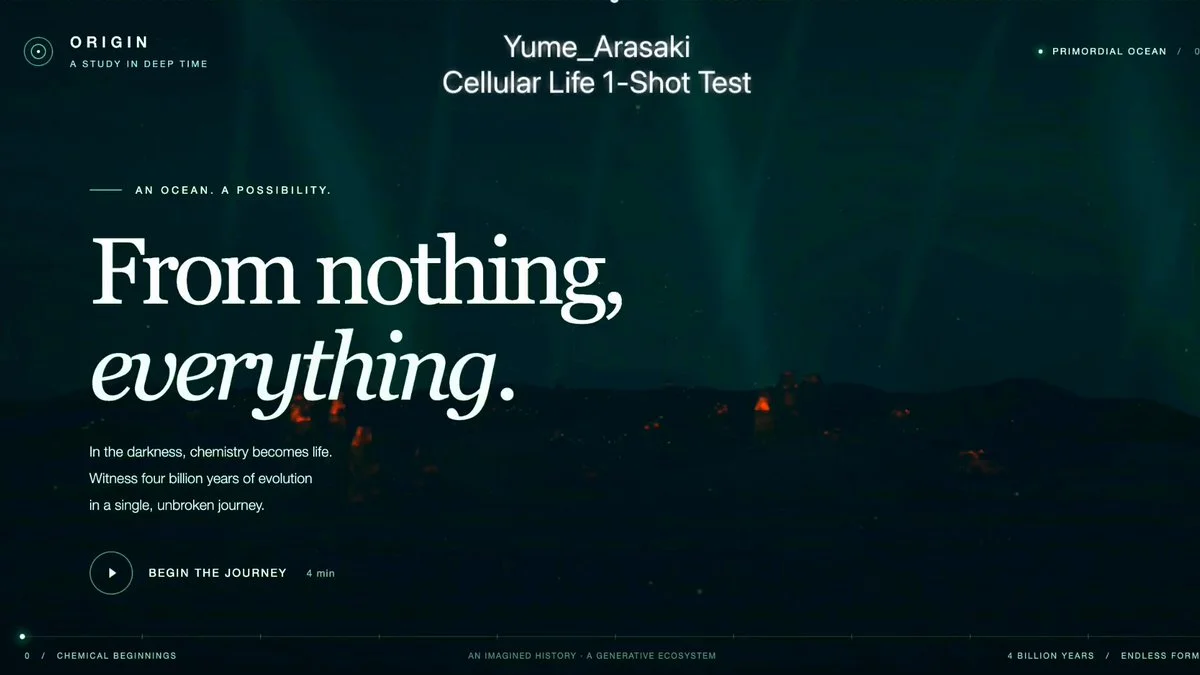
Evolving WebGL ecosystem
Build a 3D evolving ecosystem in one HTML file using raw WebGL and GLSL. Let mutation, natural selection, predation, energy use and multicellular bonding interact.
Reference → editable world → playable result
Browse Astra prompts and real 3D examples for Blender scenes, Three.js websites and games. Preview the results, copy a brief and explore GitHub projects where available.
Featured results
153 prompts
Copy, adapt, build
Build a 3D evolving ecosystem in one HTML file using raw WebGL and GLSL. Let mutation, natural selection, predation, energy use and multicellular bonding interact.
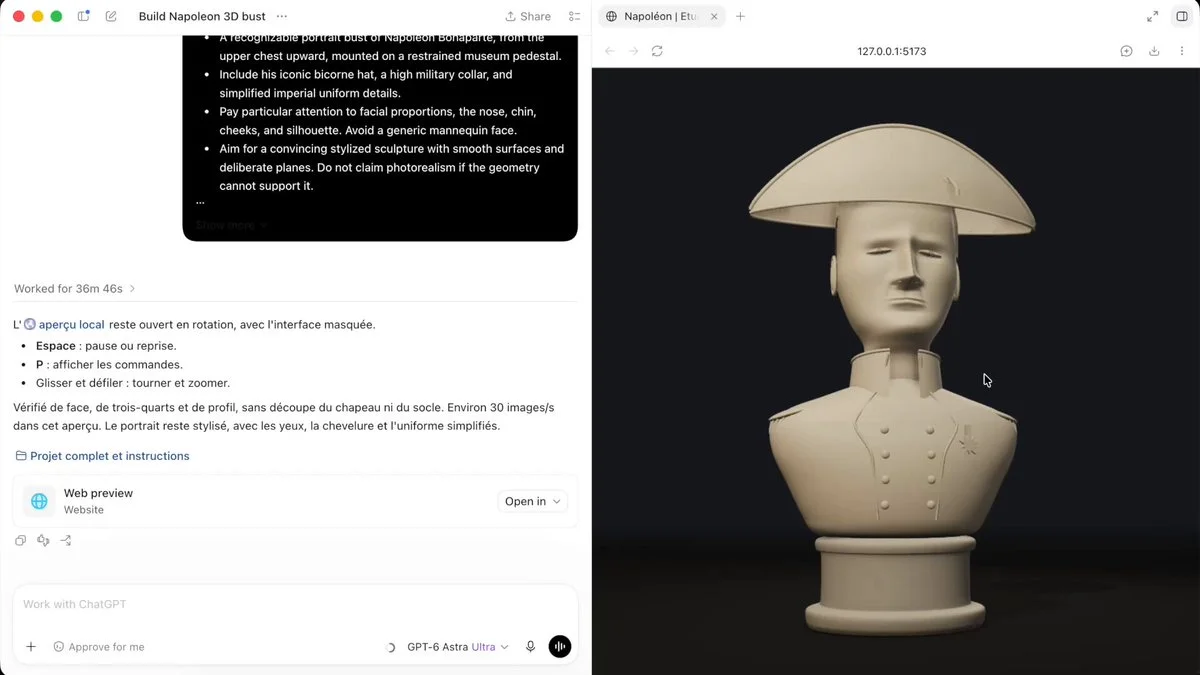
Code a 3D bust of Napoleon in Three.js. Build it in stages, inspect it from different angles and refine facial proportions and clothing details.
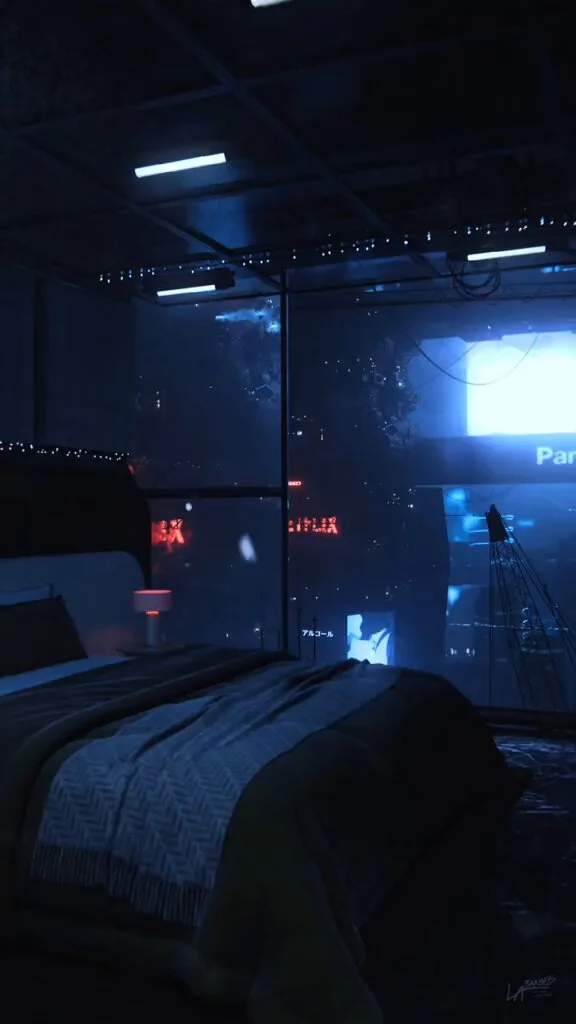
Create a cinematic cyberpunk bedroom in Blender overlooking a rainy neon city at night. Add animated billboards and make it photorealistic and seamlessly looped.
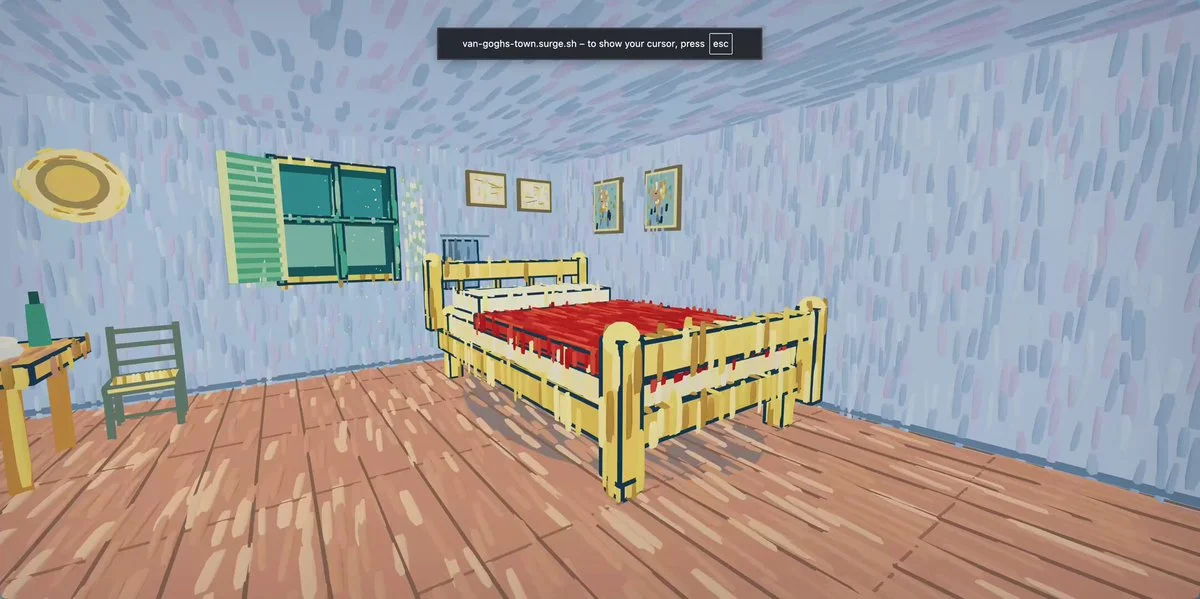
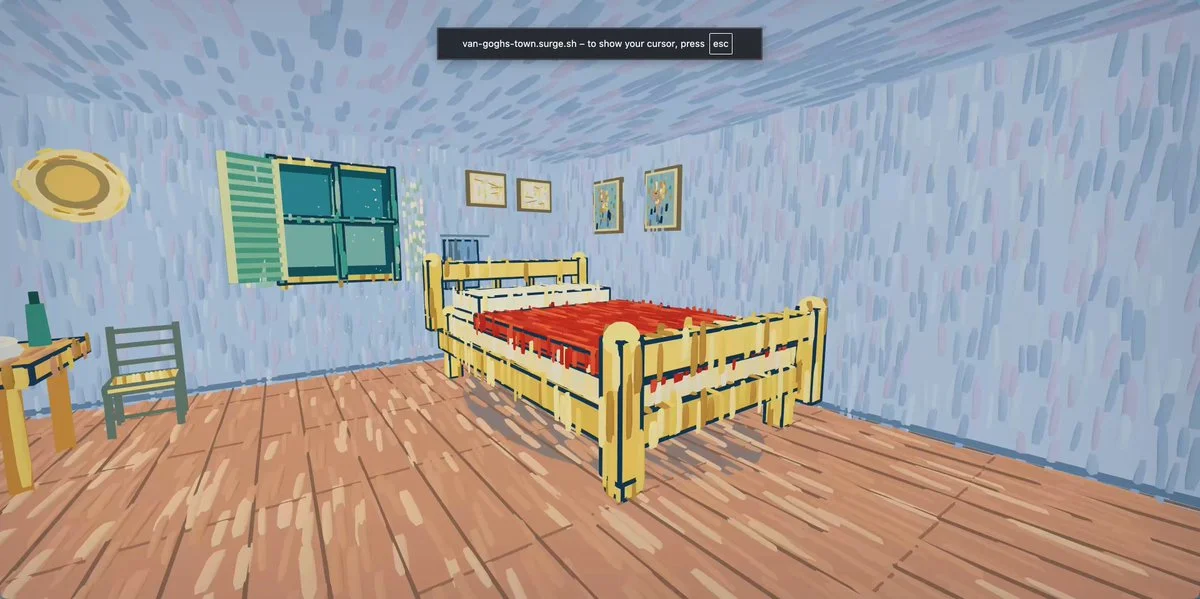
Combine six Van Gogh paintings into one explorable town where visitors can stroll through Starry Night streets. Design natural portals between paintings, maintain a coherent scale and add gentle ambient interaction.
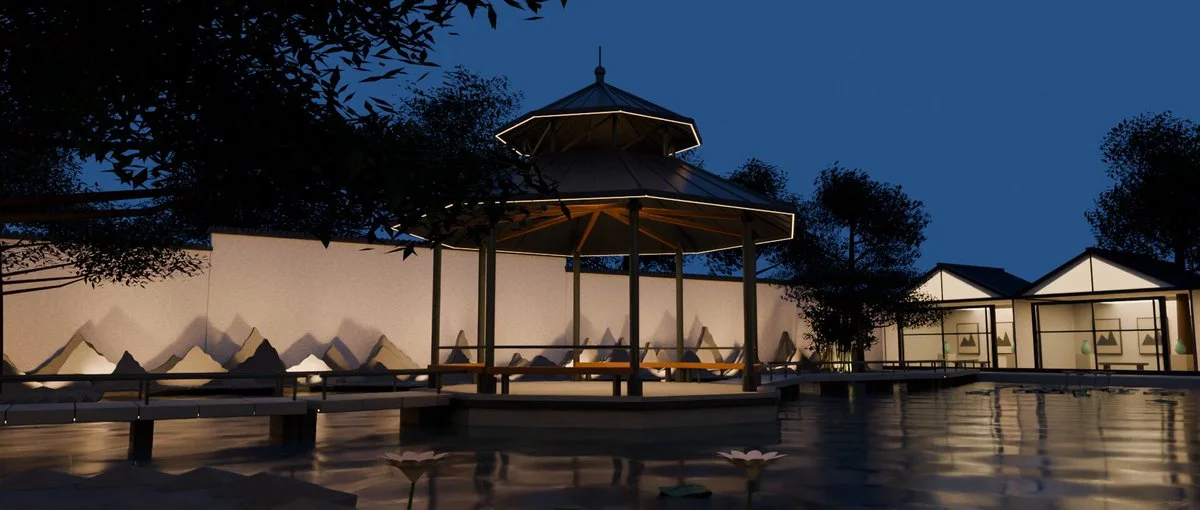
Use a webpage about the Suzhou Museum as reference to recreate its garden in Blender. Produce a continuous walkthrough that preserves the relationship between modern architecture and traditional Chinese landscaping.
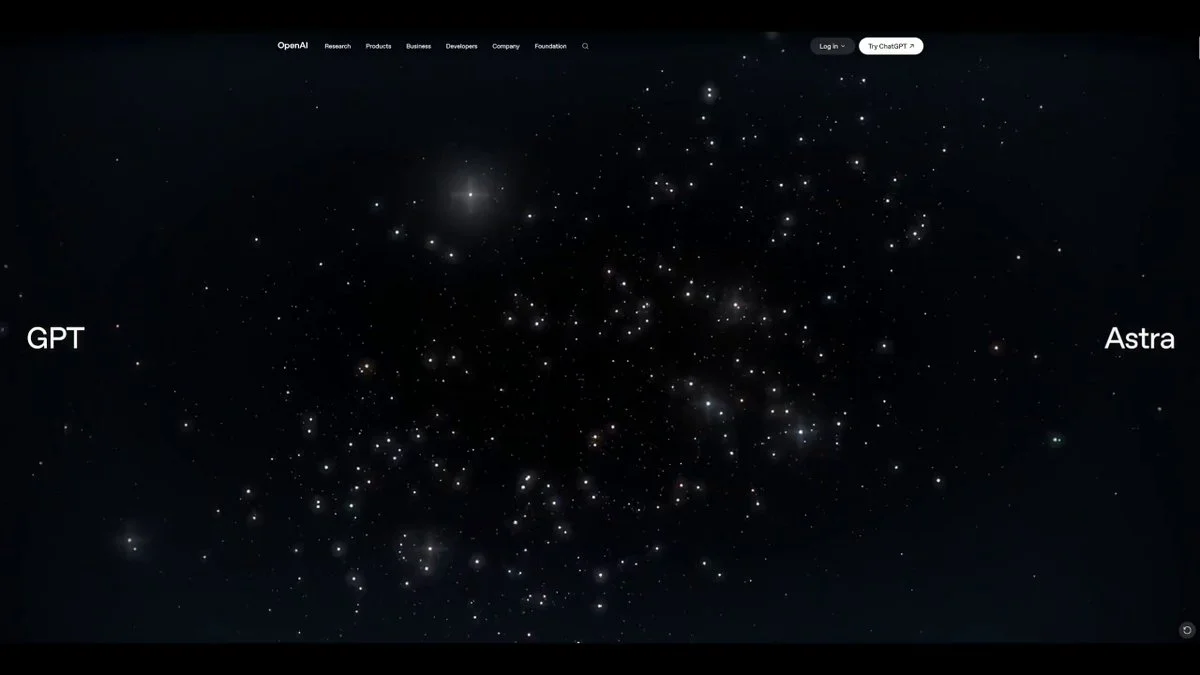
Reverse-engineer the visual language of the supplied galaxy hero and rebuild it as real-time WebGL rather than video. Use depth-aware particles, luminous dust, smooth pointer response, restrained typography space and adaptive performance.
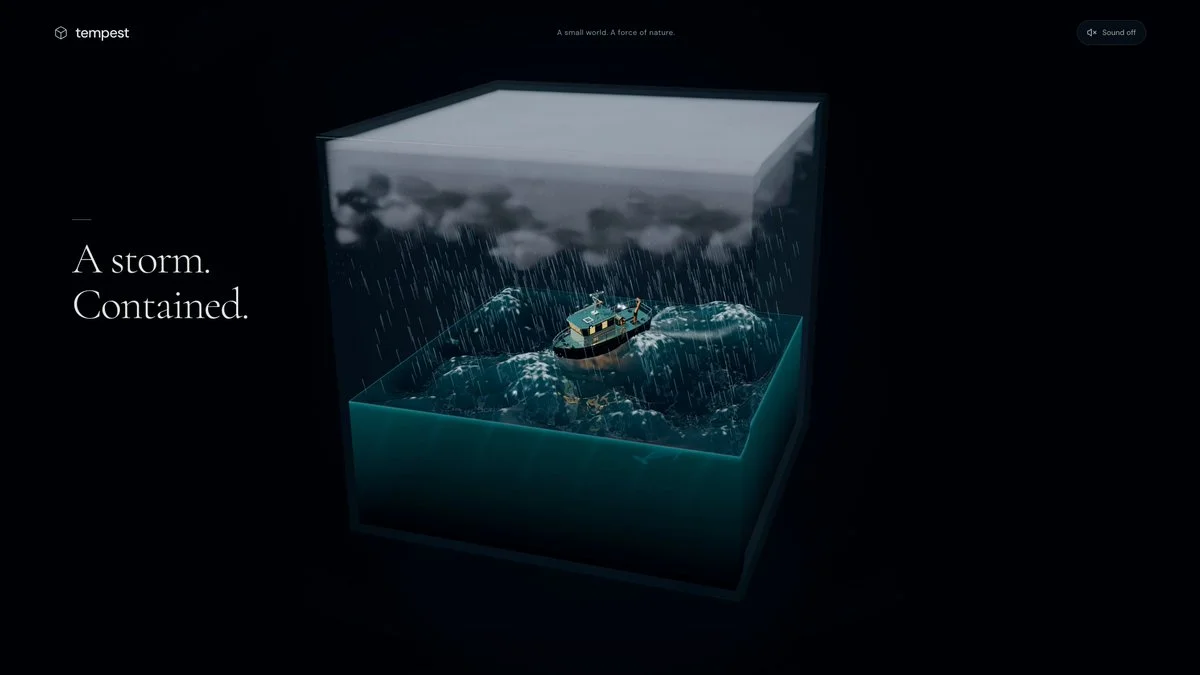
Generate a storm trapped in a cube with weather you can control in Three.js.
Model an energy core, two rings and a metal base in Blender. Export the materials to a Three.js viewer with rotation, zoom, automatic orbit and pulse controls.
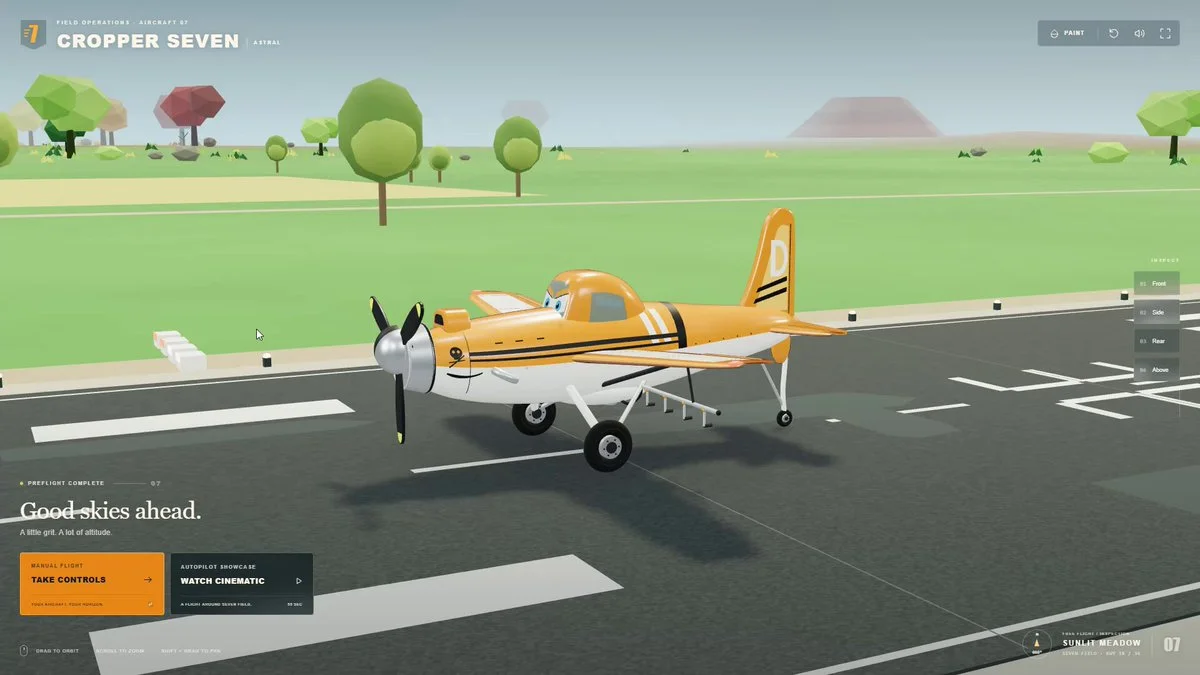
Create a complete 3D flight game in the browser. Include controllable flight, a navigable environment, a clear objective and coherent presentation from an empty project.
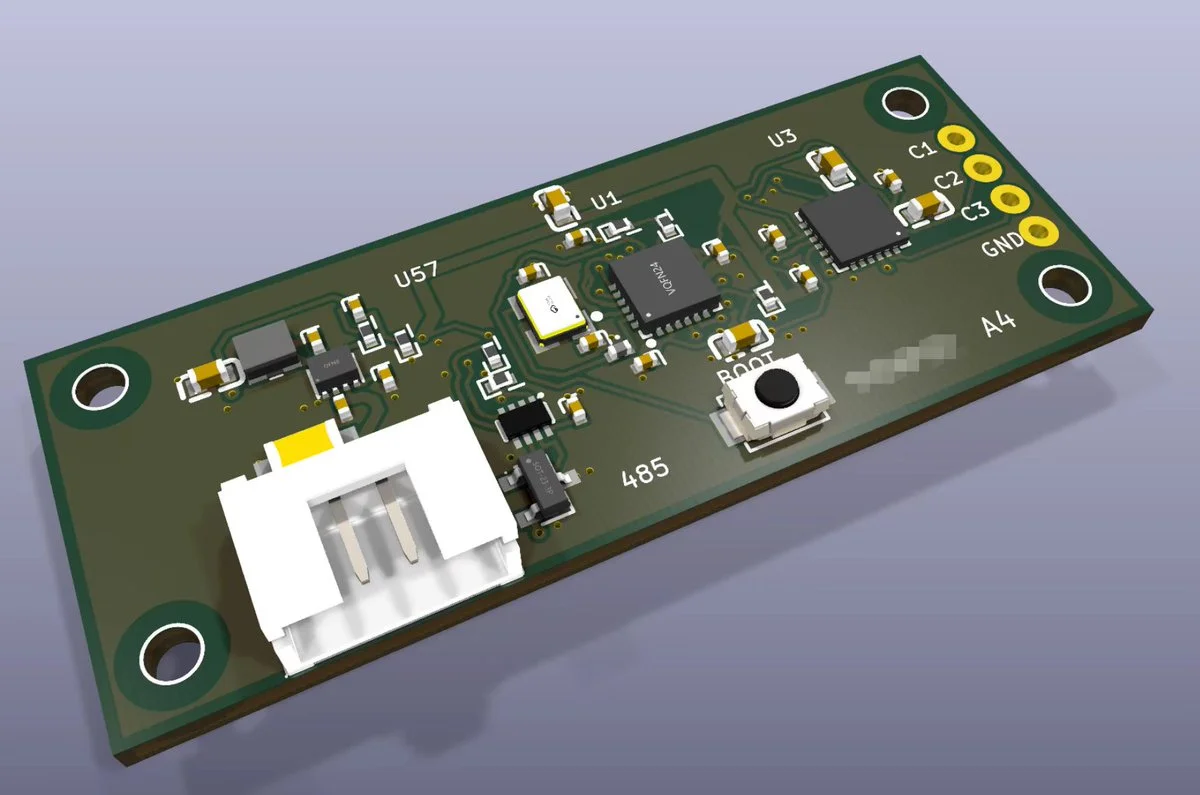
Use a schematic PDF to revise a circuit in KiCad, route a 50 by 20 mm two-layer PCB and render its 3D assembly. Review component datasheets and resolve design-rule violations.
Create a periodic water-surface effect using Blender Geometry Nodes without baking. Keep the node setup editable and describe it as a surface model, not a full fluid simulation.
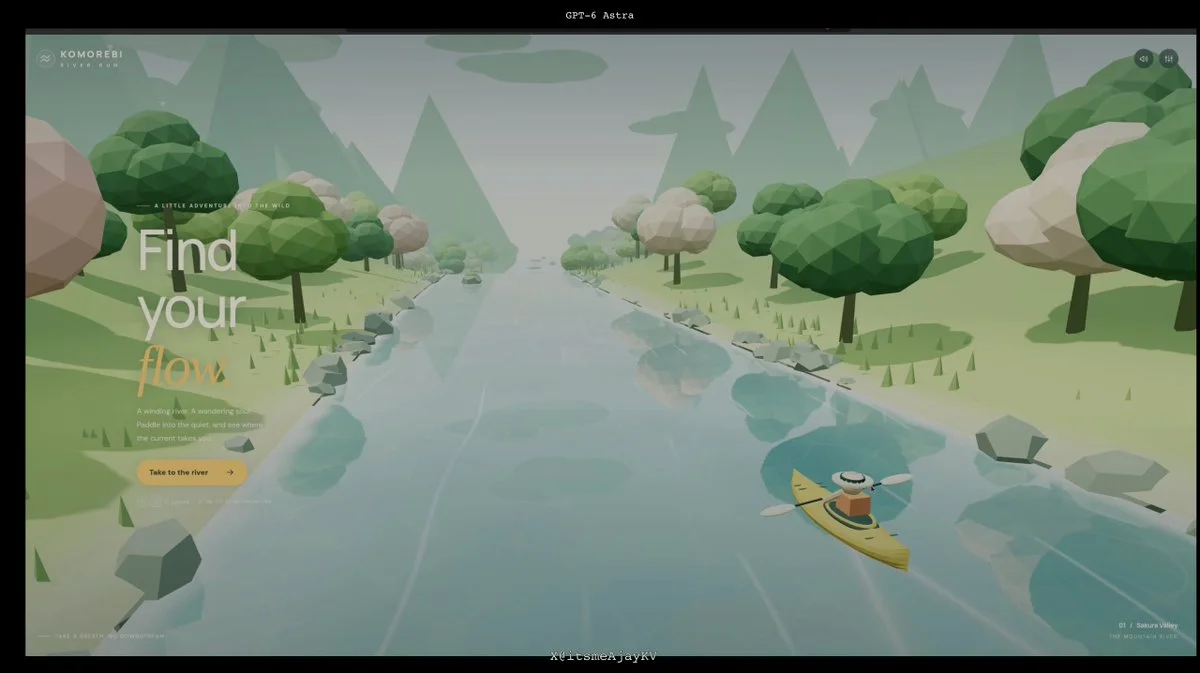
Build a 3D river kayaking game with anime-inspired aesthetics. Let the player paddle left and right to avoid obstacles, with flowing water, scenery, music and sound effects generated in code.
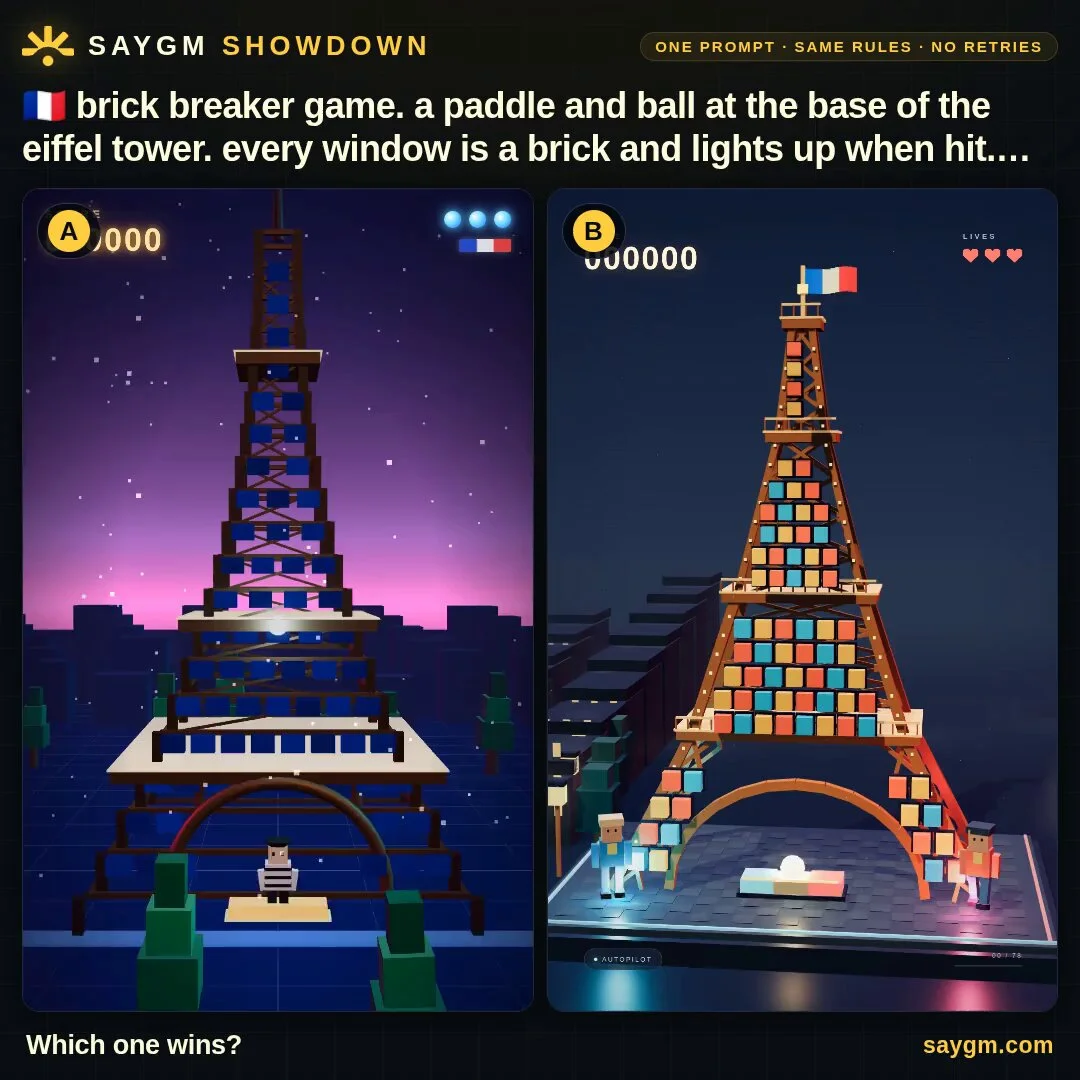
Build a self-playing arcade game for a G7 country. Translate one recognizable cultural landmark into the core mechanic, make the action readable without input, and add score, escalating challenge and a memorable reveal.
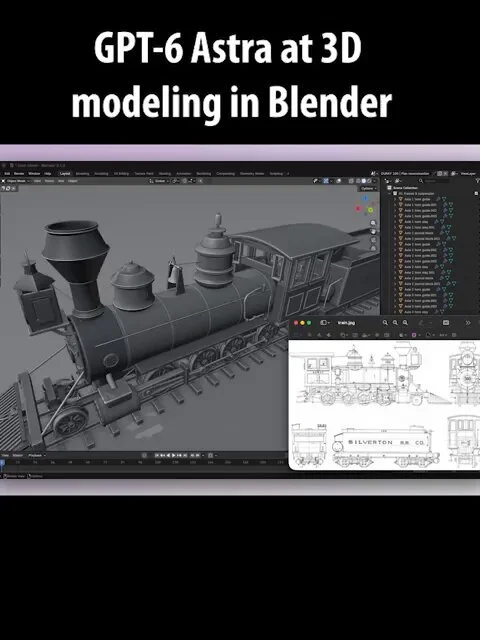
Model a steam locomotive in Blender as a real mechanical breakdown rather than a textured shell. Name and separate the axles, horn guides, journal blocks, stays, suspension links, steam dome and every major assembly.
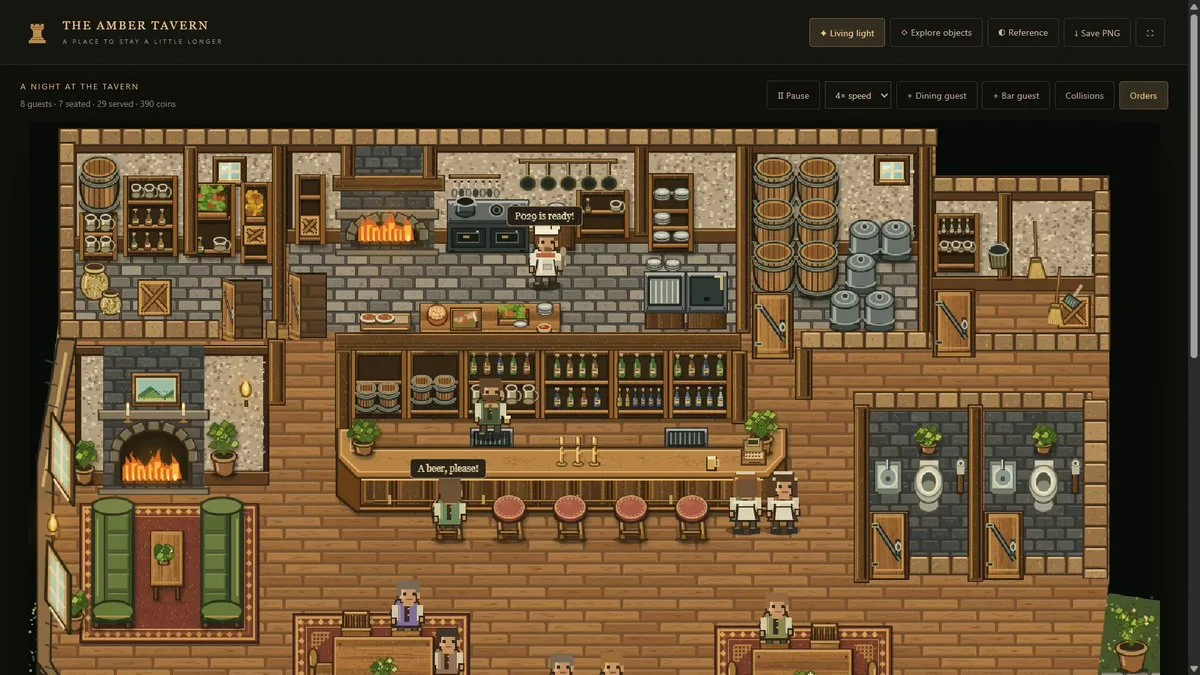
Recreate a tavern from a reference image and populate it with guests and workers. Guests order food and drinks; staff prepare them, with collision handling and pathfinding.
Create a premium launch-page hero around a real-time Three.js galaxy. Make the particles form a subtle number-six silhouette, respond to scroll and pointer motion, preserve text readability and gracefully reduce effects on weaker devices.
Create a walkable Three.js town inspired by Van Gogh. Turn painted streets, stars, cafés and fields into layered 3D spaces while keeping the brushwork alive through shaders, texture and animated light.
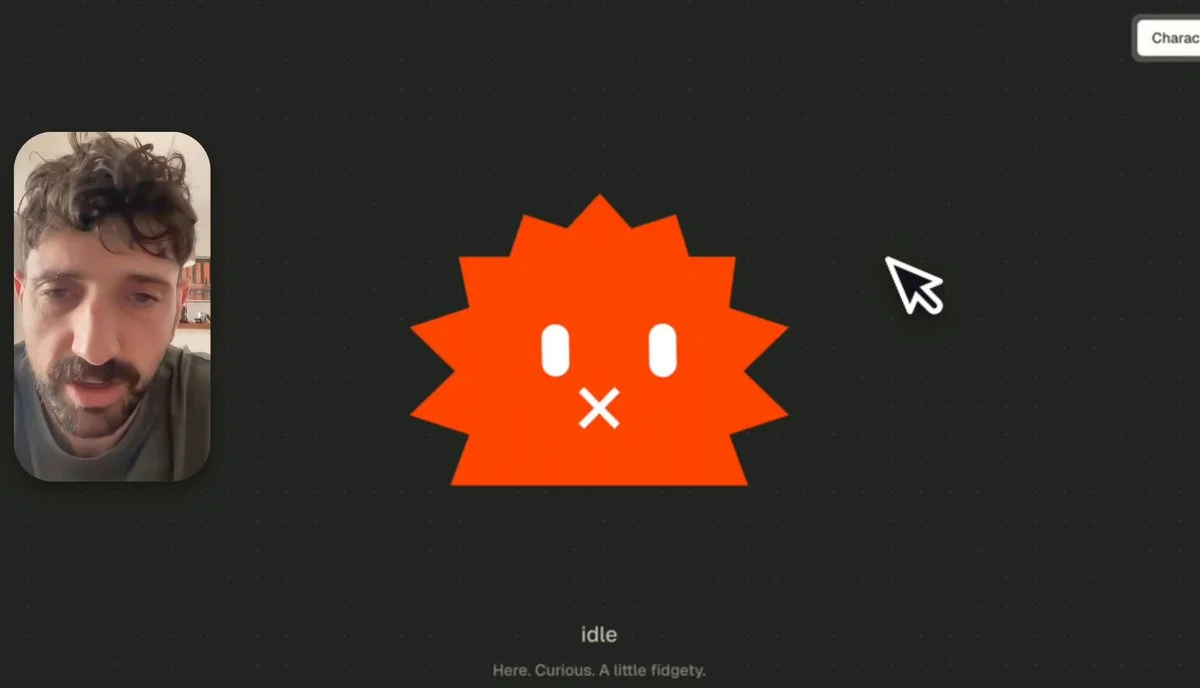
Turn a supplied 2D character logo into an animated 3D version. Preserve its recognizable identity as the character gains volume and movement.
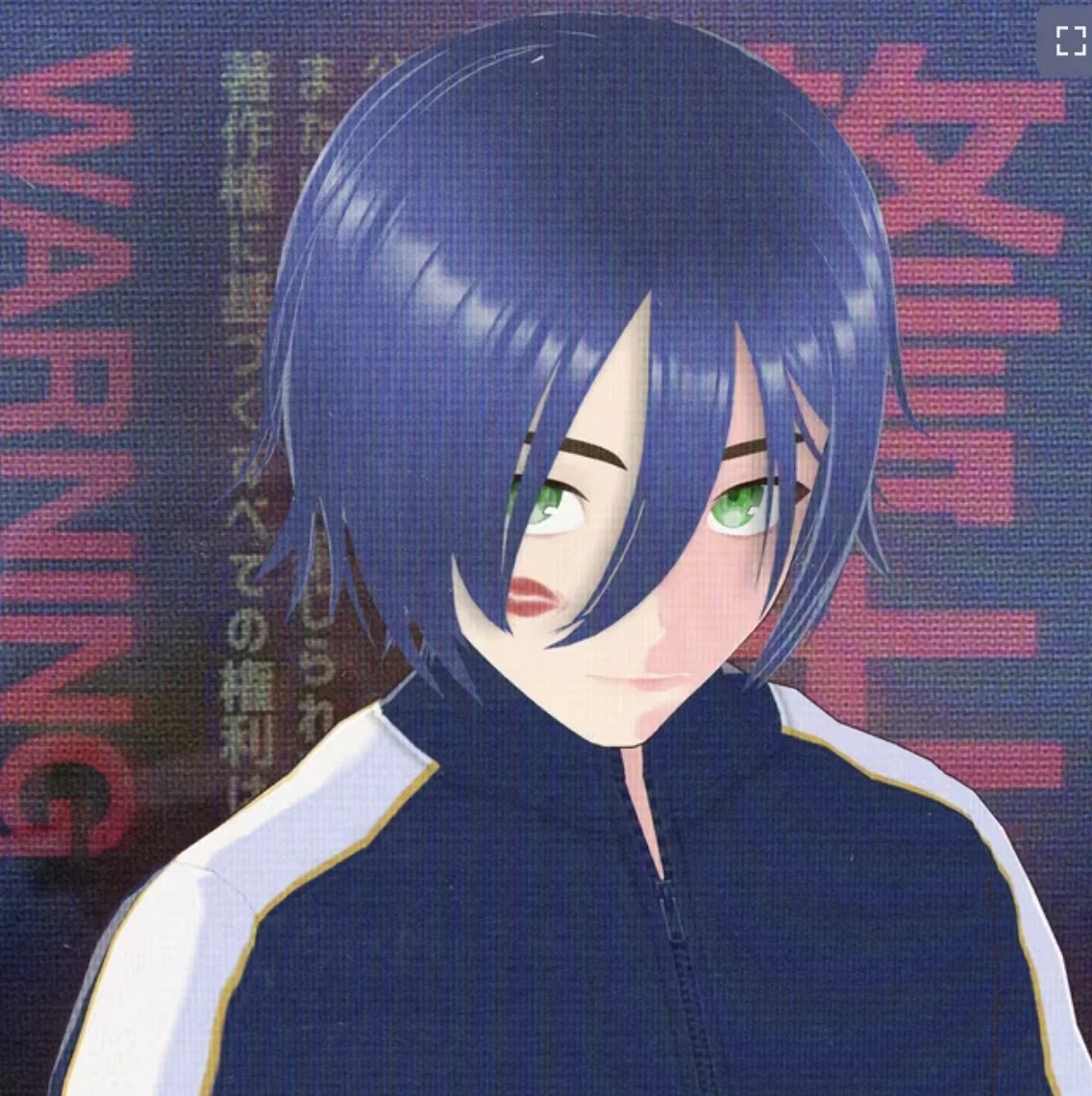
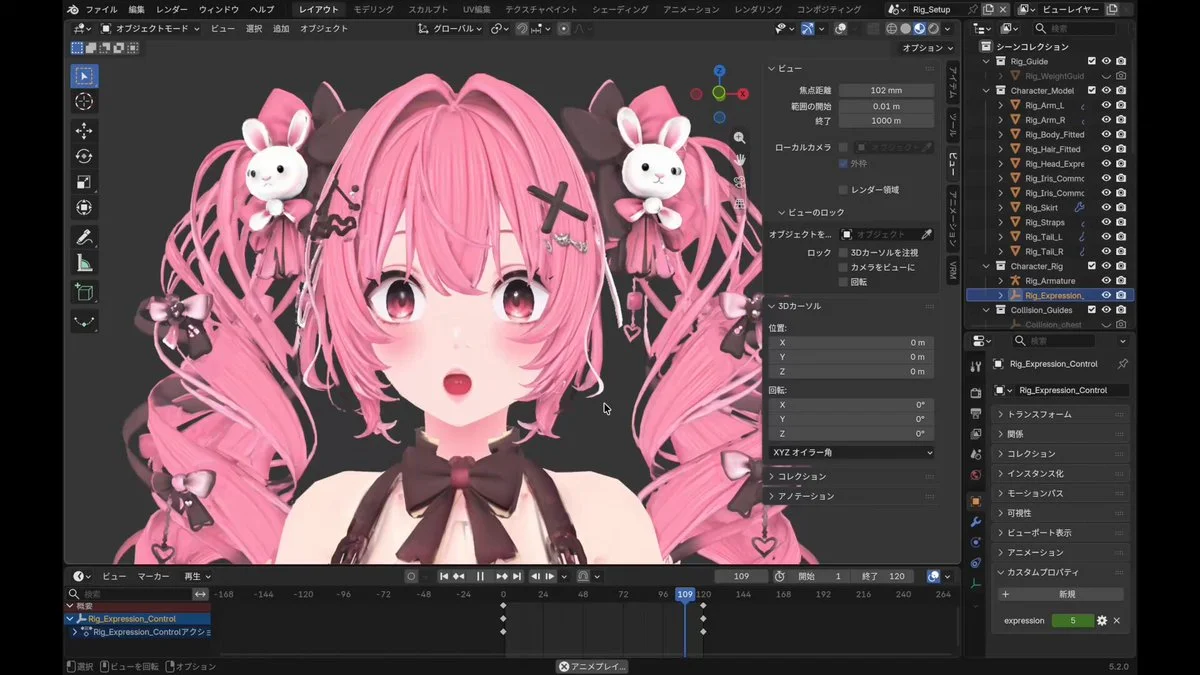
Recreate a Noctavia character artwork as a playable 3D character. Preserve the design language and build a complete model suitable for interactive presentation.
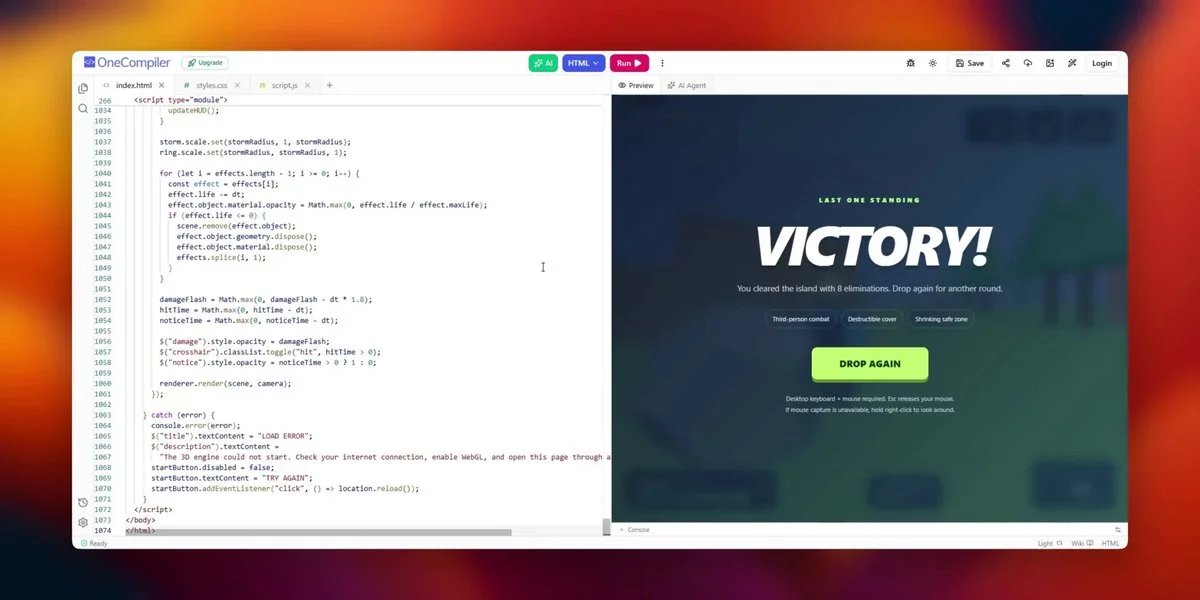
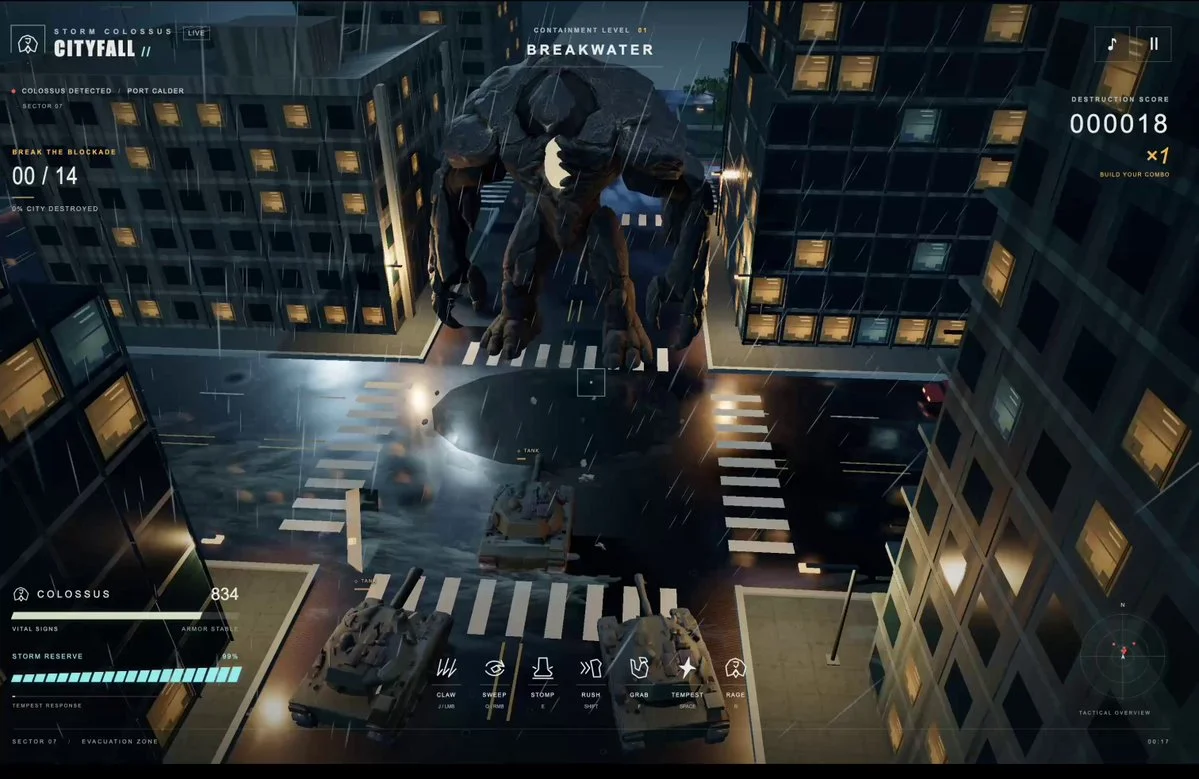
Build a third-person browser battle royale with a storm circle, nine AI enemies, a pulse rifle, health and reloading. Include placeable cover walls and a complete elimination loop.
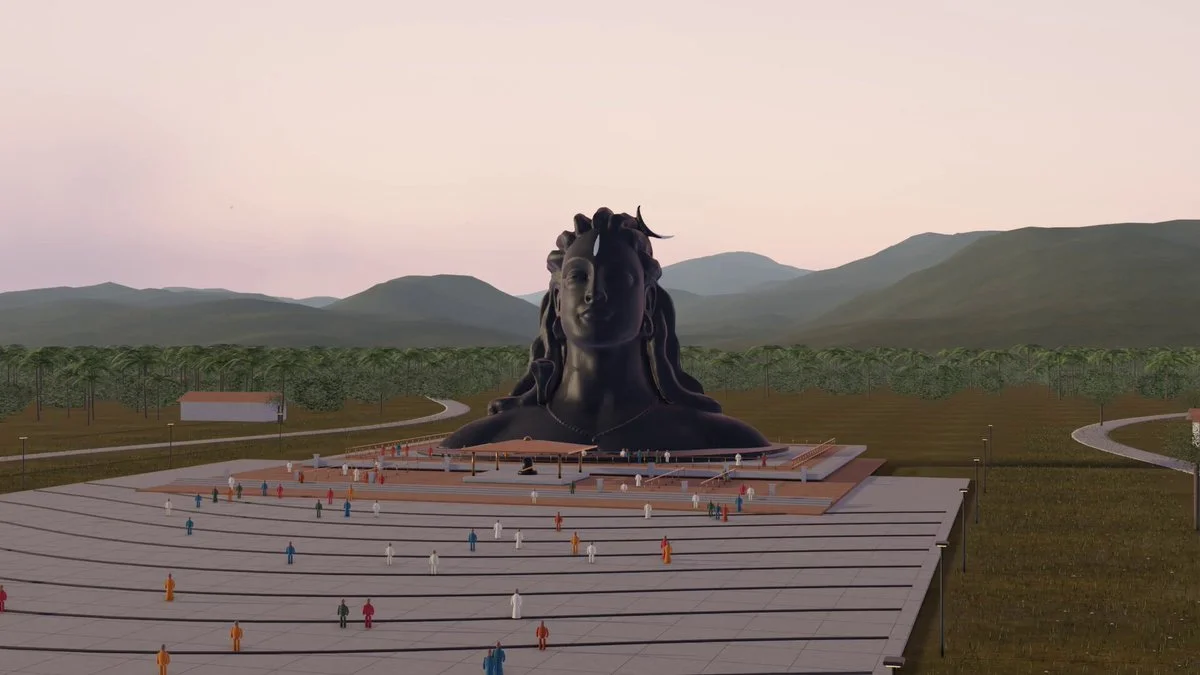
Build an Adiyogi scene in Blender with wide grounds, detailed close-ups and warm evening light. Render a 30-second fly-through and retain the editable scene.
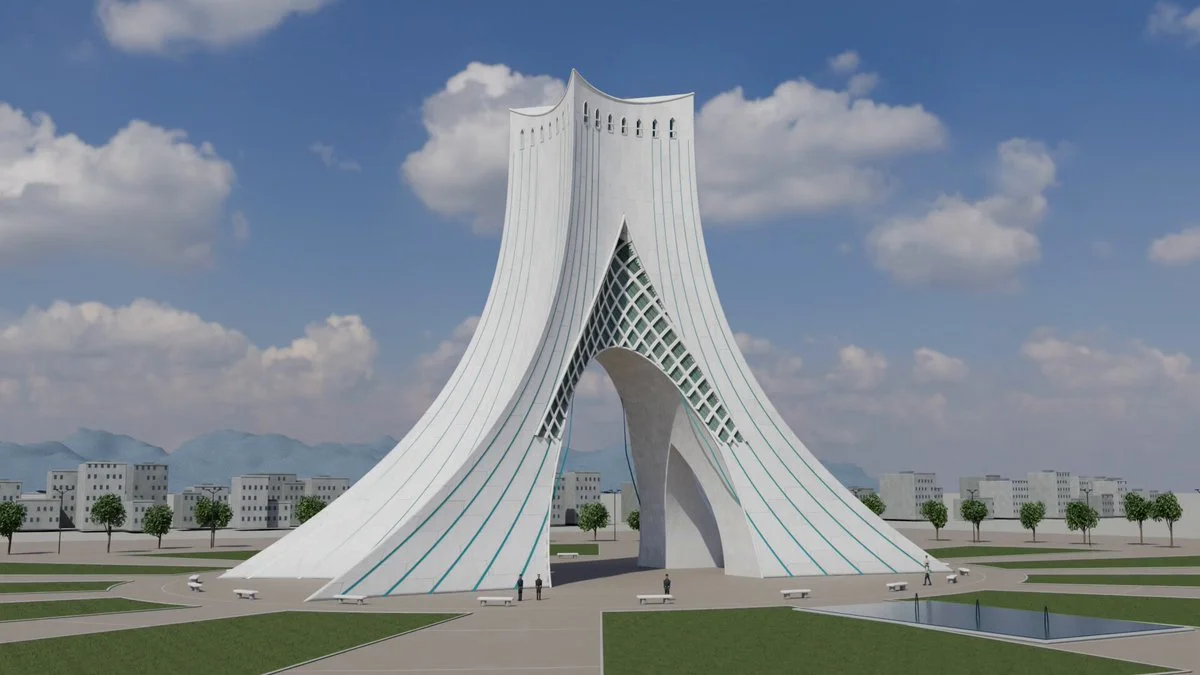
Create an editable Blender model of Azadi Tower, focusing on its flared base, crossing arch, patterned surfaces and recognizable proportions.
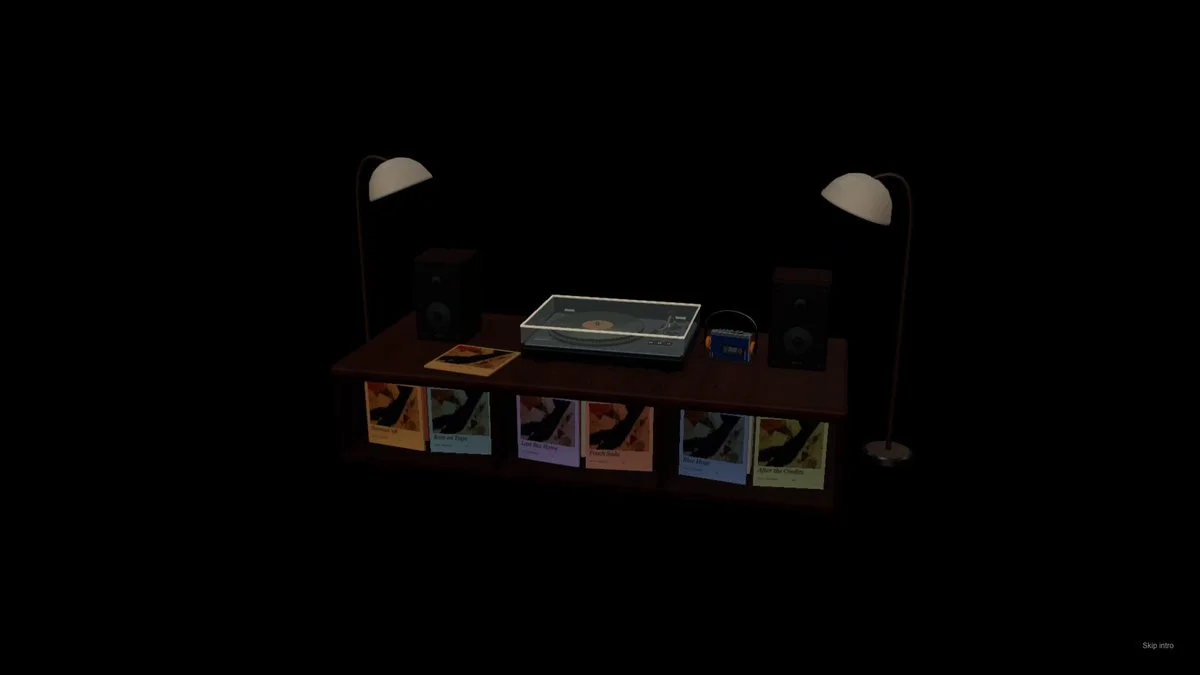
Build a Three.js vinyl-player scene on a table. Stage a product-style demonstration with lamps switching on and a camera that shows the player and surrounding furniture.
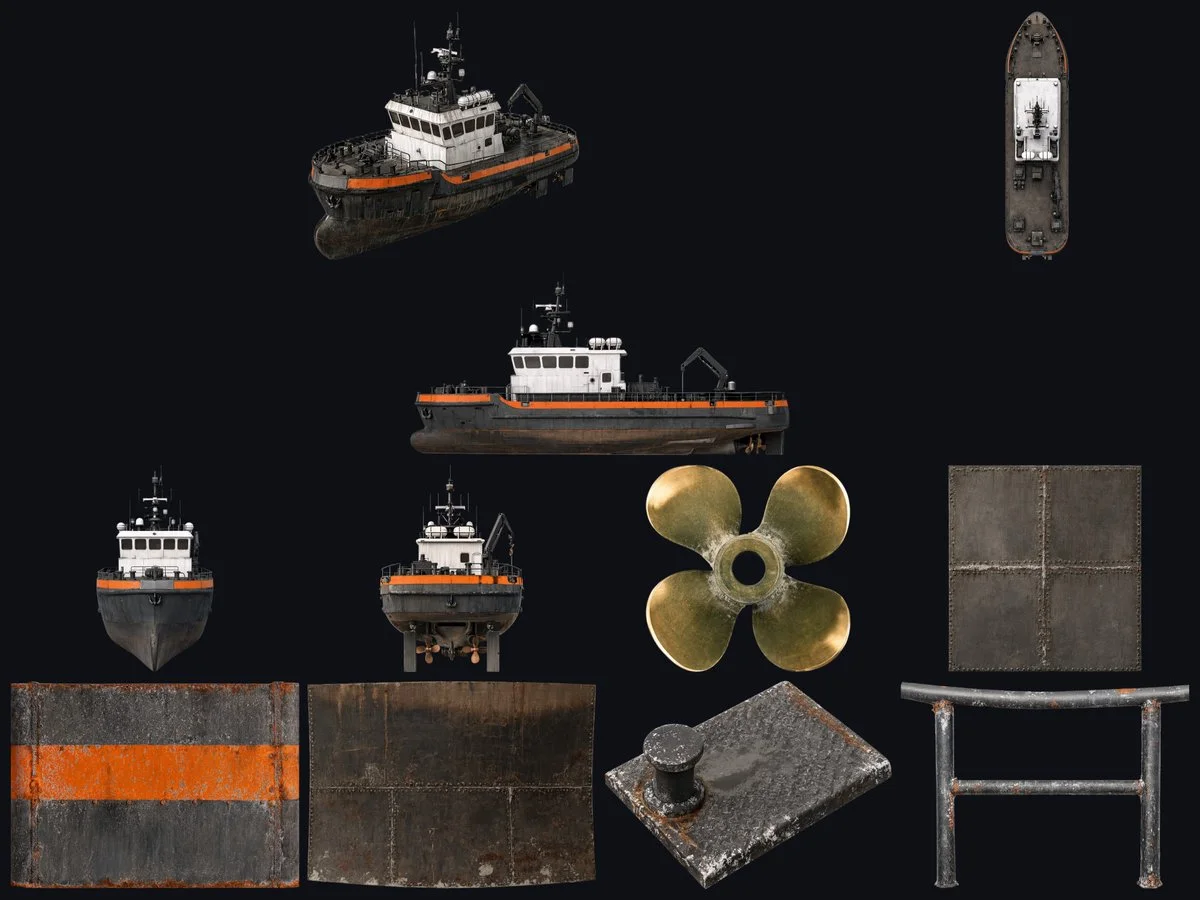
Reconstruct a tugboat in Blender from reference images. Model the hull, slanted wheelhouse, deck fittings and towing equipment, resolving inconsistent viewpoints into one coherent vessel.
Want to inspect the implementation? Filter this collection for GitHub projects, or explore source-code examples across models. Check the repository license before reusing code.
Explore 3D projects with source code ↗3D build walkthroughs
Watch independent creators put each model through a real 3D build, then use the free prompts above to run your own version of the experiment.
Follow Peter Yang’s workflow for four game projects, from reference images and setup to playable scenes and iterative feedback.
YouTube ↗Why this collection
Looking for Astra prompts you can actually build from? Start with a 3D example that matches your task: a Blender model, a Three.js website, a browser game or an explorable world. Each entry pairs a visual result with an author, a source link and a prompt or a clearly identified source-derived brief.
A useful Astra 3D prompt defines what to make, which software to use, what should remain editable and how to check the result. Copy a starting point, change the subject and constraints, then test the same brief with GPT-6 Astra or another model. These are references to adapt, not a guarantee that one prompt reproduces an entire demo.
Best for
01
For an Astra Blender prompt, name the objects, materials, lighting and camera. Ask for separate editable objects and a saved scene, then inspect the render from more than one angle.
02
For an Astra Three.js prompt, describe the scene, mouse and touch controls, loading behavior and a target device. Include a playable loop when making a browser game.
03
Use the Unreal Engine and Unity examples to plan explorable worlds. Specify scale, collisions, camera movement and the files you need; a showcase video alone does not prove a project is ready to ship.
Prompt recipe
State which objects must remain separate, named and editable; otherwise a visually convincing shell may still be unusable.
Ask the model to run the scene, inspect visible failures and repeat until concrete frame-rate, interaction and layout checks pass.
For large worlds, split the work into districts, assemblies or milestones and approve each section before expanding scope.
Give your next scene a character worth a closer look. Create detailed, textured 3D assets from an image or a few words.
Generate 3D Assets FreeNo. Every entry is labeled. “Verbatim” preserves wording published by the author; “source-derived brief” is a reusable prompt reconstructed from the public demo description. We do not claim access to prompts that were never published.
Use them as references, not model-specific magic words. Keep the outcome and acceptance checks, then adapt the tool, asset budget, camera, controls and output format for Astra, Claude, Kimi or another model.
Use the With GitHub filter to find Astra 3D examples with public code, then open an example for its repository and available live demo. The open-source collection brings these projects together across models. Check each repository’s license and setup instructions before reuse.