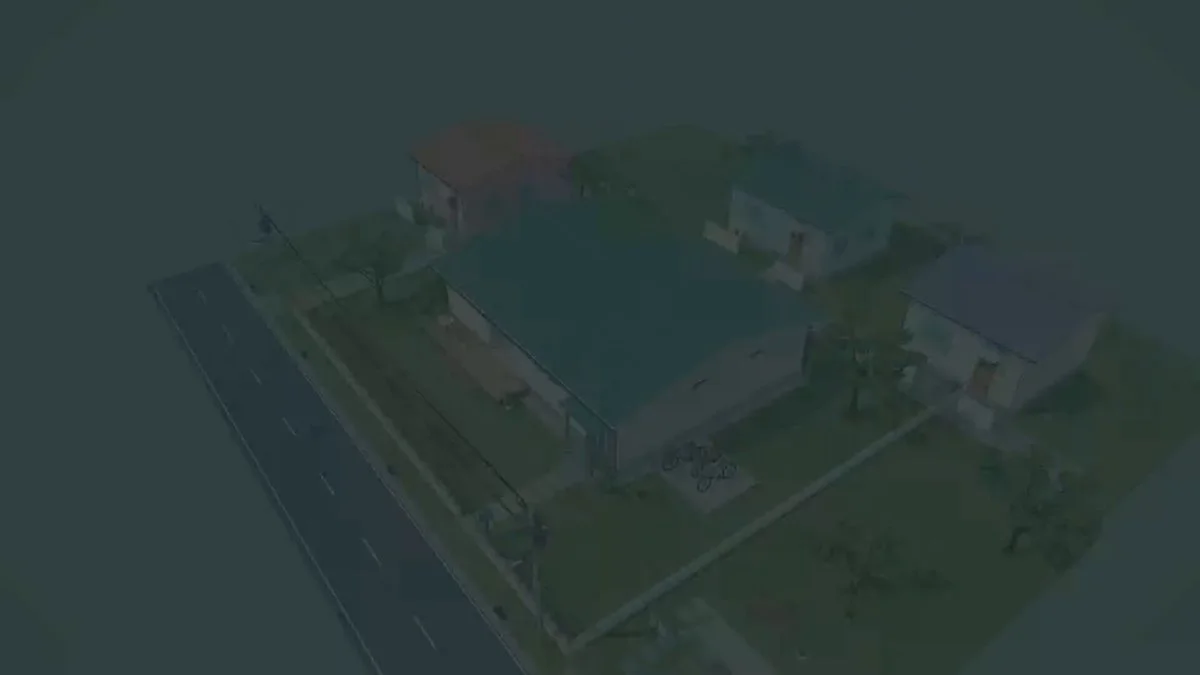
A house modeled from scratch in Blender
Model a house from scratch in Blender. Keep the scene editable so the building can be inspected and refined in subsequent iterations.
Reference → editable world → playable result
Browse Astra prompts and real 3D examples for Blender scenes, Three.js websites and games. Preview the results, copy a brief and explore GitHub projects where available.
Featured results
153 prompts
Copy, adapt, build
Model a house from scratch in Blender. Keep the scene editable so the building can be inspected and refined in subsequent iterations.
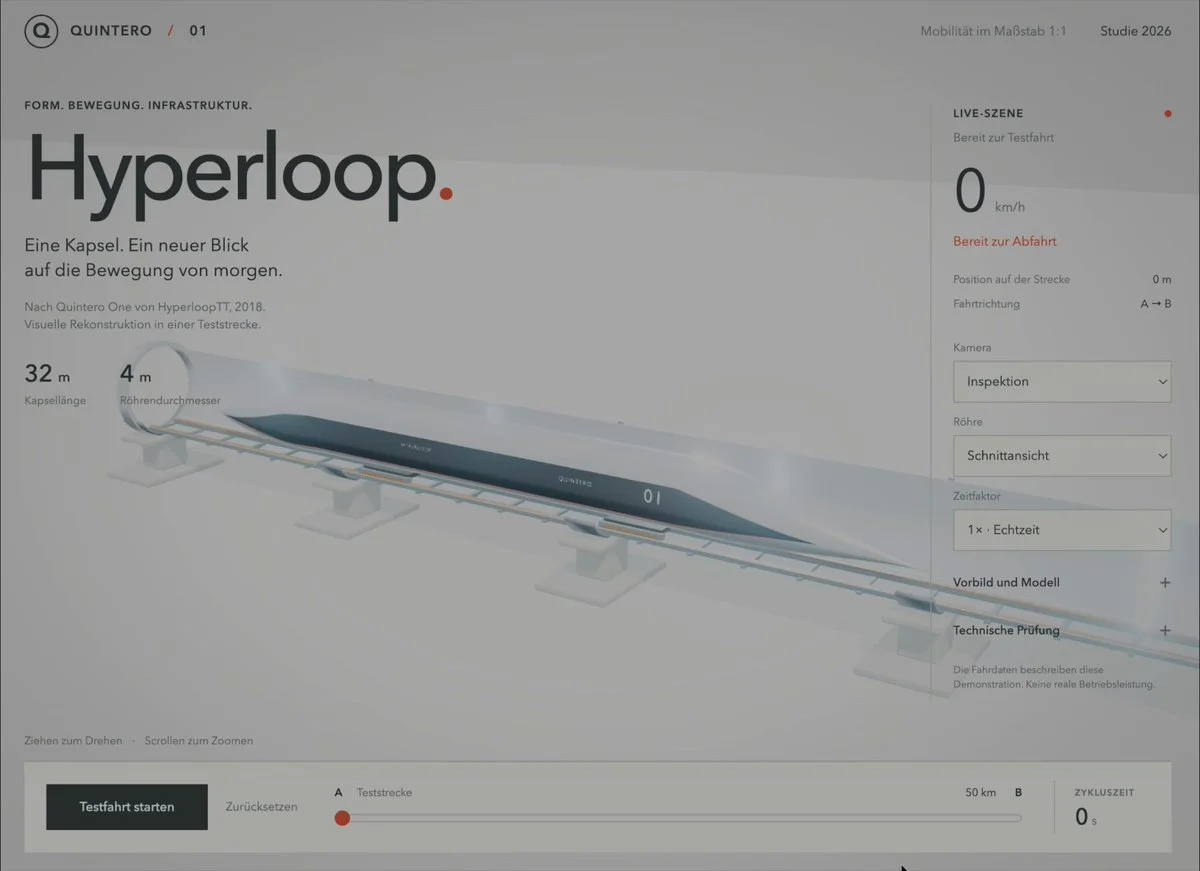
Build an interactive Three.js Hyperloop demonstration showing a transport pod, tube infrastructure and motion through the system.
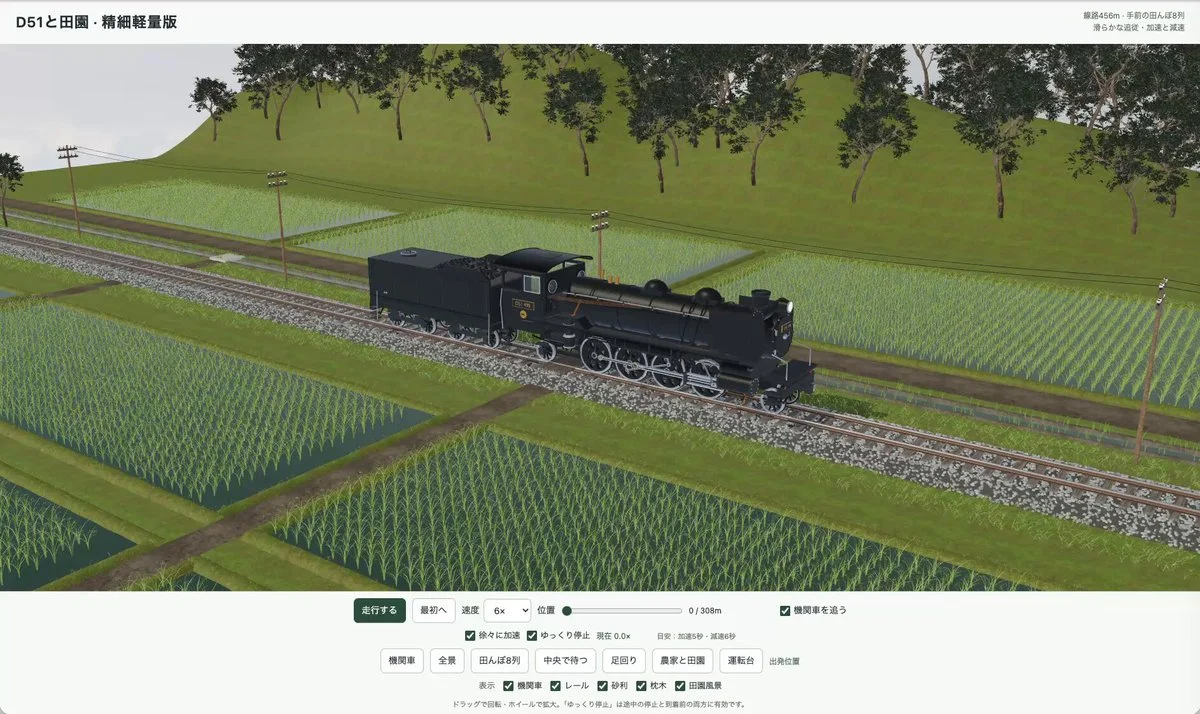
Model a steam locomotive in Three.js and animate it travelling through a countryside scene. Synchronize the wheel movement with the train's motion.
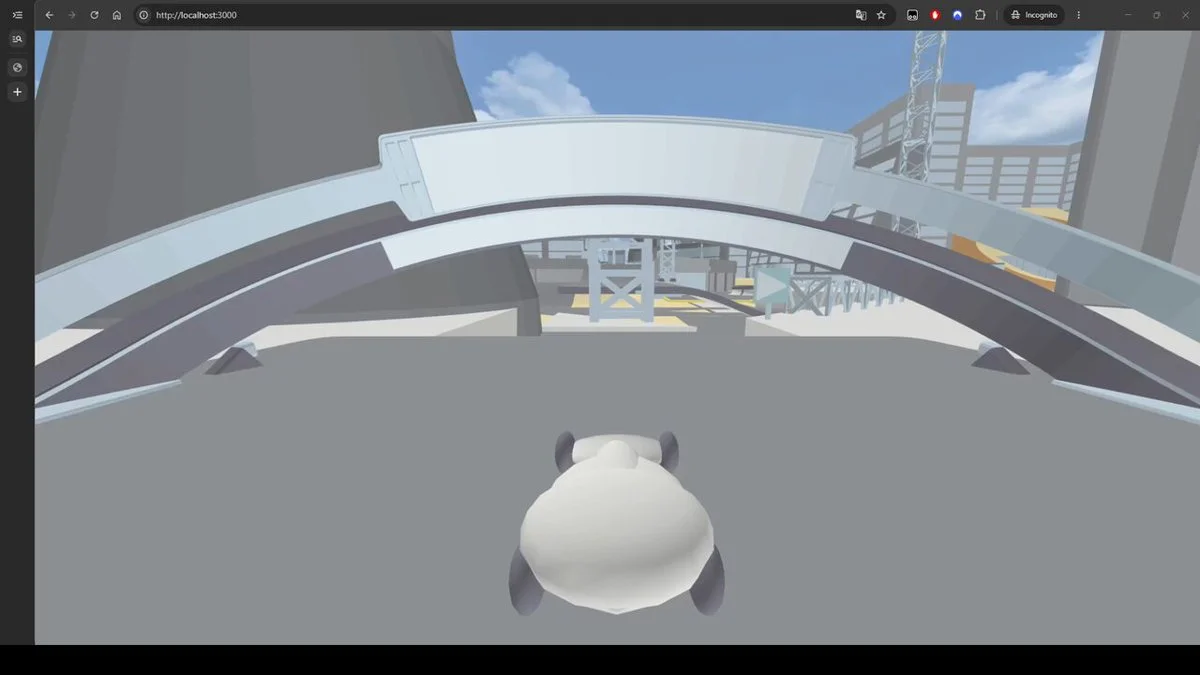
Recreate a Trackmania-style racing physics system in C#, run it through WASM and render the course in Three.js. Use collidable track meshes and test vehicle handling.
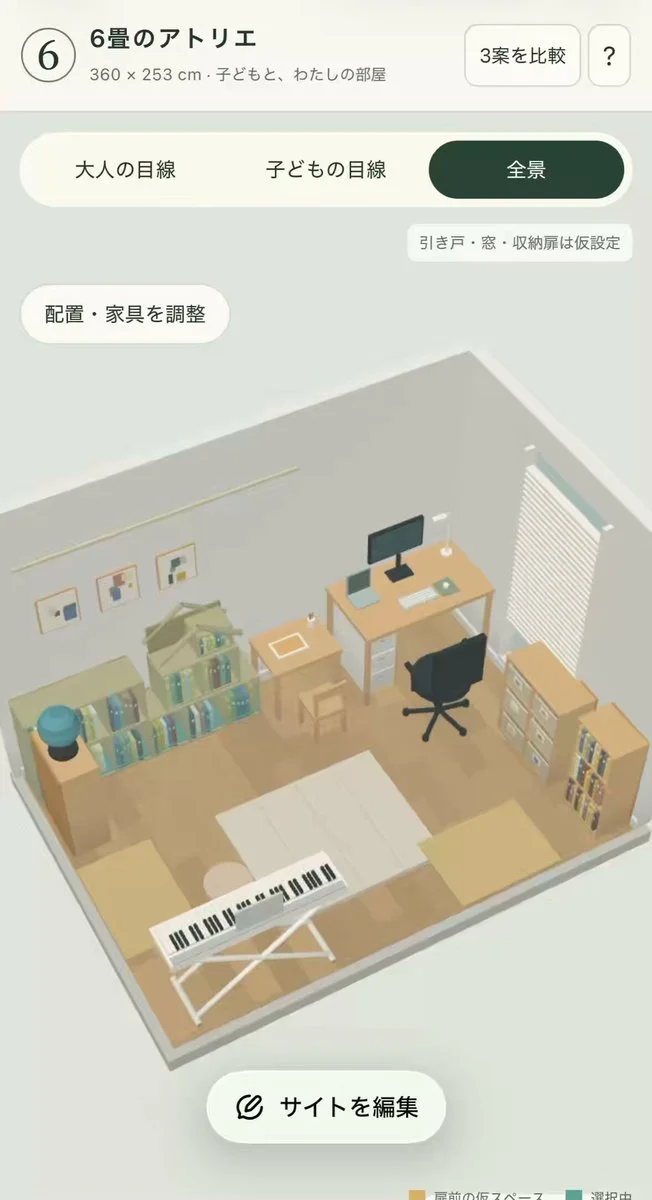
Reconstruct a child's room that doubles as a workspace from four corner photos and room dimensions. Show adult and child viewpoints, an overview and alternative furniture layouts.
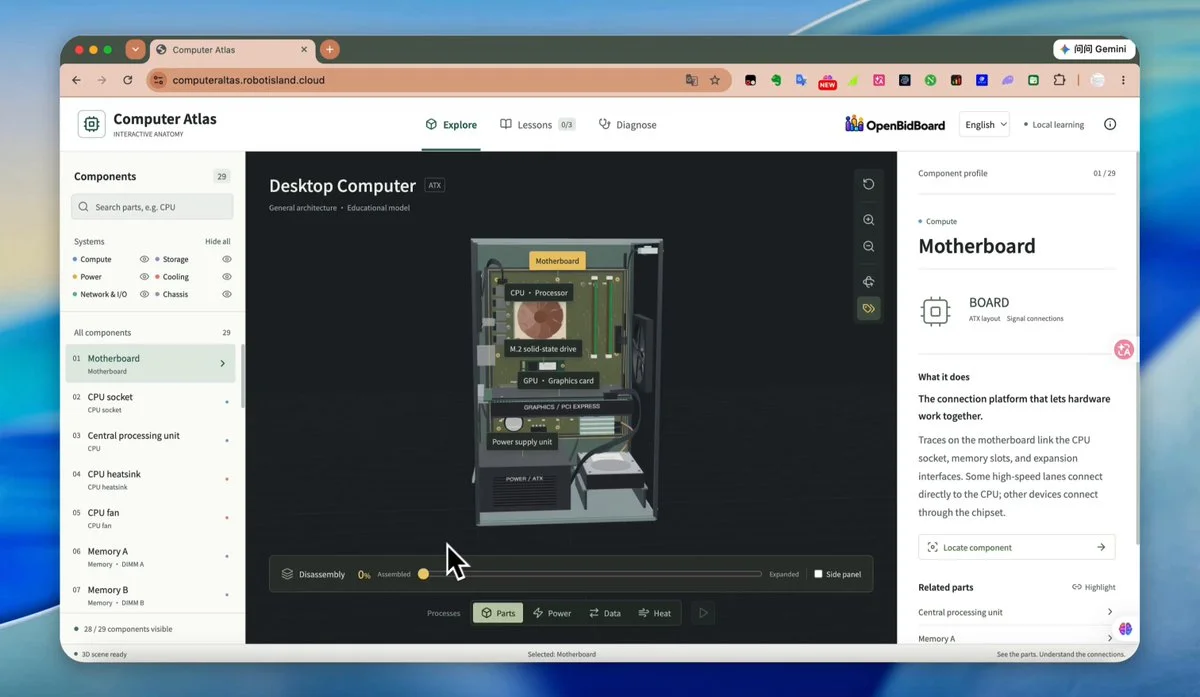
Create an interactive 3D website that separates a desktop computer into 29 core components. Add animated disassembly and explanations for each part.
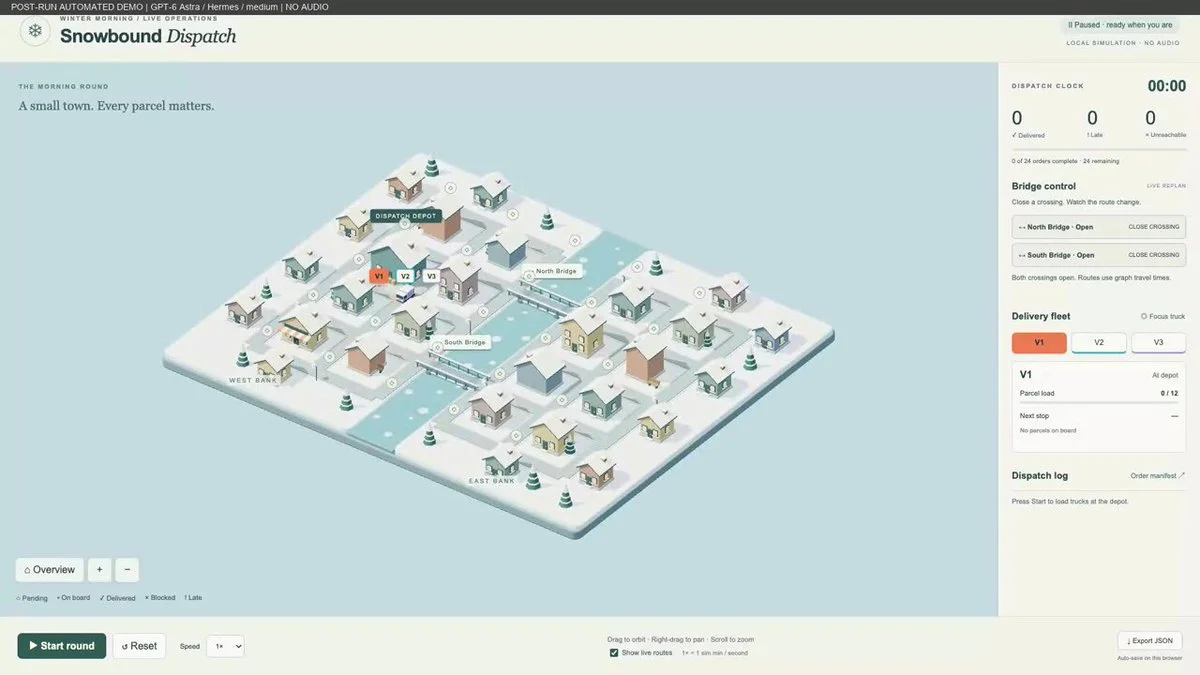
Build a 3D delivery simulation where closing bridges changes truck routes. Detect unreachable destinations and restore deliveries when a route reopens.
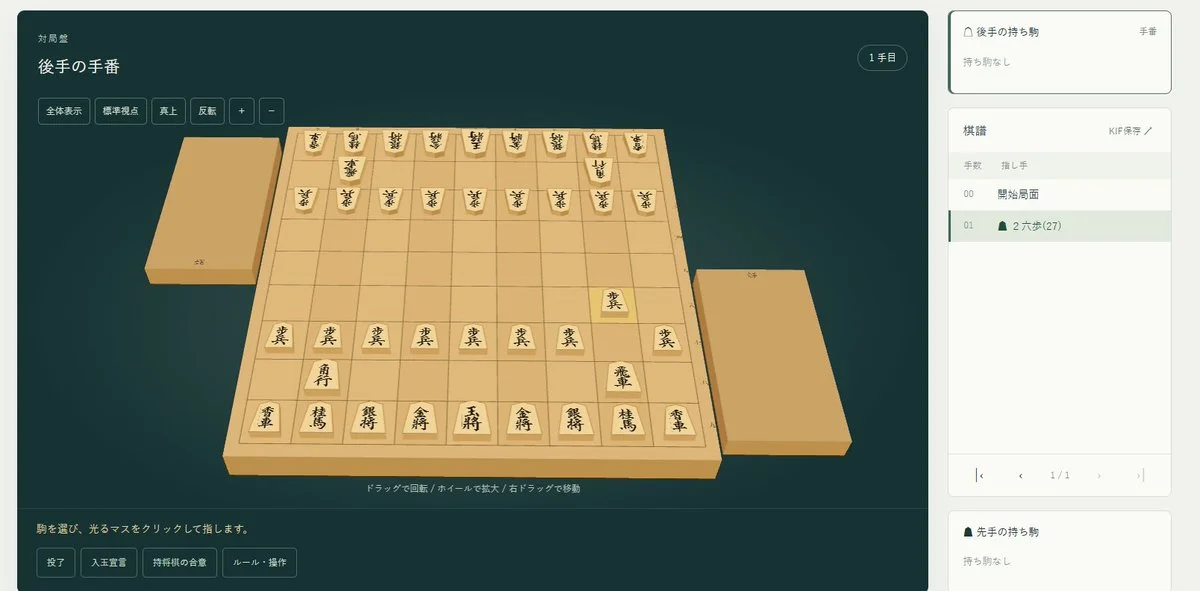
Build a playable 3D shogi application with a freely rotatable board. Refine the board, pieces and interactions through successive reviews.
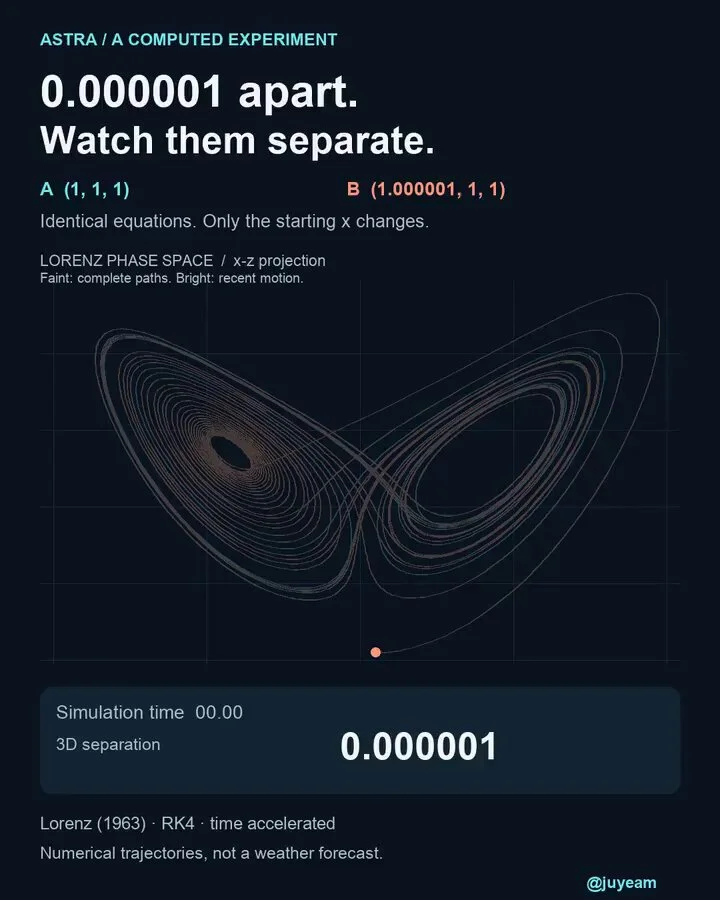
Visualize two Lorenz-system trajectories with a tiny initial-position difference. Let viewers change the difference and scrub through time, while distinguishing numerical checks from exact long-term predictions.
Want to inspect the implementation? Filter this collection for GitHub projects, or explore source-code examples across models. Check the repository license before reusing code.
Explore 3D projects with source code ↗3D build walkthroughs
Watch independent creators put each model through a real 3D build, then use the free prompts above to run your own version of the experiment.
Follow Peter Yang’s workflow for four game projects, from reference images and setup to playable scenes and iterative feedback.
YouTube ↗Why this collection
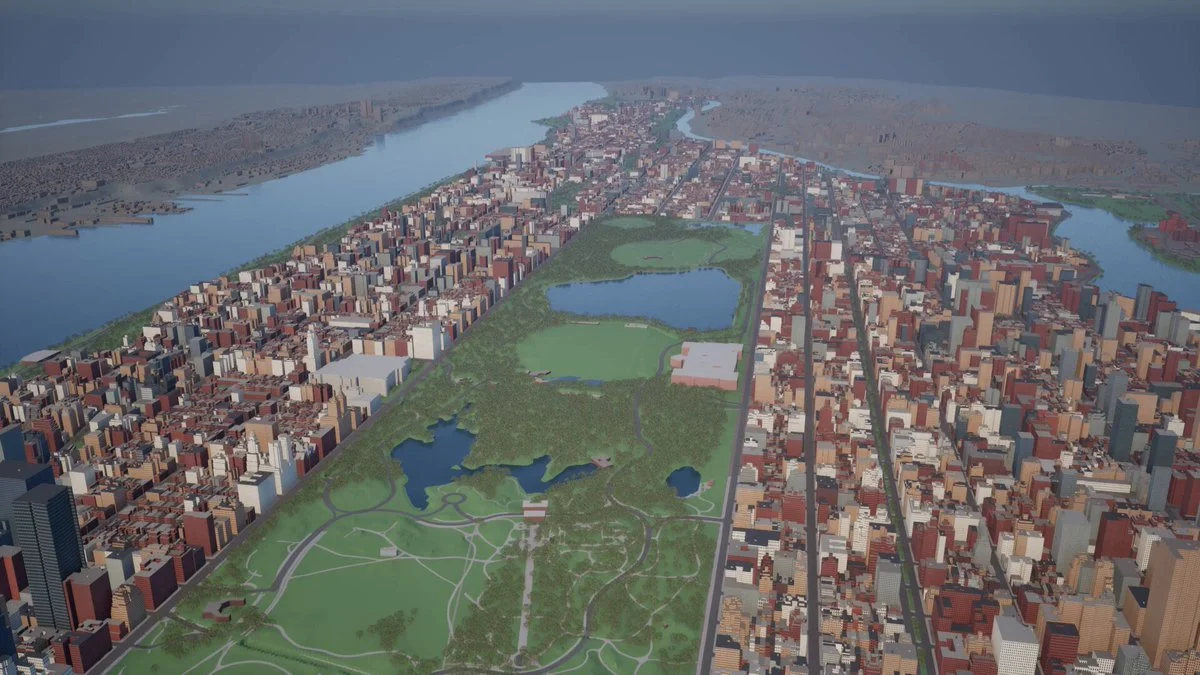
Looking for Astra prompts you can actually build from? Start with a 3D example that matches your task: a Blender model, a Three.js website, a browser game or an explorable world. Each entry pairs a visual result with an author, a source link and a prompt or a clearly identified source-derived brief.
A useful Astra 3D prompt defines what to make, which software to use, what should remain editable and how to check the result. Copy a starting point, change the subject and constraints, then test the same brief with GPT-6 Astra or another model. These are references to adapt, not a guarantee that one prompt reproduces an entire demo.
Best for
01
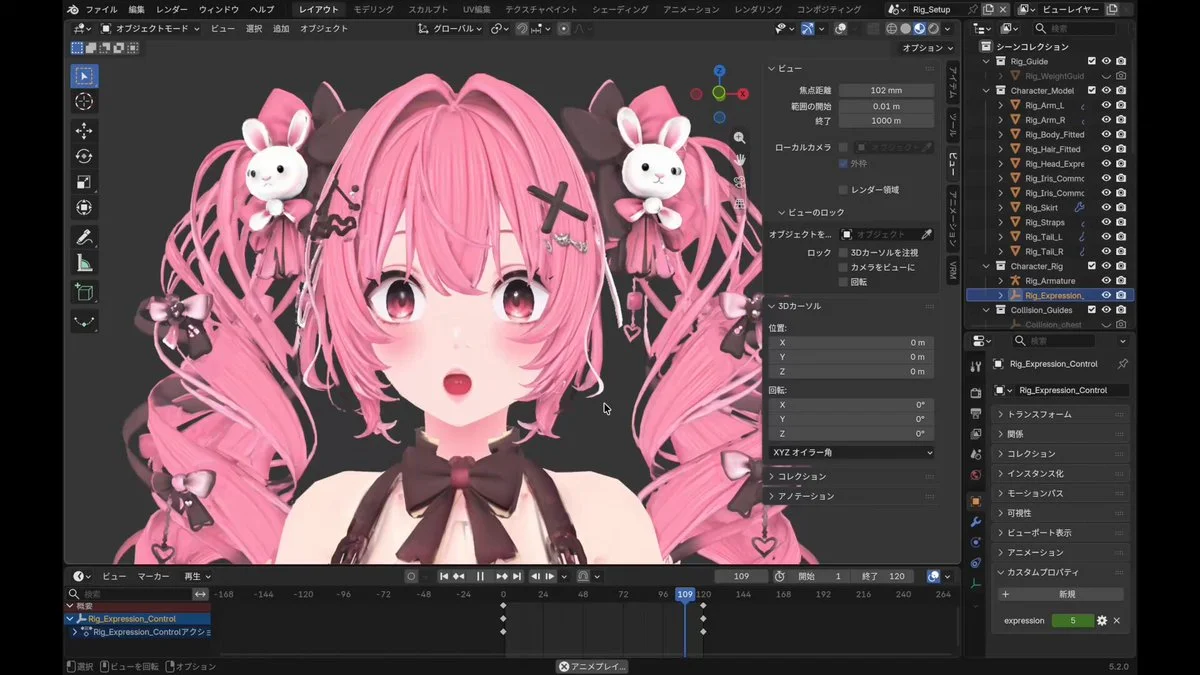
For an Astra Blender prompt, name the objects, materials, lighting and camera. Ask for separate editable objects and a saved scene, then inspect the render from more than one angle.
02
For an Astra Three.js prompt, describe the scene, mouse and touch controls, loading behavior and a target device. Include a playable loop when making a browser game.
03
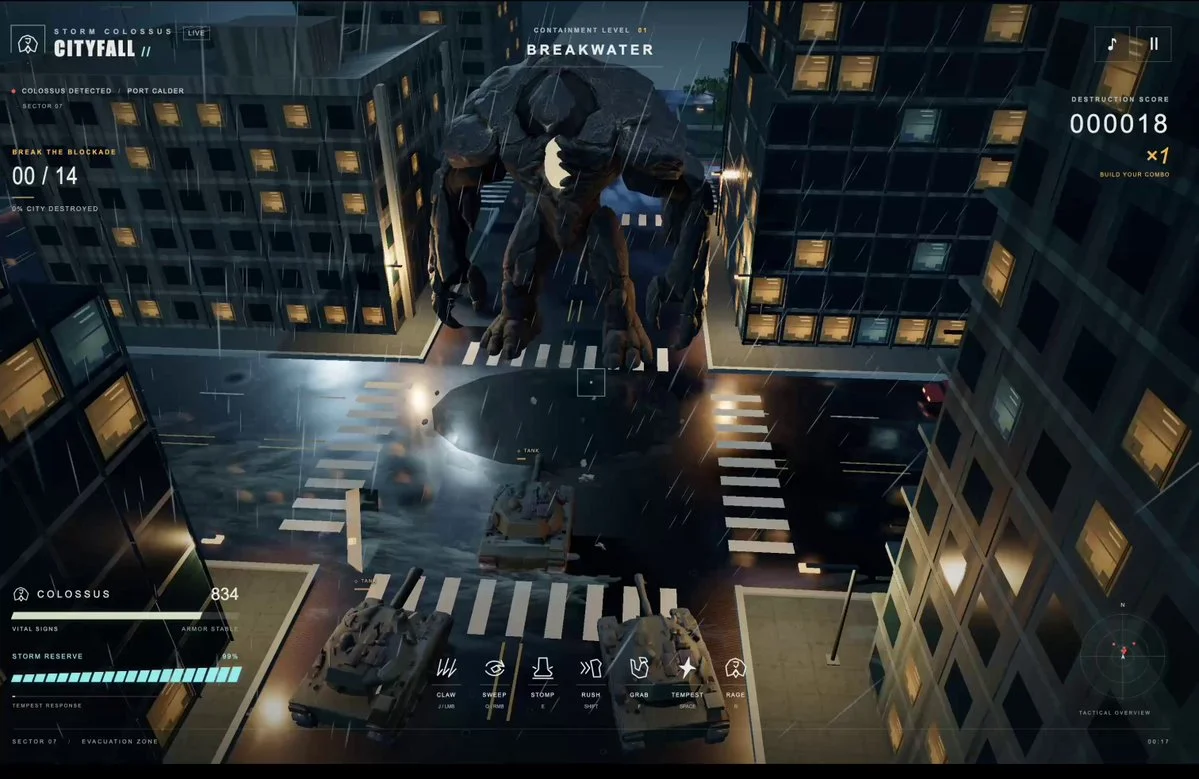
Use the Unreal Engine and Unity examples to plan explorable worlds. Specify scale, collisions, camera movement and the files you need; a showcase video alone does not prove a project is ready to ship.
Prompt recipe
State which objects must remain separate, named and editable; otherwise a visually convincing shell may still be unusable.
Ask the model to run the scene, inspect visible failures and repeat until concrete frame-rate, interaction and layout checks pass.
For large worlds, split the work into districts, assemblies or milestones and approve each section before expanding scope.
Give your next scene a character worth a closer look. Create detailed, textured 3D assets from an image or a few words.
Generate 3D Assets FreeNo. Every entry is labeled. “Verbatim” preserves wording published by the author; “source-derived brief” is a reusable prompt reconstructed from the public demo description. We do not claim access to prompts that were never published.
Use them as references, not model-specific magic words. Keep the outcome and acceptance checks, then adapt the tool, asset budget, camera, controls and output format for Astra, Claude, Kimi or another model.
Use the With GitHub filter to find Astra 3D examples with public code, then open an example for its repository and available live demo. The open-source collection brings these projects together across models. Check each repository’s license and setup instructions before reuse.