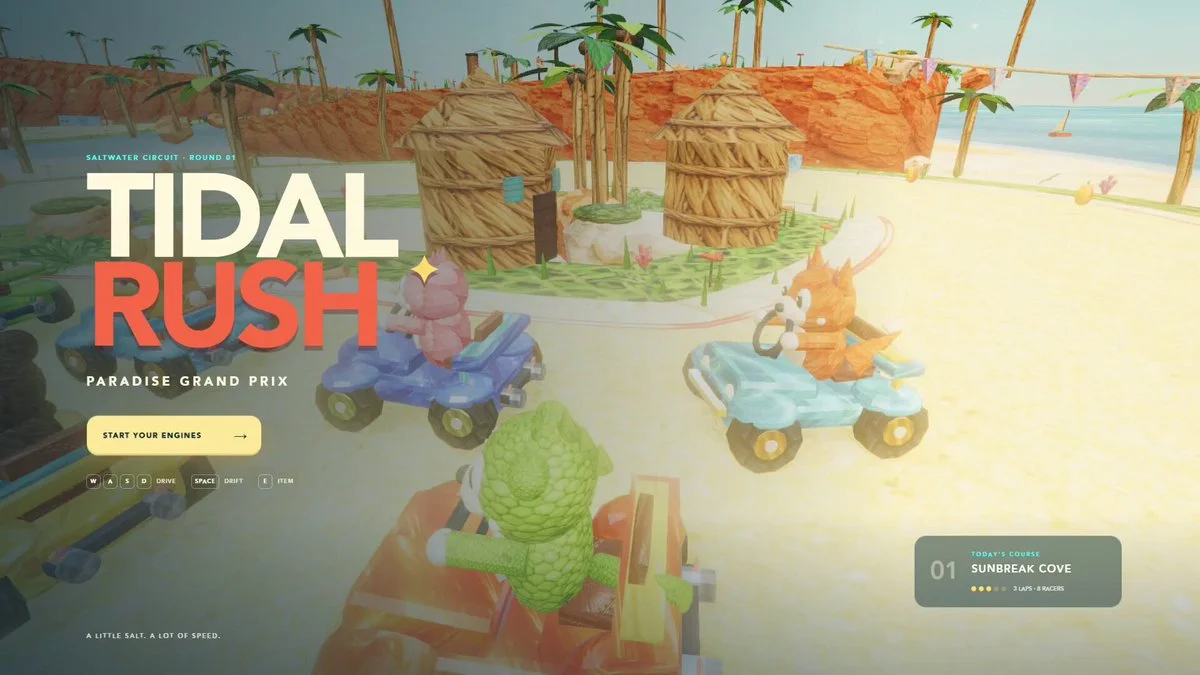
Tidal Rush eight-racer browser game
Build a complete browser kart-racing game with eight racers, three laps, drifting, collectible items, responsive physics, clear HUD, attractive graphics and a finish-state results screen.
Reference → editable world → playable result
Browse Astra prompts and real 3D examples for Blender scenes, Three.js websites and games. Preview the results, copy a brief and explore GitHub projects where available.
Featured results
153 prompts
Copy, adapt, build
Build a complete browser kart-racing game with eight racers, three laps, drifting, collectible items, responsive physics, clear HUD, attractive graphics and a finish-state results screen.
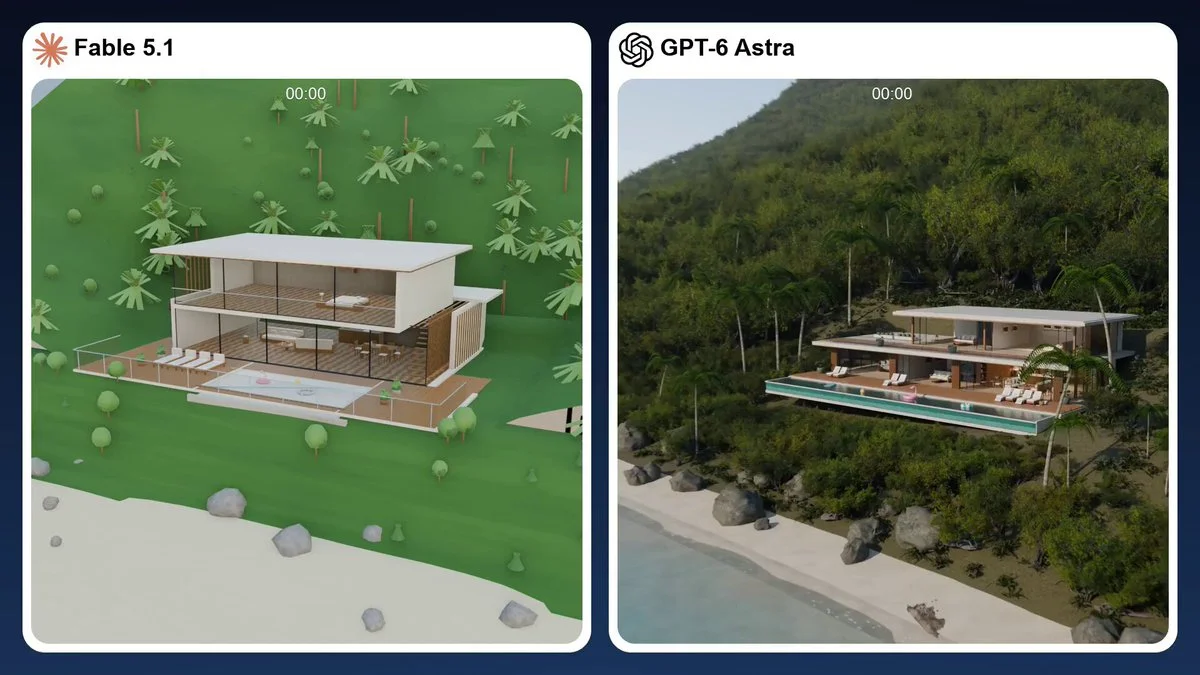
Reconstruct the supplied real house as a fully editable Blender scene. Keep architectural and furnishing elements separate, optimize geometry and materials, and deliver a locally rendered walkthrough that sustains 60 FPS.
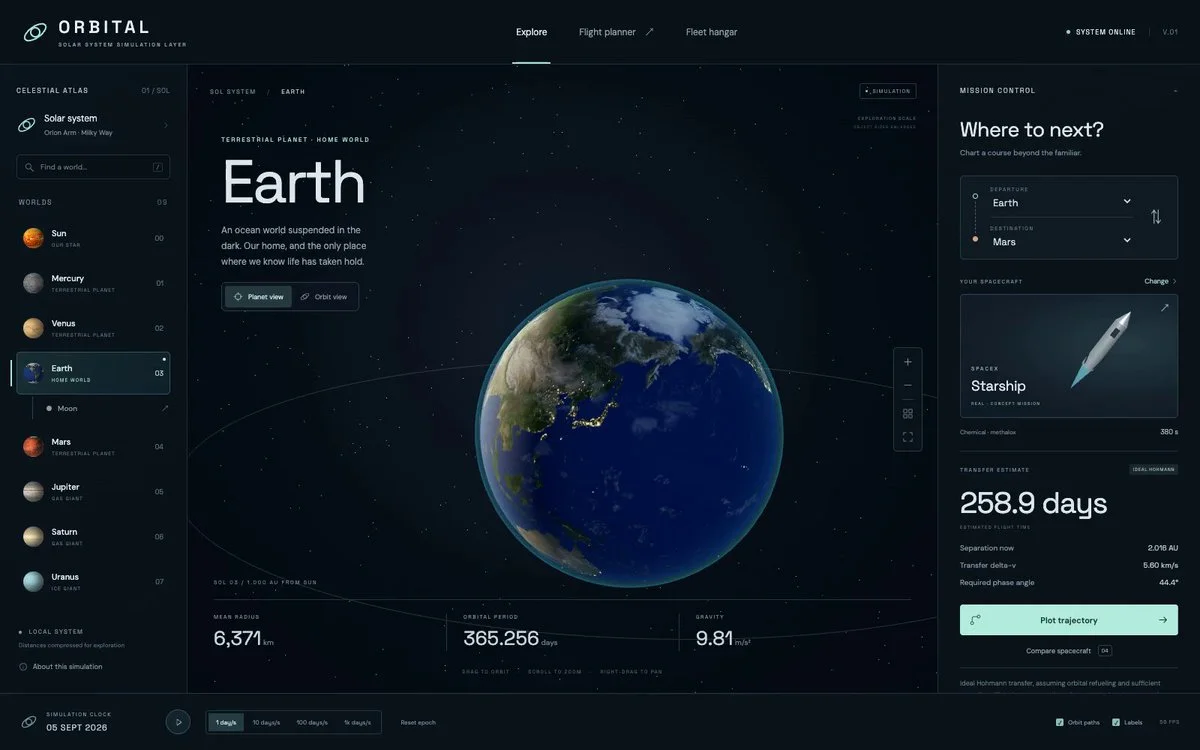
Create a browser solar-system explorer in Three.js with eight planets and twenty moons. Allow camera movement and simplified spaceflight planning.
Design and implement a premium interactive prototype in one pass from the supplied product concept. Choose a strong visual system, prioritize the primary action, add polished transitions and deliver a responsive hosted build.
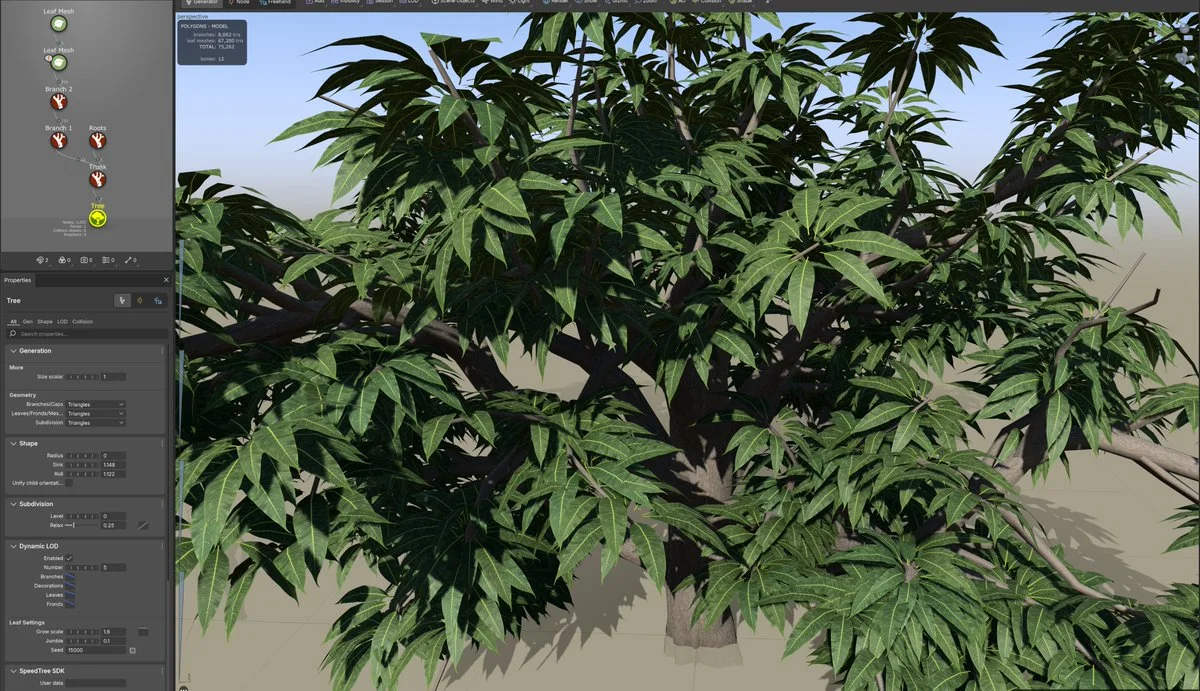
Create an Indian mango tree in SpeedTree for an Unreal scene targeting 60 FPS. Generate leaf and bark materials and review their appearance before finalizing the asset.
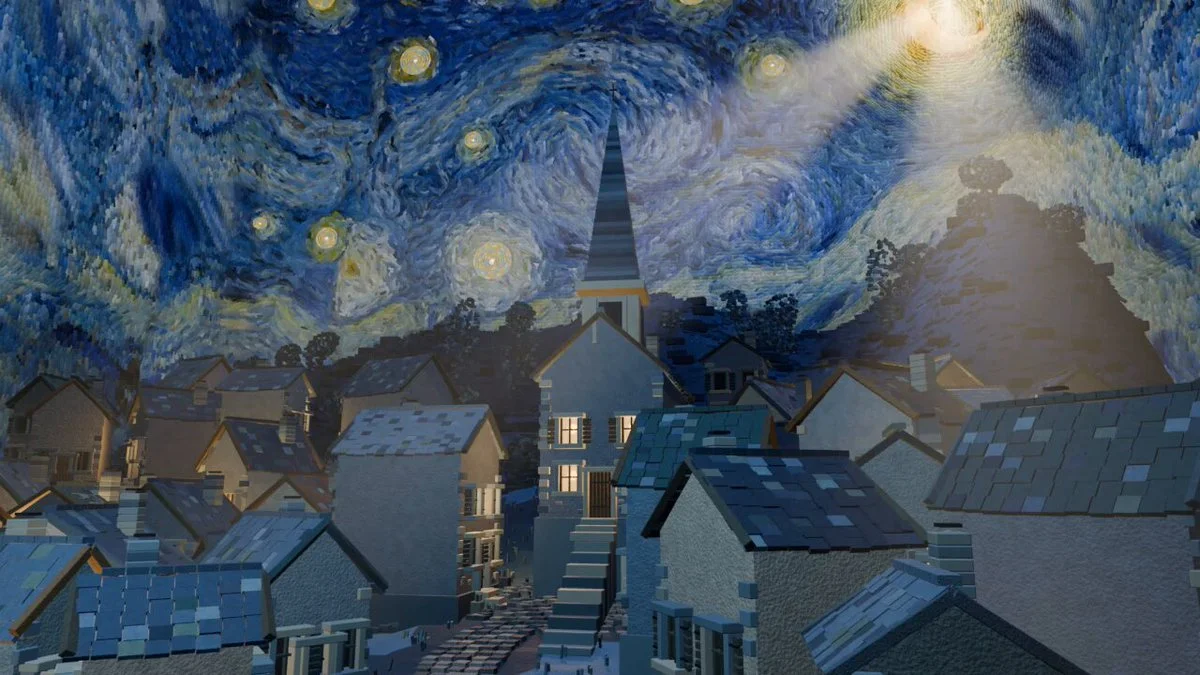
Transform Van Gogh's Starry Night into an explorable 3D village with inhabitants, lighting and a day-night cycle. Render a short film through the finished world.
Make an original Three.js game in one shot that earns the title “Amaze.” Pick one surprising visual mechanic, teach it within seconds, build a short progression arc and end with a satisfying spectacle.
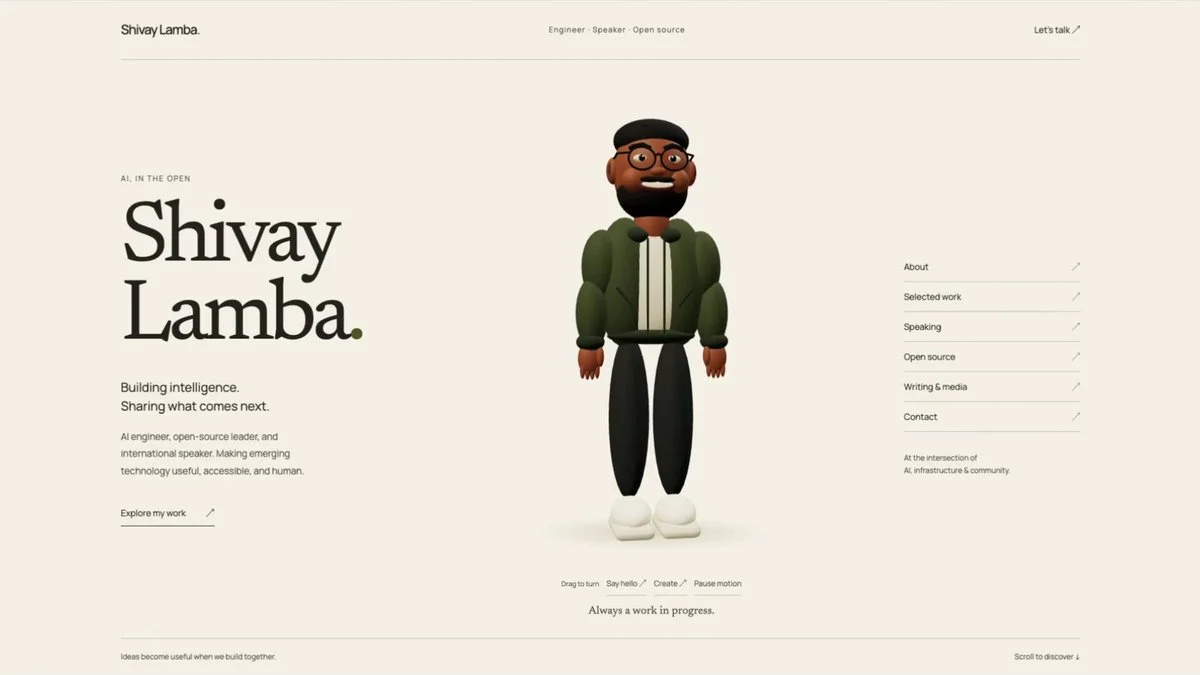
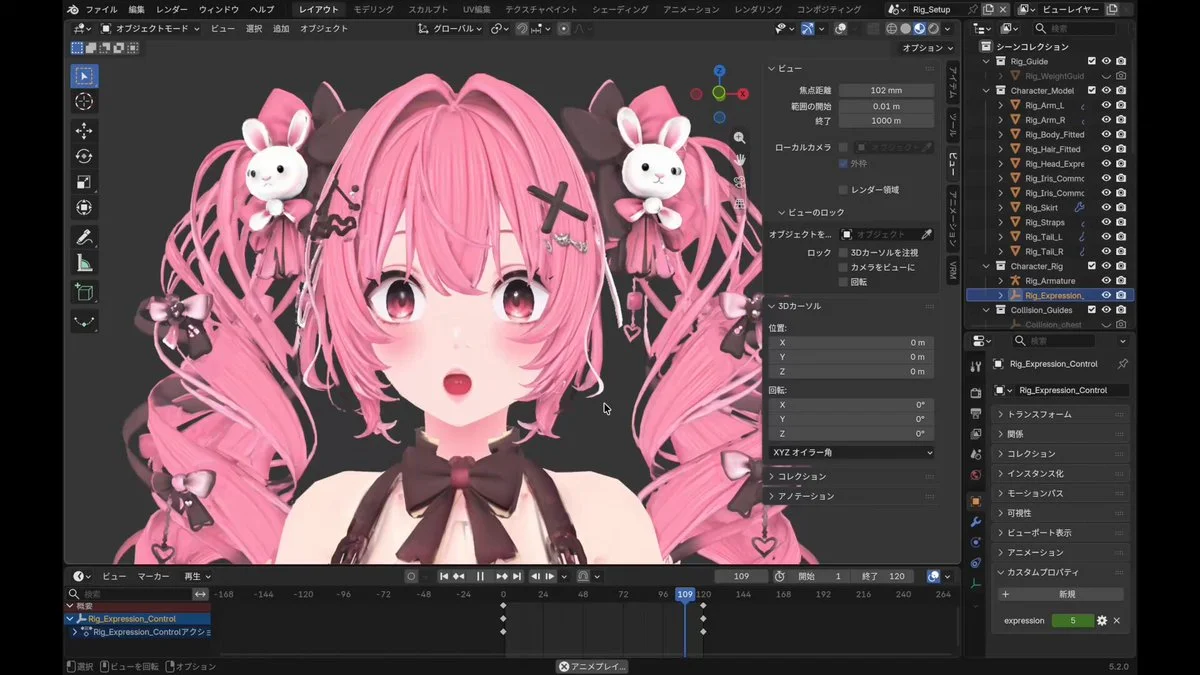
Turn a portrait into a Blender character inside an editorial WebGL portfolio. Add a revolving globe that maps speaking events and integrate the assets into the website.
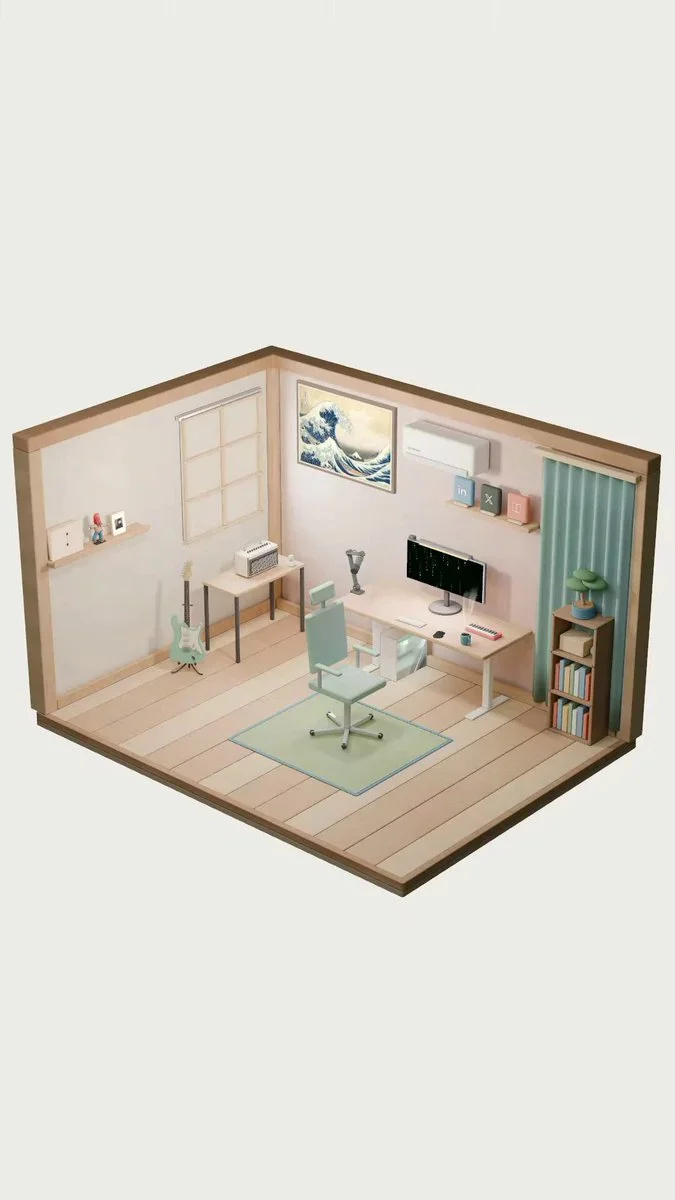
Turn a personal room into an interactive self-introduction website. Build and bake the scene in Blender, then add coffee steam, Matrix-style animation and subtle shader effects.
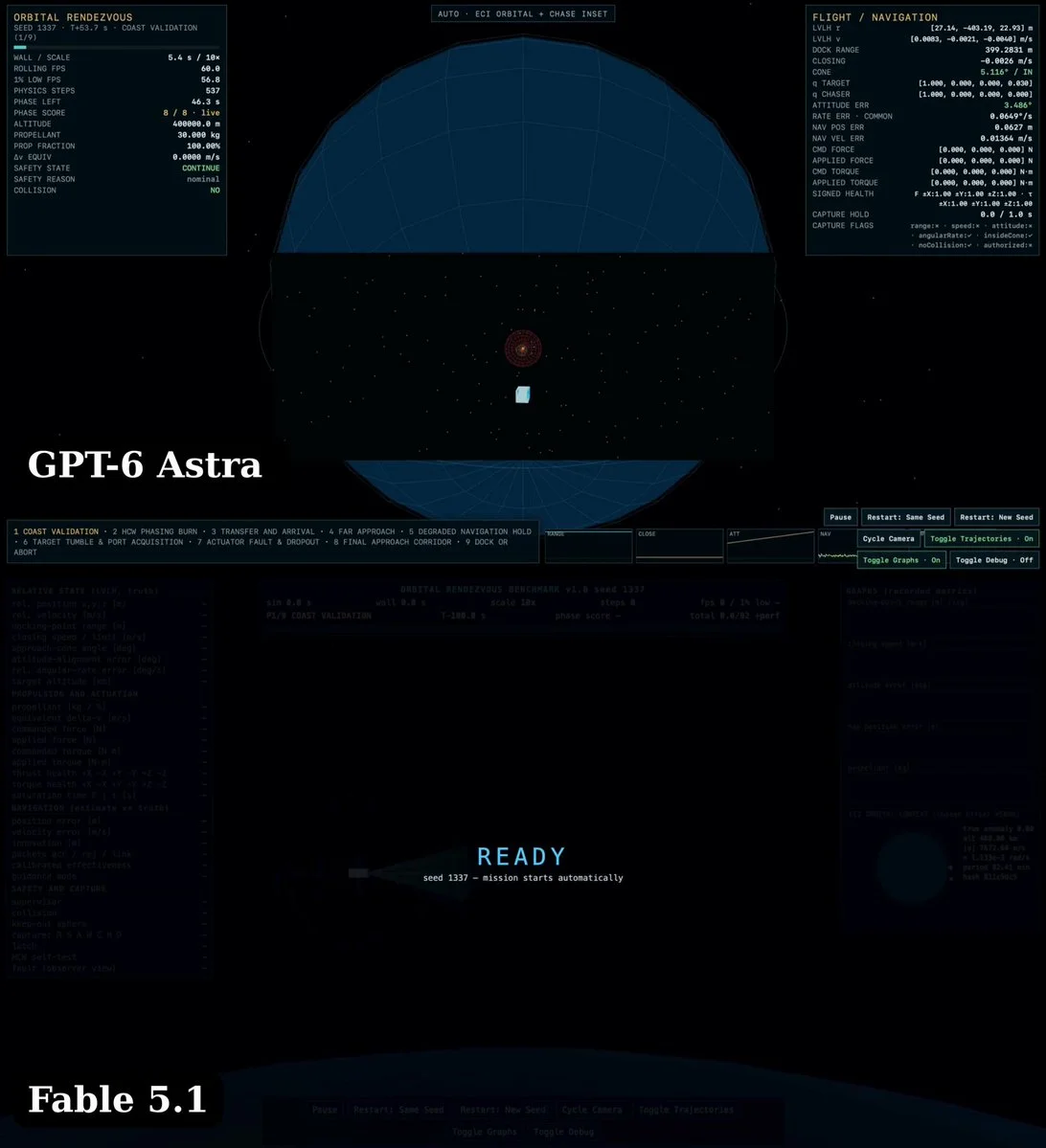
Build a real-time orbital rendezvous simulation using two-body ECI propagation and HCW guidance. Include six-degree-of-freedom orientation, fuel use, force limits and a docking objective.
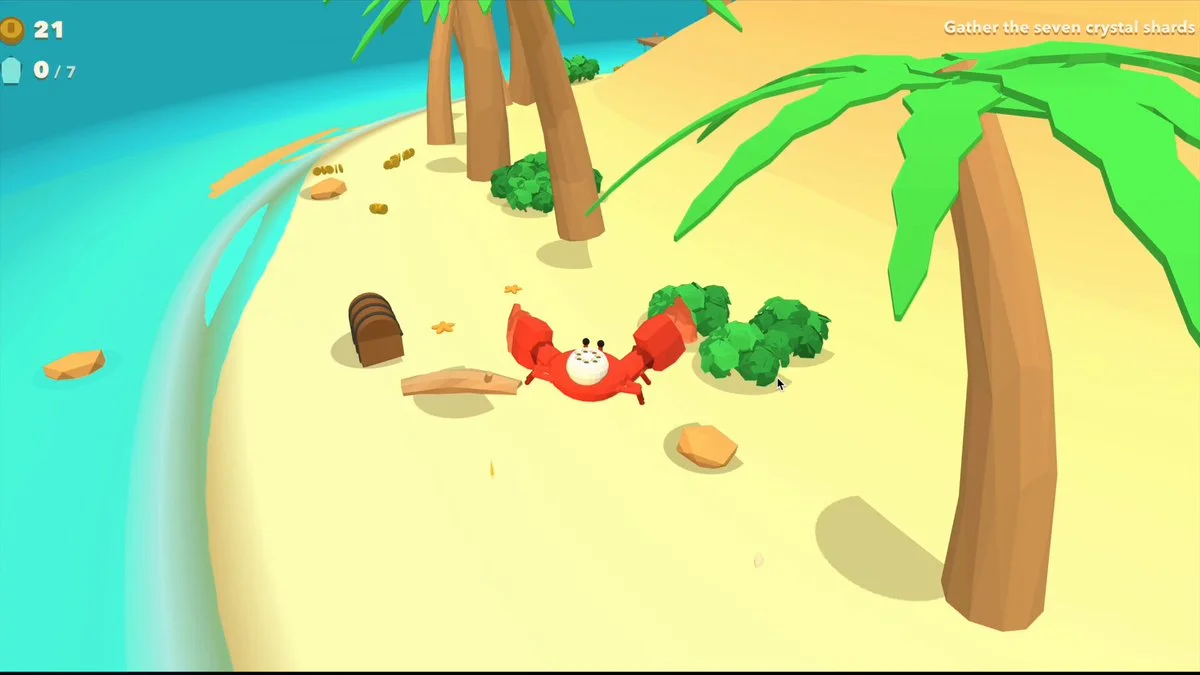
Build a Three.js crab game from a structured brief covering appearance, character, world, actions, goals, interface and camera. Make coins rise and fly toward the passing crab; flag contradictory requirements.
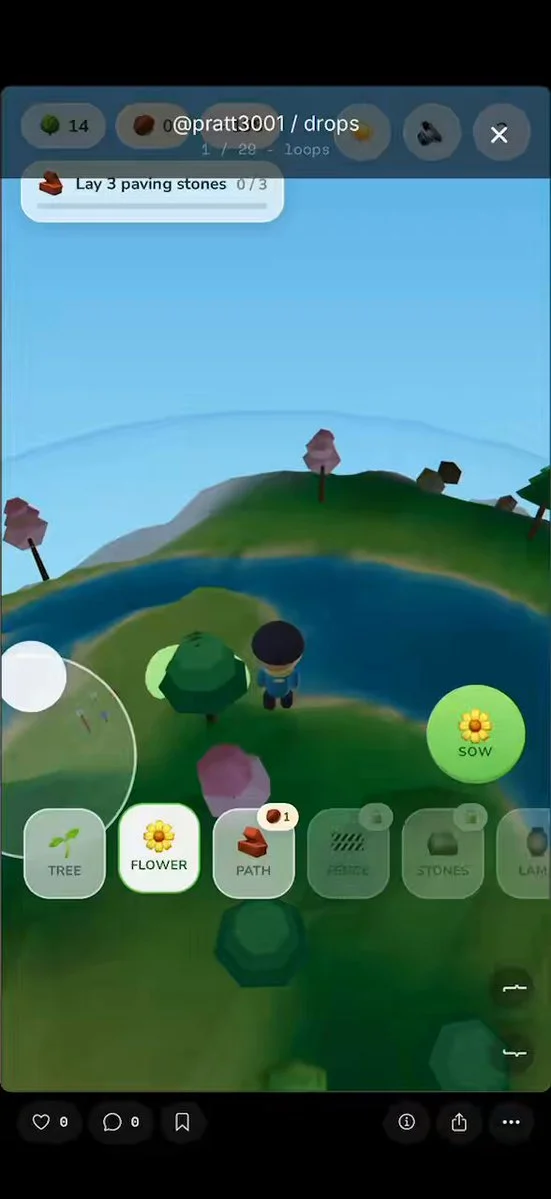
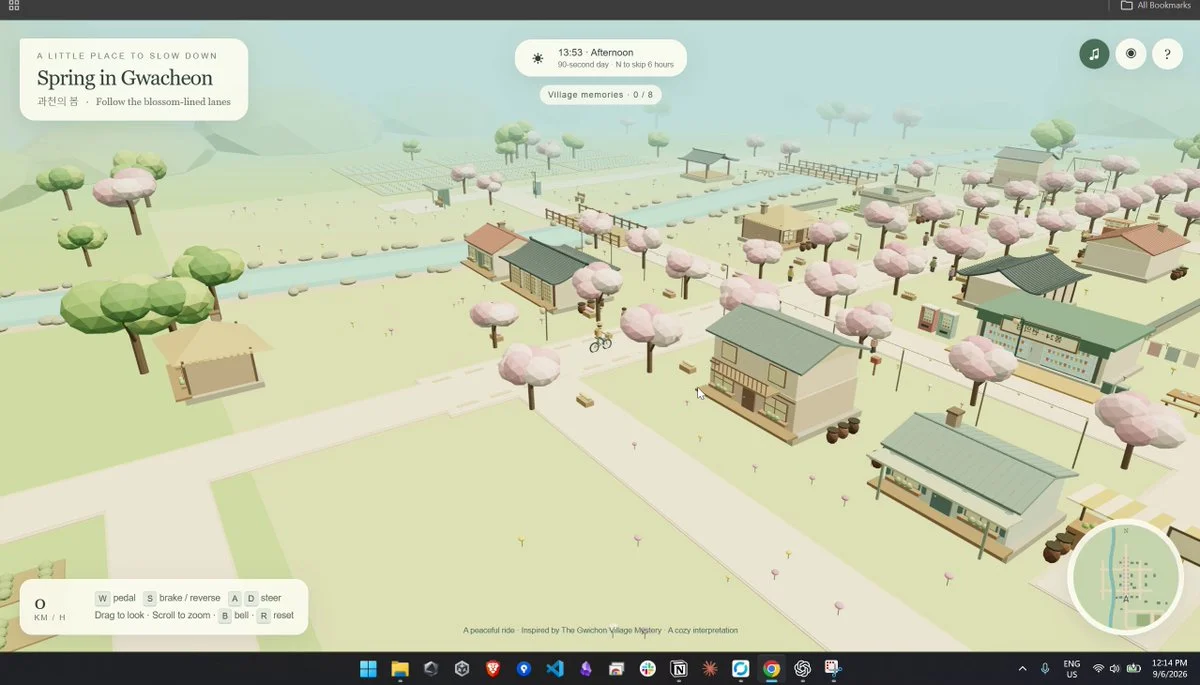
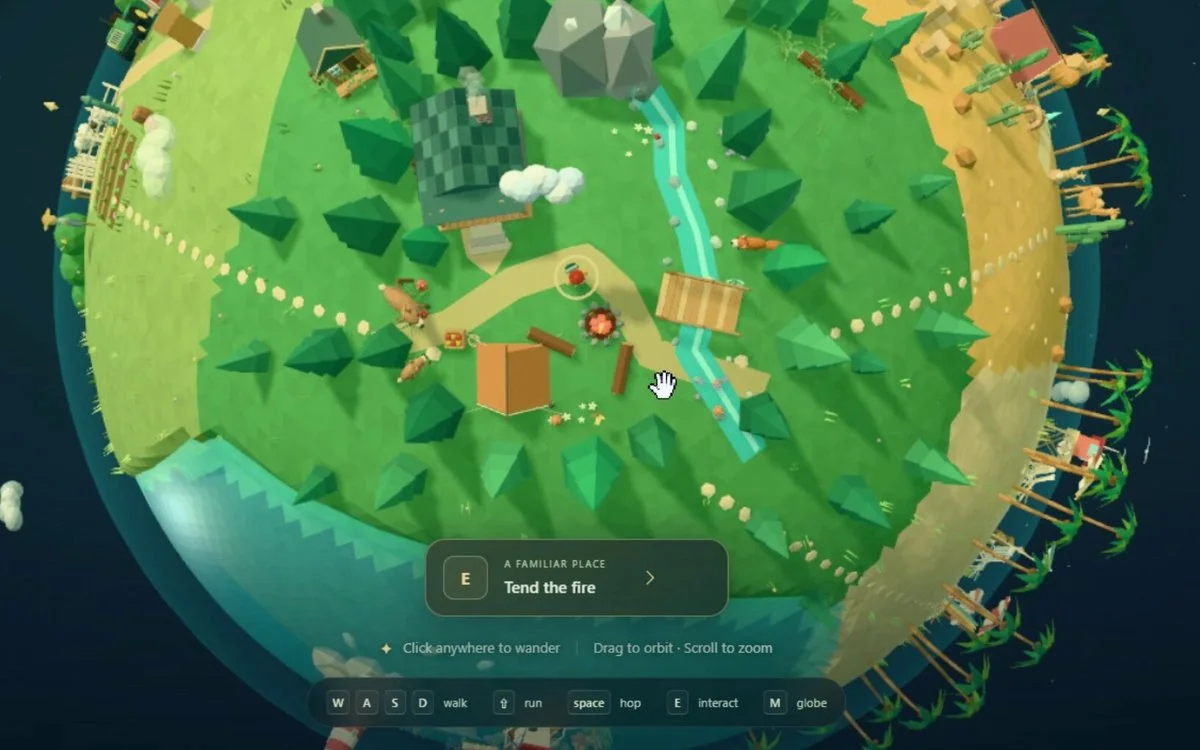
Create a cozy, explorable low-poly village inspired by Gwacheon in a single HTML file. Combine procedural 3D scenery, atmosphere, interface and interactions.
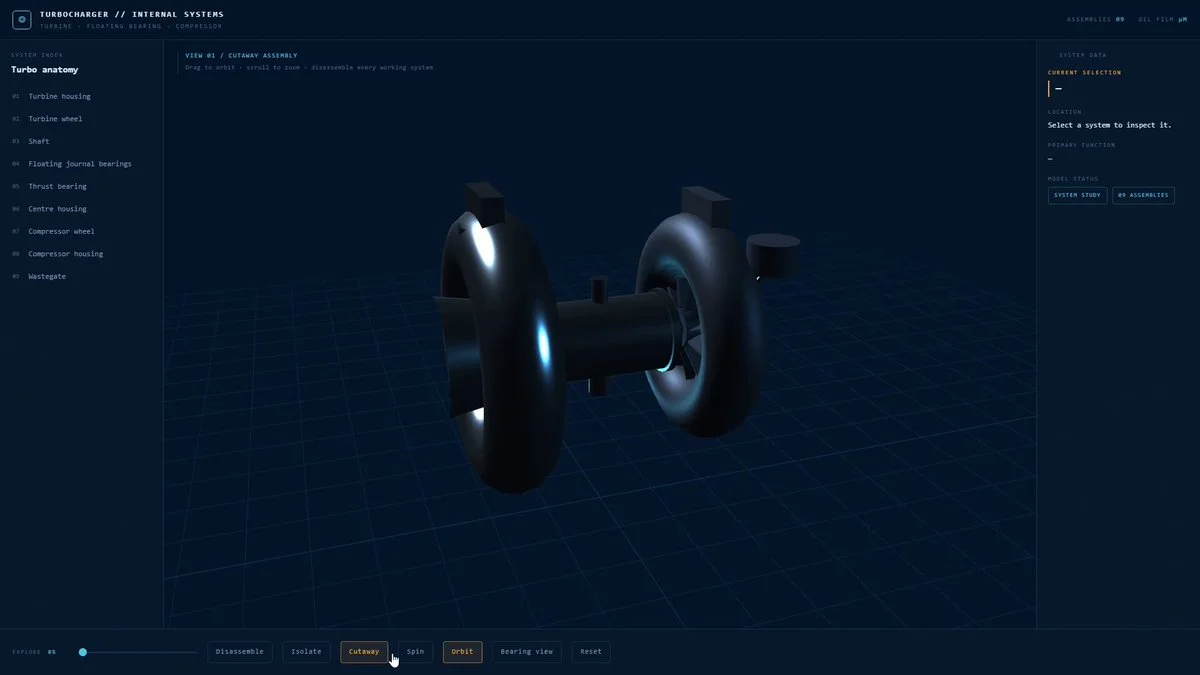
Build an interactive 3D turbocharger. Separate every working system. Let me rotate it, isolate parts, and see what the machine is actually doing.
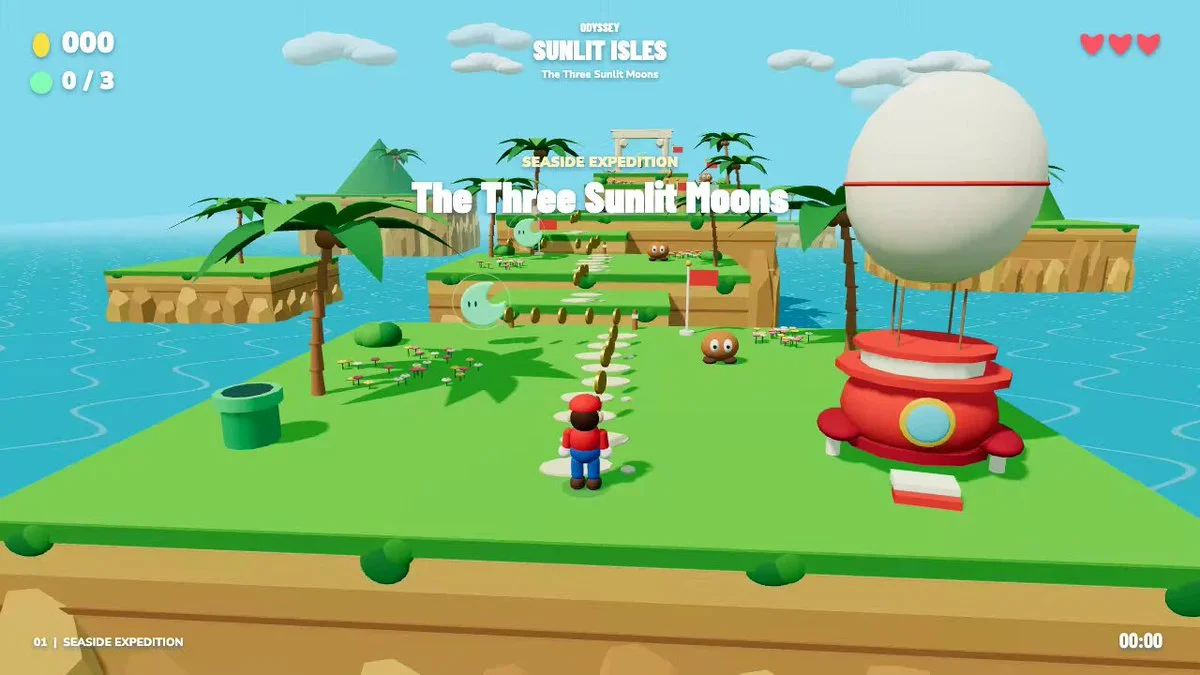
Build an Odyssey-inspired Three.js level with eight platforms, three collectible moons, returning cap attacks, enemies and checkpoints. Add touch controls and test a complete playthrough.
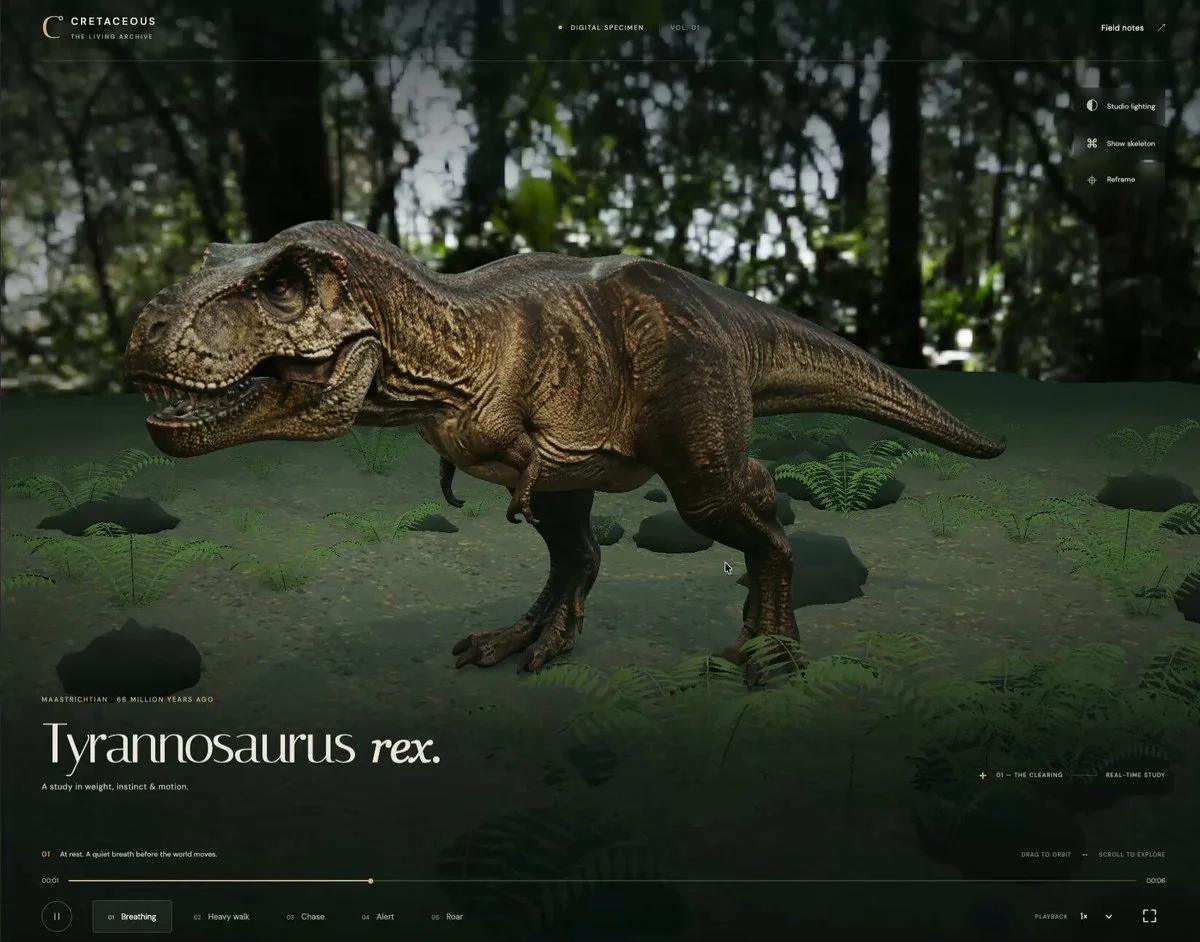
Take a generated T. rex model, rig it and create believable movement. Render the character in Three.js and verify that the animation deforms the model coherently.
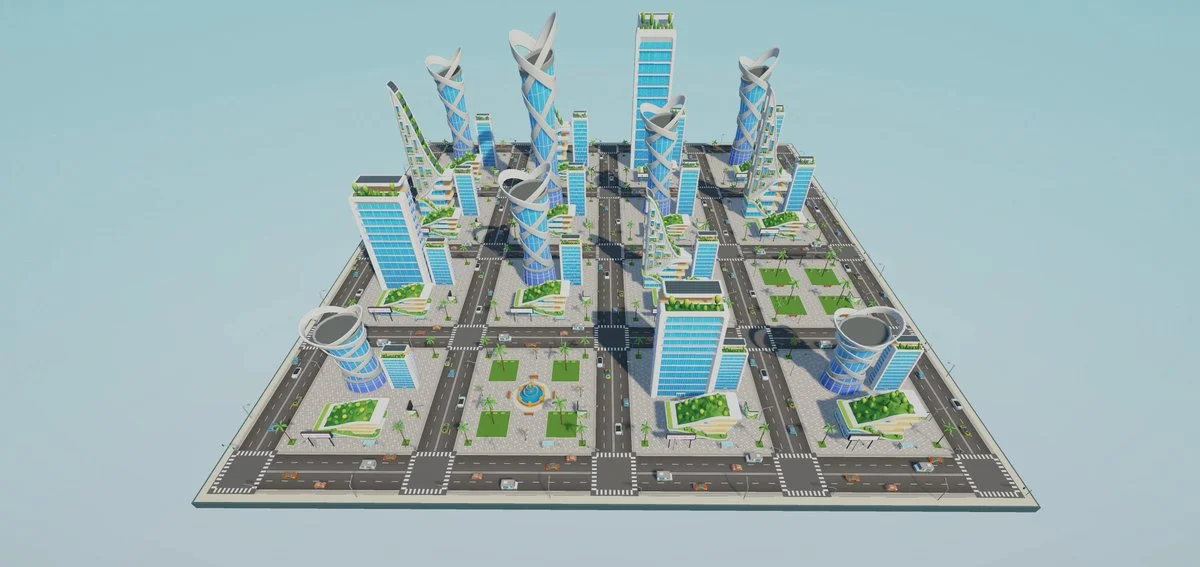
Turn the supplied city vision into an explorable Unity environment with towers, roads, vehicles, palms and atmospheric light. Establish believable scale, navigation, traffic motion and a smooth first-person camera.
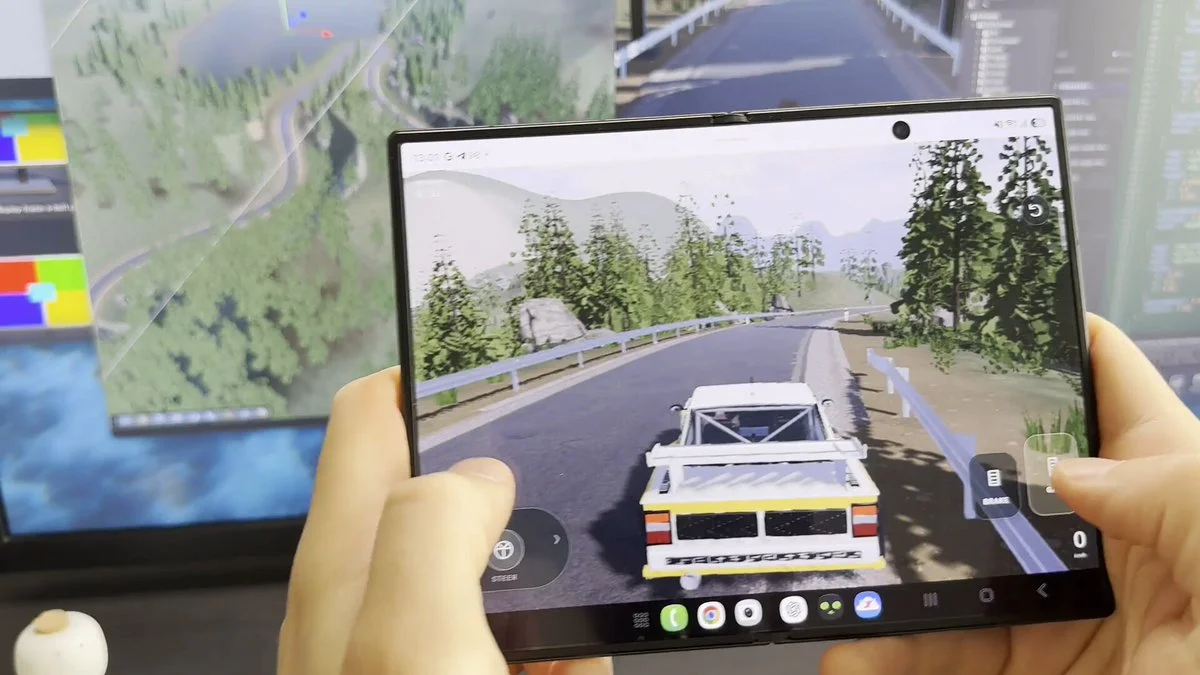
Build a rally-driving prototype with Codex, Blender and Unity. Prepare its 3D assets and controls for playtesting on a phone.
Create scene models in Blender and import them into Unity. Add effects with VFX Graph and light the scene so the models and effects read clearly together.
Rebuild a childhood train table as a tactile Three.js toy with voxel tracks and rolling stock. Let the player drive trains, switch junctions, orbit the table and discover animated miniature scenes.
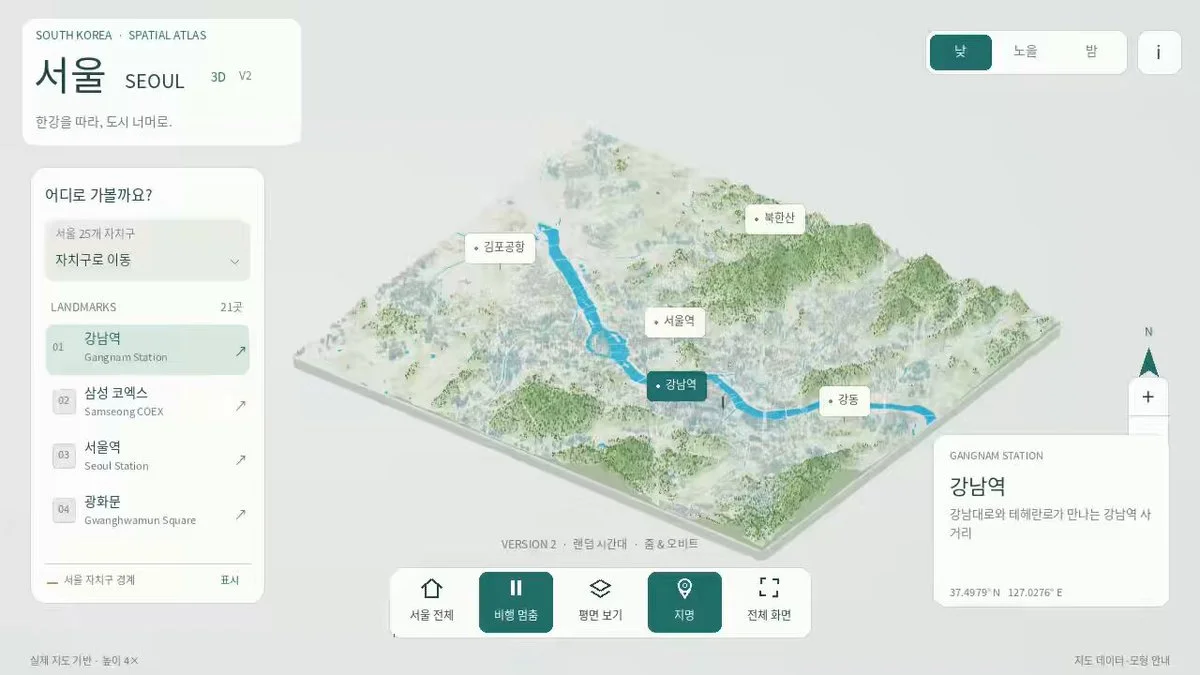
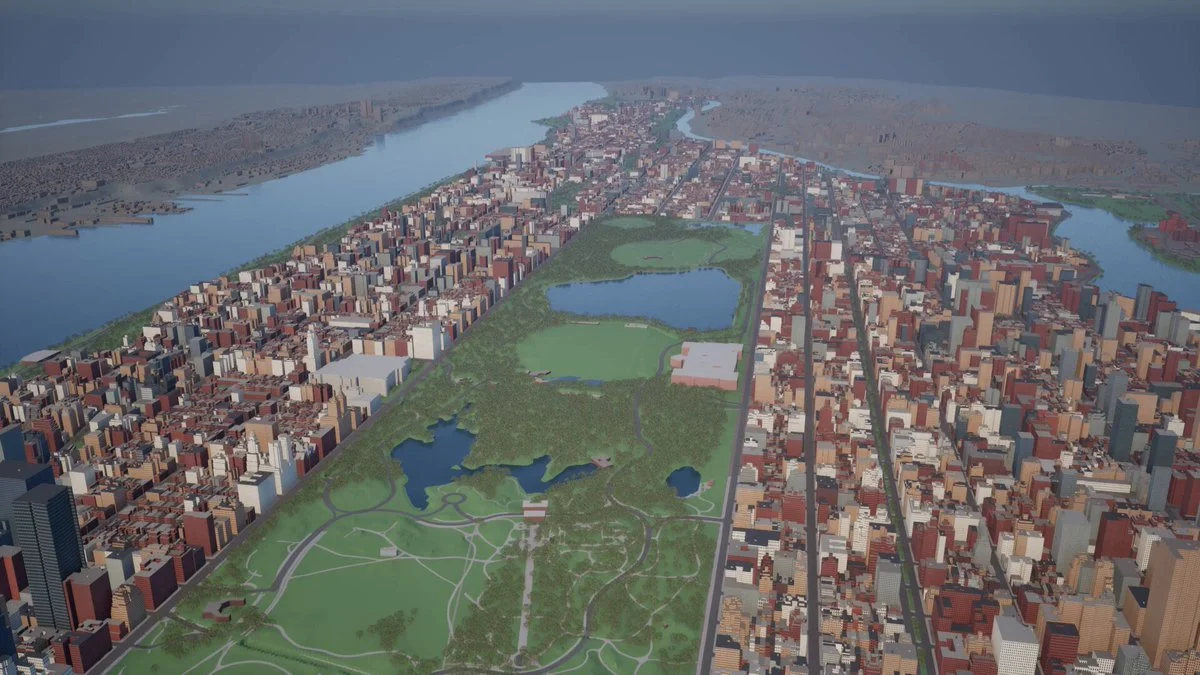
Build a Three.js miniature of Seoul from open map data. Add district navigation, landmark fly-throughs, day and night modes and touch controls. Disclose simplified buildings, estimated heights and data licenses.
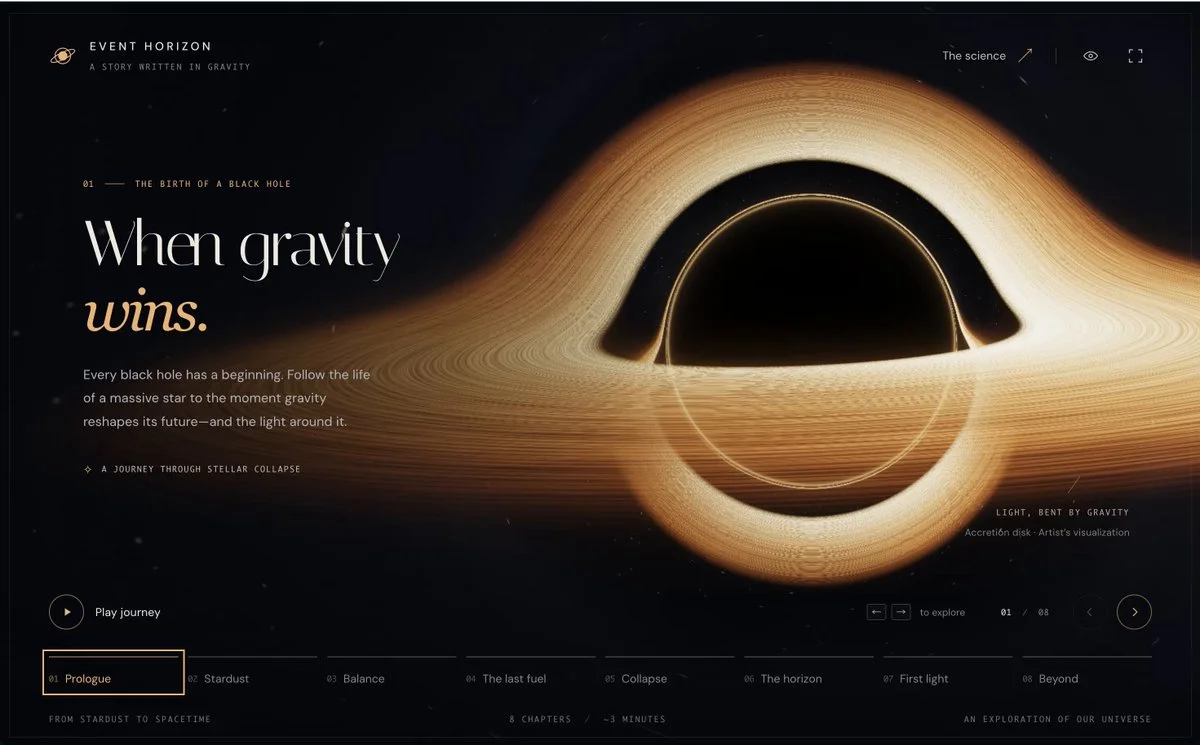
Create an educational slideshow about black-hole formation with WebGL visualizations. Use animated 3D scenes to accompany the explanations.
Build an open-world game from this concept: [world premise]. Include three distinct regions, traversal, dynamic encounters, a simple quest chain, landmarks, save and restart behavior, and enough optimization to run in-browser.
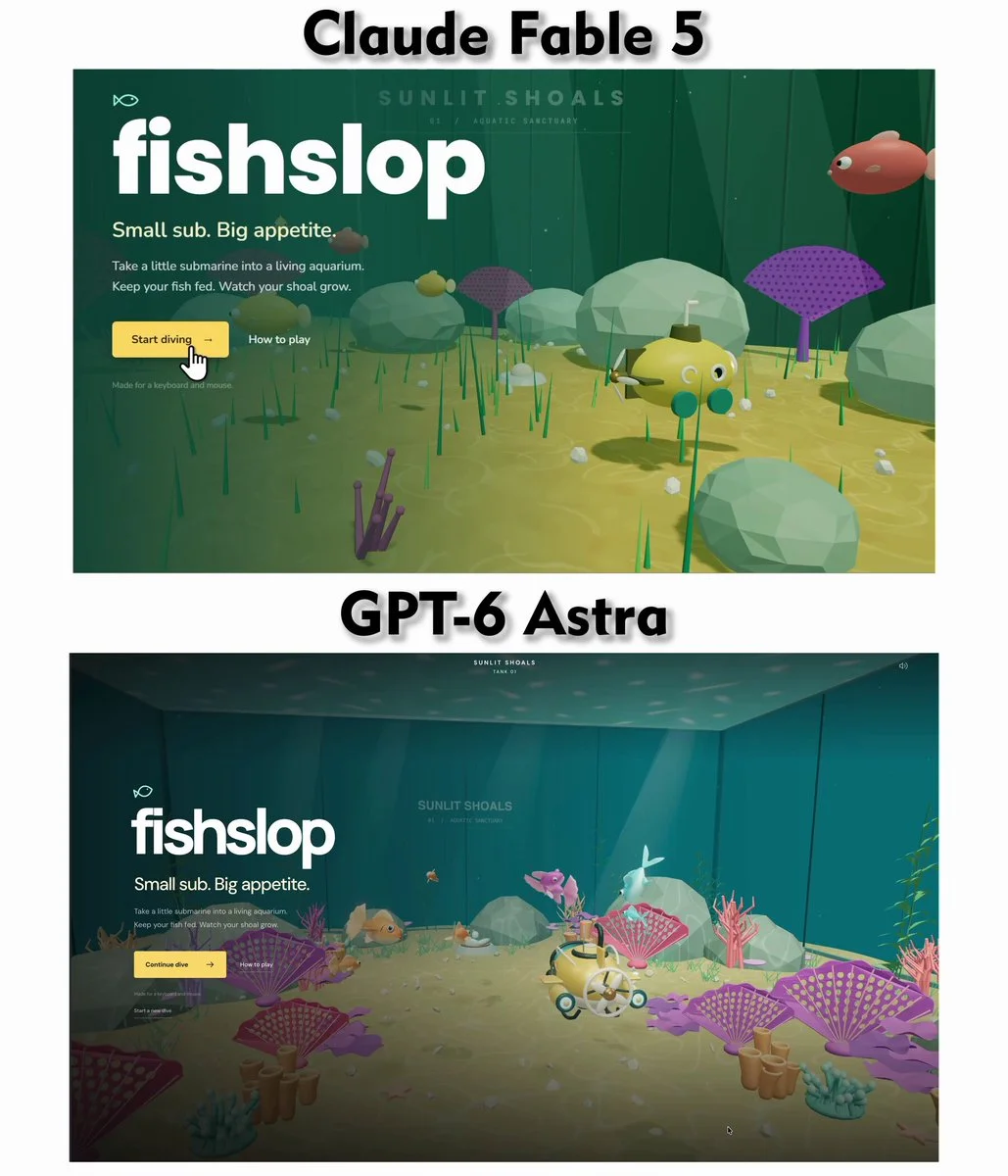
From the supplied reference image, build a 3D aquarium game with one prompt. Match the layout and mood, add lively fish behavior, water caustics, orbit controls and a small interaction loop suitable for comparing model outputs.
Create a multi-legged 3D insect that walks while adhering to different surfaces. Coordinate its legs and body as it crosses changes in height.
Want to inspect the implementation? Filter this collection for GitHub projects, or explore source-code examples across models. Check the repository license before reusing code.
Explore 3D projects with source code ↗3D build walkthroughs
Watch independent creators put each model through a real 3D build, then use the free prompts above to run your own version of the experiment.
Follow Peter Yang’s workflow for four game projects, from reference images and setup to playable scenes and iterative feedback.
YouTube ↗Why this collection
Looking for Astra prompts you can actually build from? Start with a 3D example that matches your task: a Blender model, a Three.js website, a browser game or an explorable world. Each entry pairs a visual result with an author, a source link and a prompt or a clearly identified source-derived brief.
A useful Astra 3D prompt defines what to make, which software to use, what should remain editable and how to check the result. Copy a starting point, change the subject and constraints, then test the same brief with GPT-6 Astra or another model. These are references to adapt, not a guarantee that one prompt reproduces an entire demo.
Best for
01
For an Astra Blender prompt, name the objects, materials, lighting and camera. Ask for separate editable objects and a saved scene, then inspect the render from more than one angle.
02
For an Astra Three.js prompt, describe the scene, mouse and touch controls, loading behavior and a target device. Include a playable loop when making a browser game.
03
Use the Unreal Engine and Unity examples to plan explorable worlds. Specify scale, collisions, camera movement and the files you need; a showcase video alone does not prove a project is ready to ship.
Prompt recipe
State which objects must remain separate, named and editable; otherwise a visually convincing shell may still be unusable.
Ask the model to run the scene, inspect visible failures and repeat until concrete frame-rate, interaction and layout checks pass.
For large worlds, split the work into districts, assemblies or milestones and approve each section before expanding scope.
Give your next scene a character worth a closer look. Create detailed, textured 3D assets from an image or a few words.
Generate 3D Assets FreeNo. Every entry is labeled. “Verbatim” preserves wording published by the author; “source-derived brief” is a reusable prompt reconstructed from the public demo description. We do not claim access to prompts that were never published.
Use them as references, not model-specific magic words. Keep the outcome and acceptance checks, then adapt the tool, asset budget, camera, controls and output format for Astra, Claude, Kimi or another model.
Use the With GitHub filter to find Astra 3D examples with public code, then open an example for its repository and available live demo. The open-source collection brings these projects together across models. Check each repository’s license and setup instructions before reuse.