Reference-matched Three.js interface
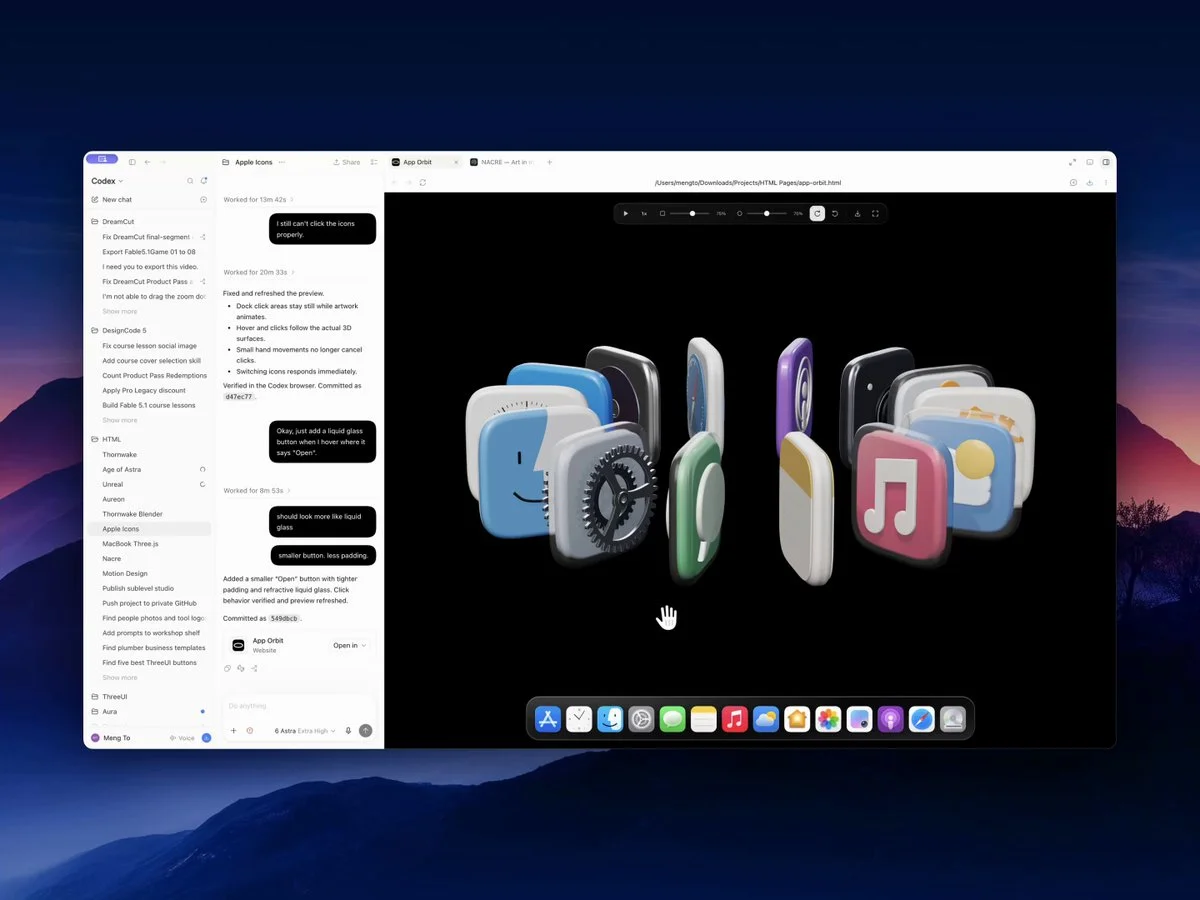
Recreate a reference in one HTML file with Three.js. Repeatedly compare the result and correct differences; refine lighting, model depth and glass-like controls with subtle pointer-responsive effects.
Reference → editable world → playable result
Browse Astra prompts and real 3D examples for Blender scenes, Three.js websites and games. Preview the results, copy a brief and explore GitHub projects where available.
Featured results
153 prompts
Copy, adapt, build
Recreate a reference in one HTML file with Three.js. Repeatedly compare the result and correct differences; refine lighting, model depth and glass-like controls with subtle pointer-responsive effects.
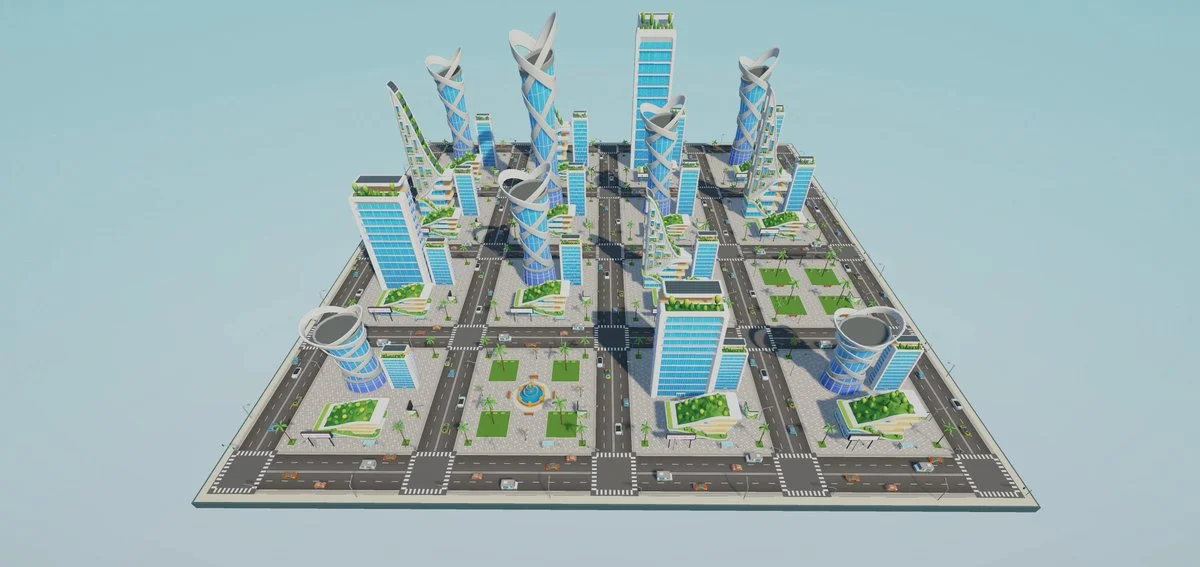
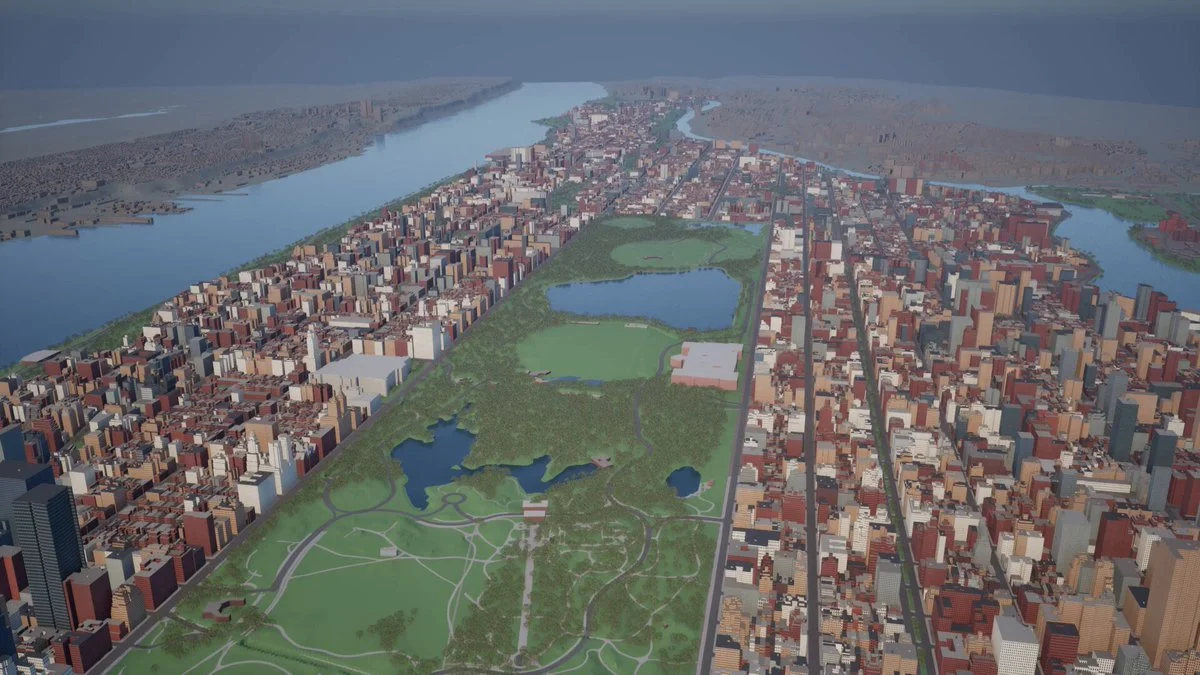
Assemble an explorable Unity city from the provided asset library. Create a coherent road network, towers, vehicles, palms, lighting and navigation, then optimize the scene and produce a stable first-person walkthrough.
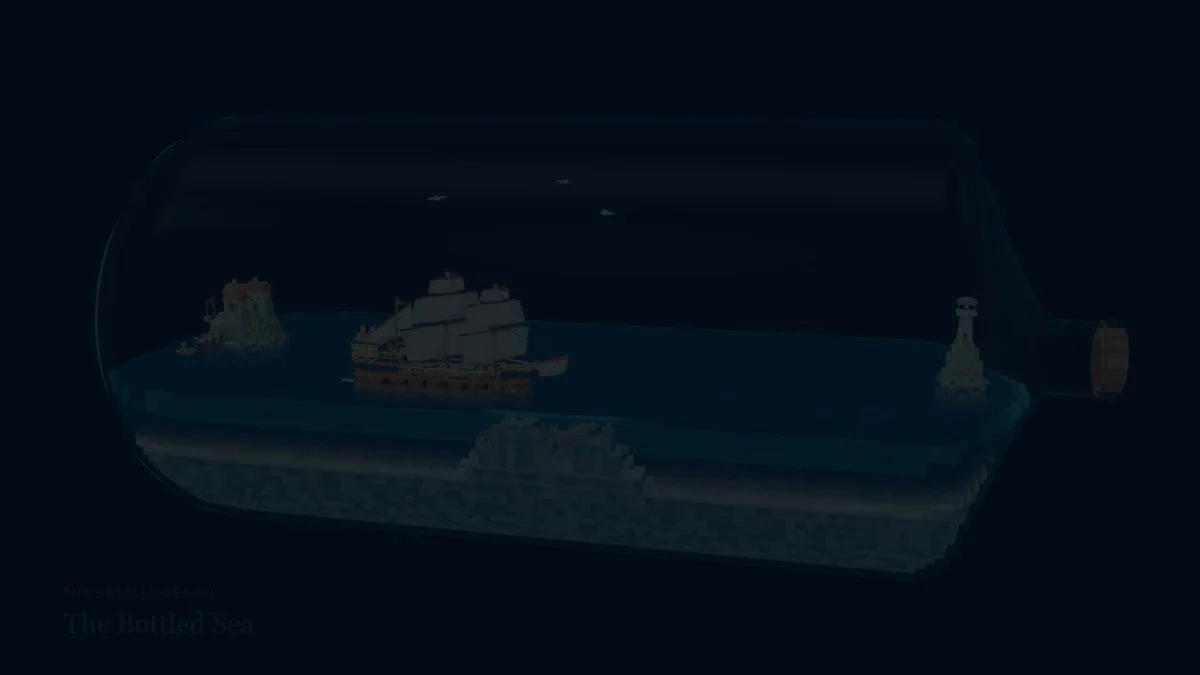
Create a detailed 17th-century voxel ship sailing inside a glass bottle. Simulate rolling waves and ship motion, add circling gulls, a miniature harbor and coral reefs, then produce a cinematic camera sequence and calm soundtrack.
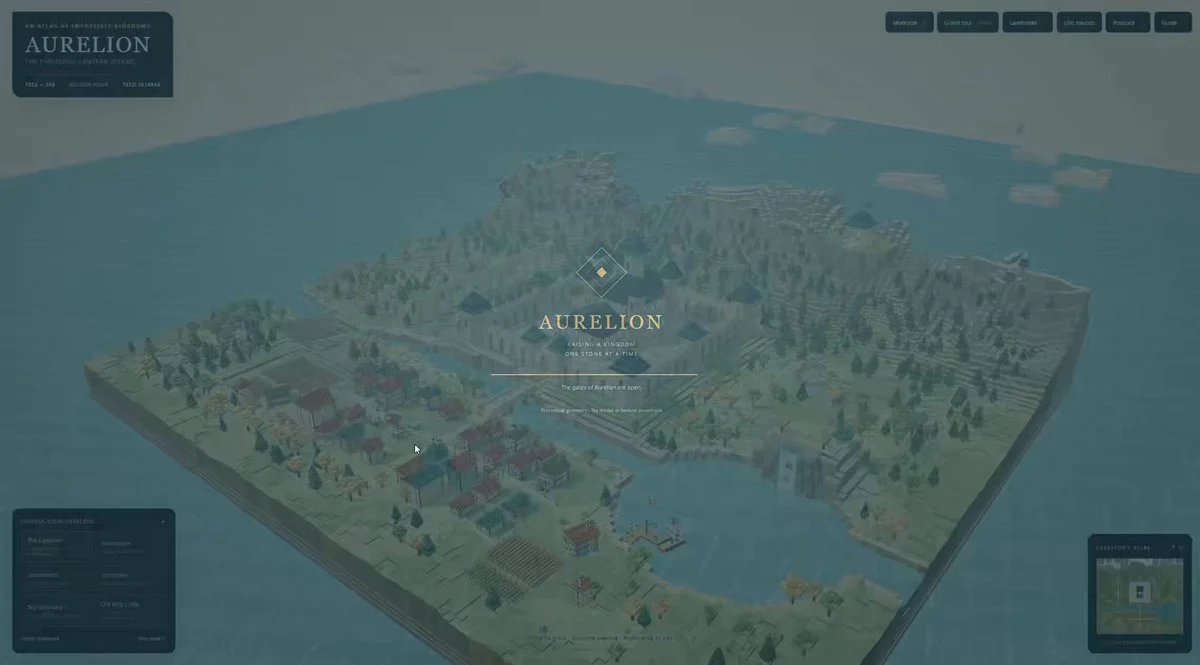
Generate a large voxel castle with readable defensive layers, towers, walls, gates, courtyards and surrounding terrain. Use instancing, an orbit camera, changing light and deterministic generation so the result is stable and inspectable.
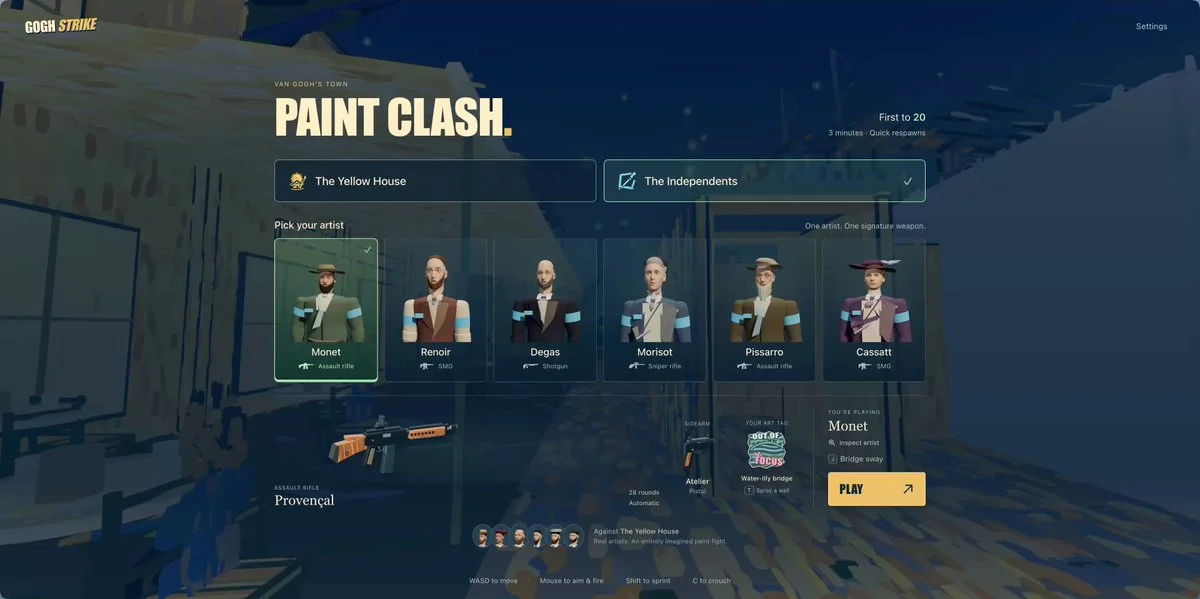
Build a Post-Impressionist 5v5 first-person shooter with Blender-rendered artist characters, readable teams and a complete multiplayer match in the browser.
Build a deep-sea landing page with Three.js water effects, a dark glass-like interface and scroll-driven motion. Combine the 3D atmosphere with clear, responsive website interactions.
Design an original, print-ready homage to the USS Enterprise NCC-1701 in CAD. Include recognizable proportions, a bridge and selected interiors, at least 28 functional moving parts, separated assemblies and exportable manufacturing files.
Build a 3D adventure-game prototype in Unity using Blender-prepared scenes and Tripo assets. Integrate character animation into the playable demo.
Start from the supplied architectural blueprint, create an accurate editable model in Blender, then transfer it into Unreal Engine as a lit, walkable archviz experience with correct scale and collision.
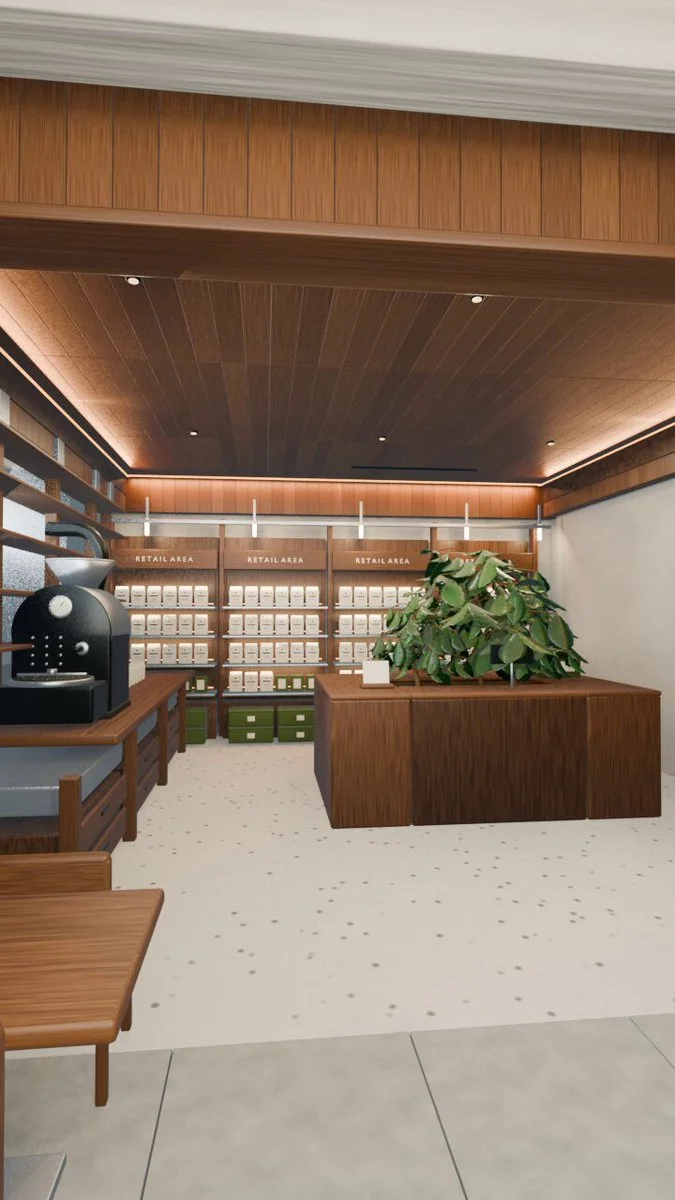
Rebuild a coffee shop from its photo in Blender, including the wooden ceiling, light strips, roaster, shelves and plants. Deliver an editable scene and a 15-second vertical camera walkthrough.
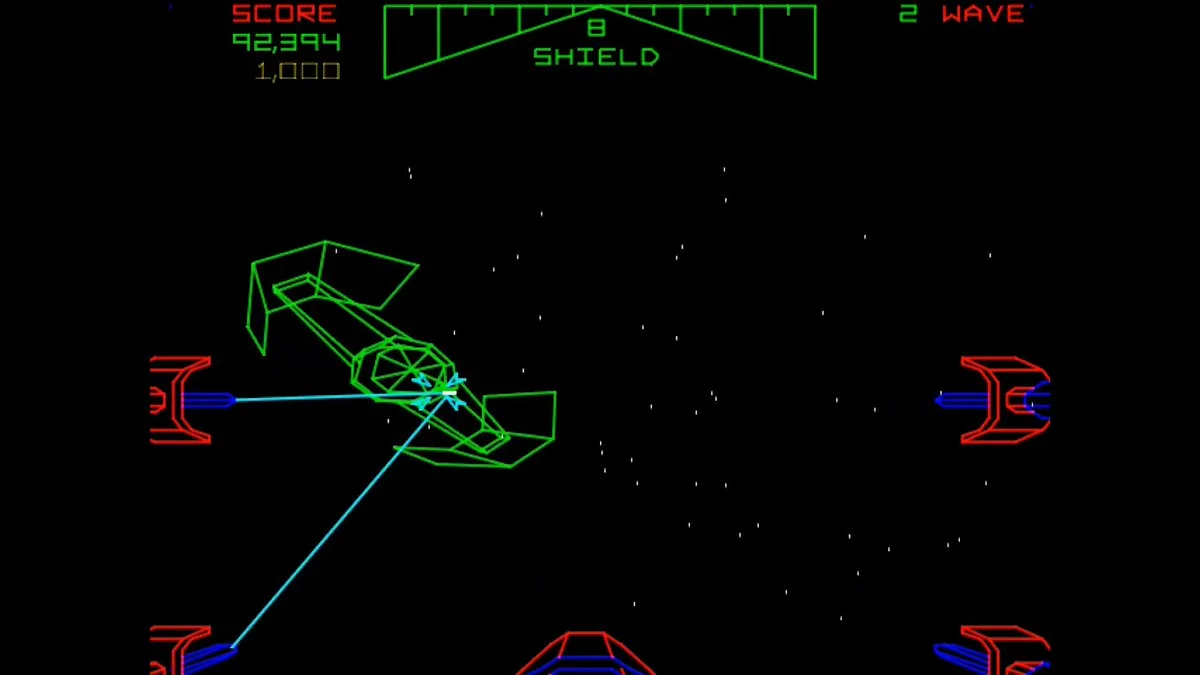
Recreate the feel of a classic space trench run in Unity with fast low-altitude flight, turret fire, obstacles, targeting, escalating pressure, a final objective and a cinematic success or failure sequence.
Create a 3D Formula One model in Blender with computer use.
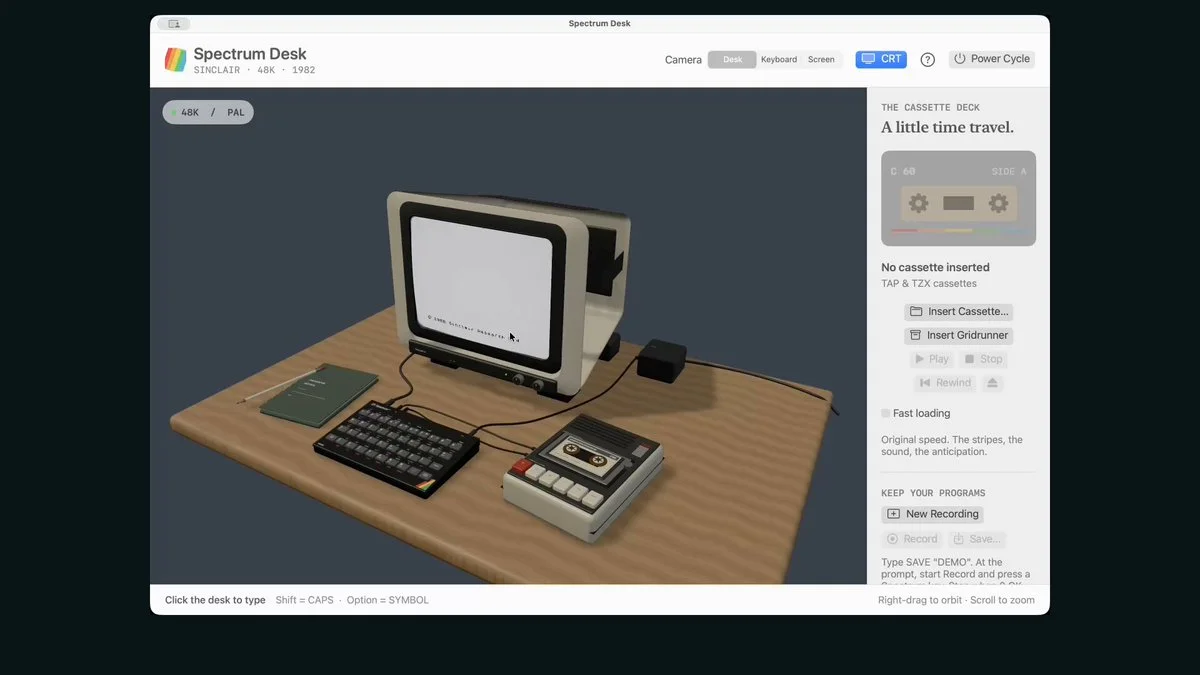
Recreate a Sinclair ZX Spectrum 48K as an interactive 3D desktop app. Include its rubber keyboard, tape player, startup screen, a playable game and a BASIC programming interface.
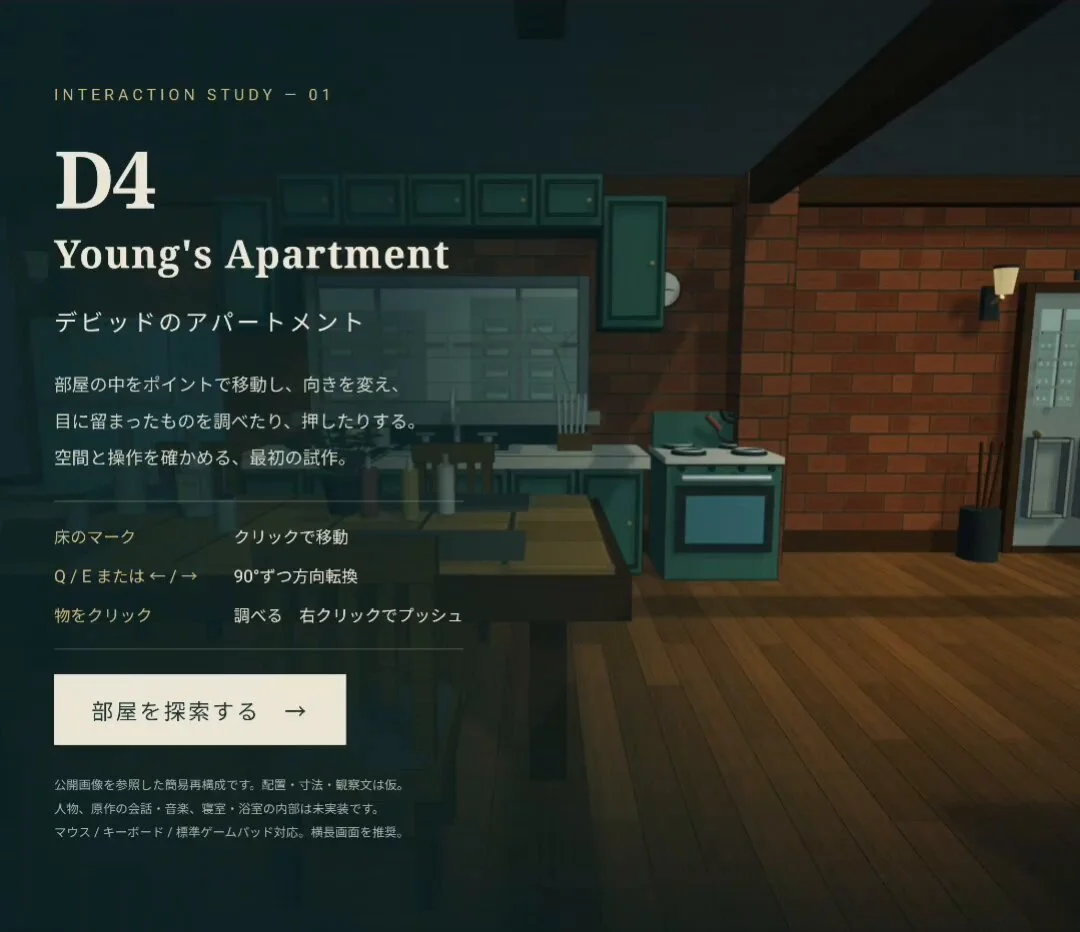
Research the protagonist's apartment from D4 and recreate it as a playable 3D prototype. Inspect the layout and interactions against references rather than assuming an exact recreation.
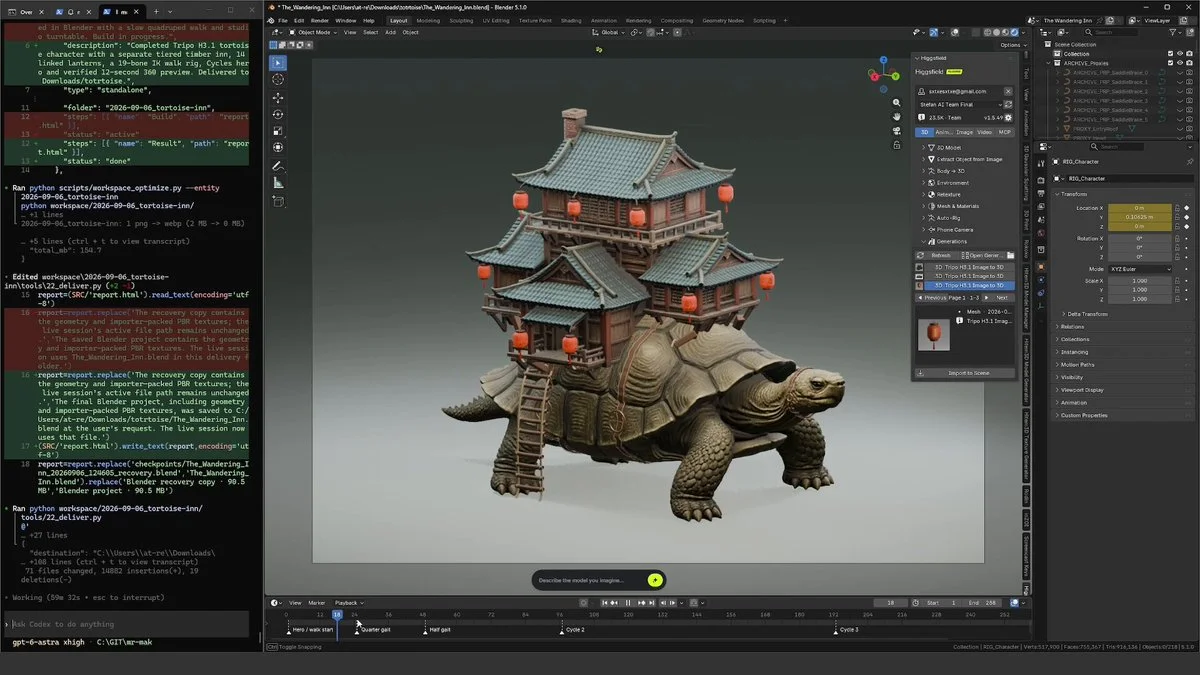
Generate optimized 3D assets with Tripo P2, assemble them in Blender, and rig and animate the characters. Review how the characters and scene fit together spatially.
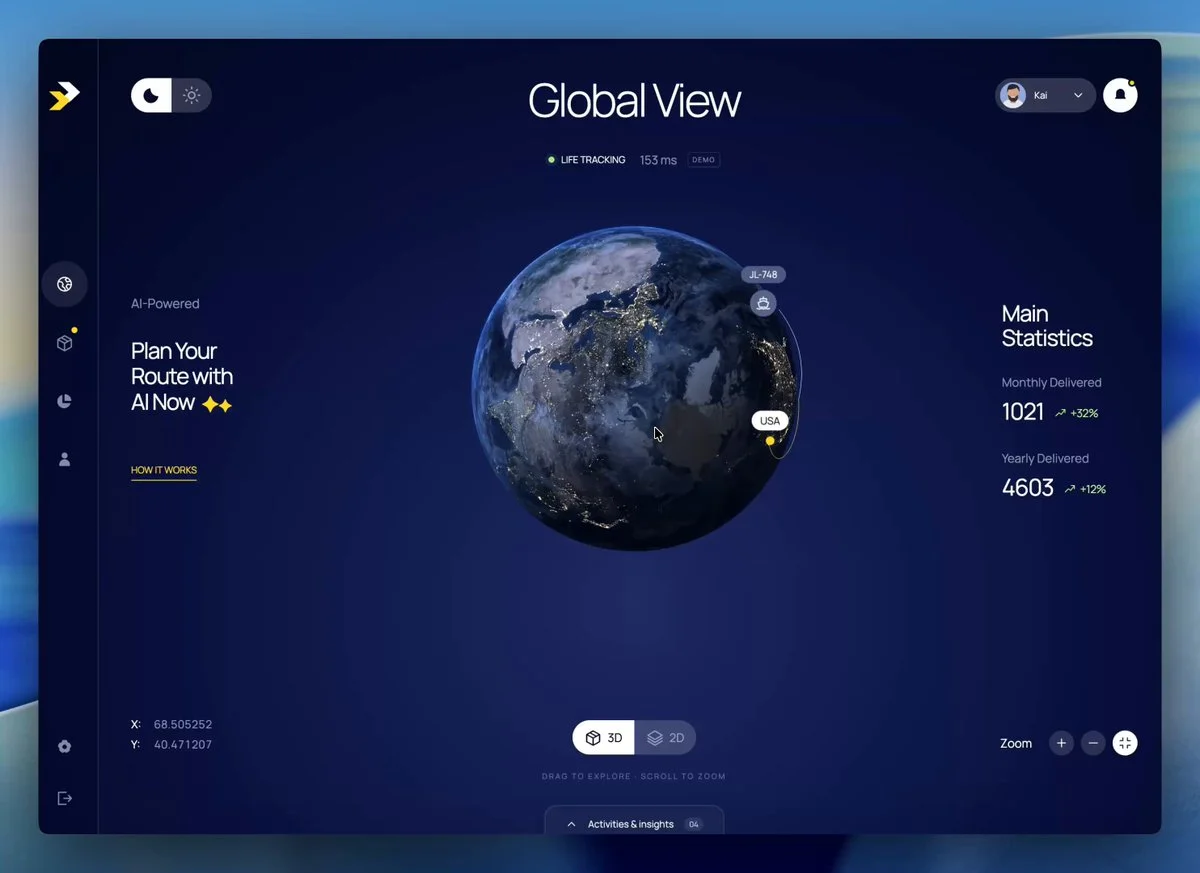
Rebuild a Three.js 3D globe dashboard from a reference image. Include day and night modes, readable geographic data and functional controls matching the reference.
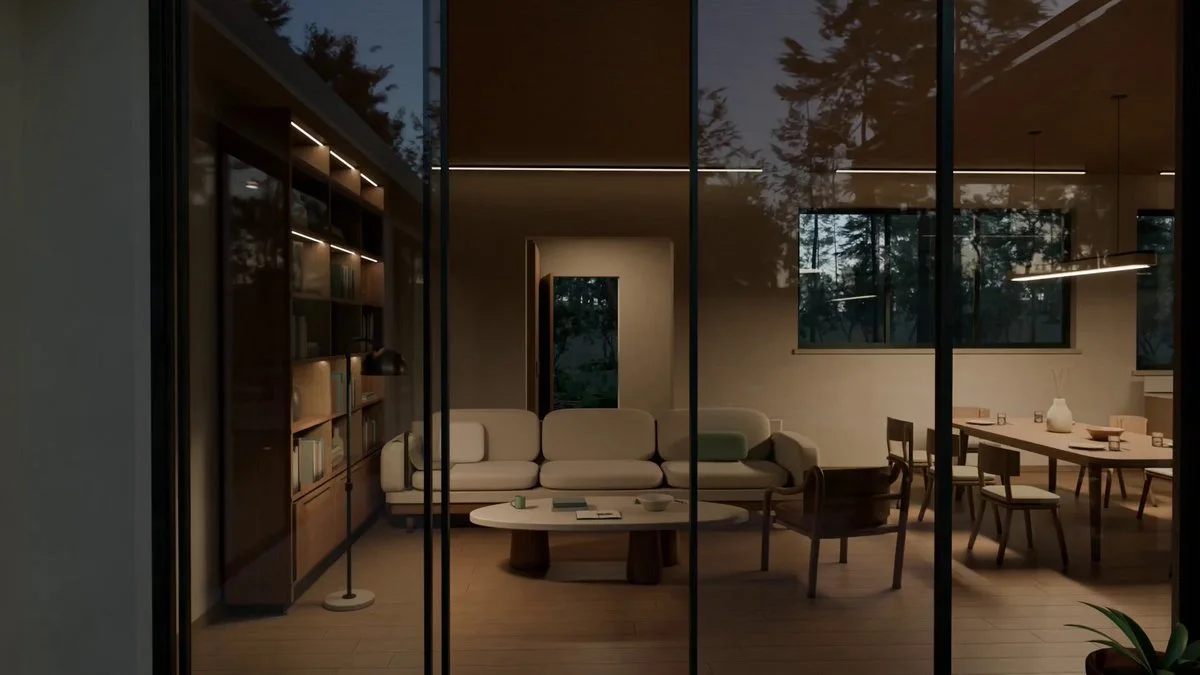
Create a walkable modern forest villa named Solace with three bedrooms, an office, central courtyard, pool and surrounding woodland. Build it procedurally in Blender, render golden-hour stills, then export a 60 FPS UE5 walkthrough.
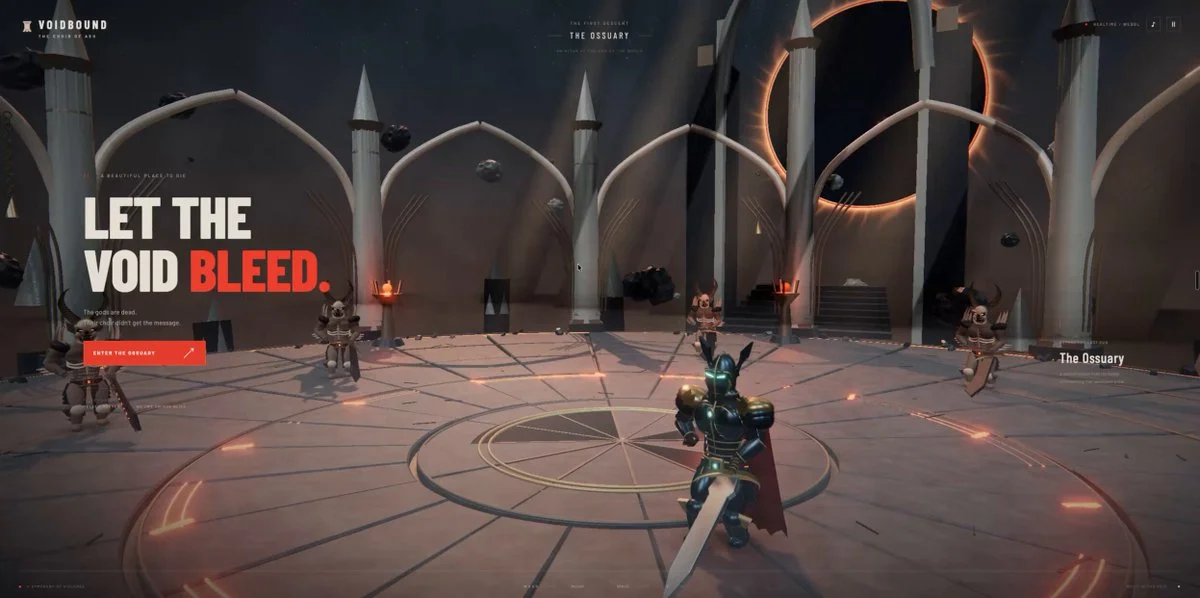
Build a third-person Three.js hack-and-slash game in a cathedral above a dead star. Include light sword combos, heavy attacks, area magic, dodging and grounded two-handed animation.
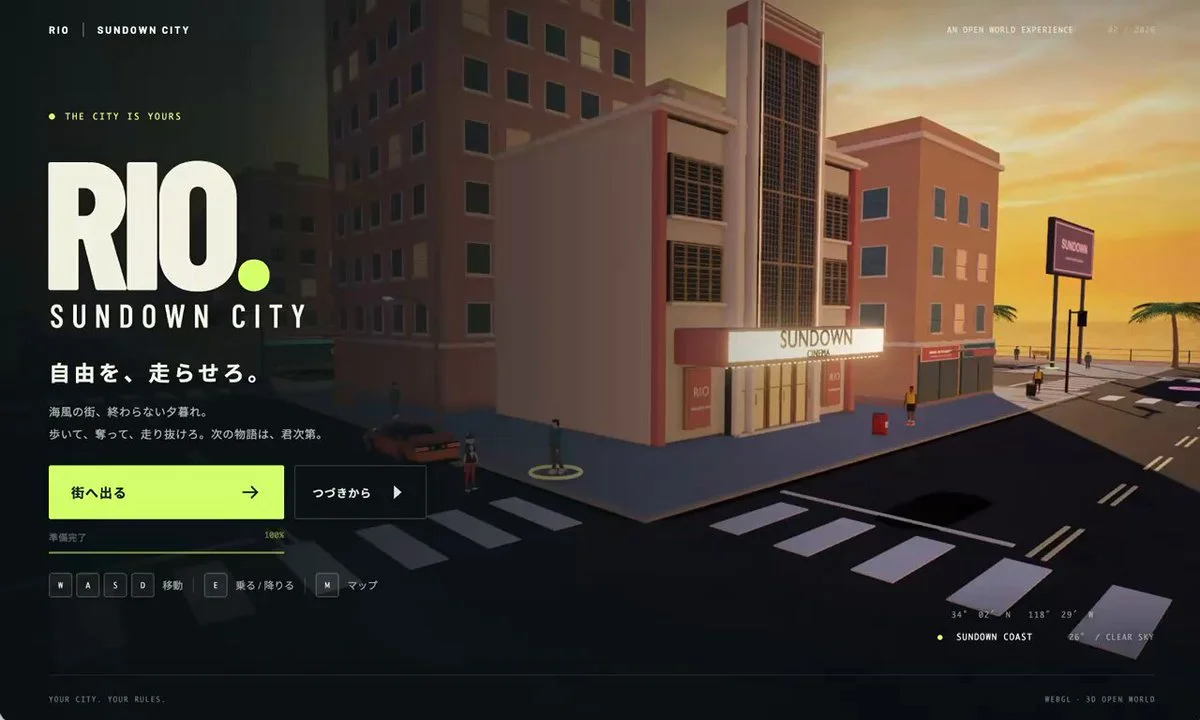
Build a WebGL city game using RIO_MA002.fbx as the player. Model referenced vehicles and streets in Blender, then improve NPCs, driving physics, destructible props and suburban areas.
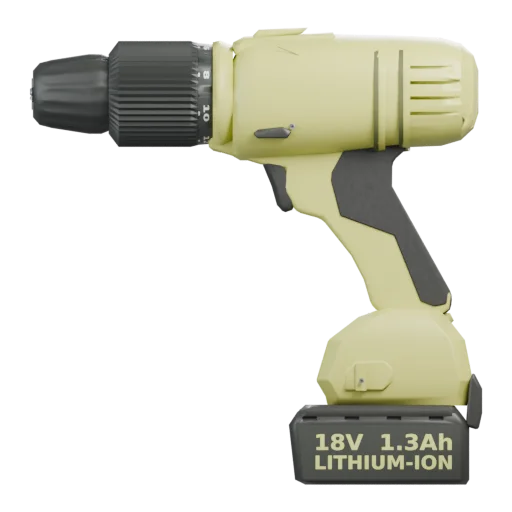
Reconstruct a power drill in Blender from one reference view. Model the housing, grip, chuck and controls as editable geometry, then inspect the result from multiple angles.
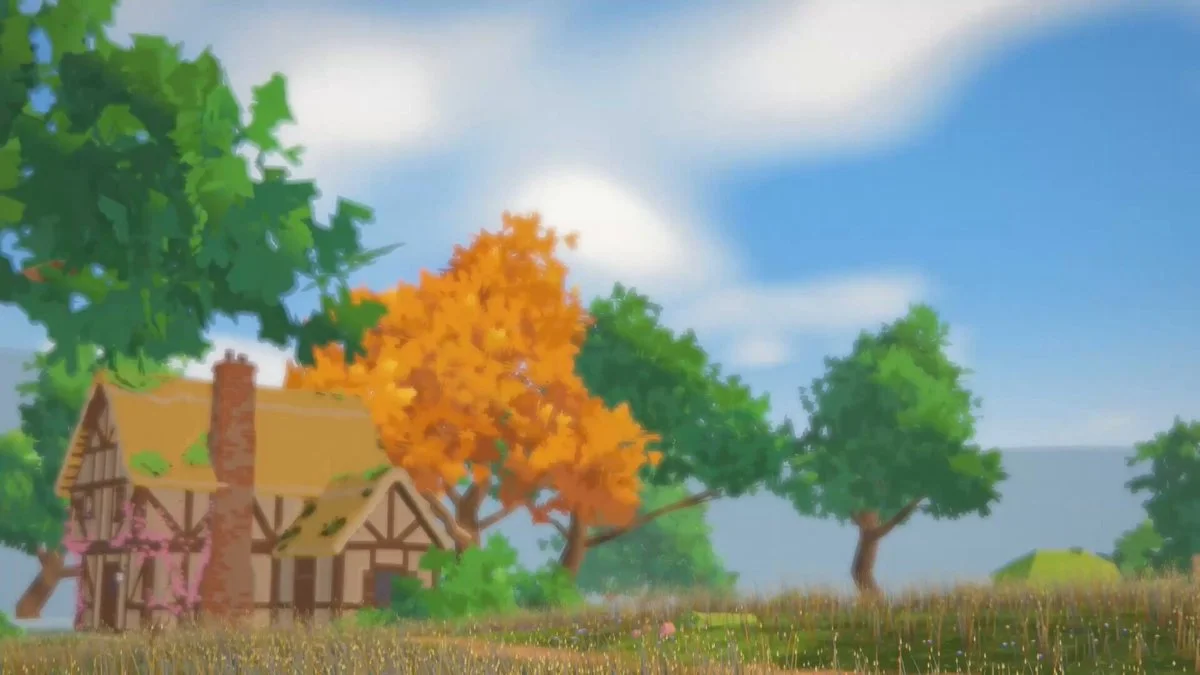
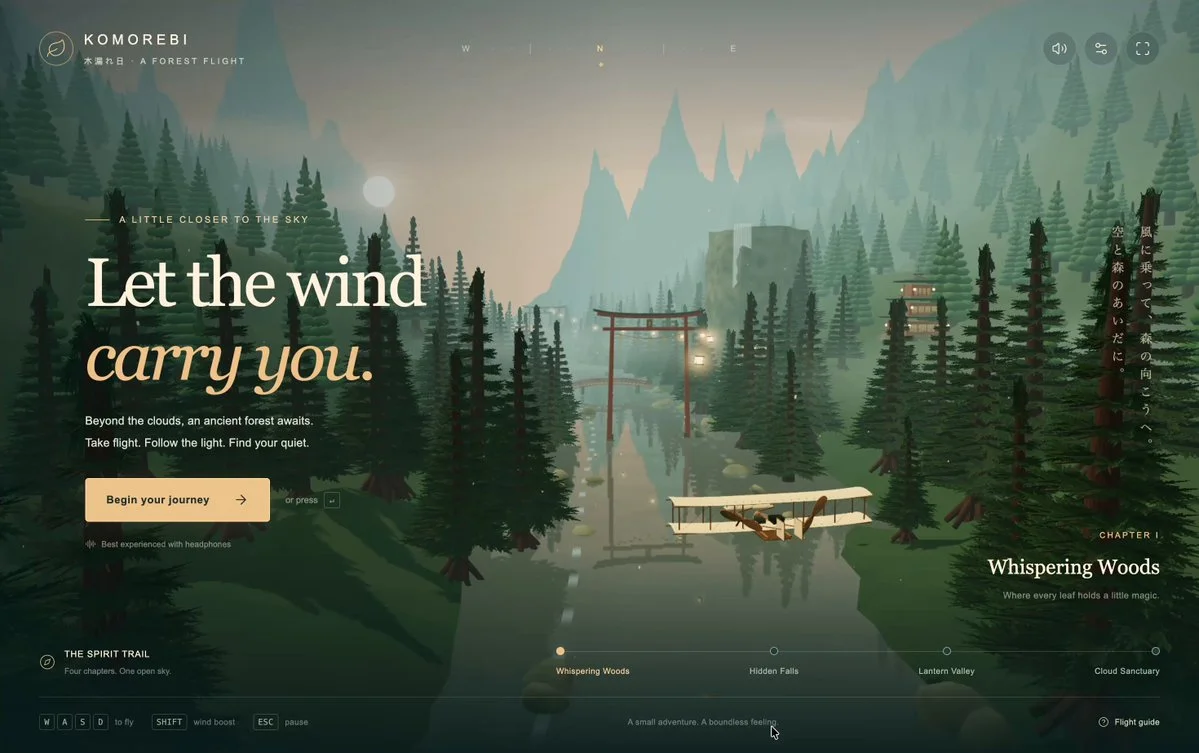
Build a Three.js flight game featuring the 1903 Wright Flyer in a Japanese forest. Research the aircraft and procedurally create the plane, trees, torii gates, houses and mountains without external assets.
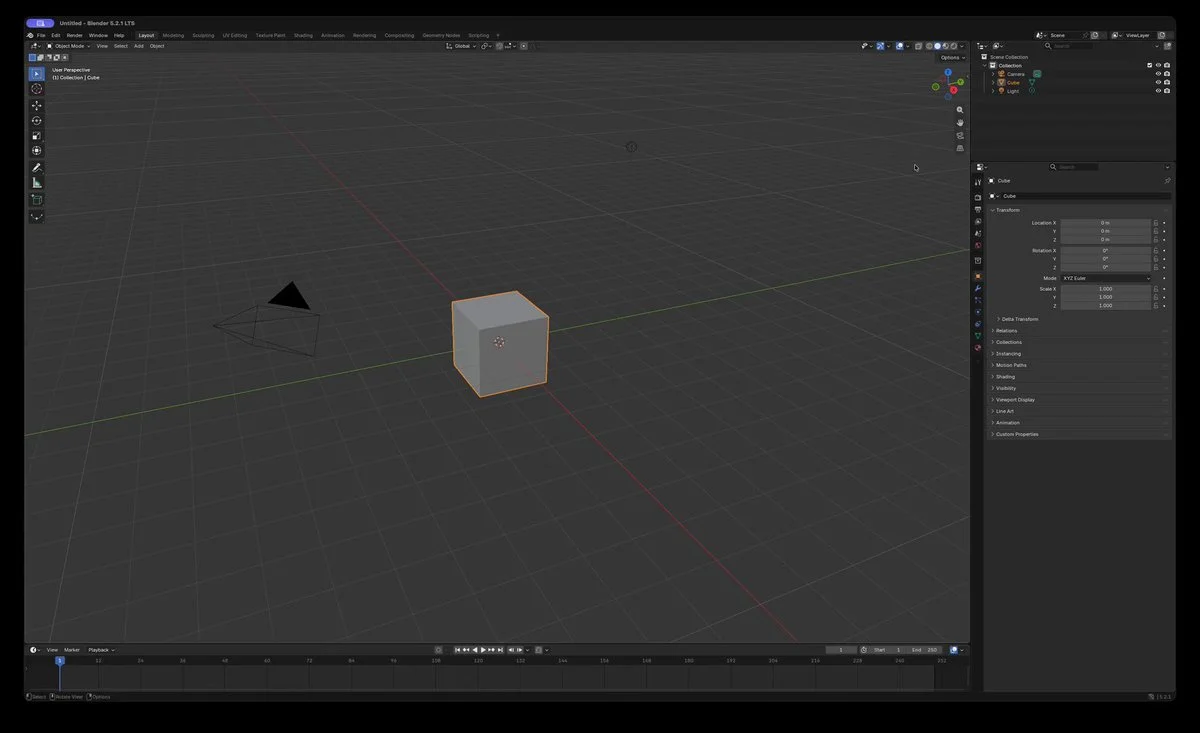
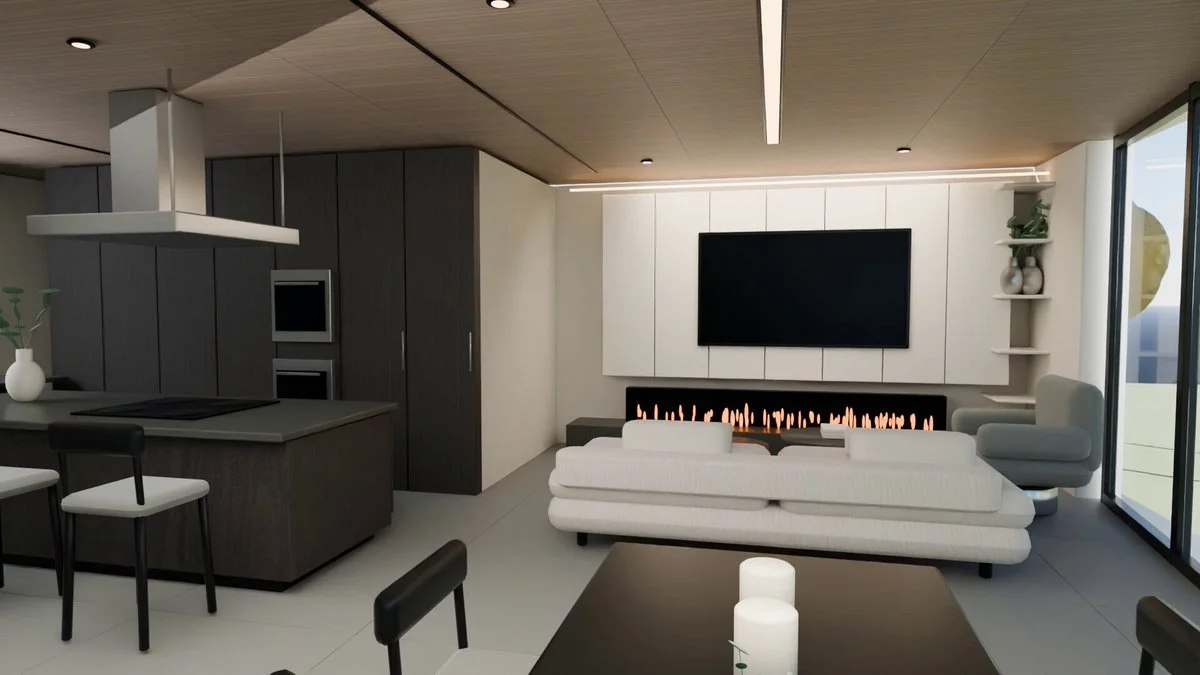
Use a home's top-floor plan to build a Blender scene and render a 10-second low-sample preview. Prioritize a clear spatial layout before refining materials.
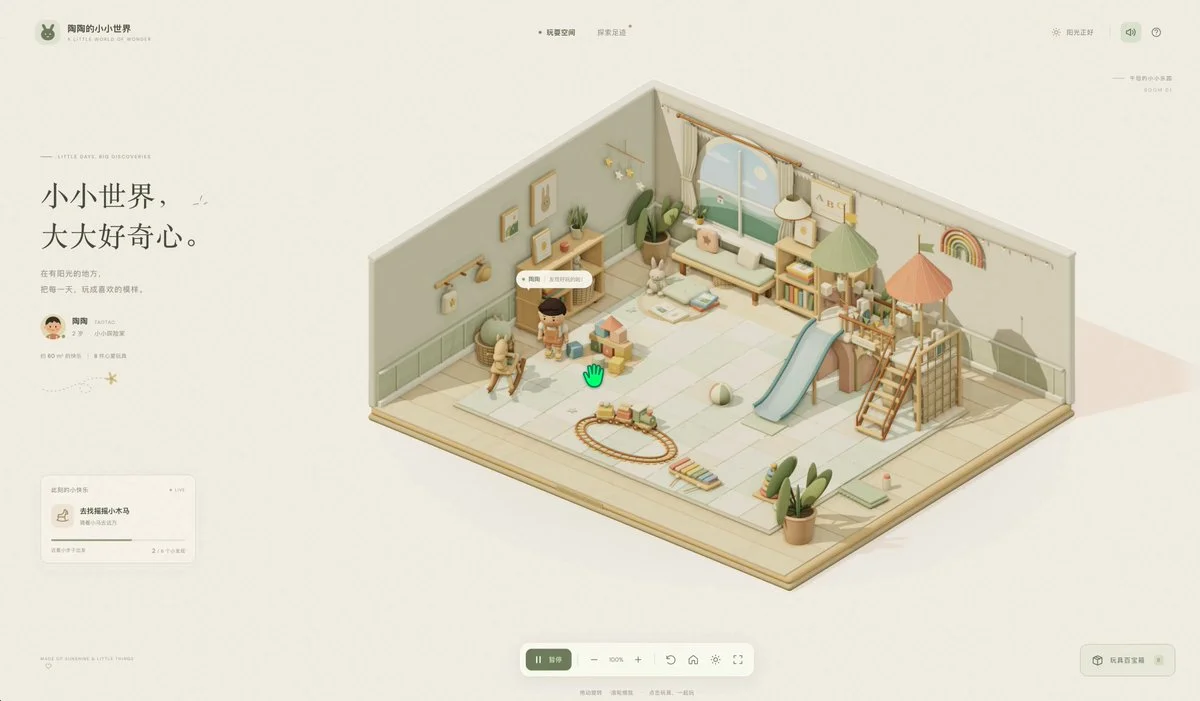
Build a warm Three.js playroom where a toddler moves between toys and uses each with a different animation. Include a play mat, books, shelves and climbing structures, with orbit and zoom controls.
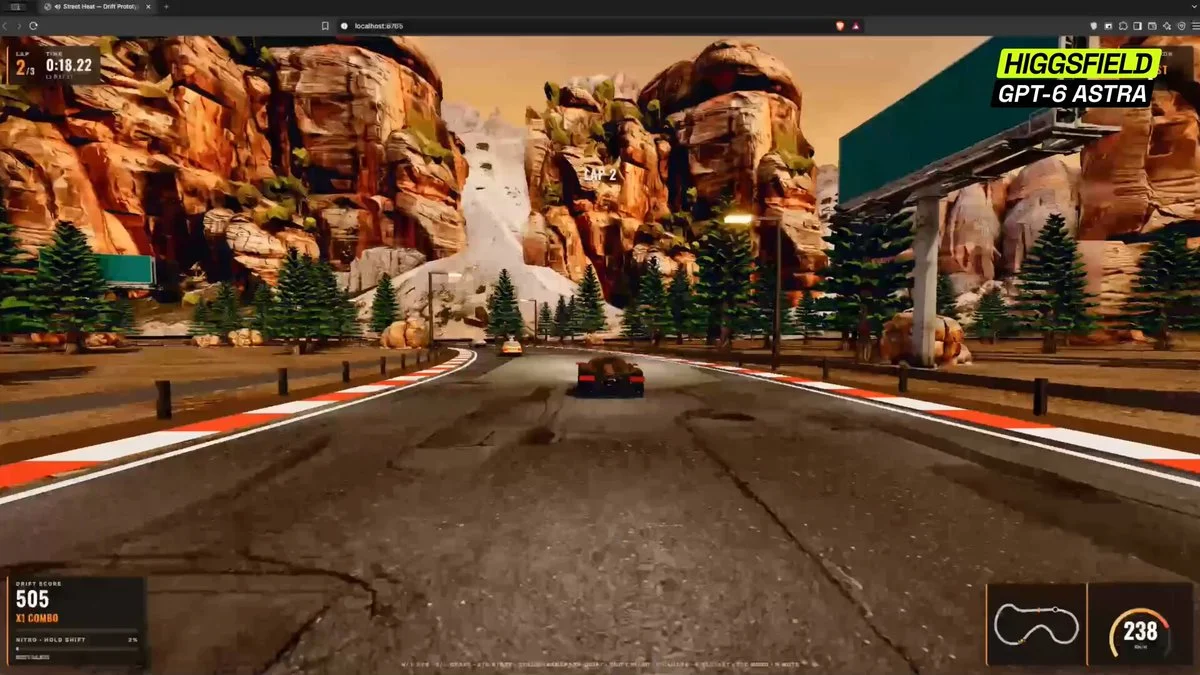
Build a complete arcade street racer in the browser from one sentence. Implement satisfying drift physics, combo scoring, near-miss bonuses, speed traps, nitro, traffic, a readable HUD and a short replayable course.
Want to inspect the implementation? Filter this collection for GitHub projects, or explore source-code examples across models. Check the repository license before reusing code.
Explore 3D projects with source code ↗3D build walkthroughs
Watch independent creators put each model through a real 3D build, then use the free prompts above to run your own version of the experiment.
Follow Peter Yang’s workflow for four game projects, from reference images and setup to playable scenes and iterative feedback.
YouTube ↗Why this collection
Looking for Astra prompts you can actually build from? Start with a 3D example that matches your task: a Blender model, a Three.js website, a browser game or an explorable world. Each entry pairs a visual result with an author, a source link and a prompt or a clearly identified source-derived brief.
A useful Astra 3D prompt defines what to make, which software to use, what should remain editable and how to check the result. Copy a starting point, change the subject and constraints, then test the same brief with GPT-6 Astra or another model. These are references to adapt, not a guarantee that one prompt reproduces an entire demo.
Best for
01
For an Astra Blender prompt, name the objects, materials, lighting and camera. Ask for separate editable objects and a saved scene, then inspect the render from more than one angle.
02
For an Astra Three.js prompt, describe the scene, mouse and touch controls, loading behavior and a target device. Include a playable loop when making a browser game.
03
Use the Unreal Engine and Unity examples to plan explorable worlds. Specify scale, collisions, camera movement and the files you need; a showcase video alone does not prove a project is ready to ship.
Prompt recipe
State which objects must remain separate, named and editable; otherwise a visually convincing shell may still be unusable.
Ask the model to run the scene, inspect visible failures and repeat until concrete frame-rate, interaction and layout checks pass.
For large worlds, split the work into districts, assemblies or milestones and approve each section before expanding scope.
Give your next scene a character worth a closer look. Create detailed, textured 3D assets from an image or a few words.
Generate 3D Assets FreeNo. Every entry is labeled. “Verbatim” preserves wording published by the author; “source-derived brief” is a reusable prompt reconstructed from the public demo description. We do not claim access to prompts that were never published.
Use them as references, not model-specific magic words. Keep the outcome and acceptance checks, then adapt the tool, asset budget, camera, controls and output format for Astra, Claude, Kimi or another model.
Use the With GitHub filter to find Astra 3D examples with public code, then open an example for its repository and available live demo. The open-source collection brings these projects together across models. Check each repository’s license and setup instructions before reuse.