Photoreal 3D product mockup studio
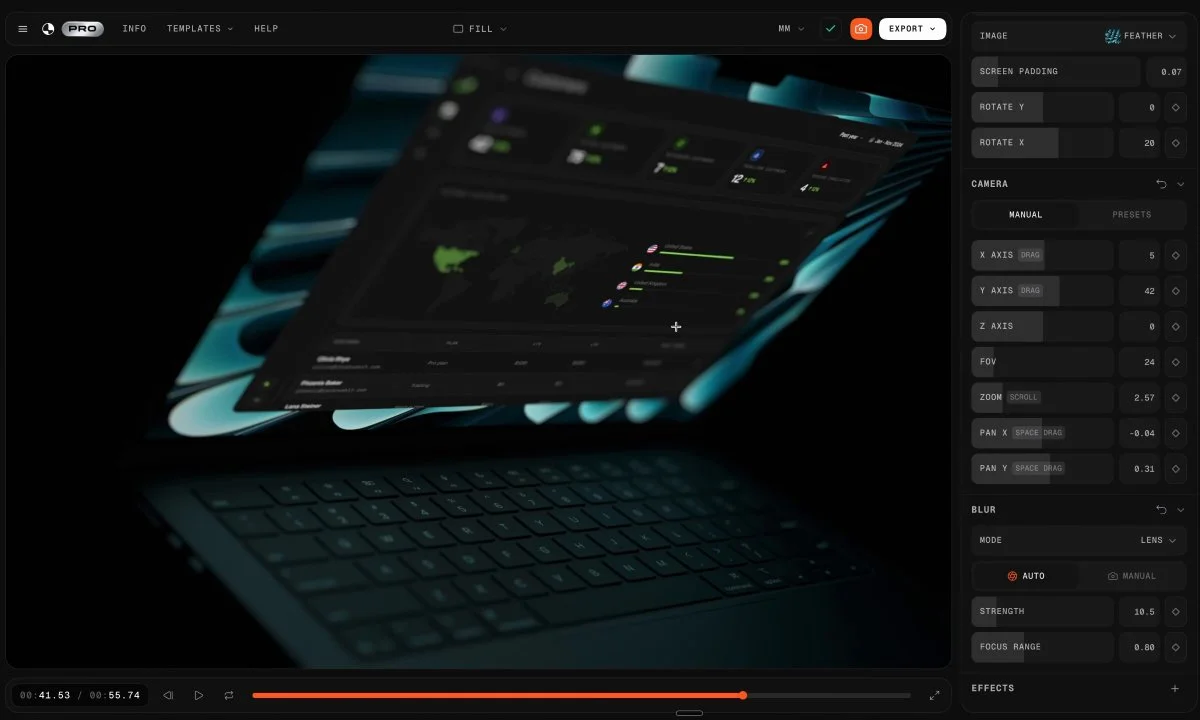
Create a browser tool that places uploaded artwork onto photorealistic 3D product mockups. Support camera orbit, material and color controls, environment lighting, multiple products and high-resolution export.
Reference → editable world → playable result
Browse Astra prompts and real 3D examples for Blender scenes, Three.js websites and games. Preview the results, copy a brief and explore GitHub projects where available.
Featured results
153 prompts
Copy, adapt, build
Create a browser tool that places uploaded artwork onto photorealistic 3D product mockups. Support camera orbit, material and color controls, environment lighting, multiple products and high-resolution export.
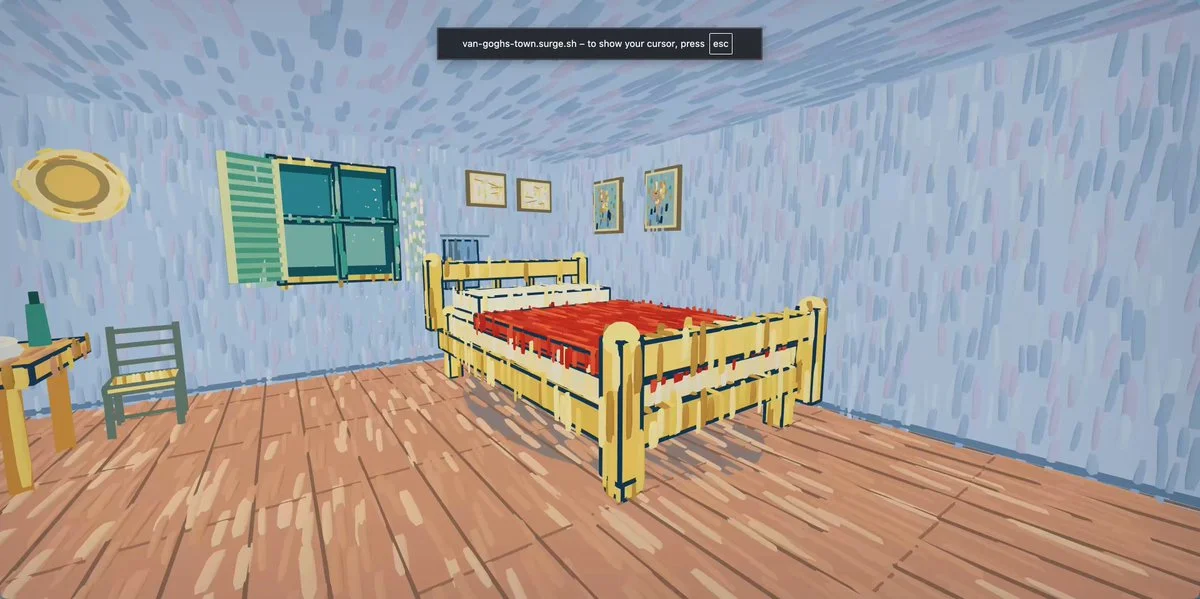
Turn six supplied Van Gogh paintings into one coherent walkable Three.js town. Preserve each painting’s palette and brush-stroke character while connecting streets, landmarks and transitions into an explorable world.
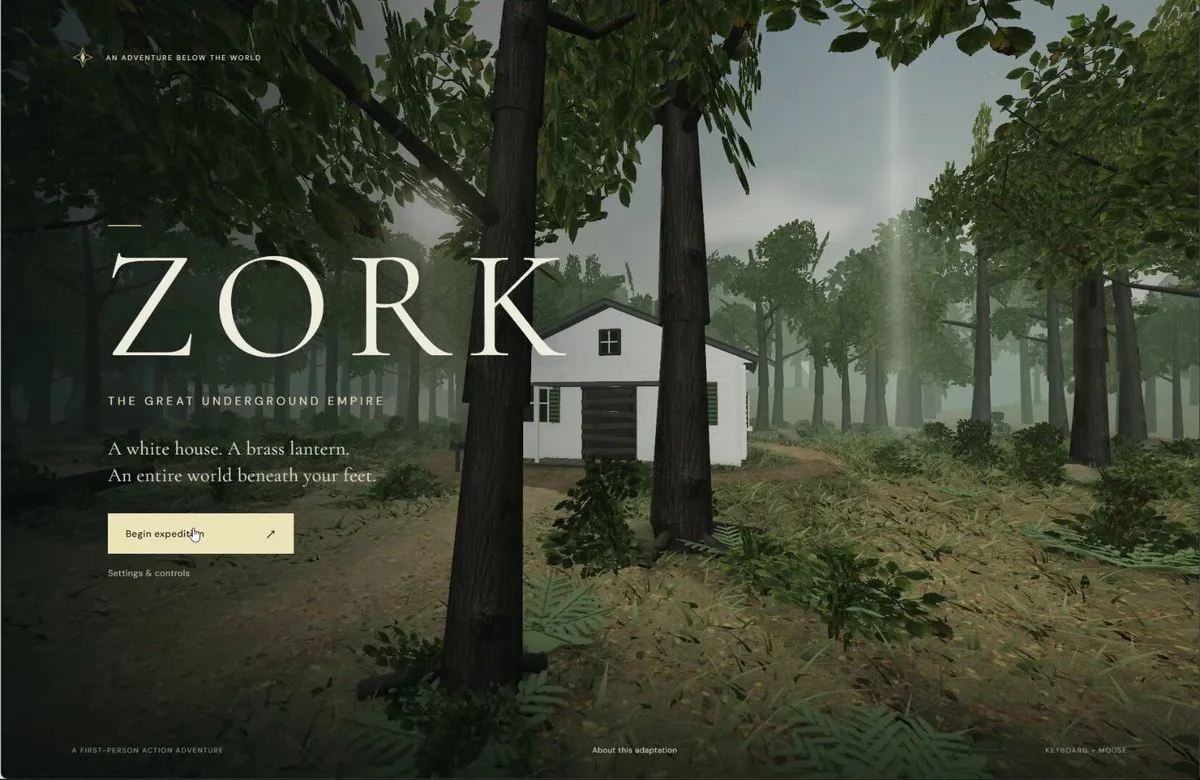
Turn the classic text adventure Zork into a 3D action-adventure game. Preserve its plot and puzzles, add fight scenes, and build the characters and environments in Three.js.
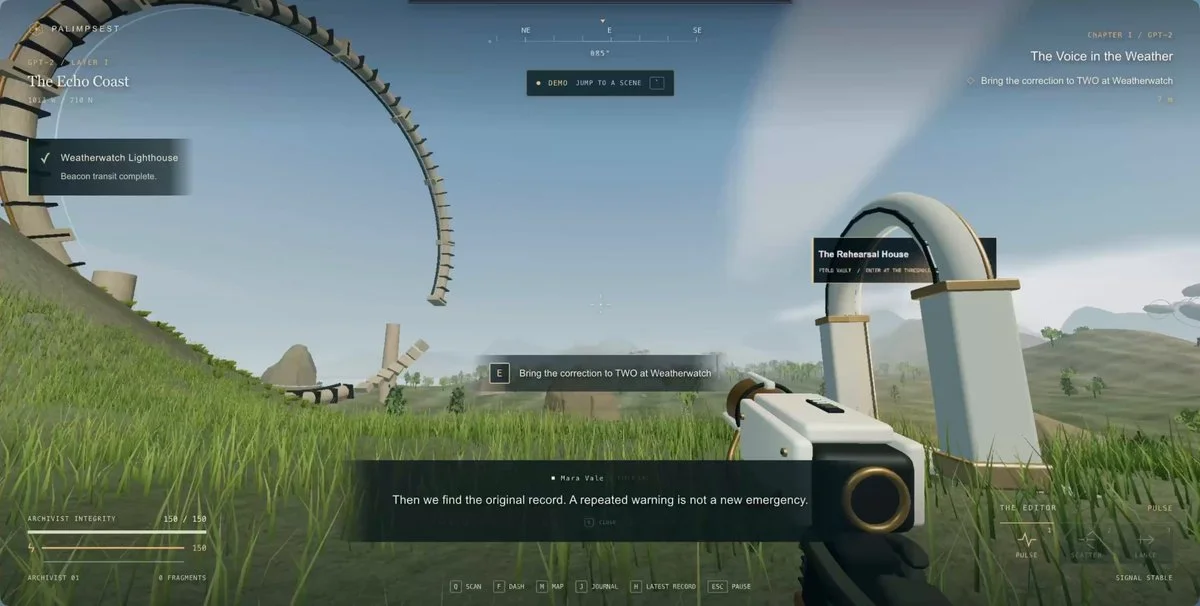
Build an open-world 3D adventure with several connected biomes, traversal, discoveries, light combat, quests, landmarks, day-night atmosphere and enough guidance that exploration feels purposeful.
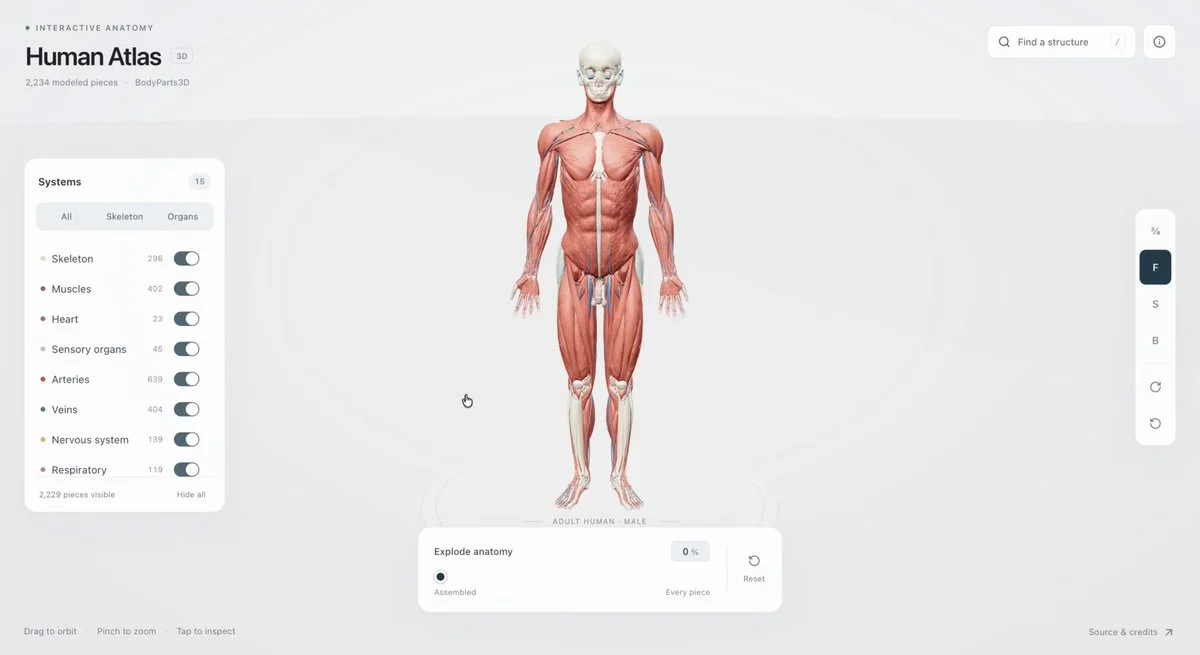
Build a 3D anatomy website where the human body separates into individually inspectable structures. Make the exploded view navigable and organize the parts into meaningful systems.
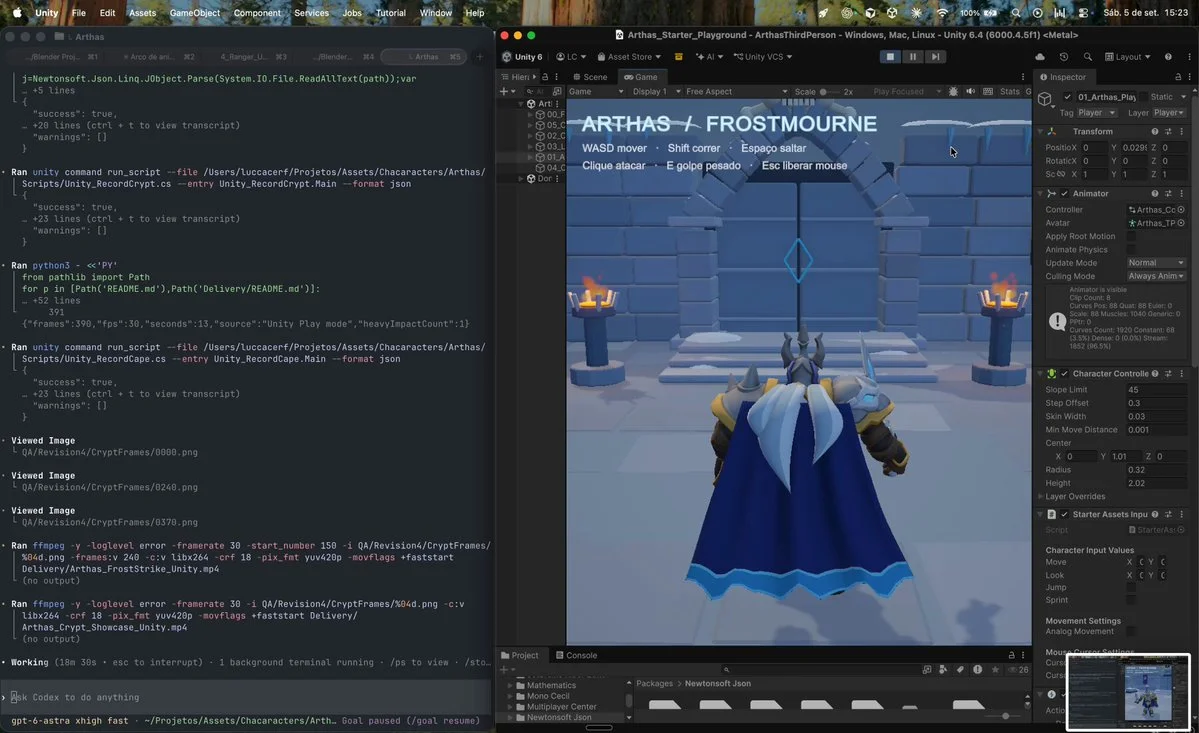
Build a Warcraft-inspired character scene with Astra, Tripo P2, Blender and Unity. Generate the character asset, prepare it in Blender and assemble a playable scene in Unity.
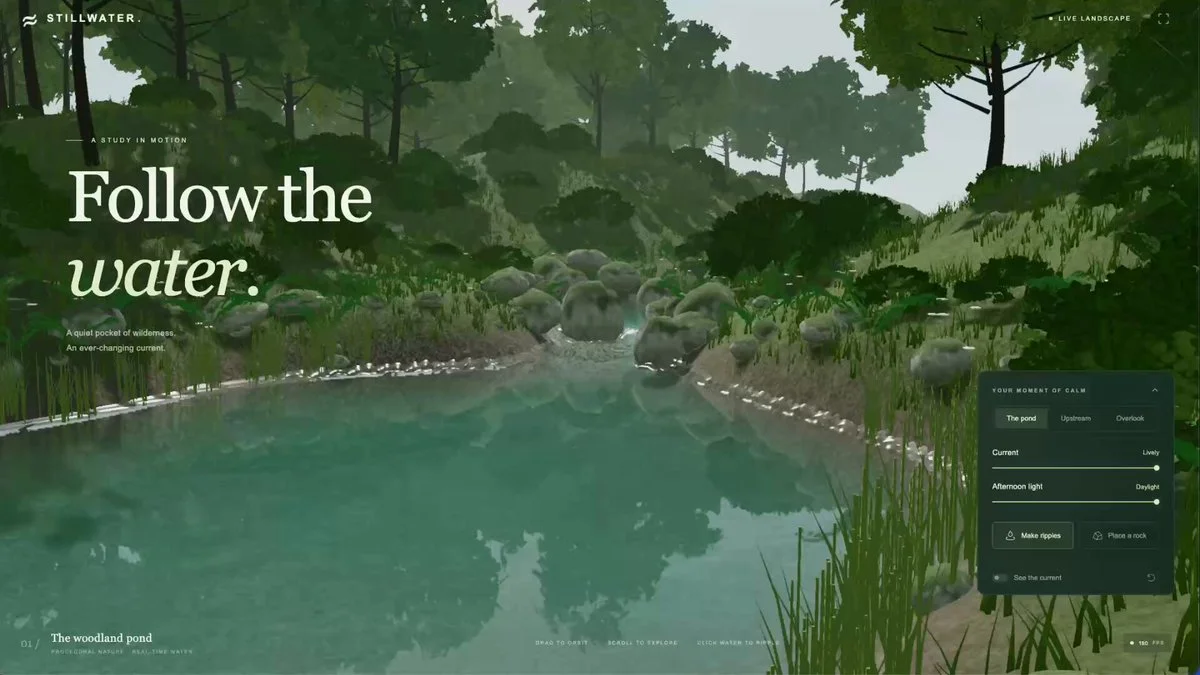
Create an interactive river scene that runs in the browser. Establish a working real-time water prototype, then inspect and refine the visual result.
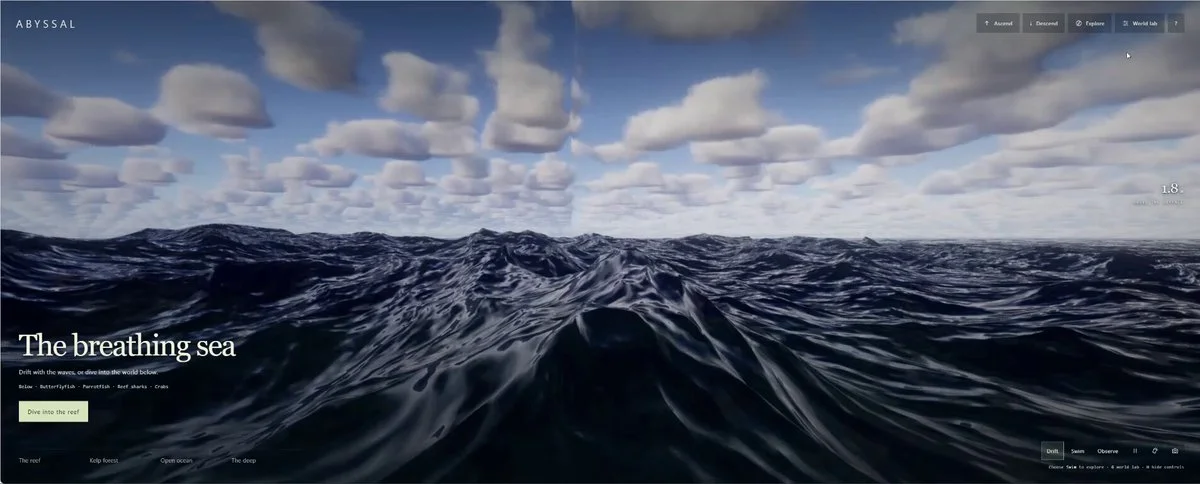
Extend the supplied single-file ocean-surface storm generator into a complete procedural ocean. Add reefs, deep water, believable weather, animal populations with emergent behavior, ecosystem interactions and a camera that can move between surface and underwater.
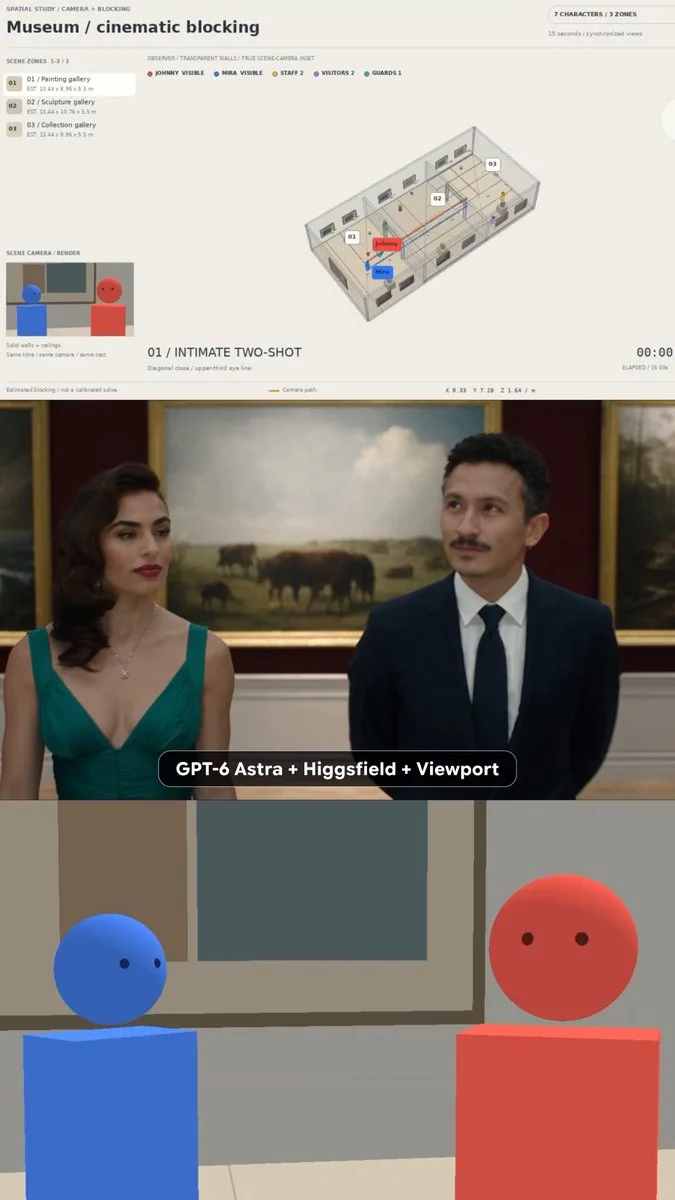
Build a 3D museum previsualization that maps the location, cast positions, camera blocking and shot list. Keep every setup inside the physical viewport, then export consistent guides for downstream video generation.
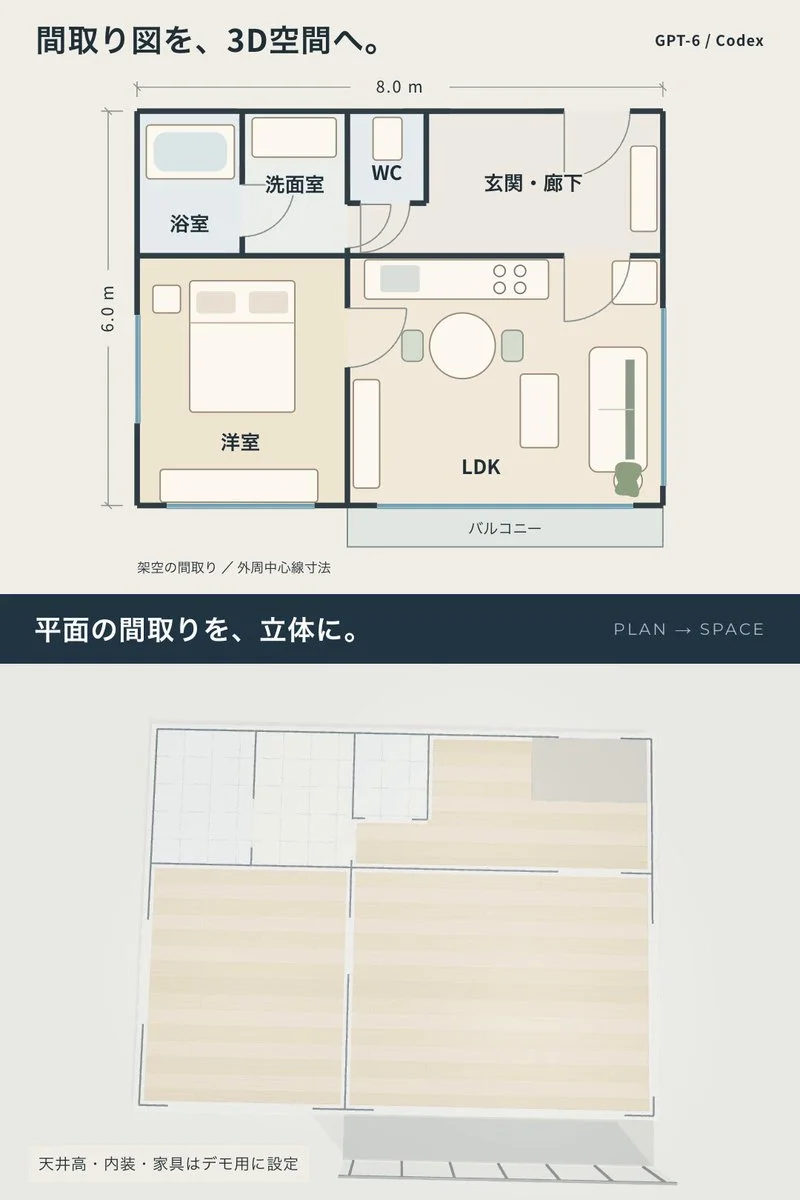
Build a one-bedroom apartment walkthrough and a floor plan from the same dimensions. Synchronize the current position between views and clearly label assumed ceiling heights and finishes.
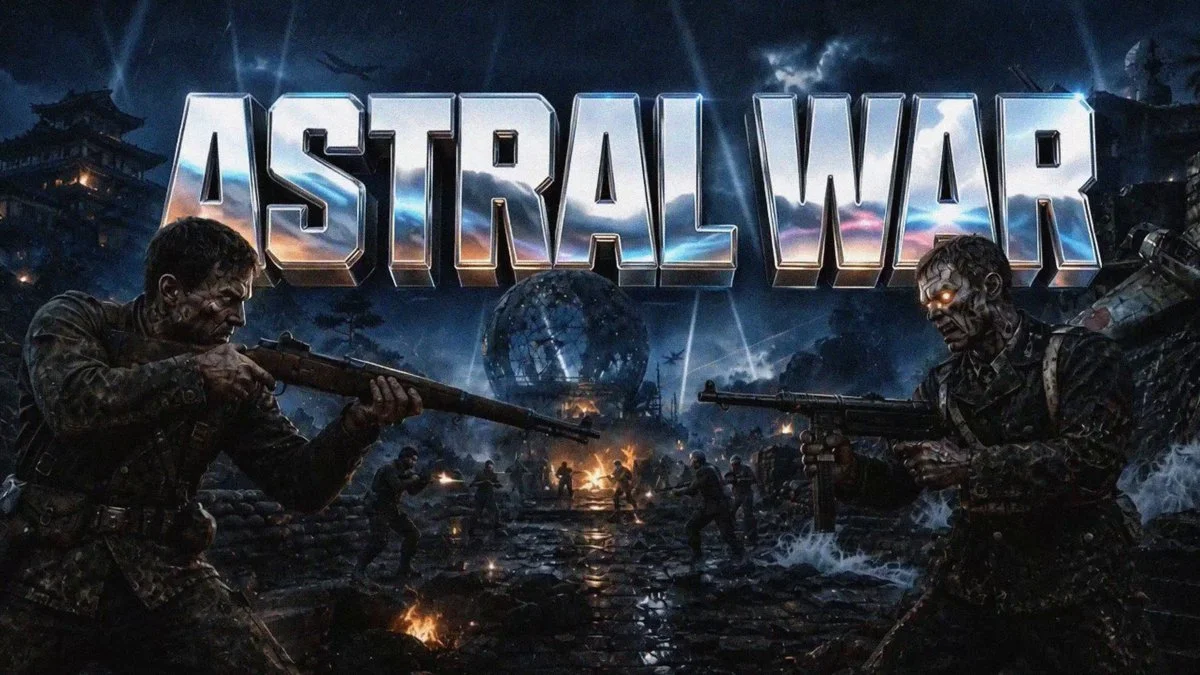
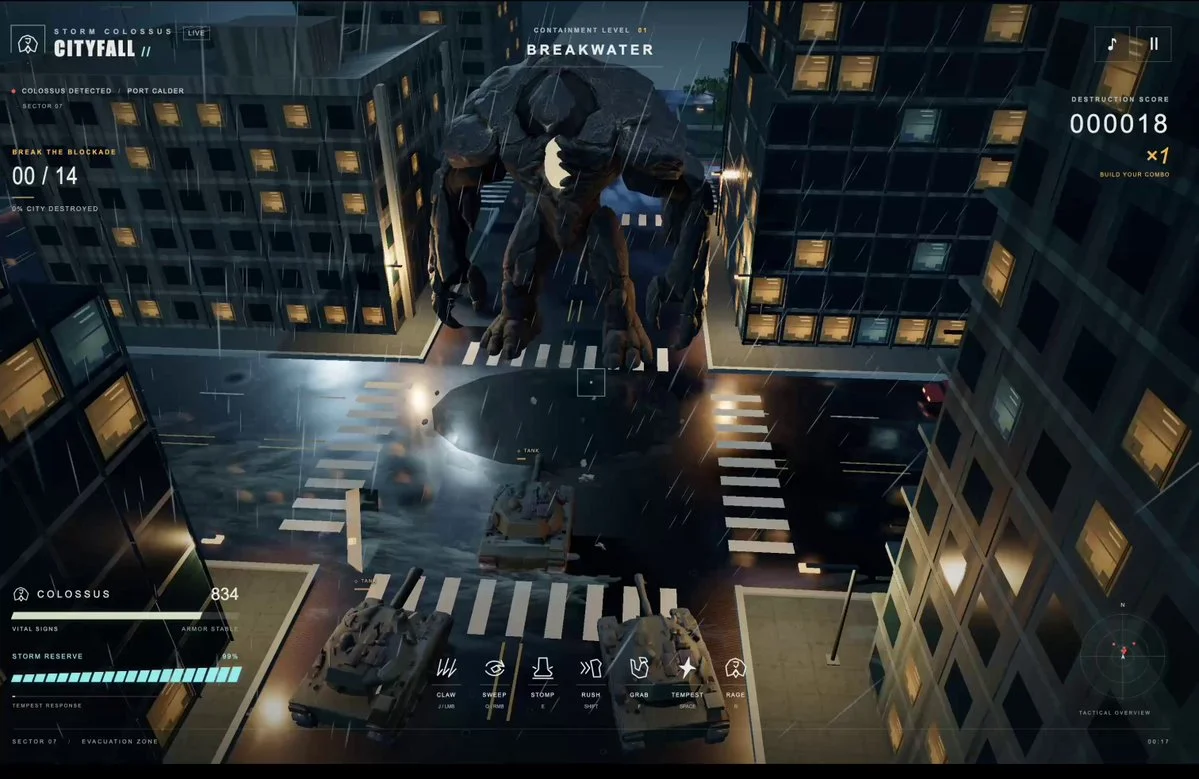
Build a World at War-inspired browser shooter in Three.js. Create a complete playable battlefield with responsive combat, spatial audio, character assets and match flow.
Build a detailed voxel railway table in Three.js. Let users start and stop multiple trains, switch tracks, rotate and zoom around the table, inspect miniature towns and trigger small environmental animations.
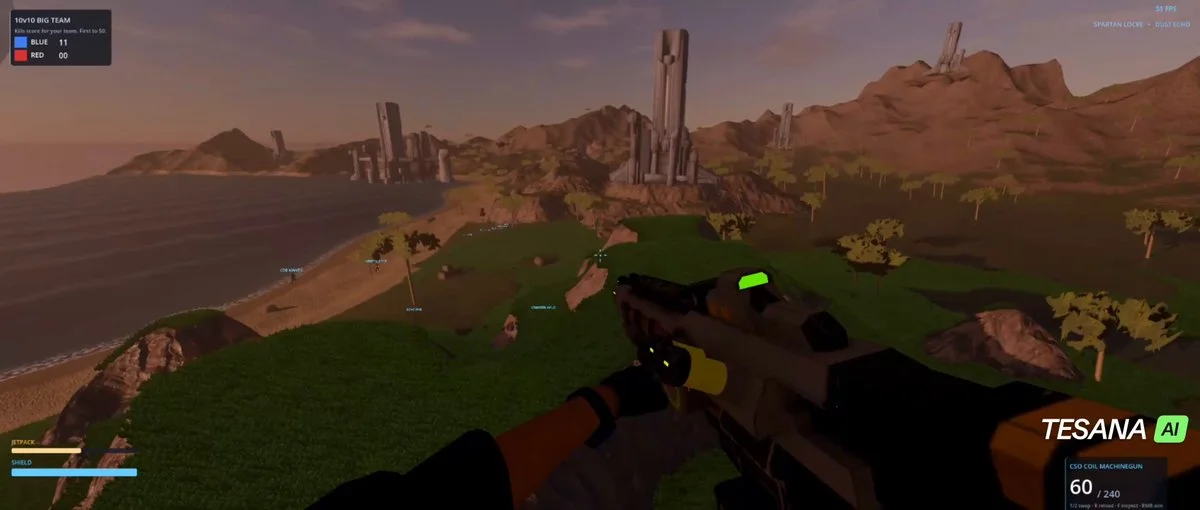
Build a 10-versus-10 multiplayer arena shooter inspired by classic sci-fi FPS games. Include teams, respawns, readable weapons, shields, pickups, compact maps, scoring, match flow and low-latency browser play.
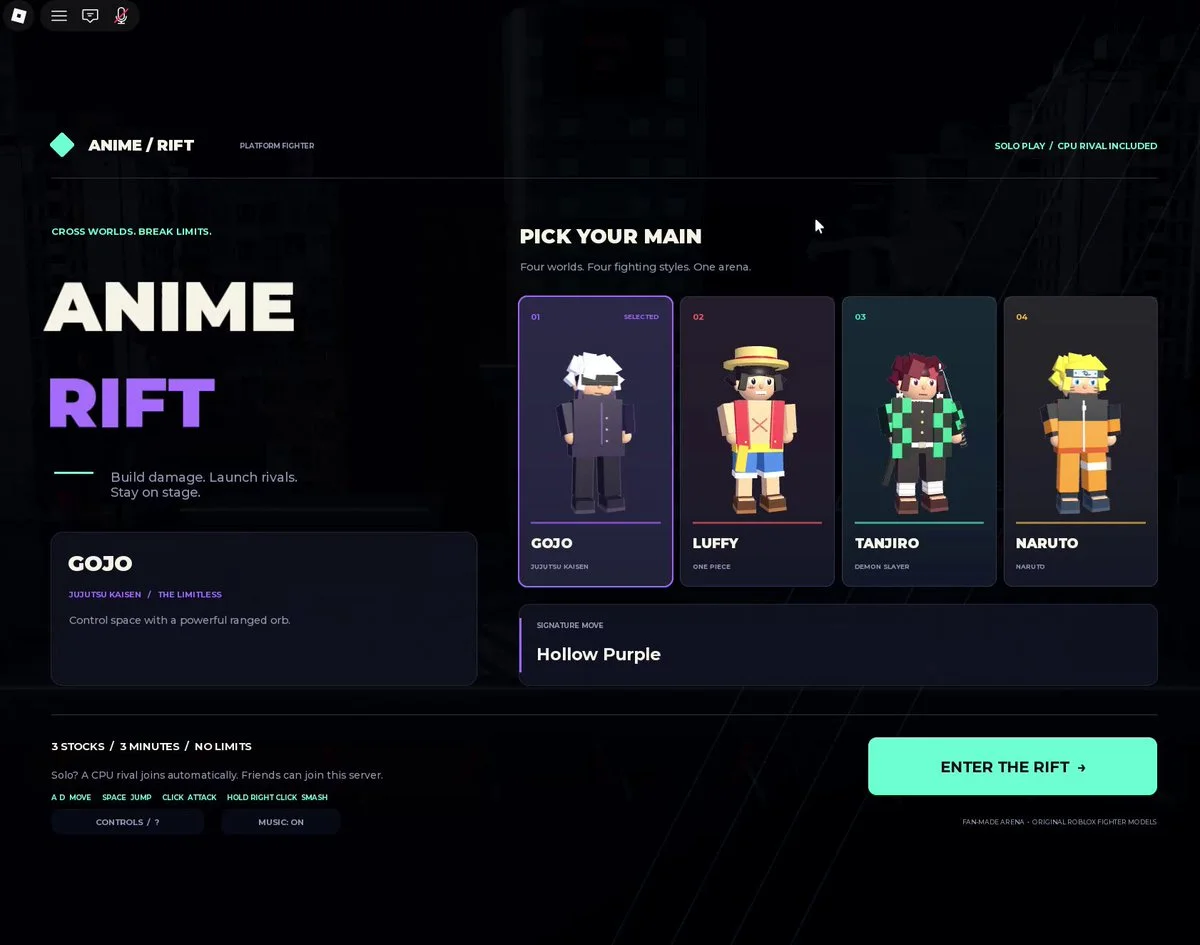
Create a Roblox arena fighter inspired by anime crossover battles. Build the arena and characters with Blender and available assets, then implement a playable combat loop.
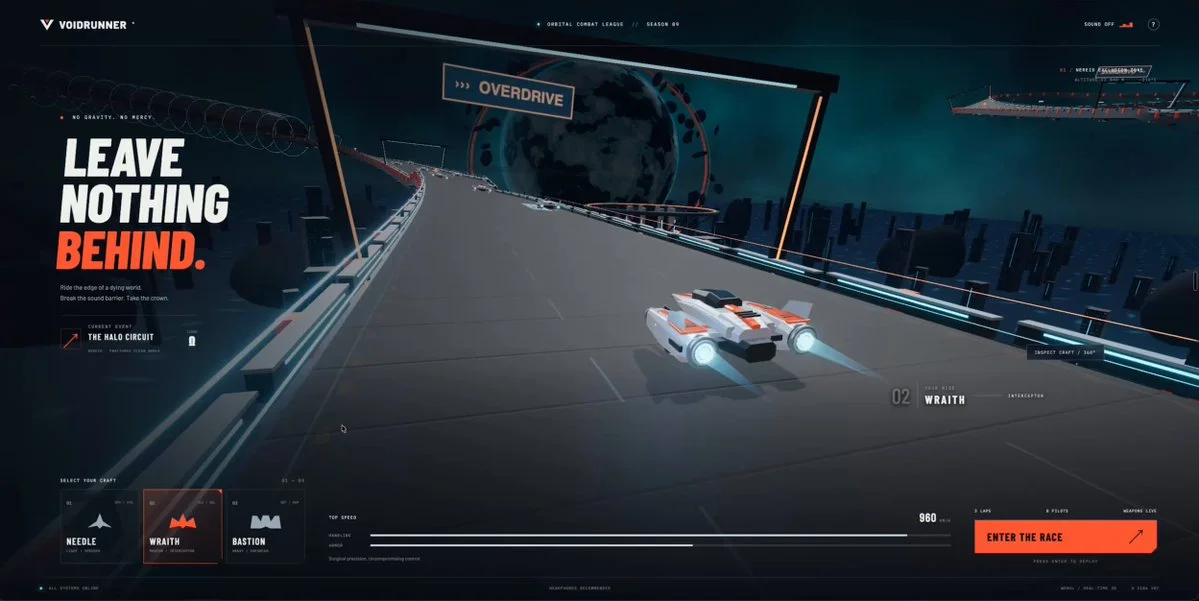
Build a high-speed anti-gravity combat racer in Three.js with drifting, boosts, banking cameras, air brakes and shield pickups. Include light, balanced and heavy craft on an elevated alien raceway.
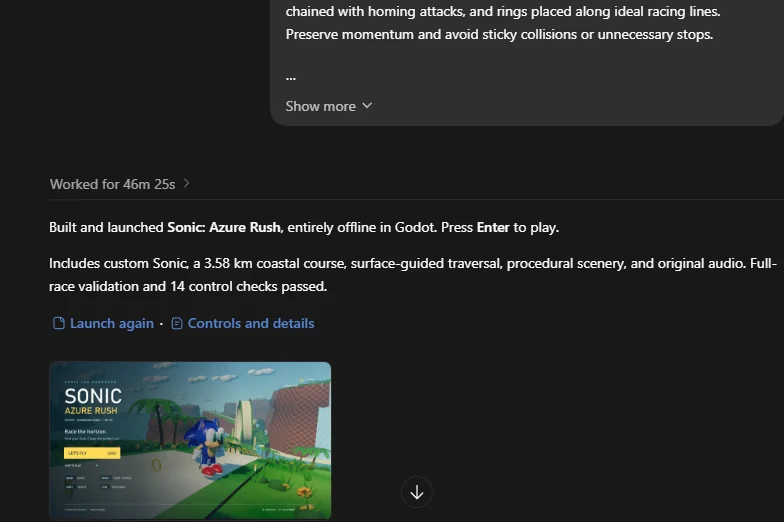
Build a polished Sonic-inspired 3D level in Godot using local and procedural assets. Prioritize momentum, responsive traversal, rings, loops, grind rails and a continuous tropical coast.
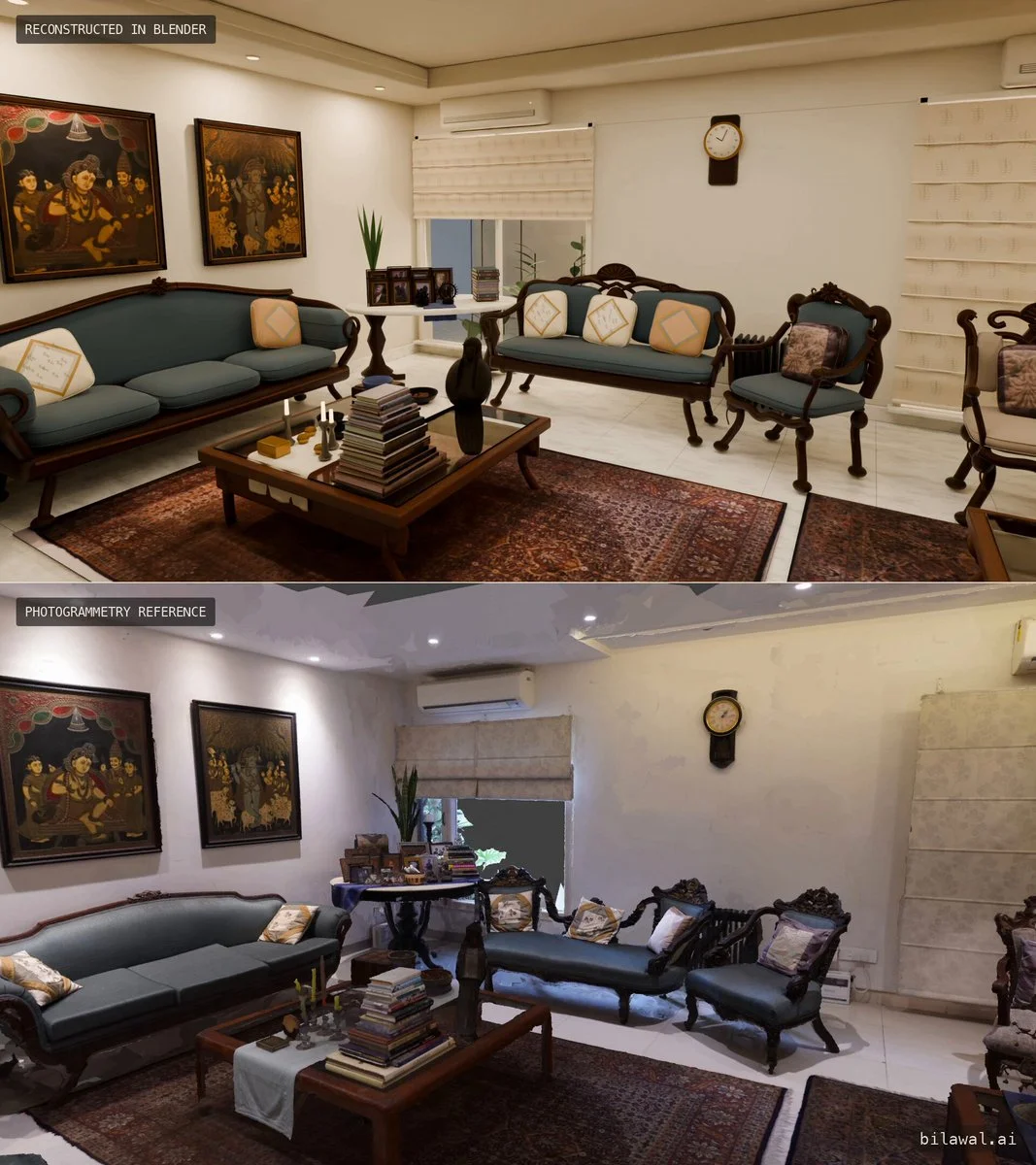
Rebuild a living room in Blender from a photogrammetry scan. Model the scene from scratch, source textures from the scan and use procedural shaders where appropriate.
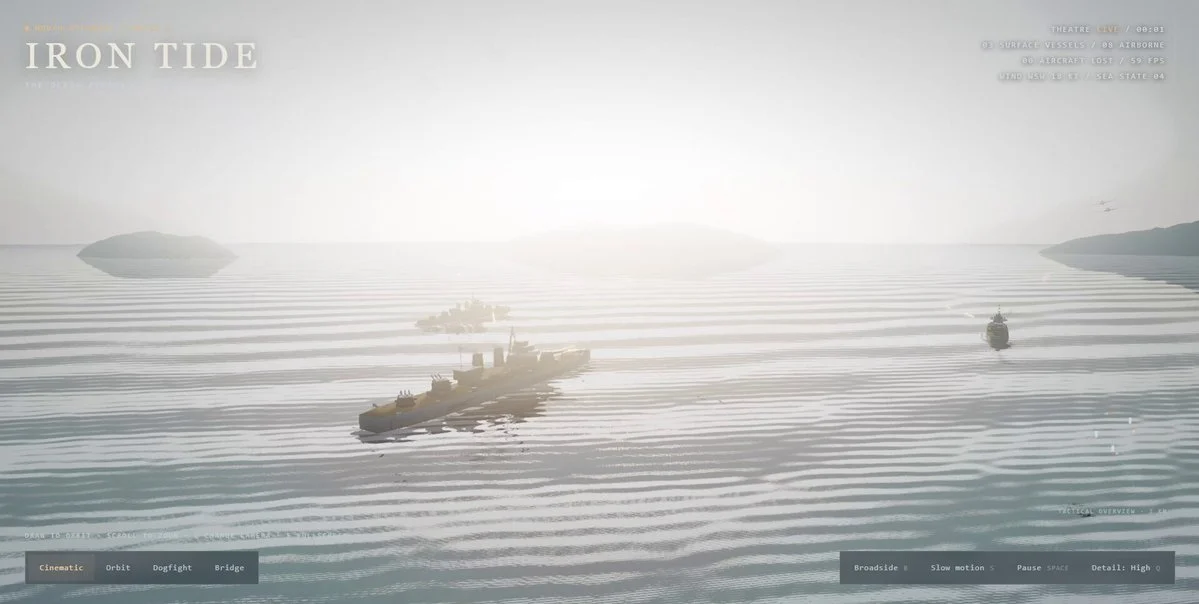
Create a detailed naval battle in Three.js in one turn. Include several distinct ships, physically convincing water interaction, wakes and spray, aerial action, explosions, cinematic lighting, camera motion and performance-aware rendering.
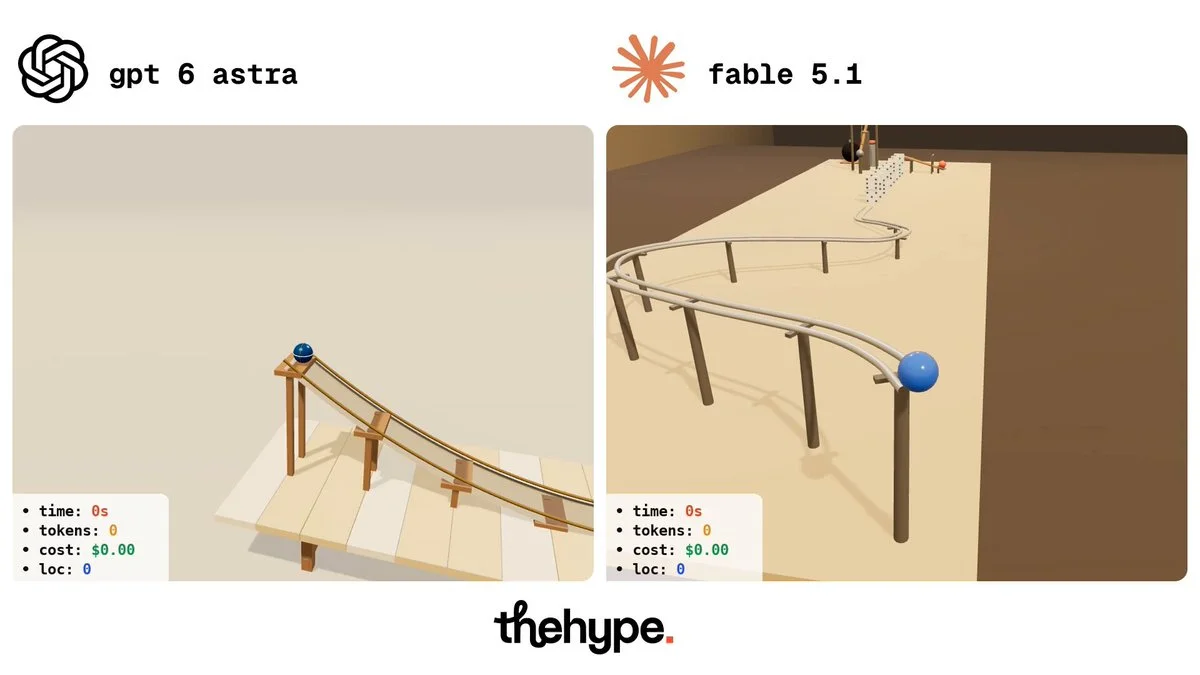
Create a Rube Goldberg machine in a self-contained Three.js HTML file. Use a sequence of mechanical interactions that finally presses a button and triggers a theatrical explosion.
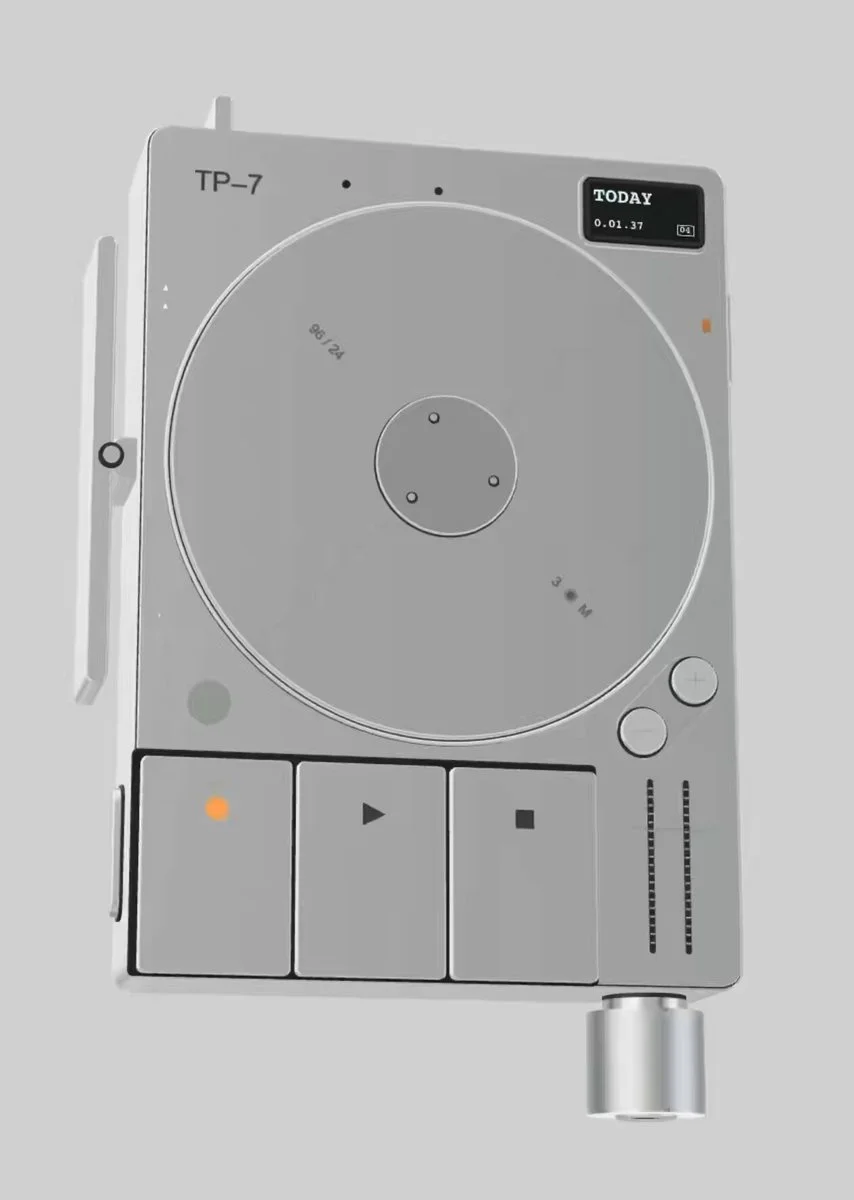
Recreate the Teenage Engineering TP-7 in Three.js from reference images. Match its shape and visible controls in an inspectable 3D model.
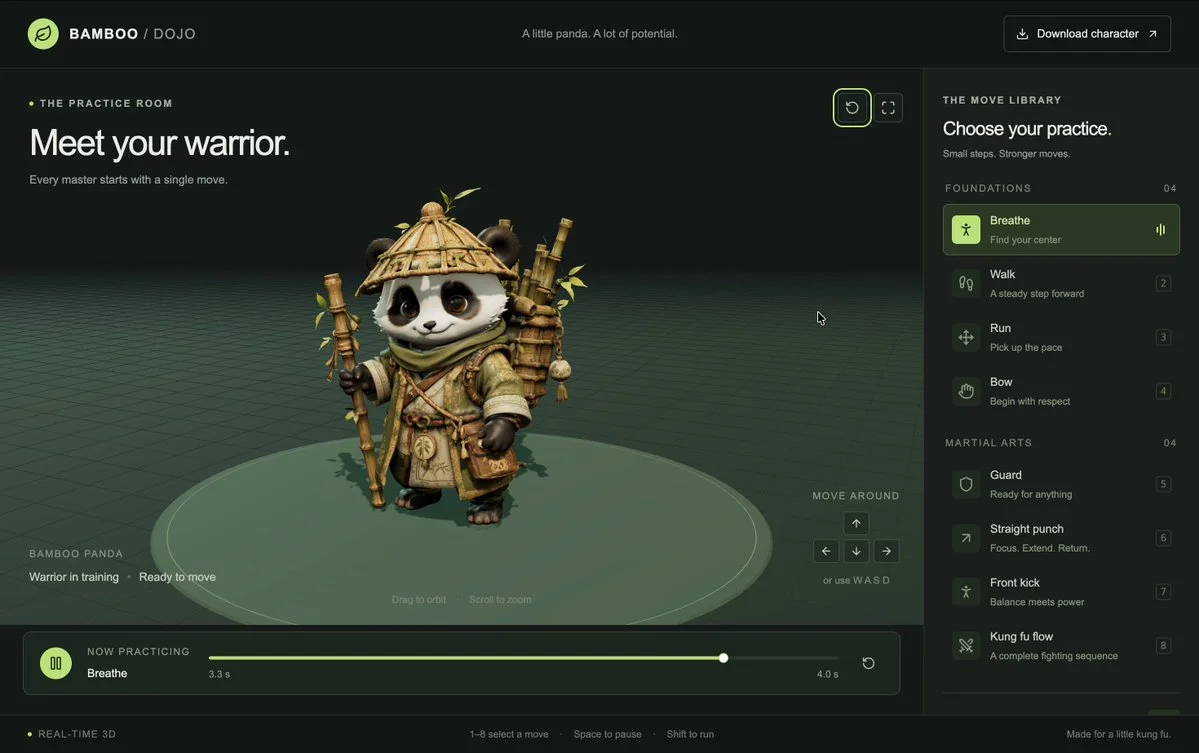
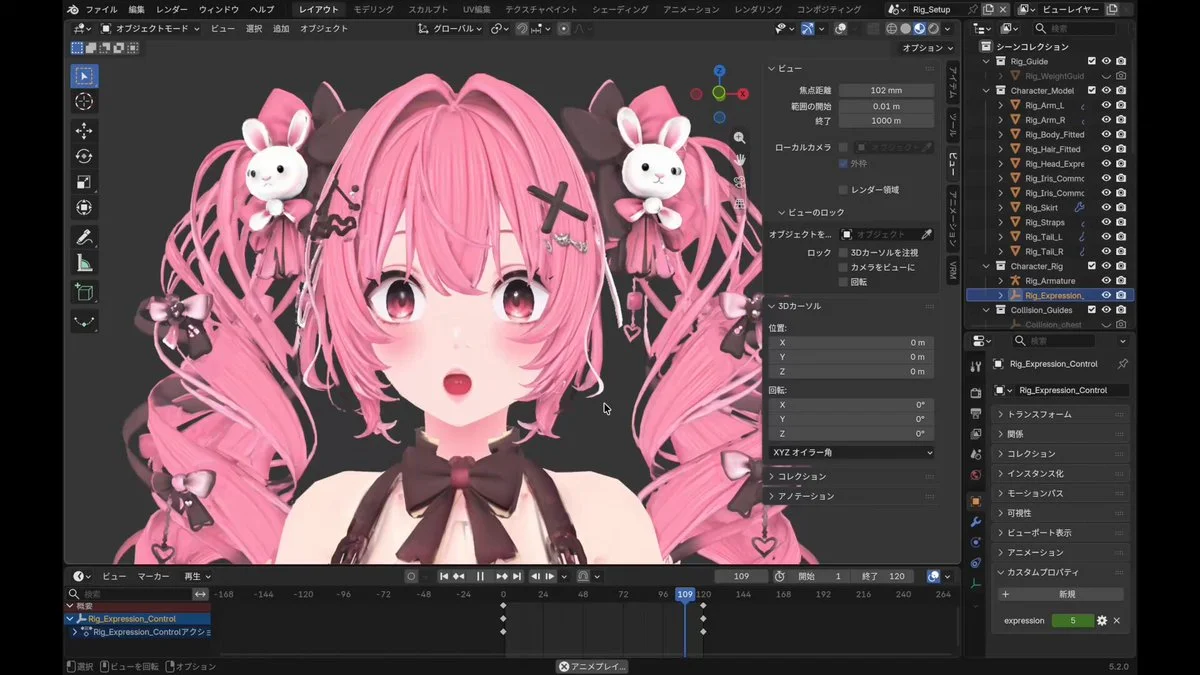
Take the supplied 3D character, create a rig and add walking, running and several kung fu moves. Inspect the animations for broken joints and unstable poses.
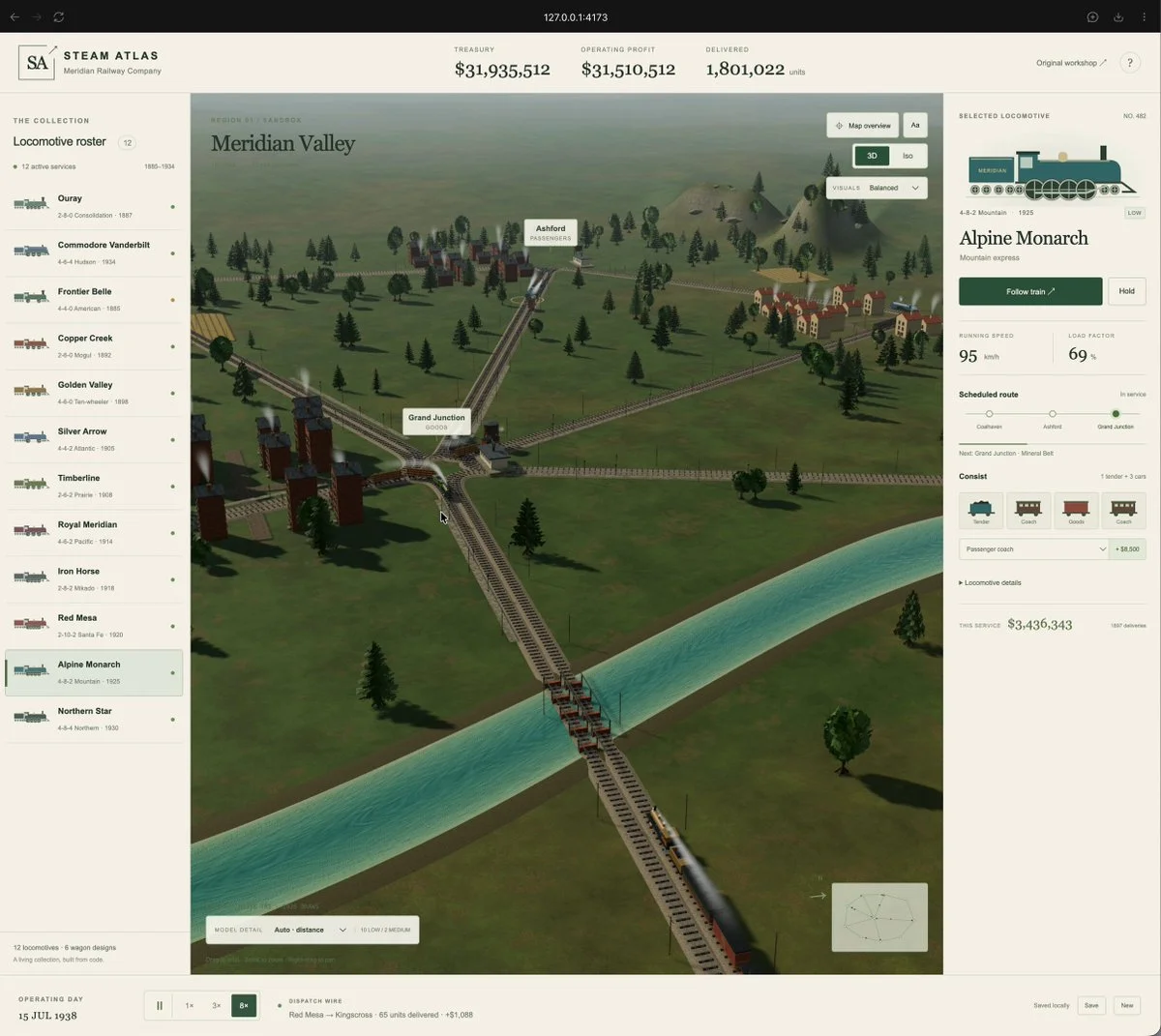
Expand a Three.js train model into a railway simulation with cities, junctions, rivers and bridges. Add train-following, free 3D and isometric cameras, plus smoke effects.
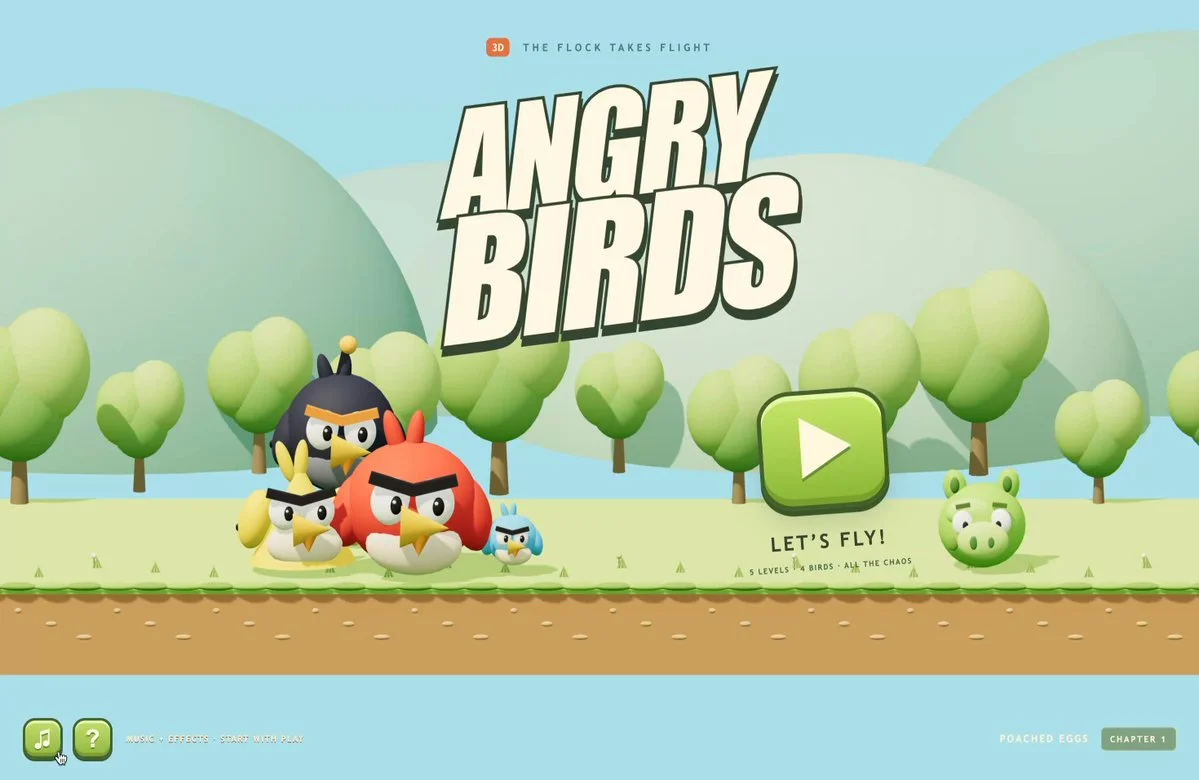
Build a 3D slingshot game with four birds and distinct special powers. Include aim-and-release controls, destructible structures and a replayable scoring loop.
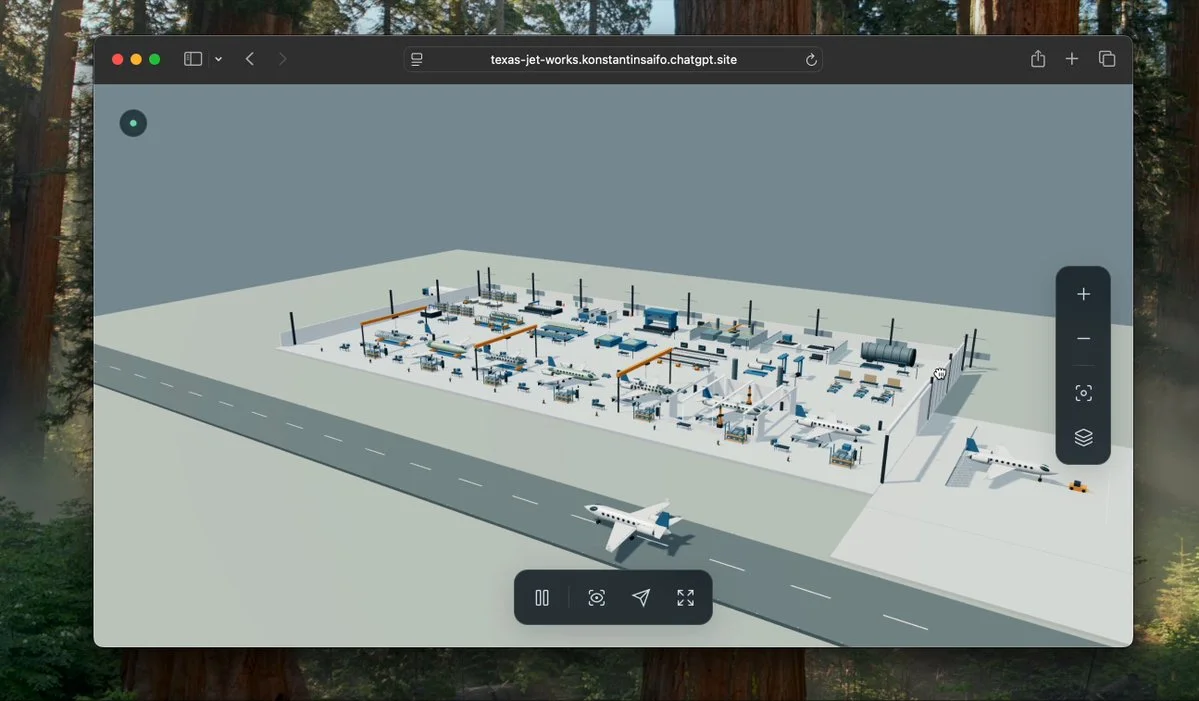
Research aircraft manufacturing and build a live Three.js jet factory simulation. Model machine cycles, production stations, transport and bottlenecks, then test the flow.
Want to inspect the implementation? Filter this collection for GitHub projects, or explore source-code examples across models. Check the repository license before reusing code.
Explore 3D projects with source code ↗3D build walkthroughs
Watch independent creators put each model through a real 3D build, then use the free prompts above to run your own version of the experiment.
Follow Peter Yang’s workflow for four game projects, from reference images and setup to playable scenes and iterative feedback.
YouTube ↗Why this collection
Looking for Astra prompts you can actually build from? Start with a 3D example that matches your task: a Blender model, a Three.js website, a browser game or an explorable world. Each entry pairs a visual result with an author, a source link and a prompt or a clearly identified source-derived brief.
A useful Astra 3D prompt defines what to make, which software to use, what should remain editable and how to check the result. Copy a starting point, change the subject and constraints, then test the same brief with GPT-6 Astra or another model. These are references to adapt, not a guarantee that one prompt reproduces an entire demo.
Best for
01
For an Astra Blender prompt, name the objects, materials, lighting and camera. Ask for separate editable objects and a saved scene, then inspect the render from more than one angle.
02
For an Astra Three.js prompt, describe the scene, mouse and touch controls, loading behavior and a target device. Include a playable loop when making a browser game.
03
Use the Unreal Engine and Unity examples to plan explorable worlds. Specify scale, collisions, camera movement and the files you need; a showcase video alone does not prove a project is ready to ship.
Prompt recipe
State which objects must remain separate, named and editable; otherwise a visually convincing shell may still be unusable.
Ask the model to run the scene, inspect visible failures and repeat until concrete frame-rate, interaction and layout checks pass.
For large worlds, split the work into districts, assemblies or milestones and approve each section before expanding scope.
Give your next scene a character worth a closer look. Create detailed, textured 3D assets from an image or a few words.
Generate 3D Assets FreeNo. Every entry is labeled. “Verbatim” preserves wording published by the author; “source-derived brief” is a reusable prompt reconstructed from the public demo description. We do not claim access to prompts that were never published.
Use them as references, not model-specific magic words. Keep the outcome and acceptance checks, then adapt the tool, asset budget, camera, controls and output format for Astra, Claude, Kimi or another model.
Use the With GitHub filter to find Astra 3D examples with public code, then open an example for its repository and available live demo. The open-source collection brings these projects together across models. Check each repository’s license and setup instructions before reuse.