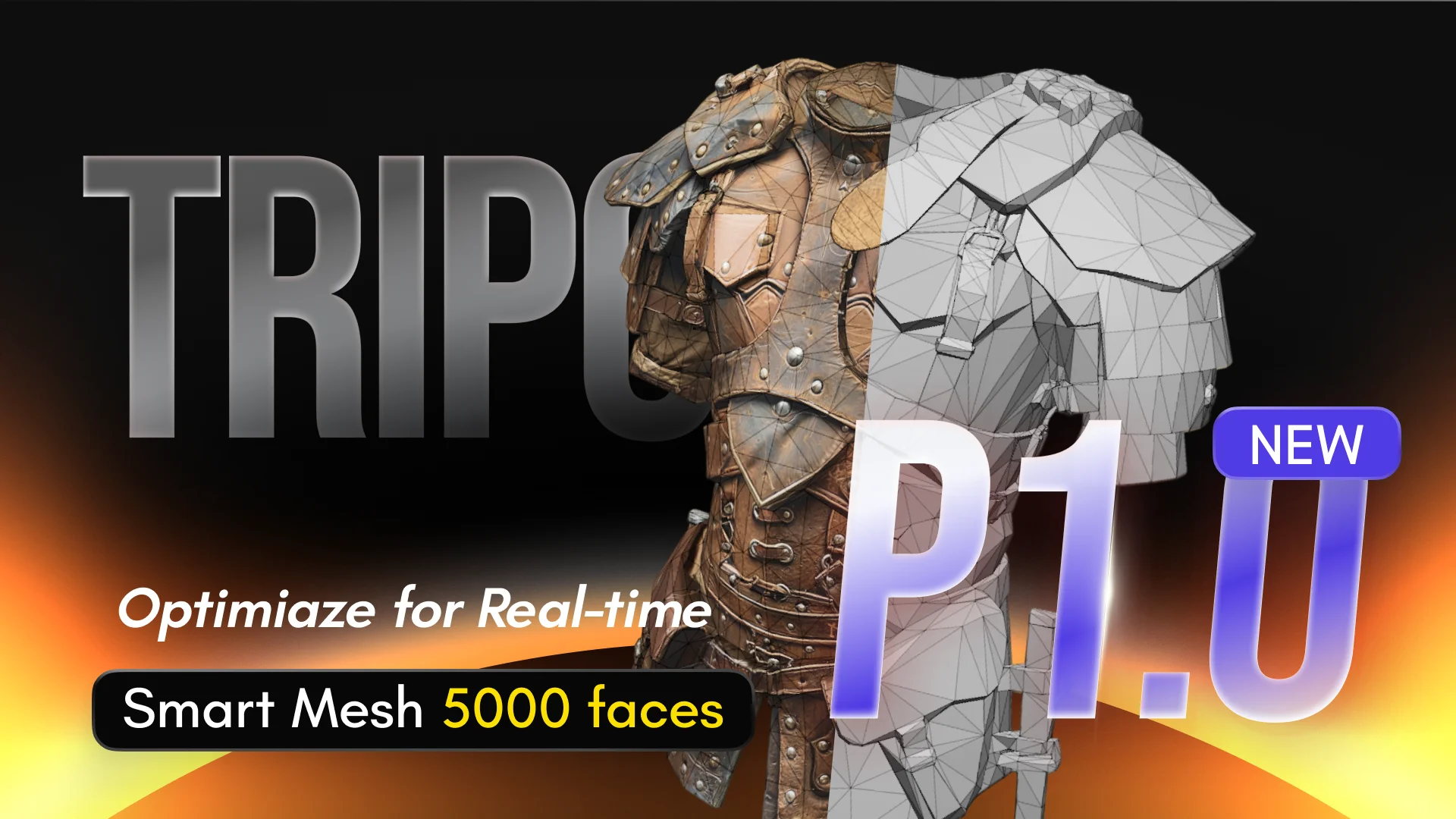
Introducing Tripo Smart Mesh P1.0: Clean Low-Poly Topology in 2 Seconds
Generate clean, optimized topology meshes in seconds with Tripo Smart Mesh. Create lightweight, game-ready 3D models for engines, web, and real-time workflows.

Learn how to install and use the Tripo DCC Bridge for Godot. Send 3D models from Tripo Studio directly into Godot in real time, with support for animations and streamlined import settings.
 Tripo Team
Learn how to install and use the Tripo DCC Bridge for Cocos. Send 3D models from Tripo Studio directly into Cocos in real time, with support for animations and streamlined import settings.
Tripo Team
Learn how to send 3D models from Tripo Studio to Bambu Studio in one click. No manual download or import needed. Follow the setup steps and troubleshooting tips.
Tripo Team.webp?x-oss-process=image%2Fresize%2Cw_720%2Fformat%2Cwebp%2Fquality%2Cq_80)
Learn how to install and use the Tripo3D Unreal Engine Bridge to send models directly from Tripo Studio to Unreal Engine. Follow this quick setup guide for a faster UE workflow.
Tripo Team
Explore how to install and use the Tripo DCC Bridge for Maya, connect Tripo Studio to Maya, export 3D models directly, and troubleshoot common plugin issues.
Tripo Team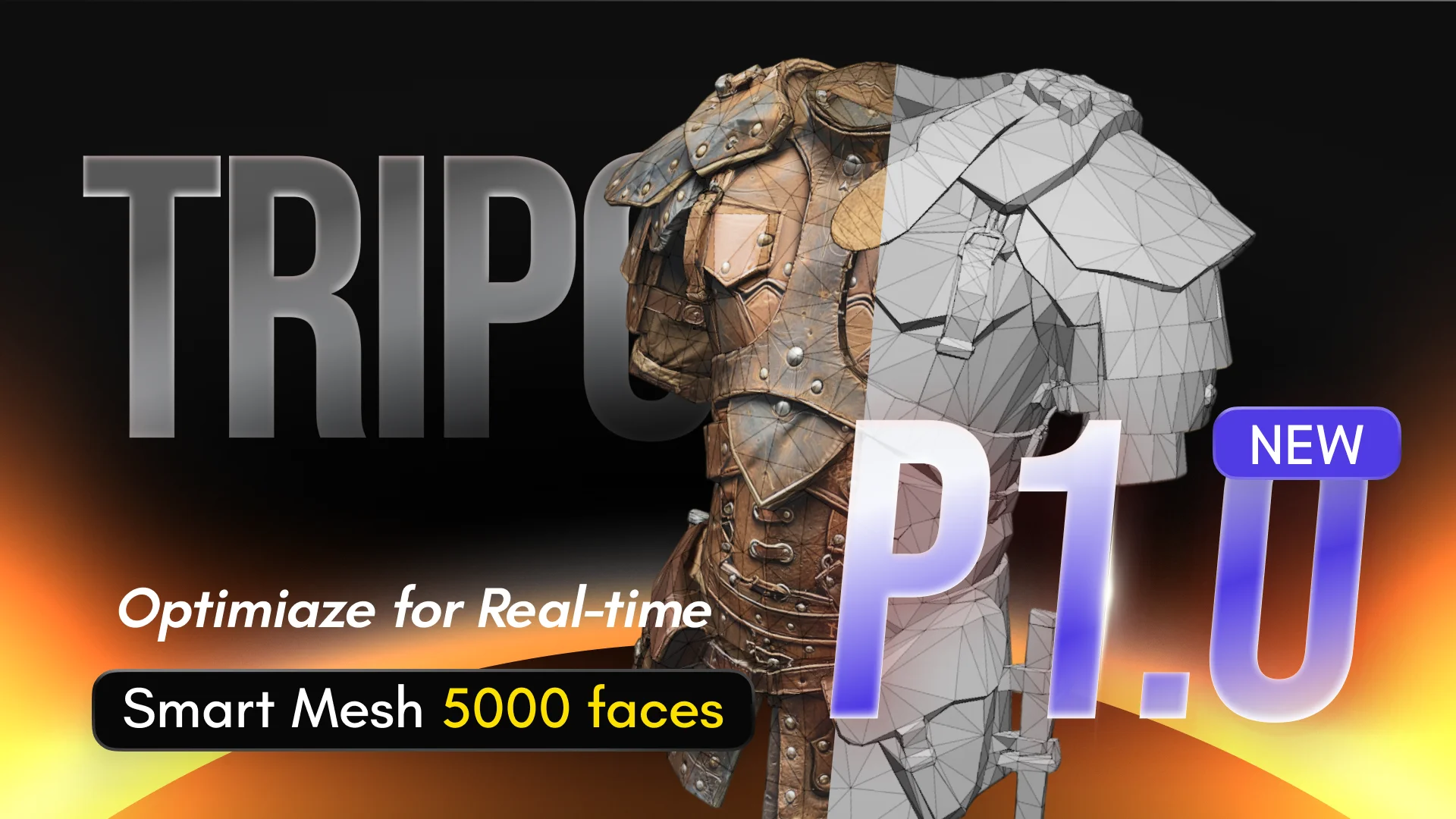
Generate clean, optimized topology meshes in seconds with Tripo Smart Mesh. Create lightweight, game-ready 3D models for engines, web, and real-time workflows.
Tripo Team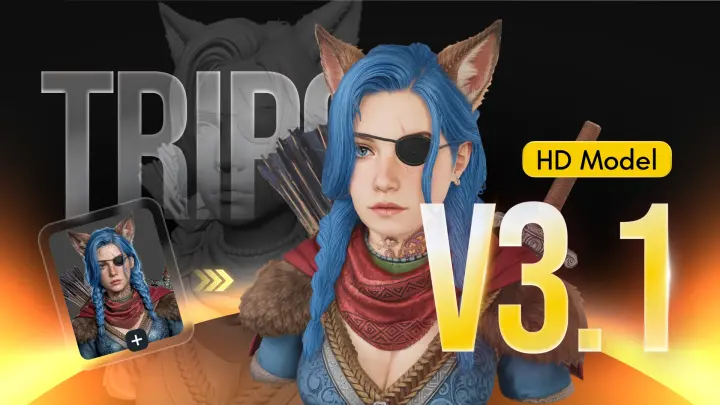
Tripo H3.1 generates high-fidelity 3D models with dense geometry and production-level detail, ideal for hero assets, marketing visuals, rendering, and 3D printing.
Tripo Team
Learn how to install and use the Tripo3D 3ds Max Bridge to send models directly from Tripo Studio to 3ds Max. Follow this quick setup guide for a faster 3D workflow.
Tripo Team
Tripo3D Unity Bridge is a lightweight Unity plugin that connects Tripo Studio to your Unity editor, letting you send models from the browser straight into your project with one click—no manual downloads or imports required.
Tripo Team
Discover Tripo AI at GDC 2026 at Booth #1141 in Moscone Center. Join live talks, lucky draws, giveaways, and meet the team from March 11–13.
Tripo Team
Install Tripo DCC Bridge for Blender (4.1+) and send models from Tripo Studio to Blender in one click—no downloads, imports, or extra steps.
Tripo Team
Render dynamic scenes efficiently with DMiT, using deformable mipmapped tri-planes for high-fidelity, multi-resolution novel view generation.
Tripo Team