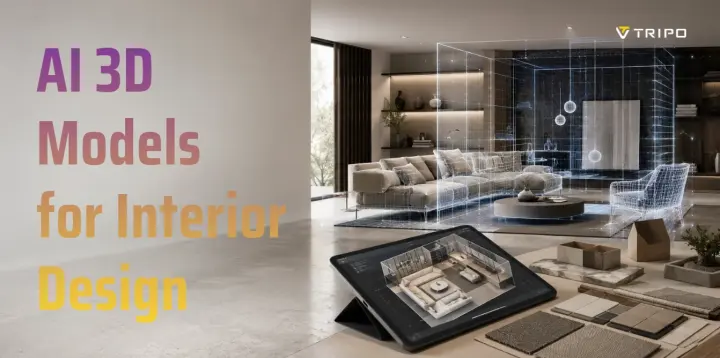
AI 3D Models for Interior Design: Generate, Stage, and Visualize Any Room
TL;DR
- AI 3D models help visualize furniture, decor, and room layouts before production.
- They can be generated from text prompts, photos, sketches, or product references.
- Designers use them for staging, renovation planning, e-commerce displays, and VR walkthroughs.
- A practical workflow is generate, preview, stage, export, and refine in render tools.
- Tripo AI Studio creates interior assets, while Pricing helps choose the right plan.
Before renovating a room, buying furniture, or staging a property, it can be hard to imagine how the final space will look. Mood boards and product photos help, but they rarely show scale, depth, materials, or how objects fit inside a real room. That is where AI 3D models for interior design help. This guide explains what they are, why they matter, and how to generate them for interior visualization.
What Are AI 3D Models for Interior Design?
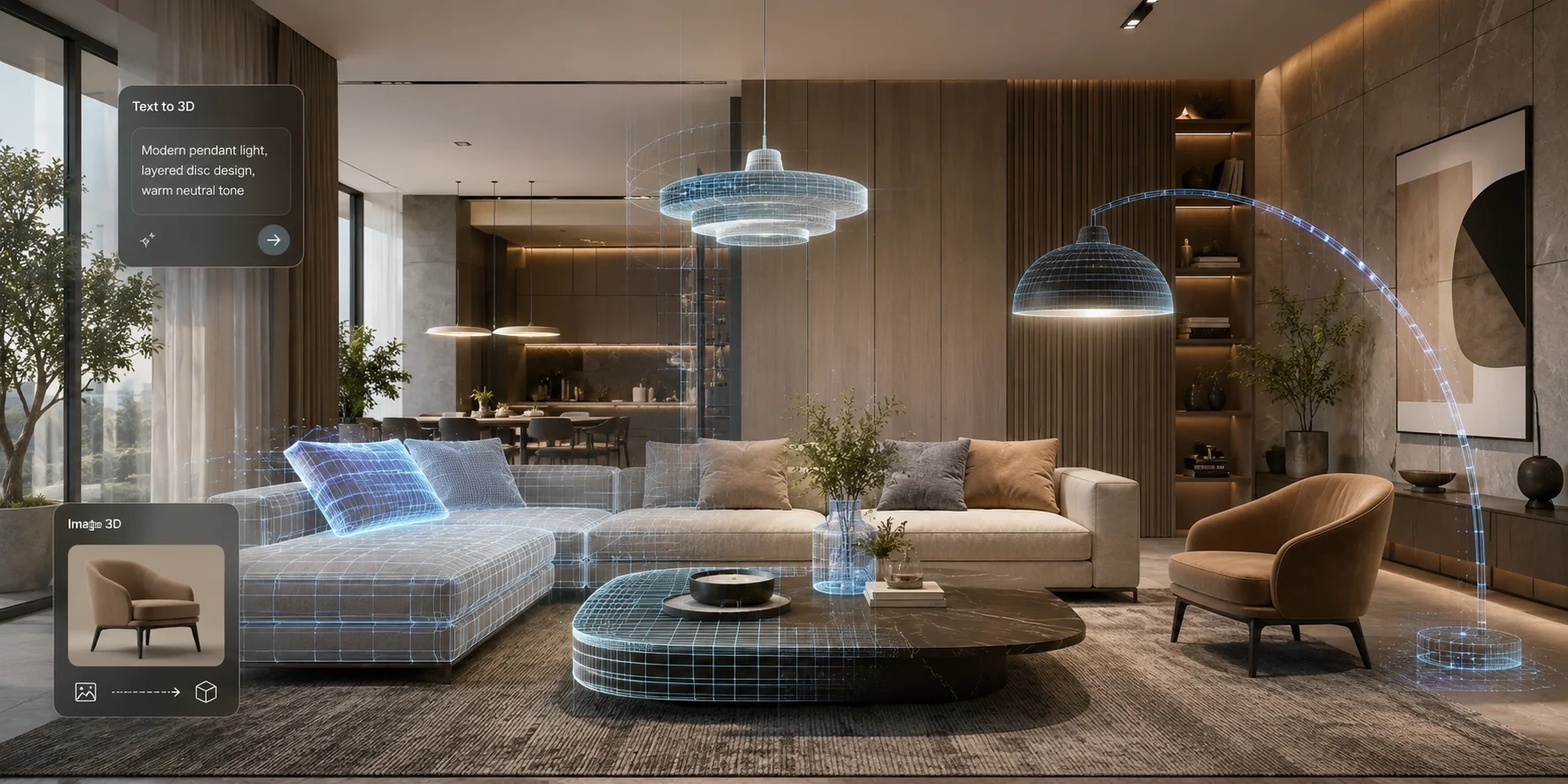
AI 3D models for interior design are three-dimensional assets generated or assisted by artificial intelligence for room visualization, staging, rendering, and design planning. These assets can include furniture, lighting, decor, plants, wall panels, architectural details, and other objects used in interior scenes.
There are two common creation methods. Text-to-3D generates a model from a written prompt, such as "modern walnut coffee table with rounded edges." Image-to-3D creates a model from a product photo, sketch, or reference image.
The output can often be exported as GLB, OBJ, or FBX, then imported into Blender, Unreal Engine, SketchUp, or other visualization tools. An AI 3D Model Generator helps turn ideas or references into editable 3D assets faster than manual modeling.
Why Use AI 3D Models in Interior Design?
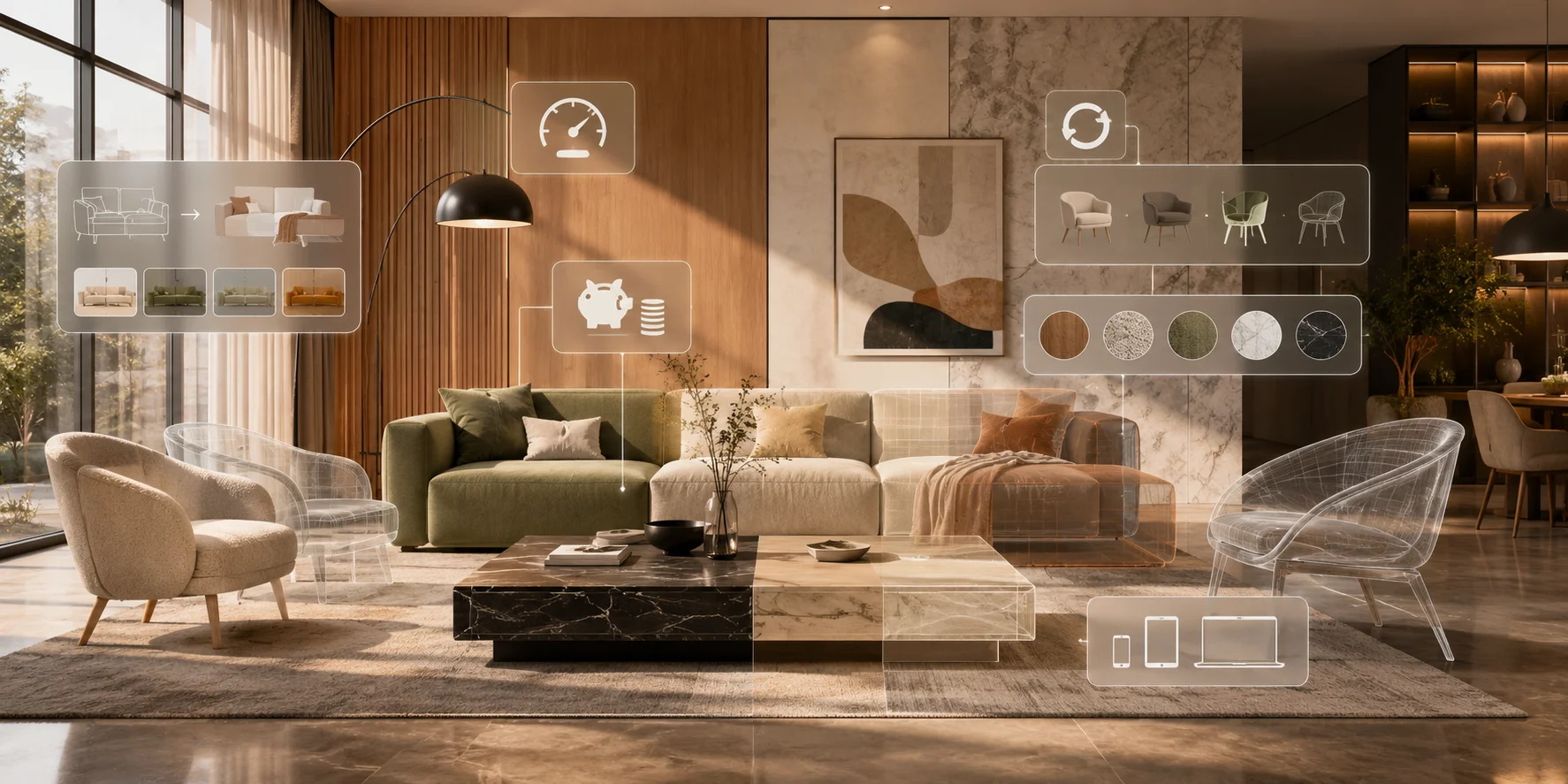
AI 3D models save time by turning chairs, tables, lamps, and decor into usable starting assets in minutes instead of hours or days.
They also reduce cost by helping designers create custom assets from prompts or photos instead of relying only on paid libraries, custom modelers, or product scans.
AI improves iteration, letting designers compare furniture shapes, materials, colors, and styles before choosing a layout. It also makes 3D creation more accessible for homeowners and non-technical users, while PBR textures help materials look realistic.
The Bottleneck in Traditional Interior Design Modeling
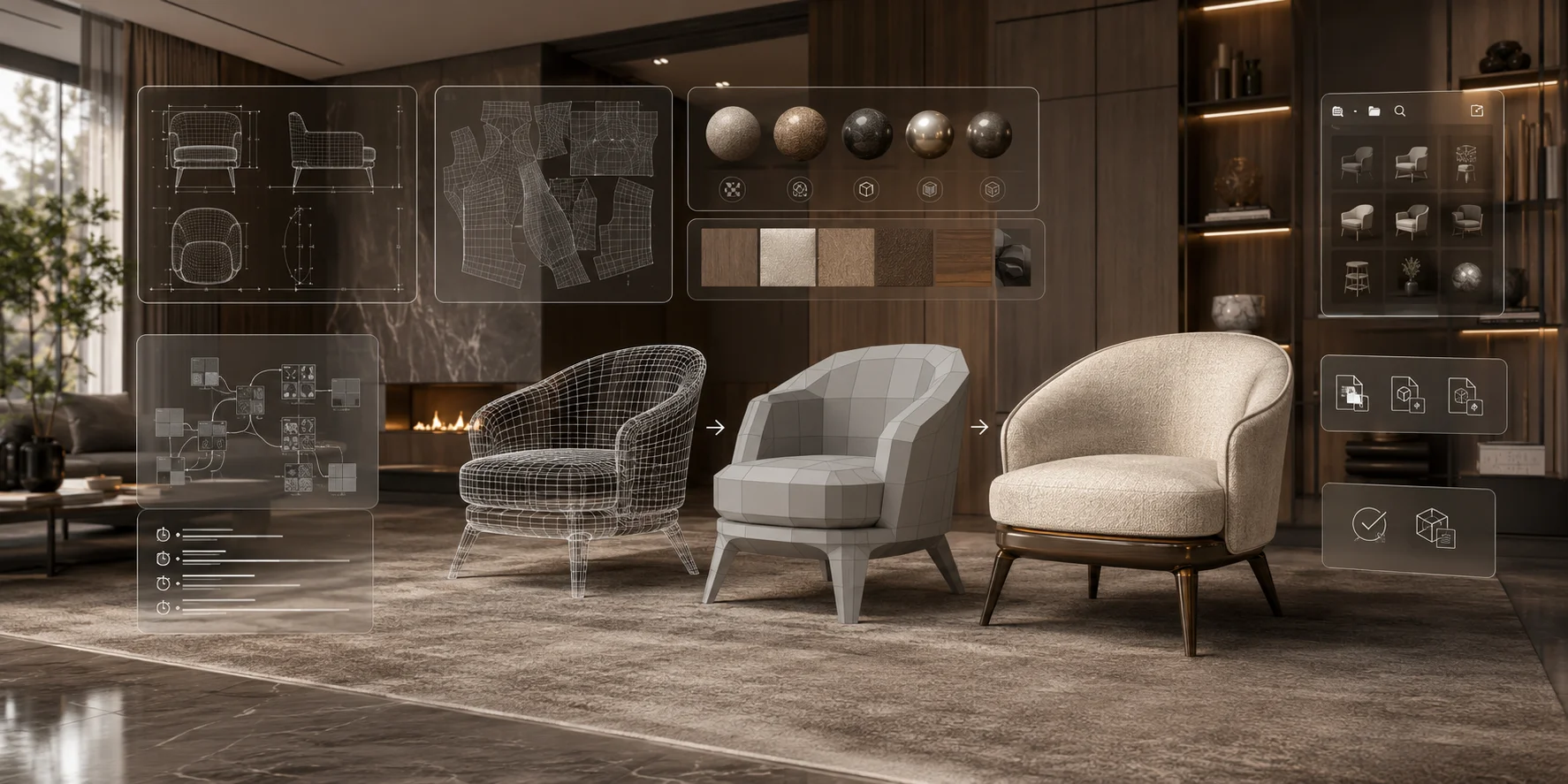
Traditional 3D modeling is powerful, but slow and technical. Tools like CAD, Blender, and SketchUp require practice, and creating clean furniture models can take months to learn.
A single detailed asset may require modeling, UV mapping, material setup, texture work, and export preparation. Licensing can also be difficult when asset libraries do not match the project's usage rights, format, scale, or material setup. AI does not replace professional modeling, but it reduces friction during early design and visualization.
How to Generate AI 3D Models for Interior Design - Step by Step
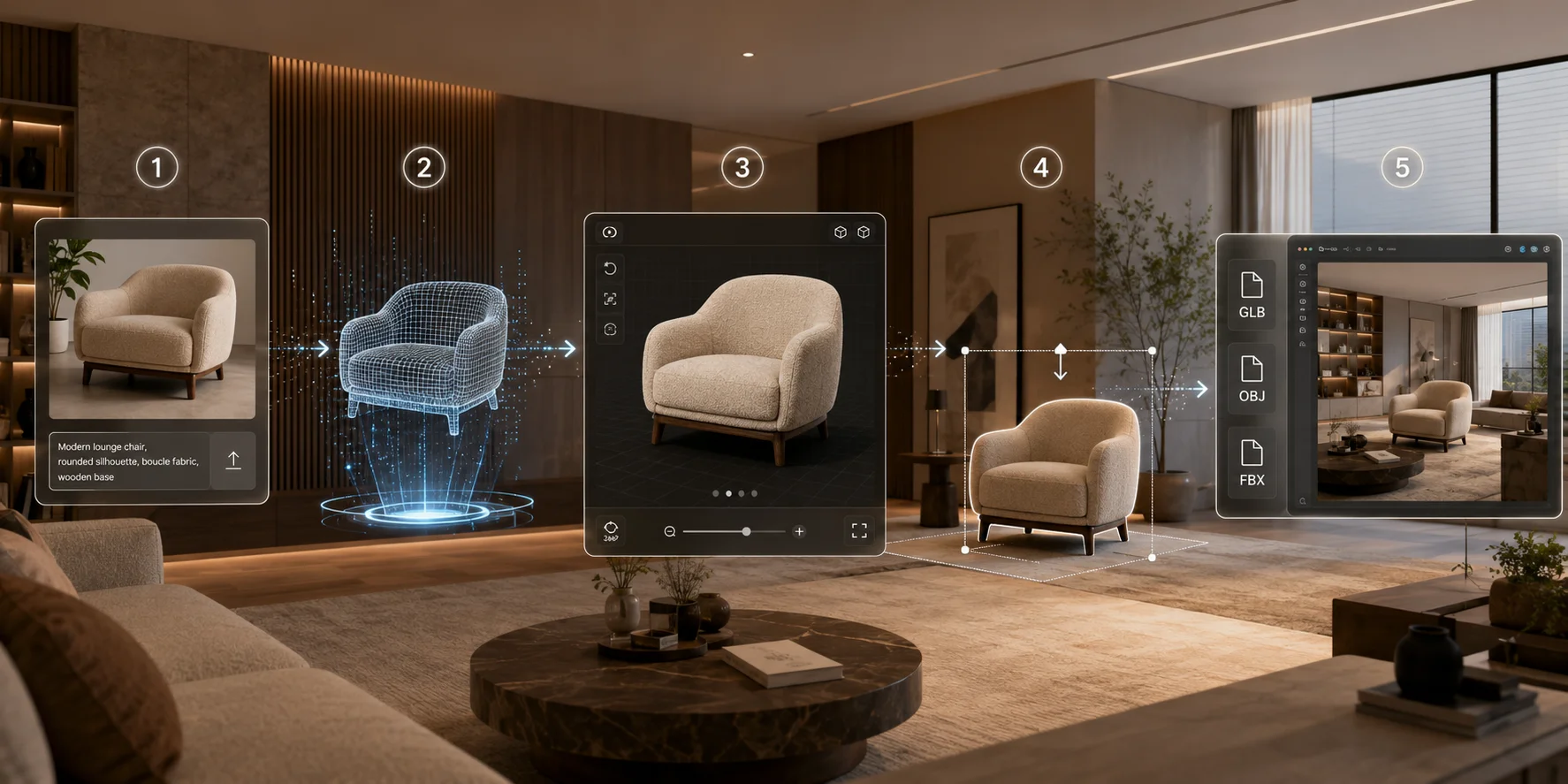
Step 1 - Upload or Describe Your Object
Start with either a furniture photo or a clear text prompt. For example, upload a product image or describe the asset as "mid-century modern sofa in olive green."
Step 2 - Generate the 3D Model
Use Tripo AI to generate the 3D model from your photo or prompt. The result can include geometry and PBR-style textures, giving you a usable starting asset for interior visualization.
Step 3 - Preview and Refine
Open the model in the built-in 3D Viewer to rotate, zoom, and inspect it from different angles. Check the shape, scale, texture direction, and overall proportions before using it in a scene.
Step 4 - Stage the Scene
Import the generated model into your interior layout or render tool, then adjust its scale, position, and rotation so the furniture or decor fits naturally in the room.
Step 5 - Export to Your Render Tool
Export the asset as GLB, OBJ, or FBX, then import it into Blender, SketchUp, Unreal Engine, or another render tool. For photo-based workflows, Tripo AI's Image to 3D Model feature is especially useful.
Use Cases: From Furniture to Full Room Staging
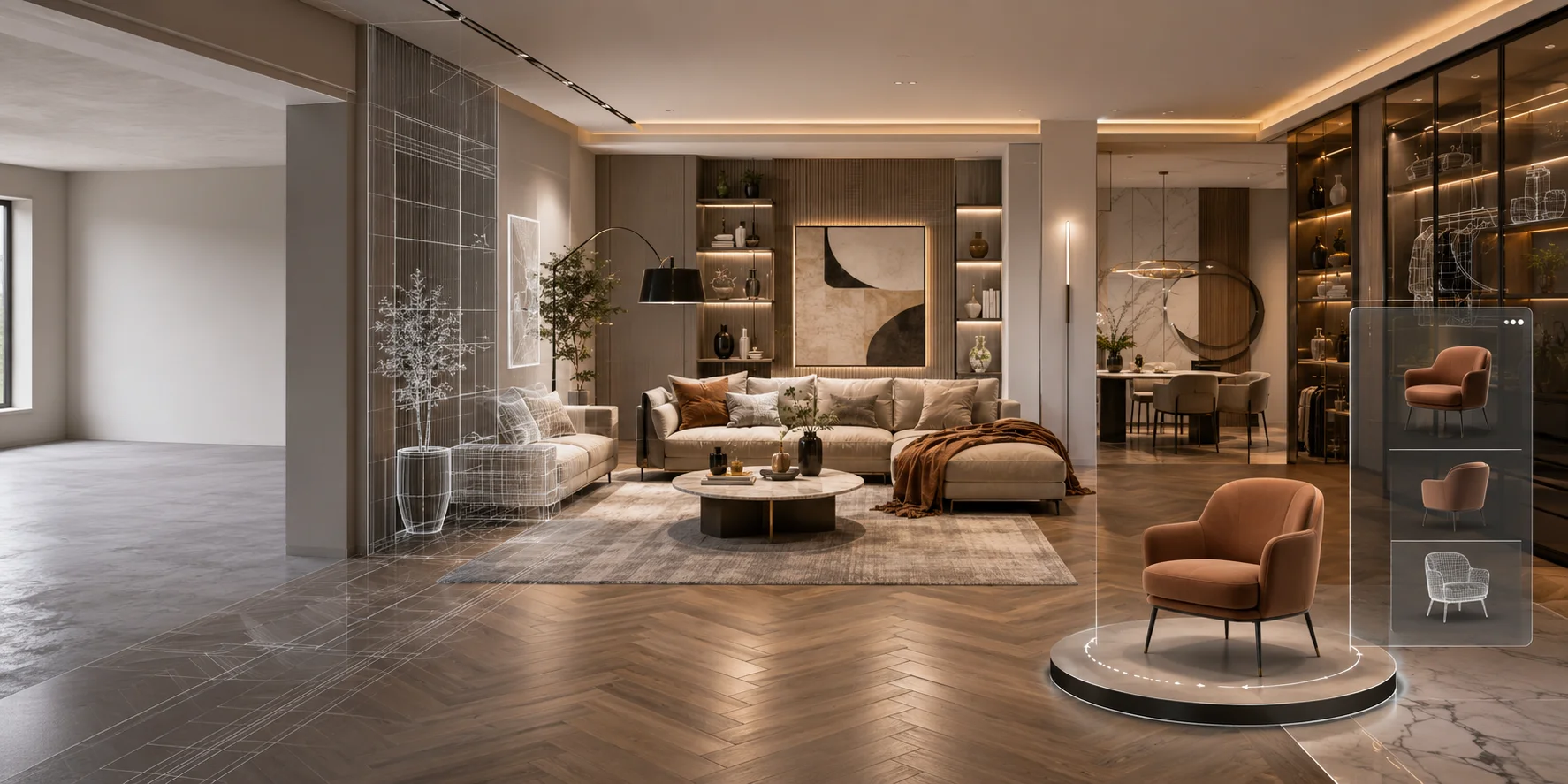
Furniture and decor assets are the most direct use case. Designers can generate chairs, tables, lamps, shelves, rugs, vases, and wall art to quickly fill a room concept.
Room staging for real estate is another strong application. Instead of showing an empty property, agents can use AI-generated furniture and decor to help buyers imagine how the space could look.
Architectural visualization also benefits from faster asset creation. Architects can add custom interior objects, fixtures, and decorative details to make concept renders feel more complete.
E-commerce product display is useful for furniture and home brands. A product can be turned into a 3D model and shown from multiple angles, reducing dependence on traditional photoshoots.
Key Features to Look For in an AI 3D Interior Design Tool
Image-to-3D accuracy matters because interior assets need believable geometry, clear shapes, and realistic proportions.
PBR texture quality is also important. Good AI Texturing helps wood, fabric, leather, metal, and stone look consistent across render engines.
Export formats should match your workflow: GLB for web previews, and OBJ or FBX for 3D software.
Fast generation and a browser-based workflow help designers create many assets without installing complex software.
VR Walkthroughs and Immersive Visualization
AI-generated interior assets can support VR walkthroughs and immersive presentations. After exporting a GLB or FBX model, designers can bring it into Unity or Unreal Engine to build interactive room experiences.
For simpler web presentations, a WebGL viewer can display furniture or decor models directly in a browser. This is useful for remote clients, real estate previews, furniture showrooms, and online design proposals.
Frequently Asked Questions
Which AI model is best at interior design?
The best tool depends on the task. Some AI interior tools focus on room layout and style suggestions, while others focus on image rendering or 3D asset generation. Tripo AI is useful when you need furniture, decor, or object-level 3D assets for interior scenes.
What is the 3-5-7 rule in interior design?
The 3-5-7 rule suggests arranging objects in odd-numbered groups, such as three, five, or seven items. Odd groupings often look more natural and visually balanced. AI tools can help test these arrangements in a 3D scene.
Is there any AI that creates 3D models?
Yes. AI tools can create 3D models from text prompts, images, or sketches. Tripo AI supports text-to-3D and image-to-3D workflows, making it possible to generate furniture and decor assets without manual modeling from scratch.
Is there a free AI to generate interior design?
Some AI tools offer free trials, free credits, or limited free access. You can start with Tripo AI Studio to test AI-generated 3D assets from prompts or reference images before choosing a paid plan.
How do I turn a floor plan into a 3D model with AI?
A floor plan usually needs to be recreated or interpreted in a 3D design or modeling tool before it becomes a 3D layout. Once the layout is ready, you can add AI-generated furniture, decor, and materials to complete the scene.
Can AI-generated 3D models be used in professional render pipelines?
Yes. If the model exports as GLB, OBJ, or FBX, it can usually be imported into Blender, SketchUp, Unreal Engine, or other rendering tools. For professional work, always check scale, topology, texture quality, and material settings before final rendering.
Conclusion
AI 3D models make interior design faster, cheaper, and more visual. Designers can generate furniture, decor, and room assets from photos or prompts, then stage and export them into professional render tools.
Try Tripo AI Studio for free to generate your first interior design asset.
View Tripo AI Pricing to choose the right plan for your workflow.