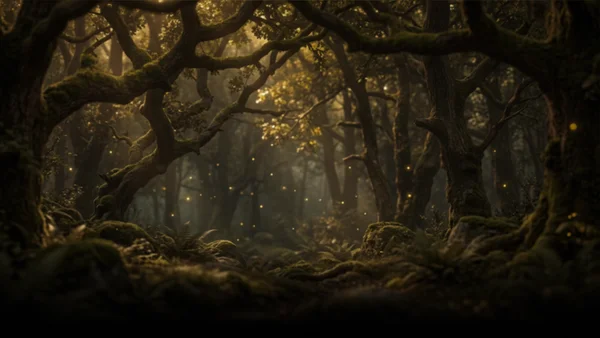










 Text & Image to 3D models
 Free Credits Monthly
 High-Fidelity Detail Preservation
Bring Your 3D Dreams to Reality, From Text or Image
From casual pet photos to creative sketches, generate high-quality 3D assets in seconds. Designed for absolute beginners and industry professionals alike.
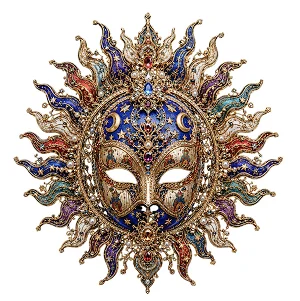
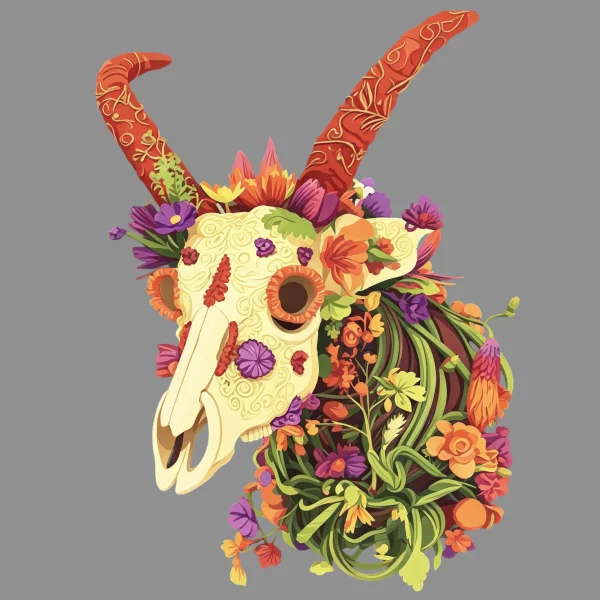
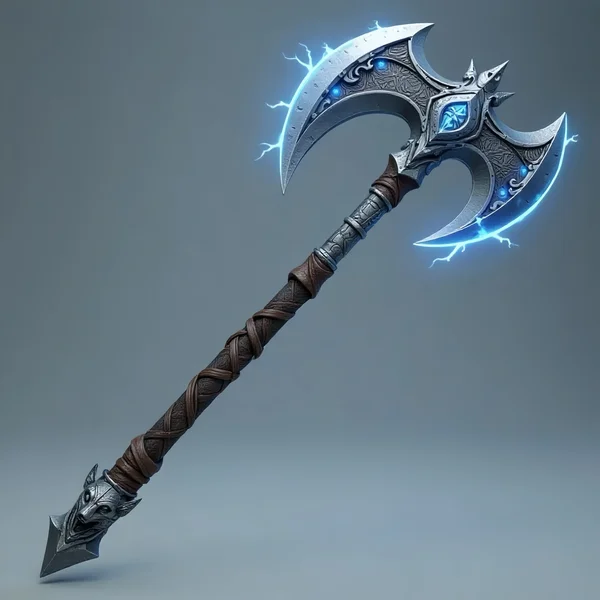
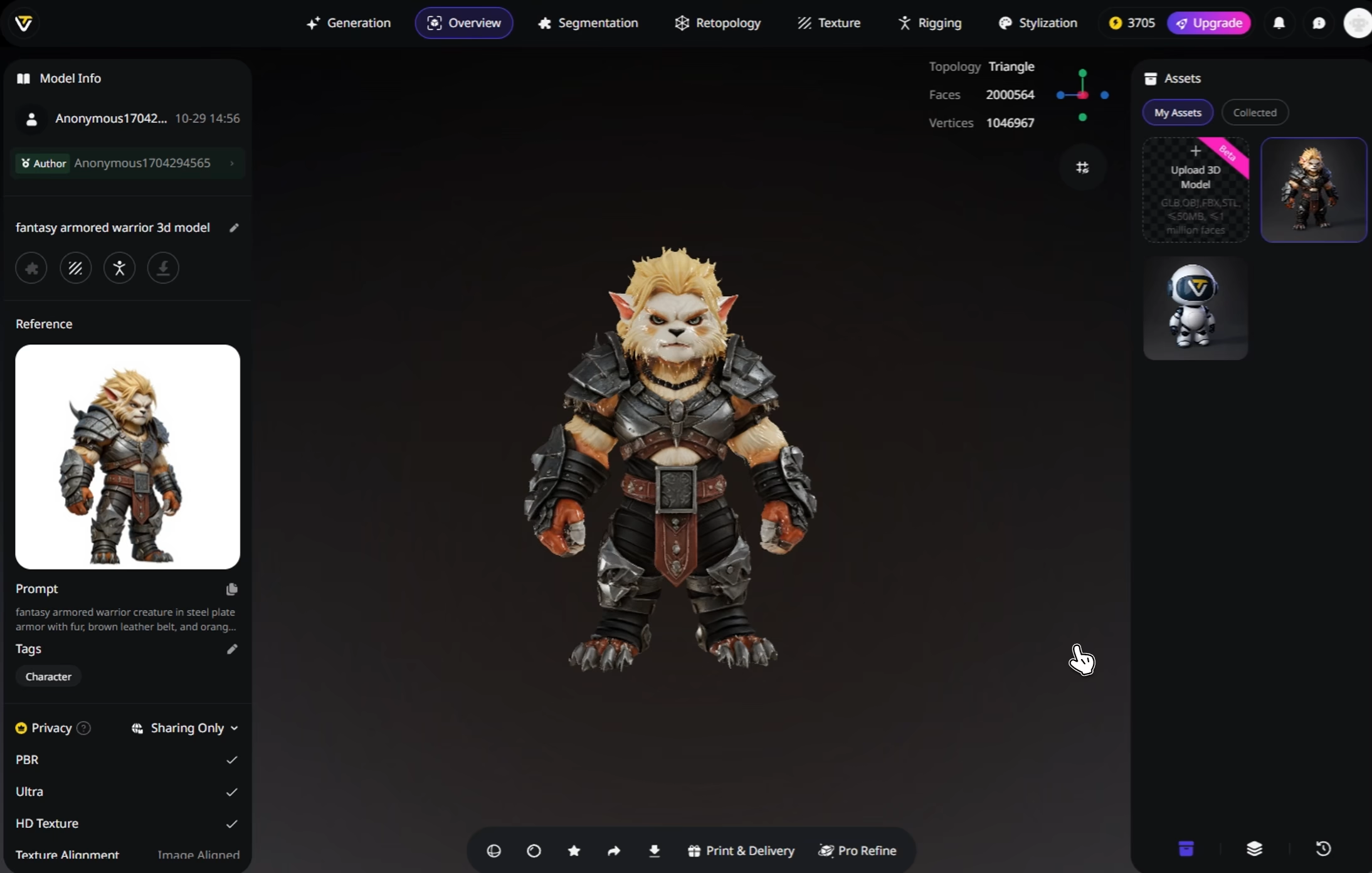
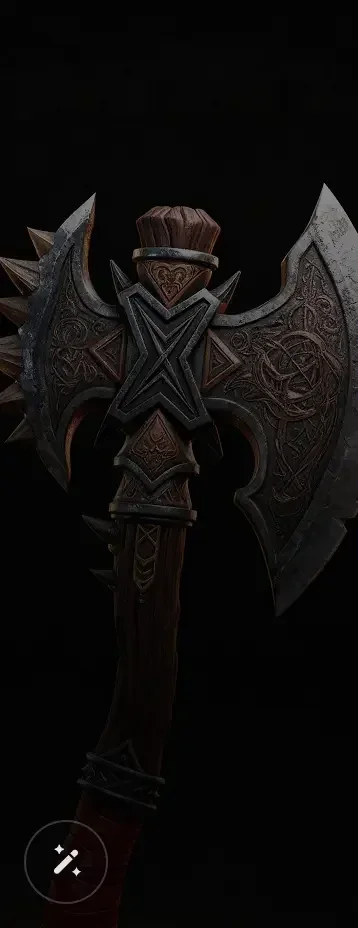
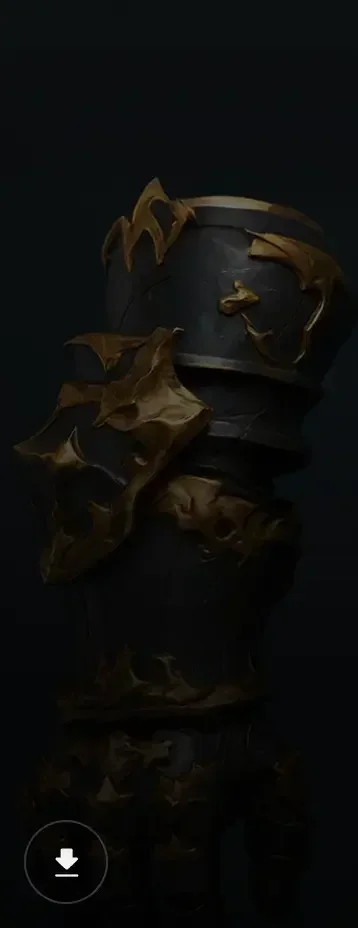
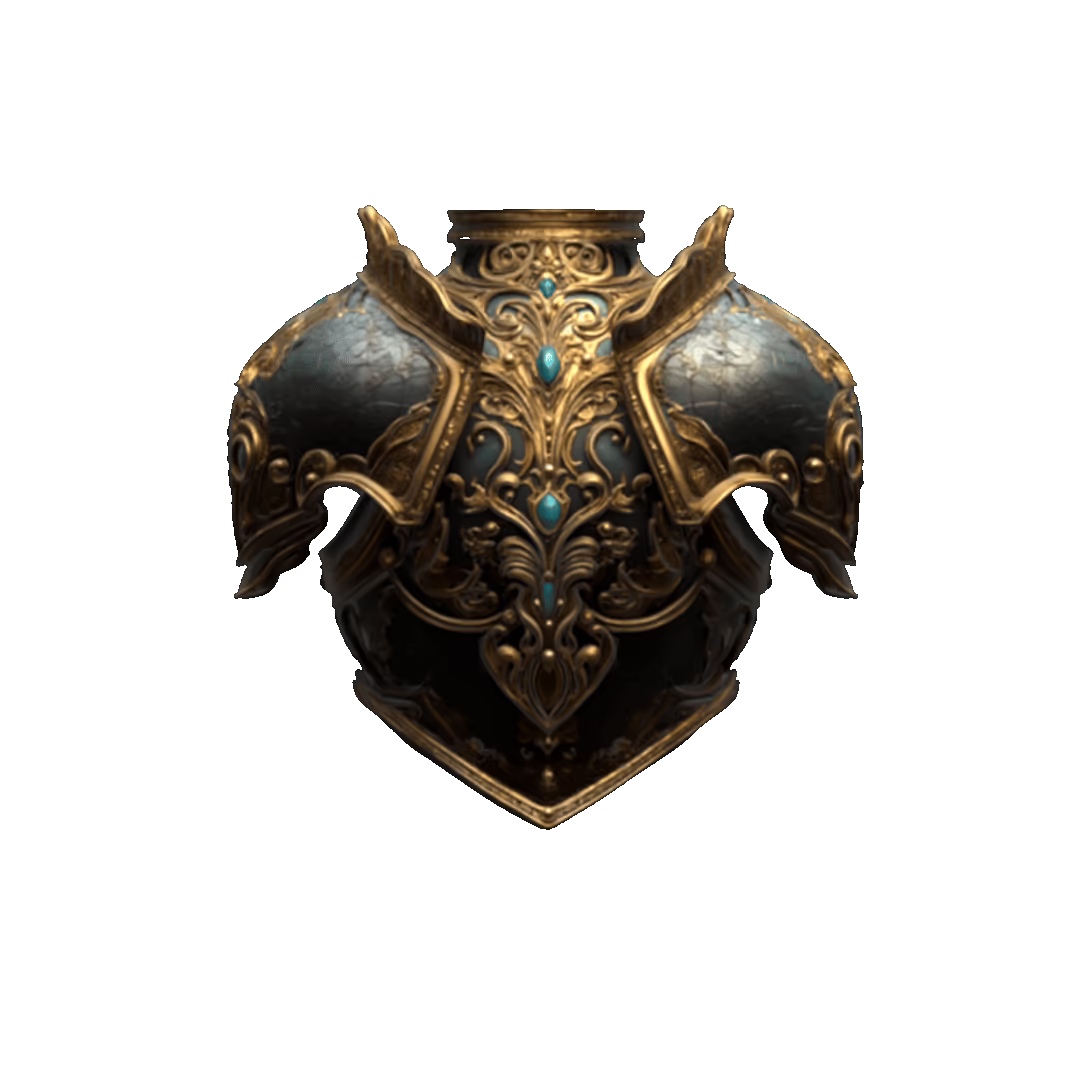
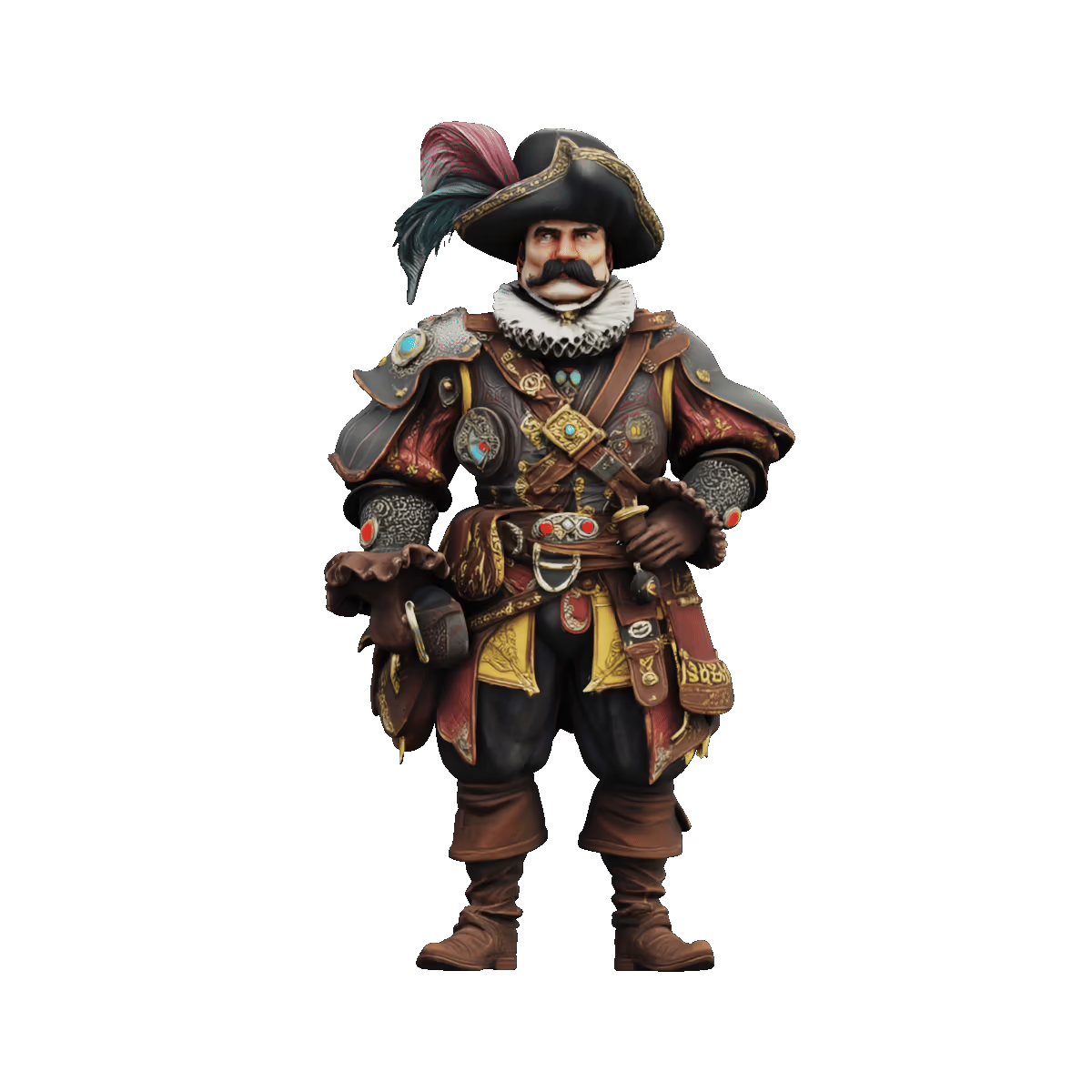
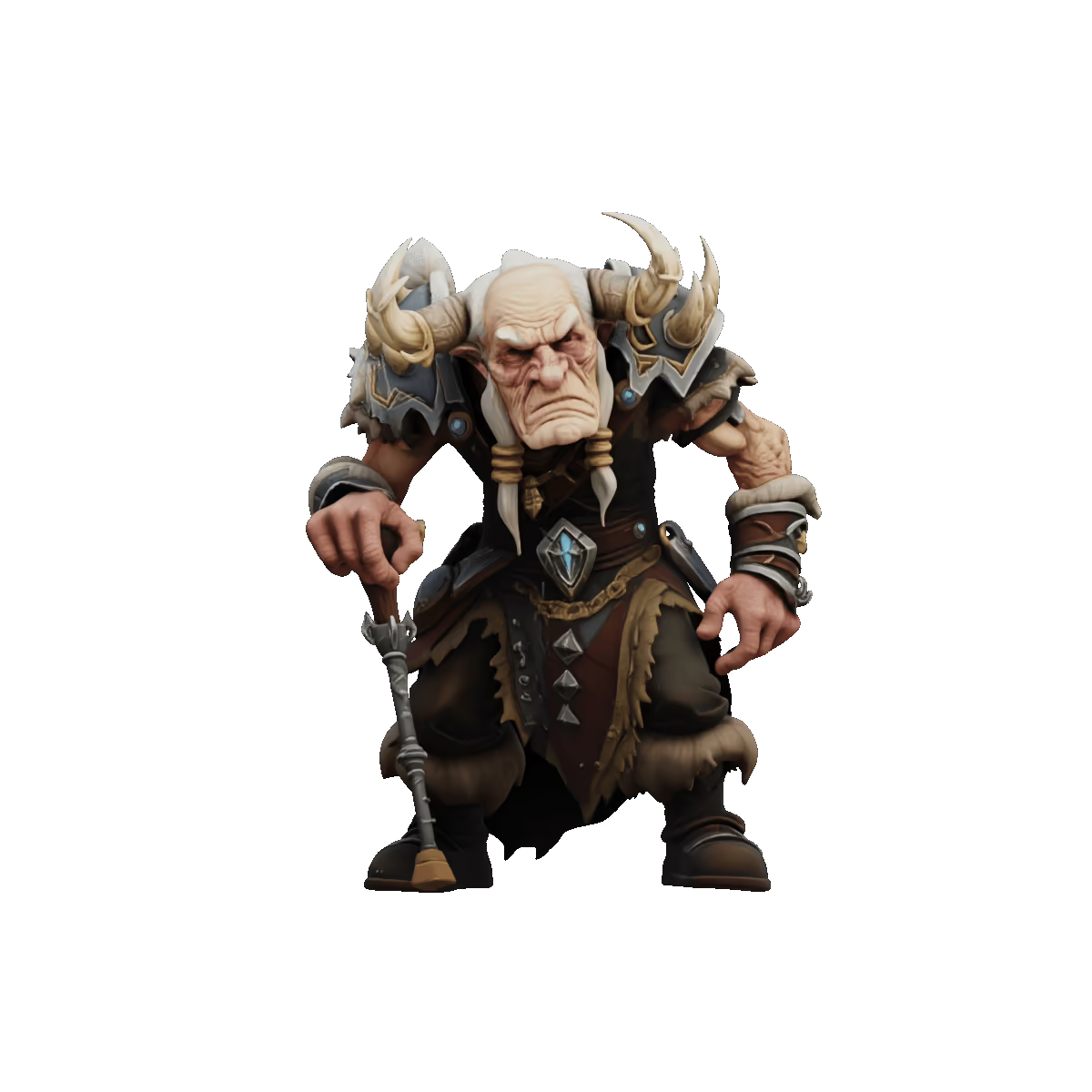
Beautiful 3D Model From Our Users






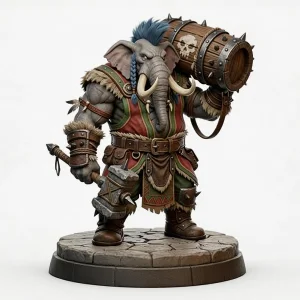
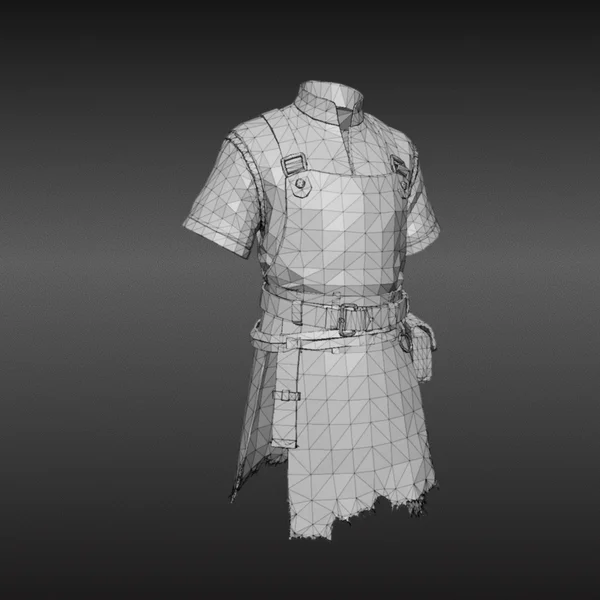
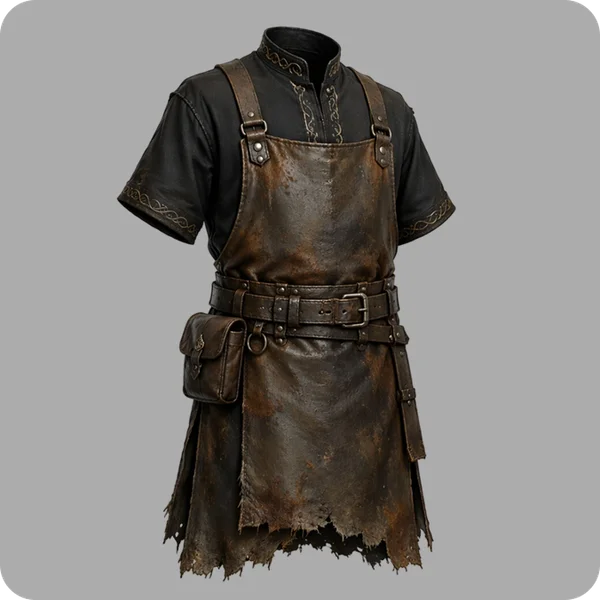
Accurate, Fast, Clean Mesh
Image to 3D Model
Generate 3D models from your source image, providing preserving form, proportion, and detail with strong input alignment and structural precision. Available for single view input/ multi-view input

Text to 3D Model
Generate 3D models from your text prompts. You provide the prompt or sketch—we deliver the precision, proportion, and structure.

Clean Geometry for Editing, Rigging, and Export
Create structured meshes with clear geometry and organized topology, making your 3D model easier to refine, animate, and move into production. Tri-mesh / quad-mesh Available

Rich 8K Textures with Natural Surface Detail
From subtle surface patterns to realistic materials, textures are applied naturally and with depth.

One-Click Segmentation Part Separation
Automatically split complex models into logical parts—head, torso, limbs, or components—without manual work. Tweak individual parts or merge them with ease.

Ai Auto Rigging
Tripo finds the right joints and bones for humans, animals, and stylized characters—no manual setup. From Rigging to Animation. FBX, GLB, or OBJ—your rigged model is ready for Blender, Maya, Unity, Unreal, or Mixamo.
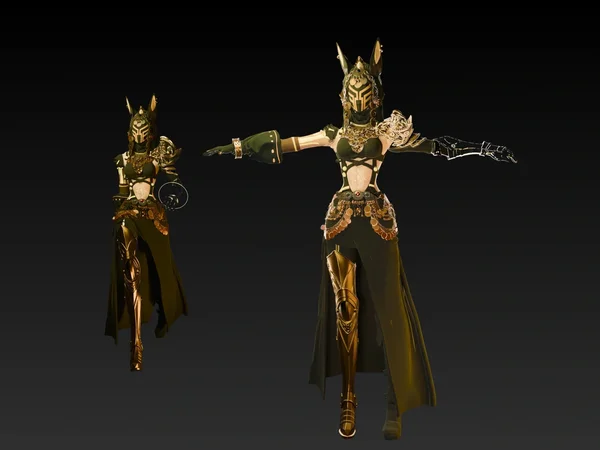
From Raw Models to Creative Styles
Reimagine your models in Lego, Voxel, or Voronoi—fast, fun, and flexible.
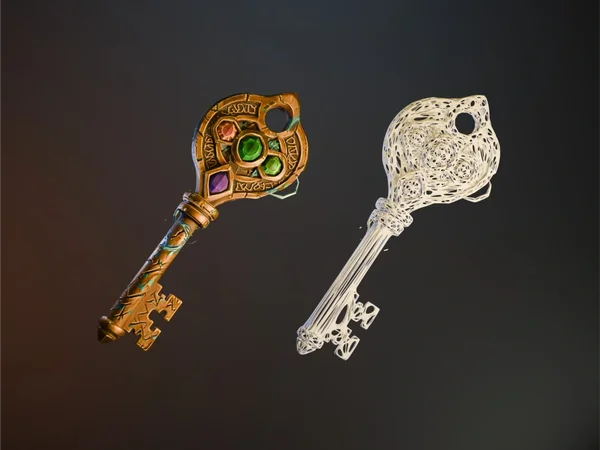
How to Use Image to 3D Feature in Tripo
Upload Your Image
Start with one image or multiple views. Tripo supports common formats such as JPG, PNG, WEBP, and more.
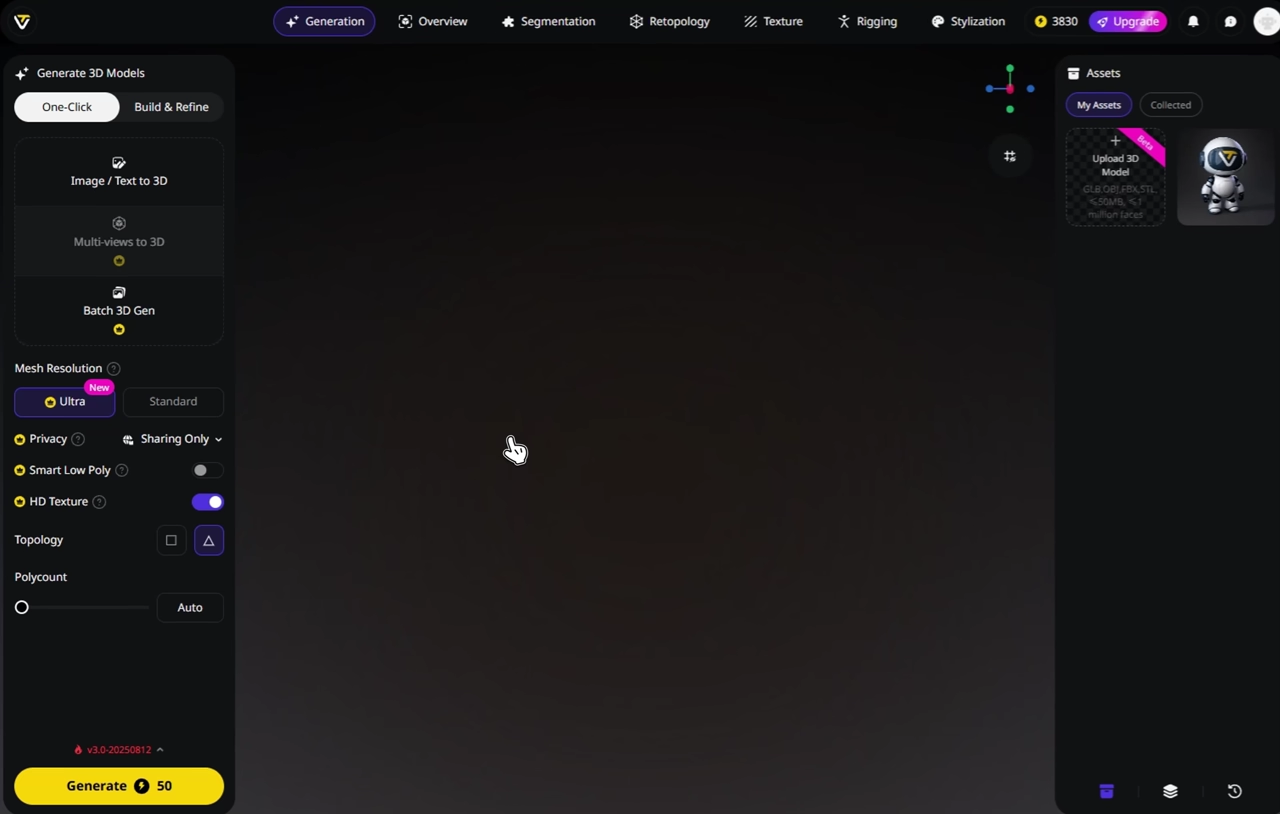
Generate Your 3D Model
Tripo analyzes your image and creates a 3D model in seconds, fast enough for iteration and precise enough for real work.
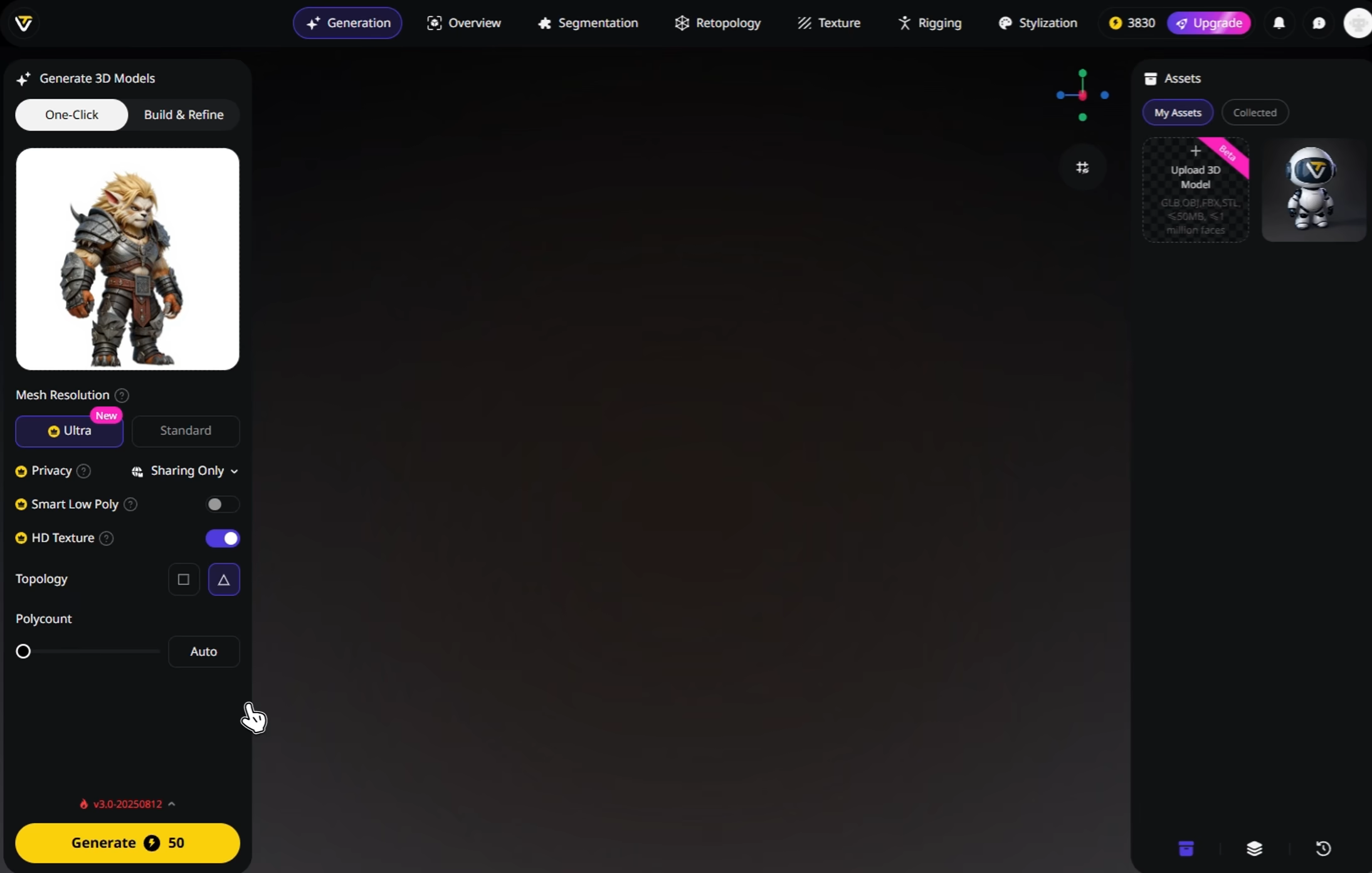
(Optional) Enhance
Refine your result with textures, rigging, animation, or part separation depending on your workflow.
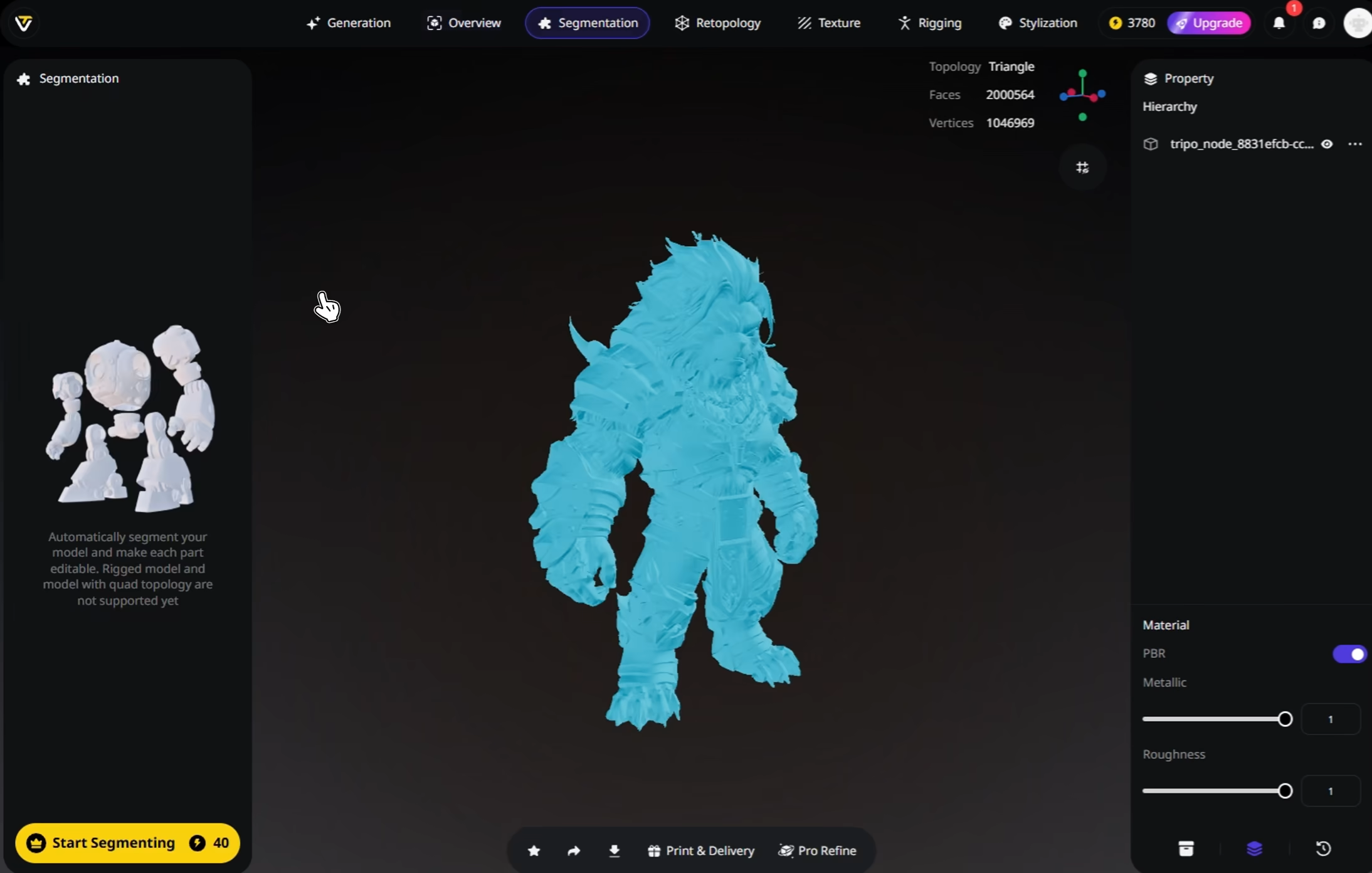
Download and Use Anywhere
Export your 3D model in formats like STL, OBJ, and FBX for use in design, games, prototyping, and more.


Loved by Creators Worldwide
Didn't expect one photo to work so well. My model looked ready in seconds.
Perfect for my design project. Everyone thought I spent days in Blender.
Multi-view mode takes longer but delivers details I can't get anywhere else.
UI is simple, nothing fancy, but the models export clean every time.
Jewelry prototype came out surprisingly crisp, even the tiny parts.
As an indie dev, I saved days of work. Assets dropped right into my game.
Rigging feature is smoother than I expected. Mixamo accepted my model fine.
First time trying AI for 3D. Honestly shocked at how fast it delivers.
FAQ
Stay Ahead with the Latest Trends
Explore trending topics in 3D modeling, AI tools, and the world of 3D creation.
Introducing Tripo H3.1: High Detail Model for Production-Ready Assets
Tripo H3.1 generates high-fidelity 3D models with dense geometry and production-level detail, ideal for hero assets, marketing visuals, rendering, and 3D printing.
Read moreImage-to-3D vs. Text-to-3D: When to Use Each in Your Workflow
This article compares image-to-3D and text-to-3D generation workflows, helping you choose the right method for faster, smarter 3D model creation using Tripo AI.
Read moreTripo 3D Tutorial Center
Systematically master end-to-end workflows of Tripo 3D from beginner to advanced, and learn how to create production-ready 3D assets with greater speed and control.
Read moreIntroducing Tripo Smart Mesh P1.0: Clean Low-Poly Topology in 2 Seconds
Generate clean, optimized topology meshes in seconds with Tripo Smart Mesh. Create lightweight, game-ready 3D models for engines, web, and real-time workflows.
Read moreRelated Features
Explore More on Tripo AI
Image to 3D Model
Upload any image and generate a high-quality 3D model in seconds with Tripo AI. Supports single-view and multi-view inputs.
Learn moreText to 3D Model
Enter text prompts and turn words into fully-formed 3D models with Tripo AI. From concept to creation, instantly.
Learn moreAI Texturing
Generate rich PBR textures for any 3D model with Tripo AI. Automatic UV mapping and material generation in seconds.
Learn moreAuto Rigging
Rig any static 3D model into animation-ready in seconds. Tripo AI delivers clean skeletons and smooth skin weights automatically.
Learn more