
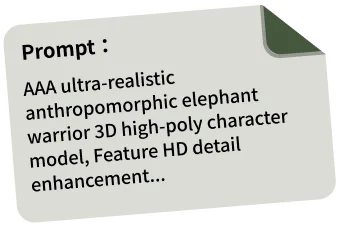









Structured 3D Models from 2D Inputs
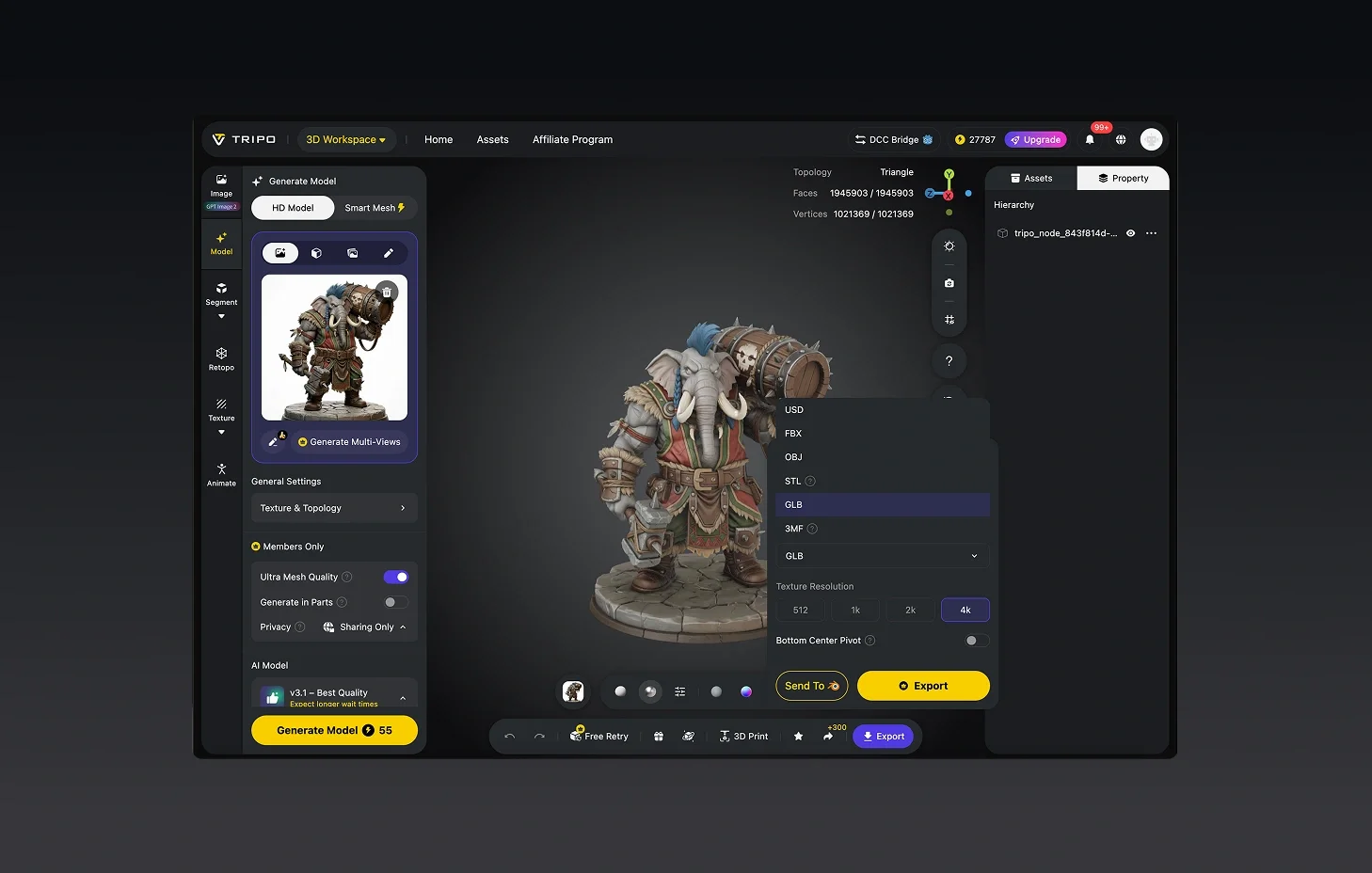
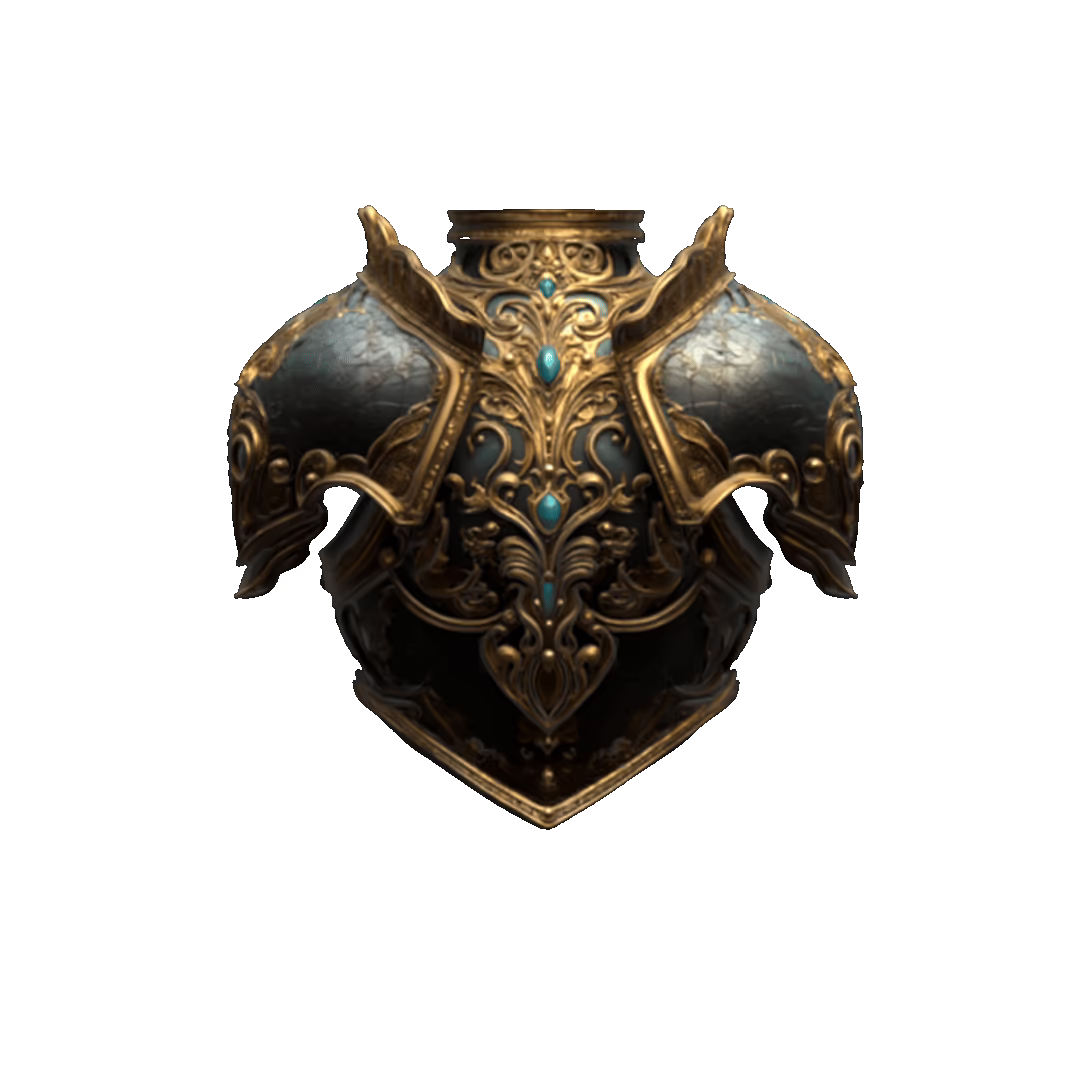
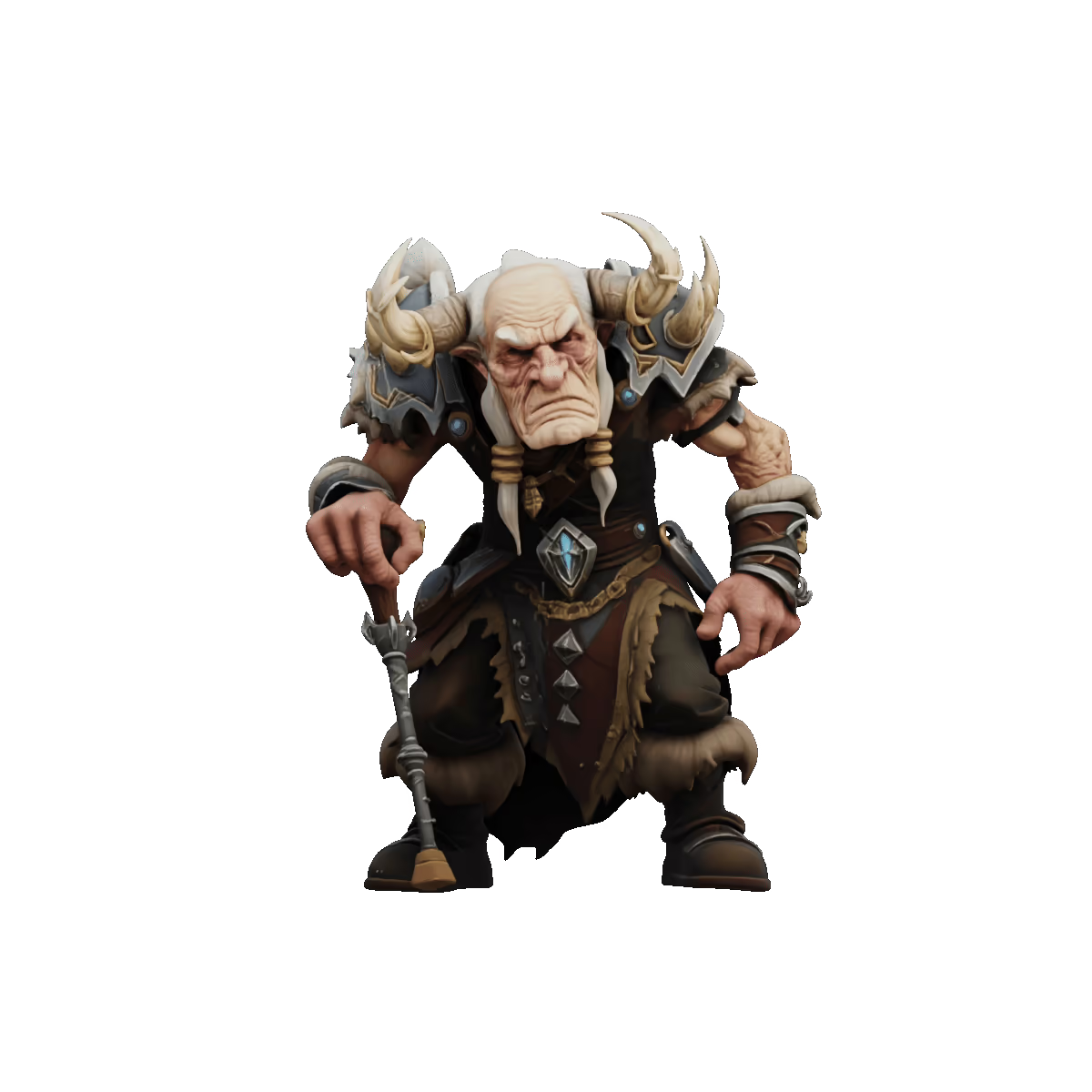
From product references to stylized illustrations, Tripo reconstructs coherent 3D geometry with organized topology — ready to refine or move directly into your pipeline.
AI 2D to 3D Conversion Showcases


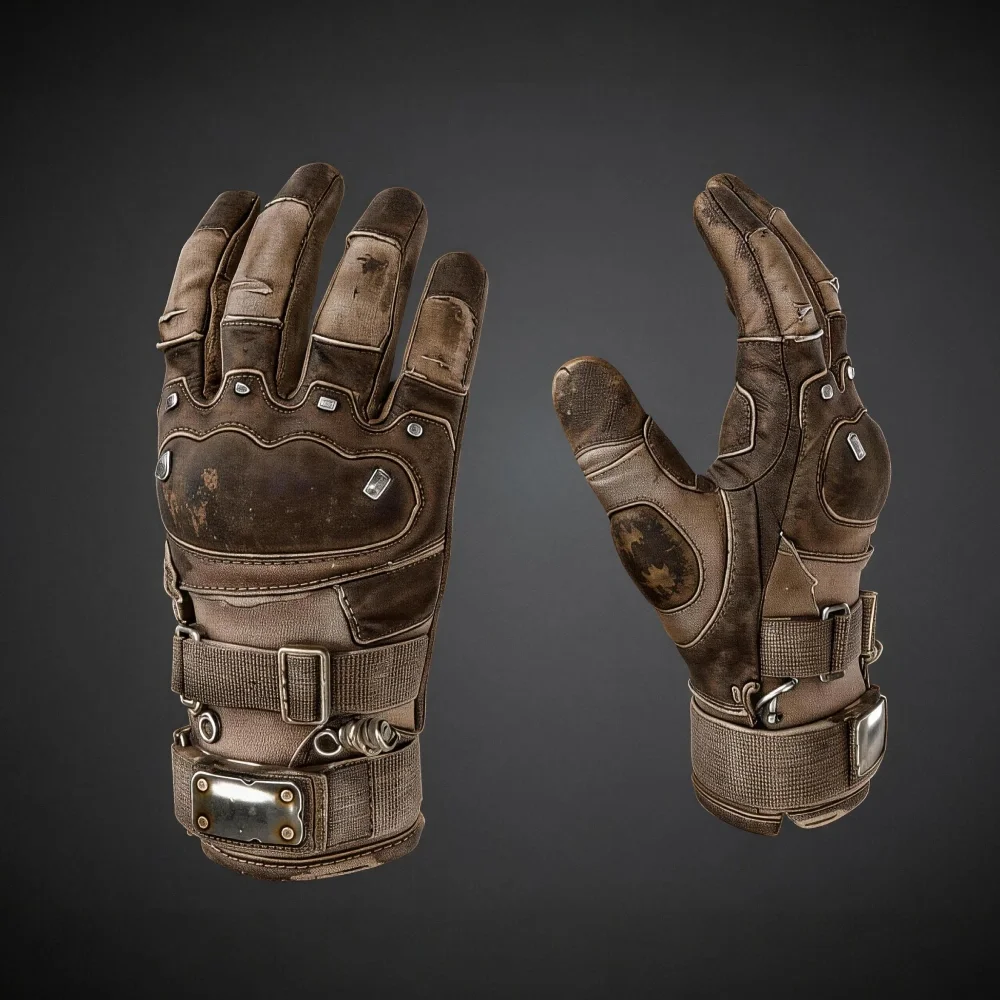
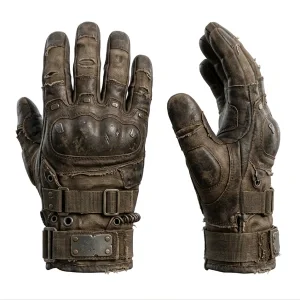


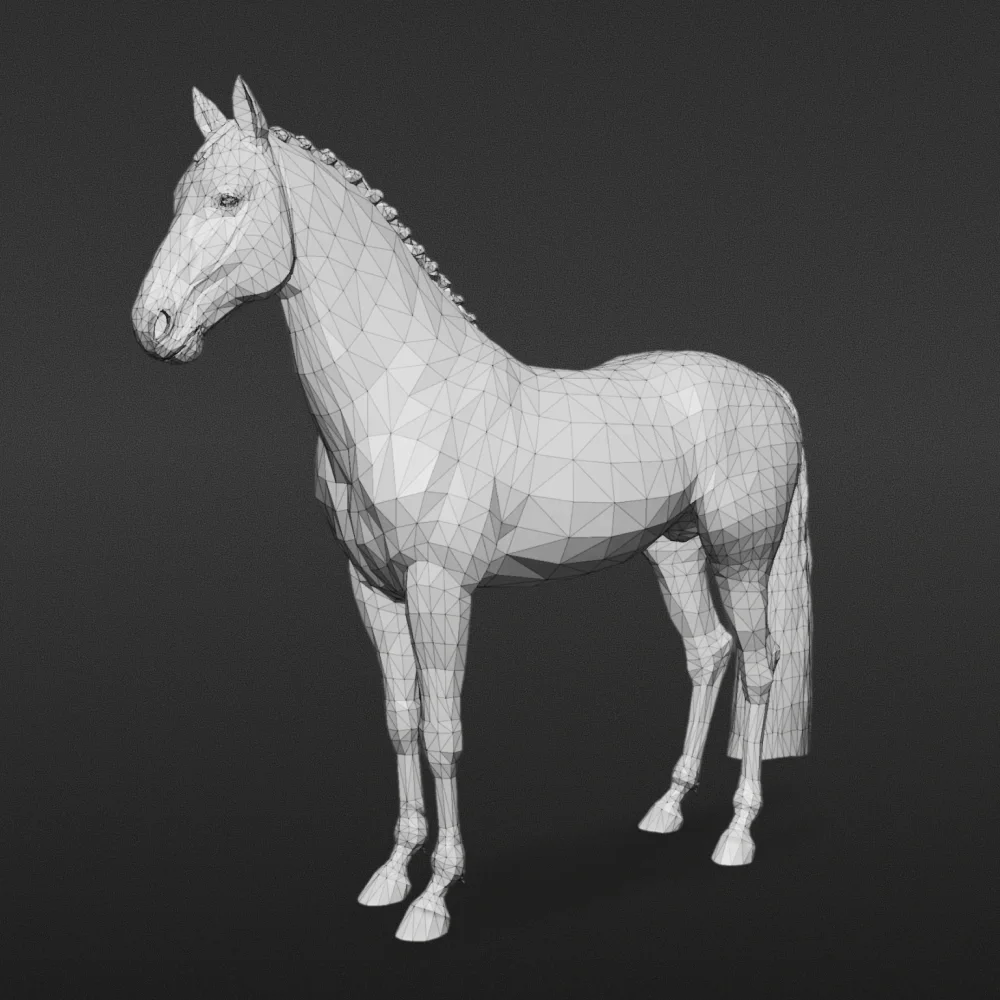


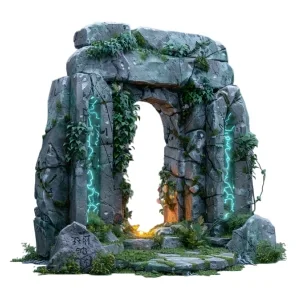


Reliable 3D Reconstruction from Flat Inputs
Coherent Geometry Inferred from a Single View
Tripo analyzes depth, structure, and form from your 2D input, generating clean 3D geometry that preserves the proportions and intent of the original image.
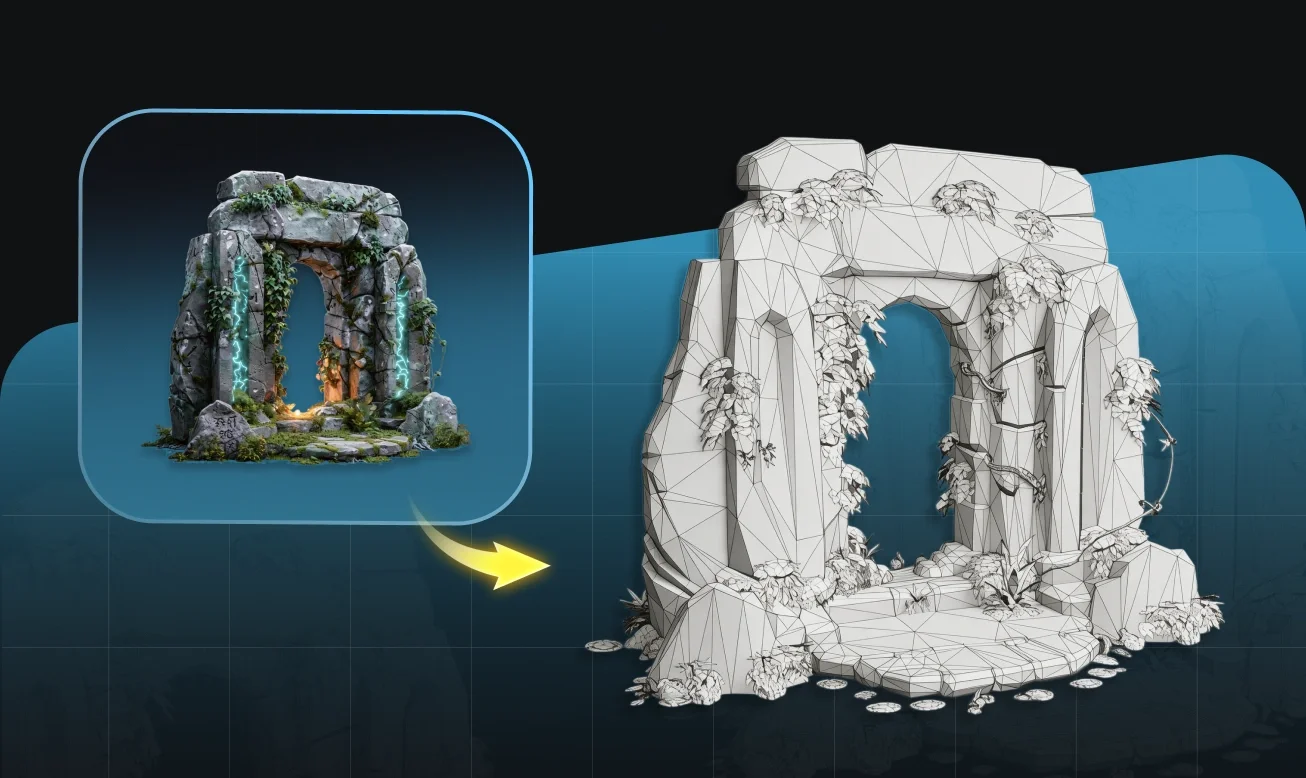
Flexible Input — Photos, Illustrations, Concept Art
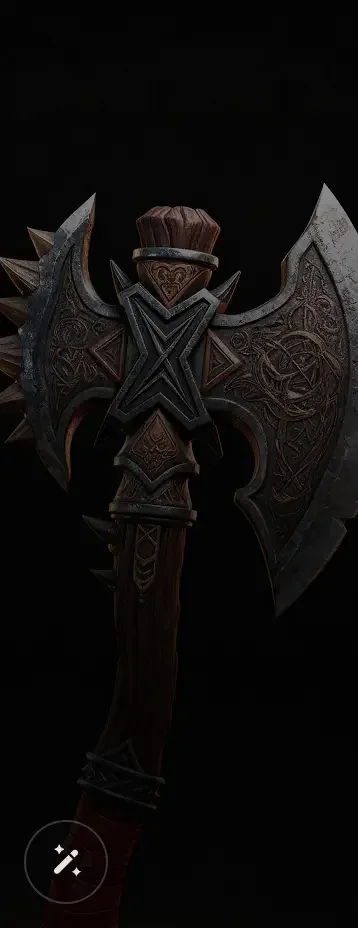
Works with product photography, flat illustrations, concept art, and technical drawings. The model adapts to your input type without manual configuration.
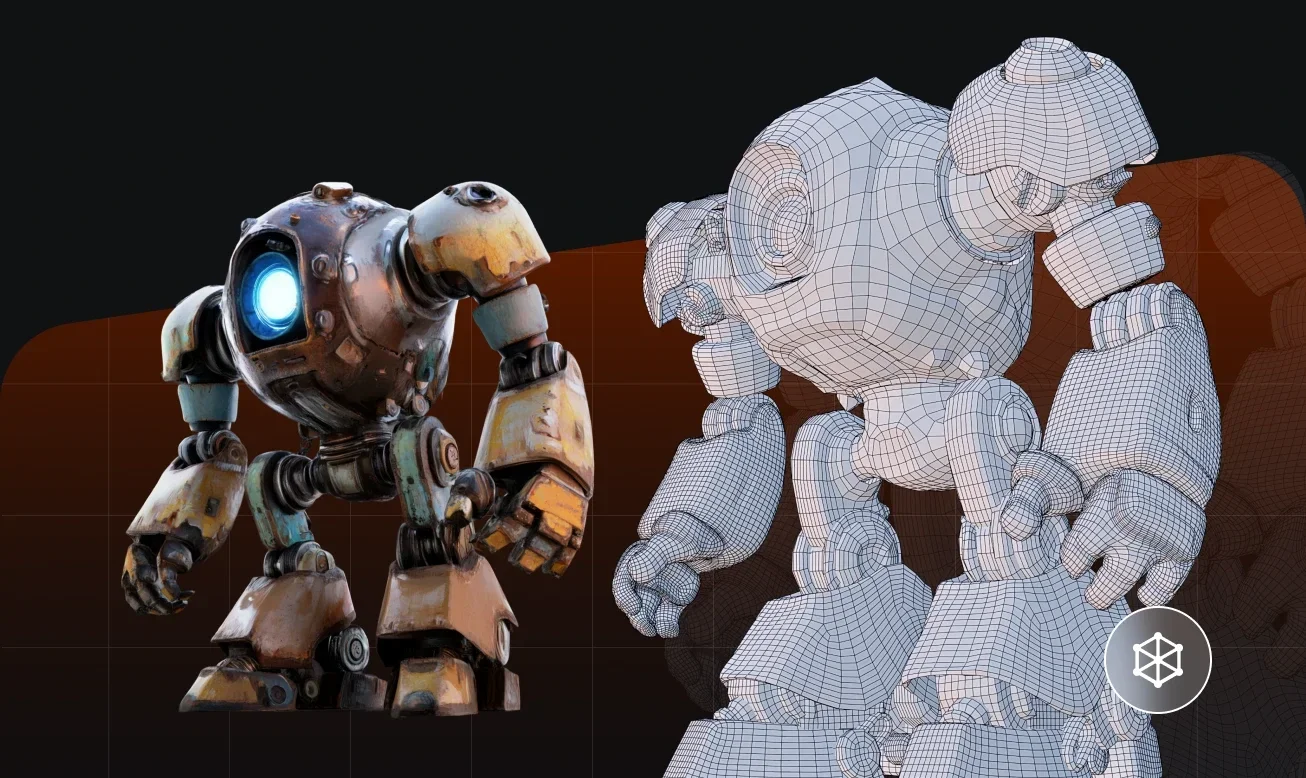
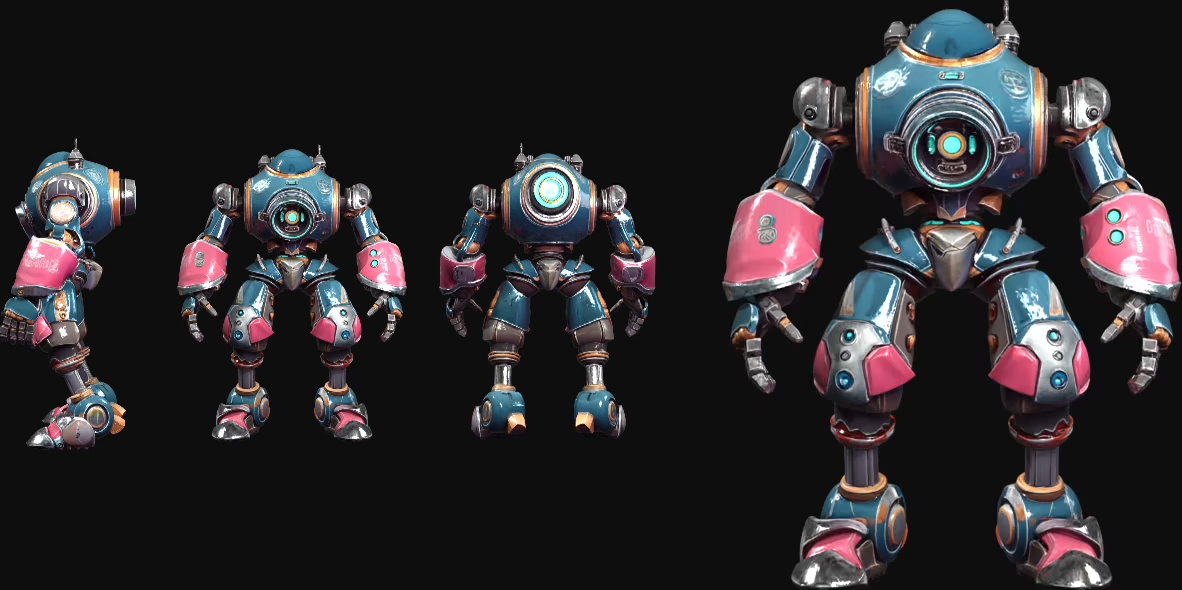
Multi-View Input for Greater Structural Accuracy
Supply 2–6 views of the same subject to improve surface coverage, reduce occlusion gaps, and produce a more complete and structurally consistent mesh.
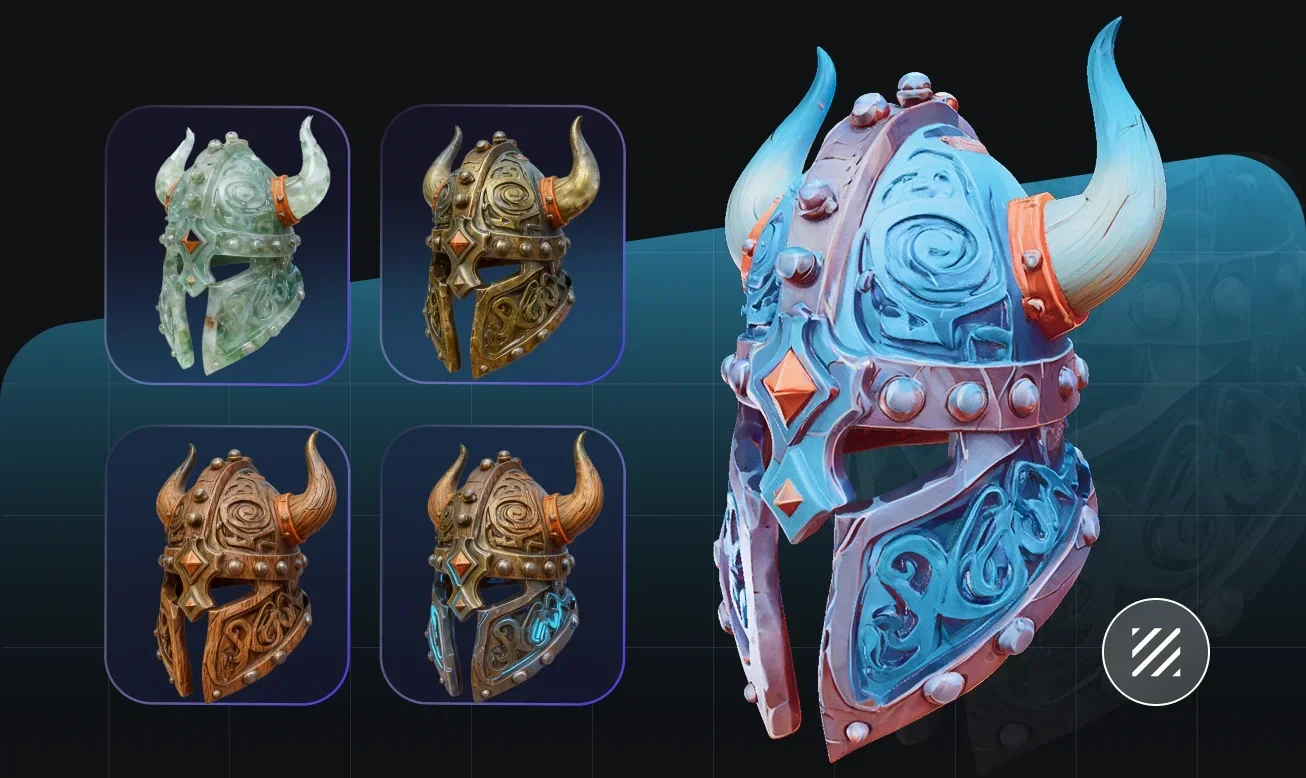
Consistent Results Across Input Types
From clean product photography to rough concept sketches, Tripo's conversion engine handles a wide range of visual inputs and produces structured, editable 3D geometry. No 3D experience required.
How to Convert 2D to 3D with Tripo
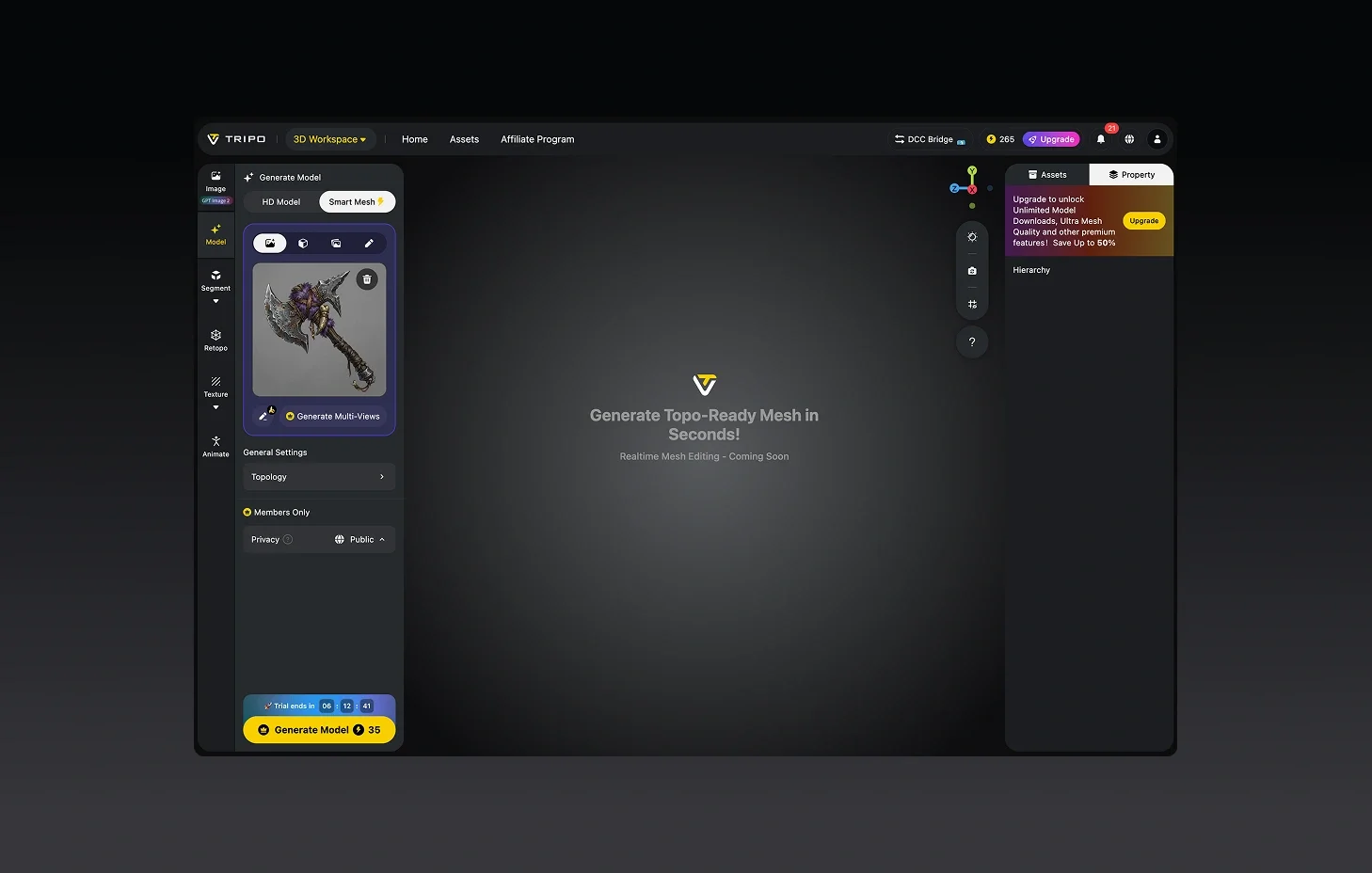
Upload Your 2D Image
Start with one image or multiple views. Most common formats supported — photos, illustrations, or digital artwork.
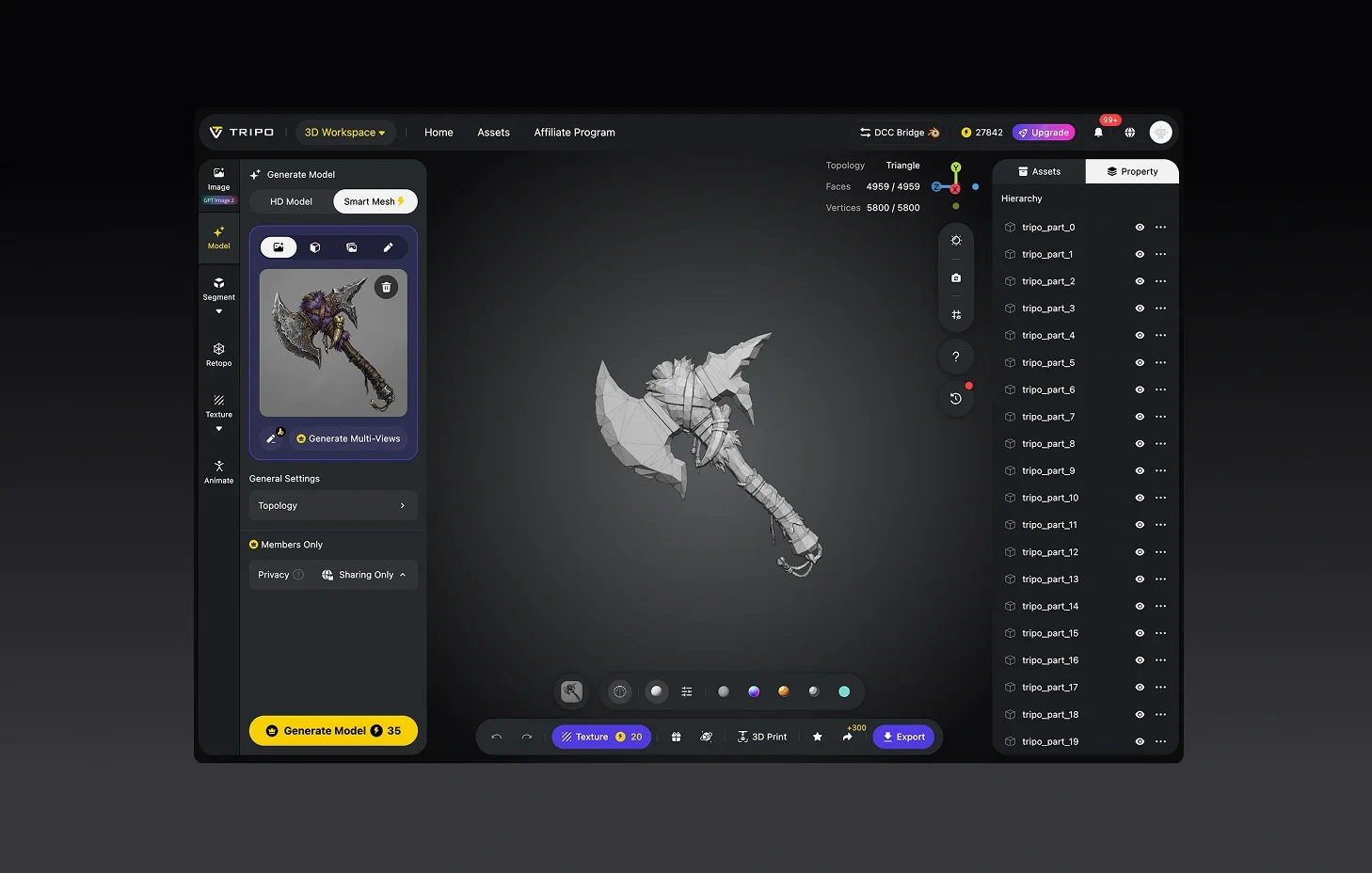
Automatic 3D Reconstruction
Tripo reads your 2D input and generates a full 3D model in seconds.
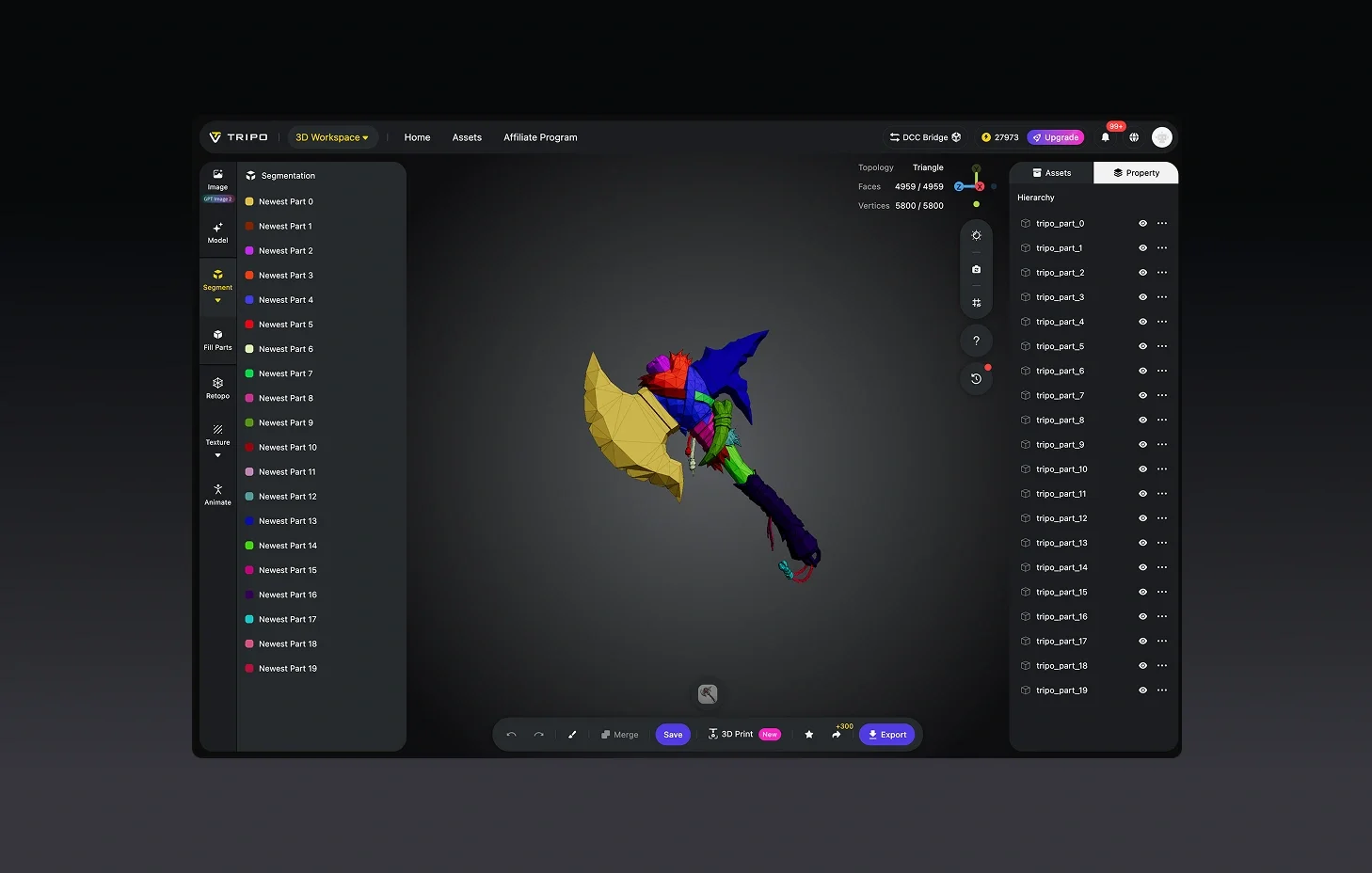
(Optional) Refine Your Model
Enhance textures, adjust geometry, or break apart components for downstream use.
Export and Deploy
Download as STL, OBJ, FBX, or other formats supported by major 3D tools.



Loved by Creators Worldwide
Didn't expect one photo to work so well. My model looked ready in seconds.
Perfect for my design project. Everyone thought I spent days in Blender.
Multi-view mode takes longer but delivers details I can't get anywhere else.
UI is simple, nothing fancy, but the models export clean every time.
Jewelry prototype came out surprisingly crisp, even the tiny parts.
As an indie dev, I saved days of work. Assets dropped right into my game.
Rigging feature is smoother than I expected. Mixamo accepted my model fine.
First time trying AI for 3D. Honestly shocked at how fast it delivers.

FAQ: 2D to 3D Conversion
Stay Ahead with the Latest Trends
Explore trending topics in 3D modeling, AI tools, and the world of 3D creation.
Introducing Tripo H3.1: High Detail Model for Production-Ready Assets
Tripo H3.1 generates high-fidelity 3D models with dense geometry and production-level detail, ideal for hero assets, marketing visuals, rendering, and 3D printing.
Read moreImage-to-3D vs. Text-to-3D: When to Use Each in Your Workflow
This article compares image-to-3D and text-to-3D generation workflows, helping you choose the right method for faster, smarter 3D model creation using Tripo AI.
Read moreTripo 3D Tutorial Center
Systematically master end-to-end workflows of Tripo 3D from beginner to advanced, and learn how to create production-ready 3D assets with greater speed and control.
Read moreIntroducing Tripo Smart Mesh P1.0: Clean Low-Poly Topology in 2 Seconds
Generate clean, optimized topology meshes in seconds with Tripo Smart Mesh. Create lightweight, game-ready 3D models for engines, web, and real-time workflows.
Read moreRelated Features
Explore More on Tripo AI
Image to 3D Model
Upload any image and generate a high-quality 3D model in seconds with Tripo AI. Supports single-view and multi-view inputs.
Learn moreFree Image to 3D Model
Generate 3D models from images for free with Tripo AI. No signup required, instant access to production-quality output.
Learn moreImage to 3D Model API
Scalable 3D generation API for developers. Integrate Tripo AI image-to-3D into your pipeline with a few lines of code.
Learn morePhoto to 3D Model
Turn any photo into a detailed 3D model with Tripo AI. Preserves shape, texture, and depth from your original image.
Learn moreReady to Convert Your 2D Images to 3D?
Single image or multi-view input — structured 3D geometry, ready for your pipeline either way.