








 Text & Image to 3D models
 Free Credits Monthly
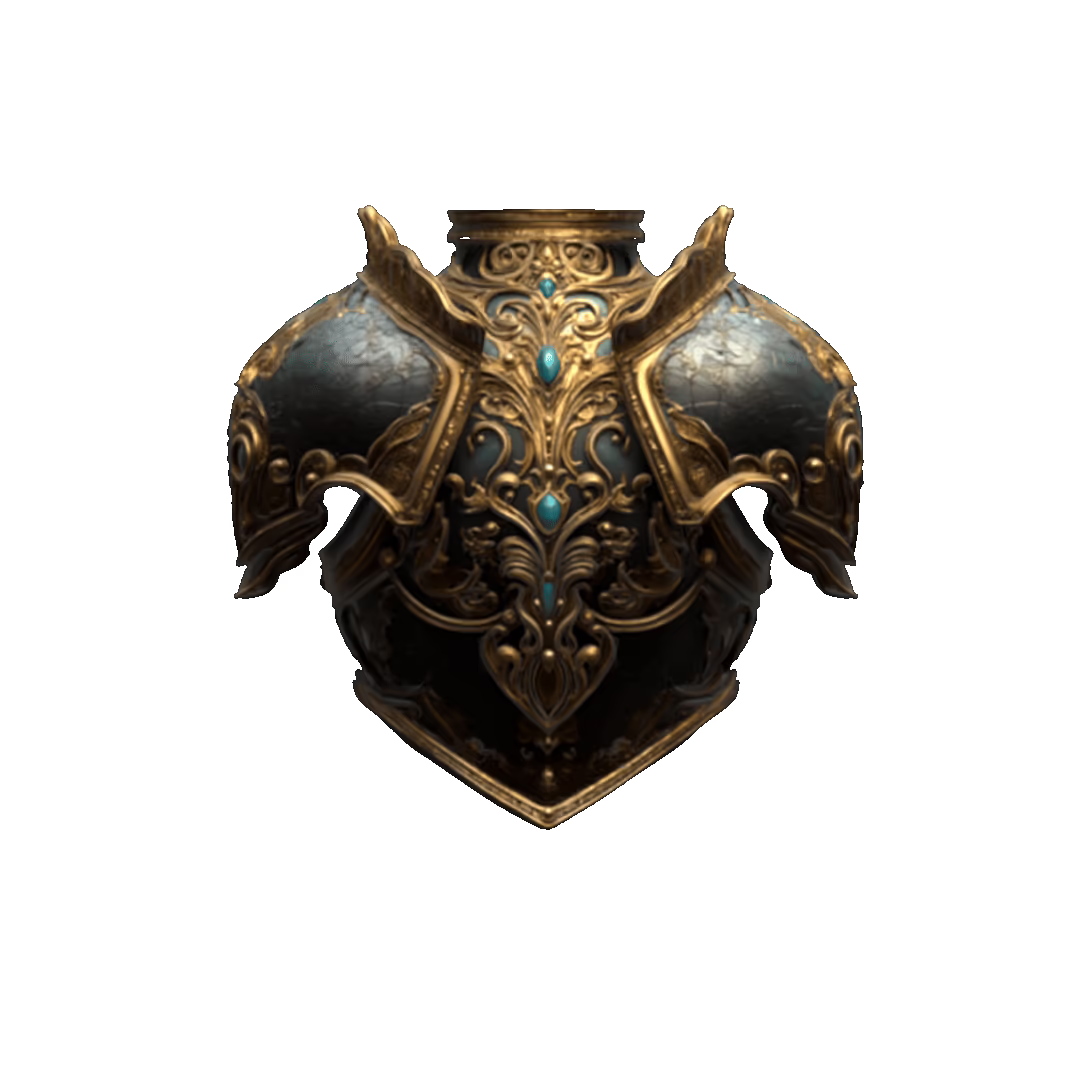
 High-Fidelity Detail Preservation
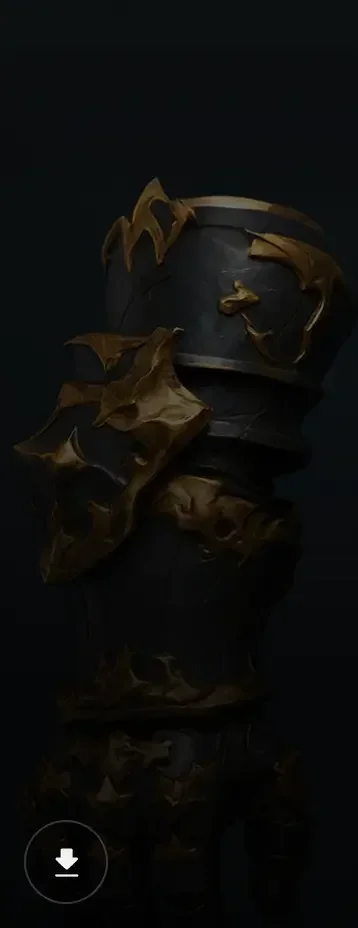
3D Models Reconstructed from Real-World Photography
Create a high-quality 3D model from a photo, sketch, illustration, or concept image. Tripo converts 2D images into detailed 3D models with accurate structure, rich textures, and realistic depth in seconds.
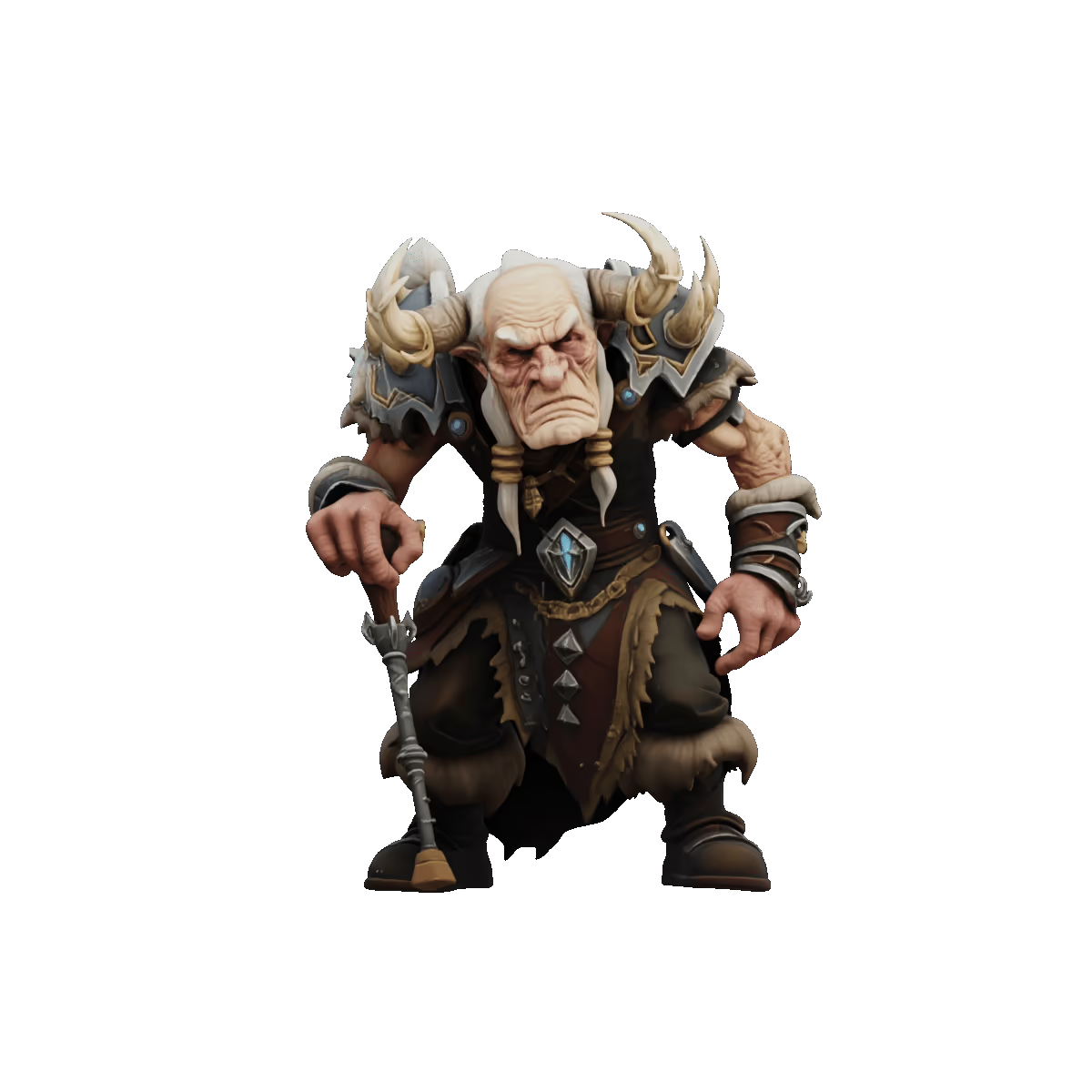
AI Image to 3D Model Showcases
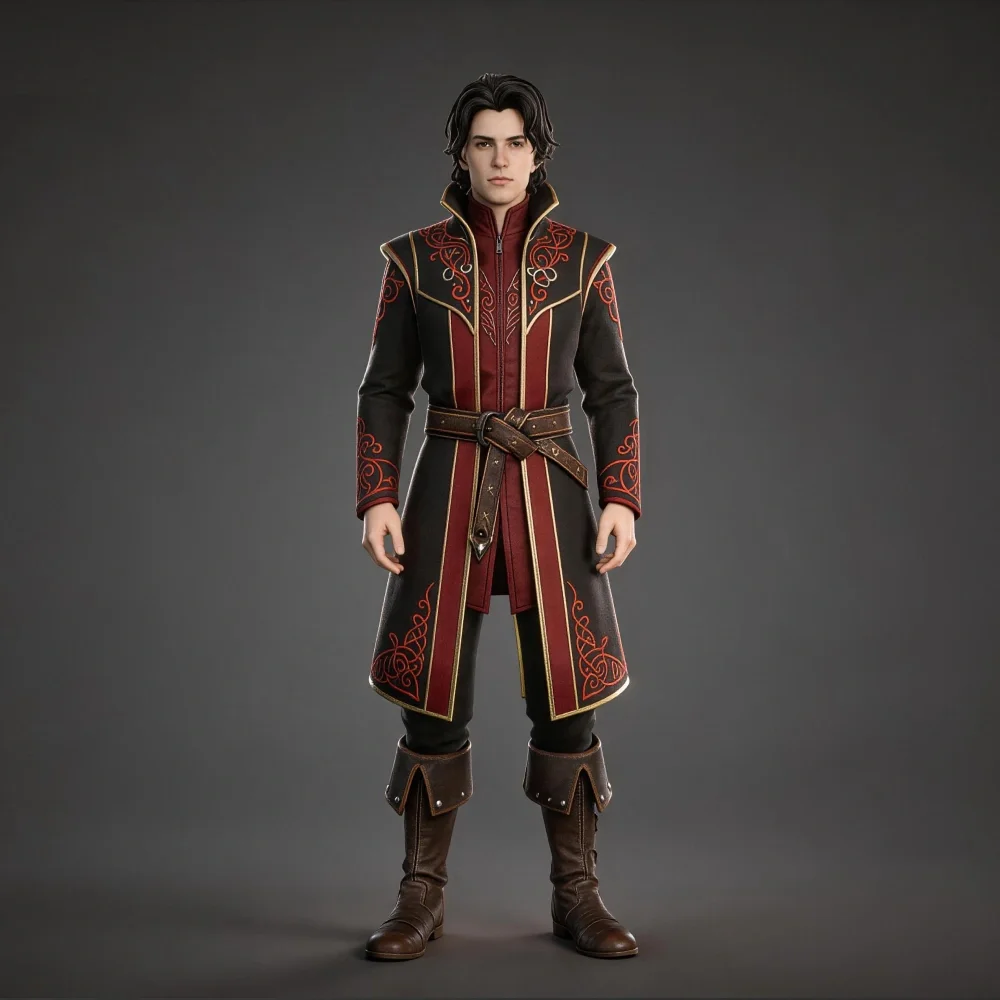

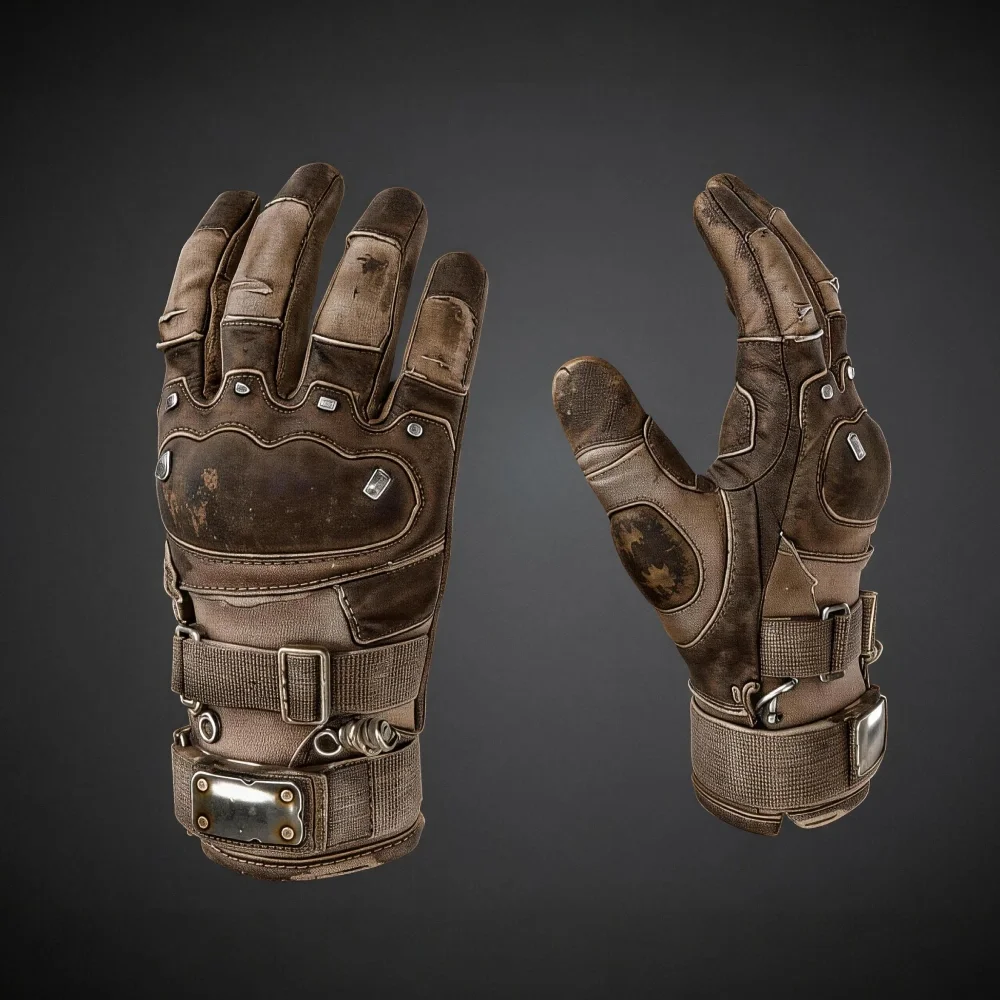
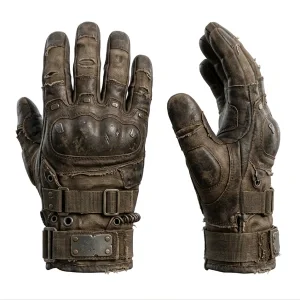
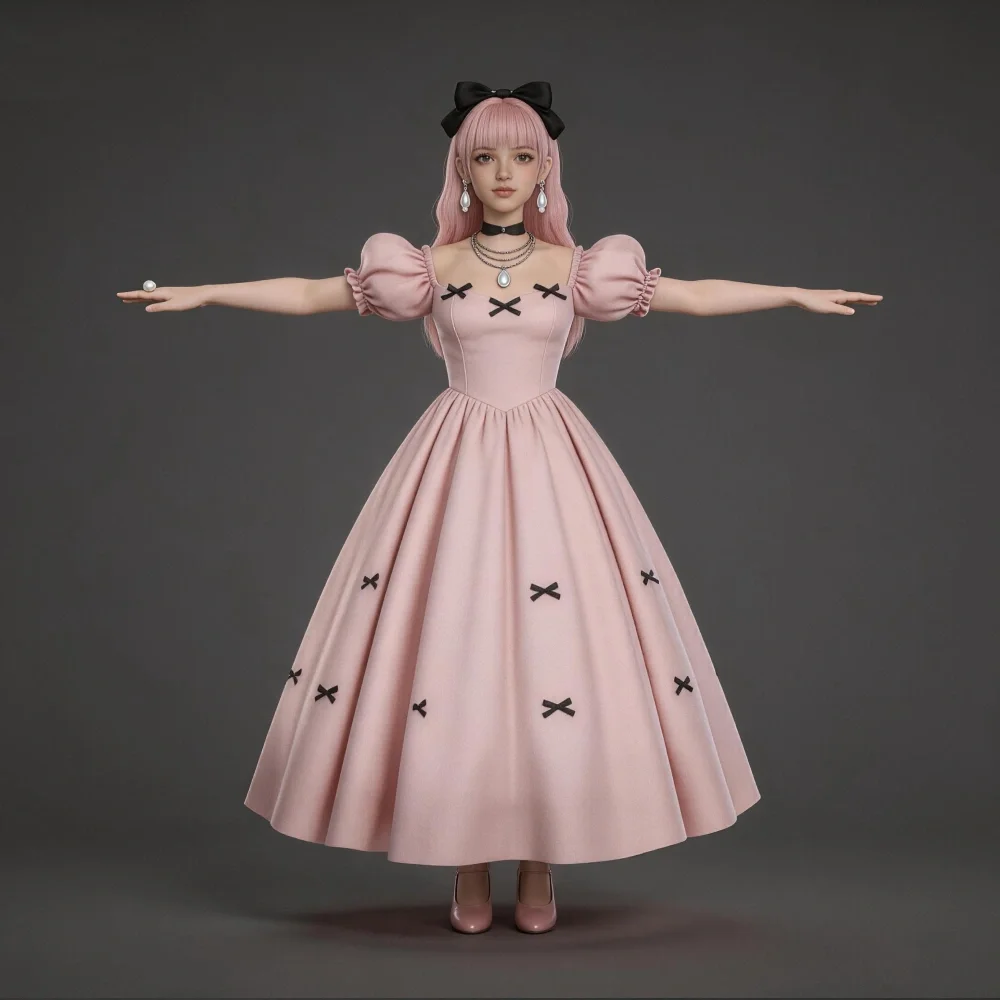
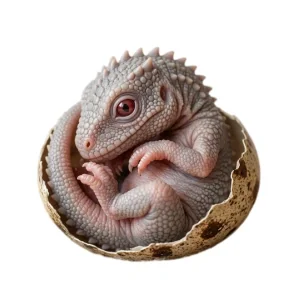
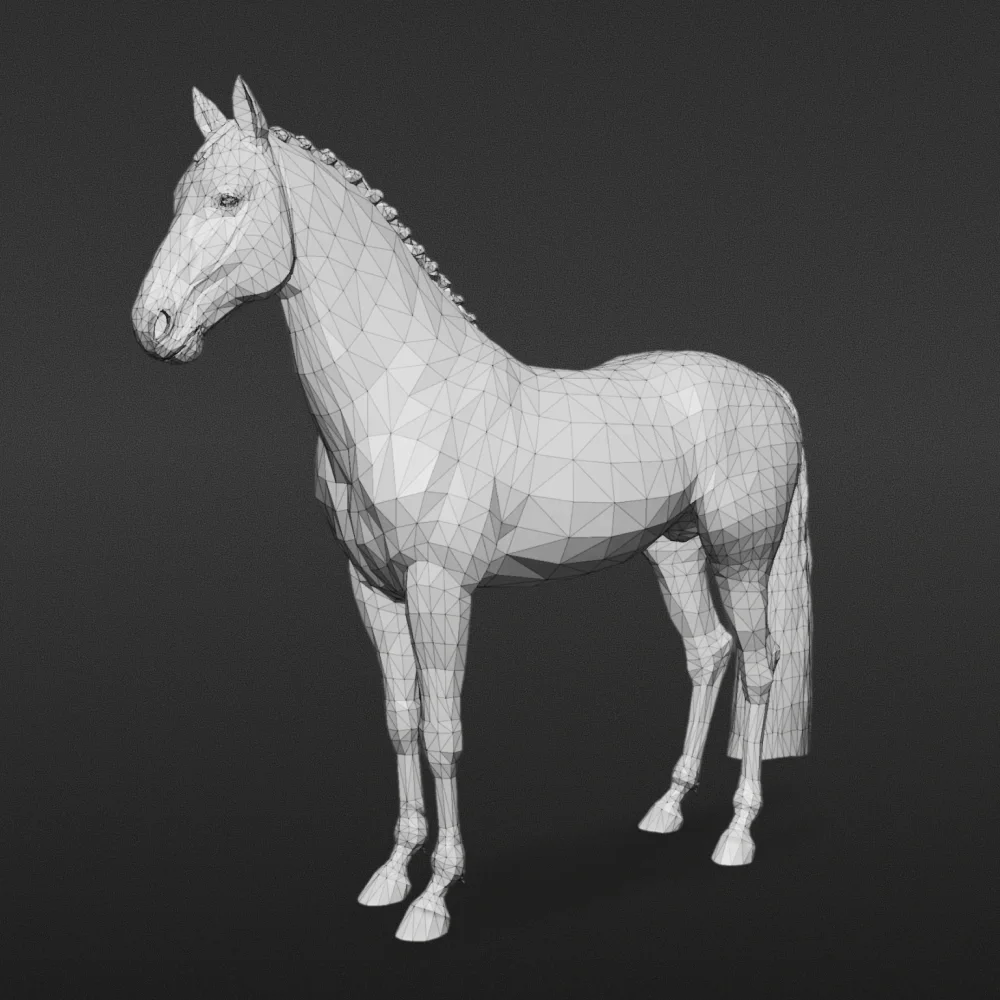

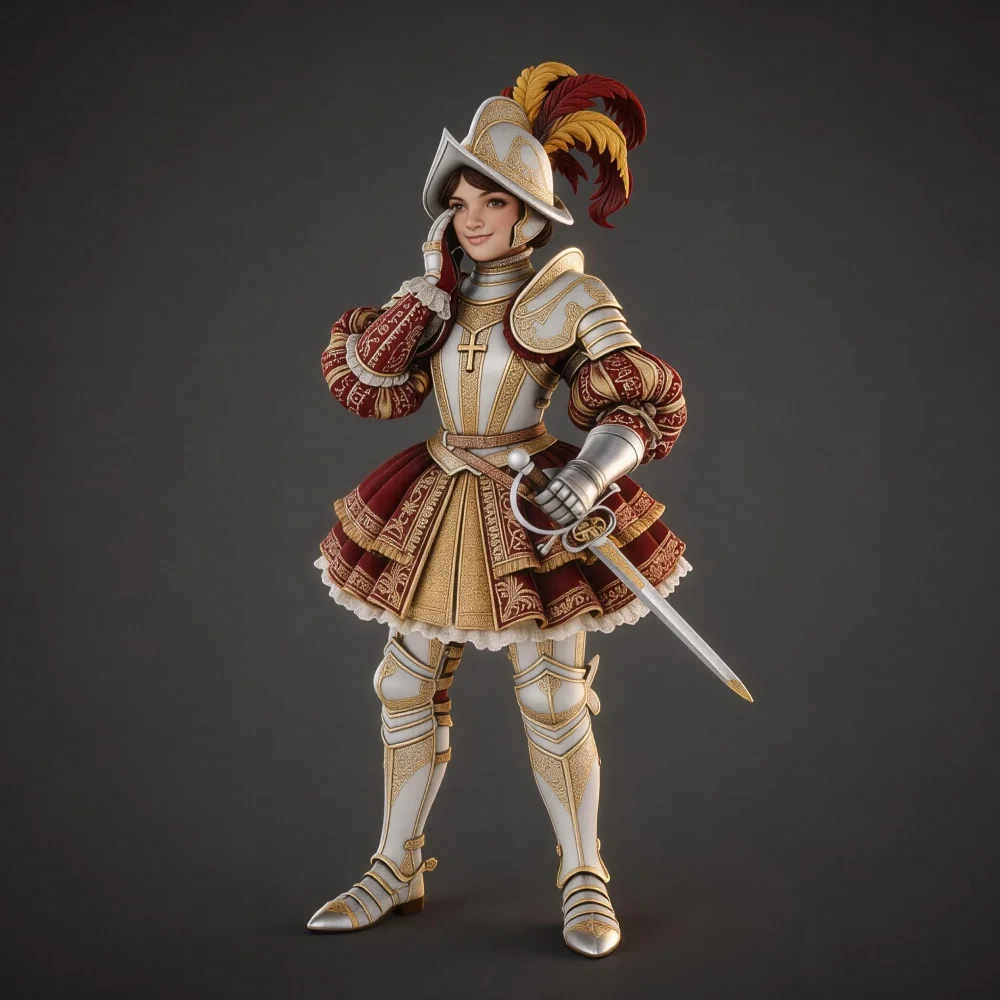
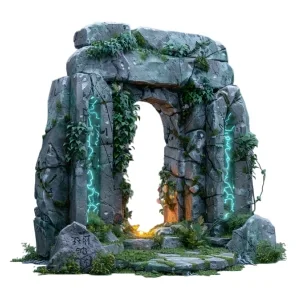

Accurate Reconstruction from Real-World Photography
Form and Proportion Faithful to the Original
Tripo preserves the real-world shape and dimensions of your photo subject — ideal for product visualization and object documentation.
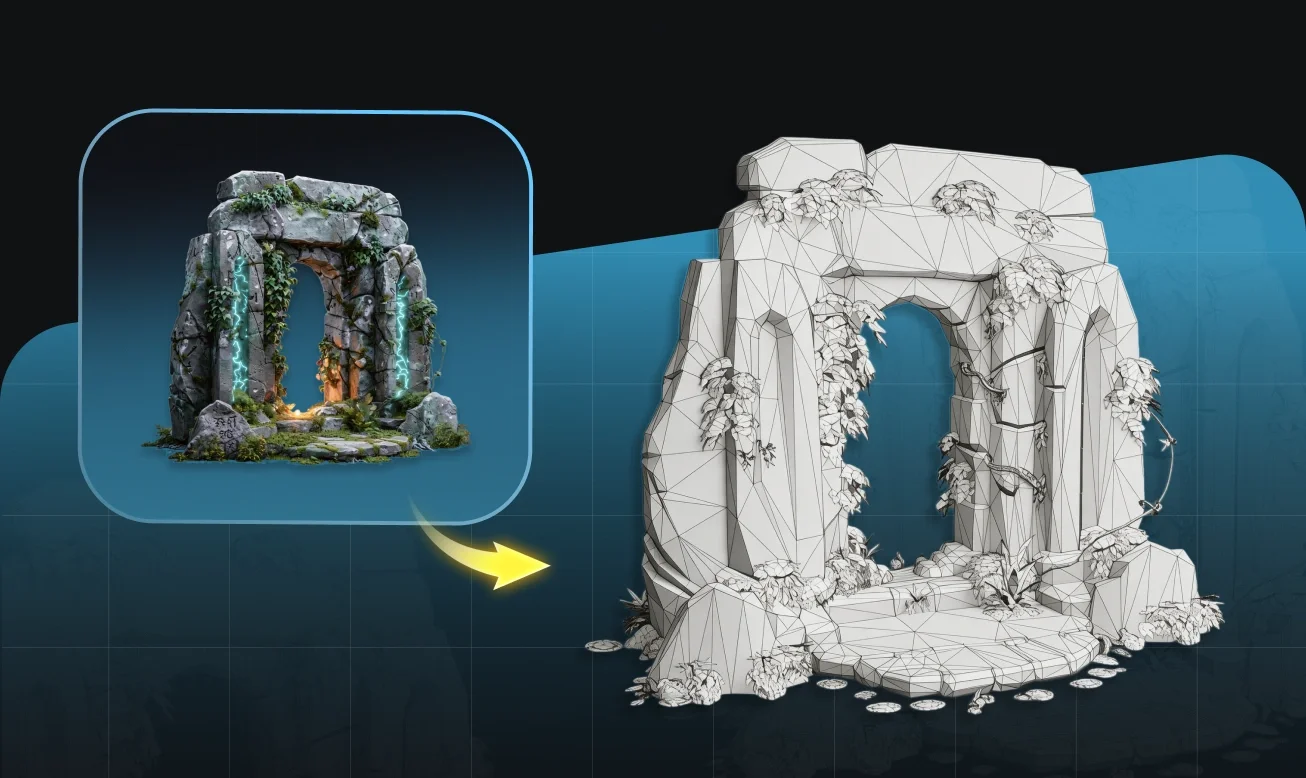
Realistic Textures Derived from the Source Photo
Surface color, material, and texture information is extracted directly from your photograph and applied with high fidelity.
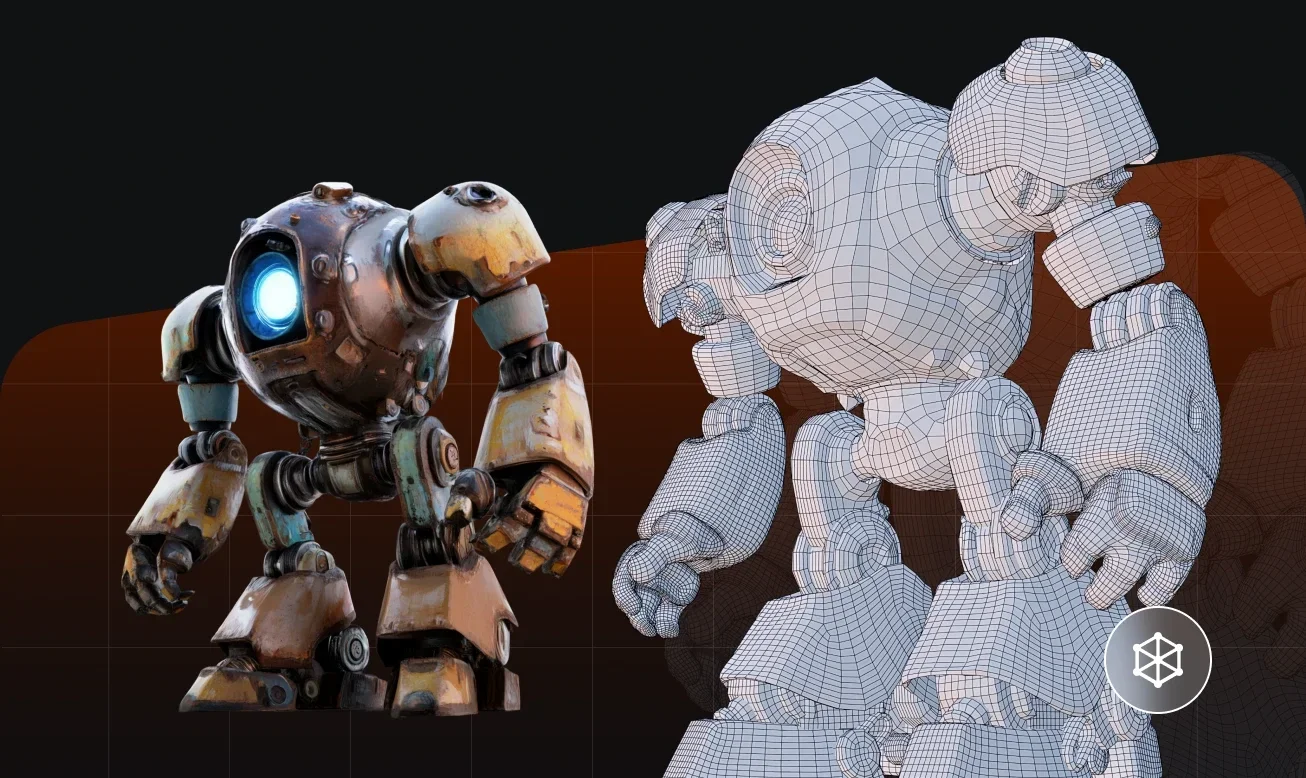
Multi-Photo Input for Complete 360° Coverage
Add 2–6 photos from different angles to fill in occluded areas and produce a fully closed, accurate mesh.
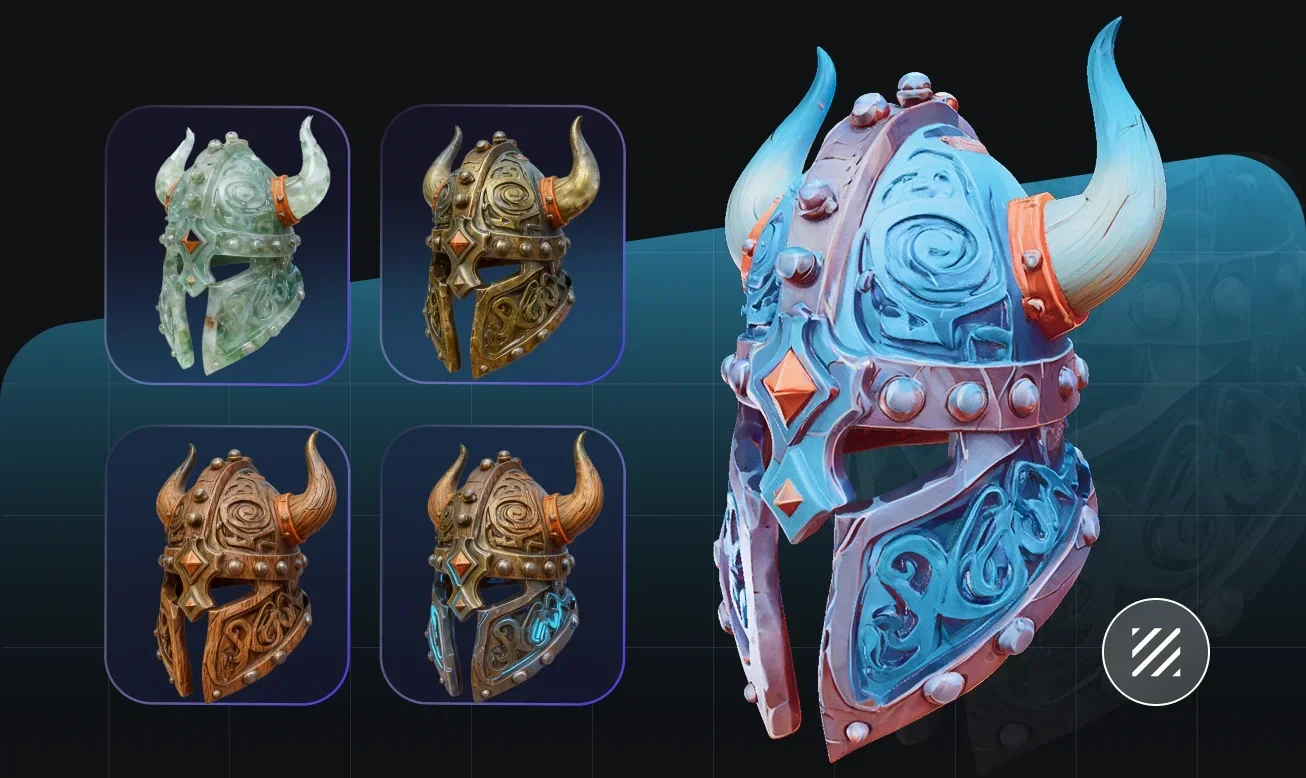
From Product Photography to Usable 3D Assets
Whether you're creating a digital twin of a physical product, generating a 3D reference from existing photography, or building assets for visualization, Tripo converts real-world photos into production-ready 3D models with consistent accuracy.
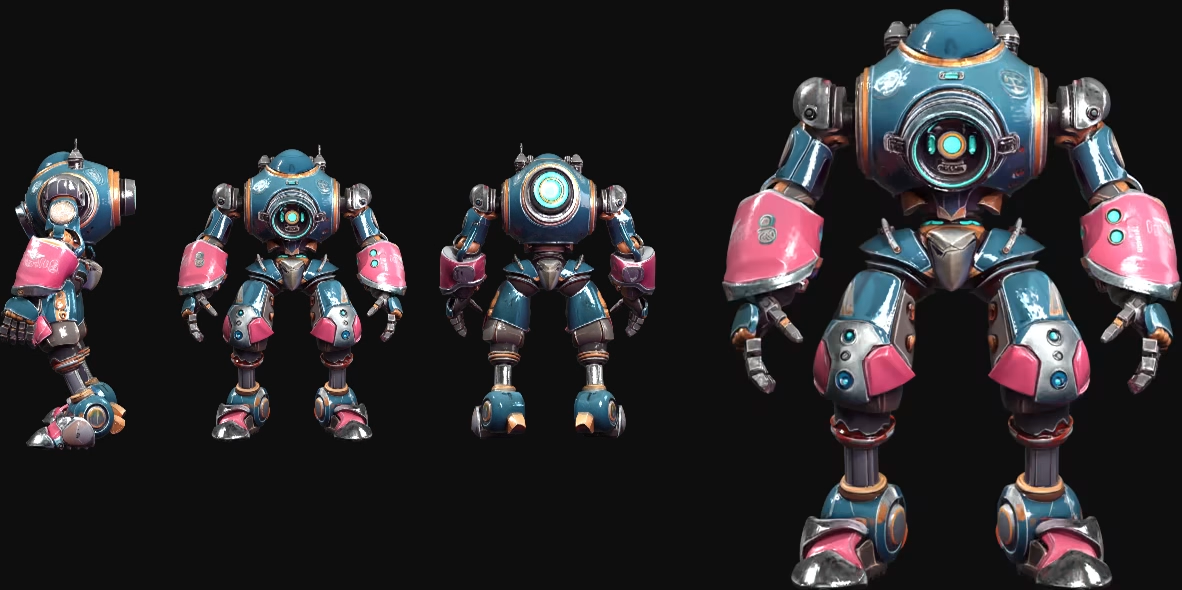
How to Convert a Photo to a 3D Model
Upload Your Photo
Use a clear, well-lit photo. For best results, photograph your subject against a neutral background. Multiple angles improve quality.
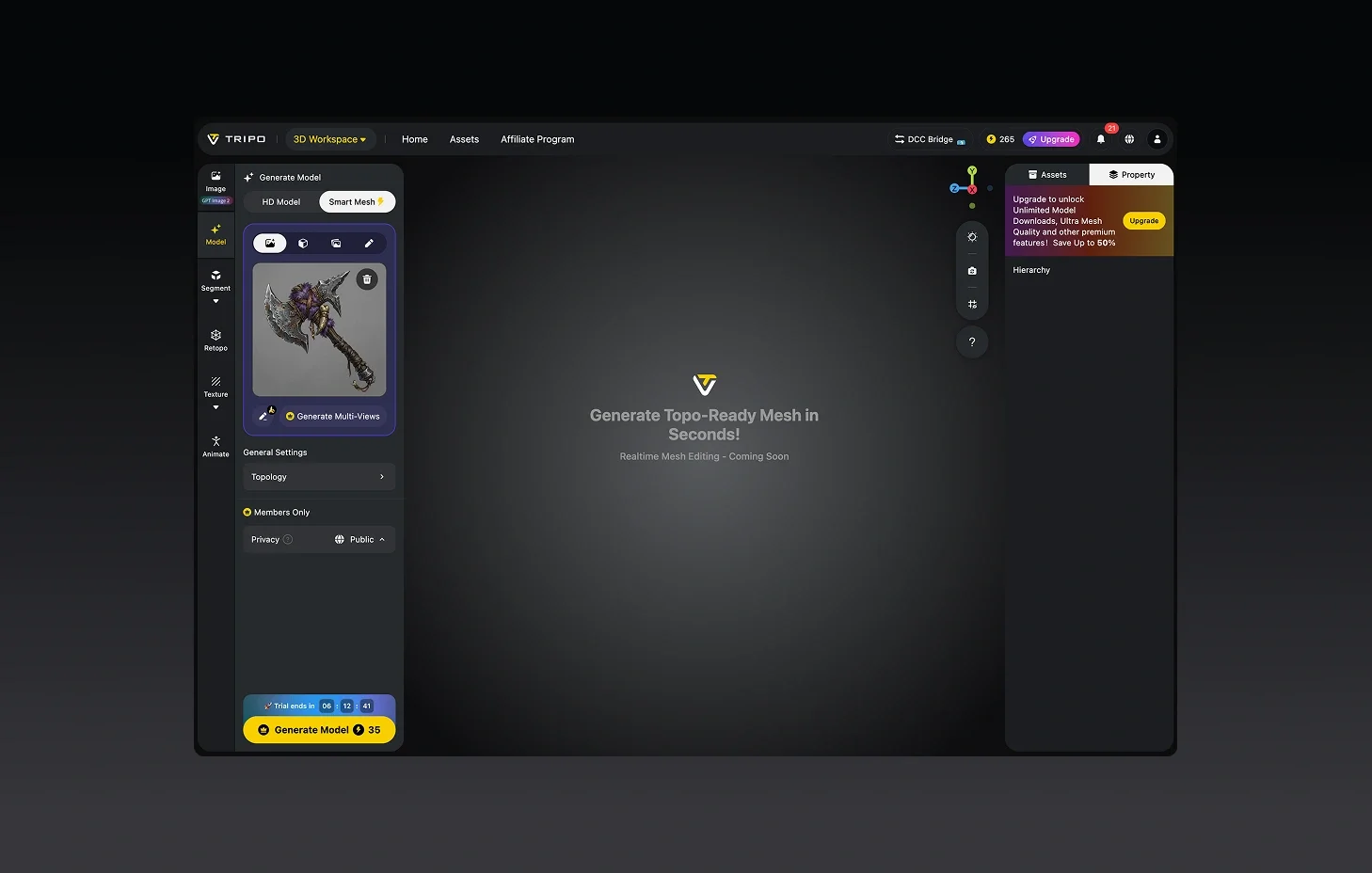
Generate the 3D Reconstruction
Tripo processes your photo and reconstructs a 3D model with geometry and textures automatically.
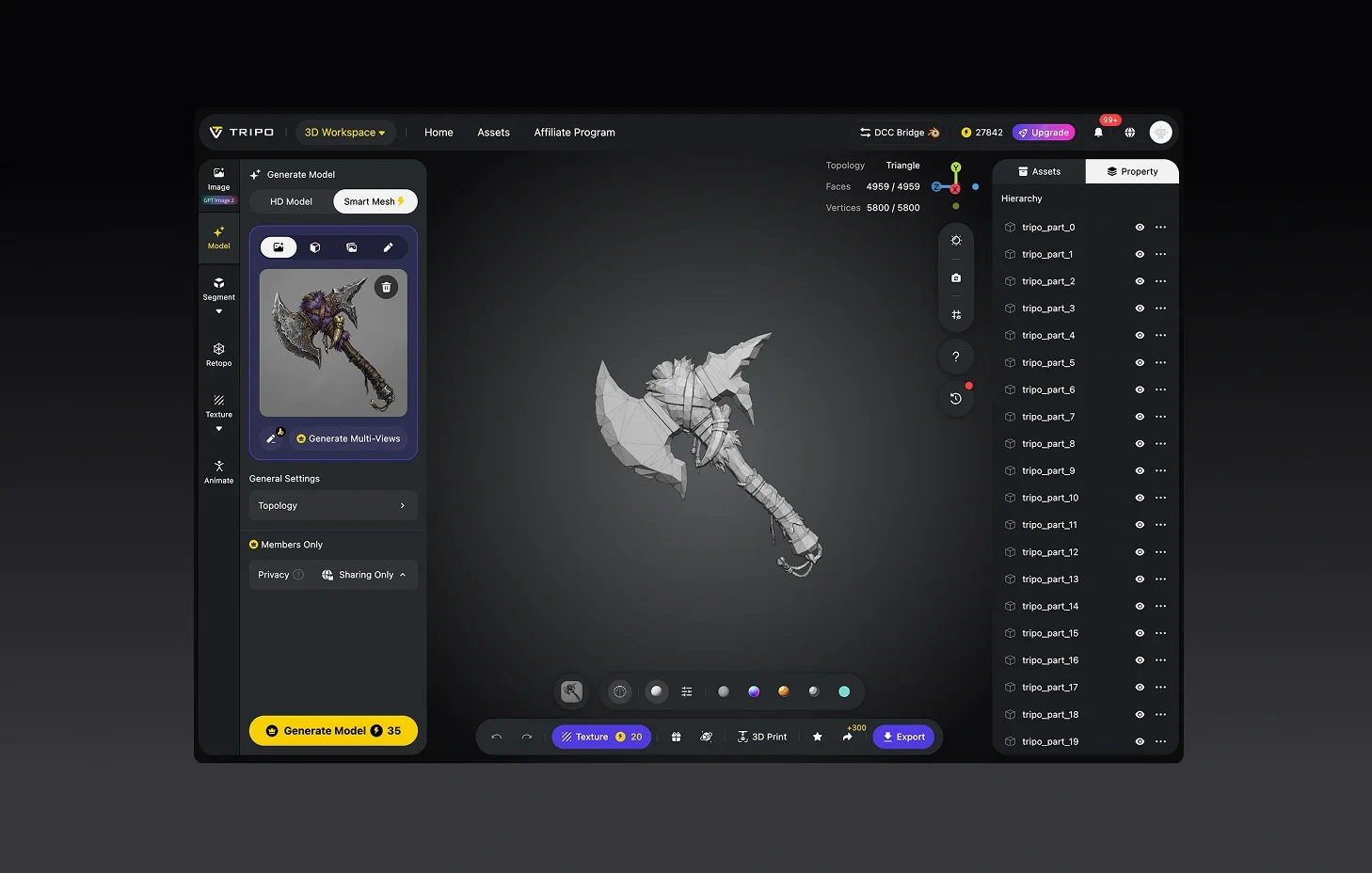
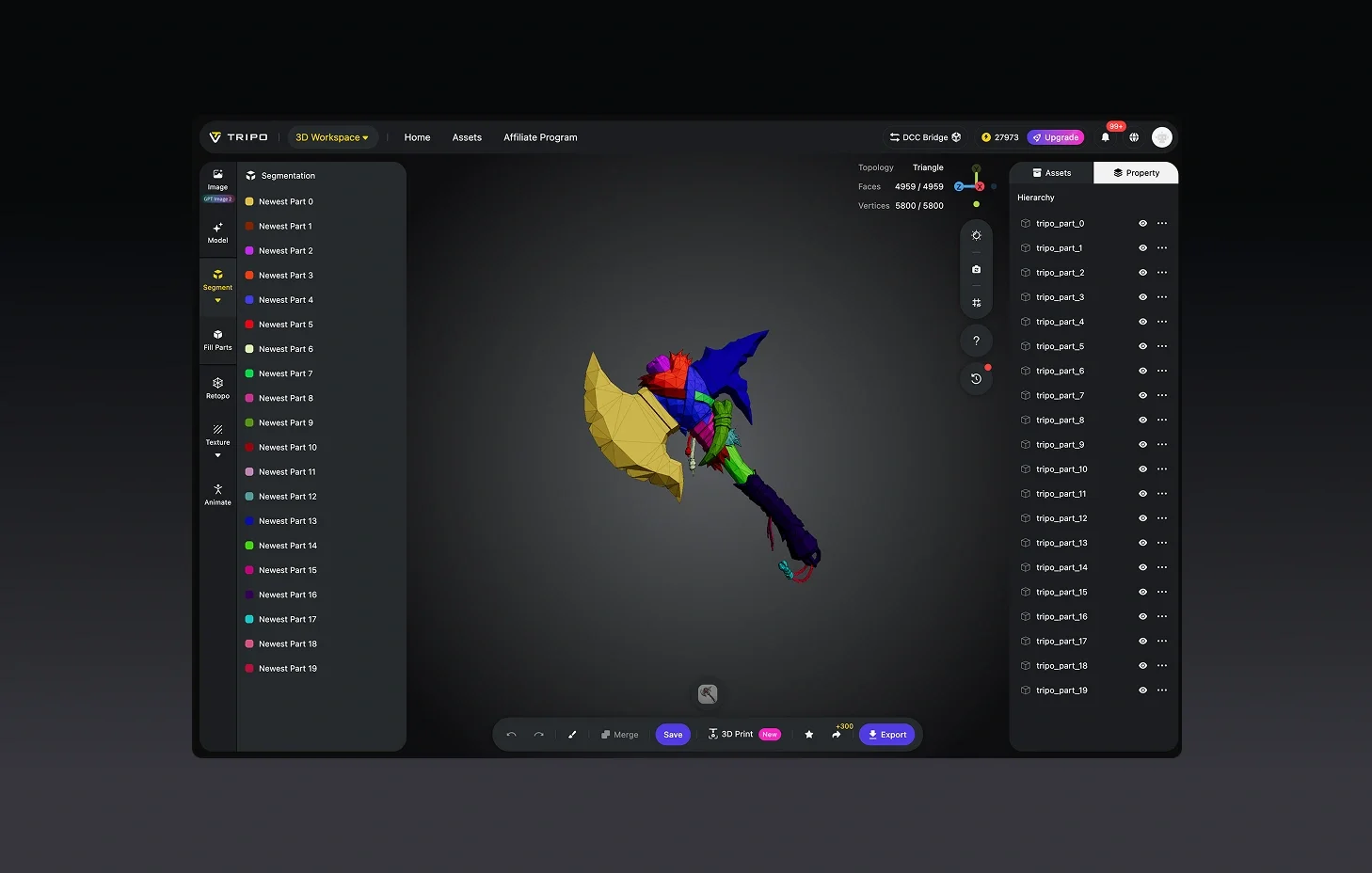
(Optional) Refine Surface and Detail
Adjust texture quality, clean up geometry, or isolate specific parts of the object.
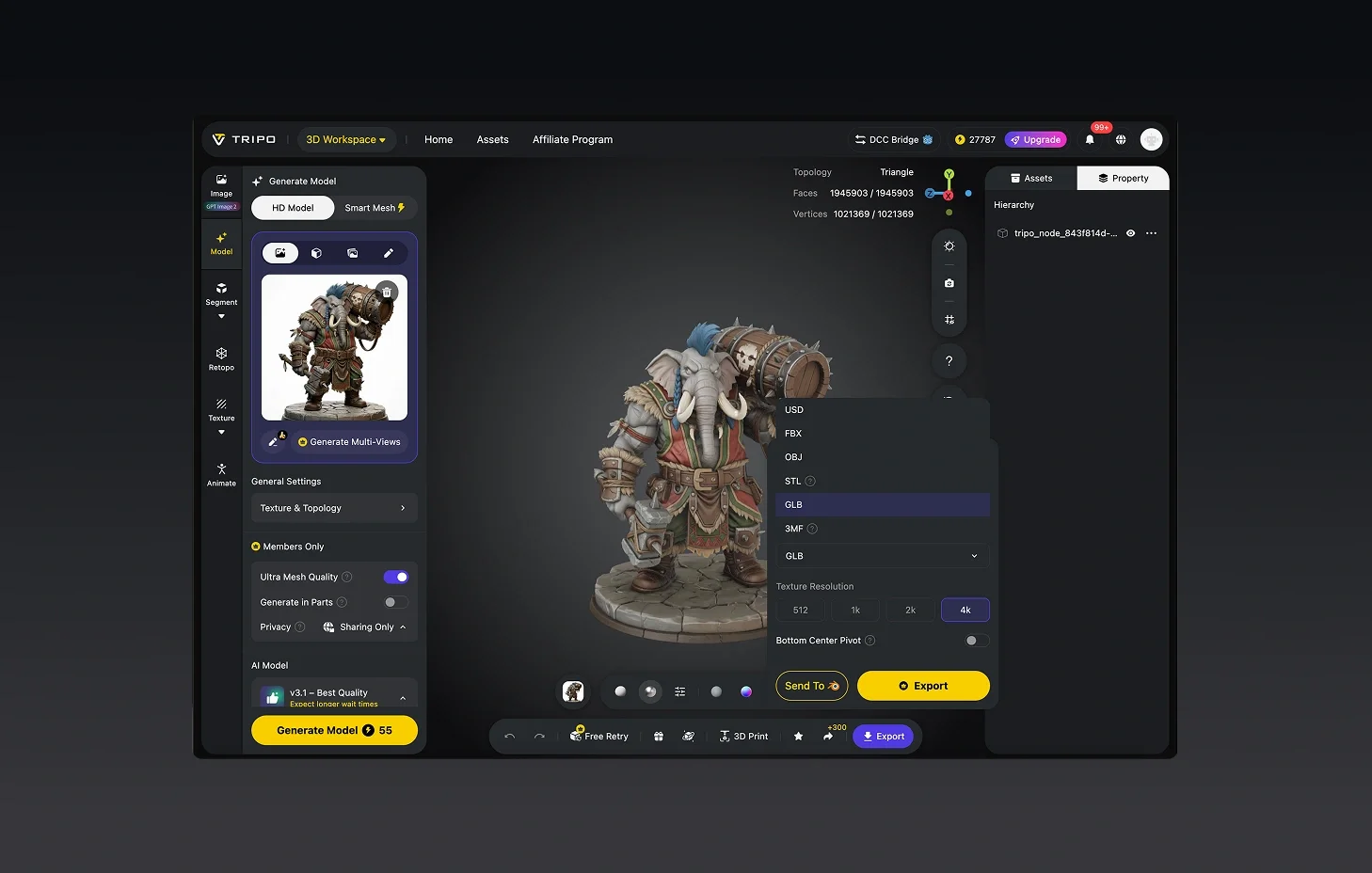
Download and Deploy
Export in STL, OBJ, or FBX — ready for product renders, game scenes, or physical fabrication.


Loved by Creators Worldwide
Didn't expect one photo to work so well. My model looked ready in seconds.
Perfect for my design project. Everyone thought I spent days in Blender.
Multi-view mode takes longer but delivers details I can't get anywhere else.
UI is simple, nothing fancy, but the models export clean every time.
Jewelry prototype came out surprisingly crisp, even the tiny parts.
As an indie dev, I saved days of work. Assets dropped right into my game.
Rigging feature is smoother than I expected. Mixamo accepted my model fine.
First time trying AI for 3D. Honestly shocked at how fast it delivers.

FAQ: Photo to 3D Model
Stay Ahead with the Latest Trends
Explore trending topics in 3D modeling, AI tools, and the world of 3D creation.
Introducing Tripo H3.1: High Detail Model for Production-Ready Assets
Tripo H3.1 generates high-fidelity 3D models with dense geometry and production-level detail, ideal for hero assets, marketing visuals, rendering, and 3D printing.
Read moreImage-to-3D vs. Text-to-3D: When to Use Each in Your Workflow
This article compares image-to-3D and text-to-3D generation workflows, helping you choose the right method for faster, smarter 3D model creation using Tripo AI.
Read moreTripo 3D Tutorial Center
Systematically master end-to-end workflows of Tripo 3D from beginner to advanced, and learn how to create production-ready 3D assets with greater speed and control.
Read moreIntroducing Tripo Smart Mesh P1.0: Clean Low-Poly Topology in 2 Seconds
Generate clean, optimized topology meshes in seconds with Tripo Smart Mesh. Create lightweight, game-ready 3D models for engines, web, and real-time workflows.
Read moreRelated Features
Explore More on Tripo AI
Image to 3D Model
Upload any image and generate a high-quality 3D model in seconds with Tripo AI. Supports single-view and multi-view inputs.
Learn morePicture to 3D Model
Convert any picture into a high-quality 3D model instantly. Tripo AI handles photos, illustrations, and digital art.
Learn moreImage to 3D Character
Generate riggable 3D characters from a single image. Tripo AI creates avatars and game characters ready for animation.
Learn moreImage to 3D Print
Generate print-ready 3D models from images with Tripo AI. Watertight meshes optimized for FDM, SLA, and resin printers.
Learn moreReady to Turn Photos into 3D Models?
Real-world objects reconstructed in 3D — accurate form, proportion, and surface detail from a single photo.