Custom AI Voice Cloning for Creators: Complete Your Tripo AI Avatar with Dubbing AI
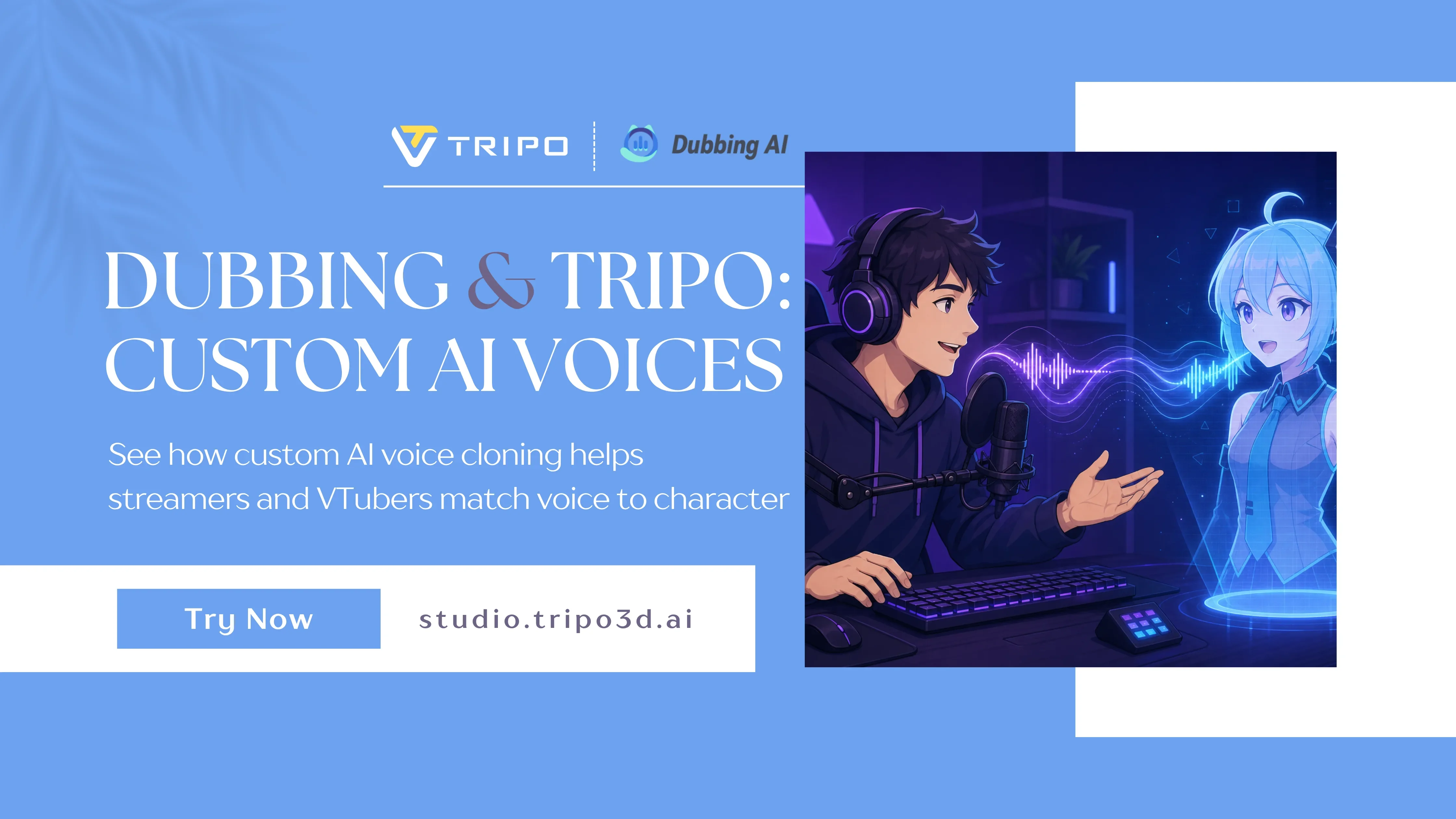
You can create a 3D avatar from an image in seconds with Tripo AI—then export to VRChat, games, streams, or social 3D apps. The model looks like the character you imagined. But audiences still hear you, not the character.
That gap is where custom AI voice cloning for creators matters. This article explains why Tripo users add a dedicated voice layer, and how Dubbing AI—a real-time voice changer built for streamers, VTubers, and gamers—helps you clone, perform, and protect your vocal identity while staying in character.
Key Takeaways
- Tripo AI handles the visual avatar—image/text to 3D, textures, rigging, and export.
- Custom voice cloning lets creators sound like their Tripo character live, not only in pre-recorded TTS.
- Dubbing AI offers 500+ AI voices, sub-30ms real-time change, short-sample cloning, and on-device processing for privacy.
- Ideal for live streamers, VTubers, Discord role-play, and competitive gamers who already use Tripo avatars.
- Setup takes minutes: install, pick or clone a voice, route the virtual mic into Discord, OBS, or your game.
Why Tripo Creators Care About Voice (Not Just the Mesh)
Tripo AI is built for fast, high-quality 3D creation: image-to-3D, text-to-3D, segmentation, 4K texturing, and rigging inside Tripo Studio. Creators use it for:
- VRChat and social VR avatars
- VTuber-style character models
- Game and indie dev prototypes
- 3D printing and collectible characters
- Short-form content with 3D hosts
If you already know how to turn a portrait into an export-ready model, you are ahead on the visual side.
What Tripo does not replace is live performance audio. When you speak in Discord, on stream, or in a game lobby, listeners still recognize your natural voice behind a fantasy mesh. For role-play, comedy, or brand consistency, that breaks immersion.
Custom AI voice cloning for creators solves the audio side: a digital voice that matches your Tripo avatar’s age, mood, and genre—updated in real time as you talk.
What Is Custom AI Voice Cloning for Creators?
Voice cloning analyzes the tone, pitch, and rhythm of a voice—yours or a character reference—and builds a model you can speak through. Custom AI voice cloning adds control for creators:
- Sound like a character without hiring a booth actor for every session
- Keep emotional expression (laughs, whispers, hype moments) while hiding your real voice if you want privacy
- Reuse the same vocal identity every time you load a favorite Tripo export
Tools differ. Some focus on batch text-to-speech for videos. Others focus on real-time transformation while you live-stream or game—which is what most Tripo avatar users need after they hit “export.”
Dubbing AI is in the second camp: a real-time AI voice changer with cloning, a large voice library, and low latency for live workflows.
How Dubbing AI Helps Tripo AI Creators
Based on how creators use voice cloning in production today, these benefits map cleanly onto a Tripo → live performance pipeline.
Instant identity protection
Stream or meet as your Tripo character while keeping your real voice private. Dubbing AI processes audio locally on your device, so your raw recordings and clones are not sent to the cloud by default—a plus for creators who care about data security.
Infinite character variety
Beyond cloning, you get 500+ AI voices, AI accent conversion, and a community soundboard with 100,000+ clips for reactions, jokes, and scene flavor—useful when your Tripo rig has no emote for the punchline.
Flawless real-time performance
Sub-30ms latency keeps voice aligned with gameplay and chat. That matters in competitive titles and fast-paced streams where delayed audio feels broken.
Ultra-lightweight footprint
Dubbing AI is optimized for creators running Tripo exports in VRChat or OBS at the same time—reported 2–3% CPU usage and a compact install, so heavy 3D apps still have headroom.
Global audience reach
Speak in 40+ languages and dialects with accent and tone preserved—helpful if you build Tripo characters for multiple regions or multilingual communities.
Optional hardware: Dubbing Box
For mobile and console play, the optional Dubbing Box can bring real-time voice change off PC with very low latency—handy if your Tripo avatar lives on phone-based social apps or console voice chat.
How It Works: Tripo Avatar + Dubbing AI Voice
Part A — Build your character in Tripo AI
- Open Tripo Studio and use image-to-3D or text-to-3D.
- Refine textures, segment parts, and rig if needed.
- Export to your platform (GLB, FBX, etc.) and import into VRChat, Unity, or your stream setup.
Part B — Add custom voice with Dubbing AI
Step 1 — Download and install
Get the desktop client for Windows or macOS from Dubbing AI and finish the quick setup. You will see a dashboard with voice grids and input settings.
Step 2 — Select or clone
Choose from 500+ preset voices, or upload a short audio sample to create a custom cloned voice for your Tripo OC. Use “Hear Myself” to test lines before you go live.
Step 3 — Go live
Set Microphone (Dubbing Virtual Device) as your input in Discord, OBS, Zoom, VRChat, or supported games. Your Tripo avatar provides the look; Dubbing AI provides the voice—in real time.
Use Cases for Tripo + Voice Cloning
| Creator type | Tripo AI | Dubbing AI |
|---|---|---|
| Live streamers & VTubers | Custom 3D model or avatar base | Character voice + soundboard on stream |
| Competitive gamers | Stylized persona | Squad comms in character; meme clips in-match |
| Podcast / video creators | 3D host or b-roll character | Multi-character reads from one mic |
| Privacy-focused professionals | Avatar for meetings / calls | Mask real voice while staying expressive |
| Mobile / console players | Exported or companion art | Dubbing Box for real-time voice on device |
Dubbing AI Features Creators Ask About
Core workflow
- Real-time voice change—no waiting for post-processing
- One-click custom voice cloning from short samples
- Daily free voice trials on select premium voices
- 100,000+ community soundboard clips
- 40+ languages and regional dialects
Reliability and control
- On-device processing for privacy
- Low CPU use alongside games and VR
- Expressive modes—whisper, sing, shout where supported
- Noise gate and background suppression
- Latency telemetry so you can verify performance
Integrations
- Virtual mic for Discord, OBS, TeamSpeak
- Voice cloning and soundboard pages for deeper setup
- SDK/API for developers building custom apps
- Export options for offline editing when you need WAV/MP3 files
Tripo AI + Dubbing AI: One Creator Stack
| Layer | Tool | What you get |
|---|---|---|
| Look | Tripo AI | 3D avatar from image or text, pro textures, rig, export |
| Live voice | Dubbing AI | Clone or preset voice, real-time, low latency |
| Performance | Discord, OBS, VRChat, games | Character appears and sounds consistent |
You do not need a studio budget to ship a believable OC. Model in Tripo, voice in Dubbing AI, perform the same day.
How to Match Voice to Your Tripo Model
- Write one line of character bio (age, tone, setting).
- Shortlist three Dubbing AI voices or one clone from a 10–30 second sample.
- Read the same test line for each—greeting + emotional beat.
- Pick clarity over gimmicks—friends must understand you in comms.
- Lock the voice to that Tripo export name so you never grab the wrong preset mid-stream.
Tip: If your Tripo avatar is cute and small, try brighter, quicker voices. Large armor or creature meshes often fit lower, slower delivery.
FAQ
I already use Tripo AI. Do I need a voice tool too?
If you only need a silent model or offline renders, maybe not. If you talk live as the character—in VR, Discord, or on stream—voice cloning or a real-time voice changer makes the Tripo avatar feel complete.
What is custom AI voice cloning for creators?
It is technology that builds a digital voice from your speech patterns or a short reference clip, then lets you speak through that voice in real time. Dubbing AI packages cloning with hundreds of preset character voices for creators.
Is Dubbing AI only for gaming?
No. Streamers, VTubers, podcasters, and remote professionals use it. The overlap with Tripo AI is strongest for 3D avatar creators who perform live.
How do I connect Dubbing AI to Discord or OBS?
Install Dubbing AI, enable the voice changer, then select Microphone (Dubbing Virtual Device) as the mic input in your app. Tripo handles the visual avatar separately in VRChat or your stream scene.
Is my voice data safe?
Dubbing AI emphasizes on-device processing so transformation happens locally. Review their privacy policy on dubbingai.io before cloning or streaming.
Can I use Tripo exports commercially with a cloned voice?
Check Tripo AI licensing for your model use and Dubbing AI terms for voice output—especially for monetized YouTube, client work, and games. Rules vary by plan.
Start With Tripo, Finish With Voice
Your Tripo AI avatar is the face of the character. Custom AI voice cloning for creators—through tools like Dubbing AI—is how that character sounds believable in live sessions.
Build the model in Tripo Studio. Clone or pick a voice in Dubbing AI. Route the virtual mic. Go live as someone new.
Download Dubbing AI for desktop · Explore voice cloning
Partner note: Voice features described refer to Dubbing AI. Feature availability and pricing may change—confirm on the official site.