








 Text & Image to 3D models
 Free Credits Monthly
 High-Fidelity Detail Preservation
Print-Ready 3D Models Generated from Images
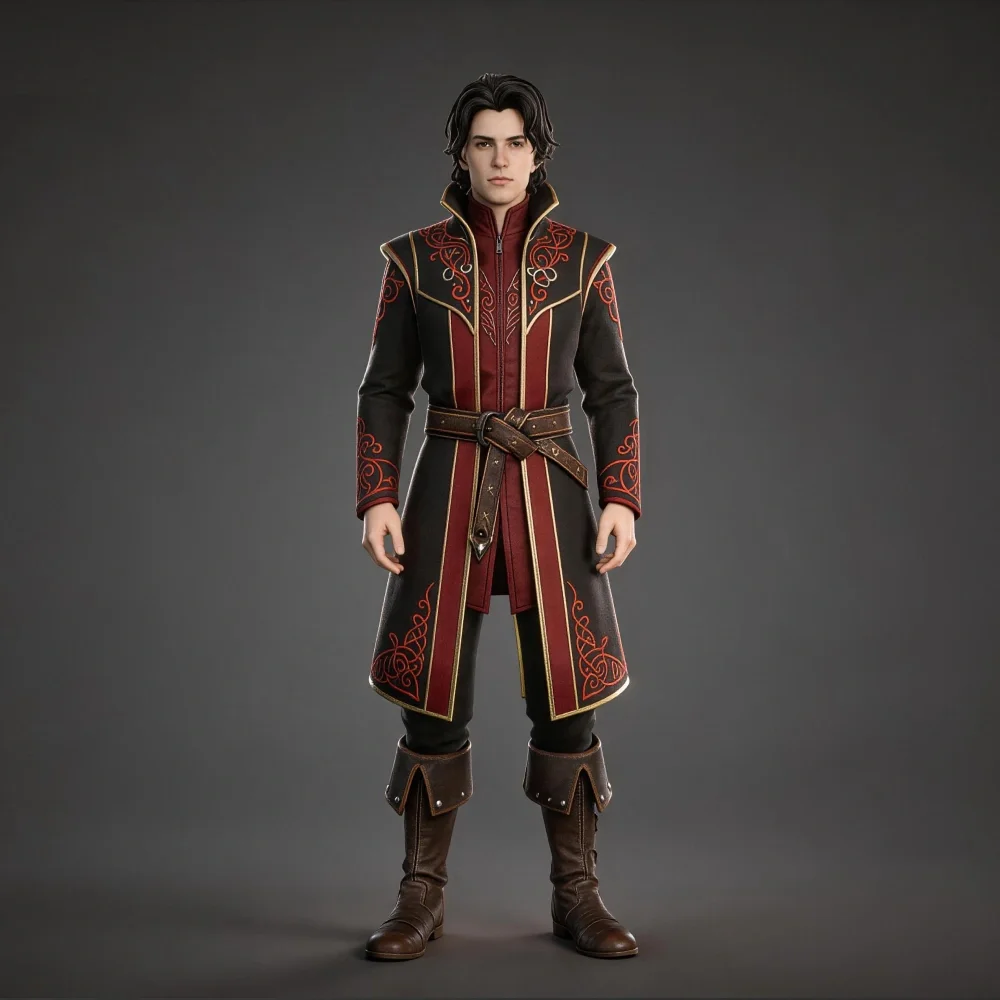
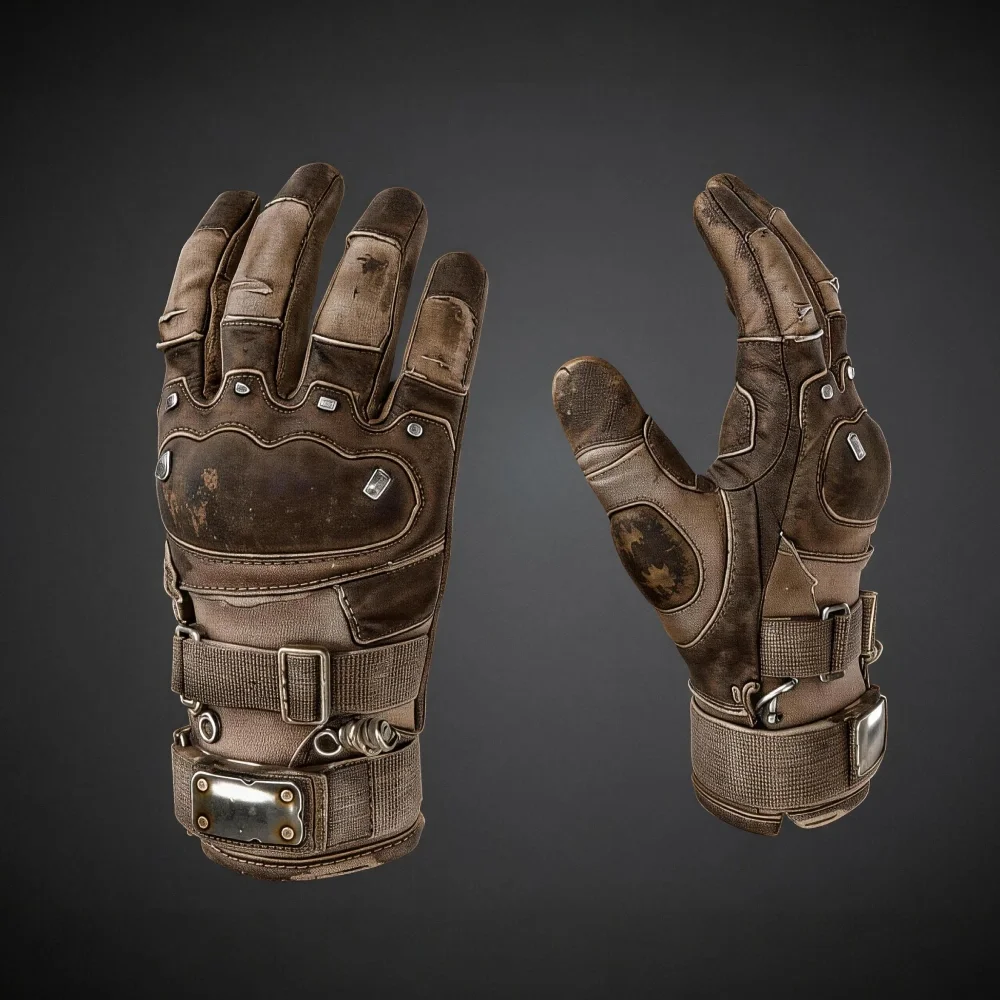
Tripo generates watertight, manifold meshes suitable for direct slicing — from product references to concept art, with clean geometry optimized for FDM, resin, and SLA workflows.
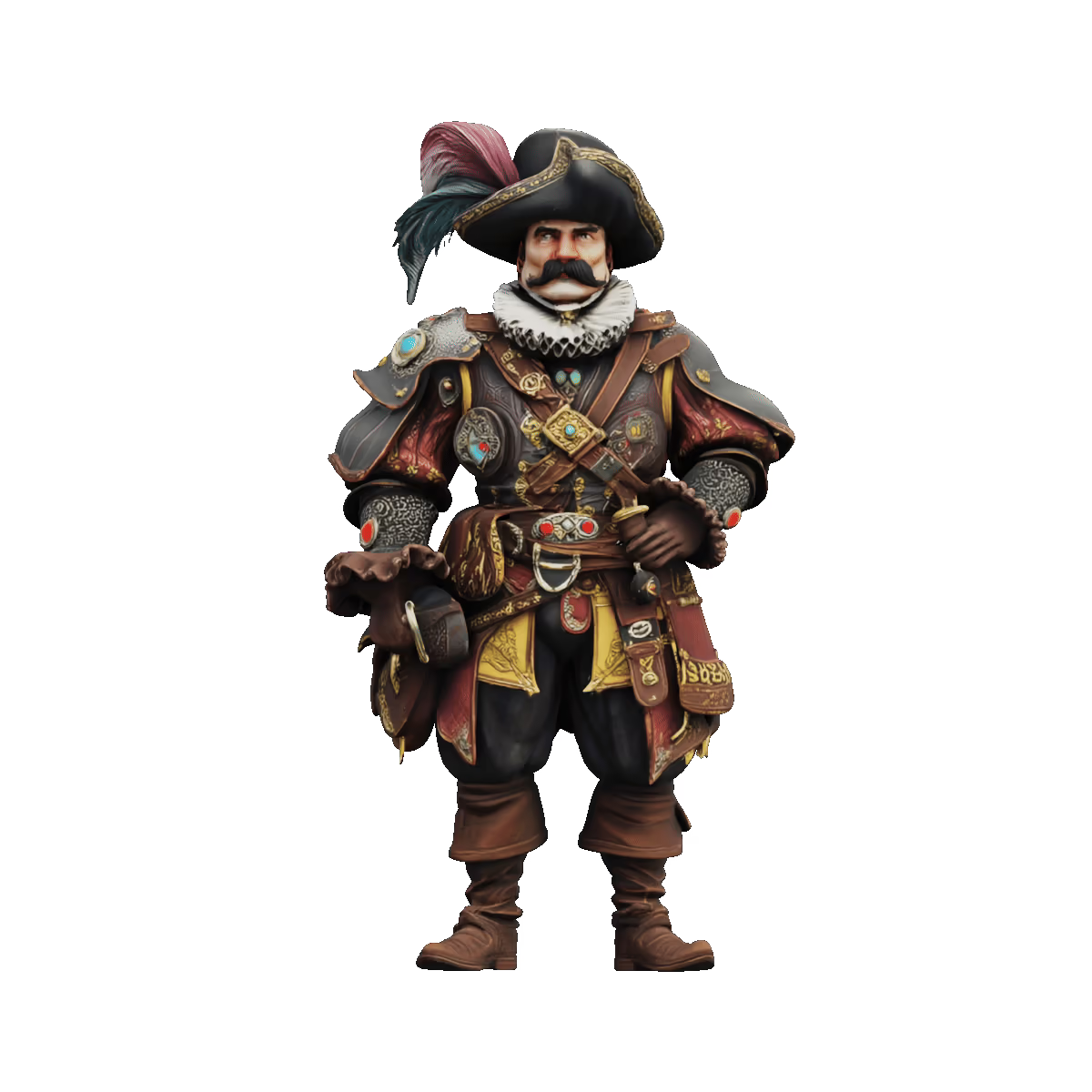
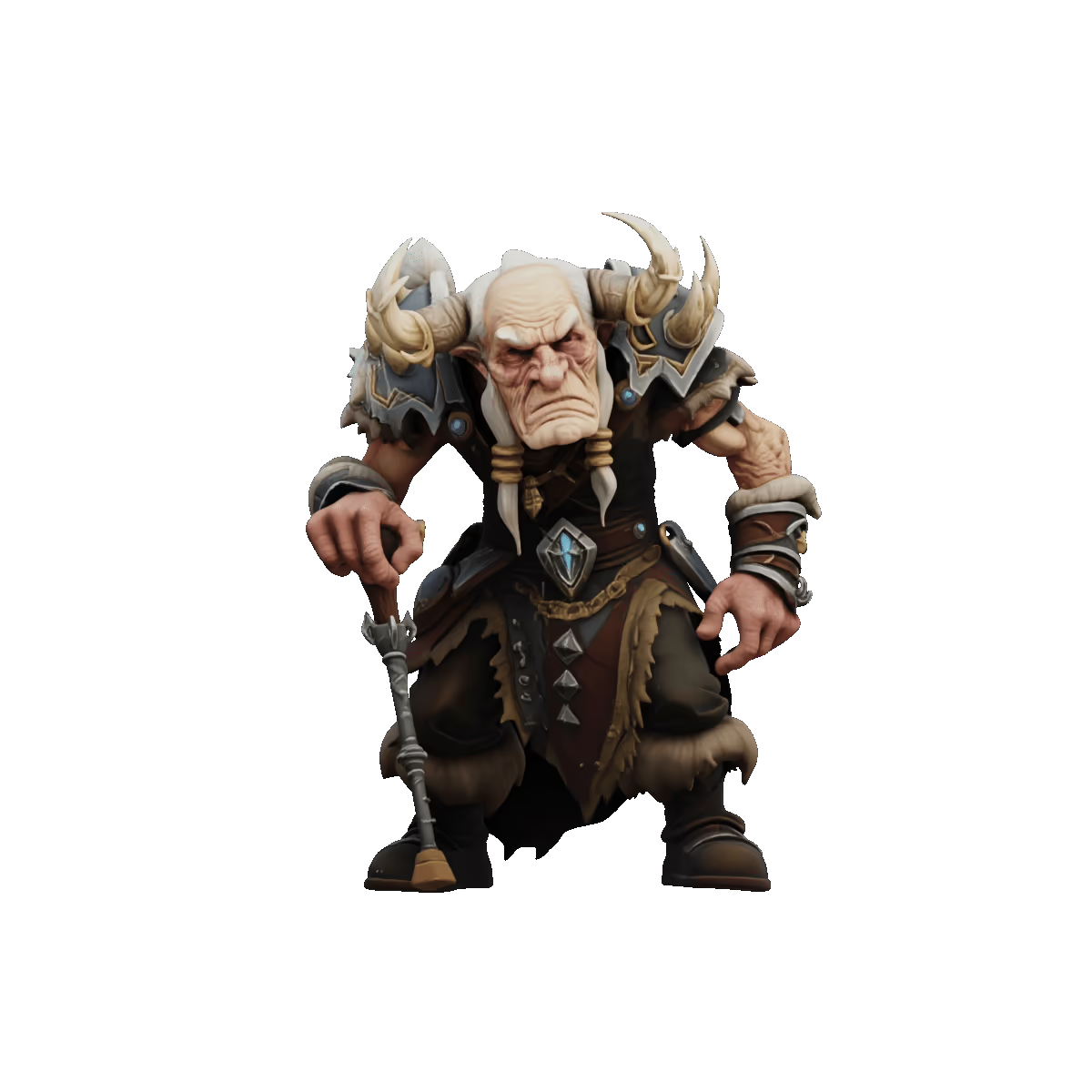
AI Image to 3D Model Showcases

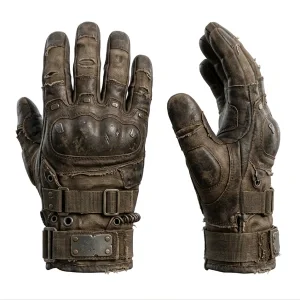
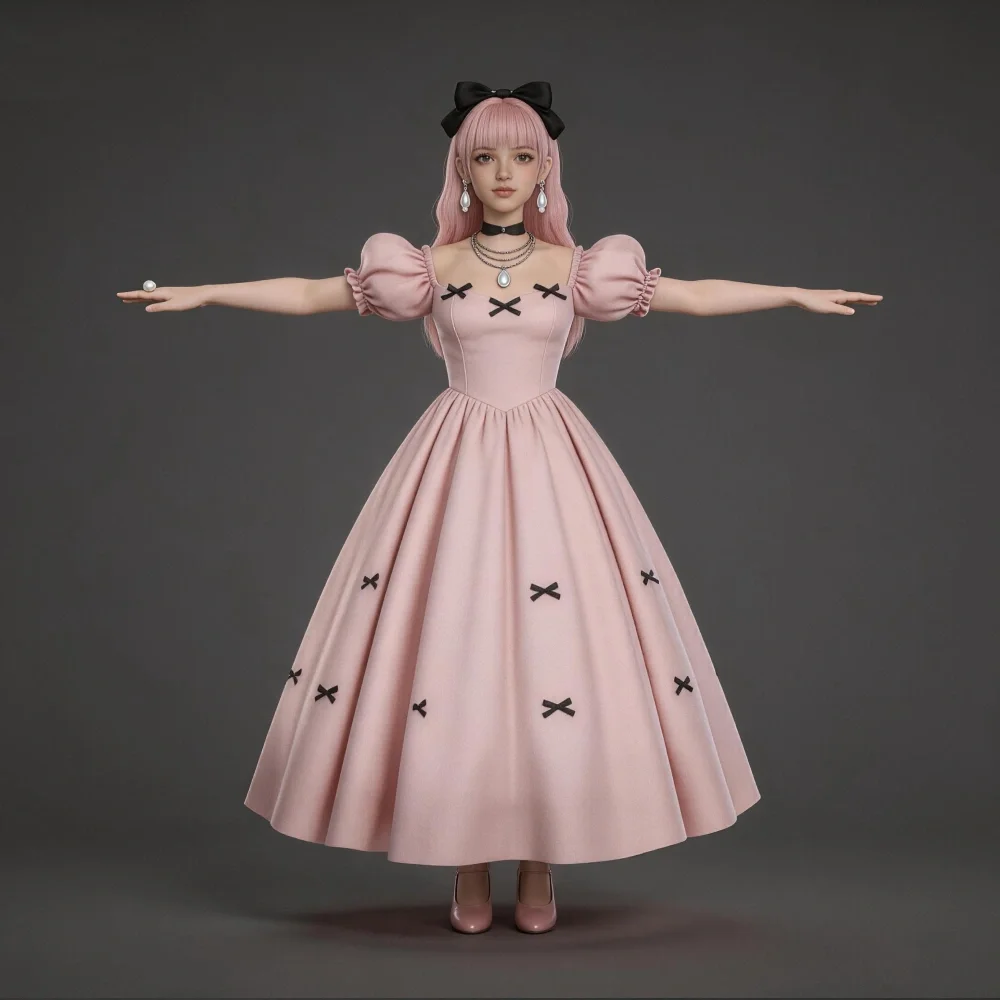
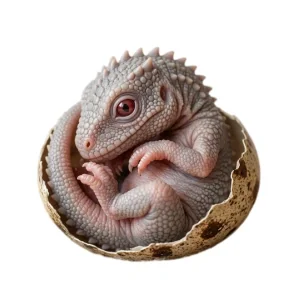
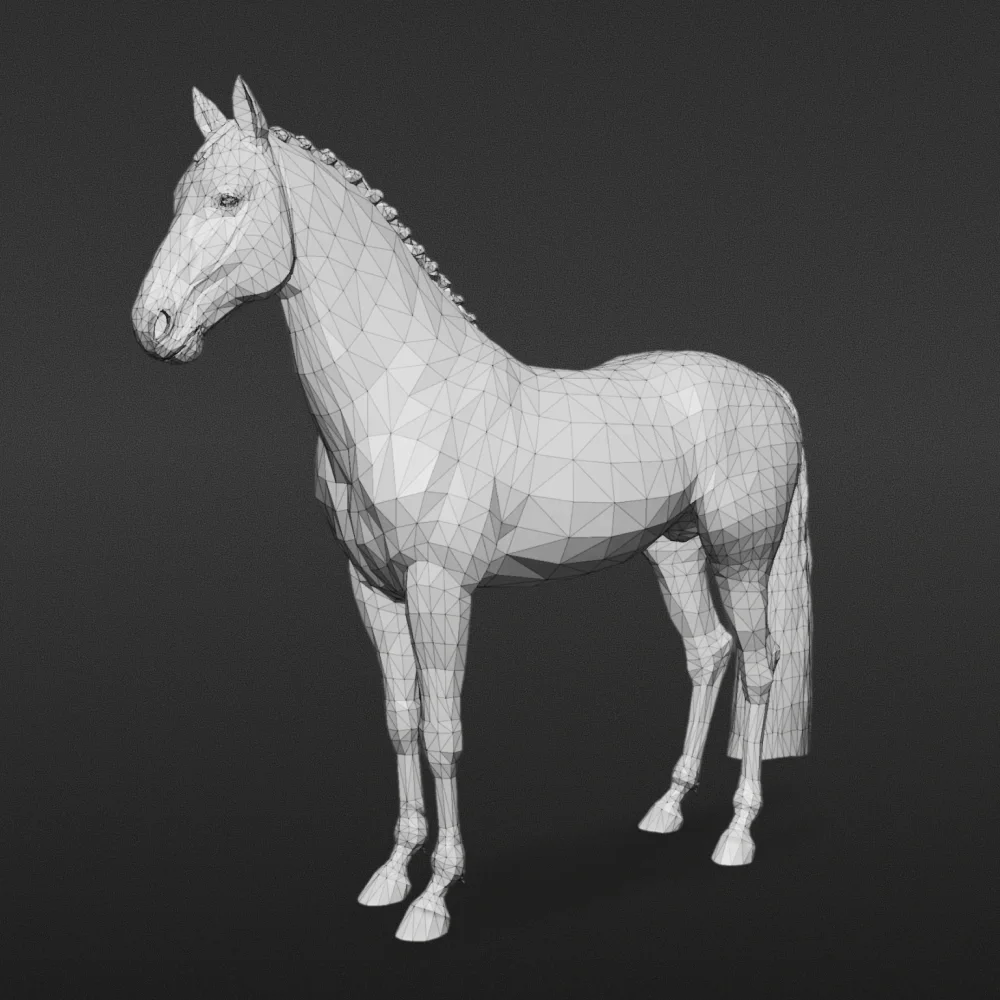

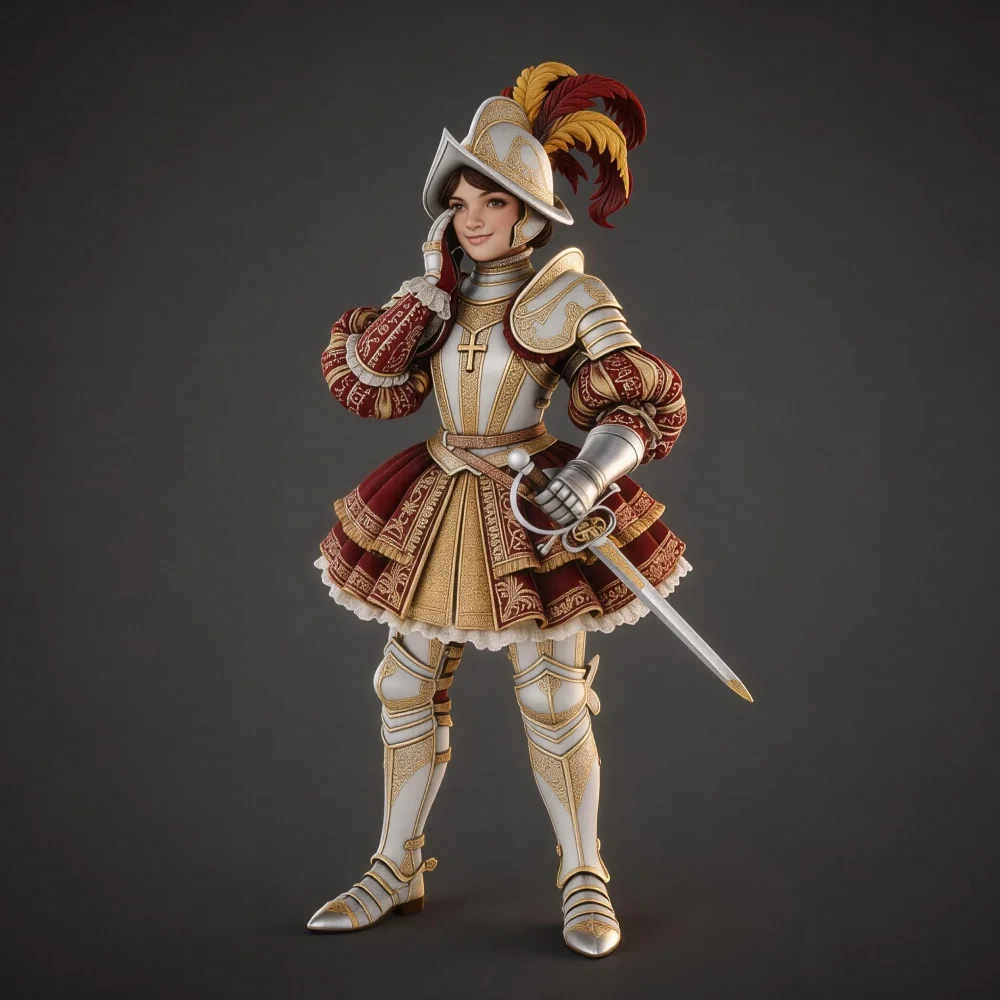
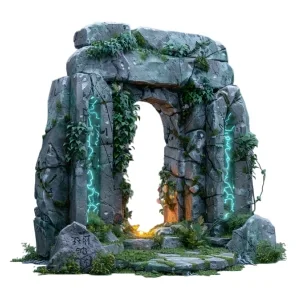
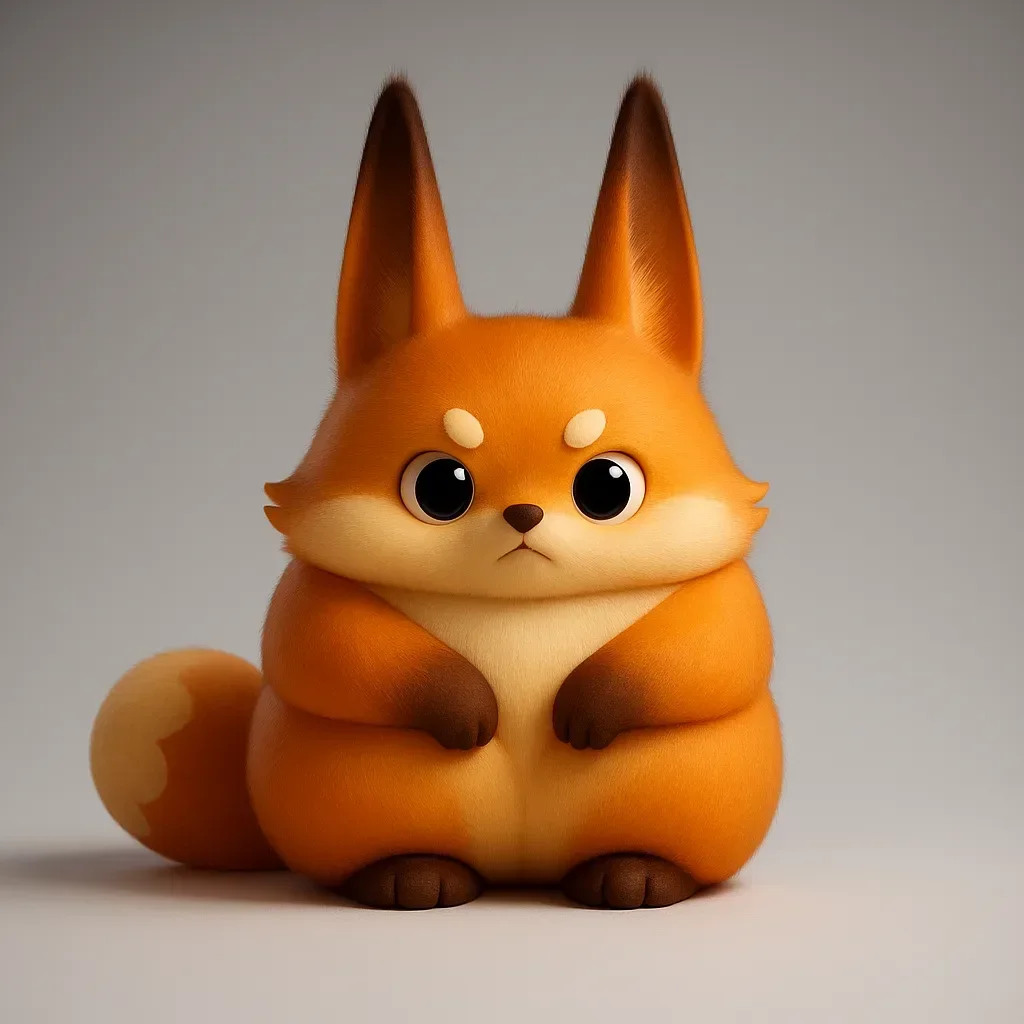
3D Print-Optimized Geometry
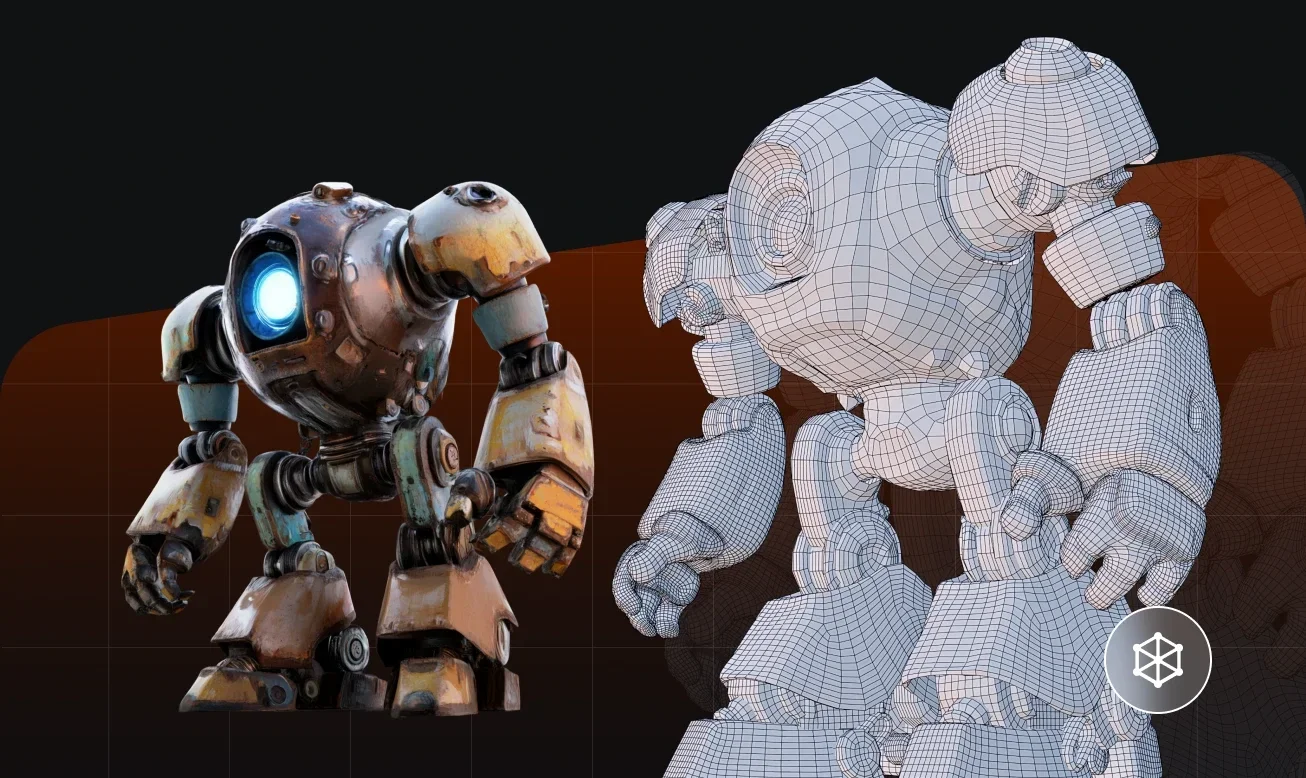
Watertight Meshes for Reliable Printing
Tripo generates closed, manifold meshes — essential for reliable slicing and print success. No manual mesh repair needed in most cases.
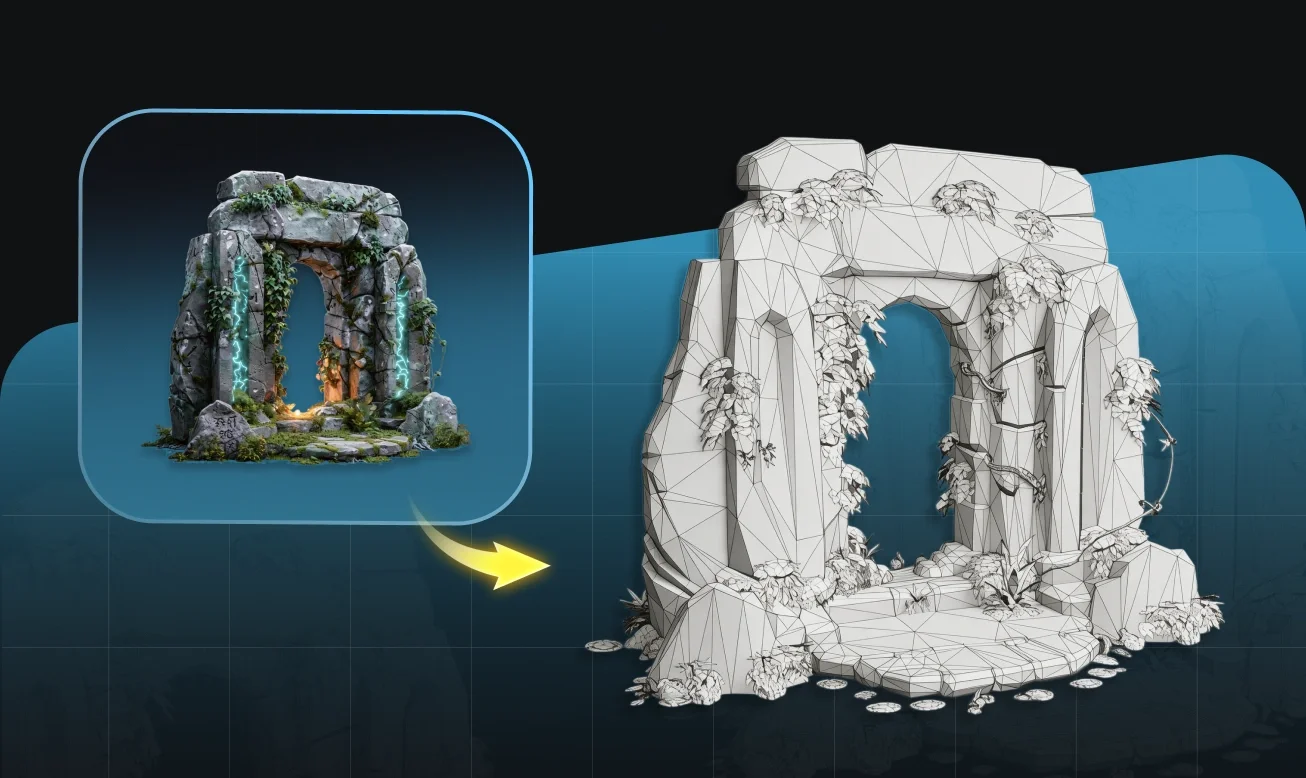
Geometry Optimized for Fabrication
Clean, structured topology without unnecessary overhangs or floating geometry — suitable for FDM, resin, and SLA workflows.
Direct STL Export — Straight to Your Slicer
Download in STL format and load directly into Cura, PrusaSlicer, or Bambu Studio. No conversion steps between Tripo and your printer.
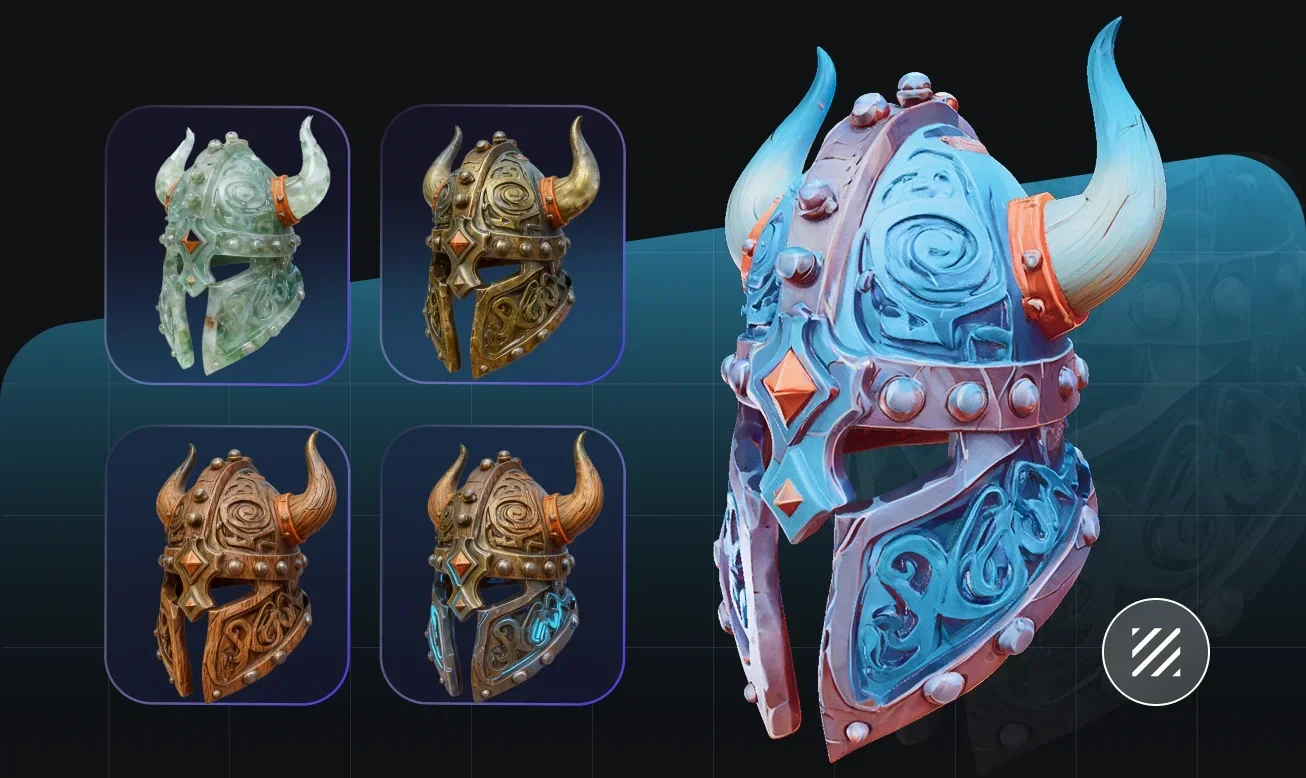
From Image to Physical Object — No Modeling Required
Upload any image — product reference, concept sketch, or character art — and get a print-ready 3D model with watertight geometry suitable for FDM, resin, and SLA workflows. Export directly to your slicer without intermediate conversion.
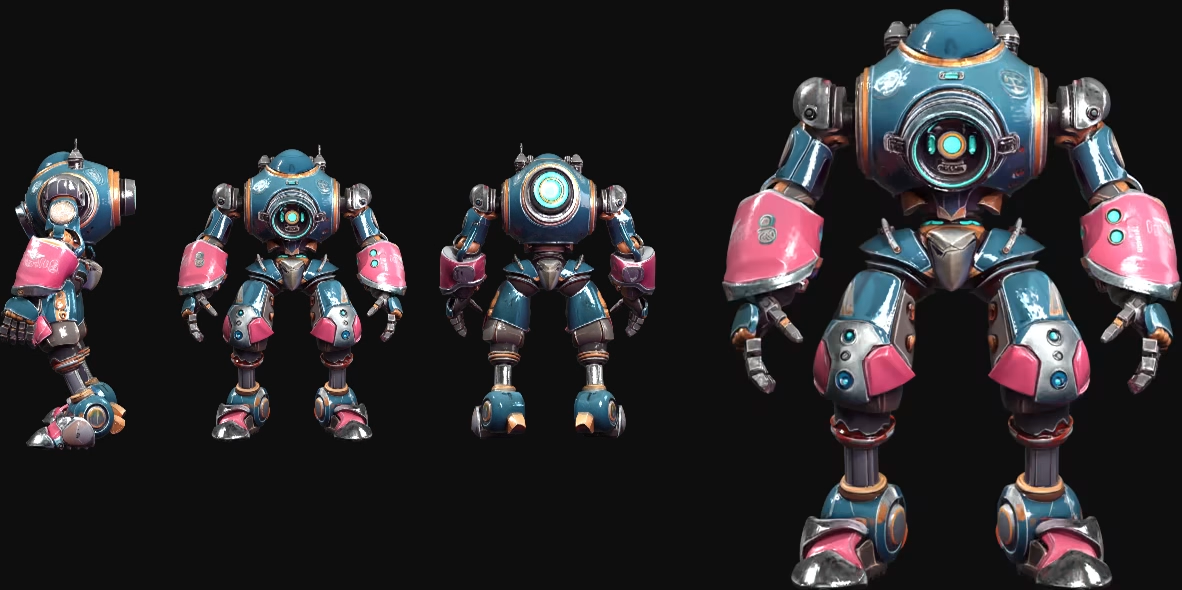
How to Convert an Image to a 3D Printable Model
Upload Your Image
Start with a product photo, illustration, or design reference. Clear, clean images produce cleaner geometry and better print results.
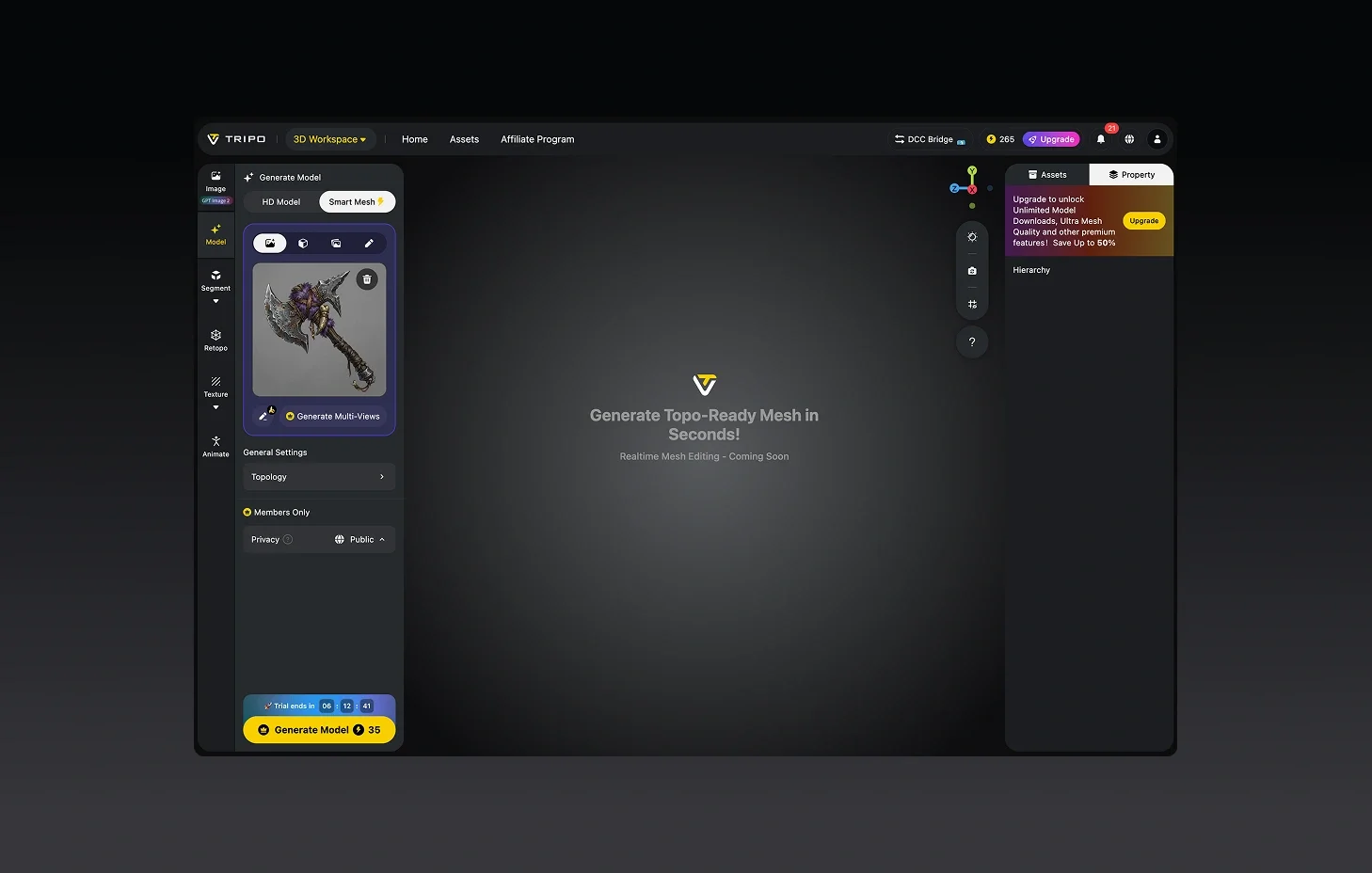
Generate a Print-Ready 3D Model
Tripo creates a watertight 3D mesh from your image — optimized for printing from the start.
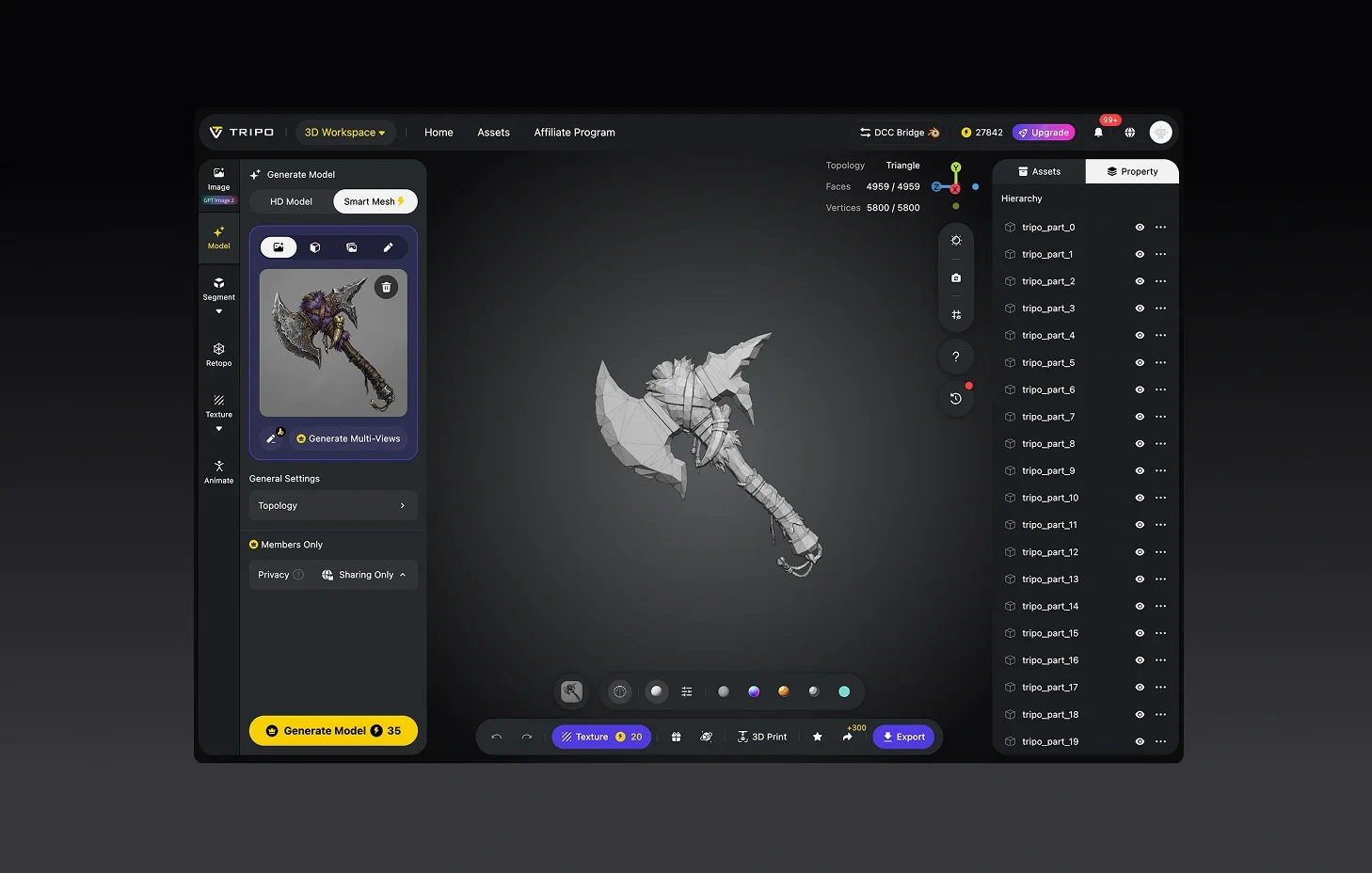
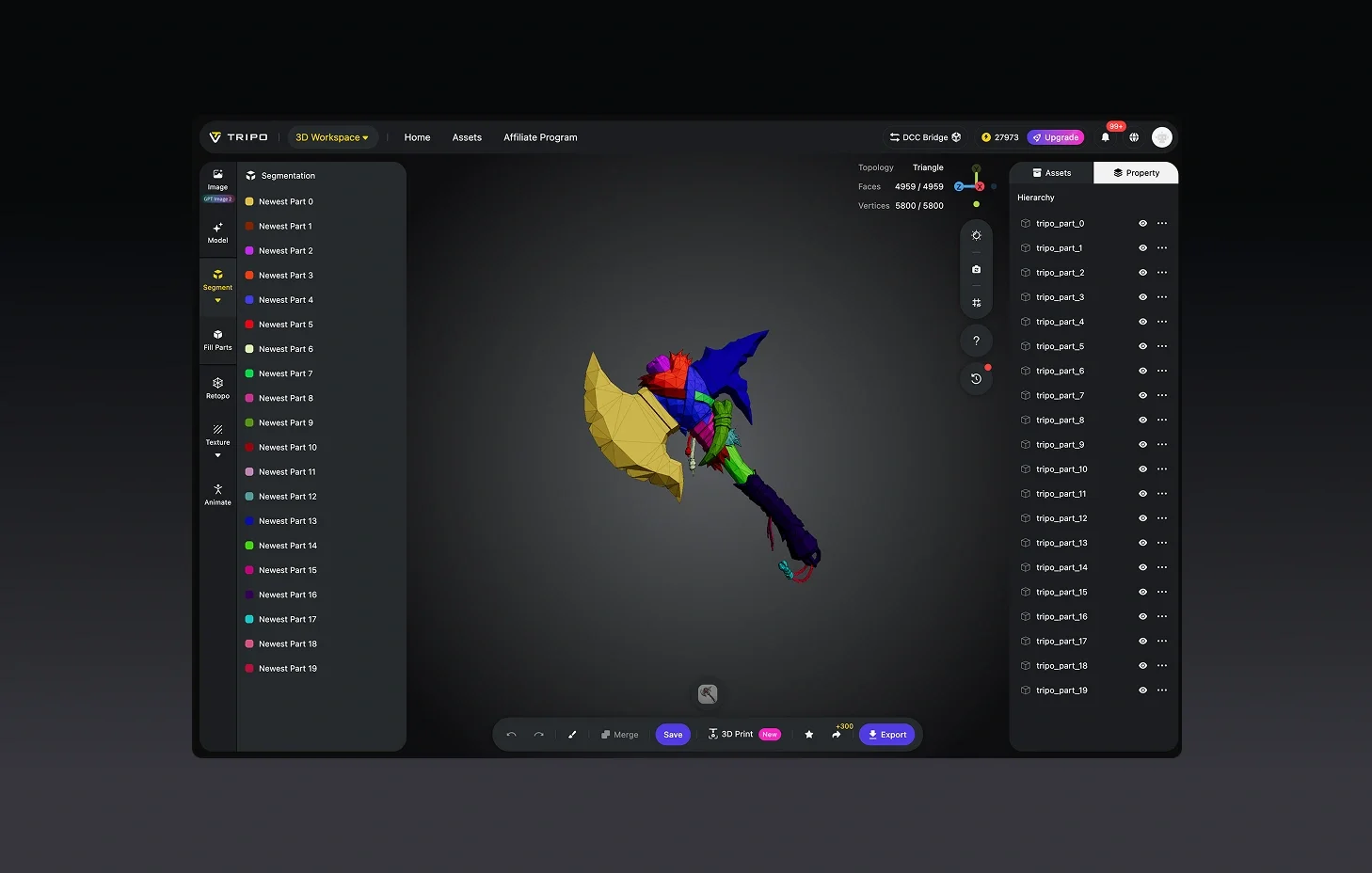
(Optional) Scale and Optimize
Adjust dimensions, clean up minor artifacts, or prepare the model for specific printer requirements.
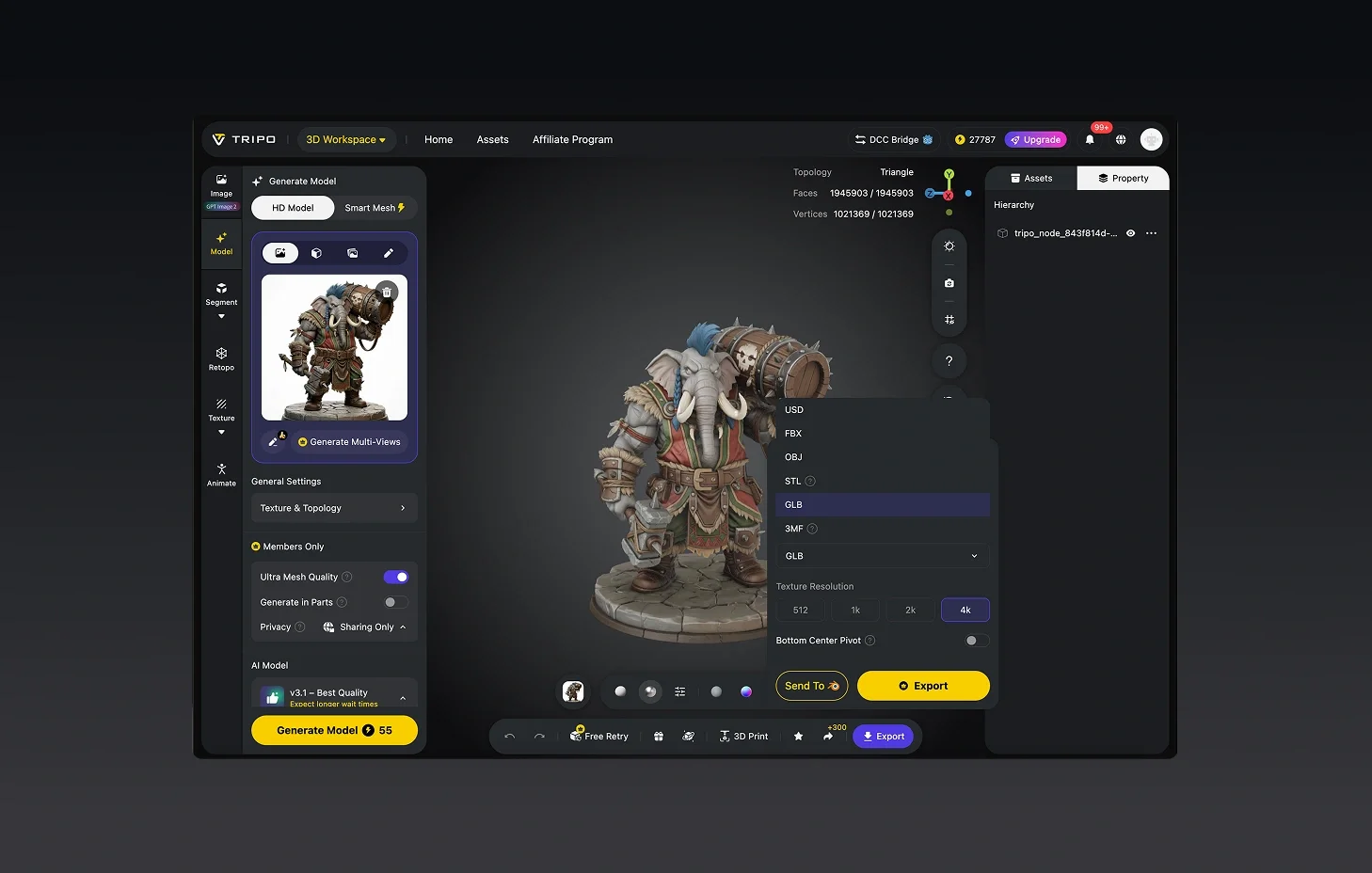
Export as STL and Print
Download your STL file and load it directly into your slicer. Print on FDM, resin, or SLA printers.


Built by Makers, for Makers
Jewelry prototype came out surprisingly crisp, even the tiny parts.
UI is simple, nothing fancy, but the models export clean every time.
My furniture mockups looked photorealistic, textures sharper than expected.
STL came out watertight on the first try. Sliced it and printed straight away.
I photograph my clay maquettes and print improved versions. Huge time saver.
Used it for rapid prototyping a bracket design. Saved a full CAD session.
My mini figurines printed perfectly. The detail from a single photo is impressive.
Went from reference photo to printed part in under 20 minutes total.
FAQ: Image to 3D Print
Stay Ahead with the Latest Trends
Explore trending topics in 3D modeling, AI tools, and the world of 3D creation.
Introducing Tripo H3.1: High Detail Model for Production-Ready Assets
Tripo H3.1 generates high-fidelity 3D models with dense geometry and production-level detail, ideal for hero assets, marketing visuals, rendering, and 3D printing.
Read moreImage-to-3D vs. Text-to-3D: When to Use Each in Your Workflow
This article compares image-to-3D and text-to-3D generation workflows, helping you choose the right method for faster, smarter 3D model creation using Tripo AI.
Read moreTripo 3D Tutorial Center
Systematically master end-to-end workflows of Tripo 3D from beginner to advanced, and learn how to create production-ready 3D assets with greater speed and control.
Read moreIntroducing Tripo Smart Mesh P1.0: Clean Low-Poly Topology in 2 Seconds
Generate clean, optimized topology meshes in seconds with Tripo Smart Mesh. Create lightweight, game-ready 3D models for engines, web, and real-time workflows.
Read moreRelated Features
Explore More on Tripo AI
Image to 3D Model
Upload any image and generate a high-quality 3D model in seconds with Tripo AI. Supports single-view and multi-view inputs.
Learn moreSketch to 3D Model
Transform concept art and hand-drawn sketches into production-ready 3D assets. Tripo AI interprets line art and builds full geometry.
Learn more2D to 3D Conversion
Convert any flat 2D image into a full 3D model with Tripo AI. AI-powered depth estimation and geometry generation.
Learn moreFree Image to 3D Model
Generate 3D models from images for free with Tripo AI. No signup required, instant access to production-quality output.
Learn moreReady to Print Your 3D Models?
Watertight geometry, direct STL export. From image to slicer-ready model in minutes.