AI Generated Environment Assets: From Concept to Game-Ready
- AI generated environment assets turn prompts, images, and references into usable 3D starting points.
- They can create props, terrain pieces, modular structures, foliage, debris, and texture sets.
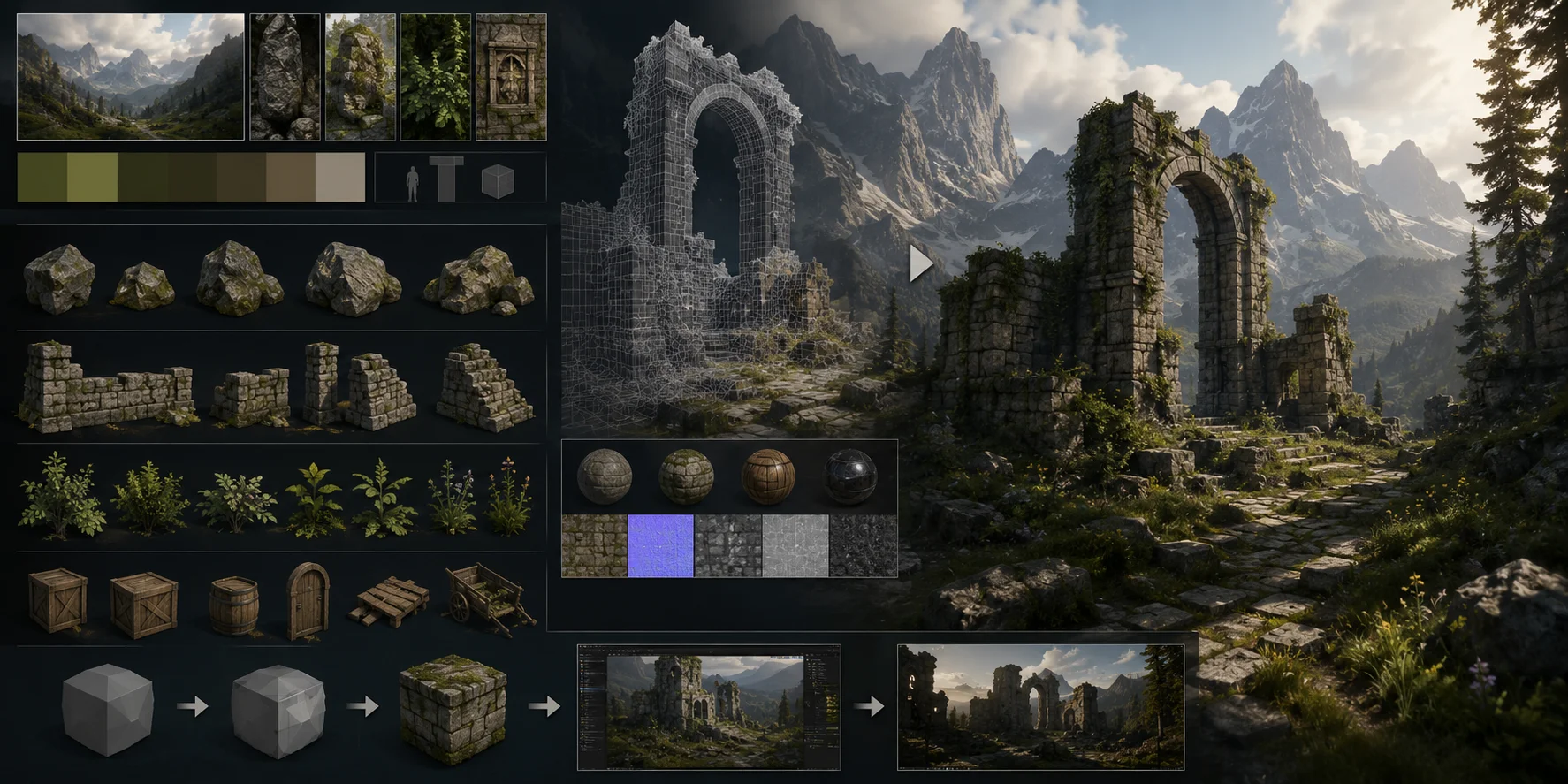
- A practical workflow is to define, generate, texture, export, and test in-engine.
- Unreal Engine and Unity still require scale, UV, material, LOD, and performance checks.
- Tripo AI Studio helps generate assets, while Pricing helps choose the right plan.
Game worlds need thousands of unique pieces, from terrain and props to structures, foliage, ruins, and background details. Building them manually can slow down both solo developers and studios. AI generated environment assets reduce that bottleneck by turning prompts, images, and references into usable 3D starting points. This guide covers asset types, generation methods, workflow, engine integration, and practical limits.
What Are AI Generated Environment Assets?
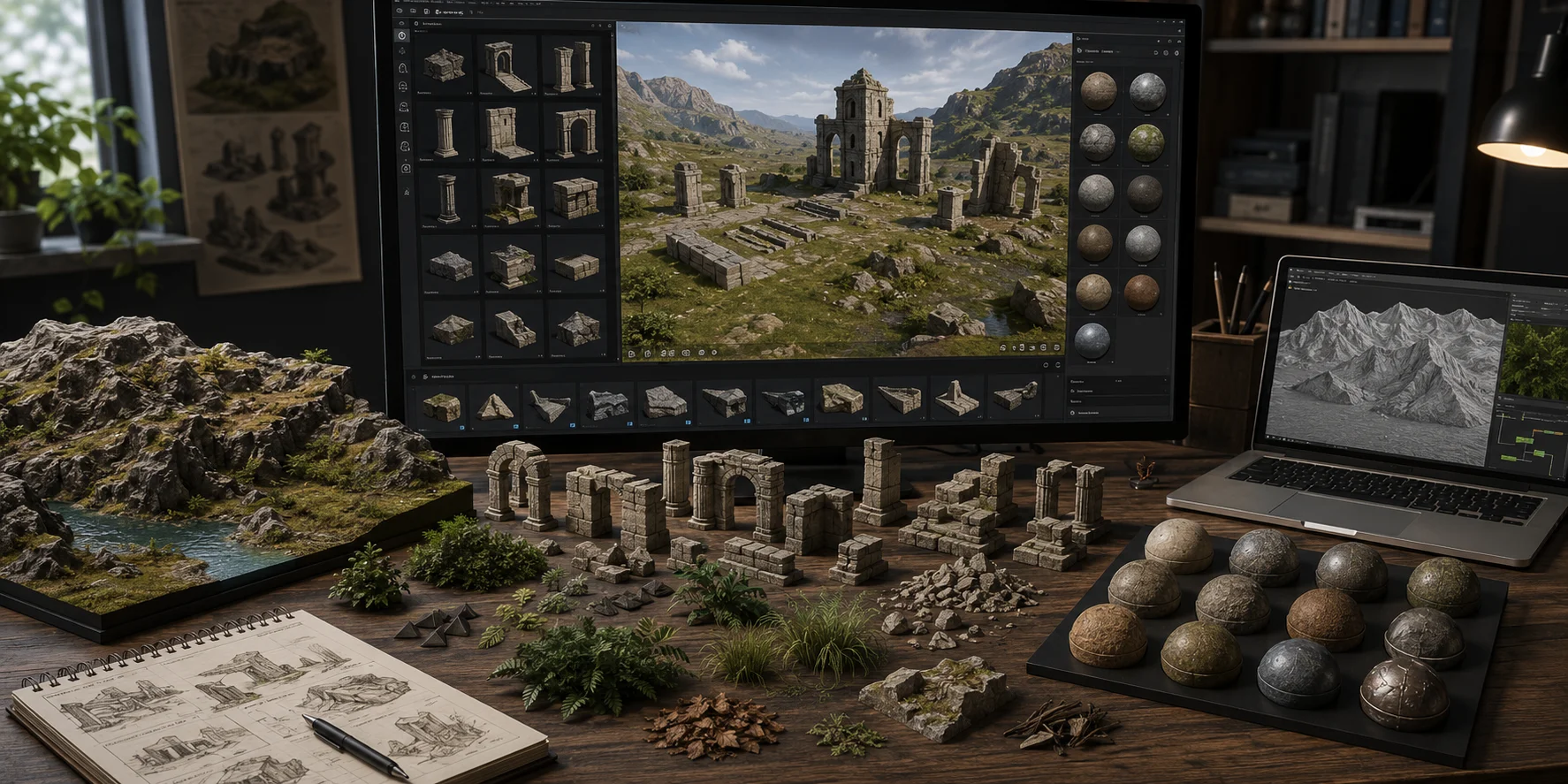
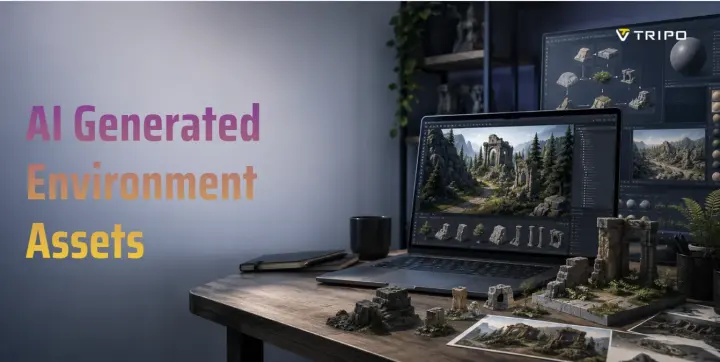
AI generated environment assets are 3D props, modular structures, scatter assets, and texture sets produced or accelerated by AI. A broader environment workflow may also include terrain heightmaps and procedural layout tools, while Tripo AI focuses on generating and refining 3D mesh and texture assets such as rocks, foliage, debris, ruins, and modular building pieces.
AI speeds up early asset creation without replacing the full pipeline. An AI 3D model generator can create draft meshes that artists refine, optimize, and place into larger environments.
The Technology Landscape
AI environment generation has three layers. Generative models create concept images, texture ideas, terrain references, and mood boards. Text-to-3D and image-to-3D models turn prompts or reference images into direct mesh output, while Tripo AI combines both in one workflow.
Procedural and AI hybrid systems use AI to guide variation, while rules handle repeated forests, rocks, terrain details, and modular background elements.
AI-Powered Environment Generation
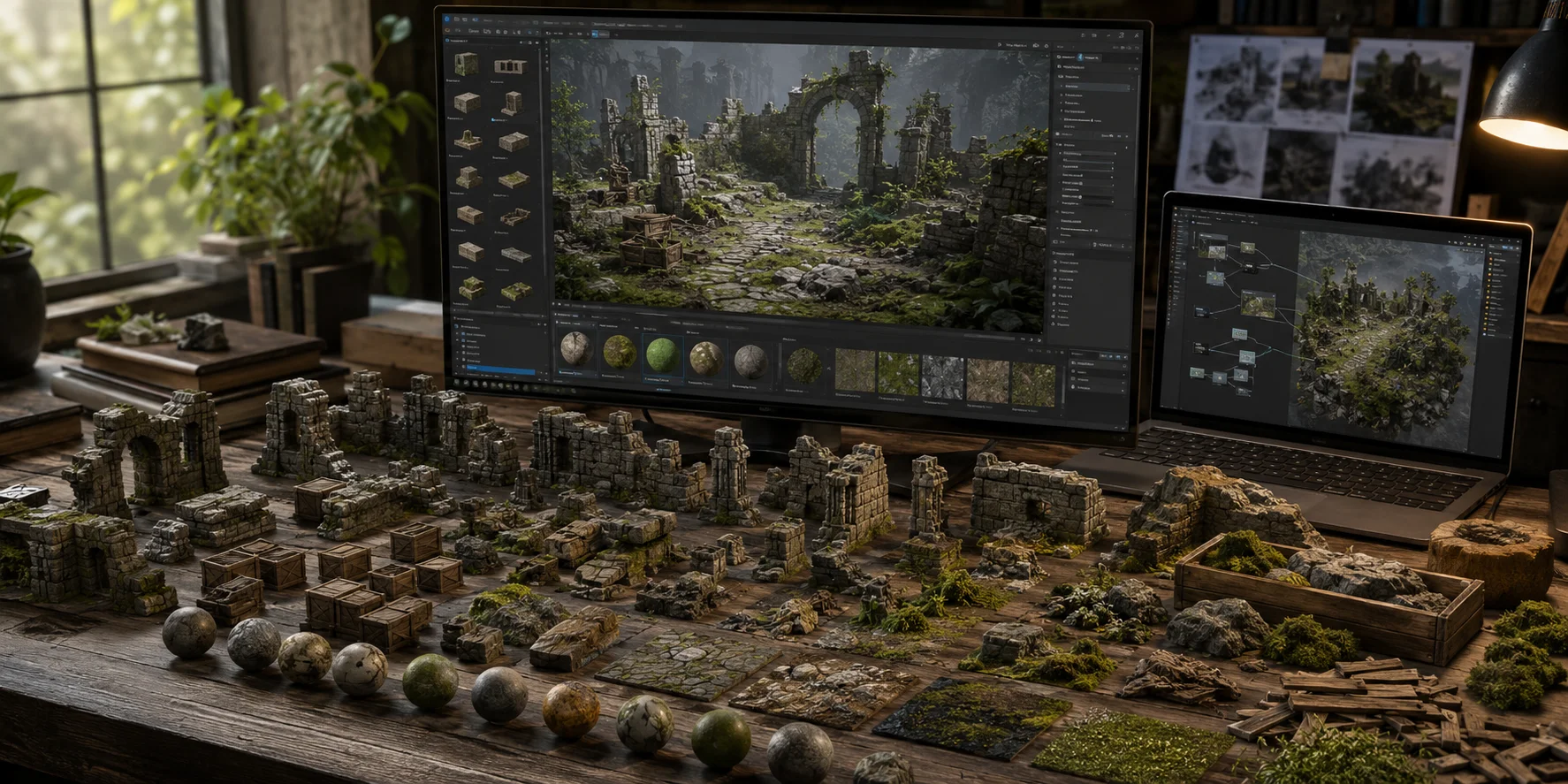
Environment art needs scale and coherence. A single biome may need hundreds of rocks, damaged walls, crates, debris, and foliage variations, which AI can generate faster than manual modeling.
Coherence matters just as much as speed. Using the same prompt style, reference image, palette, and texture direction keeps assets visually consistent across one scene.
A simple workflow is: prompt a mossy ruin prop, generate it in Tripo AI Studio, export it as GLB, and import it into Unity or Unreal Engine. The engine then handles placement, lighting, and scene assembly.
Step-by-Step Workflow
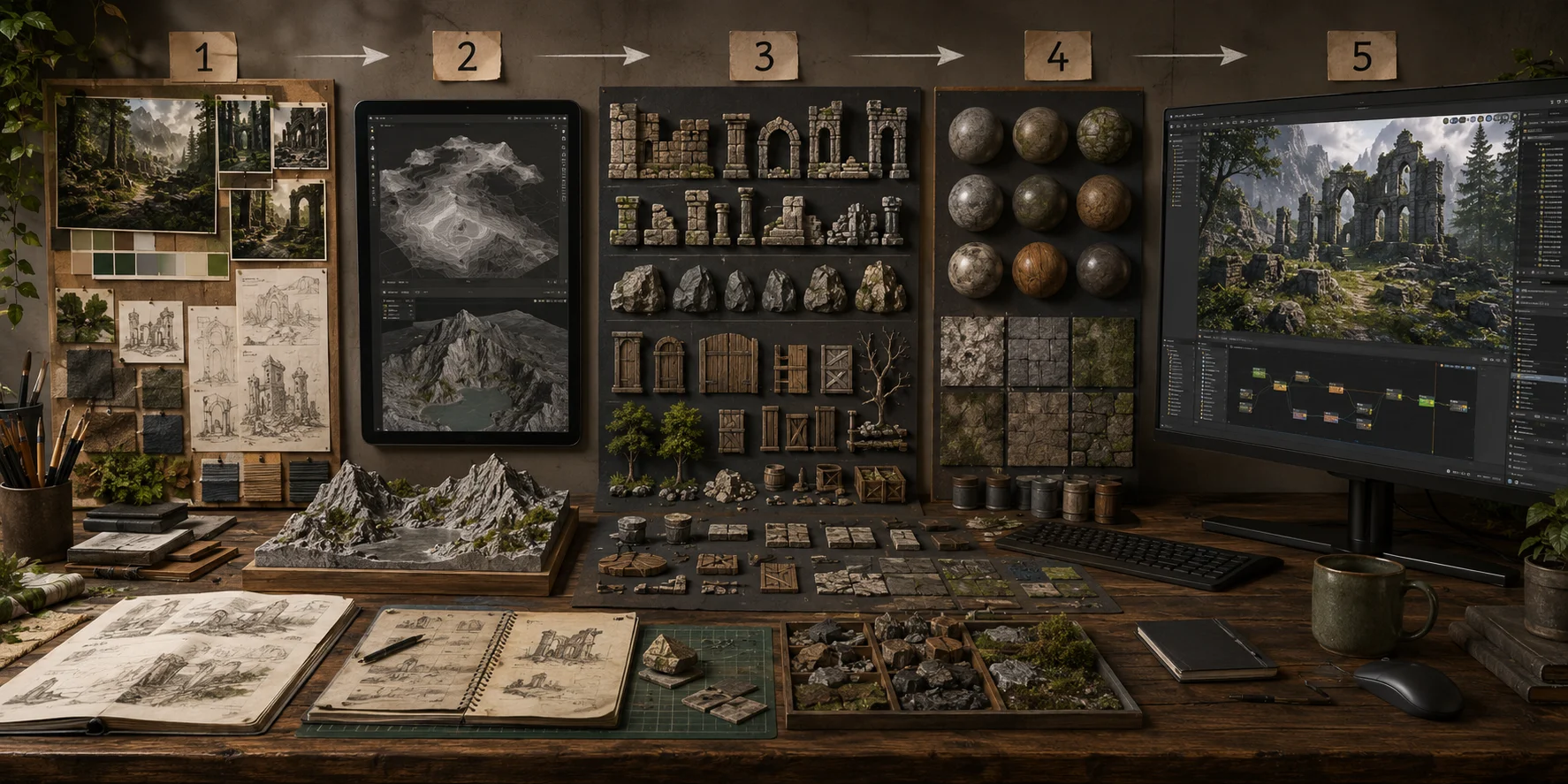
- Define art direction and biome. Start with a mood board, reference images, color palette, target scale, and texture style.
- Generate base terrain or heightmaps. Use AI or procedural tools to create the rough environment structure.
- Create modular asset families. Use text-to-3D or image-to-3D to generate rocks, walls, ruins, doors, trees, crates, or debris with several variations.
- Apply consistent AI texturing. Use AI Texturing to keep PBR materials, colors, and surface detail consistent.
- Export and test in-engine. Export as GLB, FBX, or OBJ, then import one test asset before scaling production.
Engine Integration: Unreal Engine and Beyond
For Unreal Engine, import GLB or FBX assets, check scale and pivots, enable Nanite for high-detail meshes, and use Lumen for lighting. Terrain pieces can use Landscape tools, material layers, and foliage scattering.
For Unity, configure materials and textures, then use assets with Terrain tools, prefabs, Shader Graph, or scene placement tools. Check scale, colliders, poly count, UVs, texture resolution, LODs, and pivots before production. Tripo AI Studio provides export options for downstream engine workflows, but in-engine validation is still essential.
Overcoming Challenges and Limitations
AI assets still need quality control. Use downstream cleanup or retopology tools to address high poly counts, non-manifold geometry, messy topology, or imperfect UVs. Verify licensing before commercial use, and reduce style drift with fixed references, prompts, texture settings, and poly budgets.
Best Practices
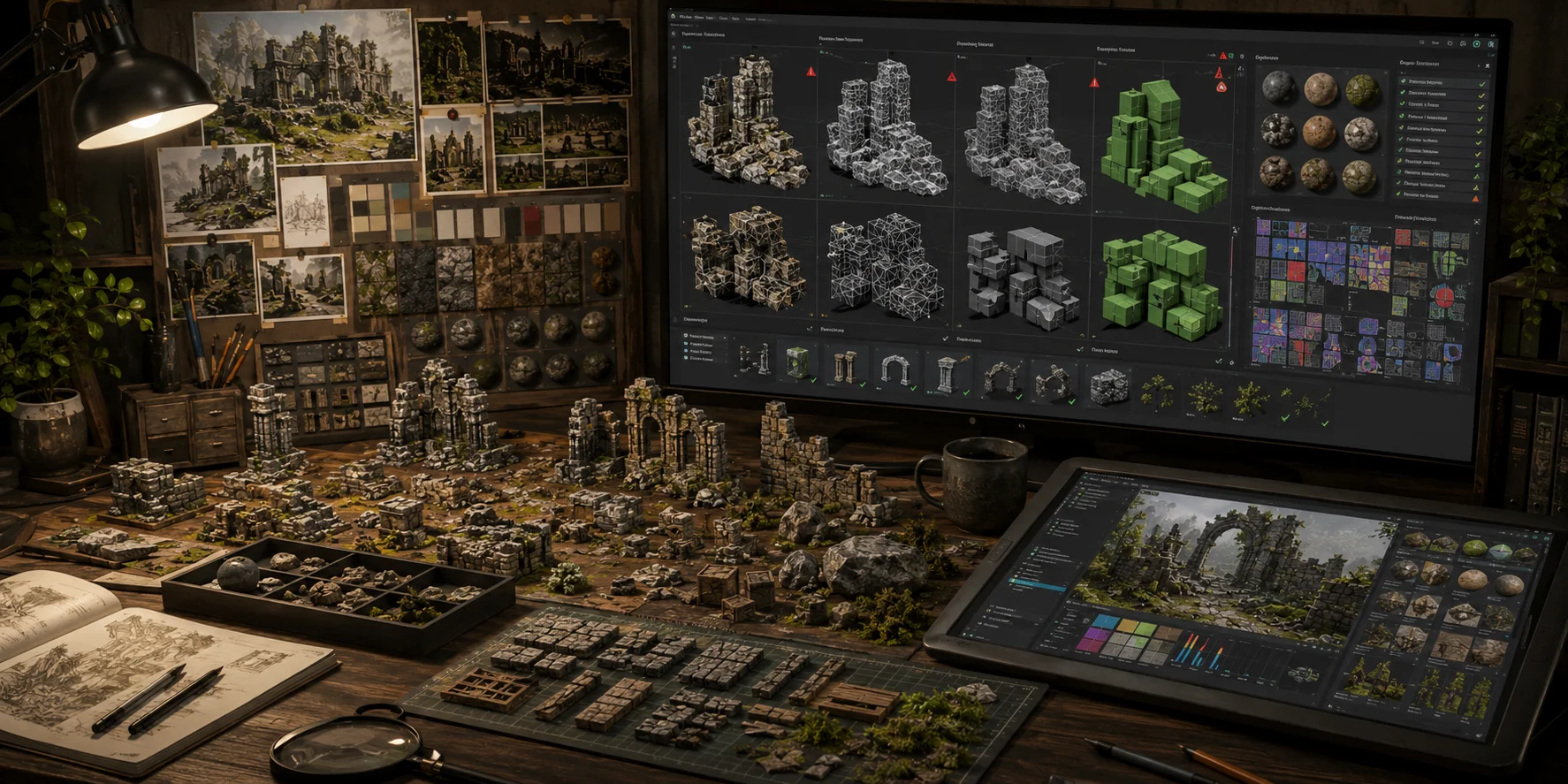
Start with a style guide: lock the palette, poly budget, texture resolution, target engine, and scale rules.
Generate asset families instead of one-offs. Sets of 5–10 rocks, walls, or foliage pieces look more natural.
Validate in-engine early to catch scale, pivot, UV, or material issues.
Use AI for speed and variation, then manually polish hero props or close-up assets.
Frequently Asked Questions
What types of environment assets can AI generate?
AI tools can generate terrain heightmaps, props, foliage, debris, modular kits, and texture sets. Tripo focuses on generating and refining 3D mesh and texture assets for larger environments.
Are AI generated environment assets free to use commercially?
Rights depend on the platform terms and source materials. Tripo allows commercial use of generated models when source materials are free of copyright disputes; check the current Terms before shipping.
How do I make AI generated assets game-ready?
Export as GLB or FBX, check poly count, UVs, scale, and LODs, then test the asset in Unreal Engine or Unity before building the full scene.
Can AI generate a full 3D environment or just individual props?
AI and procedural tools can support both. Many workflows generate asset families first, then assemble them in the engine; Tripo focuses on the mesh and texture assets in that process.
What is procedural generation vs. AI generation?
Procedural generation uses rules and algorithms for variation, while AI generation produces assets from prompts, images, or references. Modern pipelines often combine both.
How do I keep style consistency across AI generated assets?
Use the same reference image, prompt format, texture resolution, and poly budget, then test each batch together in-engine.
Conclusion
AI generated environment assets reduce the gap between concept and playable world by making props, terrain pieces, modular assets, and textures faster to create. For solo developers and larger teams, the workflow is now more accessible: define the scene, generate assets, optimize them, and bring them into the engine.
Start building your first environment asset with Tripo AI Studio from a text prompt or reference image.
Compare available plans on Tripo AI Pricing to choose the right tier for your project.