AI 3D Model Limitations: What You Need to Know Before You Generate
TL;DR — Key Takeaways
- AI 3D generators save time, but outputs often need cleanup.
- Common issues include poor topology, texture seams, scale errors, and rigging gaps.
- Image-to-3D is usually more reliable than text-to-3D for accurate shapes.
- AI-generated models are rarely print-ready without mesh repair.
- Better prompts, references, Smart Mesh, and post-processing improve results.
AI 3D generators save time, but prompt ambiguity, broken topology, texture seams, scale errors, and rigging gaps remain common AI 3D model limitations.
What "Limitations" Actually Means in AI 3D Generation
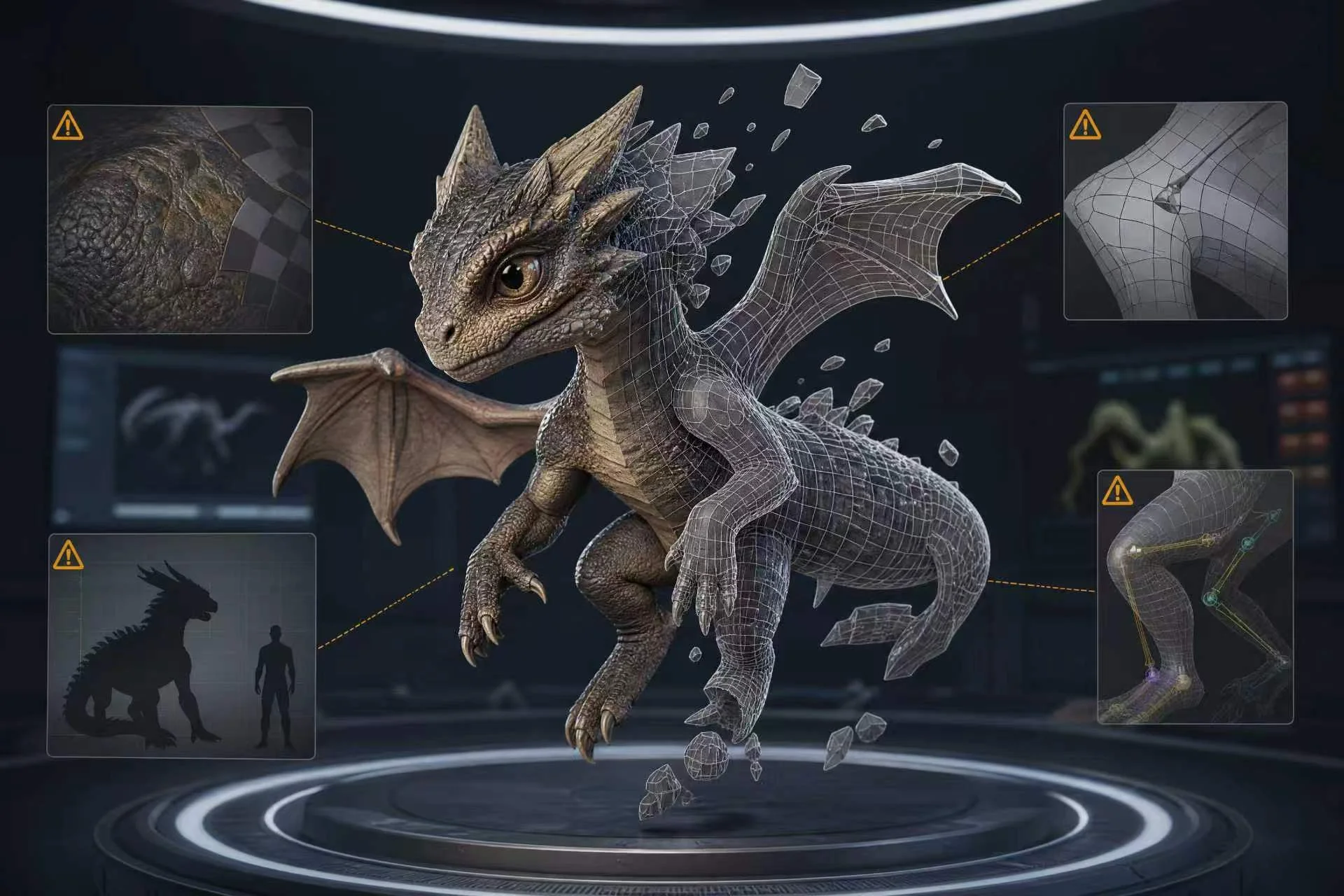
AI 3D model limitations usually fall into three areas: geometric accuracy, visual quality, and downstream usability. Does the shape match the request? Do materials look right? Can it be rigged, printed, or imported? AI is excellent for rapid prototyping, but can struggle with precision tasks requiring intent-driven mesh control. Explore Tripo AI's 3D generation features.
Core Limitations of AI-Generated 3D Models
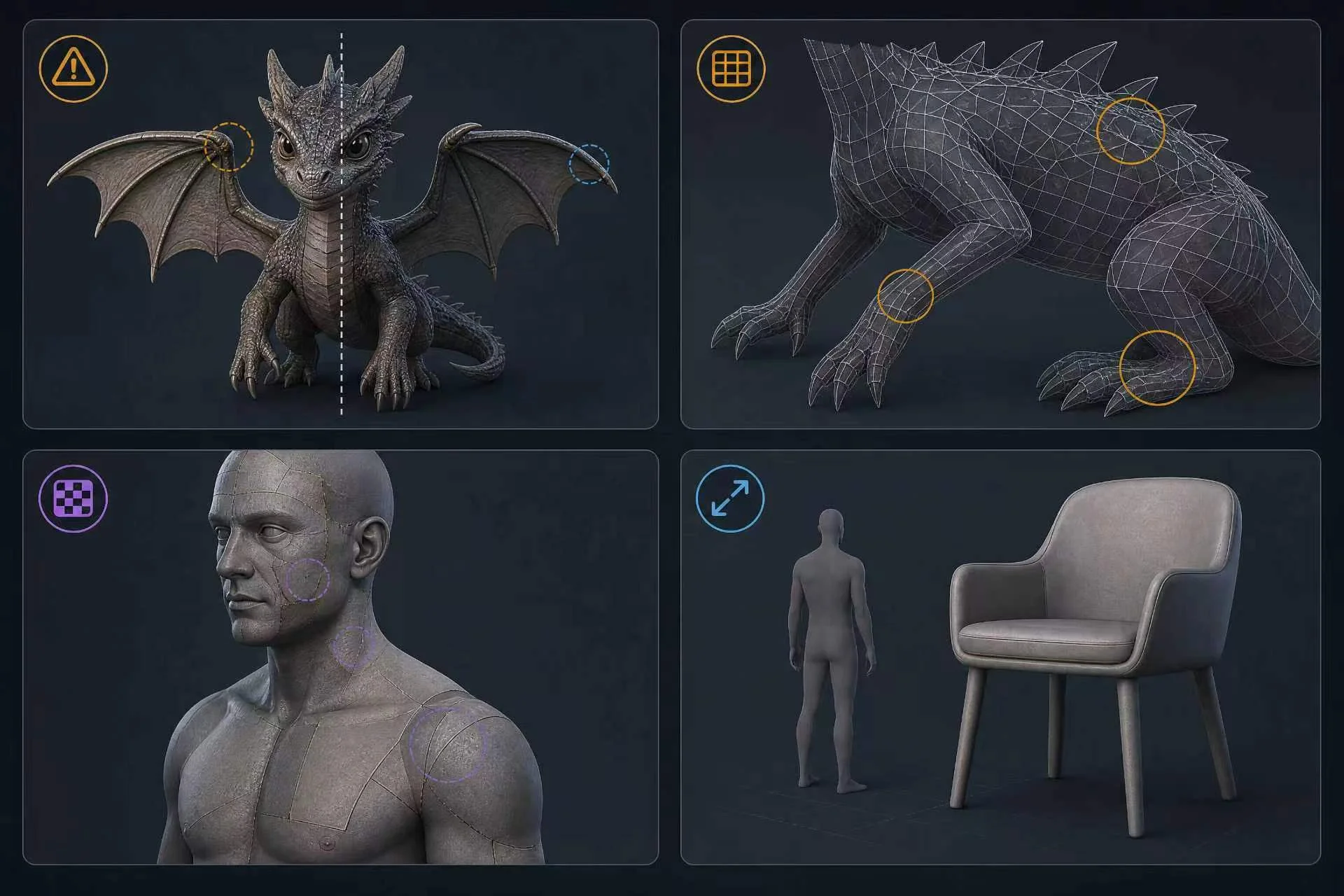
Prompt ambiguity. Text-to-3D tools interpret language imperfectly, so “a dragon with wings” may produce odd symmetry or unclear anatomy.
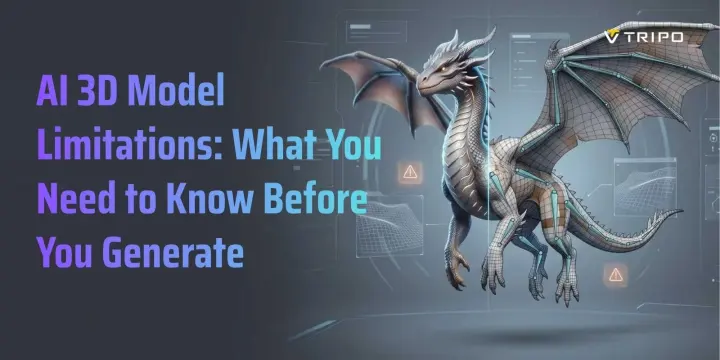
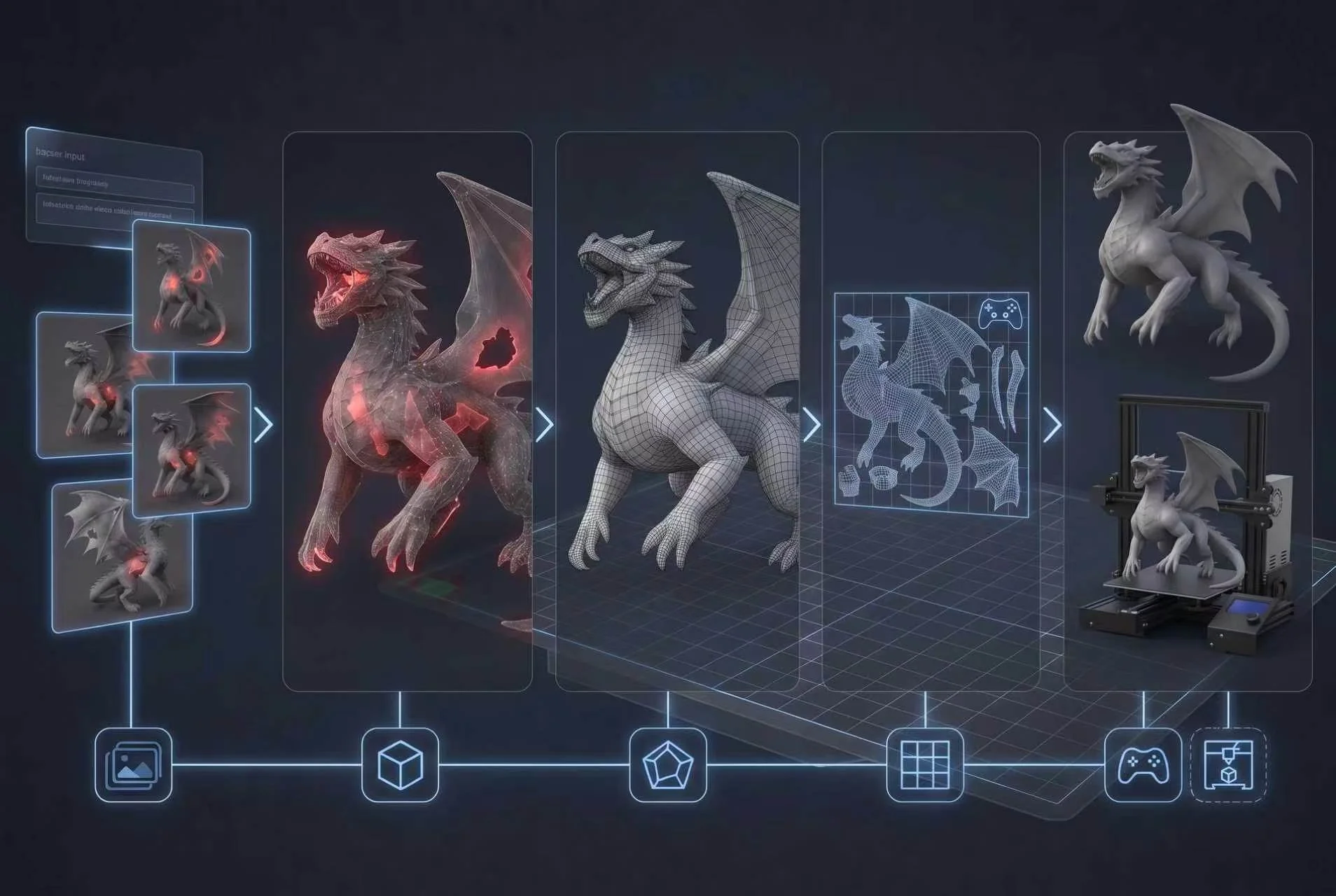
Topology issues. AI meshes can contain non-manifold edges, extra vertices, or uneven polygon density. They may render well but fail during animation or rigging.
Texture seams. Automated UV unwrapping often leaves seams on organic characters, creatures, clothing, and curved props.
Scale and proportion errors. Without references, AI may misjudge size relationships. A chair can look stylish but be too low, thick, or toy-like. See how Tripo AI's Smart Mesh improves geometry.
Accuracy Differences: Photo vs. Text-to-3D
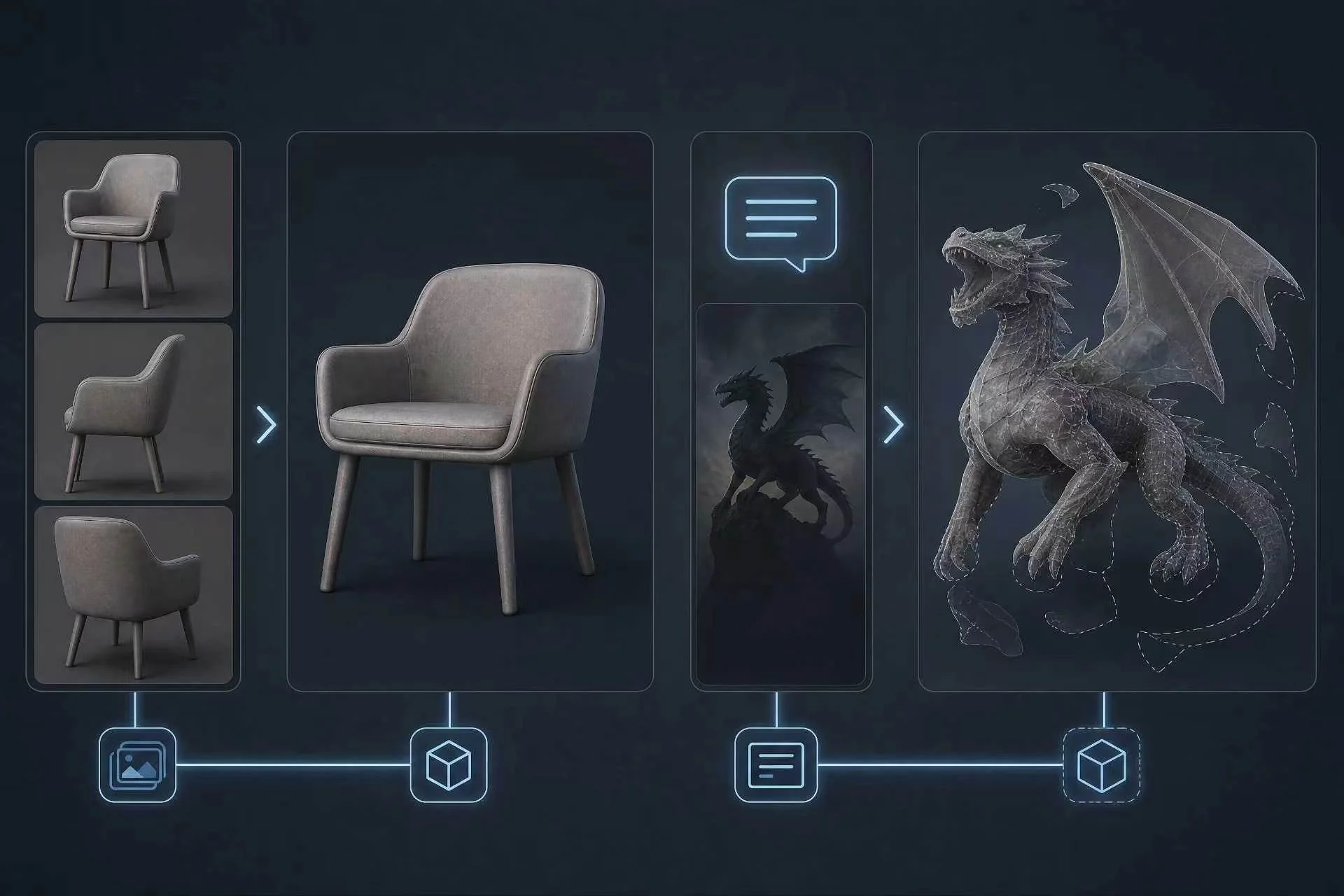
Input method matters. Image-to-3D results depend on image quality, subject complexity, and how much of the object is visible. Clear, well-lit references generally provide more shape guidance than text alone, while simple objects are easier to reconstruct than hands, faces, hair, and other complex organic forms.
Single-image input is weakest because one photo cannot show backs, undersides, or interiors. Multi-view or reference-guided generation reduces guessing by giving the model more spatial information. Try Tripo AI's image-to-3D workflow.
Not Ready for 3D Printing Without Cleanup
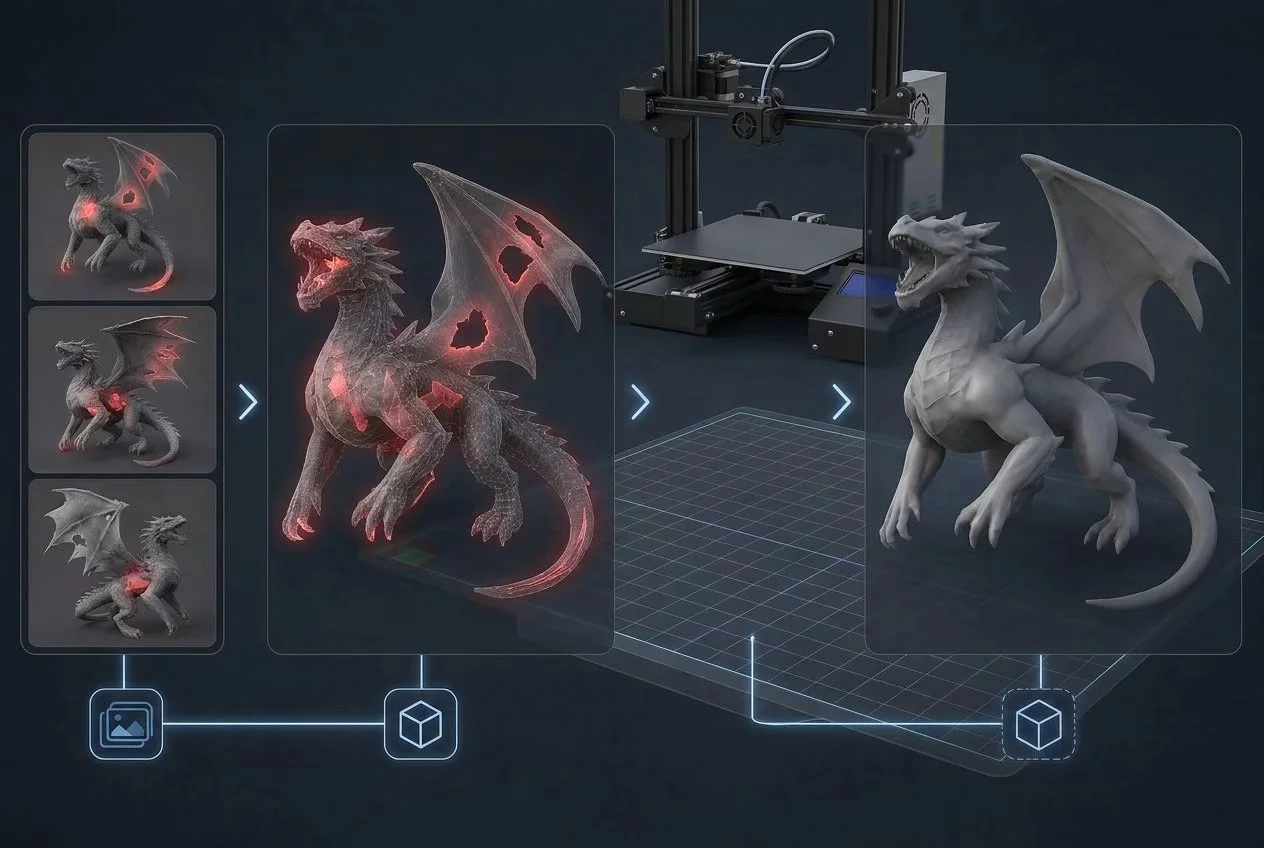
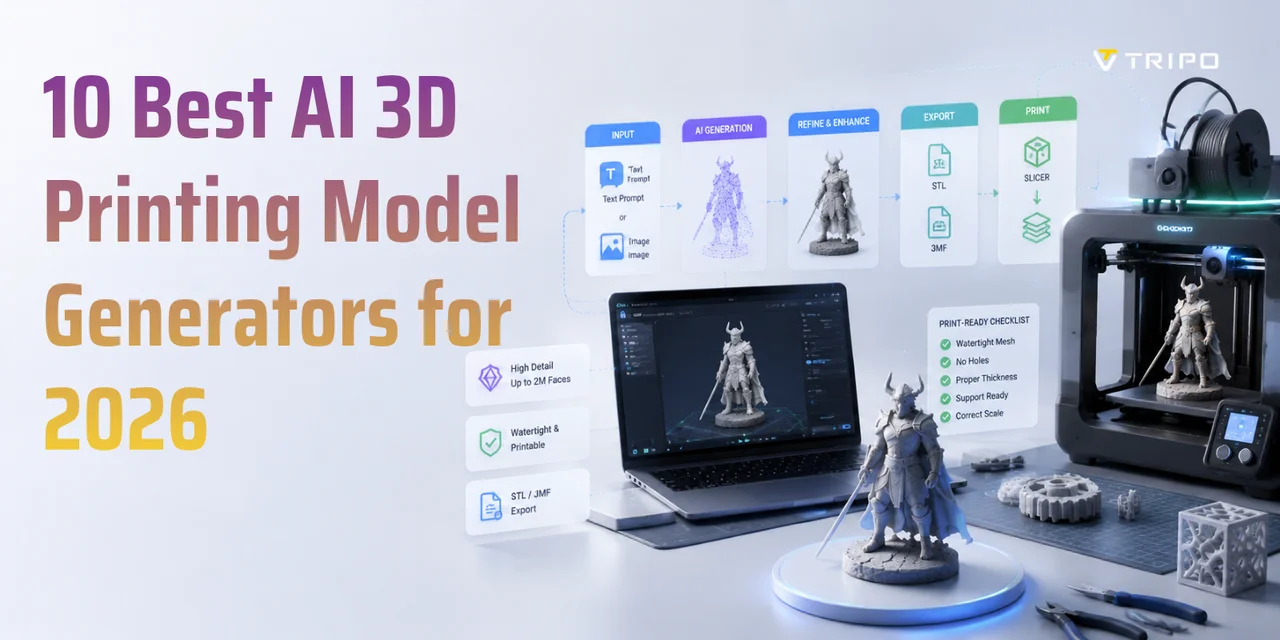
AI-generated models are rarely print-ready out of the box. Common problems include:
— Non-watertight meshes with open holes that make slicers fail
— Walls that are too thin for the selected material, printer, or nozzle settings
— Internal floating geometry, invisible in renders but problematic in print
Before slicing, creators usually need repair work in Blender, Meshmixer, or a platform that outputs cleaner meshes.
Where AI Still Does Well
Despite these limits, AI 3D generation is useful. It is strong at concept-to-mesh speed, asset library expansion, and low-stakes props. For game teams needing background objects, or designers wanting a base mesh, AI output can be faster and cheaper than commissioning everything.
How to Work Around the Limitations
- Write detailed prompts. Include material, style, view angle, scale, and use case, such as “low-poly wooden chair, game-ready, front view.”
- Use reference images. Image input anchors geometry better than text alone, especially for products, characters, and branded objects.
- Choose the right tool. For rigging, printing, or game assets, use mesh optimization. Tripo AI's Smart Mesh helps create cleaner topology.
- Plan for post-processing. Budget 15–30 minutes for UV fixes, topology cleanup, slicer repair, or proportion adjustments.
Frequently Asked Questions
What are the limitations of AI 3D model generators?
They struggle with prompt ambiguity, messy topology, texture seams, and scale accuracy. They are best for prototyping; animation, printing, and game-engine use often require cleanup.
What are the limitations of AI models in general?
AI models depend on training data quality and lack true physical understanding. In 3D, this can create hallucinated geometry where a prompt or image lacks information.
What are the limitations of 3D models generally?
All 3D models face file size, polygon count, render time, and simulation limits. AI models add unpredictability because the mesh may not fit a production goal.
Is AI good at making 3D models?
Yes, for the right use cases. AI is excellent for fast concepts and asset drafts, but less reliable for precision rigs, architecture, or final print geometry.
How accurate are AI-generated 3D models?
Accuracy depends on input quality, coverage, and subject complexity. Clear multi-view references can reduce ambiguity, while text-to-3D results vary more widely with the prompt and object.
Can AI-generated models be used for 3D printing?
Often, but not directly. Most need repairs for watertight geometry, wall thickness, and hidden internal faces before printing.
Conclusion
AI 3D generation is evolving, and knowing its limits gets better results. Topology quirks, texture seams, and print-readiness issues are real, but manageable.
Ready to see what AI generation can do? Try Tripo AI Studio for free and generate your first model. Need to scale up? Check out Tripo AI Pricing to find the plan that fits your workflow.