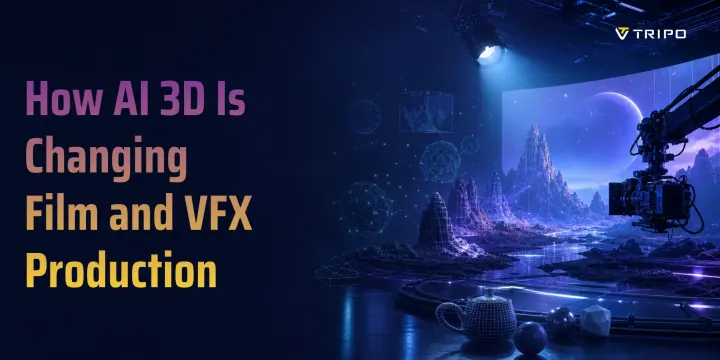
How AI 3D Is Changing Film and VFX Production
TL;DR
- AI 3D for film and VFX accelerates first-pass assets, previs, and scene exploration.
- Production-ready hero assets still require artist cleanup, continuity checks, and supervisor approval.
- Tripo AI rapidly prototypes props, background assets, and visual concepts for artist refinement.
Film and VFX teams live with a familiar production tension: directors want fast creative iteration, producers need cost control, and artists still have to deliver believable shots. A background extension, crowd scene, creature test, or digital prop can take days before anyone knows whether the idea works on screen. That is why AI 3D for film and VFX matters. It does not replace artists; it changes where their time goes.
Applications of AI in Film and VFX
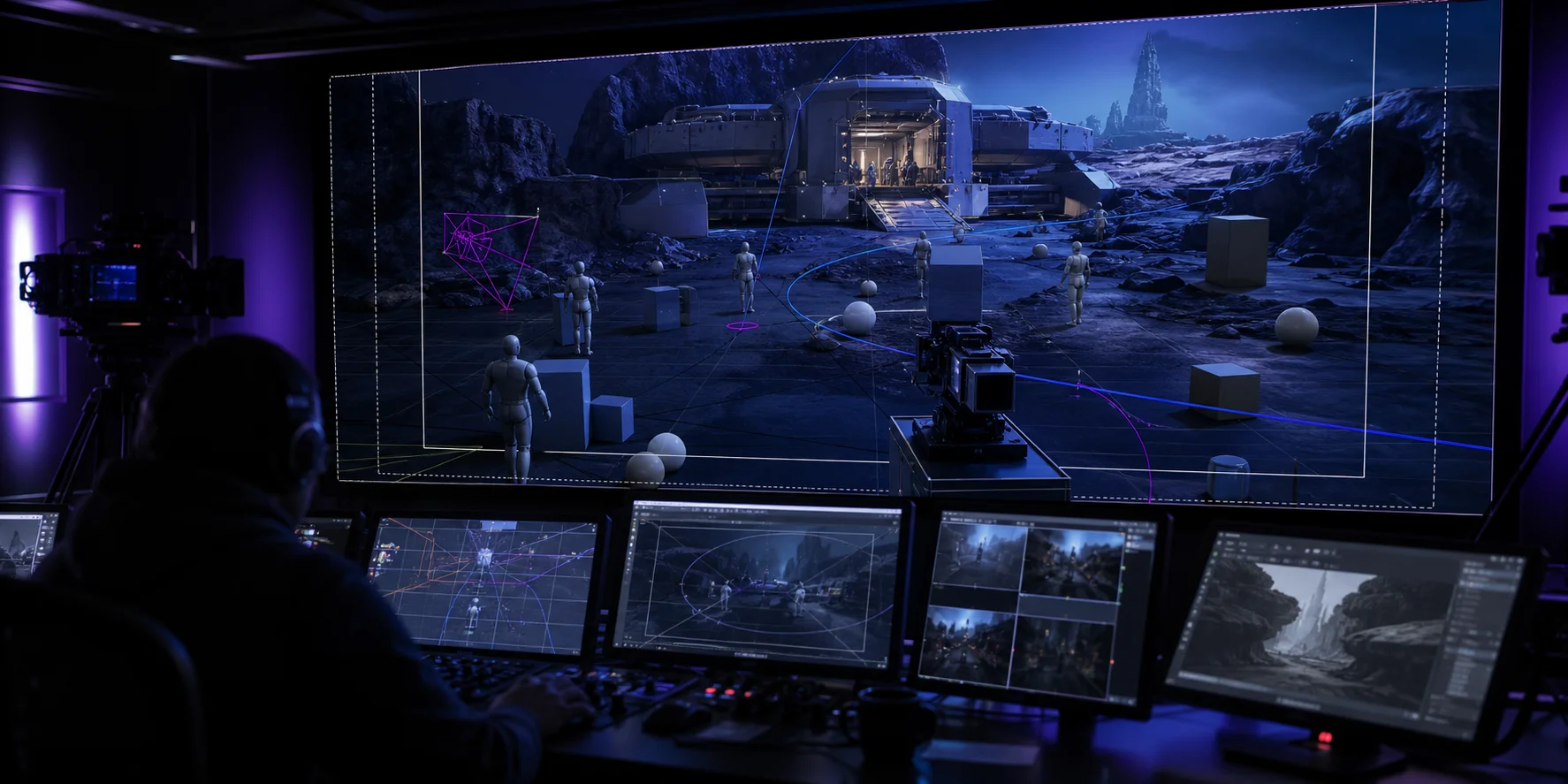
AI already touches many parts of the film pipeline. For 3D asset generation, tools can turn text prompts, sketches, or reference images into base meshes for props, environments, and background objects. In rendering and compositing, AI can support denoising, cleanup, object removal, segmentation, and style exploration. For animation, markerless motion capture and video-to-skeleton workflows reduce the cost of early movement tests. In large scenes, AI-assisted crowd tools create variation without manually keyframing every extra.
The practical value is speed. A team can use an AI 3D model generator to block out a scene, test scale, and make creative decisions before final assets are built.
AI 3D Modeling: From CGI to NeRFs
Traditional CGI modeling usually starts with concept art, sculpting, retopology, UVs, texturing, rigging, and review cycles. That process gives artists deep control, but it is slow when the team only needs a temporary asset, background prop, or direction test.
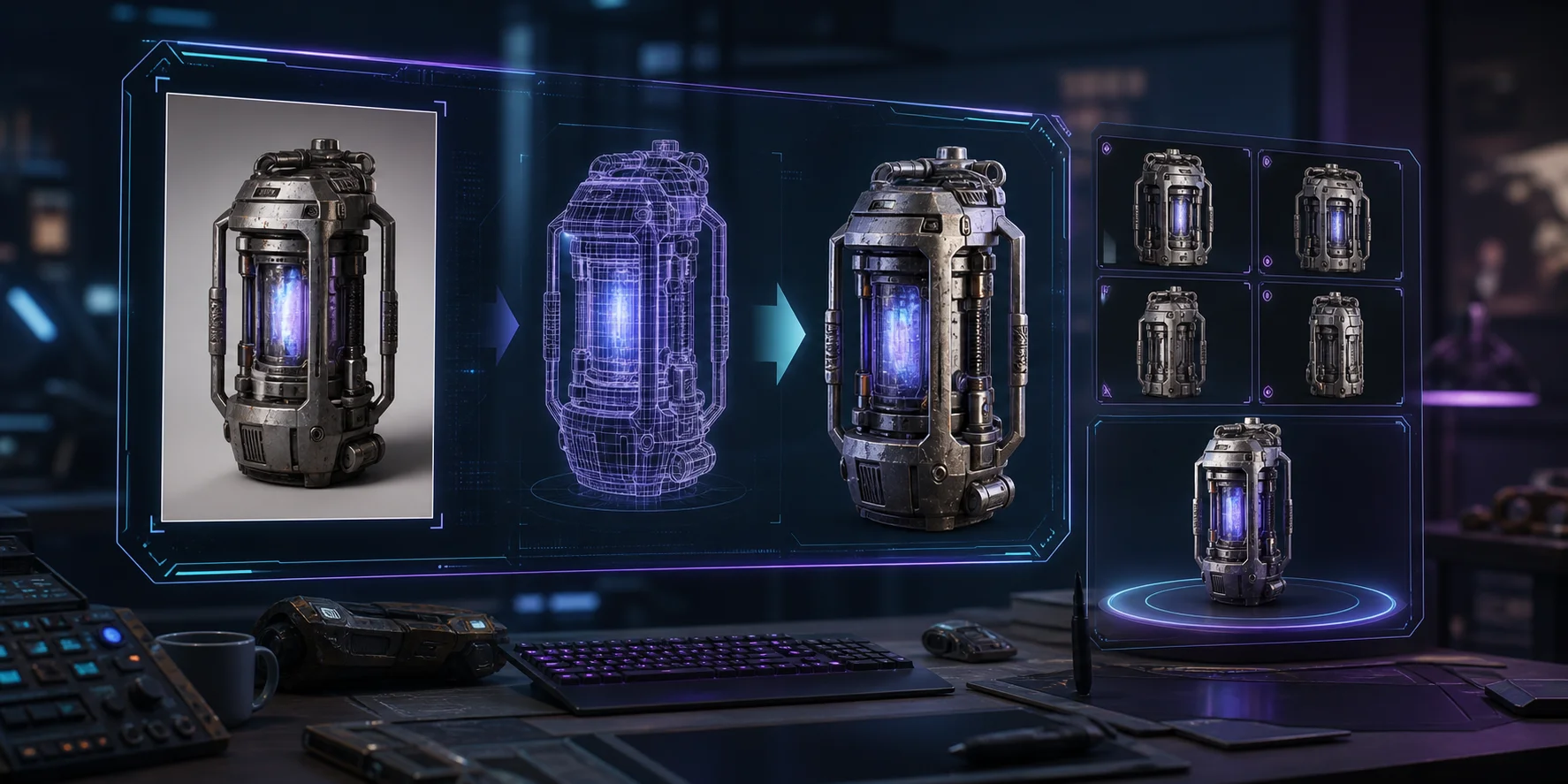
AI-assisted 3D takes a different route. NeRFs and Gaussian Splatting can reconstruct spaces from real footage or photos, which is useful for digital locations and camera moves. Text-to-3D and image-to-3D systems generate meshes from prompts or references, making them better suited for props, creatures, vehicles, and previs assets. Tripo AI’s High-Detail Model workflow is useful when a shot needs richer geometry before artists clean, retopologize, texture, or integrate the model.
AI for Pre-visualization in Film
Previs is one of the clearest uses for AI 3D. Before a crew builds a set or schedules a complex shot, directors need to understand camera movement, blocking, scale, and the emotional rhythm of the scene. AI-generated 3D assets can help teams assemble a rough digital version of a location in hours instead of waiting for a full modeling pass.
For example, a fantasy street, spaceship corridor, or destroyed city block can be generated as a working scene concept. The director can test a crane move, the cinematographer can evaluate lens choices, and the VFX supervisor can flag what must become a hero asset later. The best previs use of AI is honest: AI assets are visual scaffolding, not final delivery by default.
A Practical Tripo Workflow for Previs Assets
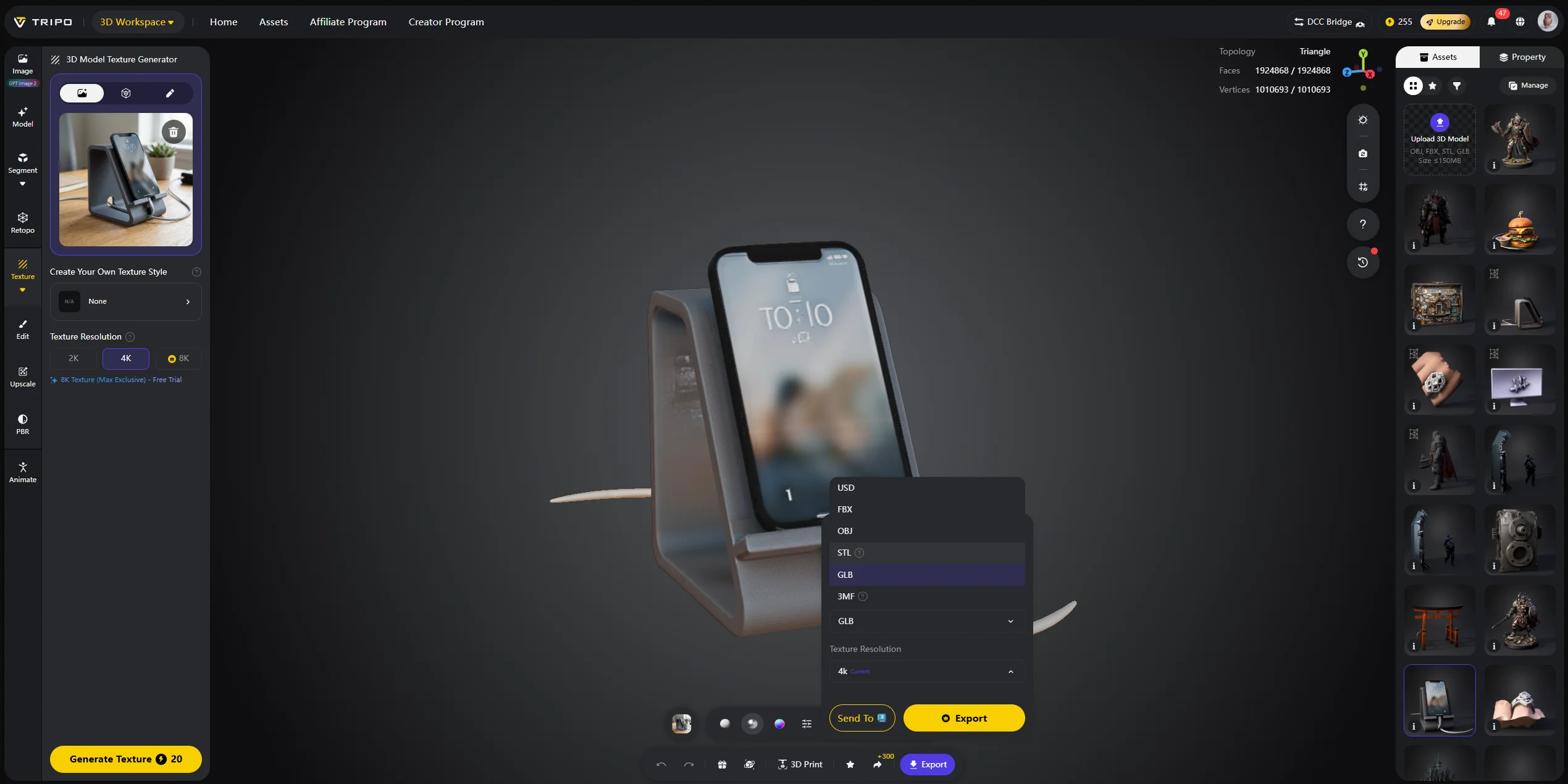
Step 1 — Upload the reference. In Tripo Studio, choose Image-to-3D and upload a clear reference image for the prop or scene asset.
Step 2 — Generate the model. Select HD Model when the previs asset needs richer surface detail, or Smart Mesh when lighter geometry is more useful for rapid scene iteration.
Step 3 — Export for production tools. Review the generated model, then export it as GLB or FBX for an engine or DCC tool. Before using it in a shot, check scale, topology, materials, and any geometry that affects blocking or camera movement.
Rotoscoping, Motion Capture, and Crowd Simulation
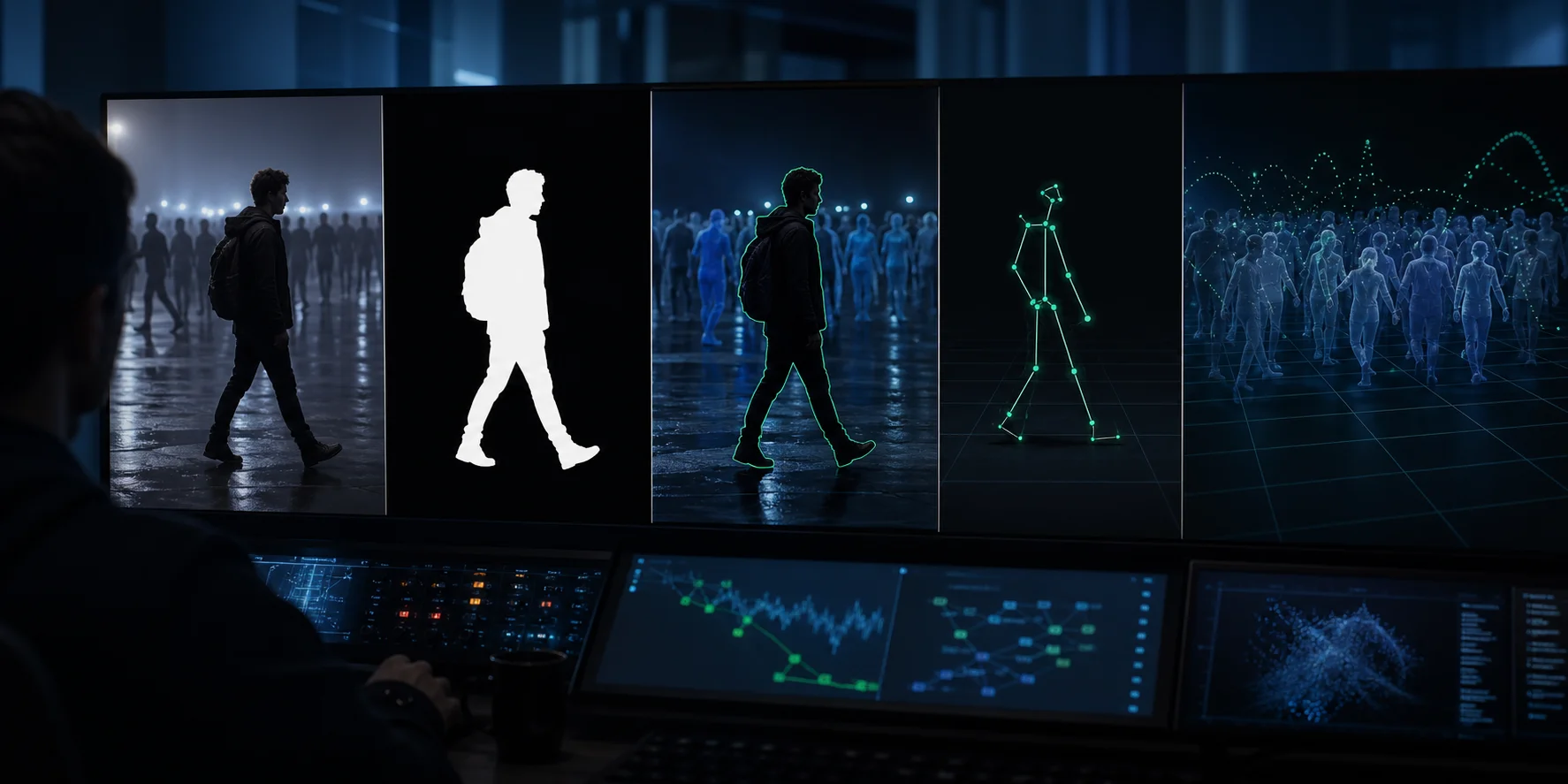
In the past, rotoscoping referred to frame-by-frame masking. Nowadays, AI segmentation tools can more quickly separate actors, props, hair and backgrounds, providing a clearer starting point for compositors. Artists still need to be responsible for supervising edges, motion blur and complex overlapping areas, but the first round of repetitive work has become more efficient.
The specific steps of Tripo AI are as follows:
- Select Image-to-3D in Tripo Studio and upload the reference image;
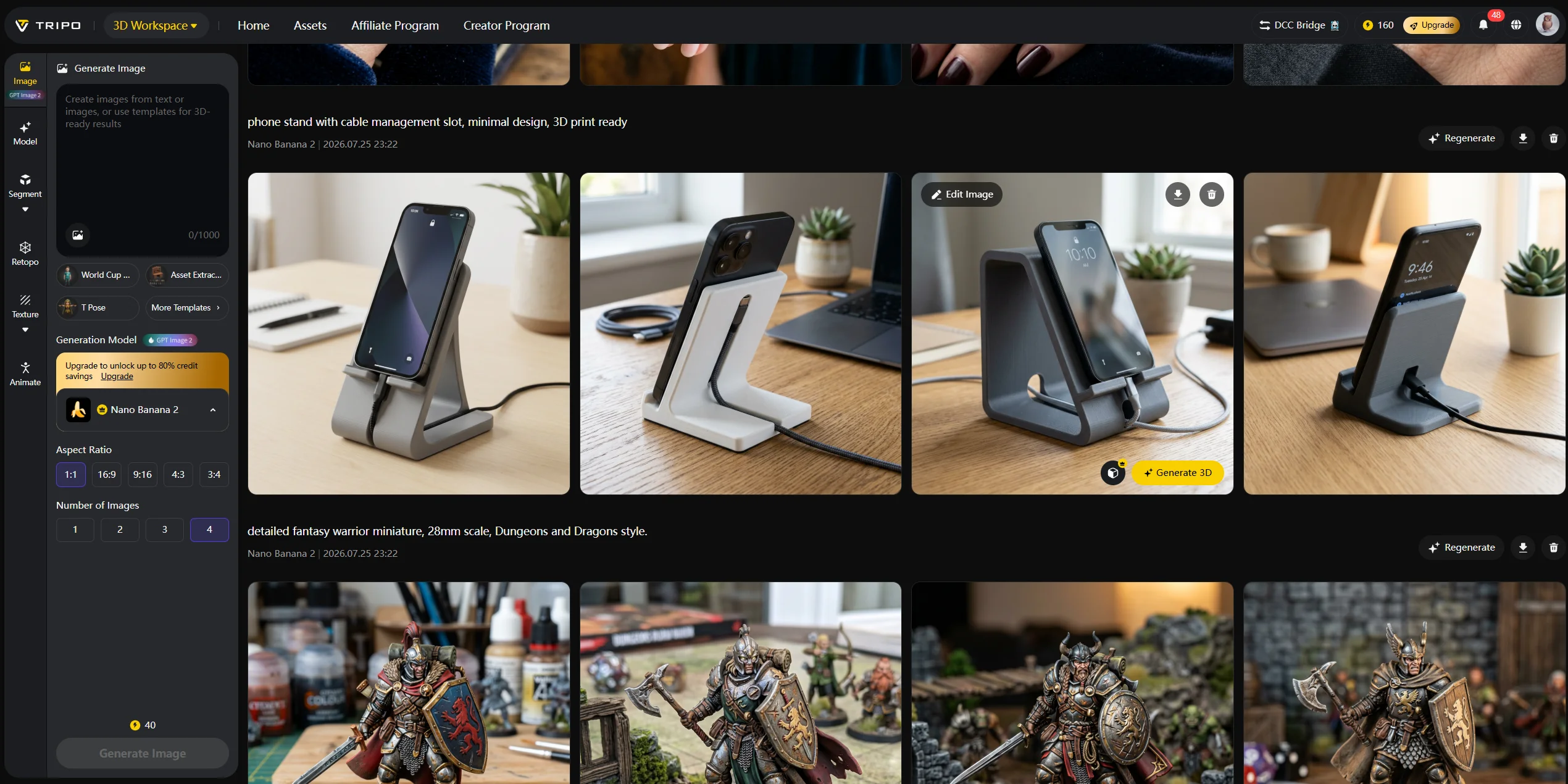
- Choose HD Model / Smart Mesh mode to generate;
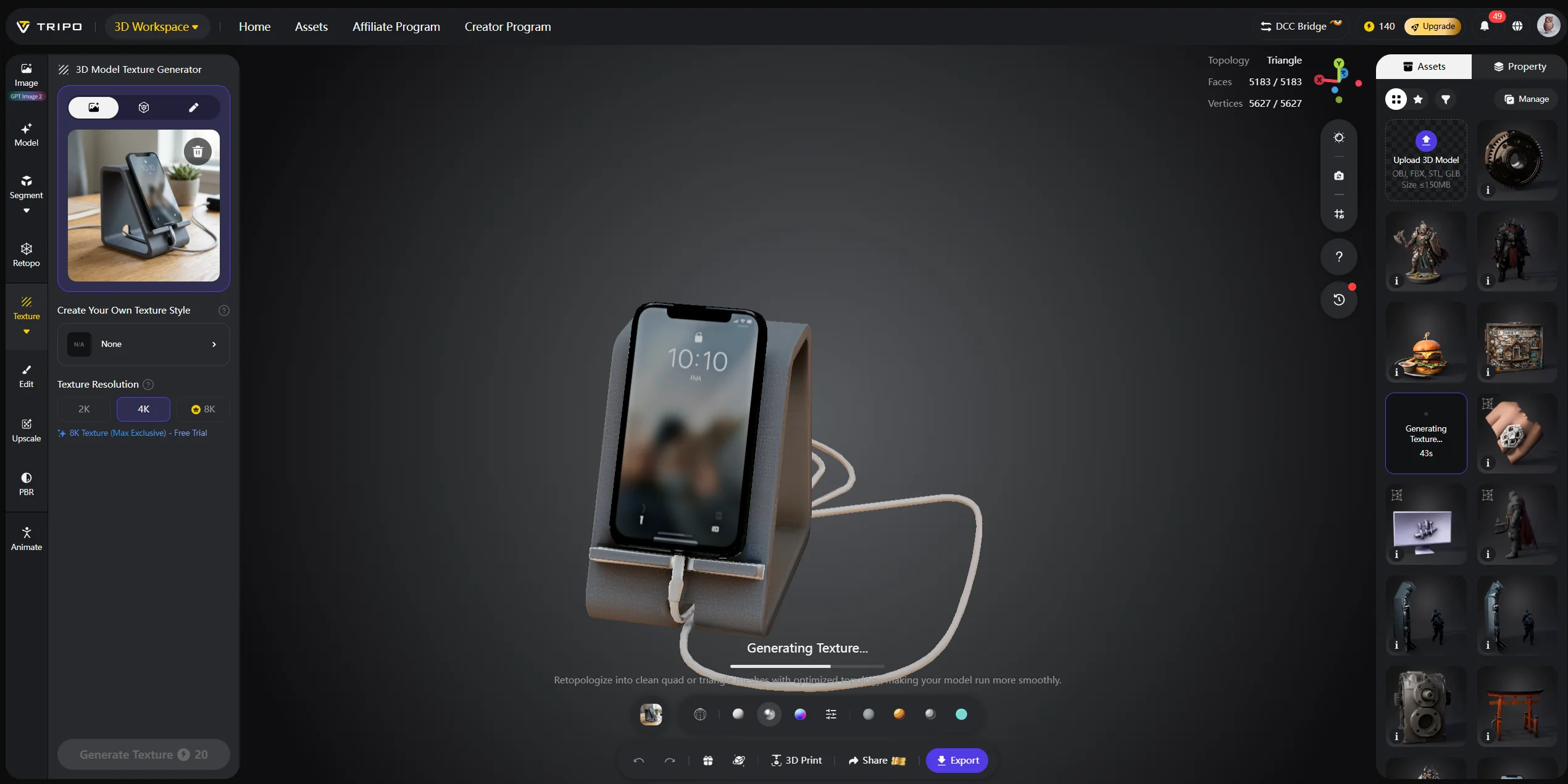
- Export in GLB/FBX format for use in the engine or DCC tools.
Motion capture is changing in a similar way. Markerless capture systems can estimate body movement from video, reducing the need for full mocap stages during early animation tests. Crowd simulation also benefits from AI because teams can generate background variation, then refine the most visible performances manually.
Environment Design and Set Extension
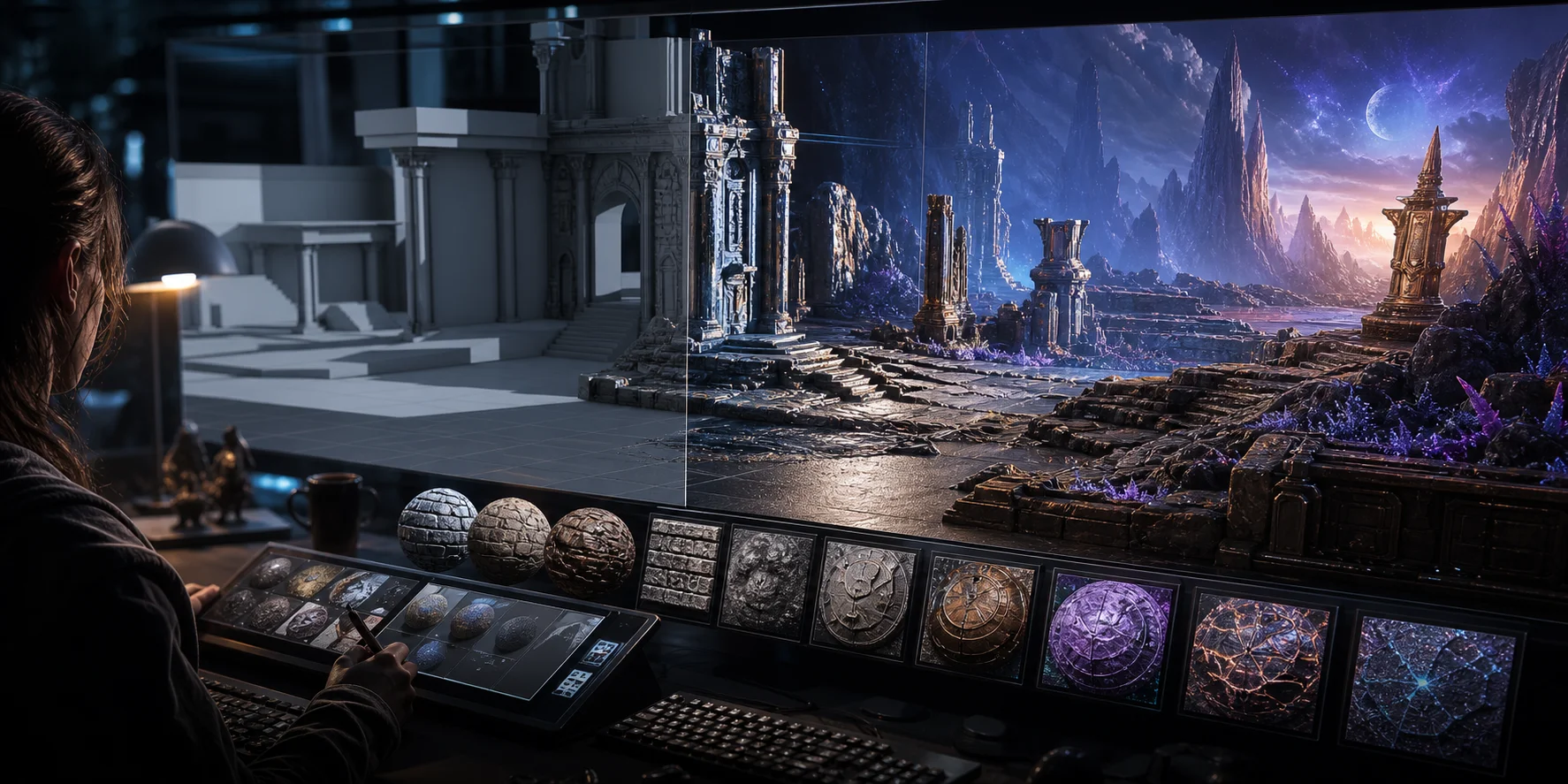
Set extension is another strong AI use case. Film crews often shoot a partial location, then extend it digitally: a city skyline, alien landscape, historic street, battlefield, or fantasy architecture. AI can help generate reference concepts, texture directions, and base 3D assets that make the art department’s iteration loop faster.
A production designer might start with a real location photo and explore several extensions: colder lighting, more vertical architecture, a ruined version, or a futuristic material language. Tripo AI’s AI Texturing can support this stage by helping teams test material ideas on 3D assets before final texture work begins.
Pipeline Acceleration and Workflow Efficiency
AI’s biggest production value is workflow compression. A model that once needed several days for a first pass can become a same-day previs asset. A matte cleanup that required hours of repetitive work may start from an AI-generated mask. A rough motion test can be produced from reference video before a mocap shoot is approved.
This matters because VFX is full of dependencies. A delayed asset can block animation, lighting, compositing, and editorial decisions. AI helps by giving teams usable placeholders earlier, so departments can test timing, camera, scale, and composition in parallel.
Pros, Cons, and the Artist Debate
The benefits are real: faster iteration, lower entry barriers, lower early production costs, and more creative options for small teams. The concerns are real too: job displacement, training data rights, style imitation, topology cleanup, and the risk that studios treat “good enough” AI output as a replacement for craft.
A responsible film workflow treats AI as a production assistant, not an art director. Final taste, continuity, performance, storytelling, and shot quality still belong to artists and supervisors.
The Future of AI in Film and VFX
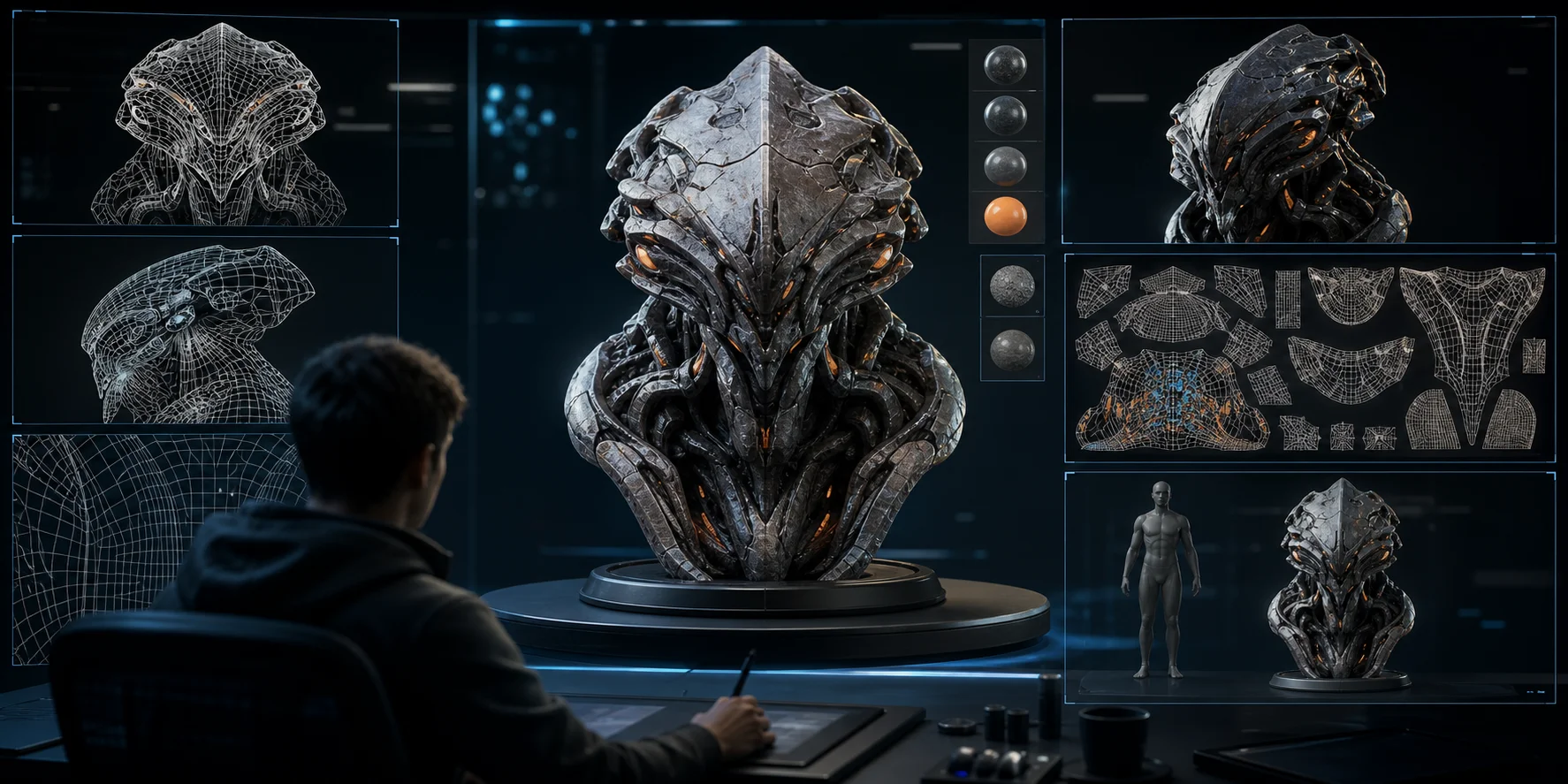
The near future will likely be less about one-click movies and more about deeper pipeline integration. Real-time AI rendering, faster scene reconstruction, AI-assisted asset libraries, and script-to-previs prototypes will become more common on set and in post-production. For VFX teams, the winning skill will be judgment: knowing when AI is useful, when it is risky, and when a human-built asset is the only acceptable choice.
For Tripo AI, a practical development direction is tighter integration with professional VFX pipelines: more controllable generation, cleaner geometry, and export options that move efficiently into engines and DCC tools. That progress would make AI-generated assets easier to use as previs prototypes and production starting points while preserving artist review and downstream cleanup.
Frequently Asked Questions
Can AI be used for VFX?
Yes. AI is already used for rotoscoping, segmentation, denoising, object removal, scene reconstruction, motion capture, and 3D asset generation. It is most valuable when it accelerates repetitive or exploratory work.
Is there an AI for 3D modeling?
Yes. Tools like Tripo AI can generate 3D models from text prompts or images, then export them for further editing. These models are useful for previs, background props, concept assets, and early production tests.
Which AI tool is best for VFX?
There is no single best tool for every VFX task. Runway, Adobe tools, Wonder Studio, and Tripo AI each fit different parts of the workflow, from video editing to 3D asset creation.
Can AI make 3D movies?
AI can help create assets, scenes, animation tests, and visual effects, but a complete film still needs direction, editing, sound, performance, continuity, and artistic judgment.
What is the best AI 3D tool for film and VFX?
For fast 3D asset generation, Tripo AI is a strong option because it supports text-to-3D, image-to-3D, high-detail models, and multiple export formats. For final film assets, artists should still review and refine the output.
Are there free AI 3D tools for film and VFX?
Some tools offer free tiers or trial credits. If you want to test AI-generated 3D assets, start with Tripo AI Studio and review current plan details on Tripo AI Pricing.
Conclusion
AI 3D is reshaping film and VFX by moving rough asset creation, previs, segmentation, and scene exploration earlier in the pipeline. The result is not less artistry. It is faster decision-making and more time for the shots that deserve human craft.
For teams building previs assets, background props, or fast visual concepts, Tripo AI Studio is a practical place to start. For production planning and commercial usage, compare options on Tripo AI Pricing.