AI 3D for Fashion Design: Tools, Workflows, and What Actually Works in 2026
TL;DR
- AI 3D works best through concept, garment simulation, and asset-generation layers.
- Use Tripo AI for accessories, props, visualization, and AR-ready assets.
- Use garment simulators for fabric construction, fit, and realistic drape.
Fashion has always been physical: drape, fit, texture, stitching, weight, and the quiet judgment of whether a sample looks right on a body. But AI 3D for fashion design is changing the early stages of that workflow. Designers can now visualize silhouettes, test accessories, generate 3D assets, and prepare AR-ready product previews before a physical sample is cut.
The important thing is to separate tool categories clearly. Garment simulation tools such as CLO 3D and Marvelous Designer are built for soft-body fabric, pattern construction, and fit. Tripo AI is different: it is strongest for hard-surface or semi-rigid fashion assets such as bags, shoes, jewelry, buckles, decorative props, and e-commerce 3D/AR assets.
What Is AI 3D in Fashion Design?
AI in fashion usually means generative models, pattern recognition, trend analysis, automated fitting, or image-based design exploration. 3D in fashion means digital garment construction, virtual sampling, CAD-to-3D workflows, and product visualization. When they converge, designers get a faster way to move from idea to visual proof. According to The Insight Partners, the global AI-in-fashion market was projected to grow from 270.0 million US dollars in 2018 to 4,391.7 million US dollars by 2027.
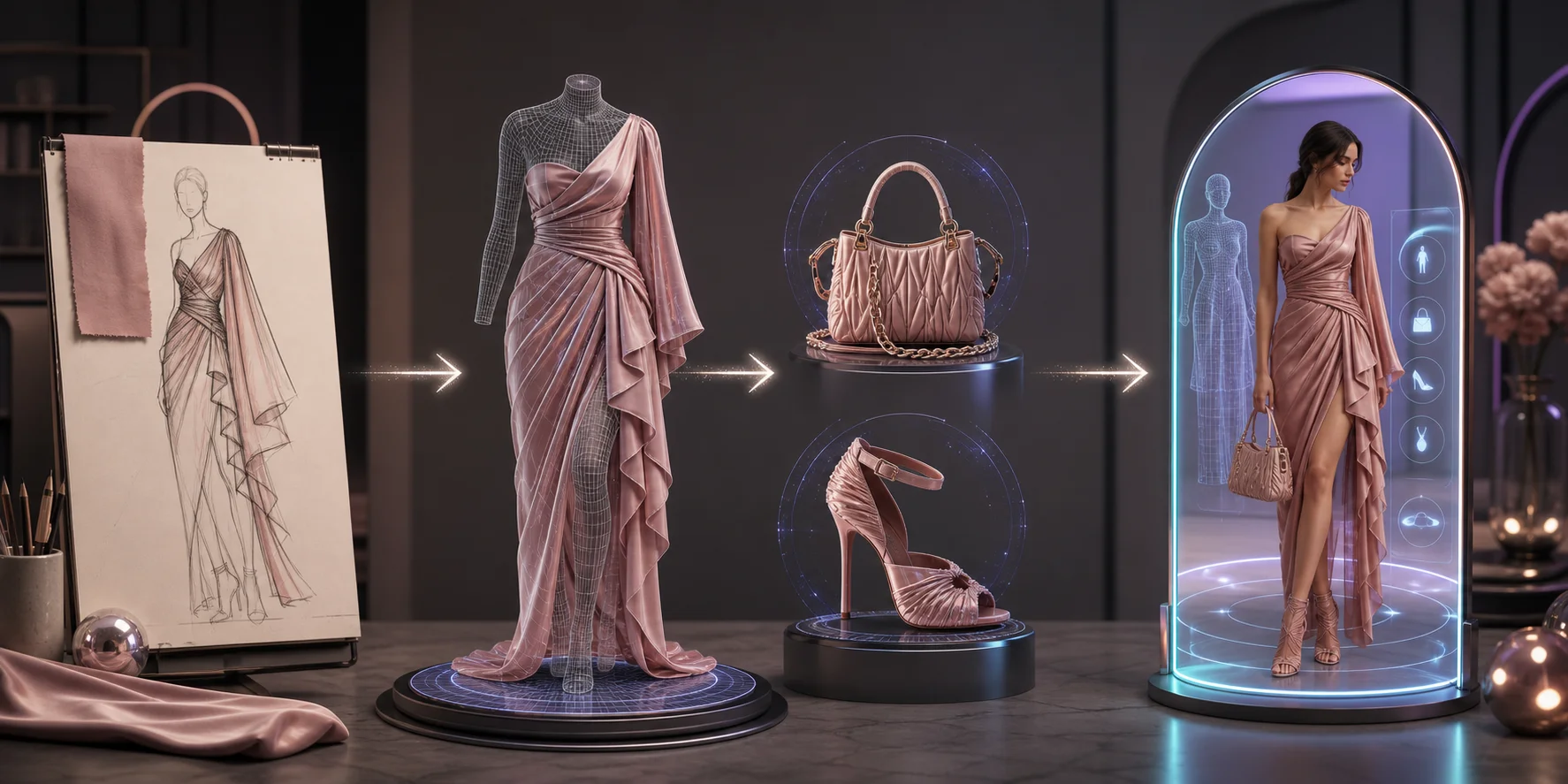
In practice, the workflow has three layers. First, AI sketch and mood-board tools help explore colorways, silhouettes, and material directions. Second, garment simulators create the clothing body, fit, and drape. Third, AI 3D tools generate supporting assets such as shoes, bags, jewelry, product props, and AR objects. The third layer is where Tripo AI fits naturally.
Top AI 3D Fashion Design Tools in 2026
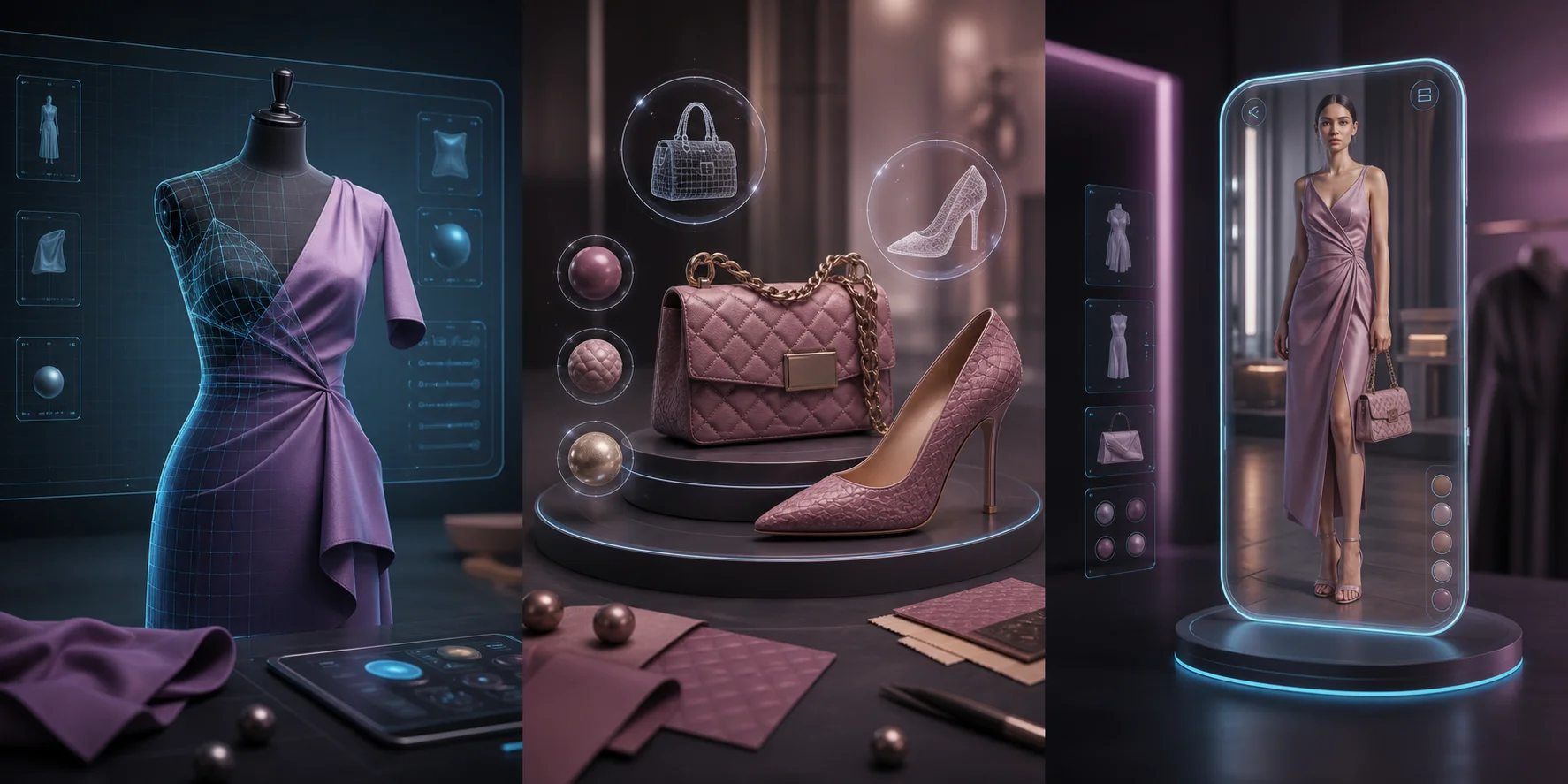
Fashion teams should not look for one tool that does everything. The best setup is usually a layered stack.
| Tool category | Examples | Best for | Main limitation |
|---|---|---|---|
| Garment simulation | CLO 3D, Marvelous Designer | Pattern-based clothing, drape, fit, virtual samples | Learning curve and garment-specific workflow |
| AI sketching | Adobe Firefly, Midjourney | Mood boards, print ideas, colorways | Mostly 2D visual exploration |
| AI 3D generation | Tripo AI | Bags, shoes, jewelry, buckles, props, AR assets | Not a full soft-body garment simulator |
| Virtual try-on | Snap AR, Zakeke, Shopify AR workflows | Consumer-facing product preview | Requires optimized 3D assets |
CLO 3D is strong when you need fabric physics, pattern integration, and fit review. Marvelous Designer is widely used by game and film artists and can be useful for fashion concept draping. Tripo AI supports a different part of the fashion pipeline: generating hard-surface accessories or product assets from text prompts or reference images using the AI 3D Model Generator.
Virtual Prototyping and Material Simulation
Virtual prototyping reduces the number of physical samples needed before buyer review or internal approval. Instead of cutting, sewing, shipping, and revising each sample, a designer can build a digital garment, adjust the pattern, assign fabric properties, and render the result for discussion.
This is where garment simulators are strongest. CLO 3D and Marvelous Designer simulate fabric behavior such as stretch, weight, and gravity-driven drape. AI can support this stage by helping with fabric suggestions, color variation, and faster visual iteration, but the physics-based garment simulation still belongs to dedicated apparel tools.
Accessories follow a different logic. Bags, belts, shoe soles, jewelry, and buckles are not usually soft-body fabric problems. They are rigid or semi-rigid 3D asset problems. A designer who does not model in Blender or Maya can use Tripo AI to generate those supporting assets faster, then combine them with garment visuals or export them for AR.
AI-Generated Accessories, Props, and AR Try-On Assets

The accessory gap is one of the most practical reasons fashion teams should pay attention to AI 3D. Garment simulators handle fabric well, but designers still need shoes, handbags, jewelry, zippers, buckles, charms, display props, and product scene elements. Traditionally, those assets require manual 3D modeling or outsourcing.
Tripo AI helps close that gap. A designer can upload a sketch or product photo with Image to 3D, generate a 3D model, and use AI Texturing to explore material language such as leather grain, brushed metal, rubber, or ceramic gloss. The result can be exported for further cleanup, e-commerce previews, or AR pipelines.
How to generate a 3D accessory asset in Tripo AI:
- Start with a clear reference photo or a short prompt, such as “structured mini handbag with gold clasp.”
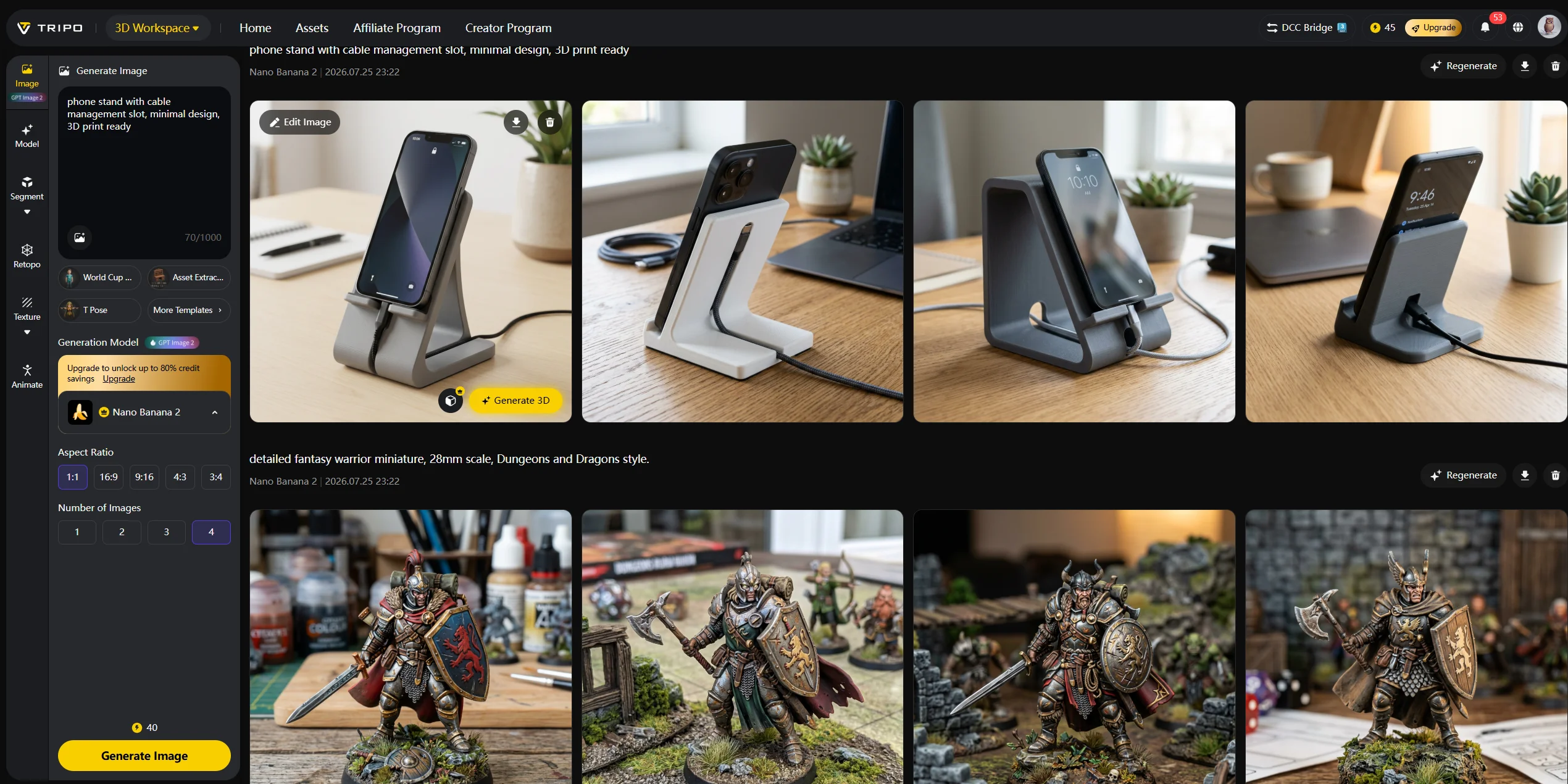
- Generate the base model in Tripo AI Studio.
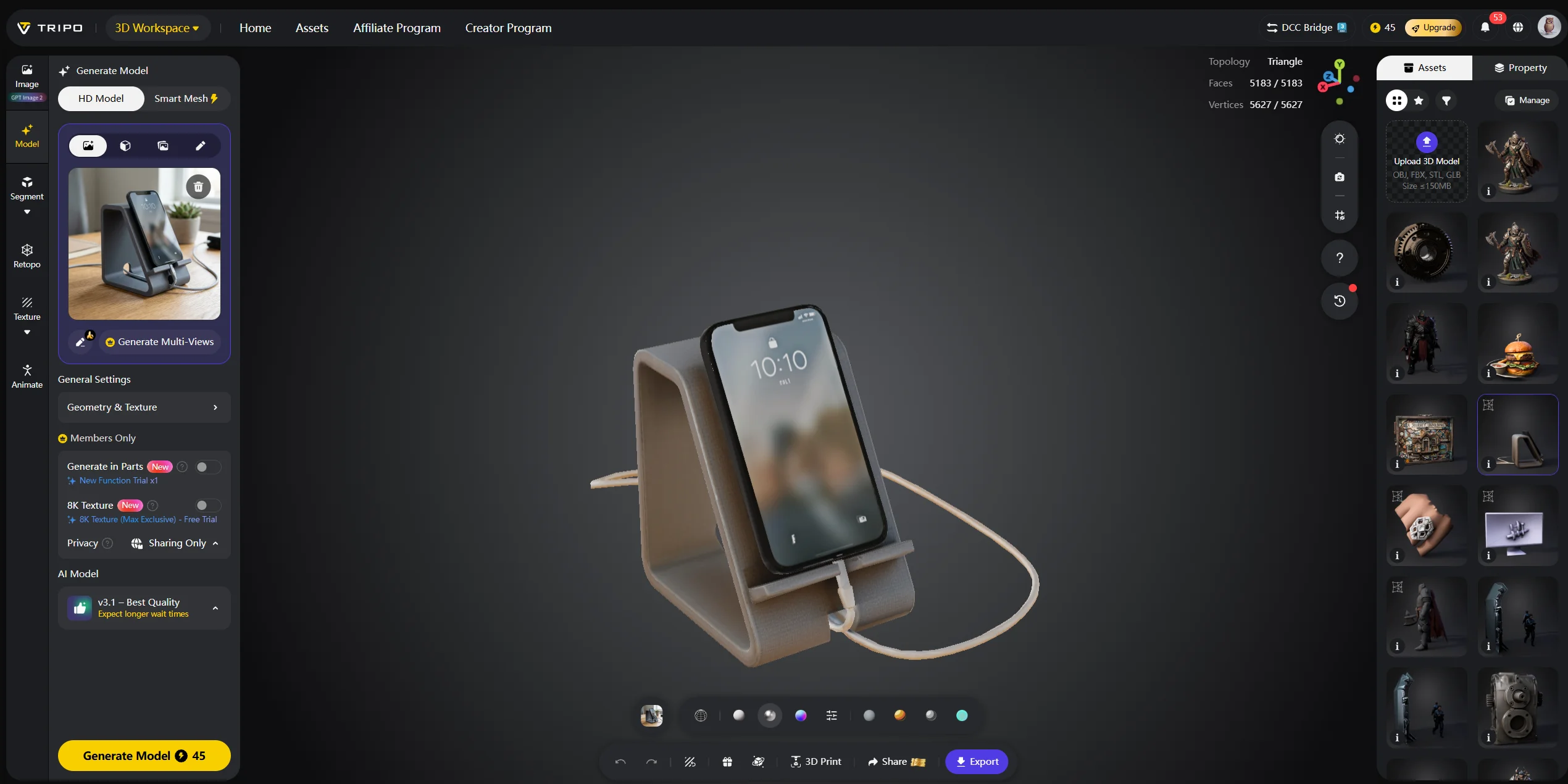
- Review the silhouette and regenerate if the proportion is not right.
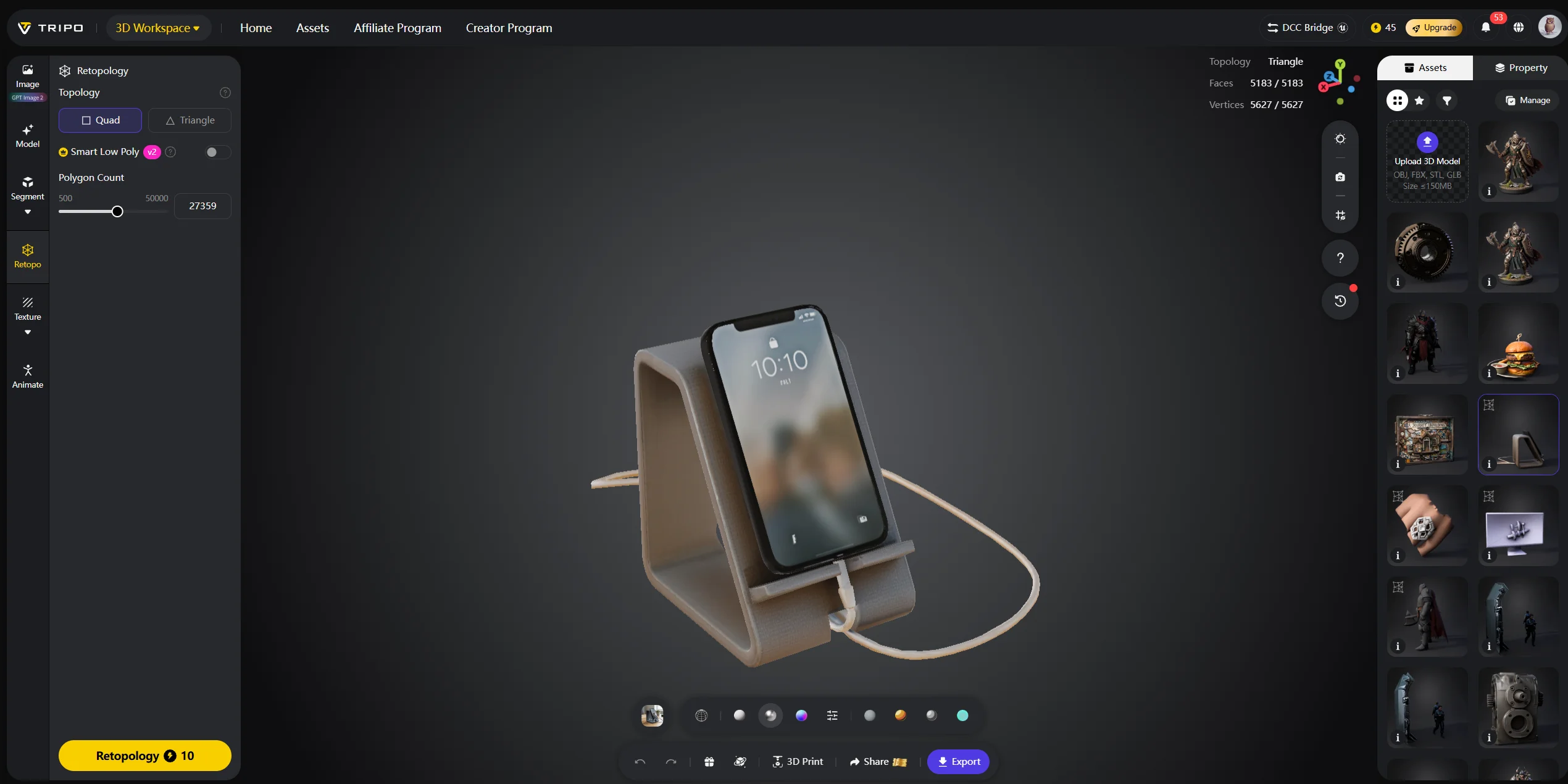
- Add or refine materials with AI texturing.
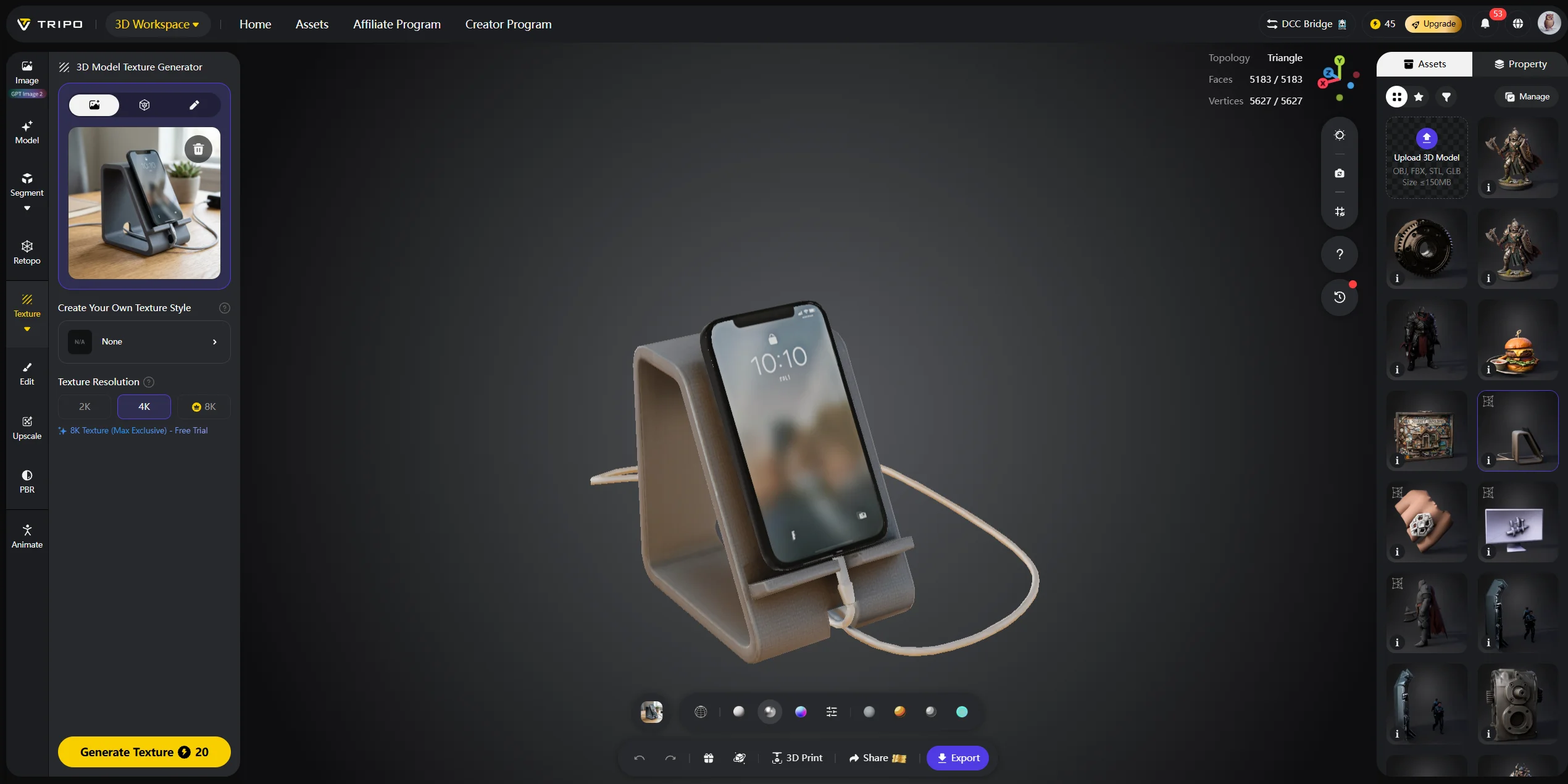
- Export the model as GLB, USDZ, OBJ, FBX, or STL depending on the next step.
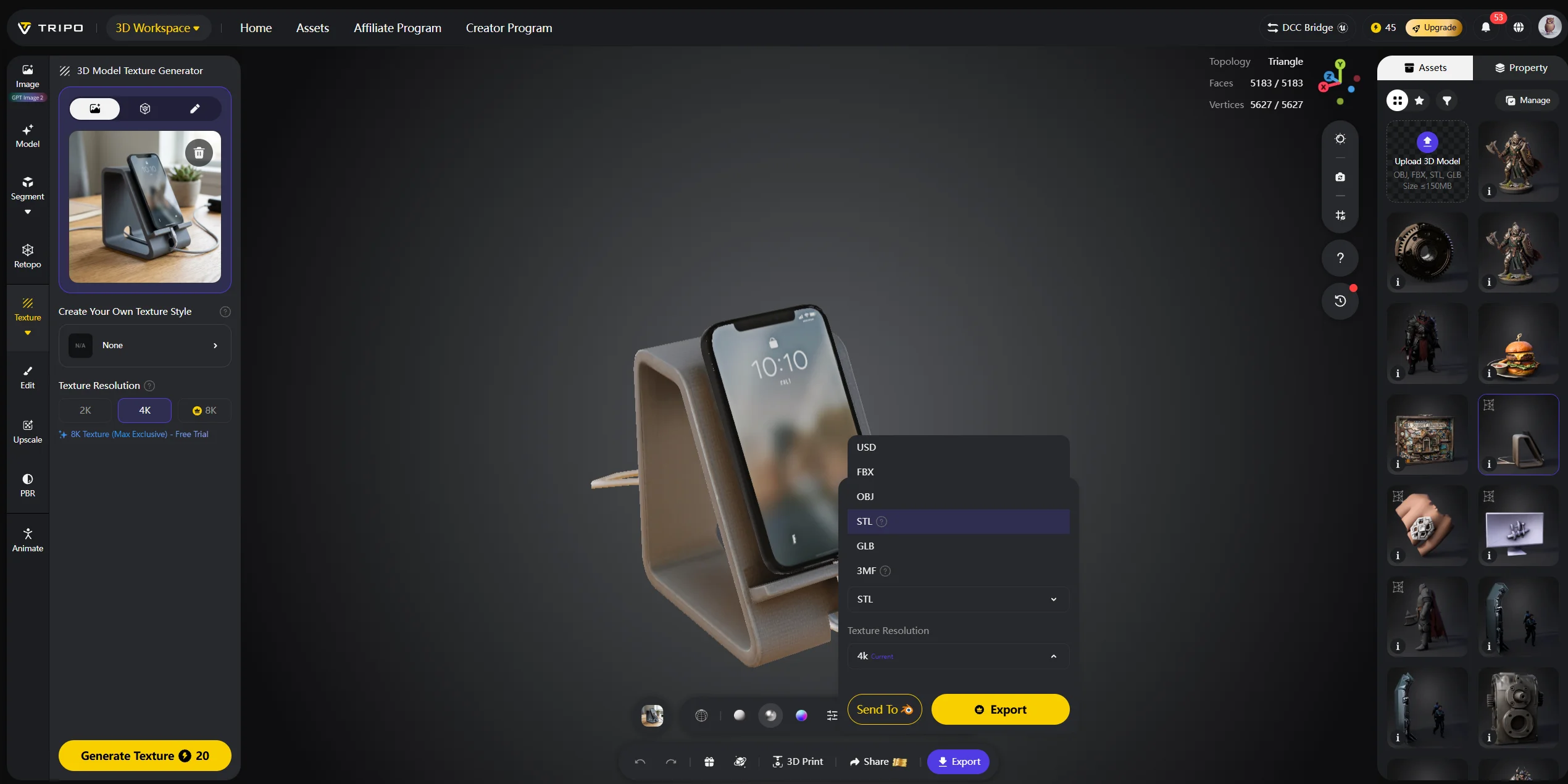
For AR try-on, GLB is commonly used for web and Android workflows, while USDZ is useful for iOS Quick Look. The model should be optimized before publishing so it loads quickly and displays correctly on mobile devices.
AI Patternmaking and Tech Pack Generation
Pattern grading and tech pack creation are time-intensive parts of fashion production. AI is starting to assist both, but this area still needs careful expectations. Basic garments can benefit from automated pattern suggestions and size grading, while tailored or structured pieces still require experienced patternmakers.
Tools such as Optitex and Gerber AccuMark are used in professional apparel workflows, and platforms like Cala can help automate parts of tech pack creation, sourcing, or production communication. The value is not that AI replaces the designer or patternmaker. The value is reducing repetitive documentation, catching inconsistencies earlier, and tightening the feedback loop between 2D patterns and 3D visualization.
AI Fashion Workflow Automation and Design Iteration
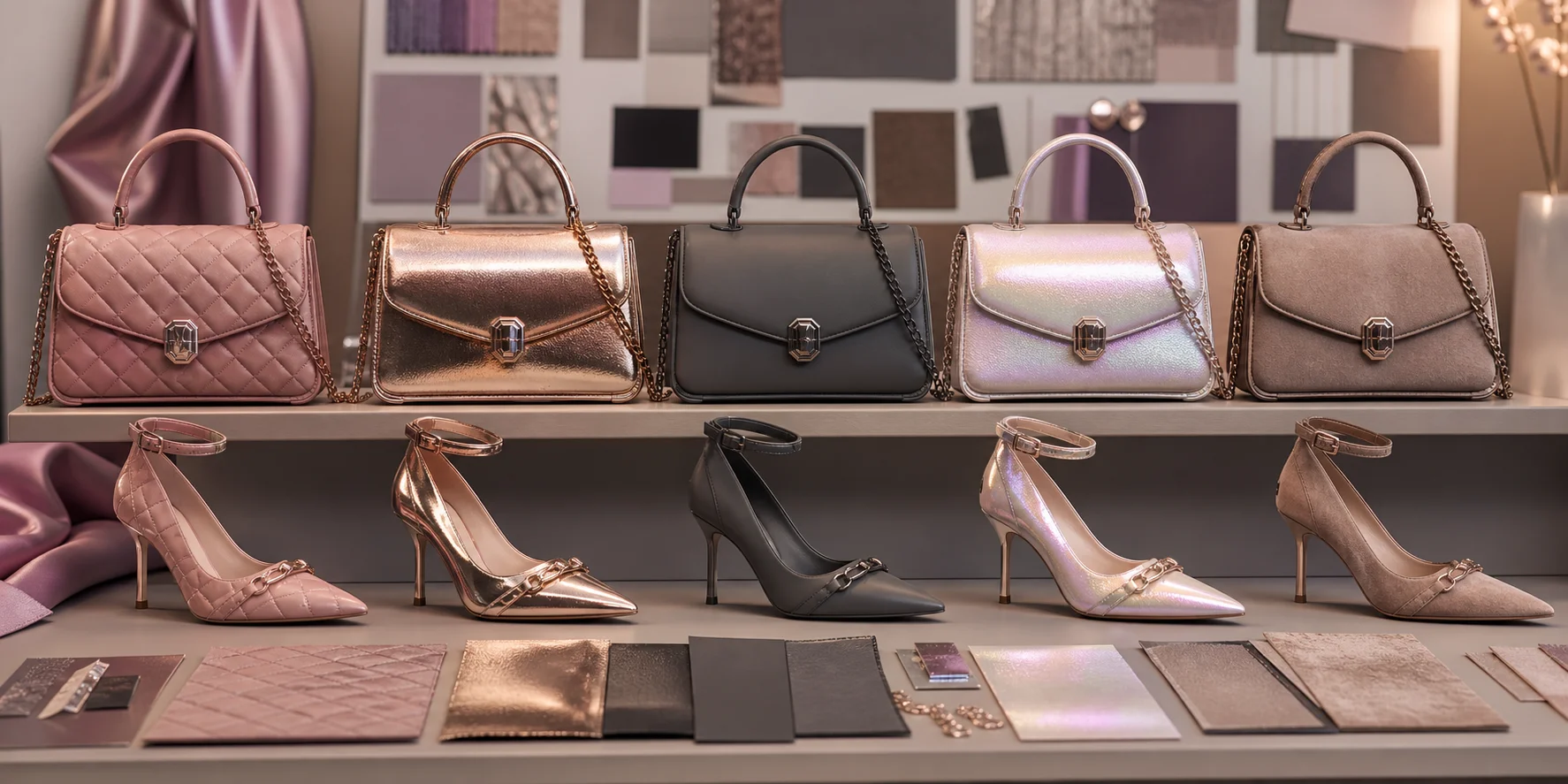
A practical AI fashion workflow starts before 3D. Trend platforms may inform a direction, generative image tools can explore mood and color, and garment simulation can test construction. Once the core garment is defined, Tripo AI can generate accessories or prop assets that support the lookbook, e-commerce page, or AR experience.
A typical stack might look like this: trend research, concept sketches, garment prototyping in CLO 3D, accessory generation in Tripo AI, texture exploration, GLB export, AR try-on setup, and final e-commerce visualization. That sequence is powerful because each tool does the part it is actually good at.
Virtual Try-On and AR Fit Technology

Virtual try-on is the consumer-facing end of the AI 3D pipeline. AR try-on uses a 3D model of a garment or accessory, maps it to the user’s body, face, foot, or environment, and renders the item as if it were present in the camera feed. Accessories are often easier than clothing because rigid objects such as glasses, rings, shoes, and bags do not need complex fabric drape.
This is another reason Tripo AI is useful for fashion teams. Designers can create the base accessory with the AI 3D Model Generator, then optimize it for an AR platform or product viewer. Generated accessories can be exported as GLB or USDZ, then prepared for AR platforms, 3D product viewers, or e-commerce demos. For readers who want to test the model-generation step first, Tripo AI Studio is the simplest starting point.
Frequently Asked Questions
Is there any AI tool for fashion design?
Yes. CLO 3D and Marvelous Designer are strong for garment simulation, Adobe Firefly and Midjourney are useful for 2D concept exploration, and Tripo AI is useful for 3D accessory and AR asset generation.
Is there an AI for 3D modeling?
Yes. Tripo AI can generate 3D models from text prompts or reference images. For fashion, it works best for accessories, props, shoes, bags, jewelry, and product visualization assets.
What is the best 3D software for fashion design?
For garment simulation, CLO 3D is one of the most established options. For fast accessory generation and AR-ready 3D assets, Tripo AI is a strong complementary tool.
Is AI 3D for fashion design free?
Some tools offer free trials or free tiers. You can start with Tripo AI Studio for AI 3D asset generation, then check Tripo AI Pricing for current plan details.
Can AI design clothes for you?
AI can generate sketches, colorways, materials, and 3D asset ideas, but a human designer still makes the core aesthetic and construction decisions. It is best used as an accelerator, not a replacement for design judgment.
What is the best AI for 3D fashion design?
The best tool depends on the task. Use garment simulators for clothing fit and drape; use Tripo AI for accessory, prop, and AR-ready 3D model generation.
How is 3D technology used in fashion?
3D technology is used for virtual sampling, pattern review, product visualization, virtual showrooms, e-commerce AR try-on, and digital fashion collections. AI speeds up visual iteration and asset creation across those workflows.
Conclusion
AI 3D for fashion design works best when each tool is used honestly. Generative image tools help with concepts, garment simulators handle clothing construction and fabric behavior, and Tripo AI helps create accessories, props, and AR-ready 3D assets.
If you want to test the accessory layer first, Tripo AI Studio lets you generate a model from text or image references. For commercial planning, review current options on Tripo AI Pricing.