FBX to STL Converter for Geometry-Only Export
Convert an FBX model to an STL triangle mesh in your browser. STL keeps static geometry, so review scale and mesh integrity and keep the original FBX for materials, rigging, animation, and scene data.

What to Expect from FBX to STL Conversion

Geometry-only STL output
Geometry-only STL output
- Export static triangle mesh geometry from FBX to the simpler STL format without claiming to preserve scene features that STL cannot represent.

Local browser conversion
Local browser conversion
- The conversion runs in a browser worker, so you can change the model format without installing a desktop converter or uploading the FBX source.

Useful checks before fabrication
- Review transforms, scale, normals, closed surfaces, thin walls, and separate shells after export. Conversion alone does not make a model print-ready.
FBX vs. STL: Choose the Format for the Next Step
FBX is a scene and asset interchange format; STL is a geometry-only mesh format. Converting is useful for compatibility, but it deliberately removes data STL cannot store.
Convert to STL when

- Use STL when the next application needs a broadly supported static triangle mesh.

- Choose STL for slicers and geometry-focused fabrication steps where FBX scene data is unnecessary.
Keep the FBX file when
- Keep FBX for materials, textures, UVs, rigs, animation, cameras, lights, or an editable scene hierarchy.
- Use FBX as the master asset for game engines, animation software, and content pipelines that need more than static geometry.
How to Convert FBX to STL
Convert the FBX mesh locally, then verify the STL in the slicer, viewer, or modeling tool that will use it.
Upload the FBX file
Choose the source .fbx model whose mesh geometry you want to export.
Convert to STL
Start the browser-based conversion with STL locked as the target format.
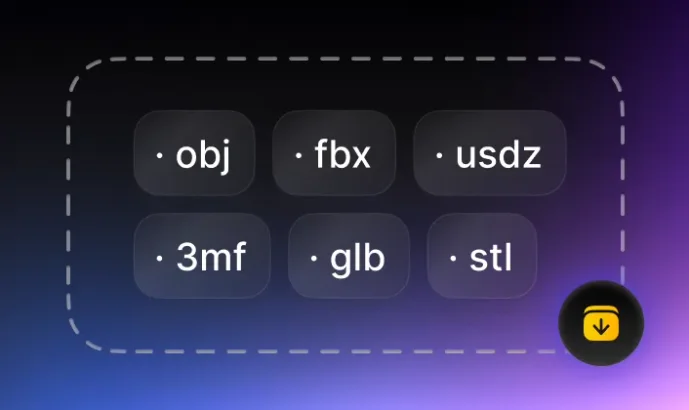
Download and verify
Inspect the STL's scale, orientation, shells, normals, and mesh integrity before fabrication.
More FBX and STL Converters
Compare other FBX outputs, other ways to create STL, the full converter hub, and the STL viewer.