Convert FBX to OBJ Online
Upload an Autodesk FBX model and export a Wavefront OBJ file for 3D editing, sharing, and static mesh exchange.

Upload FBXMax file size: 100MB
FBX to OBJ Converter Highlights

Clear FBX to OBJ workflow
Clear FBX to OBJ workflow
- Upload FBX, export OBJ, and keep the conversion focused on the file data that the target format is designed to carry.

Browser-based conversion
Browser-based conversion
- Use the converter directly from the web interface without setting up a full desktop modeling tool just for a format change.

Ready for review and downstream editing
- Download the converted file and inspect it in your slicer, viewer, or 3D editor before printing, publishing, or continuing the workflow.
FBX vs. OBJ: when to use each format
FBX and OBJ solve different 3D workflow problems. Pick the format that best matches where the file will be edited, viewed, printed, or shared next.
FBX to OBJ format notes

- FBX: Autodesk FBX is common in DCC, animation, game, and AR pipelines.

- OBJ: Wavefront OBJ is widely used for static mesh exchange and can reference material data through MTL files.
FBX to OBJ use cases
- Autodesk FBX is common in DCC, animation, game, and AR pipelines.
- Wavefront OBJ is widely used for static mesh exchange and can reference material data through MTL files.
How to convert 3D model file from FBX to OBJ?
Convert FBX 3D files to OBJ format is easily done with Tripo AI with only 3 steps:
1
Load source FBX file
2
Click "Convert"
3
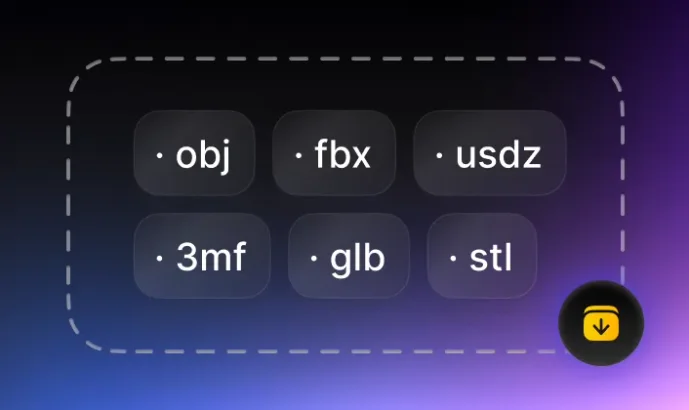
Download converted OBJ file
More Ways to Convert to OBJ
3MF to OBJ ConverterBMP to OBJ ConverterGIF to OBJ ConverterGLB to OBJ ConverterglTF to OBJ ConverterJPEG to OBJ ConverterJPG to OBJ ConverterPLY to OBJ ConverterPNG to OBJ ConverterSTL to OBJ ConverterSVG to OBJ ConverterTIFF to OBJ ConverterUSDZ to OBJ ConverterVOX to OBJ ConverterWEBP to OBJ ConverterImage to OBJ Converter