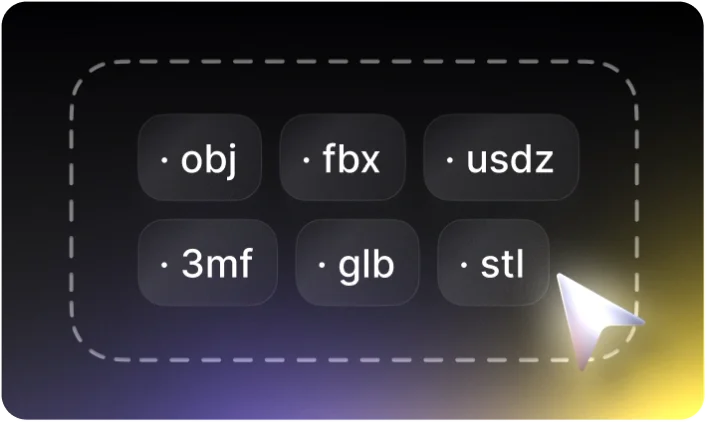
Convert to Any 3D Formats in 1 Click
Choose 2D image or 3D file, the converter auto-detects source format and convert to popular 3D format for all 3D use-cases: further editing in most 3D modeling software, 3D printing, game development, AR/VR and etc.

Convert 3D Formats Accurately with High-Fidelity
The #1 requirement of 3D formats converting is the accuracy and fidelity, Tripo AI 3D format converter ensures geometry integrity, scale accuracy, precision, normal and smoothing of 3D format convert jobs.

Free, Instant, No Installation

Accurate, Production-Ready

Auto Repair & Clean Up

Privacy Ensured

Popular 3D Formats Support

Auto-repair and Cleanup Powered by AI
During the 3D format converting process, Tripo AI converter re-meshes, auto-repairs and cleanup the 3D model, the common 3D modeling issues are fixed automatically while preserving details, usability guaranteed.
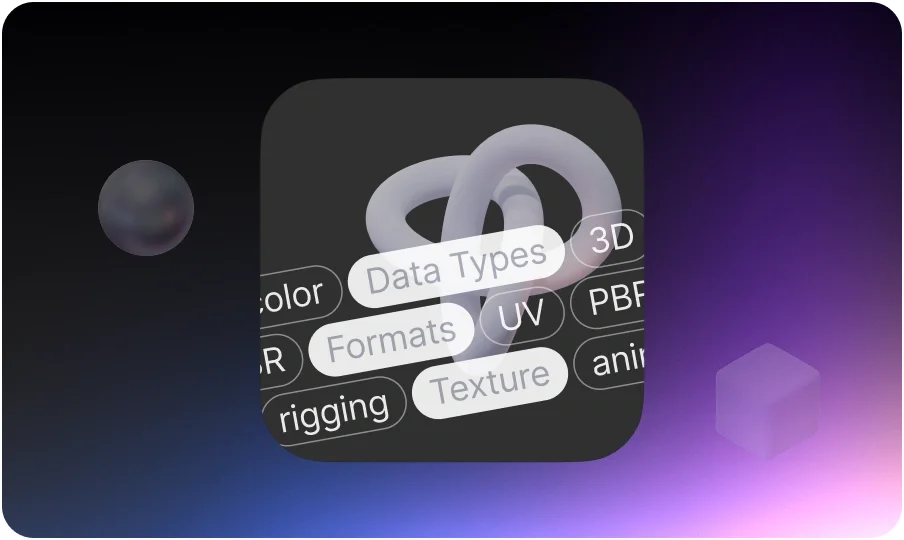
Rich Data Types Supporting for Popular 3D Formats
Tripo AI 3D converter supports and handles rich data types in major 3D formats: textures & UV maps, materials (PBR), color information, animation and rigging as well as metadata (e.g. units, hierarchy, cameras, lights).
Ready to Convert to All Popular 3D Formats
Trusted by global creators, Tripo AI 3D object converter has high compatibility and supports major 3D file formats in most industries: 3D printing, 3D modeling, game development, movie, AR/VR, eCommerce, building design, education and etc.
List of Supporting 3D Model Formats:
- 3MF
- STL
- OBJ
- FBX
- USDZ
- PLY
- GLB/GLTF
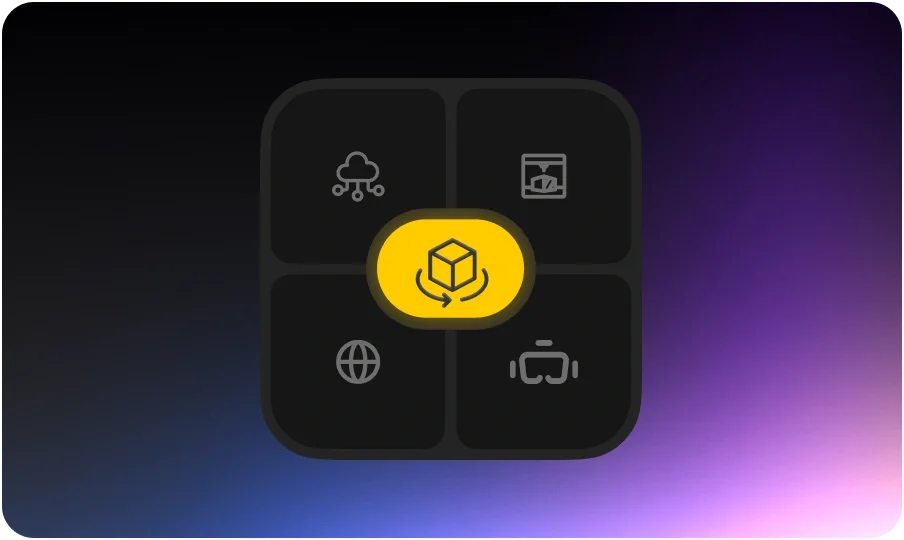
Ready for Cross-Platforms & Ecosystem Integration
Once Tripo AI finishes the 2D and 3D format converting, the file is ready for next steps of 3D modeling and use cases: integrate with 3D modeling software (e.g. Blender, Maya), printing slicers, AV/VR pipelines and cloud platforms and etc.
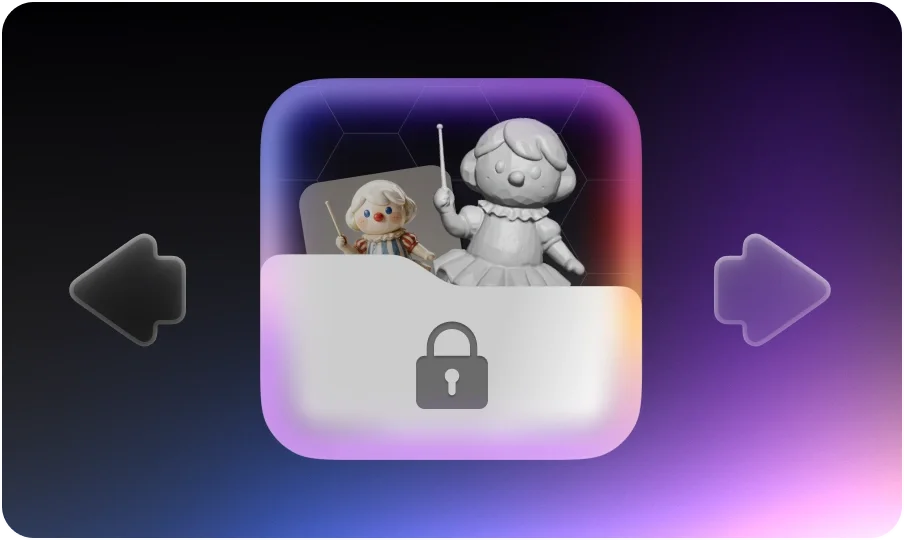
The 2D/3D Converter Ensures Security and Privacy
Rest assured, Tripo AI convert your 2D and 3D design secure and privately. Each time 2D and 3D format converting is done at your device side, no design nor intellectual data is transferred online or to anywhere else.

Convert between 2D and 3D Formats Stable, High Performance
Tripo AI 3D format converter handles large files smoothly, no crash on complex scenes, best for all level users from beginner to professional convert 2D image and 3D designs to designated 3D formats.
How to Convert 3D Formats?
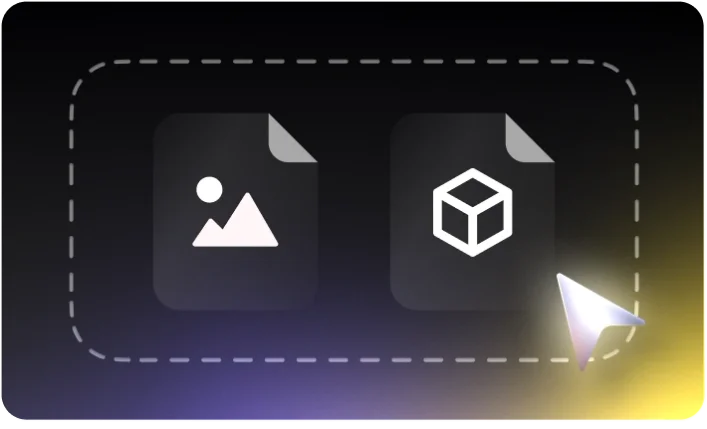
Select 2D Image or 3D Model File
Drag and drop 2D image or 3D model file into the “source” area, Tripo AI’s 3D file converter will automatically detect the file format and ready to convert.
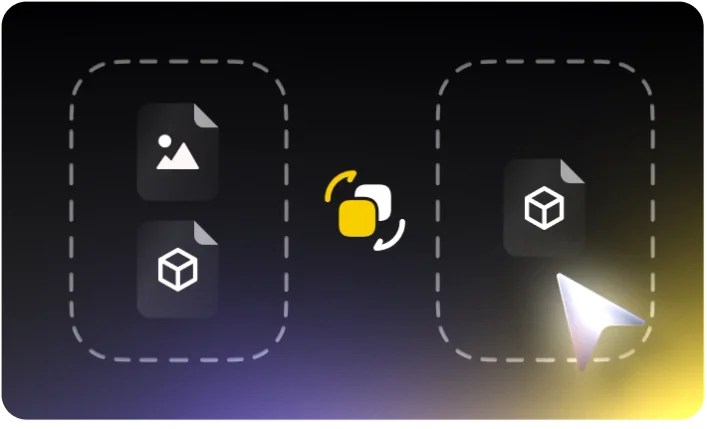
Convert to Target 3D Format
Choose the new format to convert and click “convert”, your source 2D image or 3D model file will be converted to another 3D format as you required, the convert process is done at your local device securely, your privacy is ensured.
Download 3D Model File (New Format)
The downloadable 3D file in new format will be ready in seconds, click “save” button to get new 3D models with geometry details, materials (PBR), textures, color and meta information.