PNG to STL: Generate a 3D Model from an Image
Use a PNG as the reference for AI image-to-3D generation, then inspect and export the resulting mesh for an STL workflow. Best results start with one clear object on a simple background.

What to Expect from PNG to STL

AI-generated 3D geometry
AI-generated 3D geometry
- The workflow uses the PNG as a visual reference for AI image-to-3D generation instead of treating a 2D raster image as an existing 3D mesh.

Input guidance that improves consistency
Input guidance that improves consistency
- A clear subject, strong silhouette, uncluttered background, and visible object boundaries give the generator better evidence about the intended shape.

Designed for review before production
- AI must infer hidden surfaces. Review the generated mesh from every angle and prepare its scale, thickness, and topology for your actual printing or fabrication workflow.
From a Flat PNG Reference to Editable 3D Geometry
A single PNG can guide an AI-generated 3D model, but the image does not contain depth or hidden surfaces. Treat the result as a starting mesh and inspect every side before preparing an STL for fabrication.

How to Turn a PNG into an STL Workflow
Start with a clean PNG, continue the image-to-3D generation in Tripo Studio, then inspect and export the resulting model.
Choose a clear PNG
Use a centered subject with a clean silhouette, simple background, and minimal occlusion.
Continue in Tripo Studio
The image-to-3D workflow may require sign-in; a supported handoff can carry the image and start generation automatically.
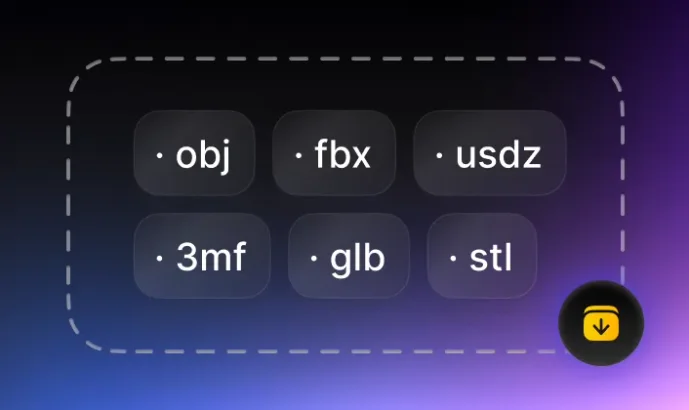
Inspect and export the model
Review hidden surfaces and mesh quality, then export for STL-based editing, slicing, or printing.
More PNG and STL Converters
Explore other outputs for PNG images, other inputs for STL, the complete converter hub, and the STL viewer.