
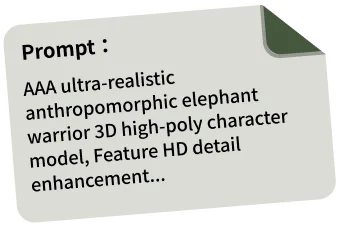









 Text & Image to 3D models
 Free Credits Monthly
 High-Fidelity Detail Preservation
3D Models Generated from Any Picture Type
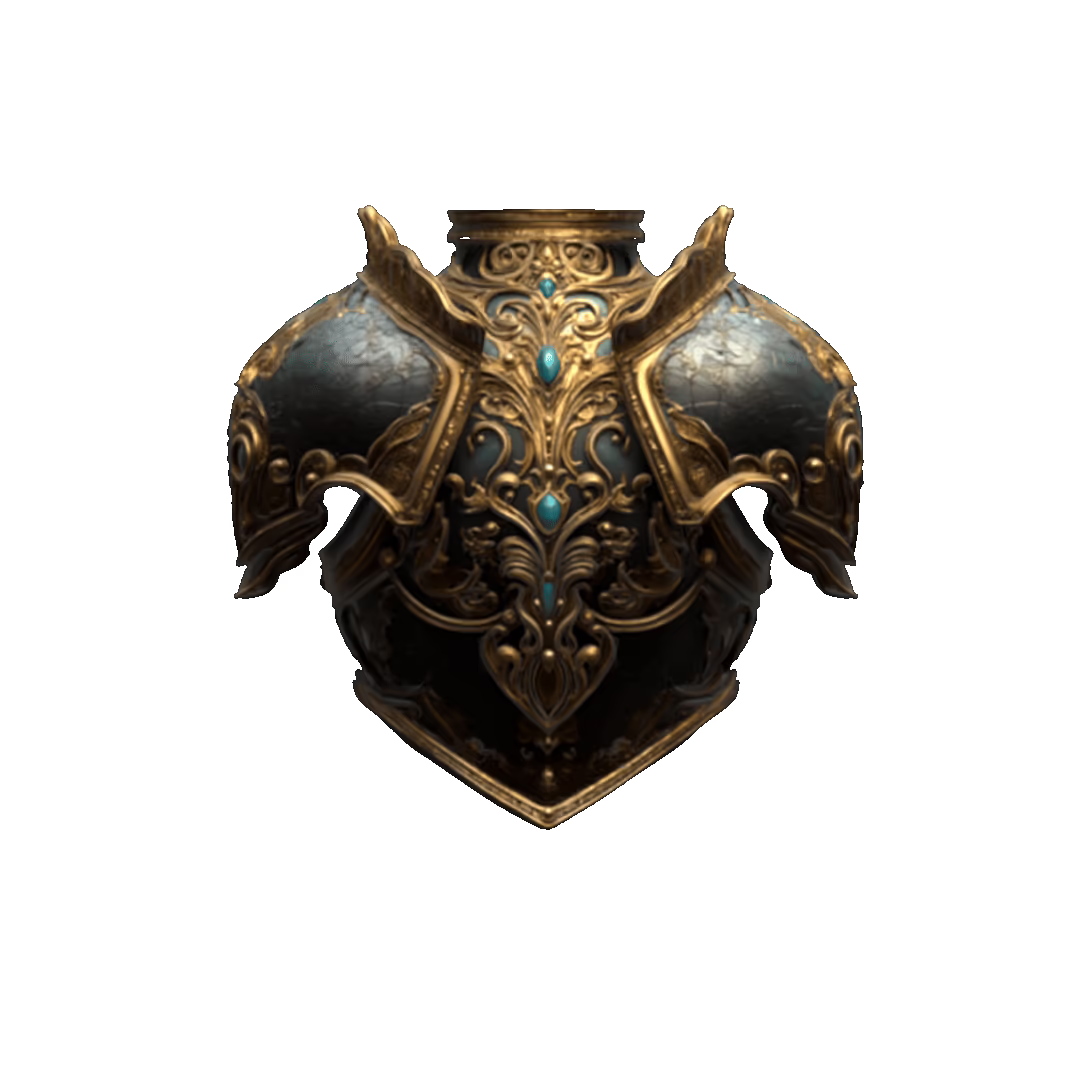
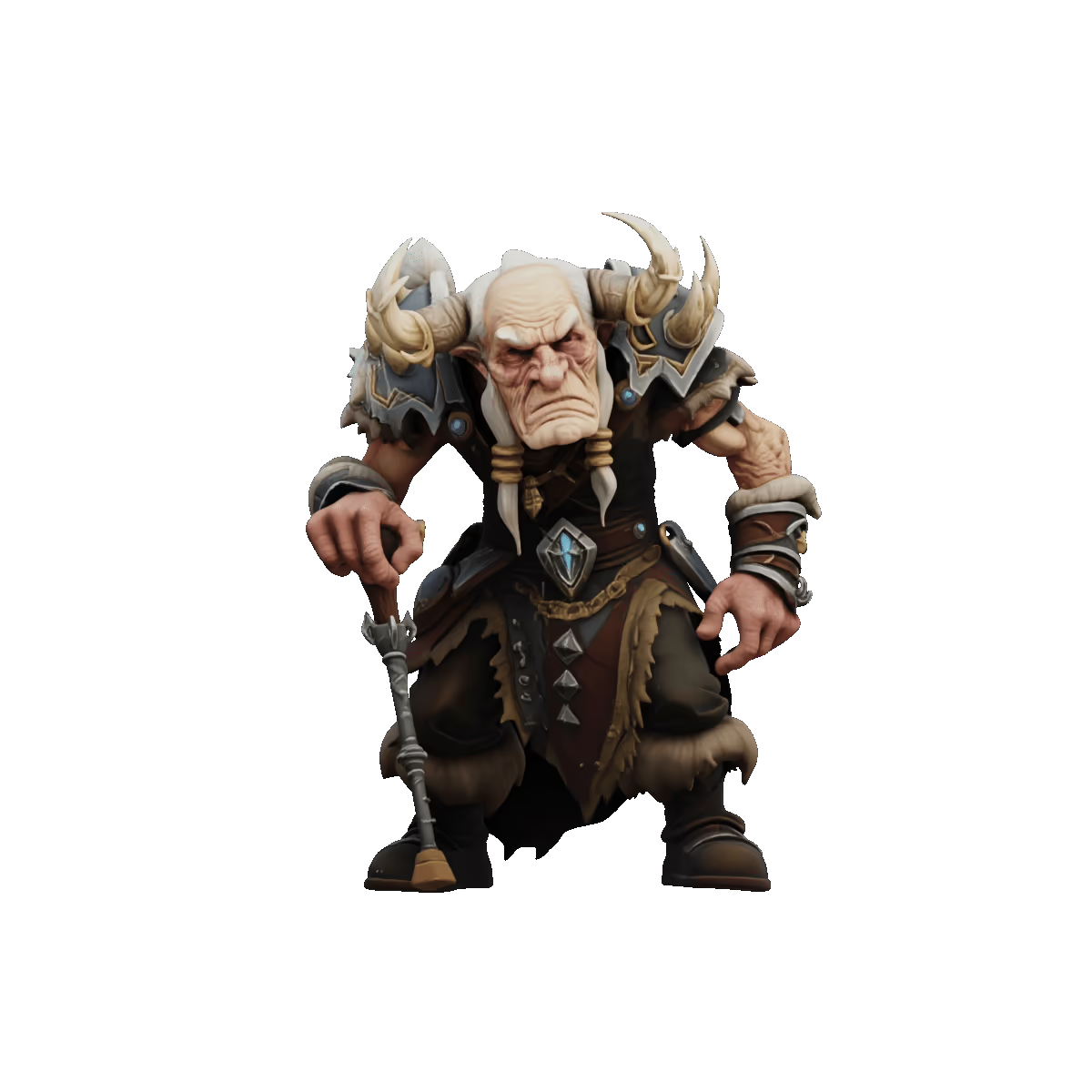
From product photos to character illustrations, Tripo converts a wide range of visual inputs into detailed, editable 3D assets with consistent geometry and surface detail.
Picture to 3D Model Showcases
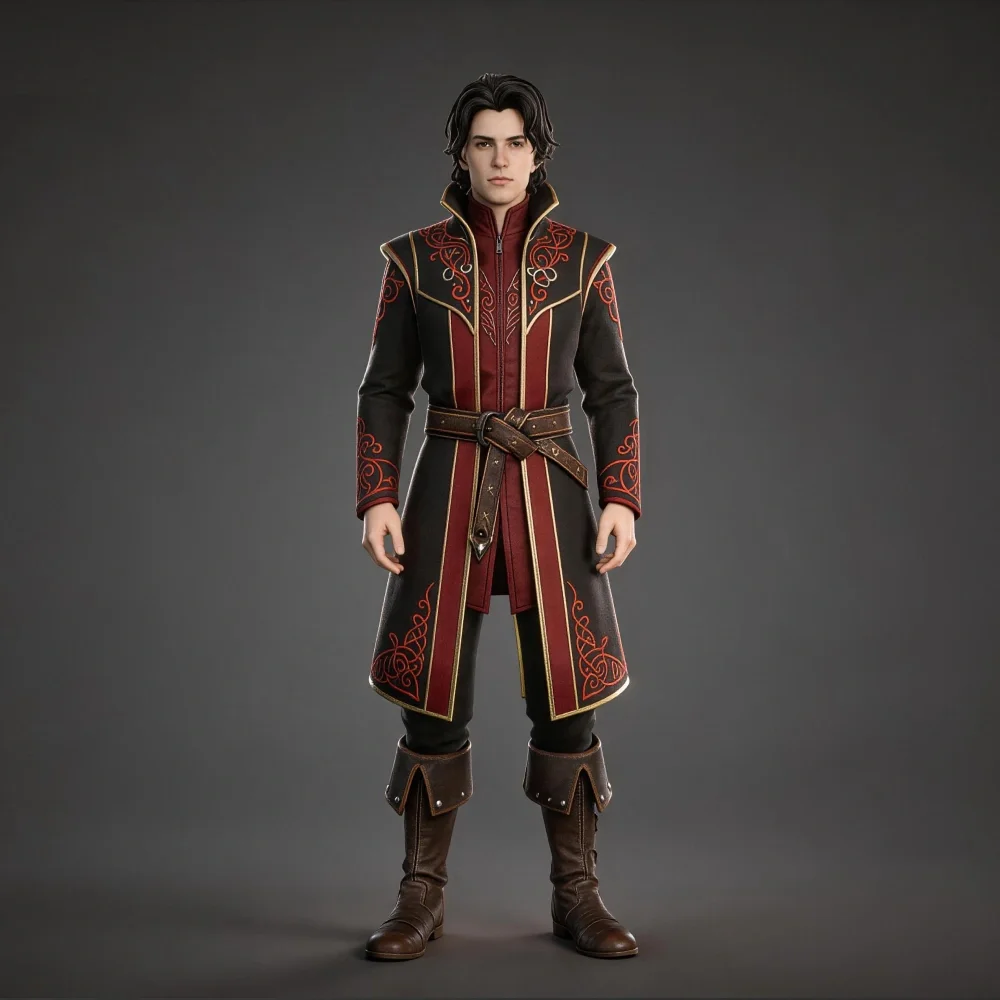

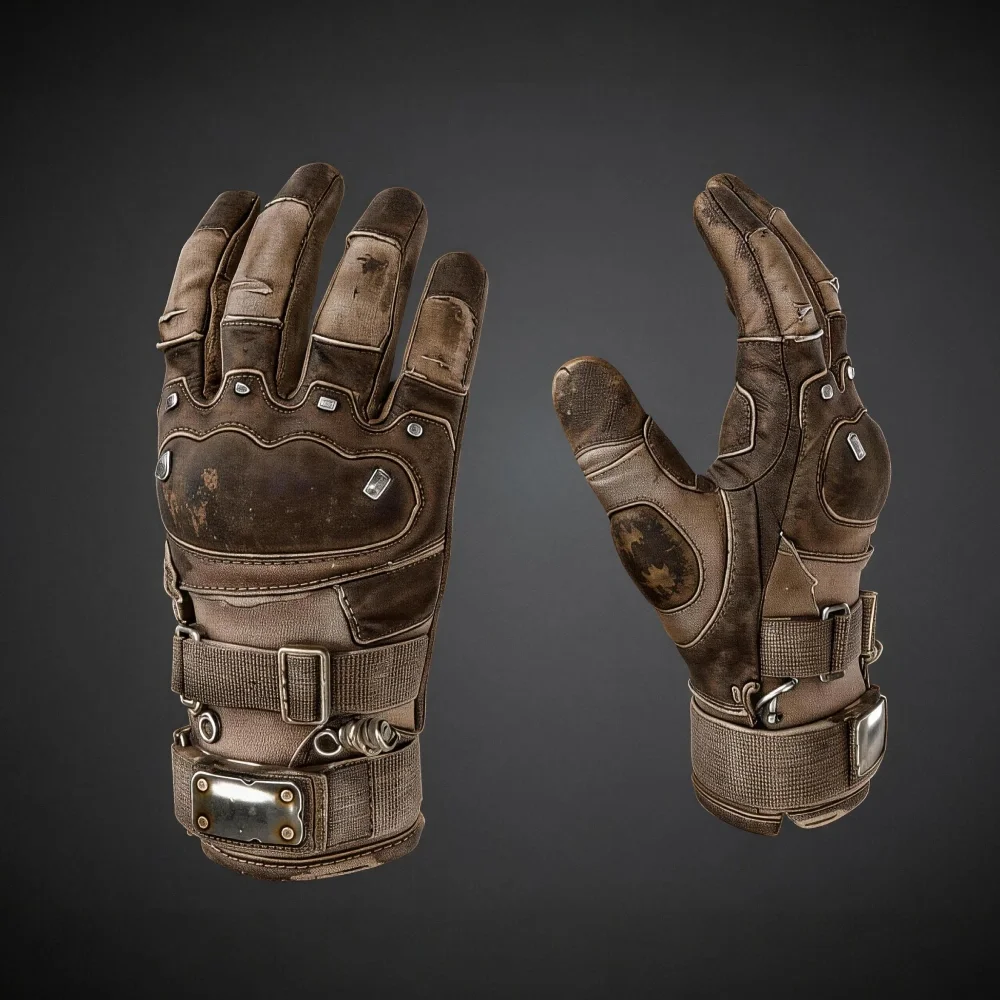
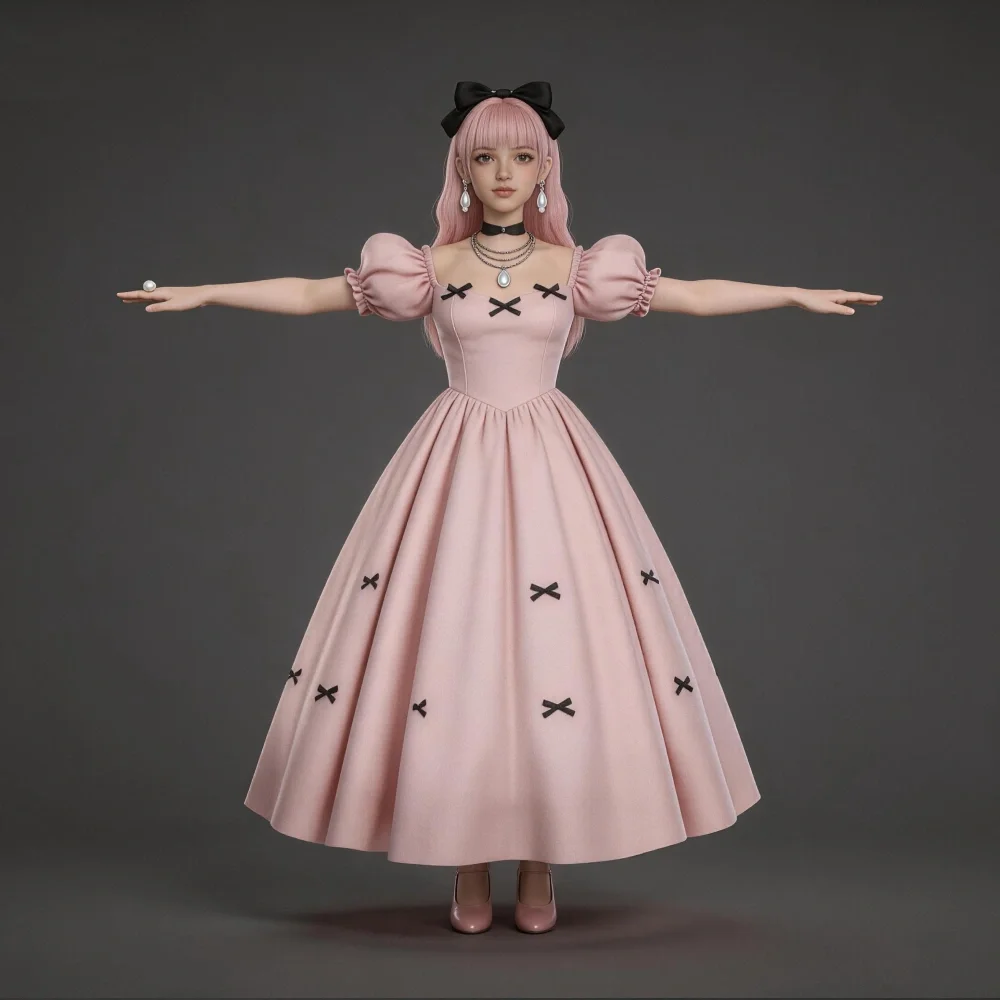
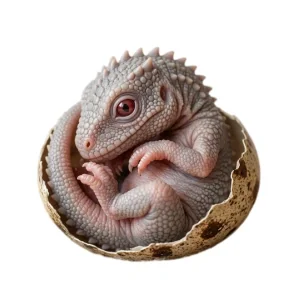
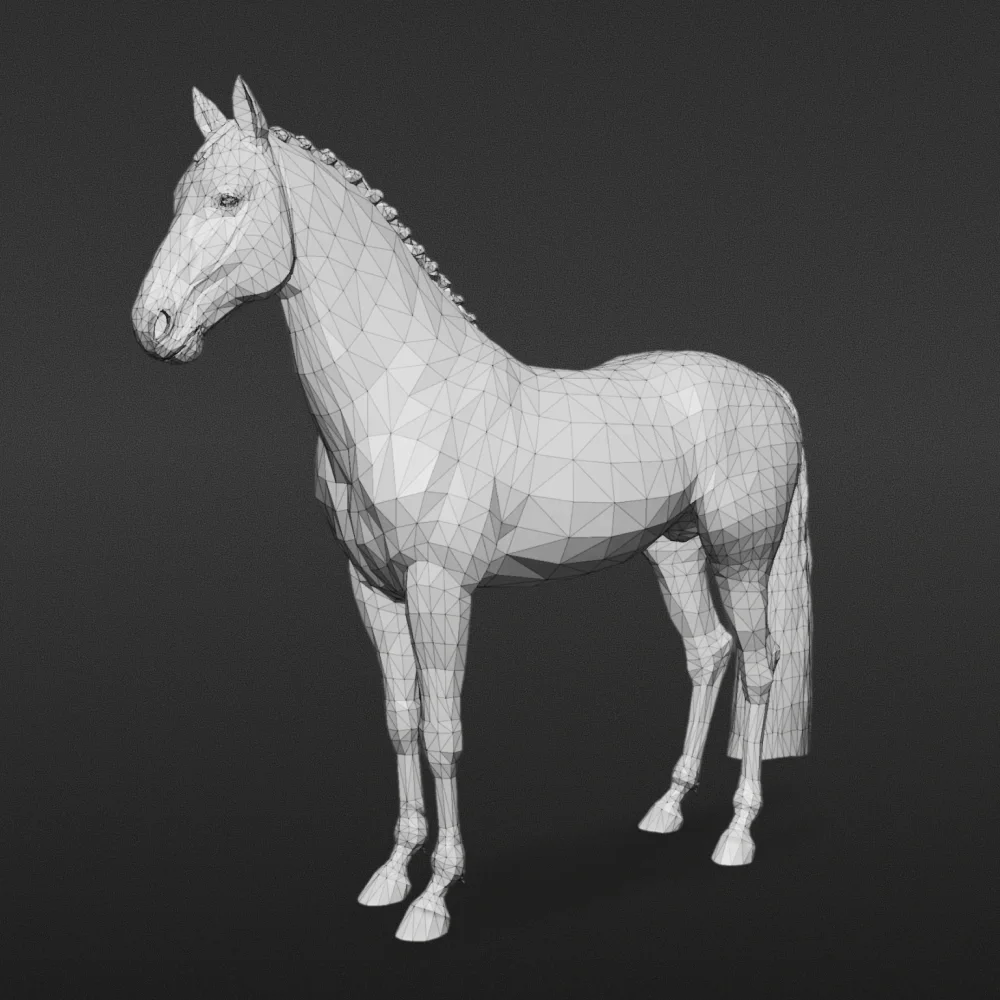

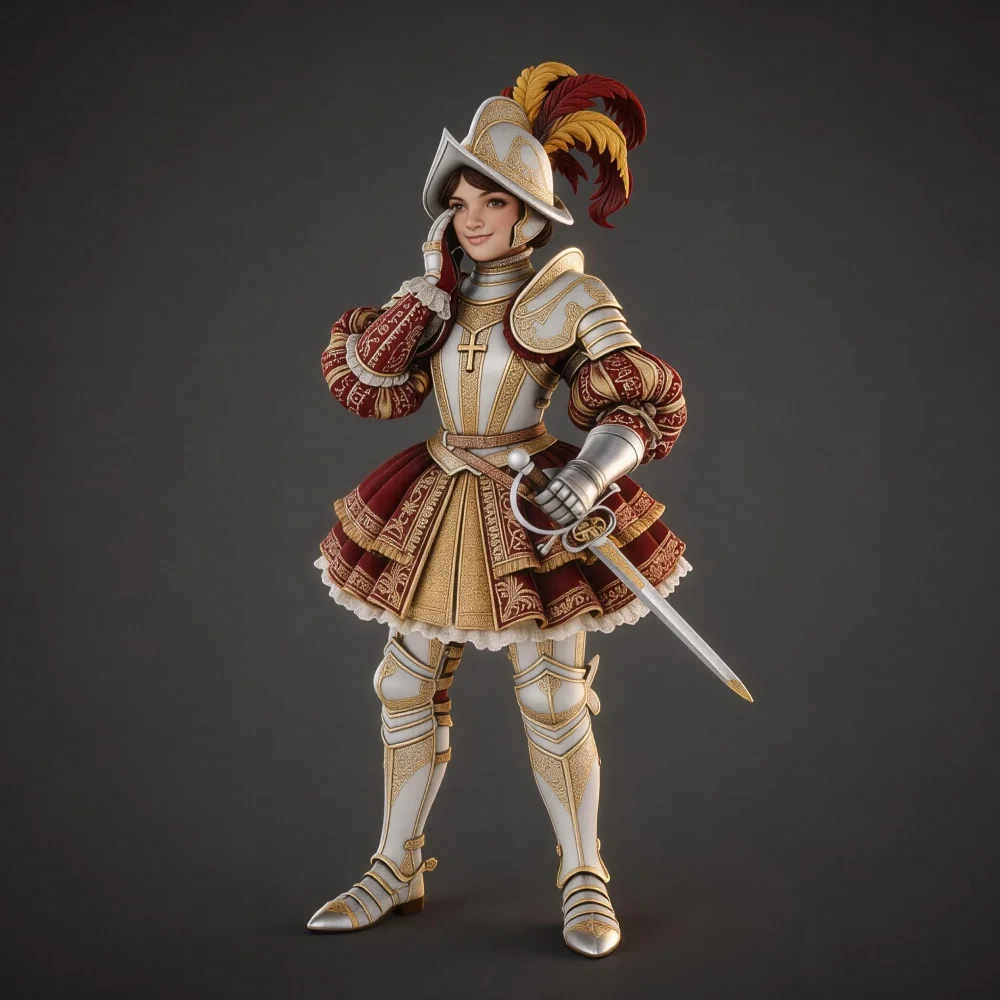
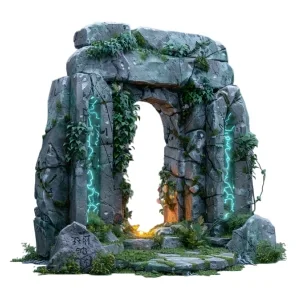
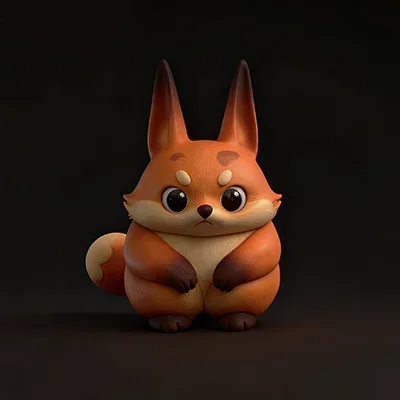

Consistent Output Across Visual Input Types
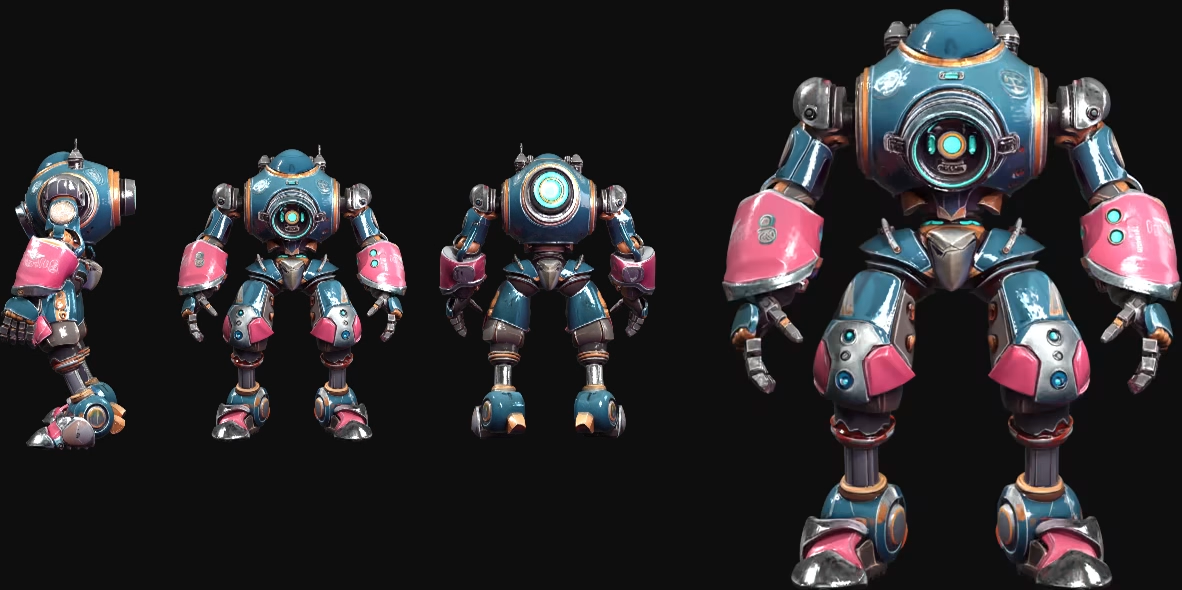
Photos, Illustrations, Artwork — All Supported
Tripo handles a wide range of picture types — from clean product photography to hand-drawn illustrations and digital artwork — producing structured 3D geometry from each.
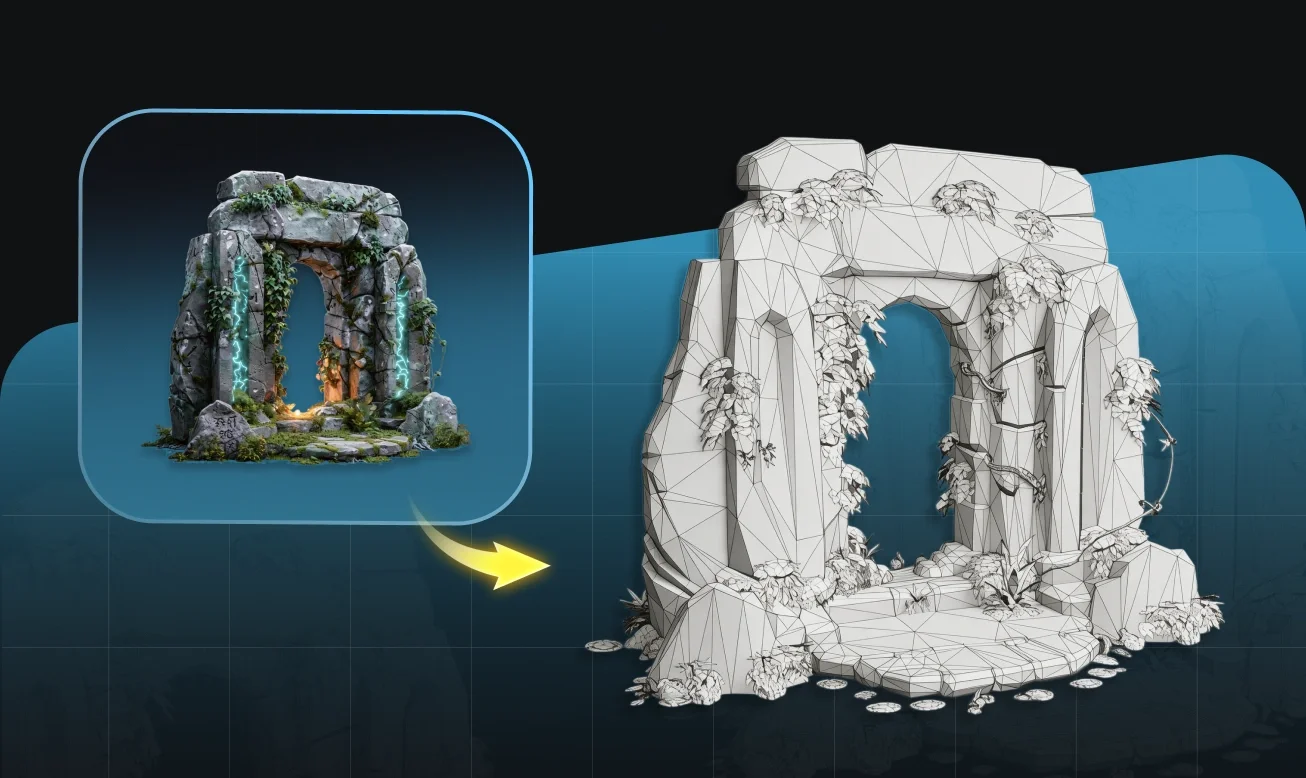
Organized Topology, Ready for Further Work
Generated models have consistent mesh structure and clear edge flow, making them suitable for editing, rigging, and export across standard 3D tools.
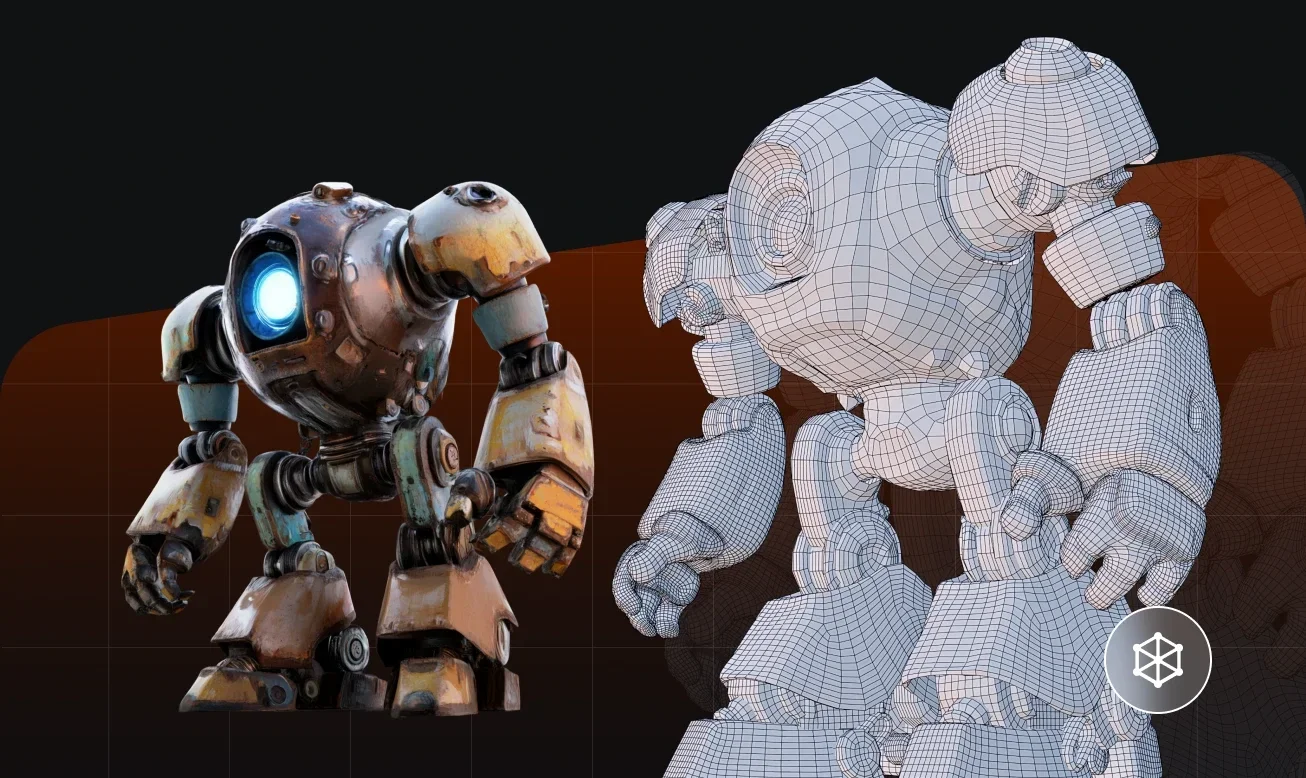
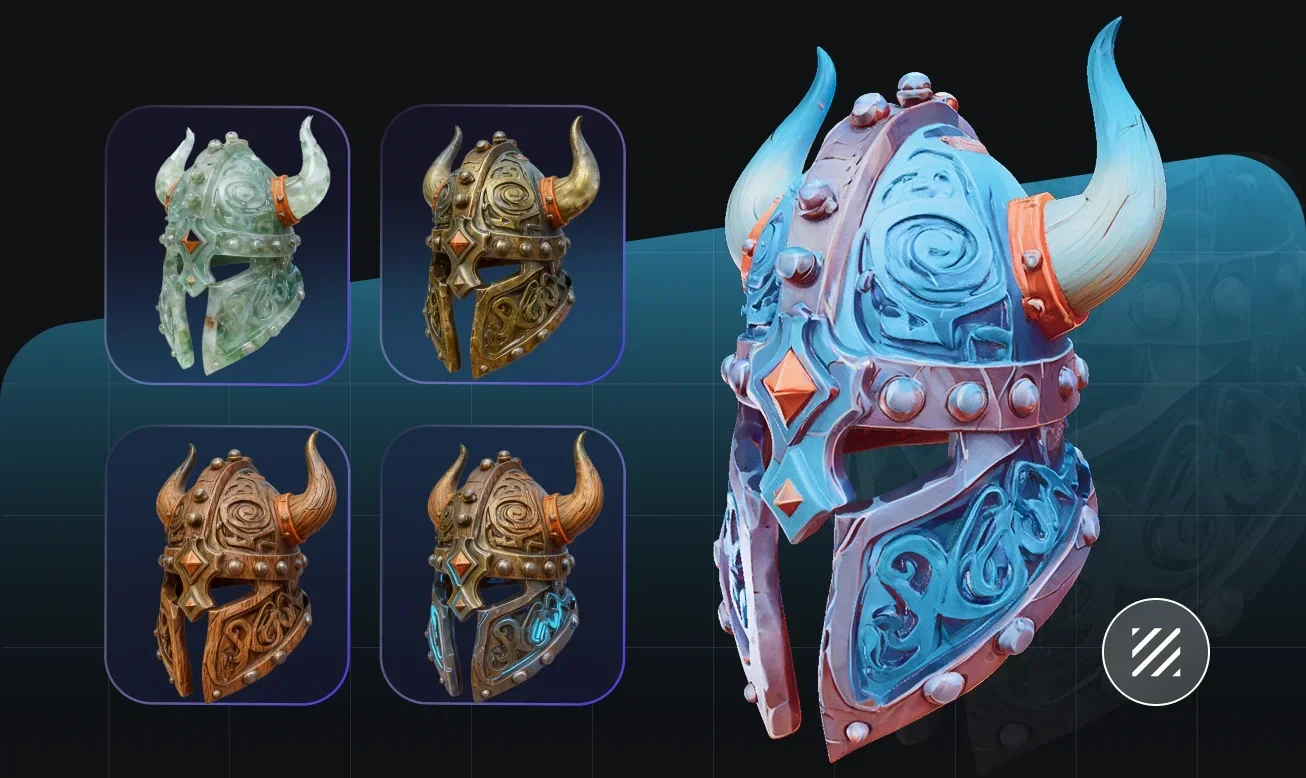
Textures Derived Directly from Your Picture
Color and surface detail from your picture are carried into the 3D model, producing realistic or stylized results aligned with your input.
No 3D Background Required
Tripo is designed to work with any visual input without requiring 3D expertise. Upload a picture, generate, and export — the output is clean geometry ready to use in standard tools and workflows.
How to Turn a Picture into a 3D Model
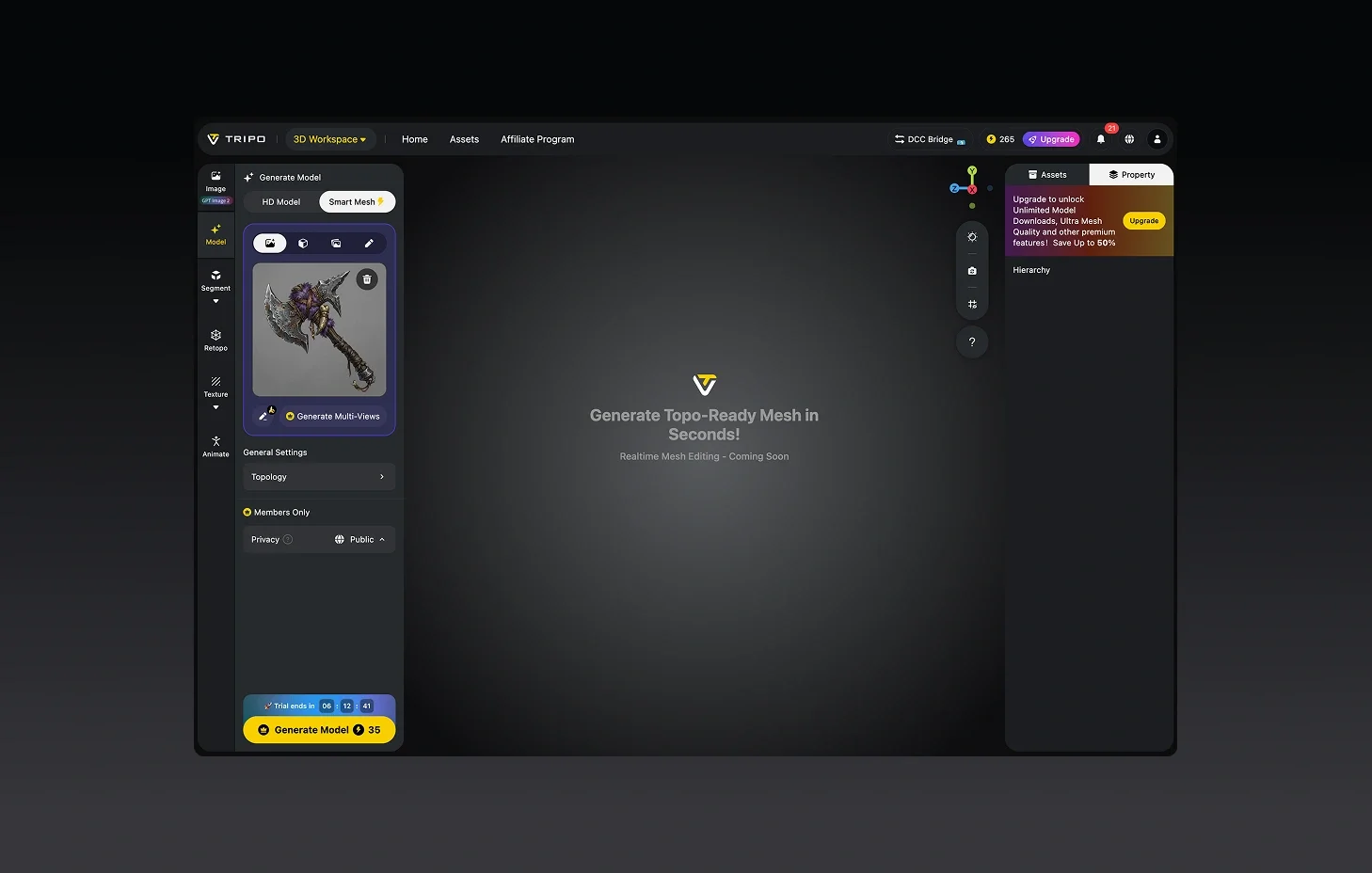
Upload Your Picture
JPG, PNG, WEBP — most common image formats are supported. Any picture type works.
Let Tripo Generate
The AI analyzes your picture and builds a 3D model automatically. Takes seconds.
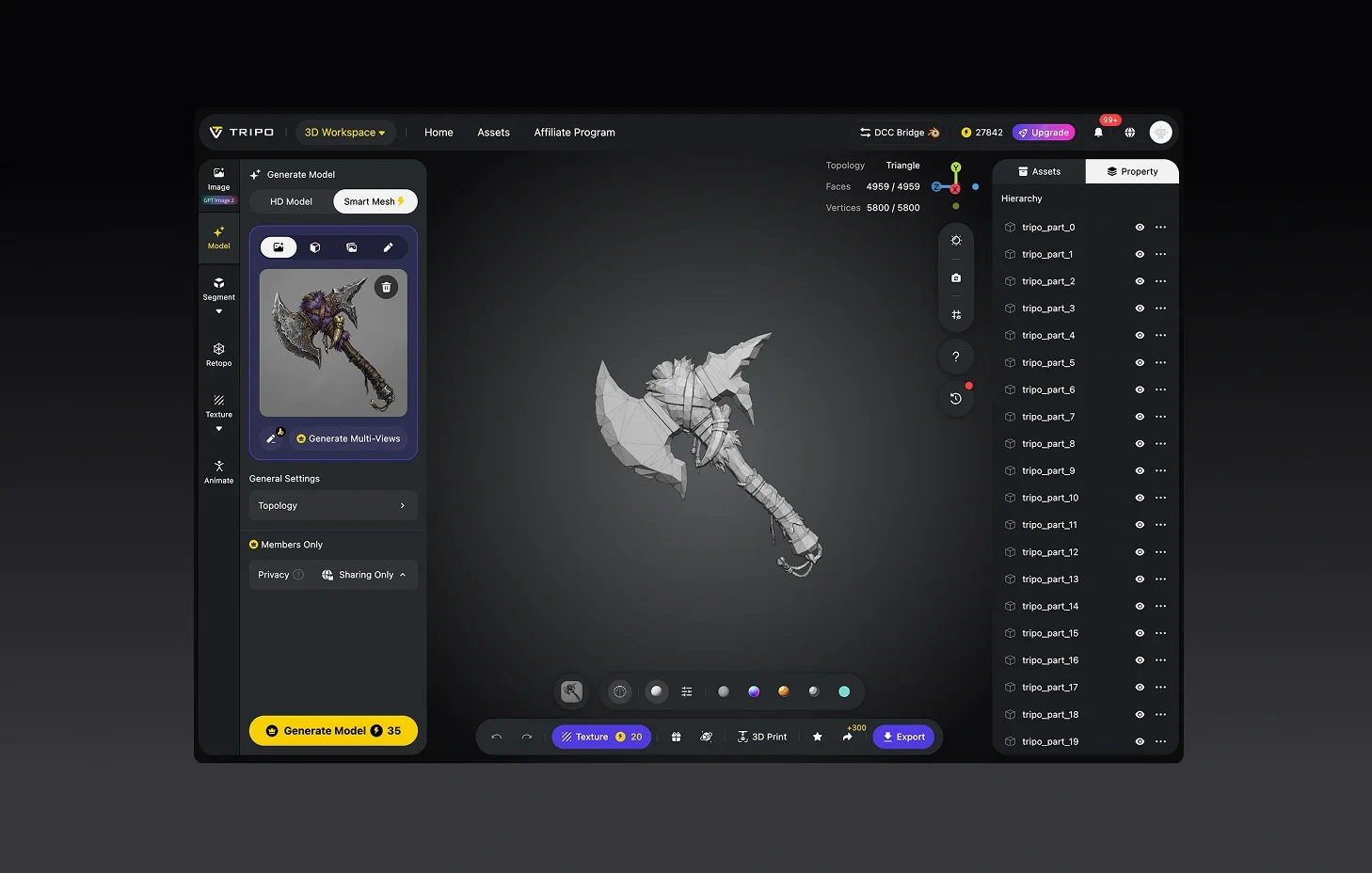
(Optional) Adjust and Refine
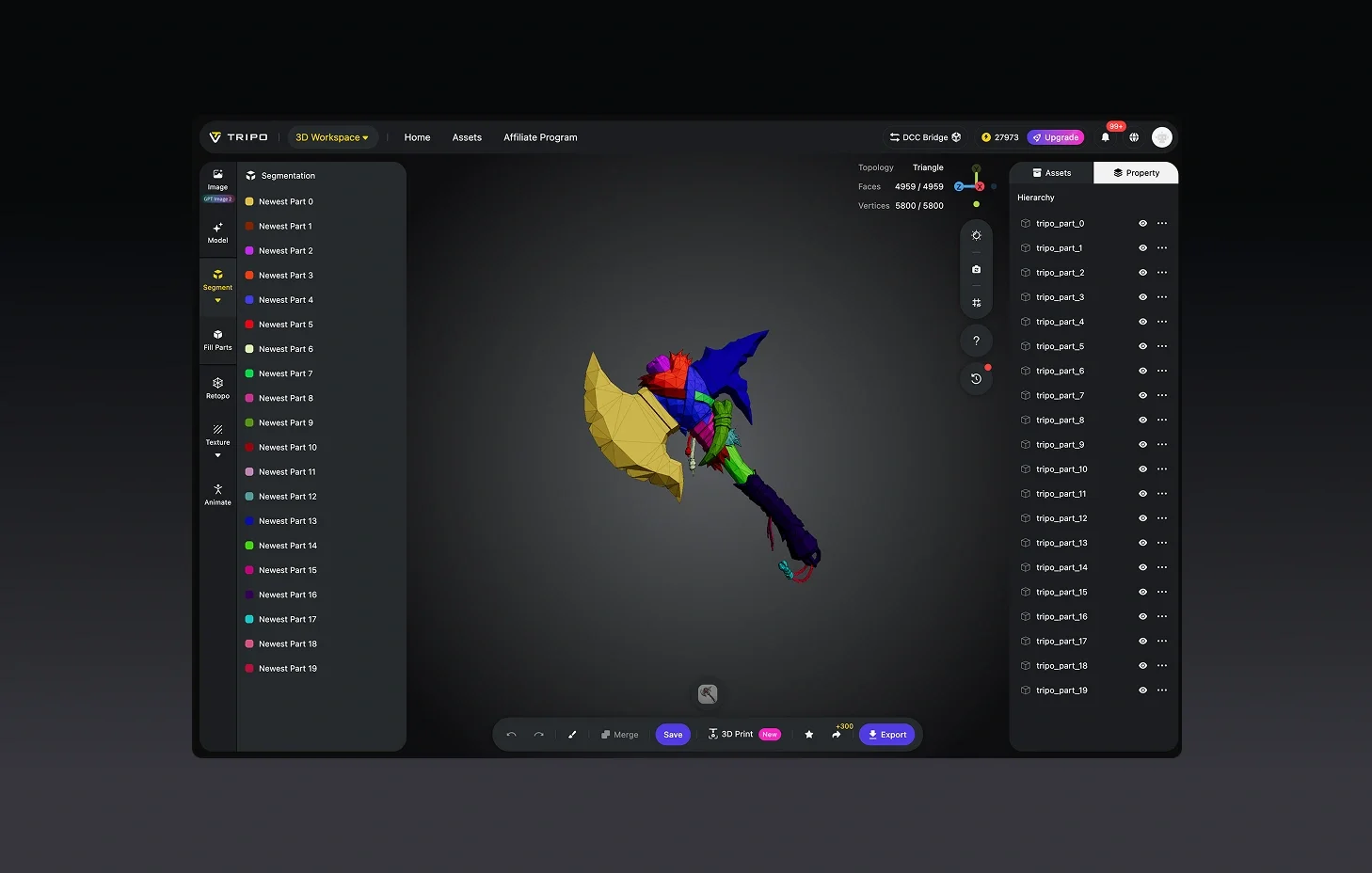
Tweak textures, modify geometry, or separate model parts if your project requires it.
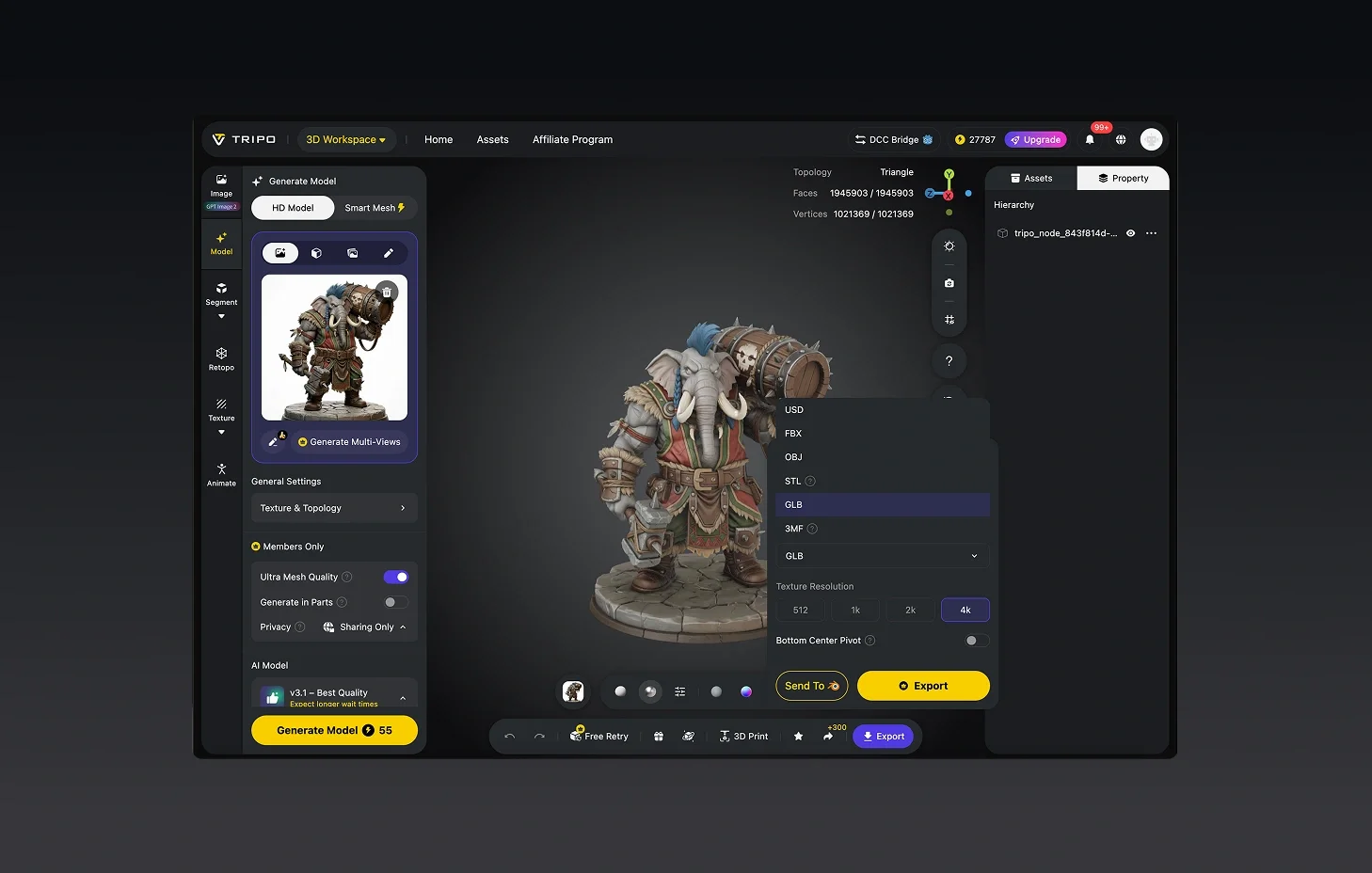
Export Your 3D Model
Download in STL, OBJ, or FBX for use in your tool of choice.


Loved by Creators Worldwide
First time trying AI for 3D. Honestly shocked at how fast it delivers.
I'm new to 3D, but this made me feel like a pro. Very beginner-friendly.
Didn't expect one photo to work so well. My model looked ready in seconds.
Made a quick 3D model for school. Looked professional without effort.
I keep coming back because it just saves so much time in my workflow.
Was skeptical at first, but the detail and depth sold me instantly.
Perfect for my design project. Everyone thought I spent days in Blender.
Tried it on product shots, and the 3D versions impressed my clients.

FAQ: Picture to 3D Model
Stay Ahead with the Latest Trends
Explore trending topics in 3D modeling, AI tools, and the world of 3D creation.
Introducing Tripo H3.1: High Detail Model for Production-Ready Assets
Tripo H3.1 generates high-fidelity 3D models with dense geometry and production-level detail, ideal for hero assets, marketing visuals, rendering, and 3D printing.
Read moreImage-to-3D vs. Text-to-3D: When to Use Each in Your Workflow
This article compares image-to-3D and text-to-3D generation workflows, helping you choose the right method for faster, smarter 3D model creation using Tripo AI.
Read moreTripo 3D Tutorial Center
Systematically master end-to-end workflows of Tripo 3D from beginner to advanced, and learn how to create production-ready 3D assets with greater speed and control.
Read moreIntroducing Tripo Smart Mesh P1.0: Clean Low-Poly Topology in 2 Seconds
Generate clean, optimized topology meshes in seconds with Tripo Smart Mesh. Create lightweight, game-ready 3D models for engines, web, and real-time workflows.
Read moreReady to Turn Any Picture into a 3D Model?
Any picture type — photo, illustration, artwork — structured 3D output with consistent geometry.