P1S vs A1: Which Bambu Lab 3D printer should you buy?
TL;DR
- In the P1S vs A1 comparison, the A1 is the easier recommendation for people who mainly print PLA, PETG, and TPU. It has a friendlier touchscreen, quick nozzle changes, automatic calibration, and lower entry cost. Its open bed-slinger design also makes maintenance straightforward.
- The P1S costs more but earns that premium with a CoreXY motion system and an enclosed chamber. It is the better choice for ABS, ASA, and other materials that benefit from stable temperatures. It also occupies less desk depth during printing because the bed moves vertically rather than traveling forward and backward.
- Both printers offer a 256 x 256 x 256 mm build volume and a maximum advertised toolhead speed of 500 mm/s. Buy the A1 for accessible everyday printing. Choose the P1S if material range, enclosure, and a more compact motion footprint matter more than touchscreen convenience.
Introduction
The Bambu Lab P1S and A1 can produce many of the same models, often at similar visible quality. That makes the buying decision less obvious than the price gap suggests. Both have a full-size 256 mm cubed build area, automated calibration, network-connected software, and optional multicolor systems.
The important differences sit around the print itself. The P1S is an enclosed CoreXY machine built for a wider material range. The A1 is an open-frame bed slinger designed around simple operation, quick maintenance, and PLA or PETG printing.
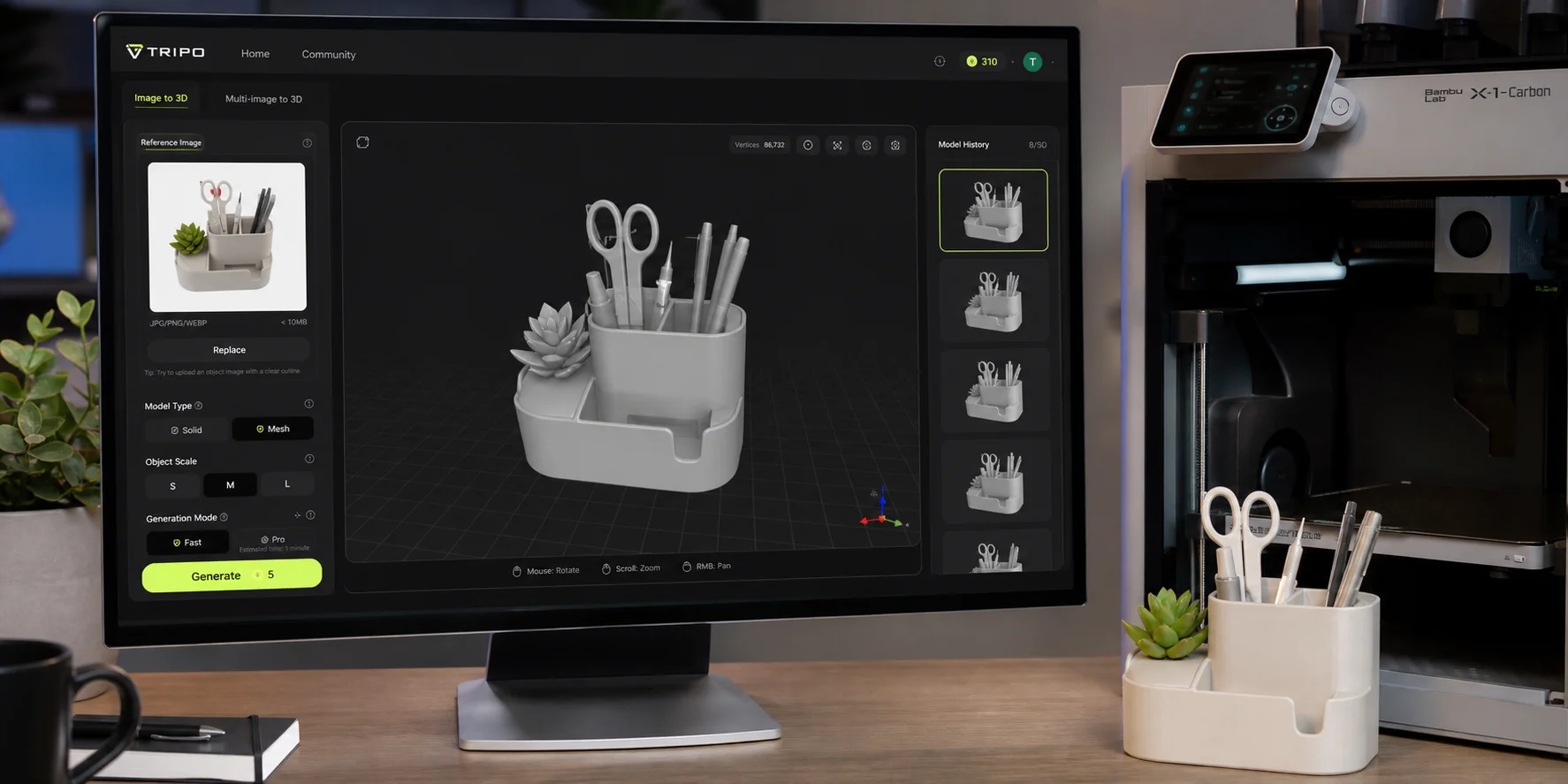
Your model source does not change that decision. Downloaded files, manually modeled parts, and models created with tools such as Tripo all need the same checks before printing. Detailed organic assets made through Tripo HD Model, for example, still need suitable wall thickness, scale, orientation, and supports.
This P1S vs A1 guide compares hardware, print behavior, materials, multicolor options, workspace requirements, and everyday ownership. Prices vary by country and promotion, so the comparison focuses on what each machine actually does.
P1S vs A1 Specs at a Glance
| Specification | Bambu Lab P1S | Bambu Lab A1 |
|---|---|---|
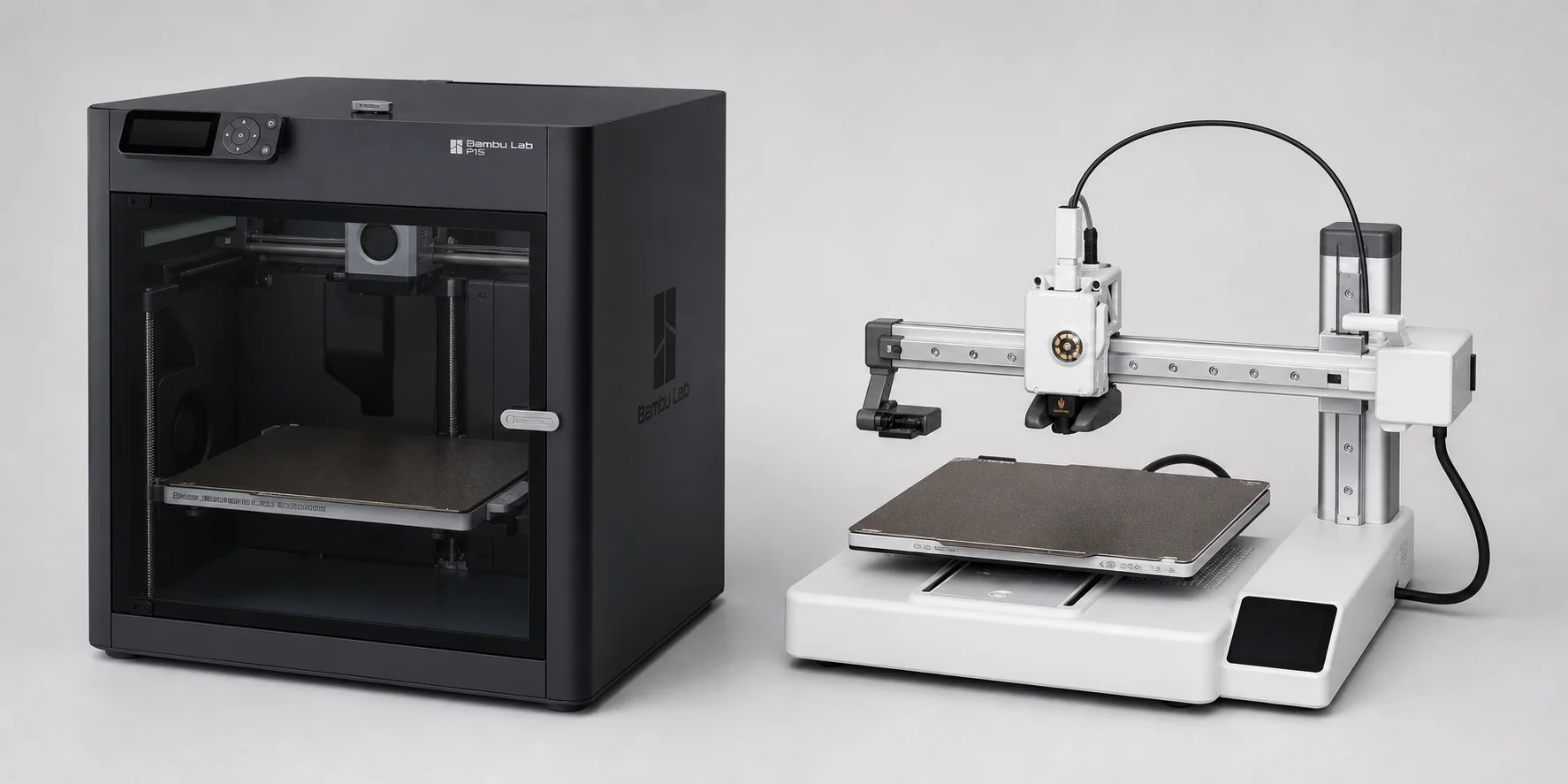
| Motion system | CoreXY | Cartesian bed slinger |
| Enclosure | Fully enclosed | Open frame |
| Build volume | 256 x 256 x 256 mm | 256 x 256 x 256 mm |
| Maximum toolhead speed | 500 mm/s | 500 mm/s |
| Maximum acceleration | 20,000 mm/s² | 10,000 mm/s² |
| Maximum hotend temperature | 300°C | 300°C |
| Recommended everyday materials | PLA, PETG, TPU, PVA, PET, ABS, ASA | PLA, PETG, TPU, PVA |
| Display | Button-controlled screen | Color touchscreen |
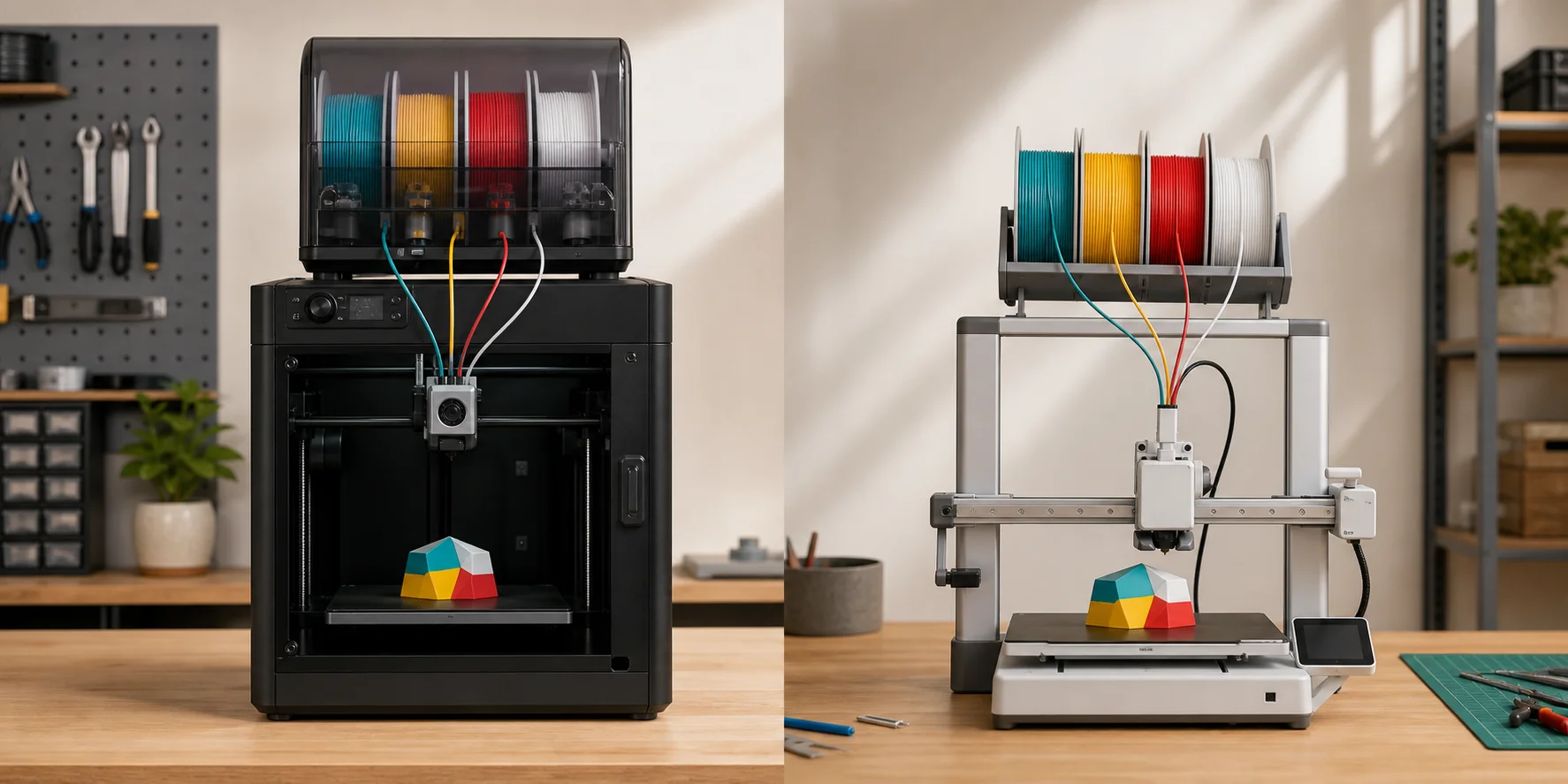
| Multicolor system | AMS, expandable beyond four spools | AMS lite, four spools |
| Nozzle changes | Conventional hotend assembly swap | Quick-release hotend |
| The figures above come from Bambu Lab's official P1S specifications and A1 specifications. Maximum speed is a hardware figure, not a promise that every wall will print at 500 mm/s. Geometry, filament flow, cooling, layer height, and slicer settings determine actual speed. |
Key Differences Between the P1S and A1
The specification table gives the outline, but it does not show what changes during an actual print. The following differences have the greatest effect on material choice, placement, maintenance, and daily use.
Design and motion system
The P1S uses a CoreXY mechanism. Its printhead moves across the X and Y axes while the build plate descends along Z. The bed does not throw the printed object back and forth with every layer.
That arrangement helps with tall, narrow parts and fast directional changes. It also keeps the machine's operating footprint predictable. The enclosure itself is boxy, but the printer does not need extra room behind it for a moving bed.
The A1 is a bed slinger. Its toolhead travels horizontally while the bed moves along the other horizontal axis. This layout is mechanically accessible and easy to understand. Cleaning around the motion components or inspecting the toolhead takes little effort.
The tradeoff appears with tall prints and desk clearance. A tall object rides back and forth on the A1 throughout the job, and the moving bed needs free space in front of and behind the printer. A shallow shelf that fits the machine's listed body dimensions may still be too small during operation.
Print quality and speed
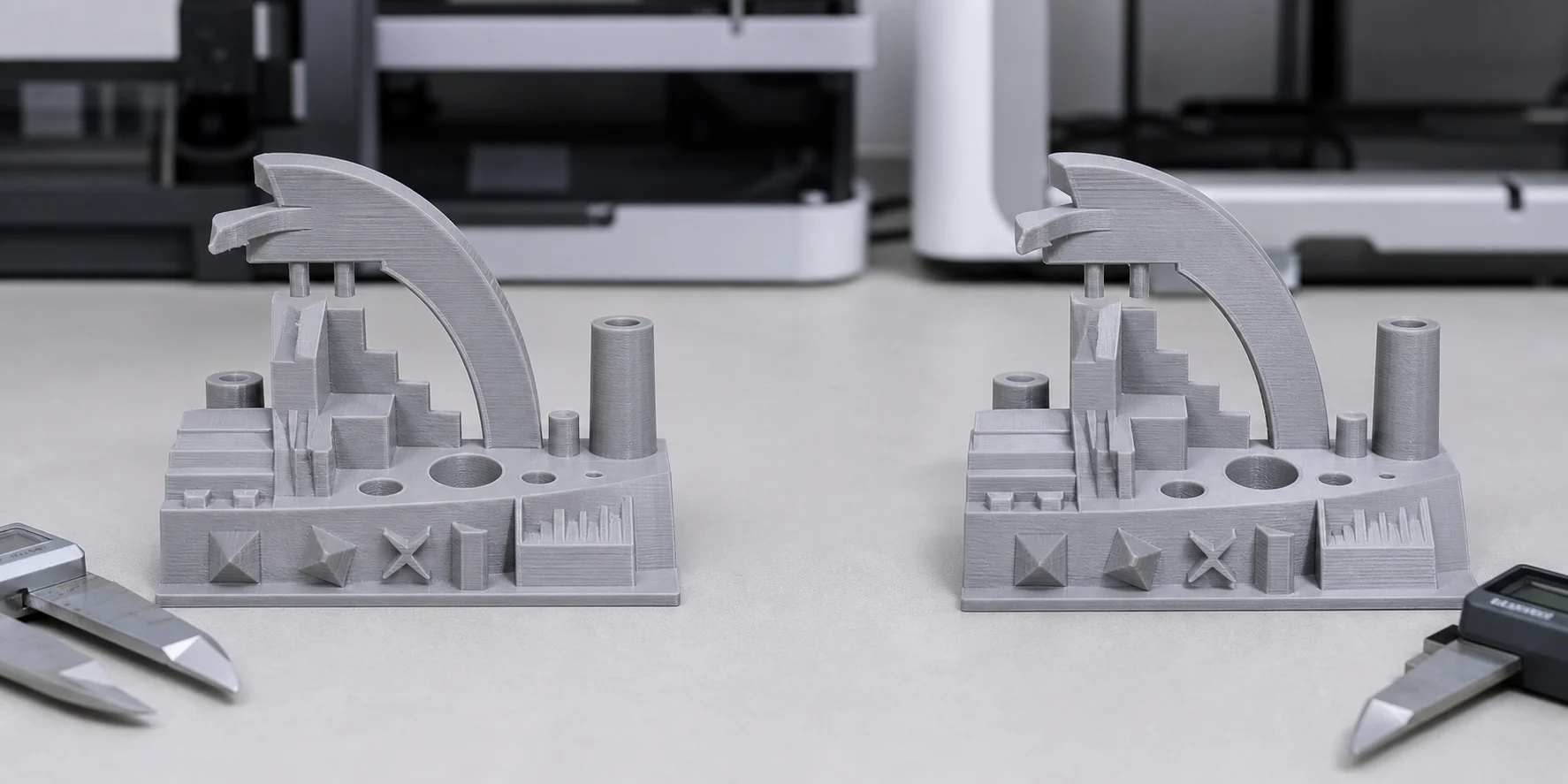
For PLA and PETG models at ordinary settings, the print quality gap is small. Both machines use vibration compensation and pressure control to reduce ringing and manage extrusion during speed changes. Both can produce clean functional parts, organizers, miniatures, and prototypes.
The P1S has twice the listed maximum acceleration of the A1. That advantage is most relevant on models with frequent short movements, where a printer repeatedly accelerates and slows down. It matters less on large smooth walls or prints limited by the hotend's flow rate.
The A1 counters with a newer calibration experience. It automatically handles bed leveling, vibration calibration, and flow-related checks with little intervention. Its quiet motor control is also useful when the printer sits in a bedroom, study, or shared office.
The P1S is not necessarily loud, but its enclosed fans can be noticeable. Fan noise becomes more prominent when printing PLA with the door open or lid raised for ventilation.
Material support: the biggest practical difference
The enclosure is the strongest reason to choose the P1S.
ABS and ASA shrink as they cool. If one area cools faster than another, corners can lift from the plate or layers can split. The P1S enclosure reduces drafts and slows temperature changes around the model. Its chamber fan and activated carbon filter also make it better equipped for these materials, although filtration does not replace proper room ventilation.
Bambu Lab lists PLA, PETG, TPU, ABS, ASA, PVA, and PET as ideal materials for the P1S. PA and PC are listed as capable. Fiber-reinforced polymers are not recommended with the stock stainless steel nozzle and standard extruder components, so abrasive materials may require appropriate hardware upgrades.
The A1 is happiest with PLA, PETG, TPU, and PVA. Its hotend reaches the same 300°C maximum as the P1S, but nozzle temperature alone does not make a printer suitable for ABS, ASA, PC, or nylon. Bambu Lab explicitly warns that the A1's open design can cause warping and reduced layer strength with conventional high-temperature filaments.
An enclosure added around the A1 is not a simple fix. Excess chamber heat can affect electronics that were designed to operate in open air. If engineering filaments are part of the plan, buying the P1S from the start is the cleaner decision.
Setup, controls, and maintenance
The A1 feels more modern at the printer. Its color touchscreen presents files, calibration, temperatures, and maintenance controls in a form that new users can understand quickly. The P1S uses a smaller non-touch display with physical buttons. Most P1S owners eventually perform detailed control through Bambu Studio or the Bambu Handy app.
Nozzle changes are another A1 advantage. Its hotend uses a quick-release arrangement that makes switching between 0.2, 0.4, 0.6, and 0.8 mm nozzles relatively painless. That is useful if you alternate between miniature detail and faster functional prints.
Maintenance access is also easier on the open A1. The P1S enclosure puts panels between the user and some internal components, though routine tasks such as cleaning rods, replacing a build plate, or clearing the extruder remain manageable.
The P1S arrives more fully assembled as a closed machine. The A1 requires a modest amount of initial assembly, but its guided setup and calibration keep the process approachable.
AMS vs AMS lite
The P1S works with Bambu Lab's enclosed AMS. The standard combination handles four filament spools, and multiple AMS units can extend the system to as many as 16 colors. The closed housing helps protect filament from dust and ambient humidity, though it is not a substitute for actively drying wet filament.
The A1 uses AMS lite, an open four-spool system. Its exposed layout makes spool loading easy and lets users see the filament path. It also takes up considerable space beside or above the printer, depending on the mount.
Both systems can automate color changes and switch to another compatible spool when one runs out. Multicolor printing creates purge waste and increases print time, sometimes dramatically. The feature is useful for signs, labels, figurines, and color-coded parts, but it should not be treated as a free upgrade to every print.
Workspace, safety, and ventilation
The P1S takes the form of a contained appliance. Moving parts stay behind panels, which can be reassuring in homes with curious children or busy workspaces. The enclosure also reduces direct contact with the hotend and moving printhead during operation.
The A1 leaves the hotend, bed, and motion system exposed. That is convenient for maintenance but calls for more deliberate placement. Keep it away from the edge of a desk and allow enough clearance for the bed at both extremes of travel.
Neither printer should operate in an unventilated living space when processing materials that emit significant fumes or ultrafine particles. The P1S includes an activated carbon filter, but room ventilation remains important for ABS and ASA. An enclosure manages temperature and reduces exposure; it does not make emissions disappear.
Which Printer Is Better for Beginners?
The A1 is the better first printer for most people who expect to use PLA and PETG. The touchscreen is clearer, the calibration process asks less of the user, and the quick-change hotend encourages experimentation with nozzle sizes.
Its open construction also makes the printing process easier to observe. A new owner can see how the bed, toolhead, purge wiper, and filament path interact. When something needs cleaning, the relevant part is usually in plain sight.
The P1S makes more sense for a beginner who already knows that ABS, ASA, or enclosed printing will matter. It has a higher initial cost, but buying an A1 first and replacing it later costs more. The P1S also suits users who prefer a contained machine and rarely need to operate it from the front panel.
Creating Custom Models for Either Printer
Printer choice affects material handling, but it does not restrict how you create the model. Both machines accept sliced geometry prepared in Bambu Studio.
A simple custom workflow looks like this:
Idea → Text Prompt or Image → Generate Model in Tripo → Review Geometry → Improve if Needed → Export → Slice in Bambu Studio → Print on P1S or A1
Start with a defined object and intended use. Decorative models need stable bases and printable details. Functional models also need measurements, clearance, load direction, and suitable wall thickness.
Use text when the form does not already exist. Use a reference image when proportions and silhouette matter. Tripo Image-to-3D can create an initial 3D asset from an image, while Text-to-3D suits concepts that begin as descriptions.
Review the generated geometry before export. Check the underside, thin features, disconnected parts, steep overhangs, and whether the model will sit securely on the build plate. A visually complete mesh is not automatically ready for FDM printing.
Export the model, import it into Bambu Studio, and confirm scale. Choose orientation, wall count, infill, supports, layer height, and filament profile. Inspect every layer in the slicer preview before sending the job to either printer.
Who Should Buy the P1S?
Buy the P1S if the enclosure and CoreXY system solve a problem you already expect to have. It is the stronger fit for:
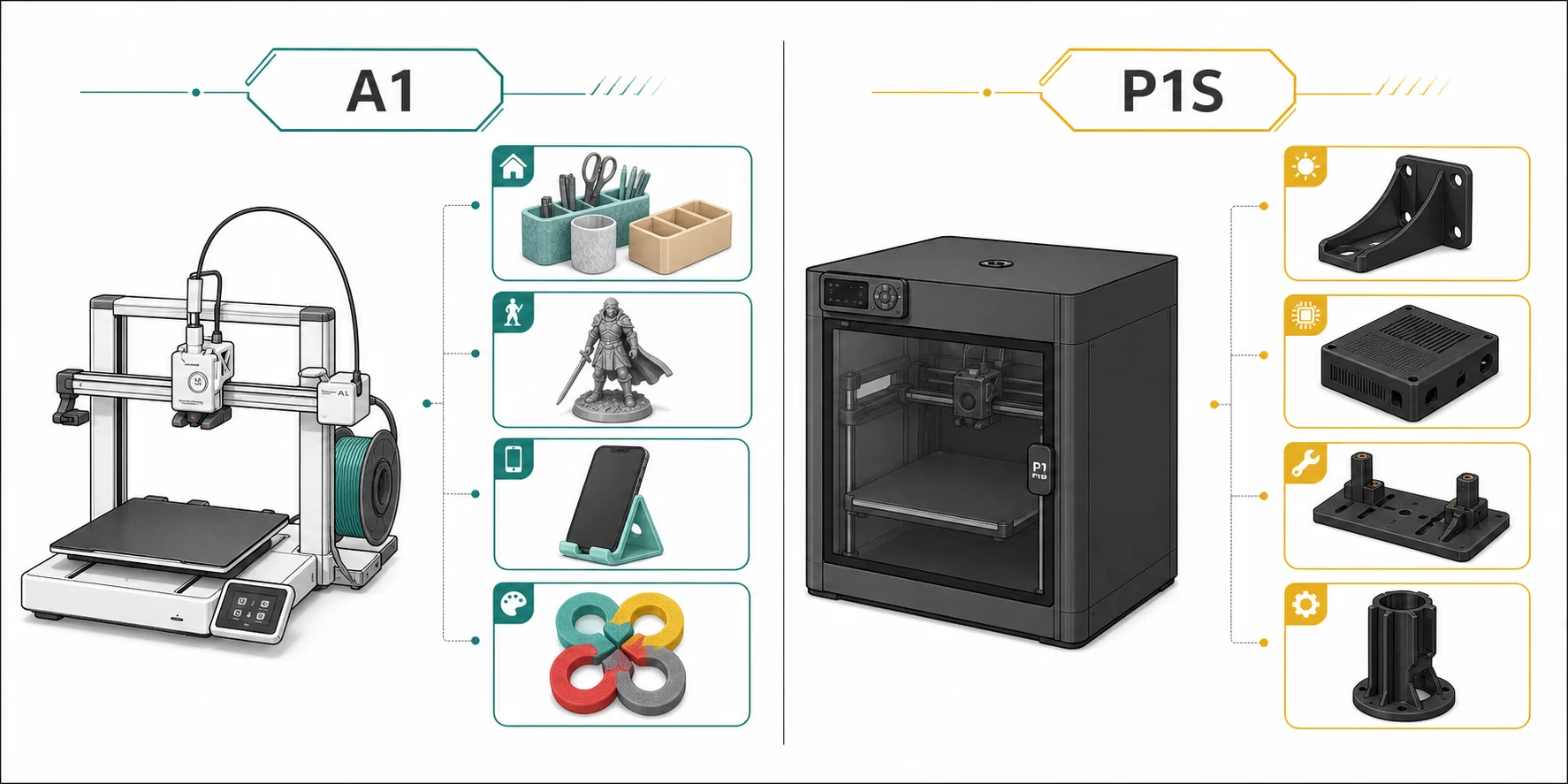
- ABS and ASA enclosures or outdoor parts
- Tall models printed at higher acceleration
- A contained CoreXY machine
- Multicolor expansion beyond four spools
- Workshops with limited front-to-back clearance
- Users who control most jobs through Bambu Studio
The P1S also makes sense when an open moving bed would be awkward or exposed in your workspace. It gives up the A1's touchscreen and quick-release nozzle system, so the extra money should buy a capability you will use rather than a more impressive enclosure.
Who Should Buy the A1?
Buy the A1 if most of your projects use PLA, PETG, or TPU and you value easier interaction at the printer. It is the better fit for:
- PLA and PETG organizers, toys, props, and household parts
- A first printer with approachable onboard controls
- Frequent nozzle changes
- Lower-noise printing in a shared workspace
- Four-color printing with AMS lite
- Easy access for cleaning and maintenance
For miniature work, neither machine has an automatic win. Fit a 0.2 mm nozzle and use a fine layer profile. For large PLA props, both offer the same build volume. For outdoor brackets in ASA, the P1S is the sensible choice.
Is the P1S Worth the Extra Cost Over the A1?
The P1S is worth the extra cost when you need to print ABS or ASA regularly, want a stationary build plate in the XY plane, need a contained motion system, or plan to expand beyond four-color AMS lite printing. In those cases, the premium pays for capabilities that the A1 does not reproduce through a slicer setting or a later accessory.
For routine PLA and PETG work, the answer is usually no. The A1 can deliver comparable visible quality on those materials while providing a better touchscreen, easier nozzle swaps, and quieter day-to-day operation. Paying more for the P1S will not automatically improve a basic PLA organizer or decorative model.
Compare the full setup rather than the printer alone. Include the multicolor unit, spare hotends, build plates, ventilation, and the space each machine needs while operating. Local pricing and bundles change, but the useful test stays the same: if you cannot name a P1S-only capability that your projects require, the A1 is likely the better value.
Common Buying Mistakes
Do not compare the advertised maximum speed alone. Both printers list 500 mm/s, but acceleration, filament flow, model geometry, and quality settings determine job time.
Do not buy an A1 for regular ABS or ASA printing just because its hotend reaches 300°C. Stable chamber conditions matter.
Remember the operating footprint. The A1 bed travels beyond the central frame, and AMS lite needs additional room. The P1S has a smaller motion footprint, but an AMS mounted on top adds height.
Do not assume multicolor printing is always efficient. Every color change adds purge material and time. A single-color print can be quicker, cheaper, and mechanically identical.
Finally, budget for consumables and maintenance. Nozzles, build plates, filament, cleaning tools, and replacement cutters matter more over time than a small difference in the initial bundle price.
Frequently Asked Questions
Is the P1S better than the A1?
The P1S is better for ABS, ASA, faster acceleration, enclosed operation, and expandable multicolor printing. The A1 is better for touchscreen control, quick nozzle changes, quiet everyday operation, and lower-cost PLA or PETG printing.
Which printer wins the P1S vs A1 comparison for beginners?
The A1 is the better beginner choice for most users. Its touchscreen, automated calibration, accessible mechanics, and simple nozzle replacement reduce friction during early projects. Choose the P1S instead if enclosed materials are already part of your plans.
Do the P1S and A1 have the same build volume?
Yes. Both have a listed build volume of 256 x 256 x 256 mm. Their physical operating footprints differ because the A1 moves its bed horizontally.
Is the P1S faster than the A1?
Both list a maximum toolhead speed of 500 mm/s. The P1S supports up to 20,000 mm/s² acceleration, compared with 10,000 mm/s² for the A1. Actual print times depend on the model, filament, nozzle, and slicer profile.
Can the A1 print ABS or ASA?
The hotend can reach the required temperatures, but Bambu Lab does not recommend conventional high-temperature materials on the open A1. Large or dense ABS and ASA parts may warp or develop weak layer bonding. The enclosed P1S is better suited to them.
Is the P1S good for PLA?
Yes. The P1S prints PLA well, but opening the front door or raising the top glass may be necessary to prevent excessive chamber heat during long PLA jobs.
What is the difference between AMS and AMS lite?
AMS is an enclosed four-spool system used by the P1S and can be expanded for up to 16 colors. AMS lite is an open four-spool system designed for the A1 series. Both automate filament switching.
Which printer is quieter?
The A1 is generally the quieter machine during ordinary PLA printing. The P1S enclosure contains some mechanical noise, but its chamber and auxiliary fans can be conspicuous.
Can Tripo AI models be printed on the P1S and A1?
Yes. Models generated with Tripo AI can enter a 3D printing workflow after geometry, scale, wall thickness, orientation, and support requirements have been checked. The exported model must then be sliced with an appropriate P1S or A1 profile.
Should I upgrade from an A1 to a P1S?
Upgrade if you need reliable ABS or ASA printing, an enclosed motion system, higher acceleration, or AMS expansion. If you mainly print PLA and PETG and already like the A1 workflow, the P1S may not produce a meaningful improvement in everyday results.
Conclusion
The P1S vs A1 decision comes down to materials and ownership style. The A1 offers the friendlier experience for PLA, PETG, simple multicolor work, and first-time users. The P1S trades touchscreen convenience for an enclosure, CoreXY motion, higher acceleration, and better support for demanding filaments.
Choose the machine around the parts you intend to make, not the largest speed number on the product page. If your next project starts as a description or reference image, create the initial model in Tripo Studio, inspect it carefully, and prepare it in Bambu Studio for the printer you choose.