

PBR materials and textures
Inspect base colour, metallic, roughness, normal maps and visible lighting response.
Open GLB or self-contained glTF files online and inspect PBR materials, textures, animation, hierarchy, geometry and delivery size.
Other format viewers
Move directly to the viewer that matches the file in hand. Each page uses its own real sample, input rules and review priorities.
Rhino and CAD review
DAE.daeLegacy scene interchange
DXF.dxfCAD drawings and exchange
FBX.fbxDCC and engine exchange
GCODE.gcode3D printing toolpaths
IFC.ifcBIM coordination
IGES.iges / .igsCAD surface exchange
OBJ.objStatic props and scans
STL.stl3D printing
STEP.step / .stpManufacturing and CAD exchange
3MF.3mfModern print workflows
PLY.plyScans and photogrammetry
USDZ.usdzApple AR handoff
VOX.voxVoxel art
3DS.3dsLegacy DCC handoff
USD.usd / .usdaVFX and DCC interchange
VRM.vrmVTuber and virtual avatar delivery
Online 3D viewer features
Each format page focuses on the geometry, materials, animation, packaging or print checks that matter for that file type.
Inspect base colour, metallic, roughness, normal maps and visible lighting response.
Play embedded clips and inspect meshes, nodes and scene structure.
Check whether glTF resources are self-contained and whether the payload fits the target web workflow.
The Viewer parses the model in this browser. A file is selected and uploaded only when you choose an online Studio workflow.
Private, local 3D file viewing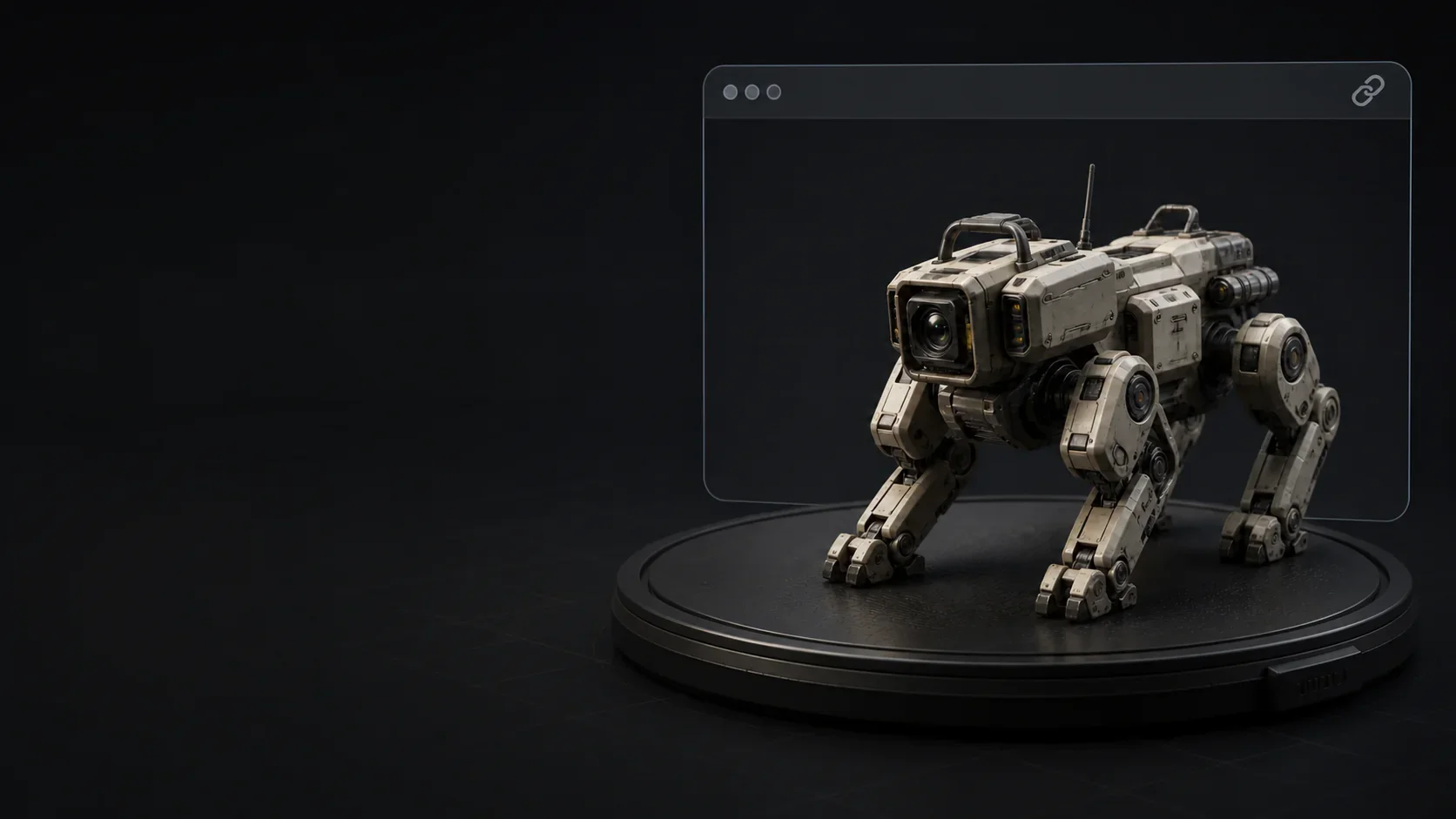
Upload the model in Studio, create a shareable 3D view and send it to clients, teammates or reviewers.
Upload & share 3D modelHow it works
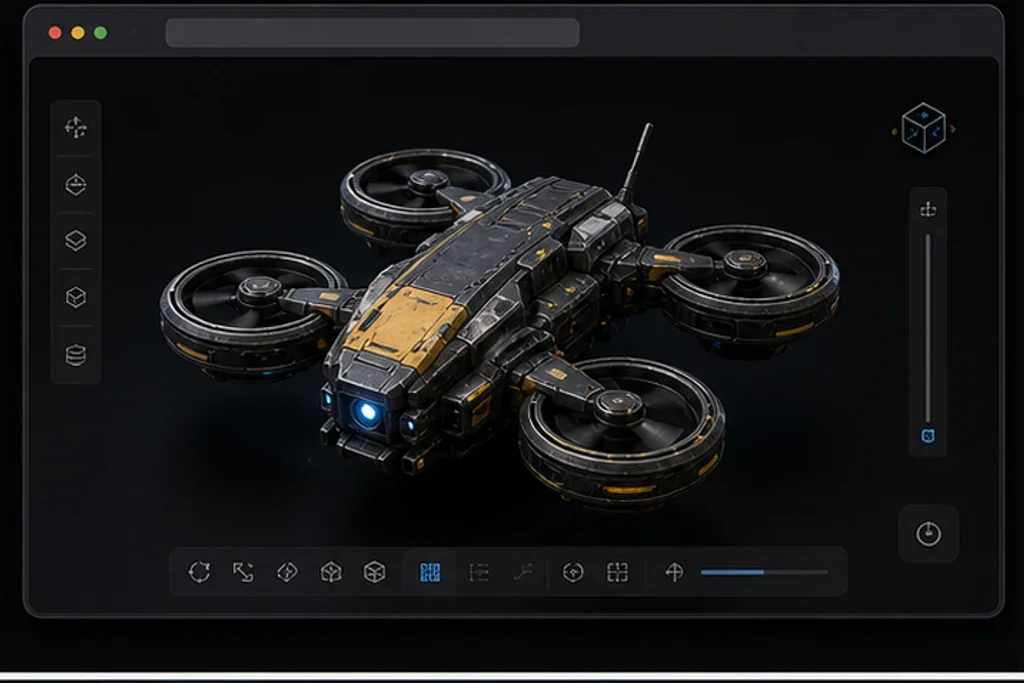
Drop one GLB & glTF file or choose it from your device.
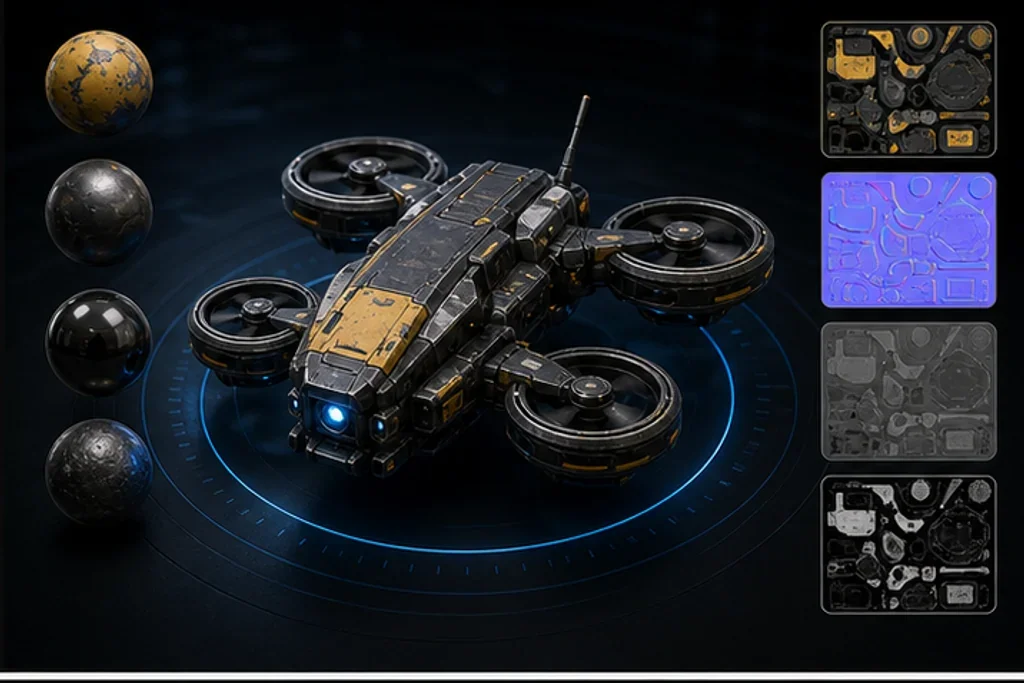
Inspect the visible model from every angle and confirm its orientation.
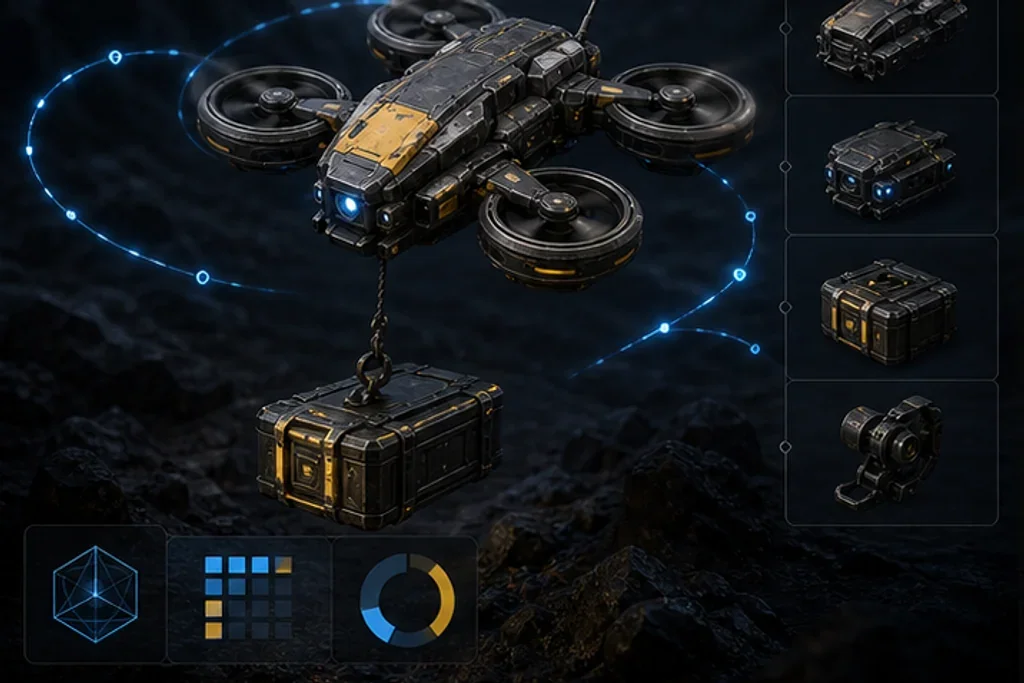
PBR materials and textures · Animation and scene hierarchy · Packaging and delivery weight

Continue in Tripo Studio to share, convert or edit the model.
Who uses this
Review geometry, materials and scene structure before editing.
Geometry · Materials · SceneCheck file weight and visible content before publishing or engine import.
Delivery · Size · PreviewOpen the submitted asset without installing its authoring application.
Review · Privacy · SharingViewer comparison
Compare the features that matter for opening, inspecting, sharing and continuing work on a 3D file.
| Viewer comparison | TripoTools to view, inspect and share 3D models | 3dviewer.net | Meshy 3D Viewer |
|---|---|---|---|
| GLB & glTF Viewer | Tripo · Viewer comparisonYes | 3dviewer.netYes | Meshy 3D ViewerYes |
| Private, local 3D file viewing | Tripo · Viewer comparisonYes | 3dviewer.netYes | Meshy 3D ViewerYes |
| Model information | Tripo · Viewer comparisonBounds · Geometry · Materials · Animation | 3dviewer.netScene tree · bounds · materials · volume/surface | Meshy 3D ViewerBounds · meshes · triangles · vertices · materials |
| Format-specific workflow | Tripo · Viewer comparisonPBR · textures · animation · web delivery weight | 3dviewer.netGeneral viewing and export | Meshy 3D ViewerGeneral viewing and file facts |
| Upload & share 3D model | Tripo · Viewer comparisonTripo Studio · Upload & share 3D model | 3dviewer.netExport model or preview image | Meshy 3D ViewerContinue in Meshy |
Based on same-file checks completed August 25, 2026 and the competitors’ public format lists. Unverifiable limits are omitted instead of guessed.
Answers about supported files, privacy, materials, textures, animation for the GLB & glTF Viewer.
glTF describes a real-time 3D scene in JSON, while GLB packages common glTF resources into a portable binary file.
Open GLB or self-contained glTF files online and inspect PBR materials, textures, animation, hierarchy, geometry and delivery size. The selected file is inspected in this browser and is not uploaded unless you explicitly continue to an online workflow.
Inspect base colour, metallic, roughness, normal maps and visible lighting response. Play embedded clips and inspect meshes, nodes and scene structure. Check whether glTF resources are self-contained and whether the payload fits the target web workflow.
Open GLB, FBX, OBJ, STL and other 3D files to inspect geometry, materials, dimensions and animation.