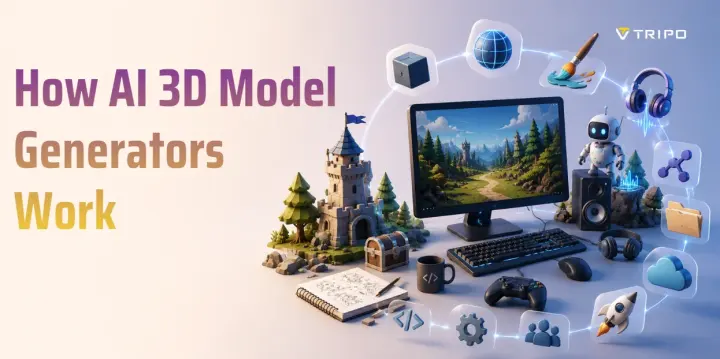
How AI 3D Model Generators Work
TL;DR
- AI 3D model generators turn text prompts, single images, or multi-view references into 3D assets.
- The workflow includes input analysis, shape reconstruction, mesh generation, texture creation, preview, and export.
- Image-to-3D is best when you already have a photo, sketch, product image, or AI-generated concept.
- Text-to-3D is useful for fast ideation when you can describe the object, style, and purpose in words.
- Tripo AI supports text-to-3D, image-to-3D, textures, Smart Mesh, and export workflows.
AI 3D model generators use machine learning to create three-dimensional assets from text prompts or images. This guide explains how AI 3D model generators work, from input processing to mesh, texture, and final export.
What Is an AI 3D Model Generator?
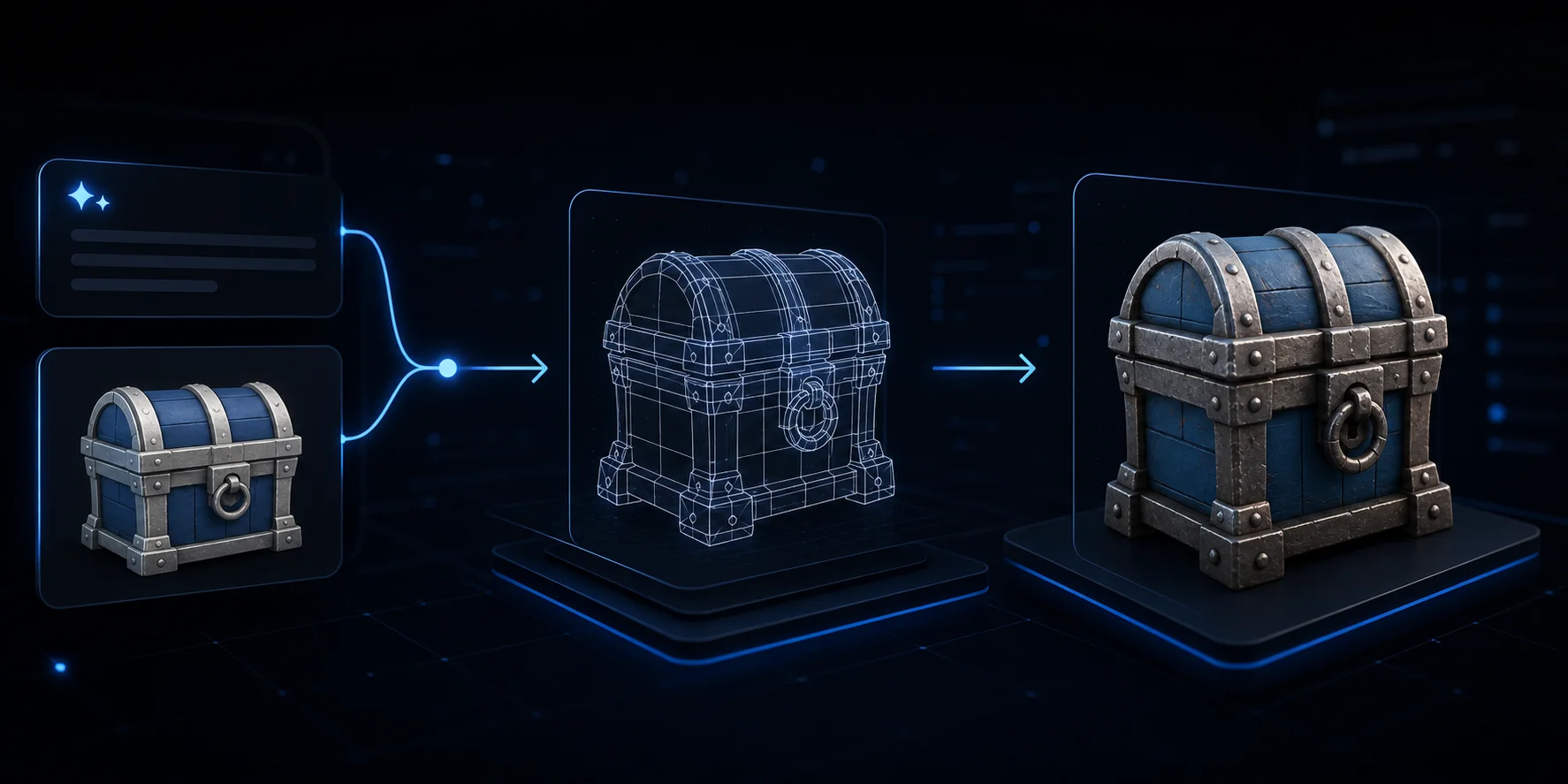
An AI 3D model generator converts text or image inputs into usable 3D assets. The user provides a prompt, photo, sketch, or reference image, and the system predicts the object's shape, structure, and surface appearance.
These tools often export OBJ, GLB, FBX, USD, STL, or 3MF for game engines, product visualization, AR/VR, animation, and 3D printing. Tripo AI's AI 3D model generator supports generation, texture, topology, and export in one place.
Core Technologies Behind AI 3D Generators
Modern AI 3D generators combine several technologies:
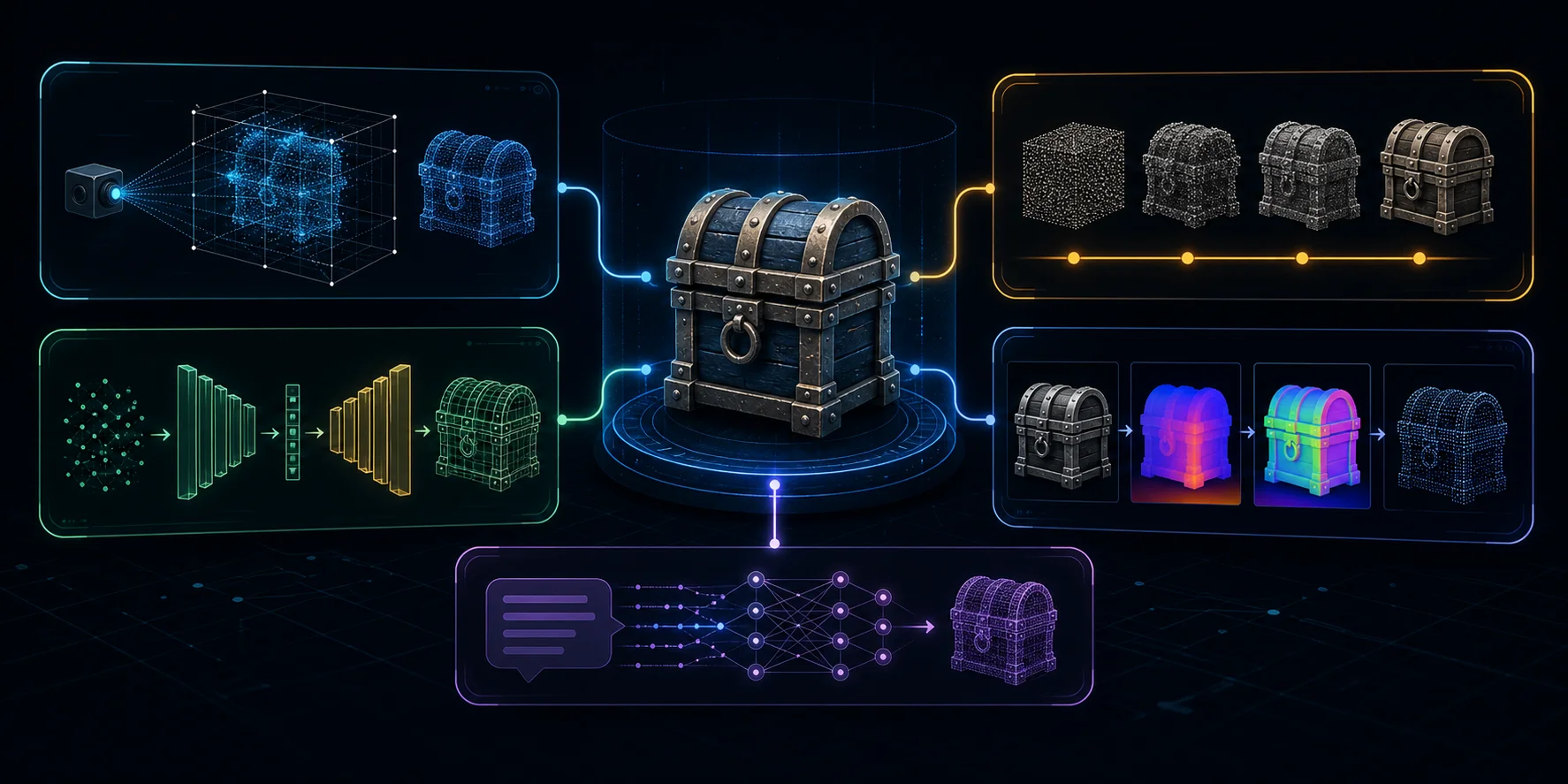
- Neural Radiance Fields, or NeRF, learn 3D structure from 2D views.
- Diffusion models generate shapes or textures through iterative denoising, guided by text or images.
- GANs train a generator and discriminator together to improve geometry or surface details.
- Computer vision models read edges, silhouettes, depth cues, and surface normals from images.
- Large multimodal models connect language with visual structure, so a phrase like "wooden toy robot with blue paint" can guide form, style, and material.
A useful generator must create geometry, texture, and enough structure for the model to be inspected, refined, and exported.
Input Method 1 - Image-to-3D
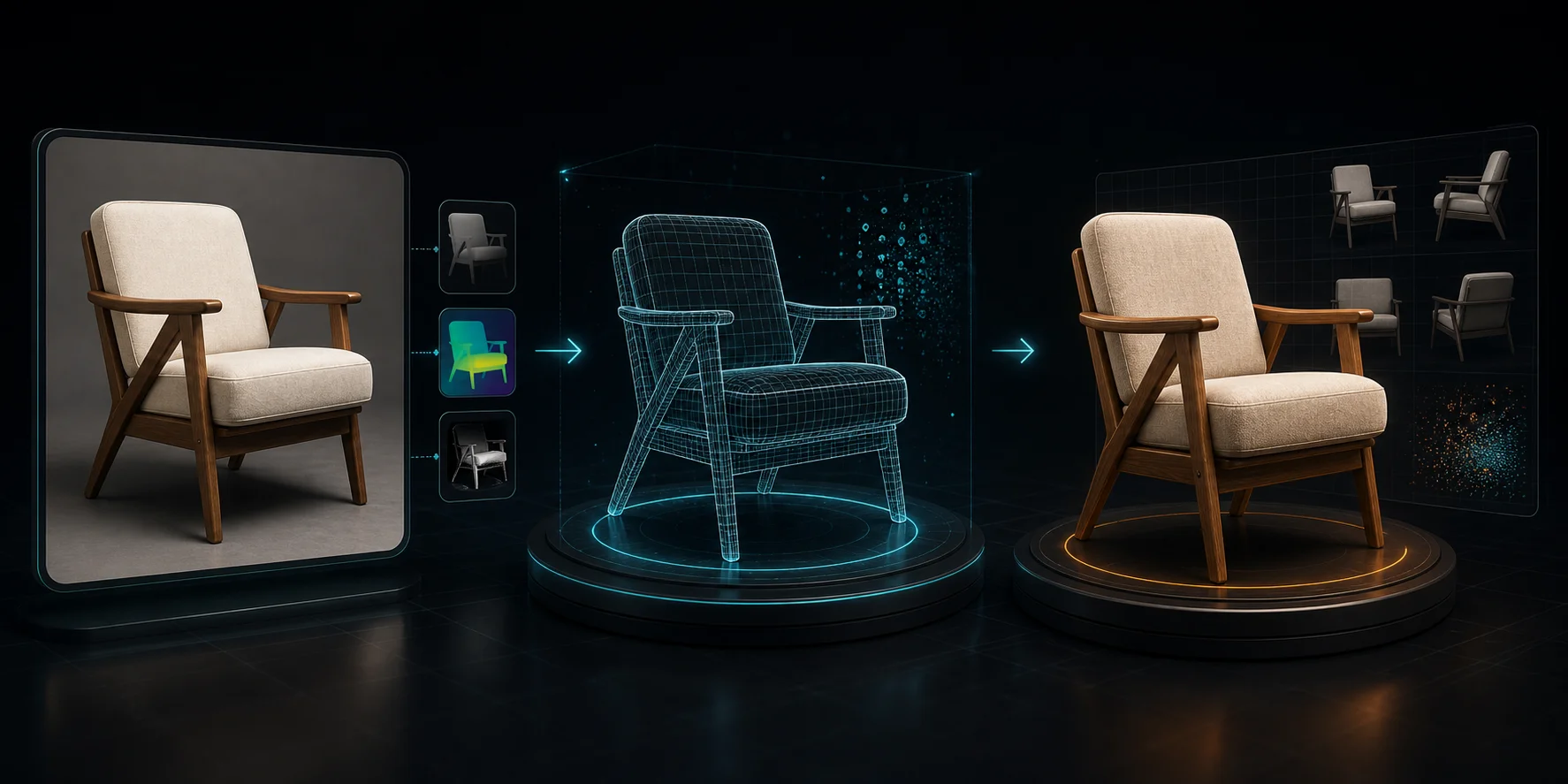
Image-to-3D starts with one image or several views of the same subject. The AI analyzes outline, lighting, perspective, texture, and visible depth. It then infers hidden or occluded surfaces that are not visible in the source image.
This method works best with clear subjects, neutral backgrounds, and minimal blur. A product photo, character concept, or AI-generated image can become a 3D starting point. Tripo's image-to-3D model feature supports this workflow for users with visual references.
Input Method 2 - Text-to-3D
Text-to-3D begins with a written prompt. The model interprets the meaning through a language encoder, then maps that meaning into a 3D latent space. From there, it generates geometry and surface appearance.
For example, "a ceramic mug with blue floral patterns, rounded handle, glossy finish" gives clues about object type, shape, decoration, and material. Tripo's text-to-3D model feature is useful when you do not have a source image yet.

Step-by-Step: How to Create a 3D Model with AI
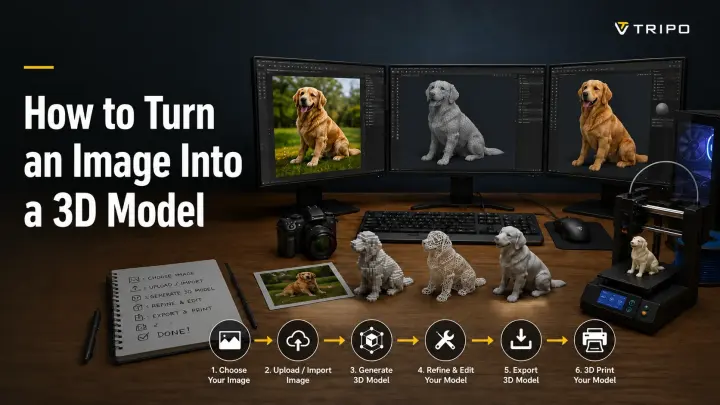
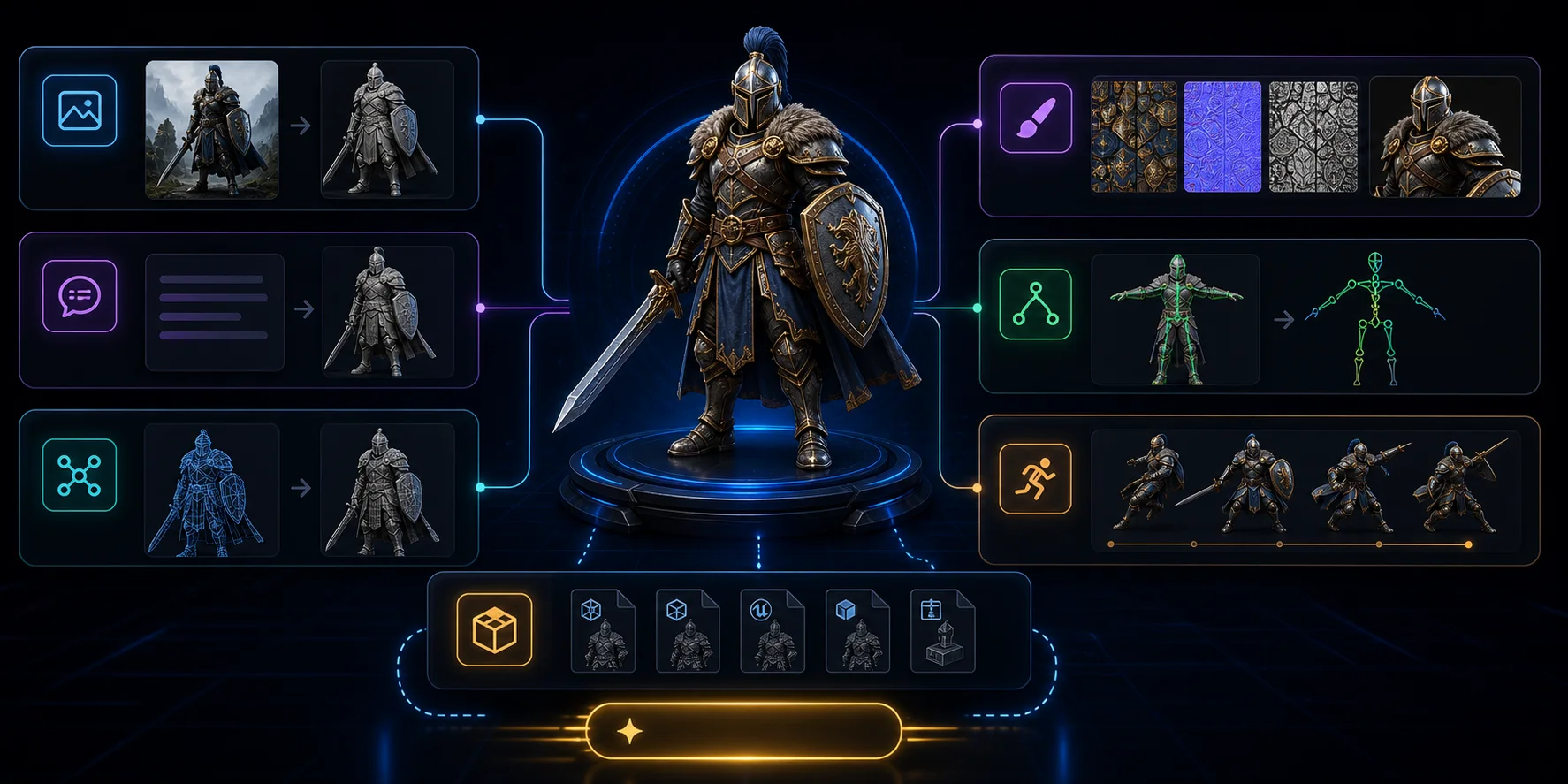
- Choose your input. Upload a clean image, provide multiple views, or write a specific text prompt.
- Set generation options. Choose polygon density, texture resolution, and output format based on your target workflow.
- Generate the model. The AI predicts structure, builds geometry, maps UVs, and applies textures.
- Preview the result. Rotate the model, check the silhouette, inspect hidden sides, and look for artifacts.
- Refine for the use case. Use high-detail output for visual presentation or Smart Mesh for games, AR, or web.
- Export the asset. Download the model for Blender, Maya, Unity, Unreal Engine, product visualization, or 3D printing.
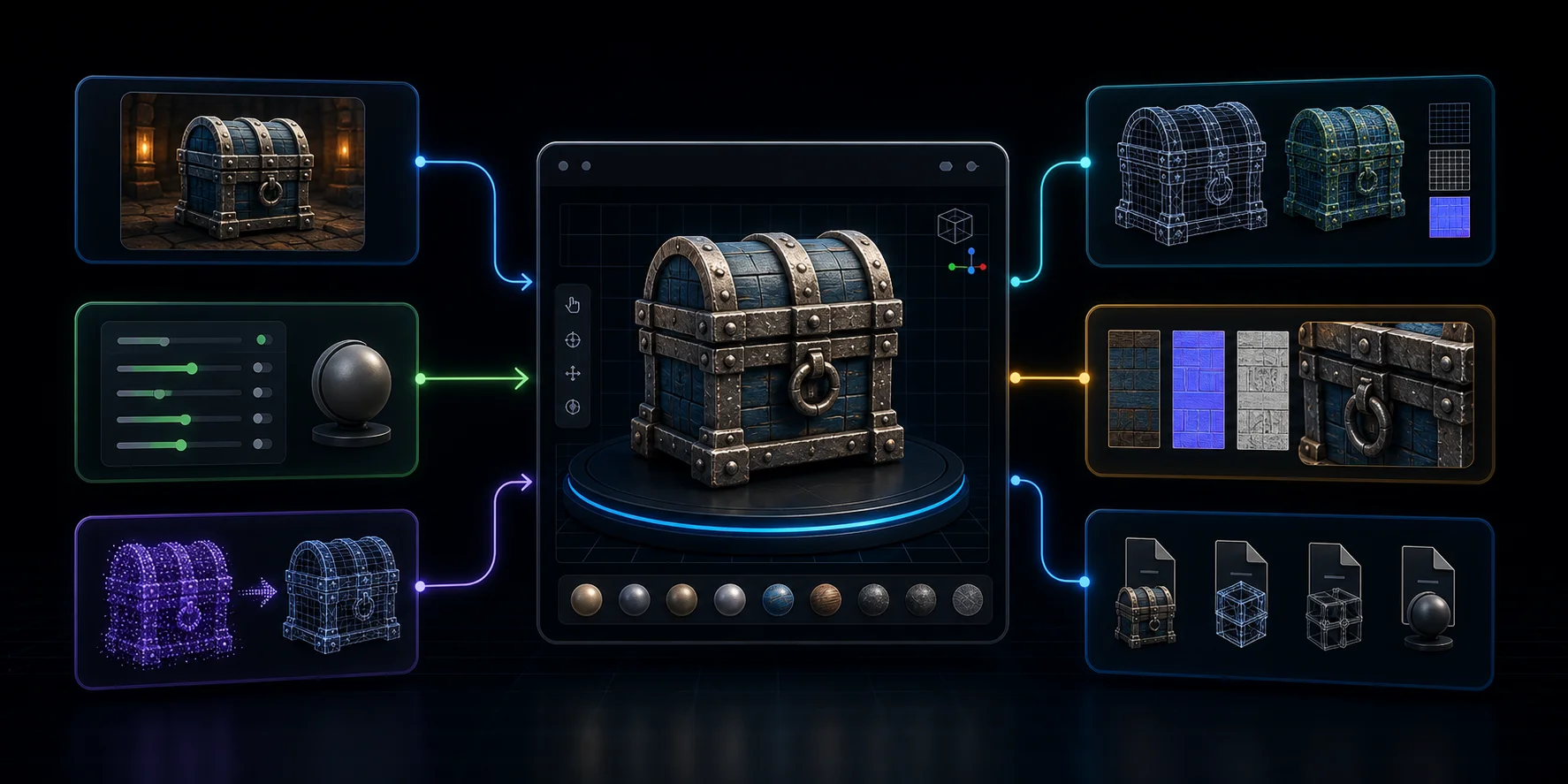
In Tripo Studio, this pipeline can expand into segmentation, retopology, texture editing, PBR material generation, rigging, animation, preview modes, and export settings. For many common inputs, Tripo can move from prompt or image to 3D result in seconds.
Use Cases & Applications
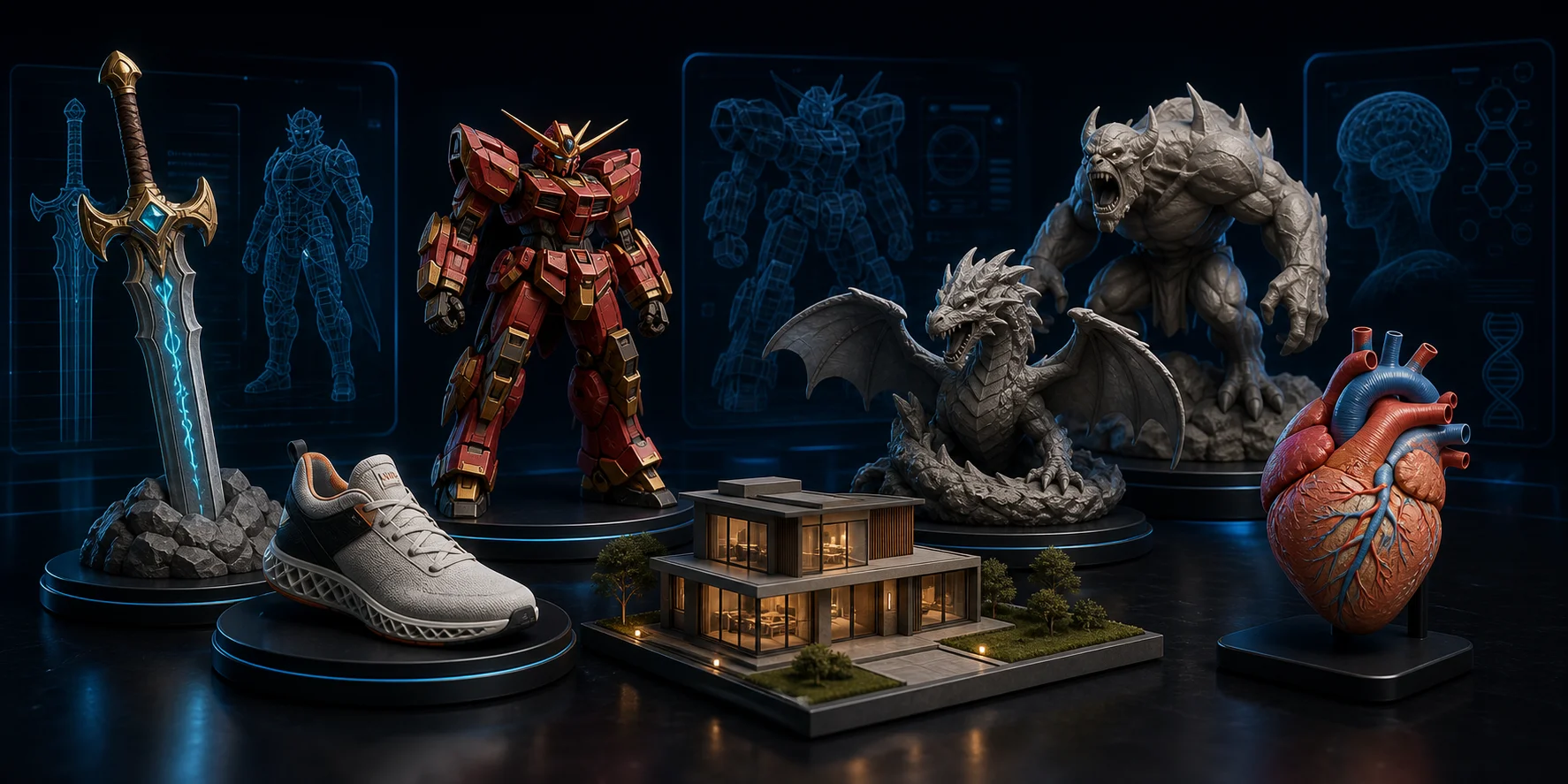
- Game development: create props, characters, and low-poly assets for prototypes.
- E-commerce and product visualization: turn reference images into 3D product models for display or AR try-on.
- 3D printing: convert a sketch, product idea, or character concept into a printable model.
- Film and VFX: block out creatures, props, set pieces, and digital doubles.
- Architecture and real estate: transform sketches or concepts into 3D scene elements.
- Education and training: create interactive models for lessons and simulations.
Popular AI 3D Model Generator Tools
Many AI 3D tools cover one part of the pipeline, such as prompt generation, image reconstruction, or mesh export. A quick comparison helps match each tool to the right workflow:
| Tool | Best For | Input | Free Tier |
|---|---|---|---|
| Tripo AI | Speed and quality, with generation in seconds for many inputs | Text + Image | Yes |
| Meshy | Game assets and stylized 3D workflows | Text + Image | Yes |
| Luma AI | NeRF-style capture from video or images | Video / Images | Yes |
| Spline | Web-based 3D design and interactive scenes | Text | Yes |
| CSM (Common Sense Machines) | Image-to-3D for production workflows | Image | Limited |
Tripo AI stands out for fast text-to-3D and image-to-3D creation, plus Smart Mesh, texture generation, segmentation, rigging, animation, and export. You can start from Tripo AI Studio and choose a plan from Tripo AI Pricing.
Frequently Asked Questions
How do AI 3D model generators create 3D objects from text?
They use language encoders to interpret the prompt, then generative models build geometry and textures from that meaning. The output is usually a textured mesh that can be previewed, refined, and exported for a target workflow.
What technology powers AI 3D model generators?
Common technologies include diffusion models, NeRF, GANs, computer vision, point clouds, and multimodal models. Together, they help the system understand text or images, infer 3D structure, and generate surfaces that can be turned into usable assets.
Can AI generate a 3D model from a single 2D image?
Yes. Modern tools can infer depth and hidden surfaces from one photo, although multiple views usually improve accuracy. For best results, use a clear subject, minimal blur, and a neutral background.
Are AI 3D model generators free to use?
Many tools offer free tiers or credits. Tripo AI provides monthly free credits for getting started, while download access and higher-version exports can depend on the current plan. Check Tripo AI Pricing before choosing a workflow.
What are the limitations of AI 3D generation?
AI-generated models may still show artifacts, inconsistent hidden geometry, weak topology, or limited fine-detail control. Complex organic shapes and production assets often need inspection, retopology, texture cleanup, or manual refinement before final use.
What file formats do AI 3D generators export?
Common export formats include OBJ, GLB, FBX, USD, STL, and 3MF, depending on the platform. Tripo AI supports GLB, USD, FBX, OBJ, STL, and 3MF, so users can move assets into web, game, animation, visualization, or 3D-printing workflows.
Conclusion
AI 3D model generators are easier to understand when you break the process into inputs, reconstruction, mesh generation, texture creation, refinement, and export. For best results, use clear prompts, clean images, and a specific use case. Ready to try it yourself? Generate your first 3D model free at Tripo AI Studio or see Tripo AI plans and pricing.