Mastering 3D Modeling and Animation: Expert Workflows and Insights
скачать 3d модель для chicken gun
As someone who’s spent years building 3D assets for games, film, and XR, I know how critical it is to streamline workflows and stay current with both foundational techniques and new AI-powered tools. In this article, I’ll break down my approach to mastering 3D modeling and animation—from core concepts to advanced optimization, and share actionable insights that can help both newcomers and seasoned professionals. Whether you’re looking to speed up asset creation, improve model quality, or make smarter tool choices, these strategies are grounded in real-world experience.
Key takeaways
- Mastering the basics is essential—don’t skip foundational concepts.
- AI-powered tools can massively speed up modeling and texturing, but require careful validation.
- Choosing the right workflow depends on project needs, not just tool features.
- Rigging and animation efficiency comes from planning and leveraging automation where appropriate.
- Optimization for deployment (games, XR, film) is non-negotiable—always test in context.
- Avoid common pitfalls by iterating often and validating outputs at each stage.
Understanding the Fundamentals of 3D Modeling
Core concepts and terminology
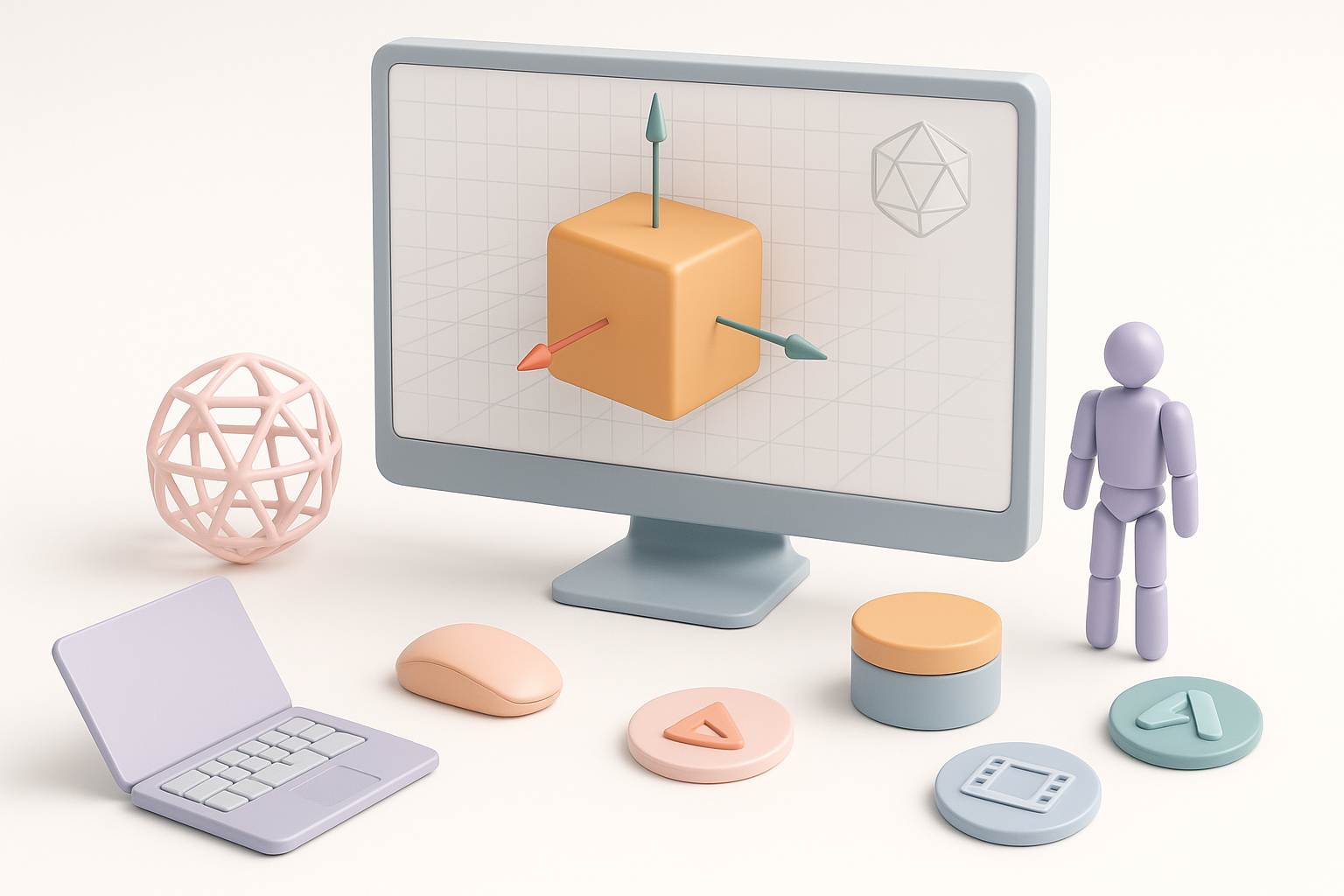
Before diving into advanced workflows, it’s crucial to understand the building blocks of 3D modeling. Key concepts include:
- Vertices, edges, faces: The basic components of any 3D mesh.
- UV mapping: The process of projecting a 2D texture onto a 3D model.
- Normals and topology: Affect how lighting and deformation behave.
- Polygon count: Impacts performance and visual fidelity.
In my experience, fluency in this terminology helps you communicate with teams, troubleshoot issues, and make better modeling decisions.
My approach to learning and teaching basics
When onboarding new artists or learning a new tool myself, I focus on:
- Hands-on practice: Rebuilding simple objects (cubes, spheres, chairs) from scratch.
- Incremental complexity: Progressing from low-poly to more detailed models.
- Critical feedback: Regularly reviewing work for topology errors or shading artifacts.
Tip: Keep a personal glossary of terms and reference models—this speeds up troubleshooting and helps onboard collaborators quickly.
Choosing the Right Tools and Platforms
Evaluating AI-powered and traditional software
Selecting software is about matching capabilities to project needs. I look at:
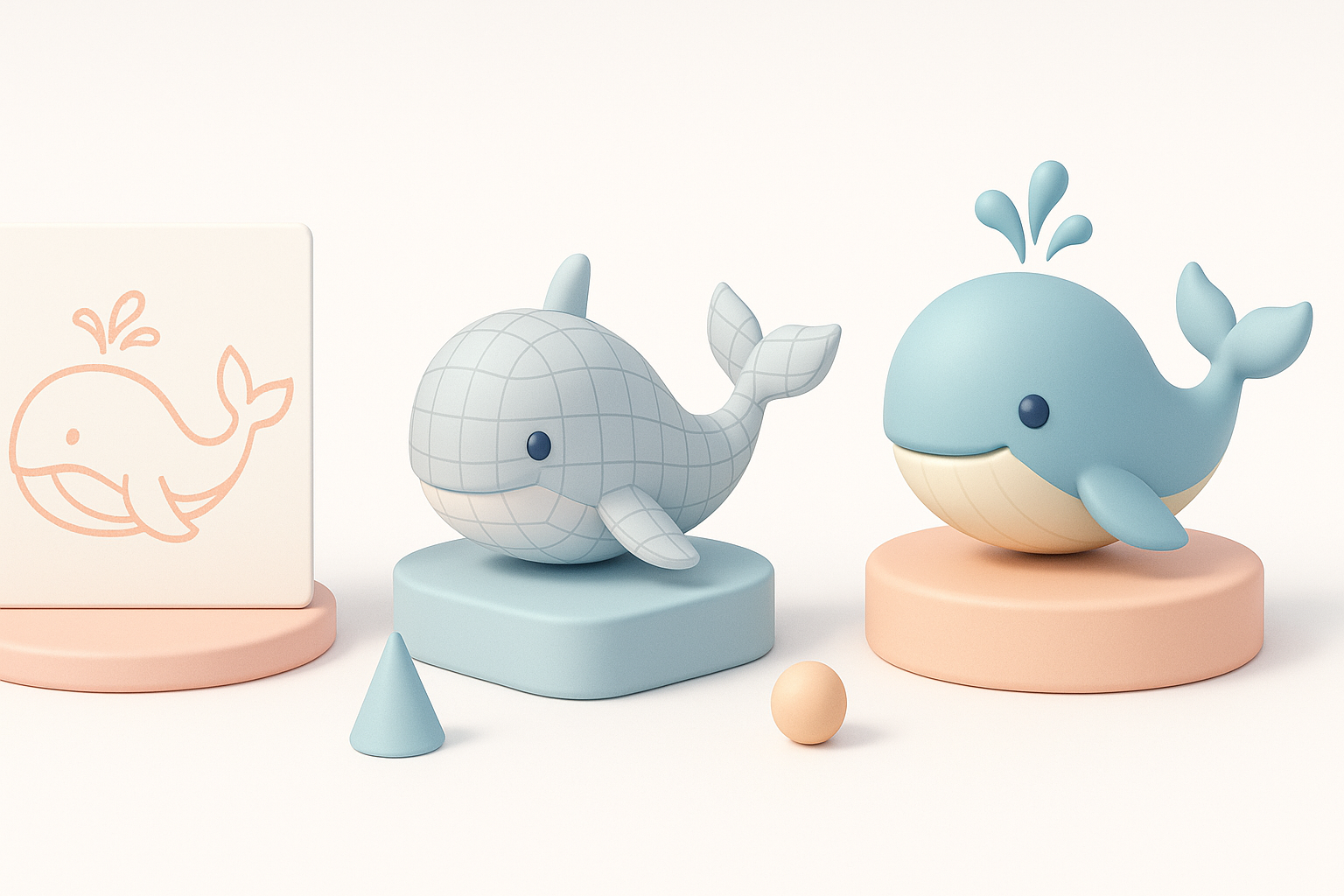
- Speed vs. control: AI-driven tools like Tripo can generate production-ready models fast, especially from text or sketches, but may need manual tweaks.
- Feature set: Does the tool handle segmentation, retopology, texturing, and export formats required for my pipeline?
- Integration: How easily does it fit with other software (game engines, renderers, etc.)?
How I select tools for different projects
My selection process:
- Define project requirements: Target platform, poly limits, style.
- Prototype with AI tools: For quick iterations or concept validation, I use Tripo to generate base meshes.
- Refine with traditional DCCs: For unique or highly stylized assets, I’ll use more manual tools for sculpting and detail work.
- Test integration: Always check export/import compatibility early.
Checklist:
- Does the tool support my input method (text, sketch, image)?
- Are the outputs clean and easily editable?
- Can I quickly iterate and export in required formats?
Step-by-Step Workflow: From Concept to 3D Model
Sketching, text prompts, and image input
My workflow often starts with:
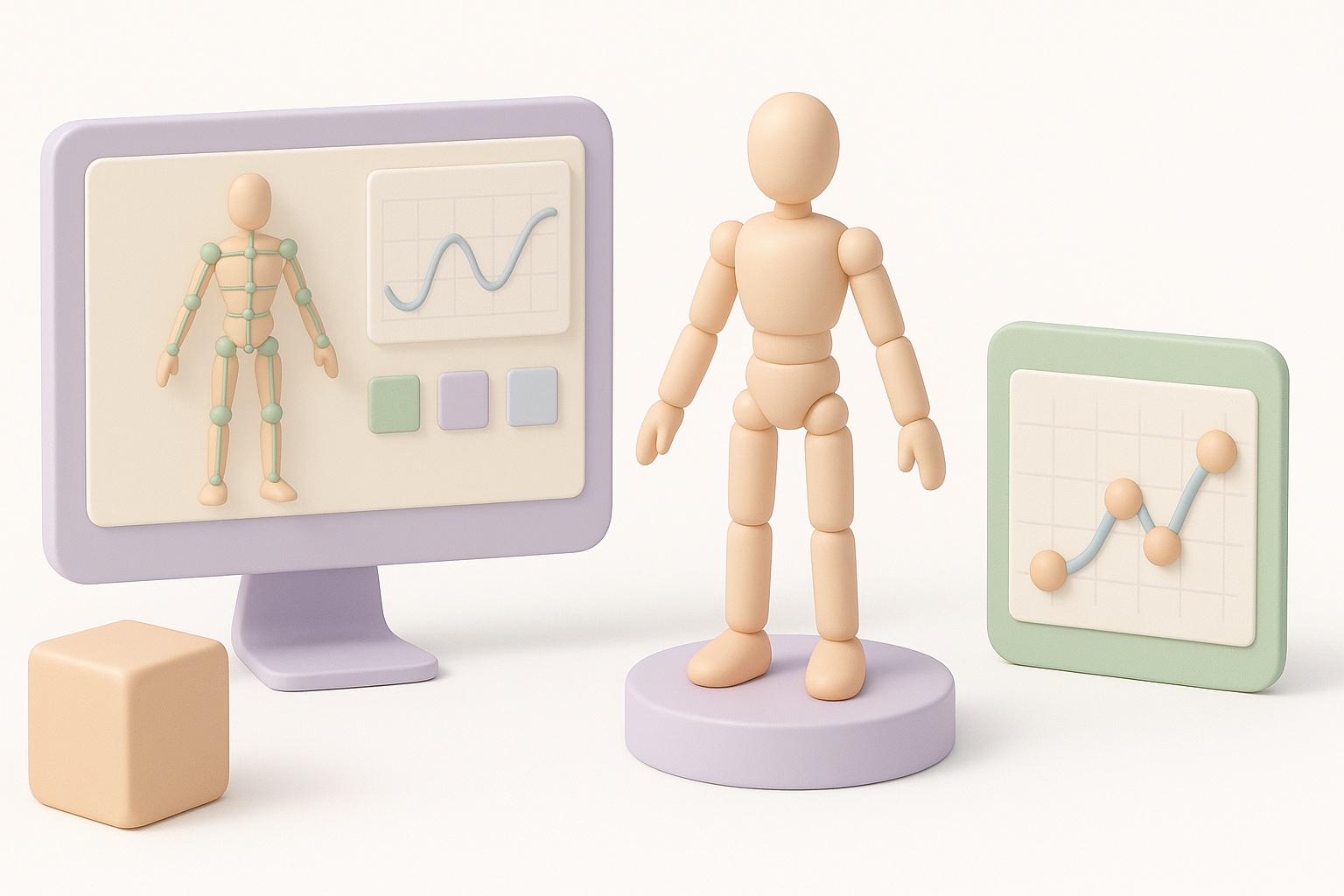
- Rough sketches or reference images: These help clarify intent.
- Text prompts: With AI-powered platforms like Tripo, I can describe the object or scene, generating a base mesh in seconds.
- Direct image input: For existing designs, uploading a photo or drawing accelerates the process.
Tip: Keep prompts simple and clear; ambiguity leads to more cleanup later.
Segmentation, retopology, and texturing best practices
Once I have a base mesh:
- Segmentation: I check that the model is logically divided (e.g., limbs, props) for easier rigging and texturing.
- Retopology: Automated tools can save time, but I always inspect edge flow for animation readiness.
- Texturing: I use built-in smart texturing tools when possible, but often refine UVs and textures manually for hero assets.
Best practices:
- Always inspect automated outputs for artifacts.
- Use reference images to guide texturing and material choices.
- Save incremental versions before major changes.
Rigging and Animation Techniques
My rigging process for production-ready assets
For rigging, I:
- Plan joint placement: Based on expected deformations and animation needs.
- Use auto-rigging tools: These can speed up setup, but I always test skin weights and adjust manually.
- Export to animation software: Ensuring bone hierarchies and constraints are preserved.
Pitfall: Relying solely on automation can cause issues with complex deformations (e.g., shoulders, hands). Always validate with test poses.
Animating efficiently with modern tools
I streamline animation by:
- Blocking out key poses: Focus on silhouette and timing before refining.
- Using motion libraries or AI-driven animation tools: These are great for standard actions, but custom moves need manual polish.
- Iterative previewing: Regularly play back animations in the target environment (game engine, XR viewer, etc.).
Mini-checklist:
- Are all joints deforming as intended?
- Do exported animations play correctly in the target platform?
- Is the file size within acceptable limits?
Optimizing Models for Games, Film, and XR
Performance considerations and export settings
Optimization is critical for real-time applications:
- Polygon reduction: Use LODs (levels of detail) for distance rendering.
- Texture atlasing: Combine textures to reduce draw calls.
- Export settings: Match the requirements of the engine or renderer (e.g., FBX for games, GLTF for web/XR).
Tip: Always test models in the actual runtime environment—what looks good in a DCC might break in-engine.
Lessons learned from real-world projects
From past projects, I’ve learned:
- Early testing saves headaches: Integrate assets into the target platform as soon as possible.
- Documentation matters: Keep notes on settings, scale, and coordinate conventions.
- Performance budgets are non-negotiable: If you exceed them, features or fidelity will be cut.
Comparing AI-Driven and Traditional Workflows
Benefits and challenges of AI-powered 3D creation
AI-powered workflows offer:
- Speed: Drastically faster initial asset creation.
- Accessibility: Lower barrier for non-technical artists.
But they come with challenges:
- Quality control: Automated outputs may need significant cleanup.
- Limited customization: Complex or highly stylized assets still require manual intervention.
When to use alternative methods
I prefer AI-driven tools for:
- Rapid prototyping
- Background or secondary assets
- Concept validation
For hero assets or highly specific requirements, traditional modeling and sculpting remain essential.
Rule of thumb: Use AI for speed, but never skip manual review and refinement for production assets.
Best Practices and Expert Tips
What I’ve learned about streamlining production
- Automate repetitive tasks: Use batch processing and smart tools for UVs, baking, and retopology.
- Iterate fast, refine later: Get a working model into the pipeline early; polish after feedback.
- Maintain a modular asset library: Reuse and adapt components to save time.
Common pitfalls and how to avoid them
- Over-reliance on automation: Always check outputs for errors or artifacts.
- Neglecting export settings: Mismatched formats or scales can break pipelines.
- Poor version control: Use consistent naming and backup strategies.
Final advice: Stay curious, test new tools, but never lose sight of foundational skills—they’re what make every workflow work.
