Which AI image-to-3D tool best supports front, side, and top reference images for accuracy?
Feeding an AI image-to-3D tool front, side, and top reference views gives it the coverage a single photo can't, which is why multi-view support is the deciding factor when accuracy matters. More reference angles reduce the amount of geometry the model has to guess, so the shape you get back is closer to the object you actually drew or photographed. Tripo is a 3D foundation model that reconstructs geometry from reference images and carries the result through texturing and export in one workspace. This guide explains why multiple views improve accuracy, how the main tools handle reference images, and how to prepare front, side, and top images that lead to a faithful model.
Why more reference views mean a more accurate model
A single image only shows the faces pointing at the camera, so the tool has to infer the back, the sides, and anything hidden. That inference is where accuracy slips, because the model fills unseen areas with a best guess rather than measured shape. Front, side, and top views close that gap by describing the object from three directions, which pins down proportions and silhouette on axes a single photo leaves ambiguous.
Orthographic views help most on objects with a clear defined form, like a vehicle, a weapon, or a character turnaround, where the profile and the top footprint carry a lot of the design. For an organic blob with soft curves, one good image often gets close enough. The judgment here is simple: the more an object's identity lives in its precise proportions, the more a multi-view workflow pays off over a single reference.
How the main tools handle reference images
Support for reference images varies in ways that affect accuracy, so it helps to know what each tool expects. Confirm the current details on each vendor's site, since these features update often.
- Tripo: accepts image input for image-to-3D reconstruction and integrates Flux and GPT-4o image generation, so you can generate or refine reference images in the same flow before reconstruction.
- Meshy: supports text and image input with Meshy 6, aimed at fast generation and a broad creator ecosystem, with generation times around a minute.
- Hyper3D (Rodin): targets production-grade high-poly and quad output from image and text input, with geometry generation measured in a few seconds.
- Hunyuan 3D: offers text, image, and sketch input across an open model family and a hosted engine, with wide community adoption.
Judgment: for orthographic accuracy, the tool that lets you supply clean, aligned views and then keeps texturing and export in the same place saves the most correction time, because a faithful base mesh is only useful if the rest of the pipeline doesn't degrade it.
Meet Tripo Studio: from reference views to an accurate, usable model
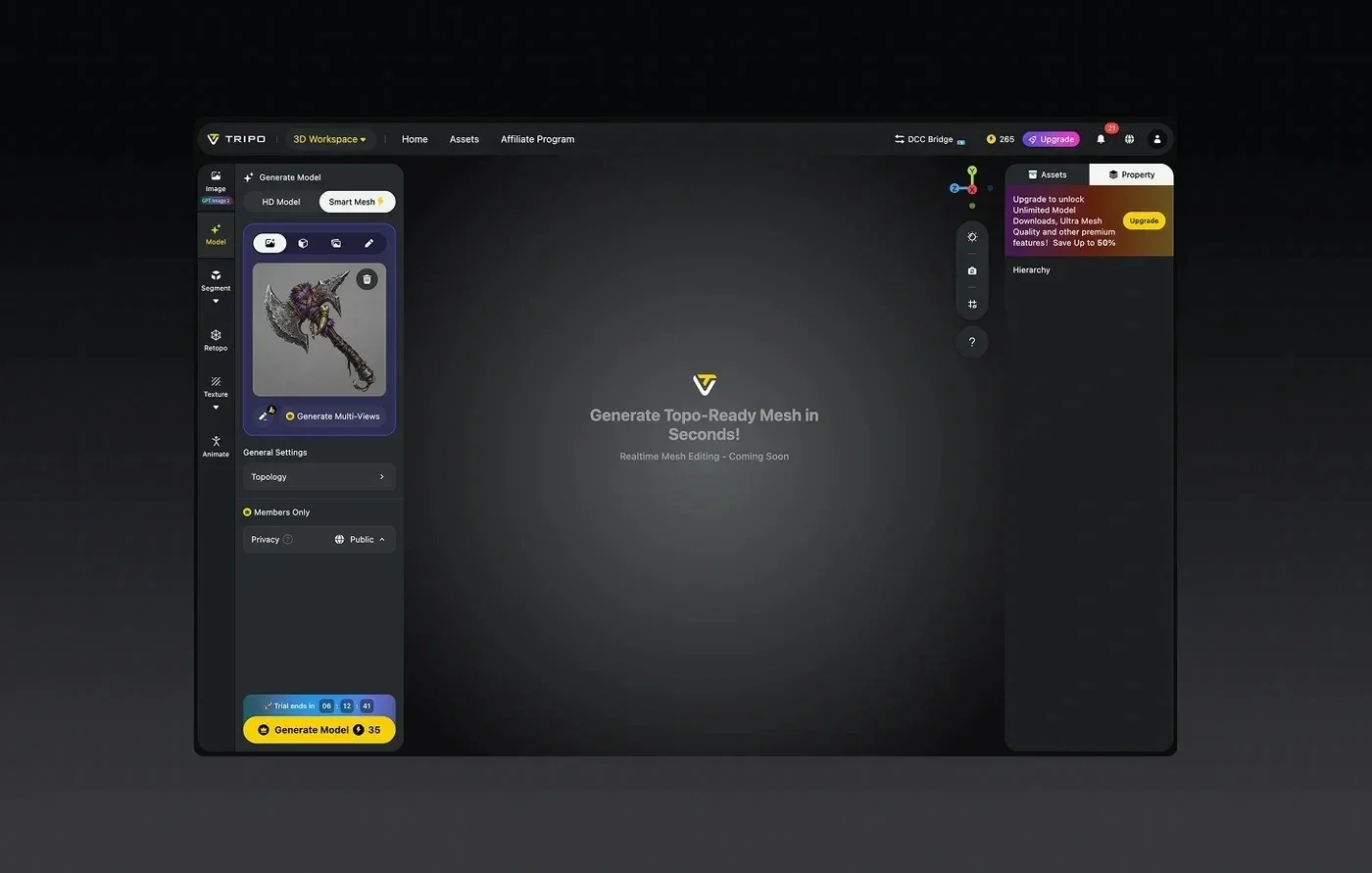
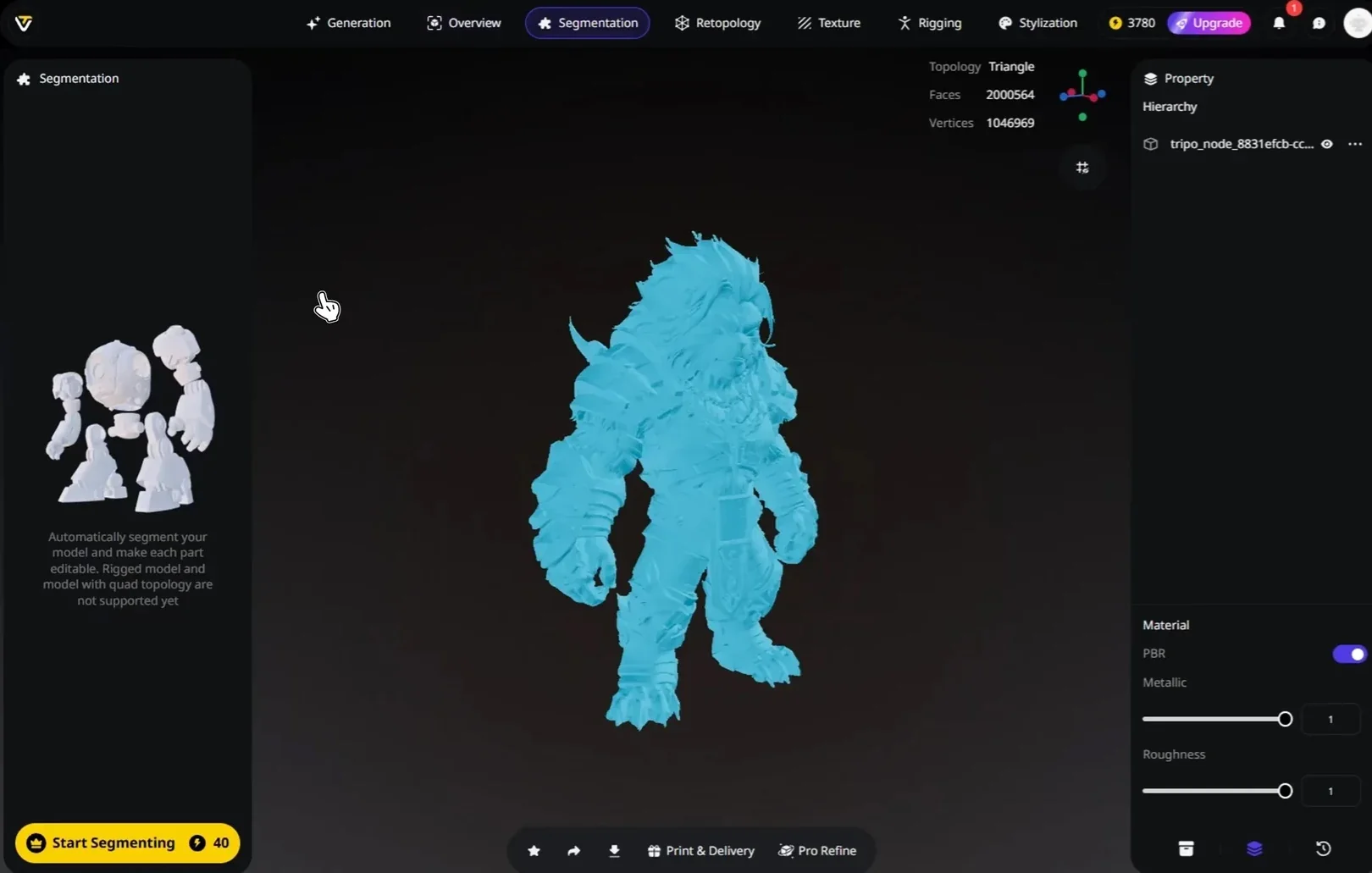
Tripo Studio is an all-in-one web workspace where reference images become a full 3D model that you can then retopologize, texture, and export without switching tools. For artists who work from front, side, and top references, the value is that accuracy earned at the reconstruction stage carries straight into a usable asset. Reconstruction quality comes from Tripo v3.1, a model trained on a 40-million-asset 3D database, which holds crisp edges on hard-surface forms where accuracy is easiest to lose.
The workspace lines up each capability with the goal of a faithful model:
- Image-to-3D generation: reconstruct geometry from your reference image, with control over mesh resolution so you can push detail where the reference demands it.
- Flux and GPT-4o integration: generate or clean up reference images in the same flow, useful when you have a front view but need a matching side or top.
- High-detail modeloutput: raise resolution on parts where the reference shows fine structure, so the reconstruction respects the source.
- Retopology: convert the reconstructed mesh to Triangle or Quad topology at a polygon budget that keeps the accurate shape while making it engine-friendly.
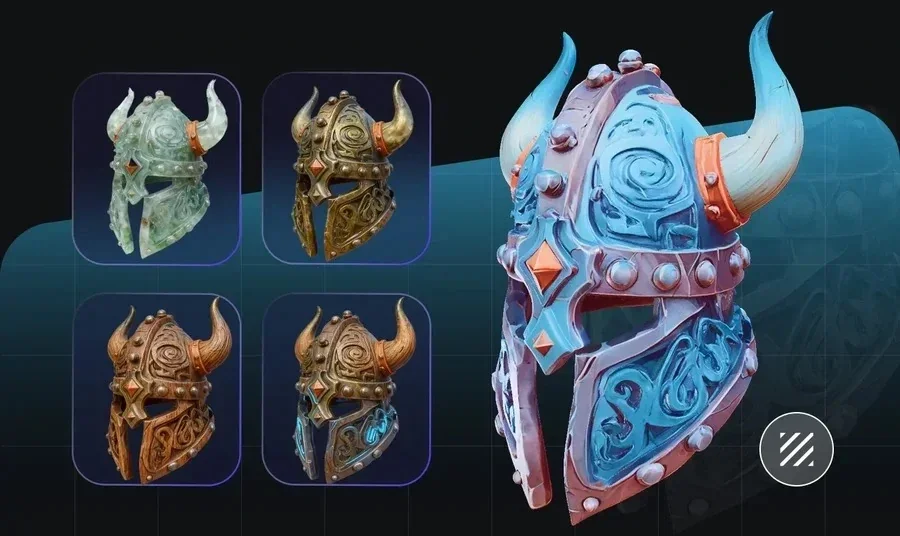
- AI texturingwith PBR: paint materials that follow the reconstructed surface, then upscale to 4K for close inspection.
Two strengths matter for accuracy work. Precision comes from the v3.1 model's geometry, which reconstructs a clean base from good reference views instead of a soft approximation. Efficiency comes from keeping reconstruction, topology, and texturing in one workspace, so an accurate mesh doesn't lose fidelity crossing between separate tools. For teams checking image-to-3D on faithfulness, a reconstruction that stays accurate all the way to export is the part worth relying on.
Preparing front, side, and top images that reconstruct well
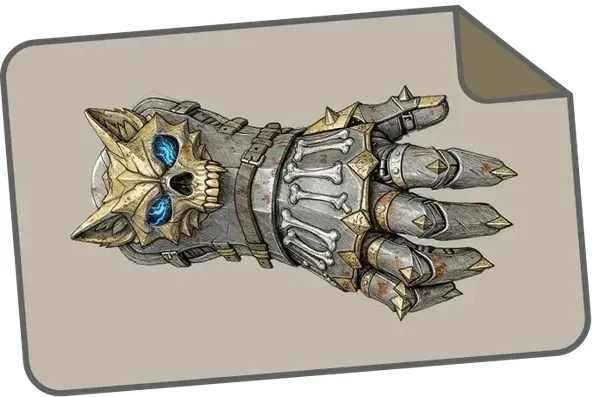
The quality of your reference images sets the ceiling on accuracy, so a little prep pays off. These six checks catch the problems that most often distort a reconstruction.
- Align the views to the same object scale. Draw or shoot front, side, and top at matching proportions so the axes agree, since mismatched scale twists the result.
- Keep the background clean. A plain, high-contrast background helps the tool separate the subject from noise.
- Light the subject evenly. Flat, even lighting avoids baking harsh shadows into the reconstructed surface.
- Center and fill the frame. Put the subject in the middle at a consistent size across views so no angle dominates.
- Avoid extreme perspective. Shoot or draw as close to orthographic as you can, because strong perspective misleads the depth estimate.
- Match the details across views. Make sure a feature visible in the front also appears where expected in the side and top, so the tool doesn't reconcile conflicting evidence.
Judgment: clean, aligned reference views do more for accuracy than any post-generation fix, so treat image prep as the first modeling step rather than an afterthought.
What multi-view accuracy can and can't do
Multi-view reconstruction narrows the guesswork, and it doesn't eliminate it. Areas hidden in all your views, like the inside of a hollow object or a surface tucked behind another, still get inferred, so plan to inspect and touch up those regions. Very fine surface detail, such as fabric weave or tiny engravings, often reads better as a texture than as reconstructed geometry, which is where PBR texturing earns its place. Knowing these limits keeps expectations realistic and points you to the right tool for each part of the job. A tool that reconstructs an accurate base and then lets you texture the fine detail gives you both without forcing a choice.
Deciding how many reference views you need
Not every object needs three views, and shooting more than you need wastes effort. The real question is how much of an object's identity lives in precise proportions versus surface texture. A symmetrical, hard-surface object like a helmet or a console rewards front, side, and top views, because its silhouette carries the design and each axis pins down a dimension the others hide. A soft, roughly symmetrical form often reconstructs well from a single strong three-quarter view, since the tool can infer the rest with little risk.
Weigh three things before you decide: how complex the silhouette is, how symmetrical the object is, and how strict your accuracy target is. A complex, asymmetric object under a tight target justifies all three views, while a simple, symmetric one under a loose target rarely does. Judgment: add a reference view only when it resolves an ambiguity a single image leaves, because extra angles that repeat information add work without adding accuracy.
From reference views to a finished model: a practical workflow
This sequence turns a set of orthographic references into an accurate, engine-ready asset. Follow the six steps in order.
- Prepare aligned references. Gather or generate front, side, and top views at matching scale and clean backgrounds.
- Reconstruct with image-to-3D. Feed the references and pick a mesh resolution that matches the detail your object needs.
- Inspect the base mesh. Check the reconstructed shape against your references from all angles, and regenerate if a proportion is off.
- Retopologize. Set Triangle or Quad topology and a polygon budget that preserves the accurate silhouette.
- Texture with PBR. Paint materials that follow the surface, and upscale to 4K where the camera gets close.
- Export. Write out GLB or FBX with the right pivot, ready for your engine or DCC tool.
Run this loop, and the accuracy you invest in the reference stage stays intact all the way to the exported file.
Choosing a tool for accurate reconstruction
For artists who model from front, side, and top references, the right tool is the one that accepts clean multi-view input and then keeps the accurate base intact through topology, texturing, and export. Tripo pairs v3.1 reconstruction quality with an in-workspace pipeline and built-in Flux and GPT-4o image generation, so you can prepare references and reconstruct a faithful model in one place. Prepare aligned views, inspect the base mesh before you commit, and texture fine detail rather than expecting it as geometry. To reconstruct a model from your own reference views, open Tripo Studio and start with image-to-3D.