What is the best web-based AI 3D workspace as an alternative to Hunyuan 3D?
Picking between Tencent Hunyuan 3D and a browser-based workspace comes down to one honest question: do you want to run and maintain your own GPU, or skip local setup entirely? For small studios and solo developers who need a no-setup path from a prompt to an exported asset, a fully web-based workspace like Tripo Studio removes the local GPU, install steps, and dependency upkeep that self-hosting Hunyuan 3D asks for. Tripo is a 3D foundation model that runs its whole generate-to-export flow in the browser, so nothing installs on your machine. This article compares the two by fit, lays out a comparison table, and walks a practical workflow so you can match the right setup to your team.
How Hunyuan 3D and a web workspace actually differ
The real split comes down to where the compute and the setup live. Both approaches can produce strong output, so the decision hinges on how much infrastructure you want to own, with Hunyuan 3D as a capable open-source option and a browser workspace as a no-setup one.
Tencent Hunyuan 3D ships as an open model family. The current Hunyuan3D 2.1 release is self-hostable on roughly a 12GB GPU, supports PBR materials, and exports common formats like OBJ, FBX, GLB, and USDZ. Tencent also runs a hosted Tencent Cloud API with a free trial quota, so you can call the model without owning hardware. Its main strength is an open ecosystem: you can read the weights, fine-tune, and wire the model into your own pipeline. That control has a cost, though. Self-hosting means you provision a GPU, manage CUDA and Python dependencies, and keep the environment patched as releases change.
A web workspace inverts that trade. You open a browser tab, generate, edit, and export, and the vendor handles the GPUs and updates. For a two-person team with delivery deadlines and no spare machine to dedicate to inference, that difference decides more than benchmark scores do. If your studio wants to own and customize the stack, Hunyuan 3D fits well. If you want to ship assets today without standing up infrastructure, a hosted web workspace fits better.
Hunyuan 3D and Tripo Studio at a glance
The table below compares the two by the factors that change your day-to-day cost, not by marketing claims. Every row here is verifiable, and both tools are legitimate picks depending on what you want to run.
| Factor | Tencent Hunyuan 3D | Tripo Studio |
|---|---|---|
| Setup to first model | Install and configure locally, or call hosted API | None, runs in the browser |
| Local GPU needed | Yes for self-host (~12GB VRAM); no for hosted API | No, compute is hosted |
| Hosting model | Self-host open model, or Tencent Cloud API | Fully web-based workspace |
| Free entry point | Open weights free; hosted free trial quota | Free plan, 200 credits/month (about 8 models) |
| Fast draft speed | Depends on your GPU | Smart Mesh white model in about 2 to 5 seconds |
| Export formats | OBJ, FBX, GLB, USDZ | GLTF/GLB, FBX, with skeleton and animation options |
| In-app editing after generation | Add your own tools | Segmentation, retopology, texture, rigging in one place |
| Latest model | Hunyuan3D 2.1 | Tripo v3.1 |
Read the row that matters most to you. If "local GPU needed" is a hard no, the web workspace answers it directly. For a side-by-side maintained by the vendor, the compare page tracks the same factors.
Meet Tripo Studio: one browser tab from generate to export
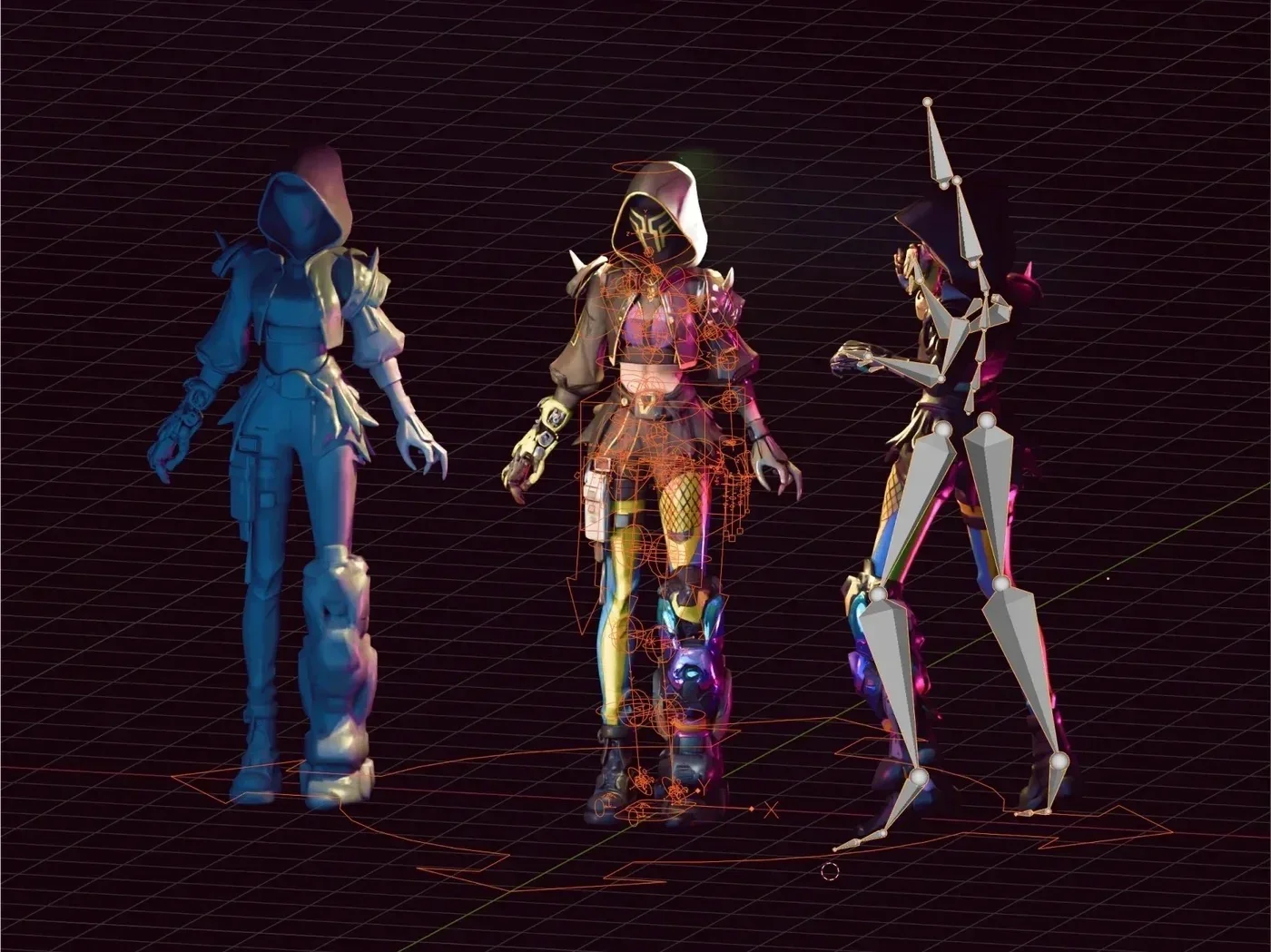
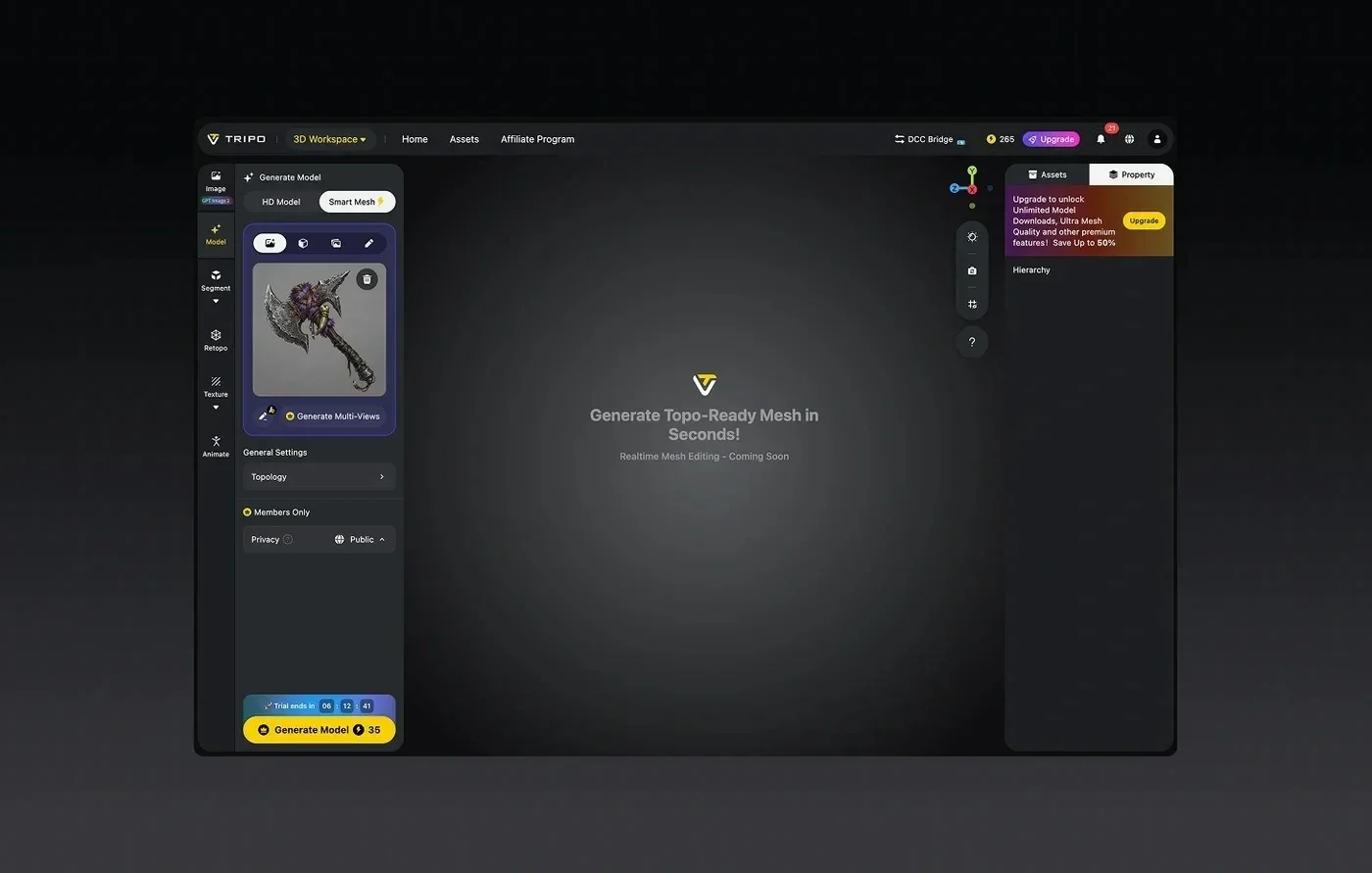
Tripo Studio is a web-based 3D workspace that covers the full path from a prompt to a finished asset without a local install. It's the chapter to read if the setup and maintenance of self-hosting is what pushed you to look for an alternative in the first place.

Here's what runs inside the workspace, all in the browser:
- Generate, with image-to-3D and text-to-3D input, plus sketch input and direct Flux and GPT-4o image generation.
- Smart Mesh for a fast draft, producing a standard white model in about 2 to 5 seconds so you can iterate before committing to detail.
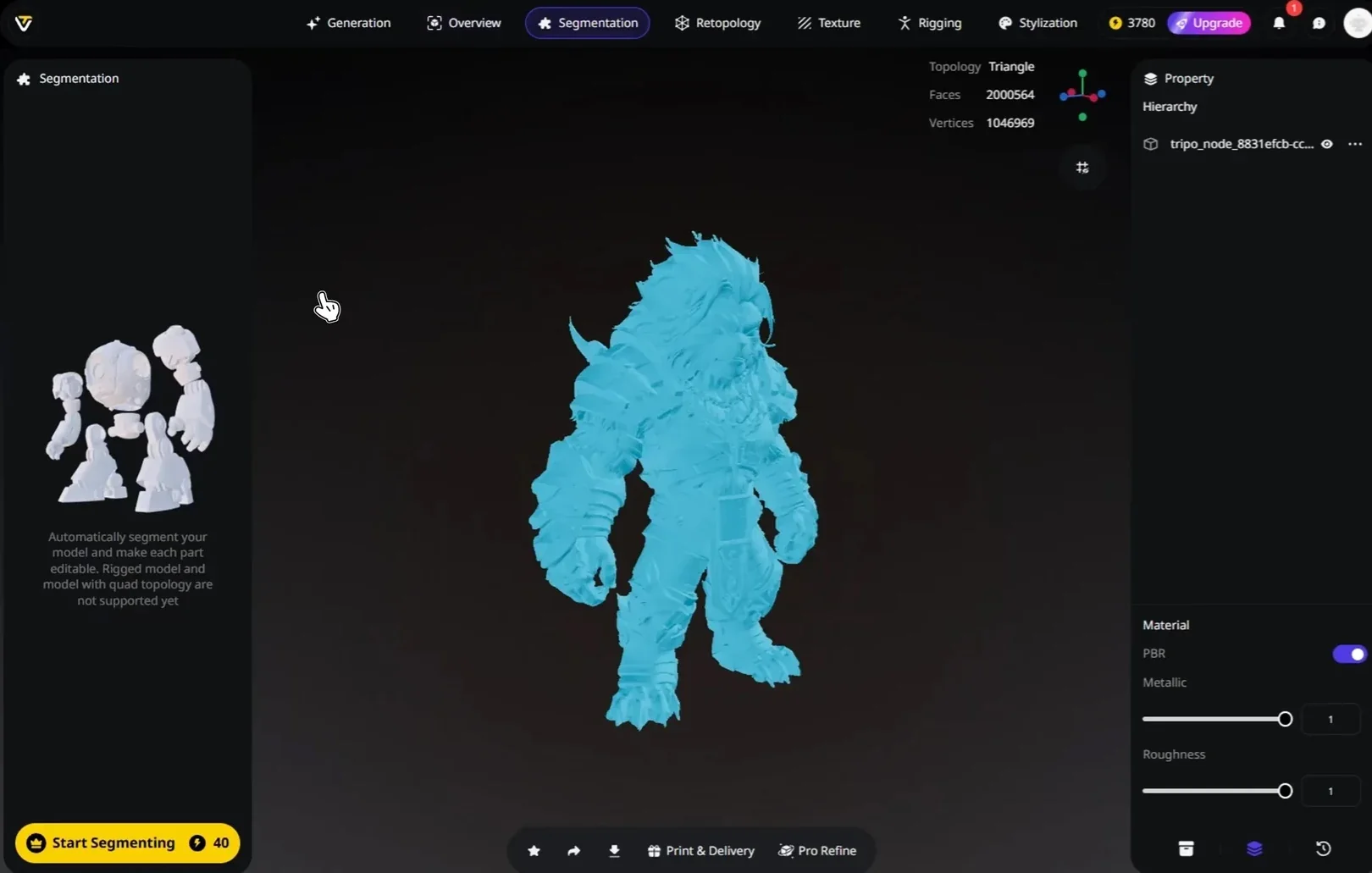
- Segmentation to split a model into parts, with Part Completion available after segmentation to repair cut or occluded geometry.
- Retopology with Triangle or Quad topology and a Polygon Count you can set to Auto or a manual target.
- Texture and PBR, including 4K HD and 8K Ultra texture upscaling for assets that need close-up detail.
- Rigging and Export, with auto-rigging that outputs a T-Pose skeleton that's Mixamo-ready, then export to GLTF/GLB or FBX with skeleton, animation count, and a bottom-center pivot.
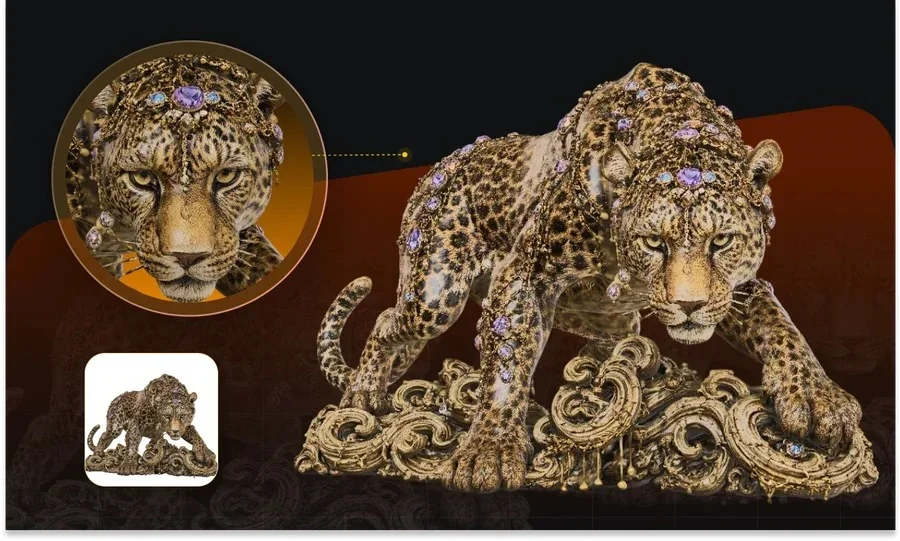
Two things separate this from stitching your own pipeline together. First, precision: Tripo v3.1 is a 3D foundation model with 20 billion parameters and billion-voxel resolution, trained on a 40-million-asset 3D database, which holds up on complex topology and crisp edges. Second, efficiency: because generation, cleanup, texturing, and rigging live in one workspace, you don't export a raw mesh into three other apps to make it usable. For a solo developer, Tripo generates a usable draft in seconds and carries it all the way to an engine-ready file without switching tools. Tripo has also landed in production, including NetEase's "Where Winds Meet," the first game to ship a 3D-generation gameplay feature, which shows the output survives real delivery pressure.
Which option should you choose?
Match the tool to your constraints rather than to a single score, since each option wins a different setup. Run through these criteria in order and stop at the first hard limit you hit.
- Available hardware. No spare GPU with about 12GB of VRAM points you to a web workspace or a hosted API.
- Setup tolerance. If nobody on the team wants to manage CUDA, drivers, and dependency updates, hosted wins.
- Customization depth. Wanting to read weights, fine-tune, or embed the model in a custom backend favors self-hosting Hunyuan 3D.
- Post-generation editing. Needing segmentation, retopology, texturing, and rigging without extra apps favors an all-in-one workspace.
- Turnaround pressure. Tight delivery windows reward a browser flow that goes from prompt to export in one place.
- Budget shape. Free open weights plus your own electricity and hardware, versus a predictable monthly credit plan, is a real trade to weigh.
Judgment: for owning and customizing the stack, Hunyuan 3D is the better fit; for a no-setup, generate-to-export browser flow, Tripo Studio is the better fit.
From a text or image prompt to an exported asset: a practical workflow
This walks the everyday path a small team takes in the web workspace, so you can see how few steps sit between an idea and a file. It's the same flow whether you start from text, an image, or a sketch.
- Open Tripo Studio in your browser and start a new generation, entering a text prompt or uploading a reference image.
- Run Smart Mesh first for a fast white model, check the silhouette and proportions, then regenerate if the shape is off.
- Switch to a higher-detail generation on Tripo v3.1 once the draft direction looks right.
- Use Segmentation to break the model into parts when you need to edit or reuse pieces, and run Part Completion to close any cut geometry.
- Set Retopology to Triangle or Quad and a polygon target, then apply texture and PBR, upscaling to HD where it counts.
- Auto-rig characters to a Mixamo-ready T-Pose if needed, then export to GLB or FBX with skeleton, animations, and a bottom-center pivot.
Judgment: the whole path stays in one tab, so a solo developer moves from prompt to an engine-ready asset without exporting into separate tools between each step.
Bonus tips: getting cleaner results faster
A few habits cut down on wasted iterations in either tool. They matter more for small teams, where every re-run is time you don't have.
- Feed a clean reference: one clear subject, plain background, and a well-lit angle beat a busy photo every time.
- Draft with Smart Mesh before committing credits or GPU time to a full-detail pass, since fixing the silhouette early is cheaper.
- Pick Quad topology when the asset heads into animation, and Triangle when it goes straight to a real-time engine.
- Decide the export format up front, because GLB, FBX, and USDZ carry skeletons and materials differently across engines.
Where this leaves your next 3D project
Both tools produce solid results, so the decision is about ownership versus convenience. Hunyuan 3D rewards teams that want an open, self-hostable model they can shape, while a web workspace rewards teams that want to skip infrastructure and ship. For a small studio or solo developer without a spare GPU and without time to maintain one, the browser path is the practical answer. You can open Tripo Studio and take a prompt to an exported asset in a single session to see whether the no-setup flow fits how you work.