AI 3D Models for Education: How Teachers and Students Are Using Them
TL;DR
- AI 3D models for education make interactive 3D learning more accessible for teachers and students.
- Students can explore complex concepts through rotatable, visual models.
- Teachers can create models without professional 3D design skills.
- Generated models support lessons, creative projects, and classroom 3D printing.
- Students build STEM, digital literacy, and creative problem-solving skills.
Teachers often need to explain concepts that are difficult to understand through textbooks, images, or videos. Traditional 3D models offer more interaction but usually require expensive software, technical skills, and preparation time. An AI 3D model generator allows teachers and students to turn text descriptions or images into interactive classroom content. This guide covers classroom uses, beginner-friendly workflows, free tools, STEM applications, and 3D printing.
Why AI 3D Models Are Transforming Education
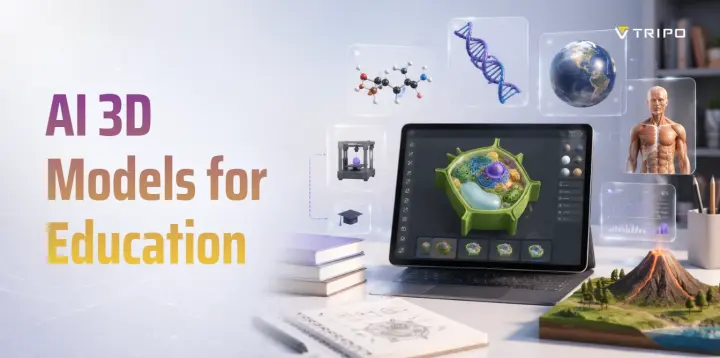
AI 3D models make abstract concepts easier to understand by letting students rotate, zoom in on, and examine objects from different angles. They are especially useful for showing spatial relationships, such as the structure of a heart, molecule, or historical building.
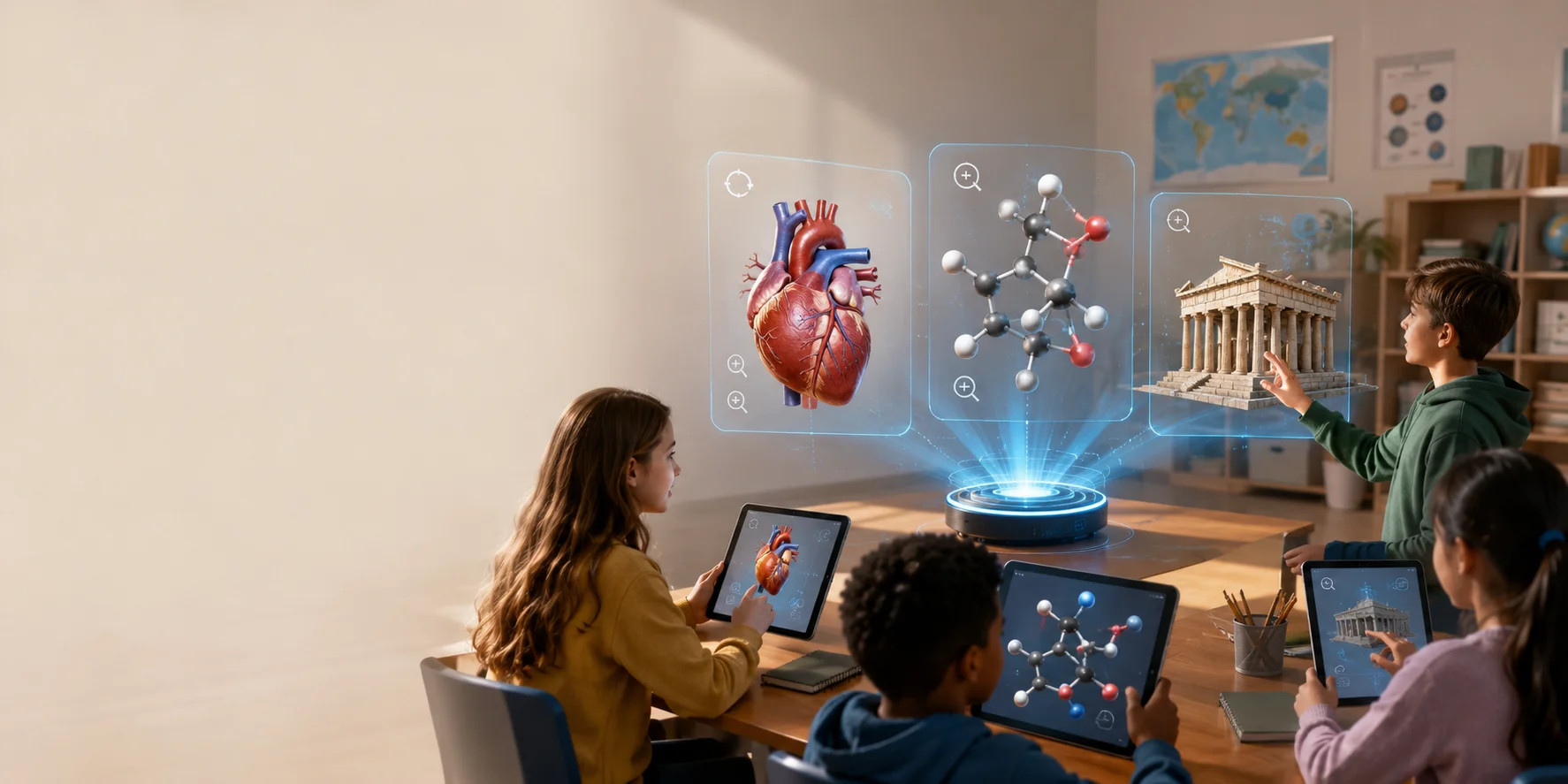
Interactive models also encourage students to observe, compare, ask questions, and explain their findings. At the same time, AI reduces the time and technical skill needed to create 3D teaching materials, allowing teachers to generate and adapt models from simple text or images.
How Teachers Use AI 3D Models in the Classroom
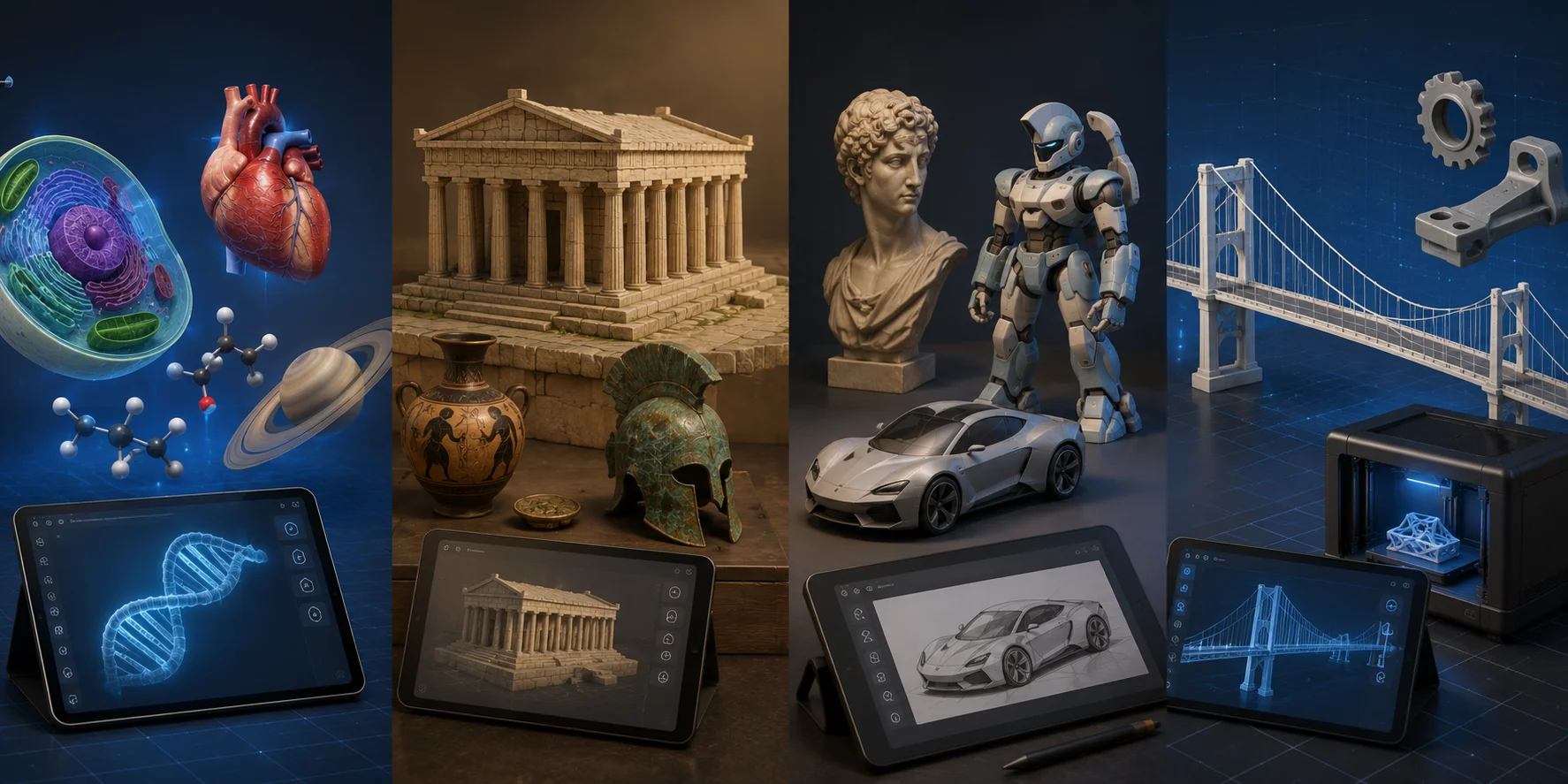
In science lessons, your students can explore three-dimensional cells, organs, molecules, DNA structures, and planetary systems. They can rotate a plant cell, identify its main parts, and compare it with an animal cell rather than relying entirely on textbook diagrams.
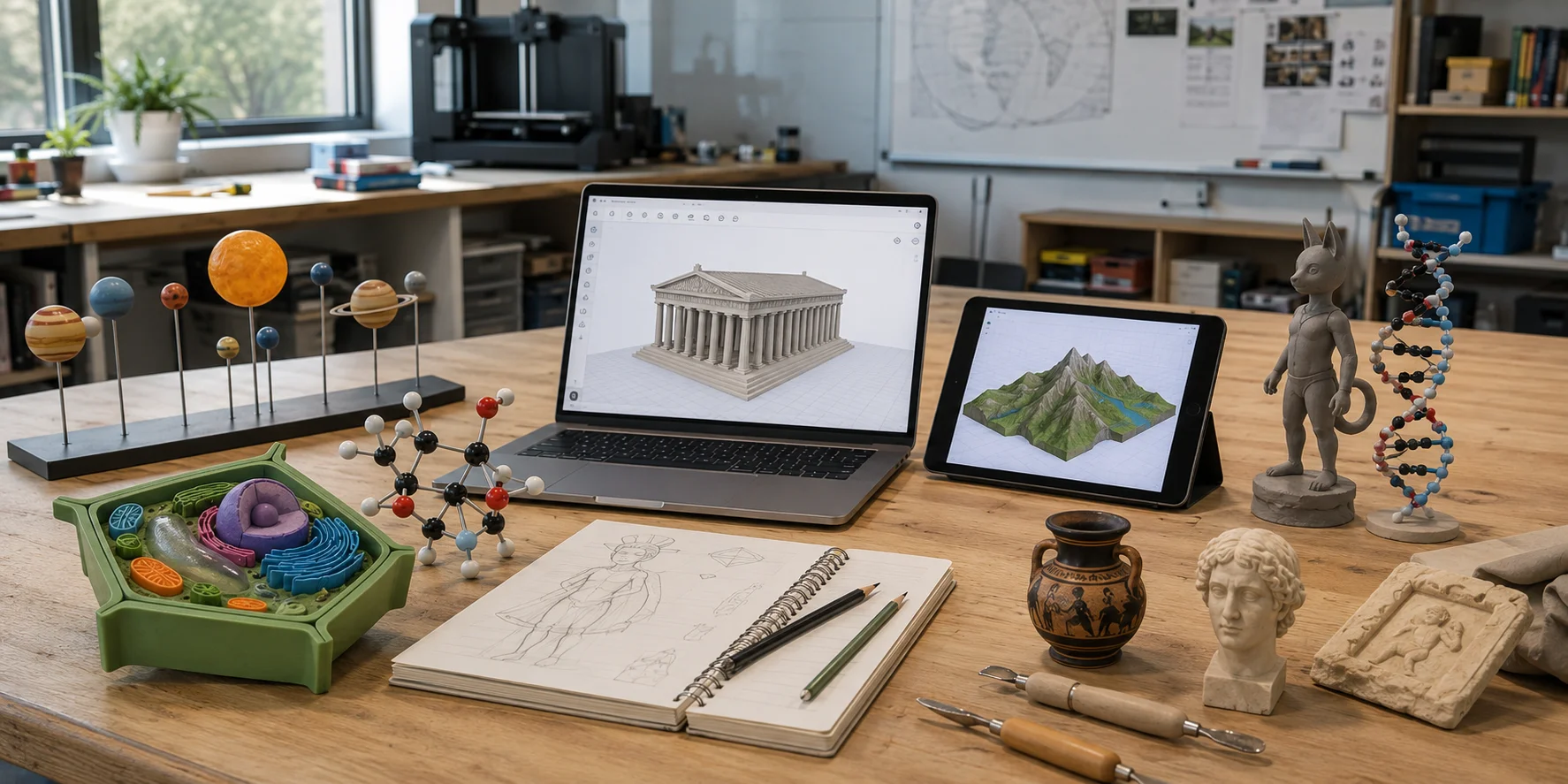
In history, students can explore reconstructed buildings and artifacts to understand past societies. In geography, 3D terrain models clarify elevation and landforms. In art and design, students can generate and refine creative models, becoming active creators rather than passive viewers.
Step-by-Step: Creating AI 3D Models with No Technical Skills
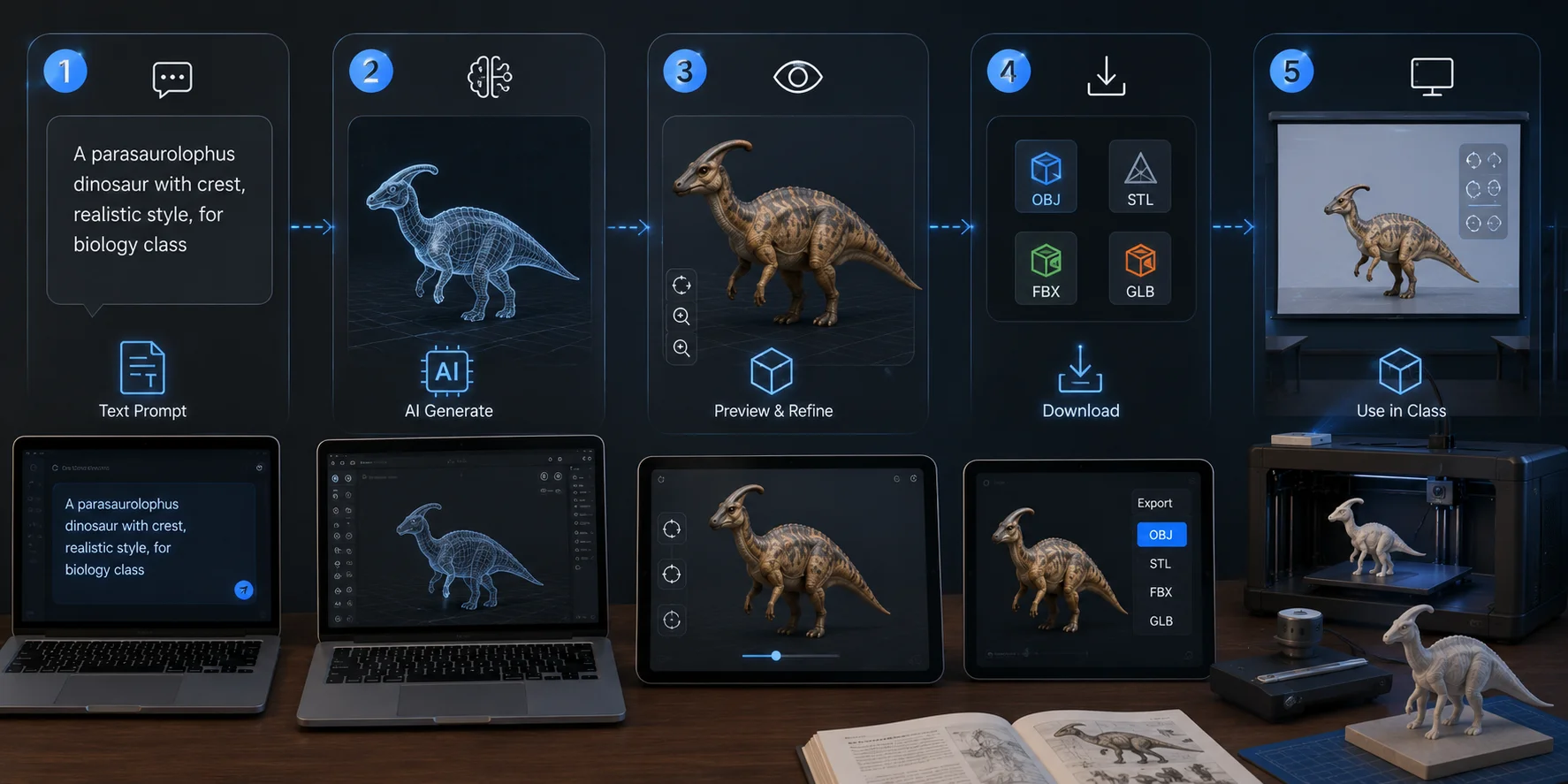
1. Describe the object you want
Start with a clear natural-language prompt. Include the object, its main features, the desired style, and how you plan to use it in class.
2. Enter the prompt into an AI tool
Paste your description into a text-to-3D platform. You do not need experience with CAD, digital sculpting, or professional modeling software.
3. Preview the generated model
Rotate the model, zoom in, and check whether the shape and important details match your lesson goal. If the result is unclear, revise the prompt with more specific instructions.
4. Download the model file
Export the model in a supported format such as OBJ, STL, FBX, or GLB. Choose the format based on whether you plan to present, edit, or print the model.
5. Use it in the classroom
Display the model on a projector or interactive screen so students can examine it from different angles. You can also prepare the file for 3D printing and turn the digital model into a hands-on teaching aid.
Tripo AI’s text-to-3D feature makes this workflow accessible by turning simple written prompts into editable 3D models.
STEM Learning and Digital Skills Development
AI 3D modeling builds STEM and digital skills through hands-on creation. By planning, testing, and refining models, students strengthen computational thinking, problem-solving, spatial reasoning, and iterative design.
Prompt engineering also teaches students to describe ideas clearly, evaluate AI outputs, and improve their instructions. Instead of simply consuming digital content, they become creators who explore, revise, and share their own models.
AI 3D Models for 3D Printing
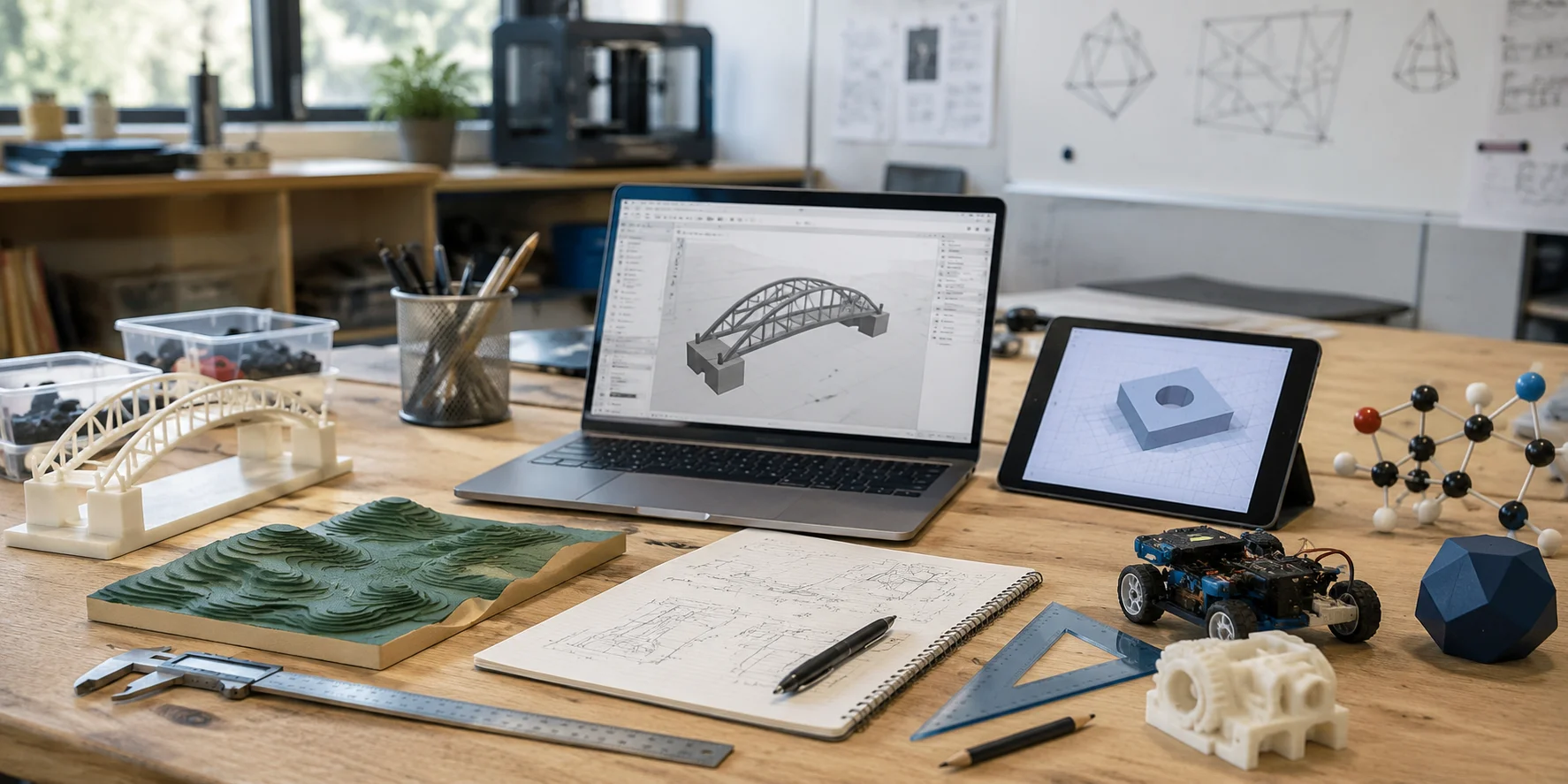
AI-generated models help schools use classroom 3D printers more effectively. Teachers can export models as STL or OBJ files and prepare them with slicing software.
They can print science models, historical replicas, engineering prototypes, game pieces, or student-designed sculptures.
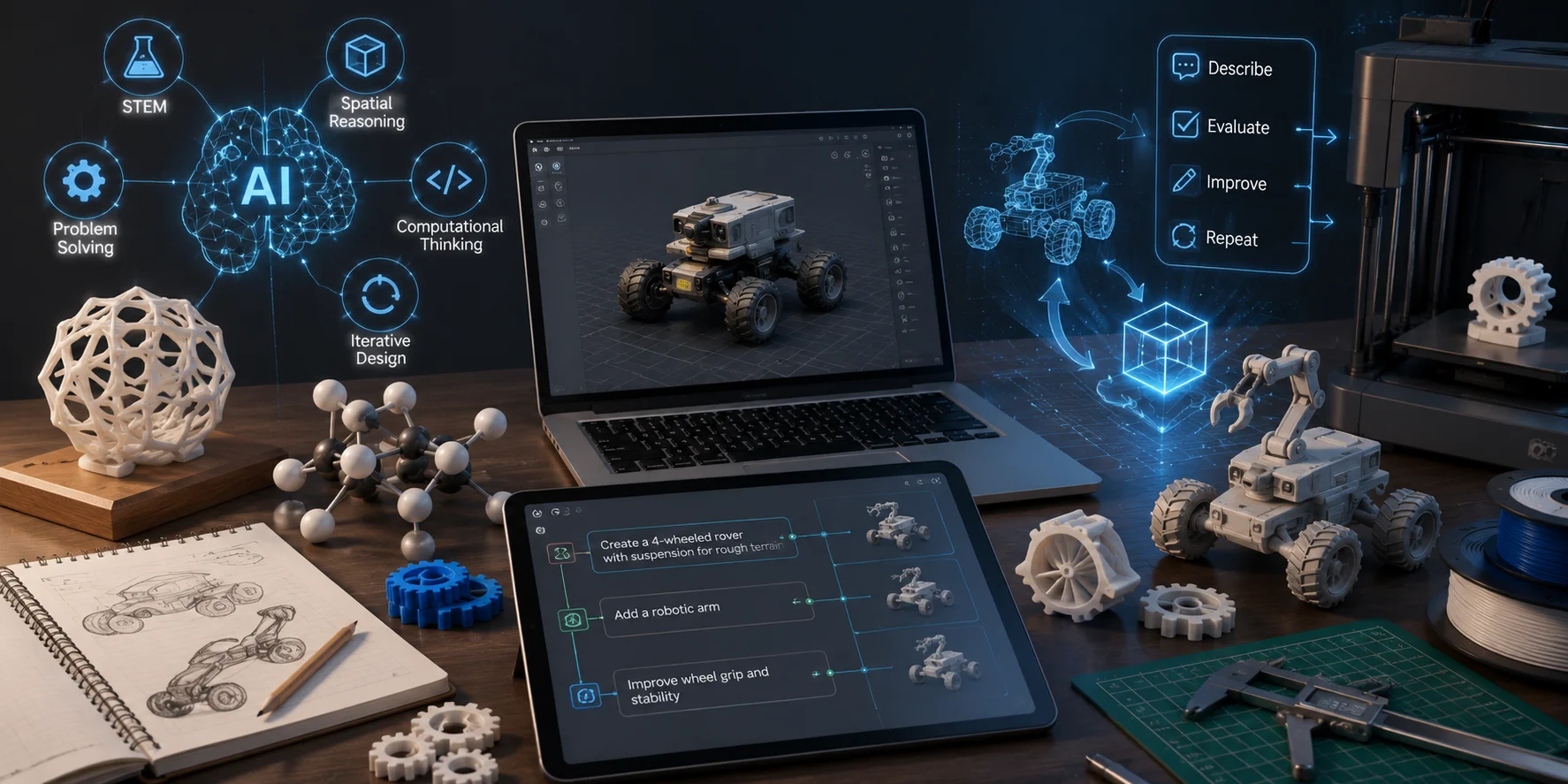
Teachers can also use an image-to-3D workflow to turn a photo, sketch, or illustration into an initial model. Tripo supports 3D generation from both reference images and text.
Before printing, confirm that the mesh is closed, the base is stable, and no important sections are disconnected. Thin walls may break, while steep overhangs may need supports. Resize and test the model before printing multiple classroom copies.
Best Free AI 3D Modeling Tools for Classrooms
Tripo AI
Tripo AI lets teachers generate models from text, sketches, or reference images without learning traditional modeling software. Its online workspace supports fast generation, previewing, and further asset processing.
A free starting option with 200 credits per month makes it suitable for testing classroom projects. However, downloads, higher-quality meshes, textures, animation, and advanced processing may require a premium plan.
Tinkercad
Tinkercad is a free browser-based tool for 3D design, electronics, and coding. Its simple interface is useful for editing models and teaching basic design, while Tinkercad Classrooms lets teachers invite students with a link or code.
Meshy
Meshy creates 3D assets from text and images. Students can use it for characters, props, prototypes, and printing projects through a free tier with 100 credits per month, though downloads, higher-quality outputs, and commercial-use rights may depend on the selected plan.
Point-E
Point-E is an open-source OpenAI research tool that generates 3D point clouds from text prompts. Because it requires installation and programming skills, it is best suited to advanced classes, university-level projects, or AI demonstrations, rather than as a first-choice tool for most classroom teachers.
Subject-by-Subject Use Cases
Science
Teachers can use 3D models of cells, organs, molecules, and planets to explain structures and spatial relationships. Models should be checked against reliable educational sources.
History and Social Studies
Students can explore buildings, artifacts, and tools to discuss architecture, technology, trade, and daily life. Teachers should separate historical evidence from imaginative reconstruction.
Art and Design
Students can create sculptures, characters, and product concepts, then refine AI outputs through their own creative decisions.
Engineering and Maker Education
Students can prototype bridges, vehicles, parts, and inventions, then assess function, stability, and printability. Precise components should still be validated with CAD and accurate measurements.
Frequently Asked Questions
1. Are there free AI 3D model tools for education?
Yes. Tripo AI and Meshy offer free starting options, while Tinkercad provides free browser-based 3D design. Free plans may limit credits, downloads, quality, or usage rights.
2. Can AI generate 3D models from images for classroom use?
Yes. Image-to-3D tools can turn photographs, drawings, or concept images into initial models for dioramas, artifact replicas, creative projects, and demonstrations.
3. What are the best AI 3D model generators for teachers?
Tripo AI supports accessible text-to-3D and image-to-3D generation. Meshy suits creative assets, while Tinkercad is helpful for manual construction and editing.
4. How can I use AI 3D models online for free?
Create a free account, enter a prompt or upload an image, and preview the model in your browser. You can present it online or download it when the plan supports your required format.
5. How does AI 3D modeling benefit STEM education?
It develops spatial reasoning, computational thinking, prototyping, iterative design, and problem-solving. Students create, test, identify issues, and improve their models.
6. Can students use AI-powered 3D modeling tools without technical skills?
Yes. Beginner-friendly platforms allow students to start with ordinary language or images. Teachers should still provide guidance on accuracy, copyright, responsible AI use, and printing safety.
Conclusion
AI 3D models make it easier for teachers to explain complex ideas, create interactive lessons, and support hands-on STEM learning. With accessible text-to-3D, image-to-3D, and 3D printing tools, educators can quickly turn ideas into practical classroom resources. Try Tripo AI Studio free to create your first model, or see Tripo AI Pricing to explore more features for classroom use.