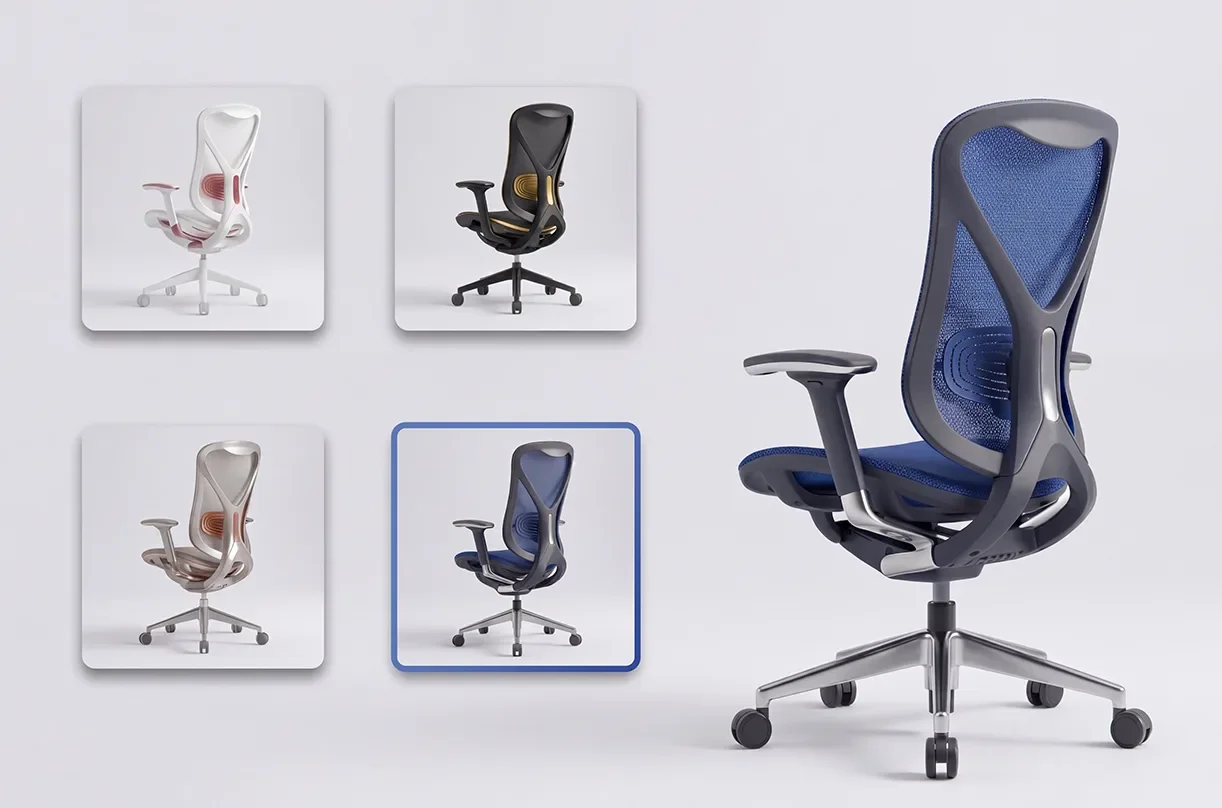
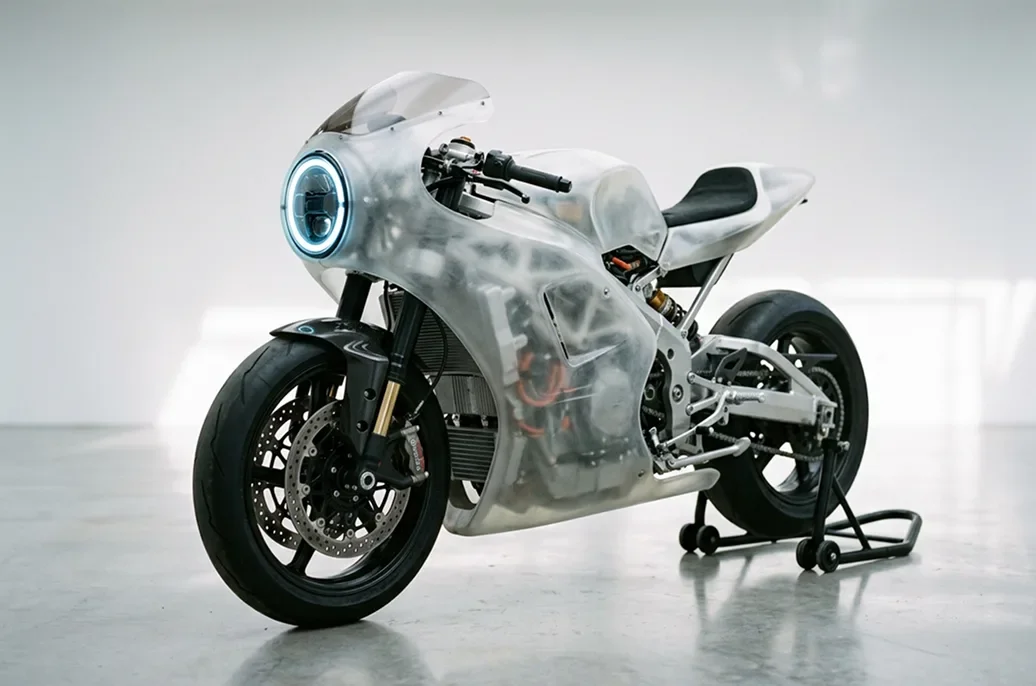
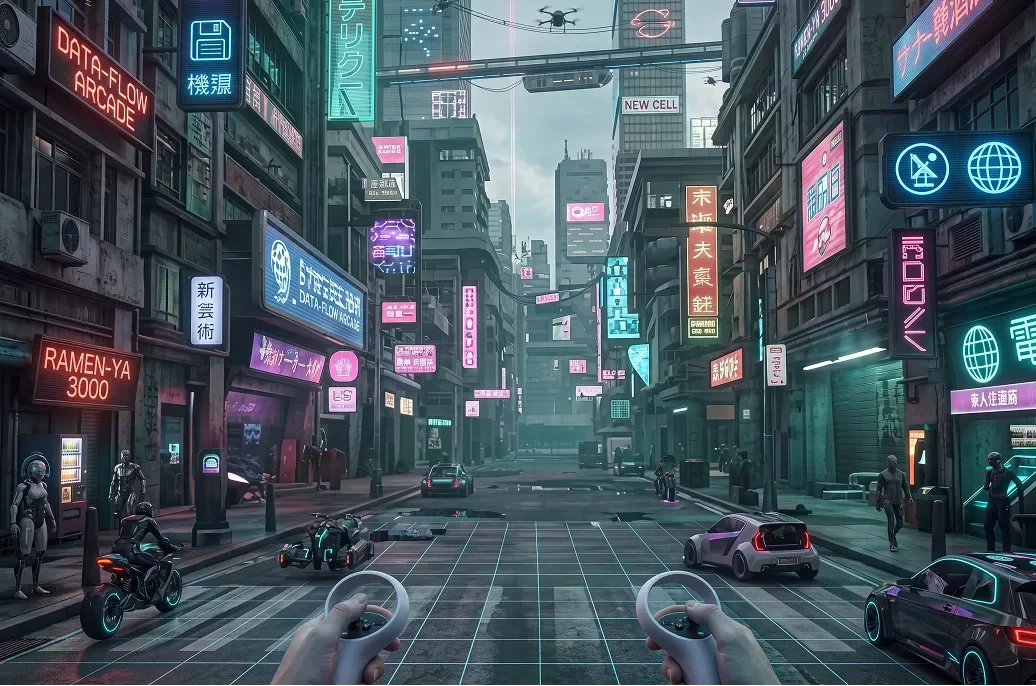
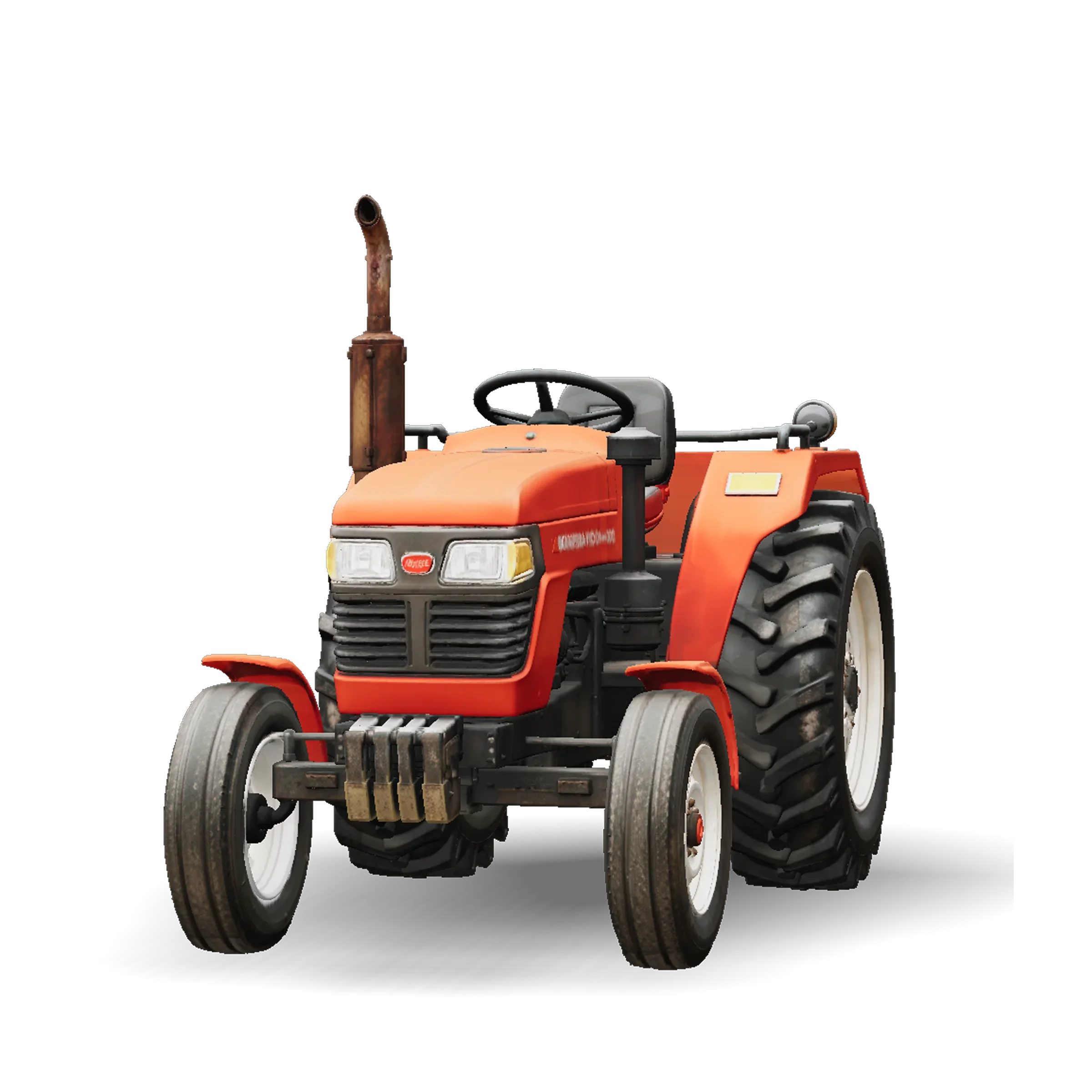
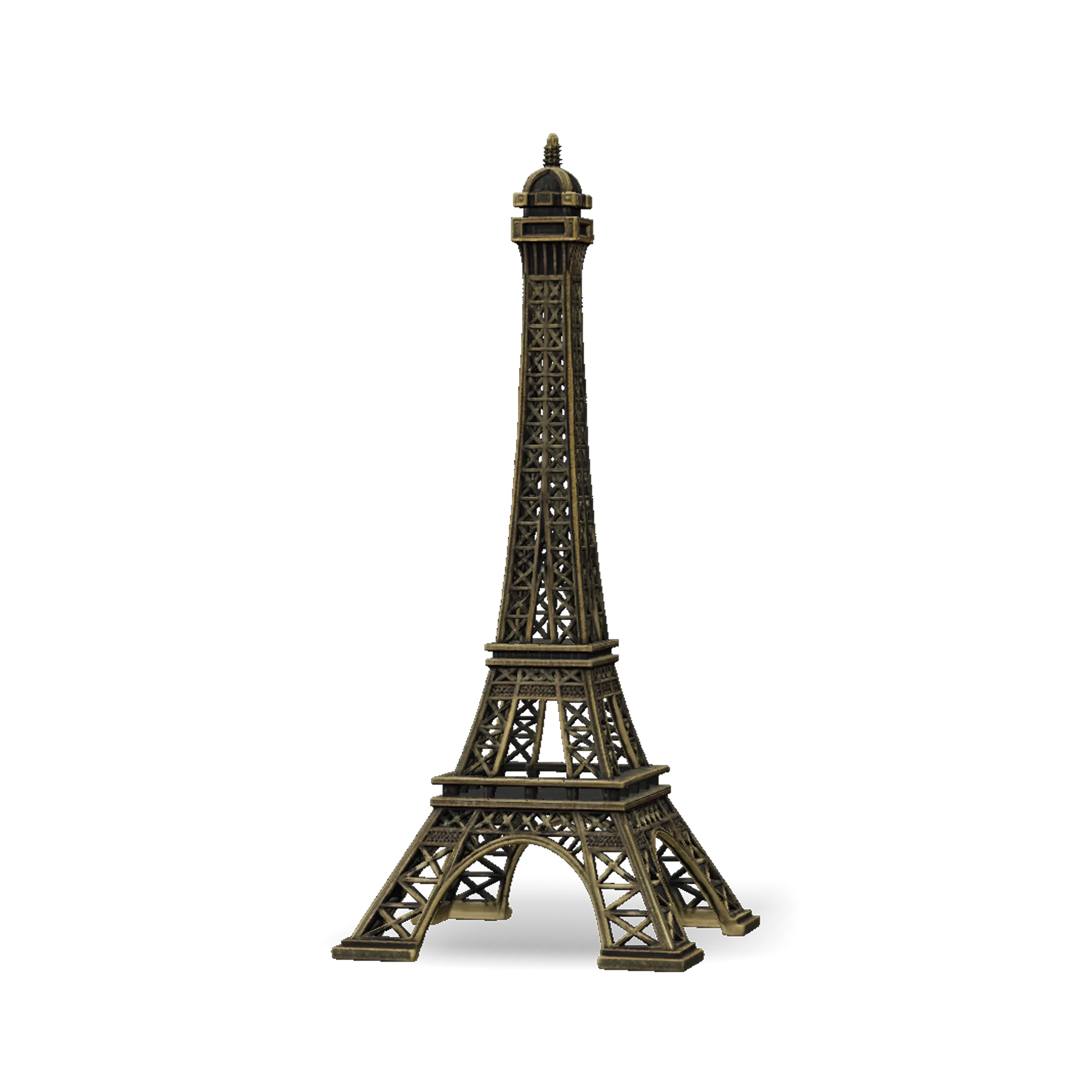
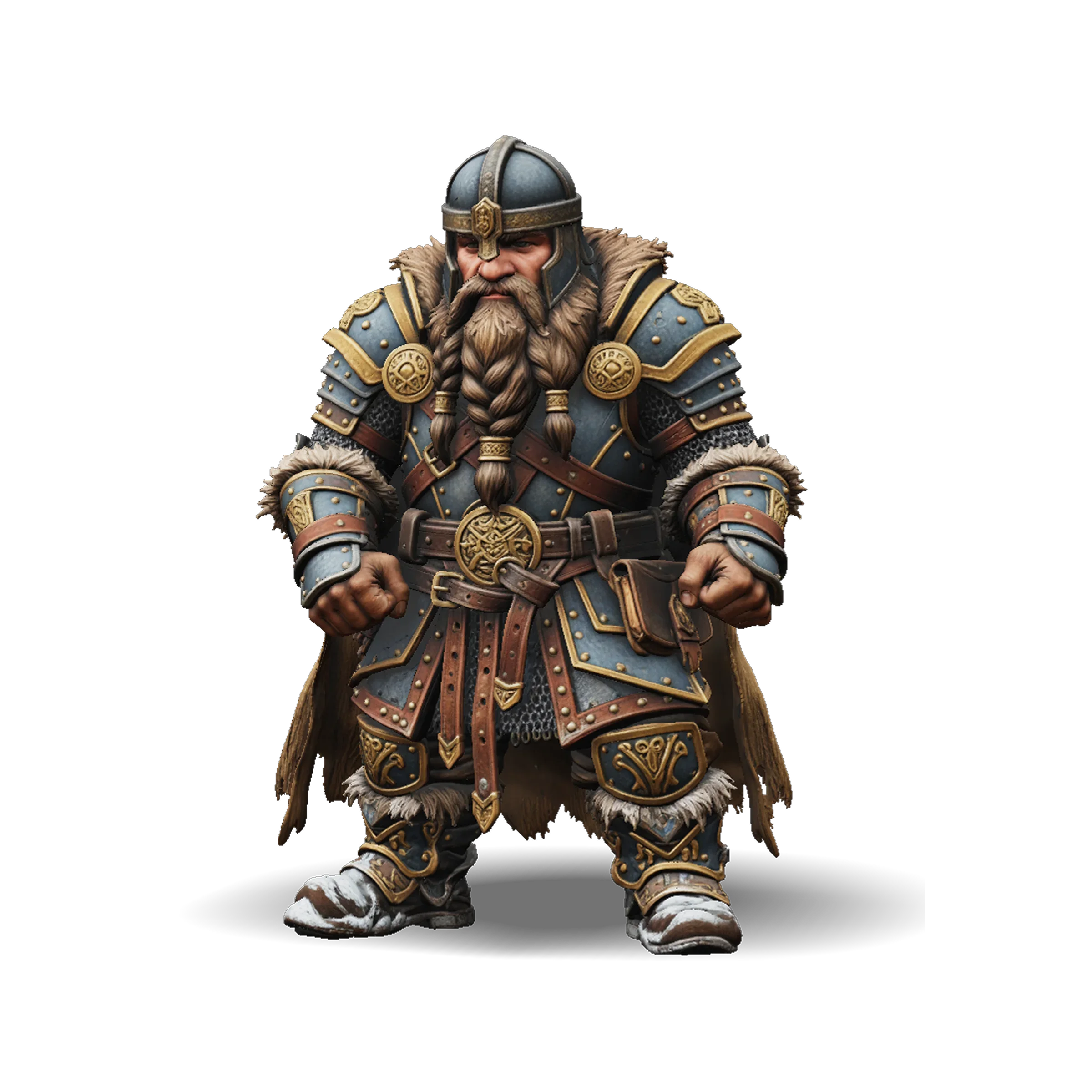
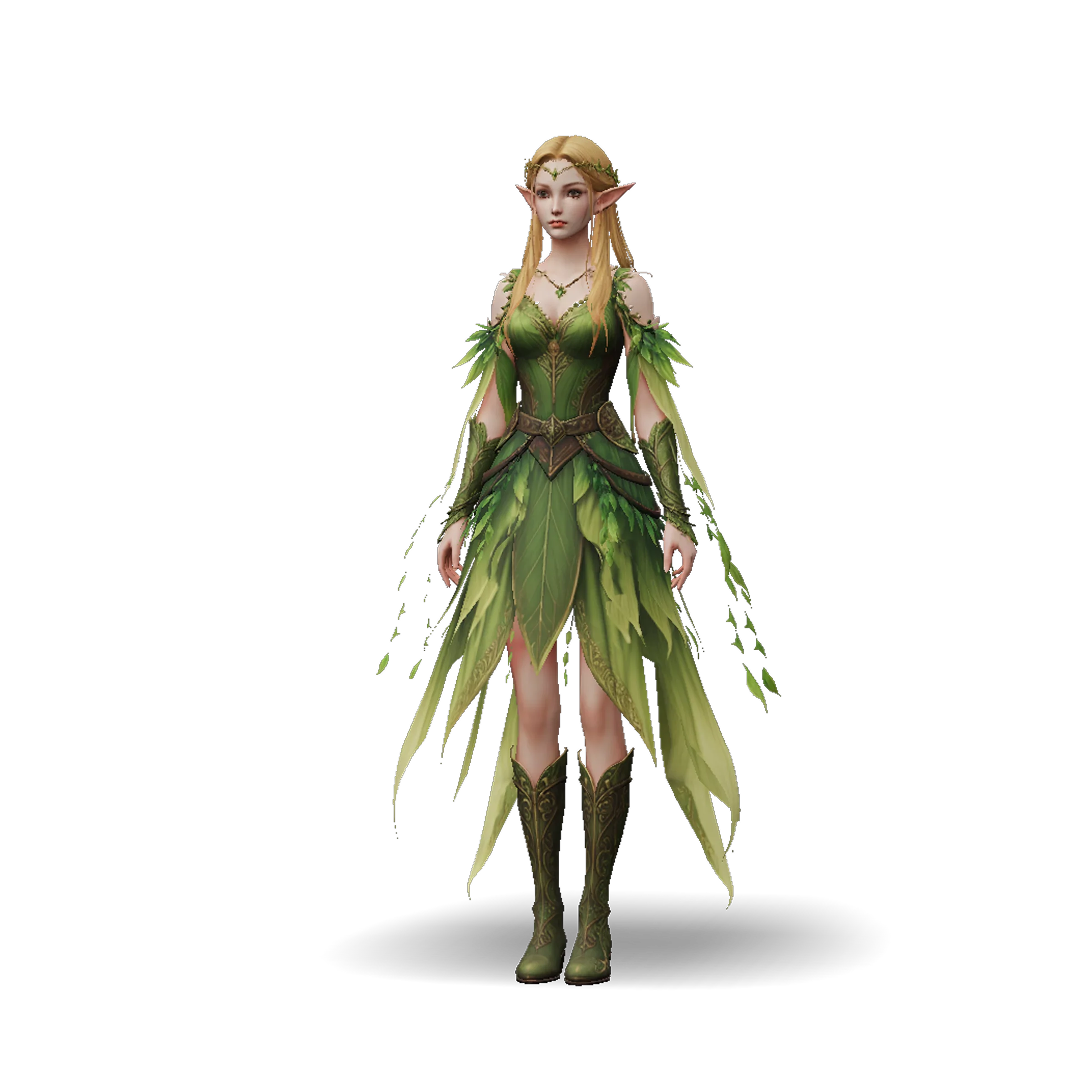
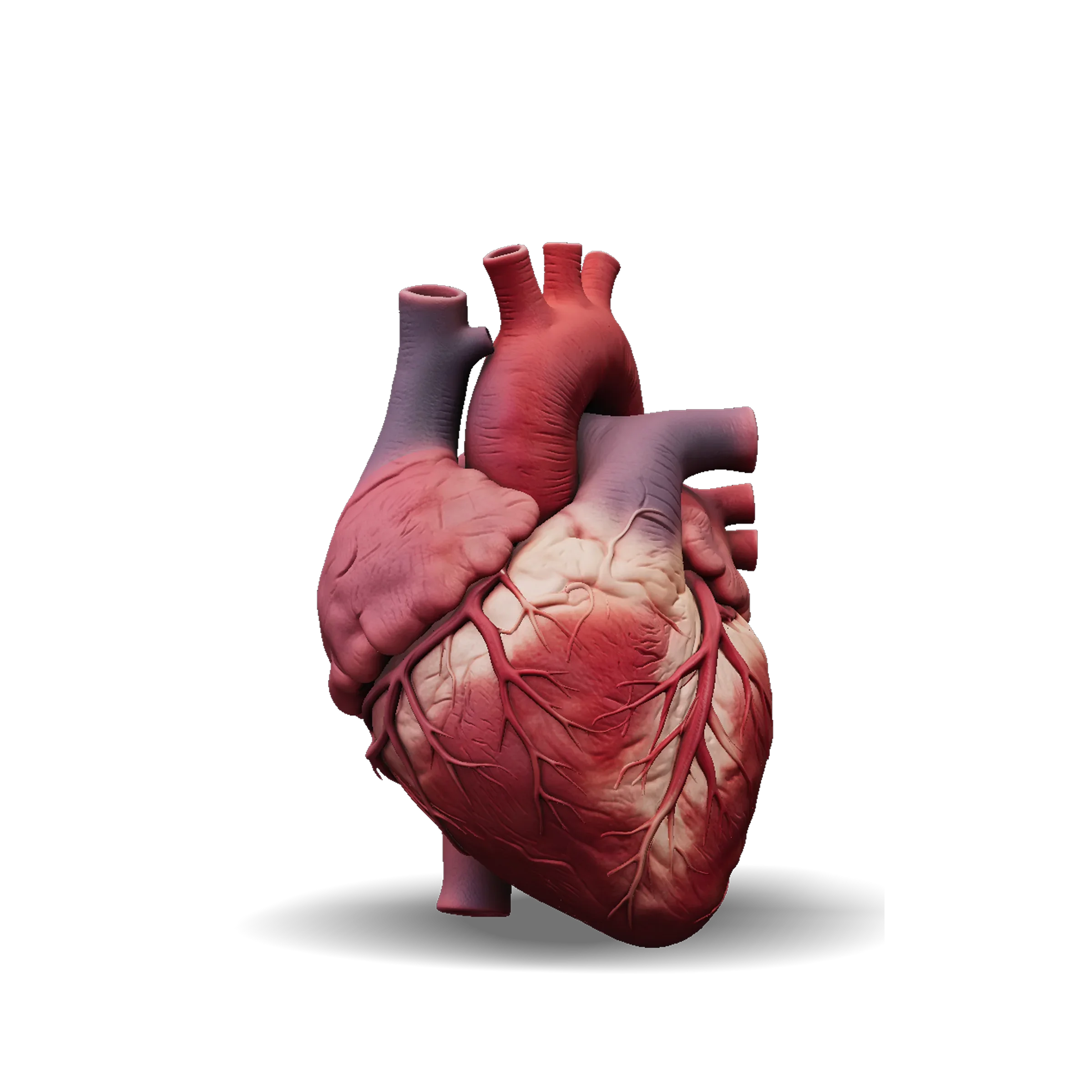
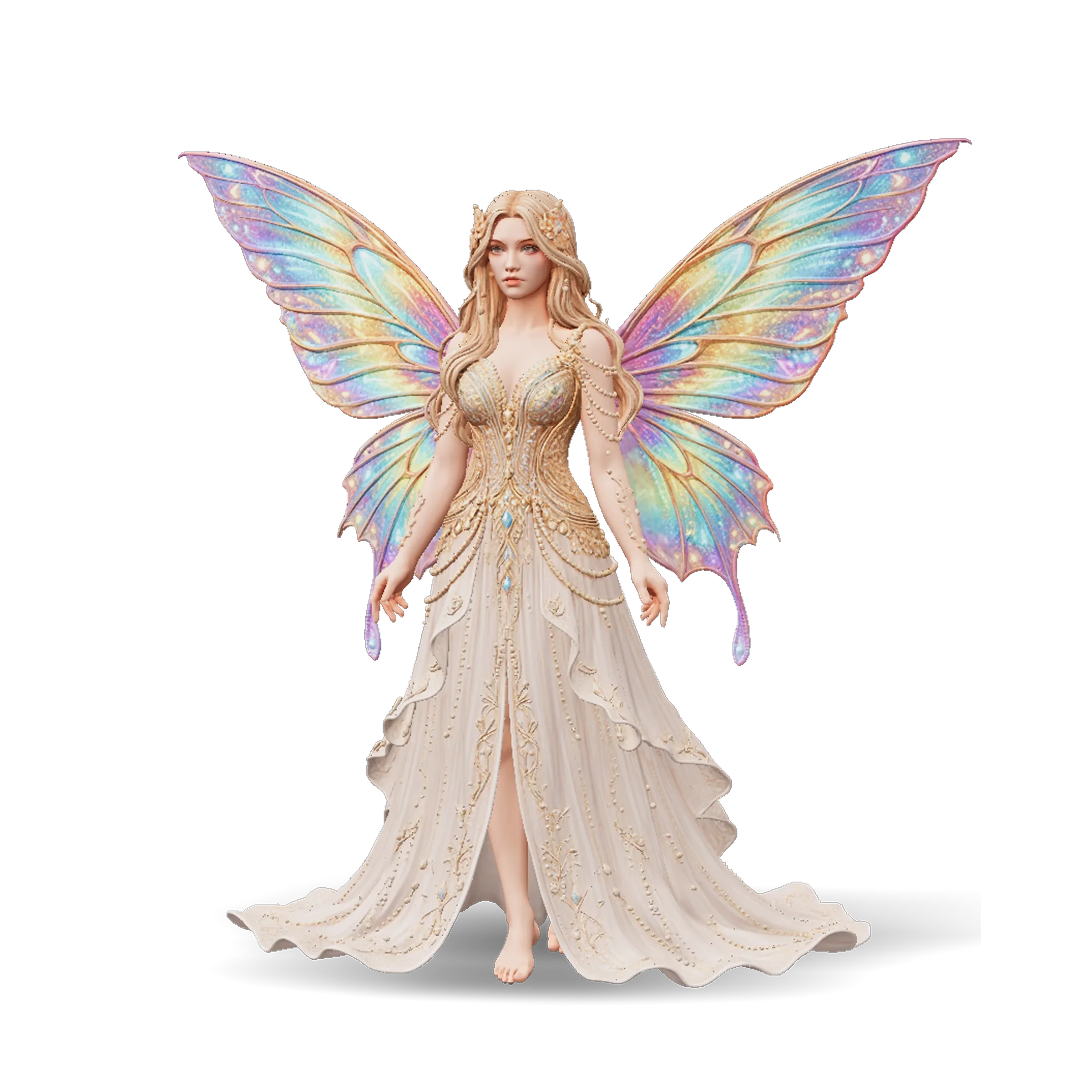
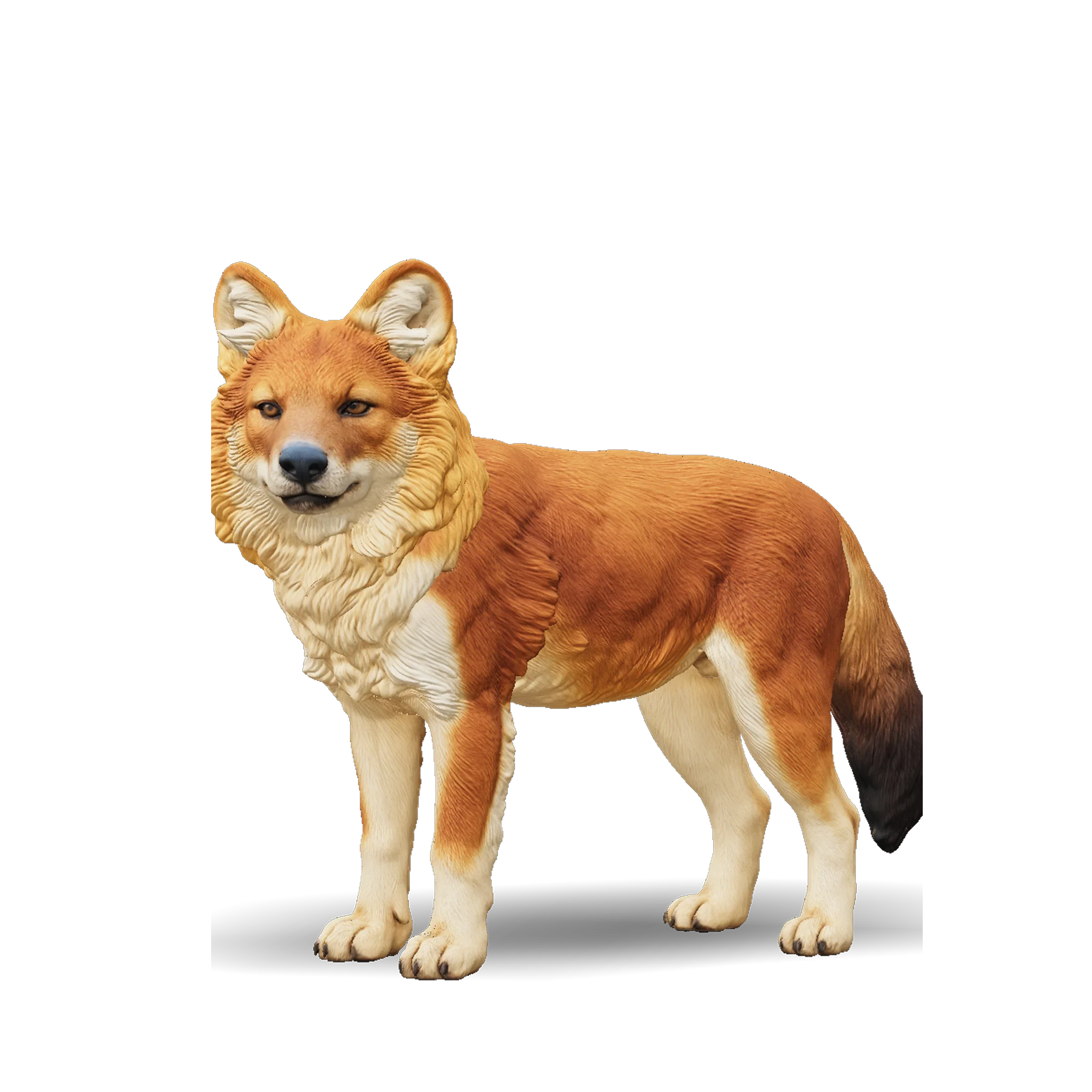
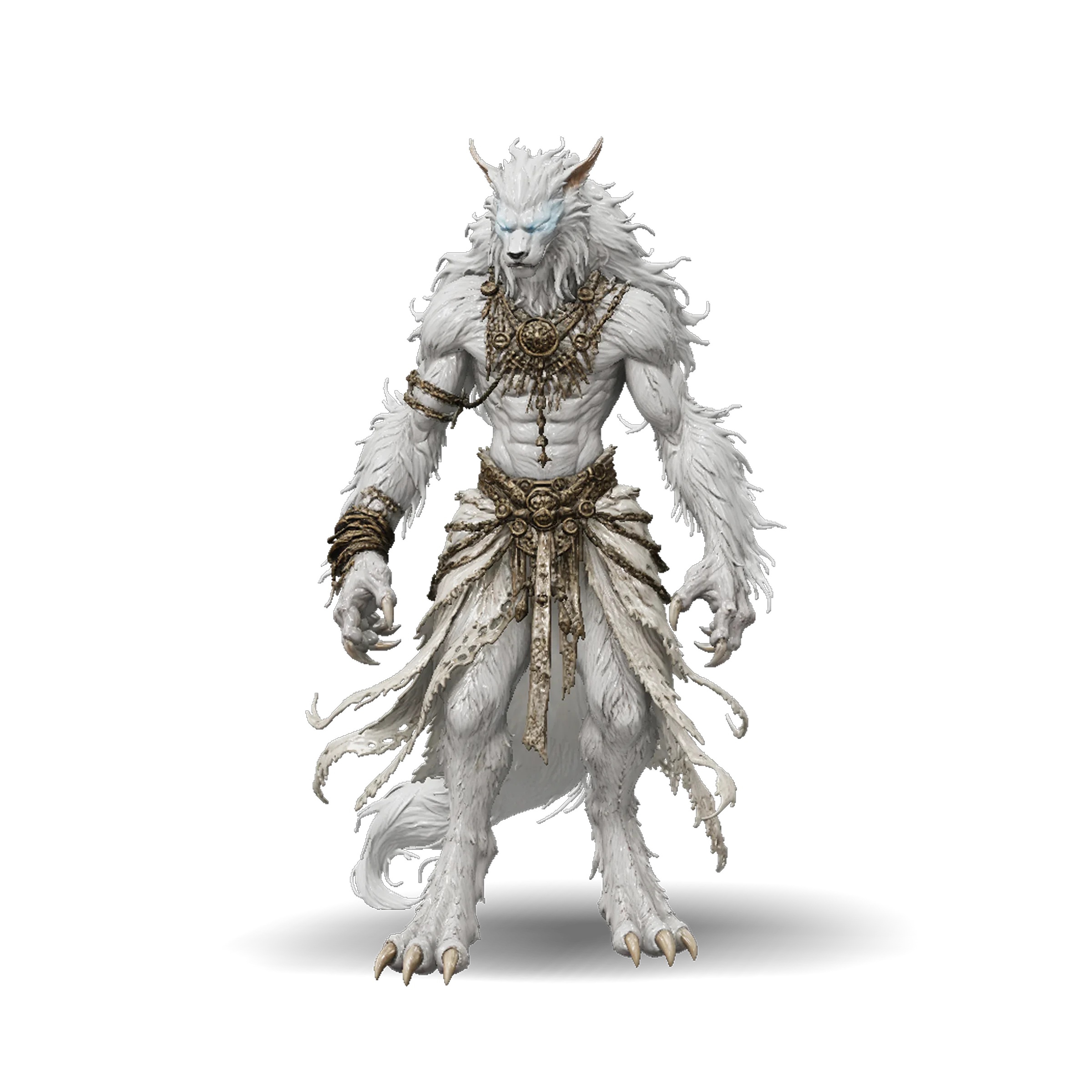
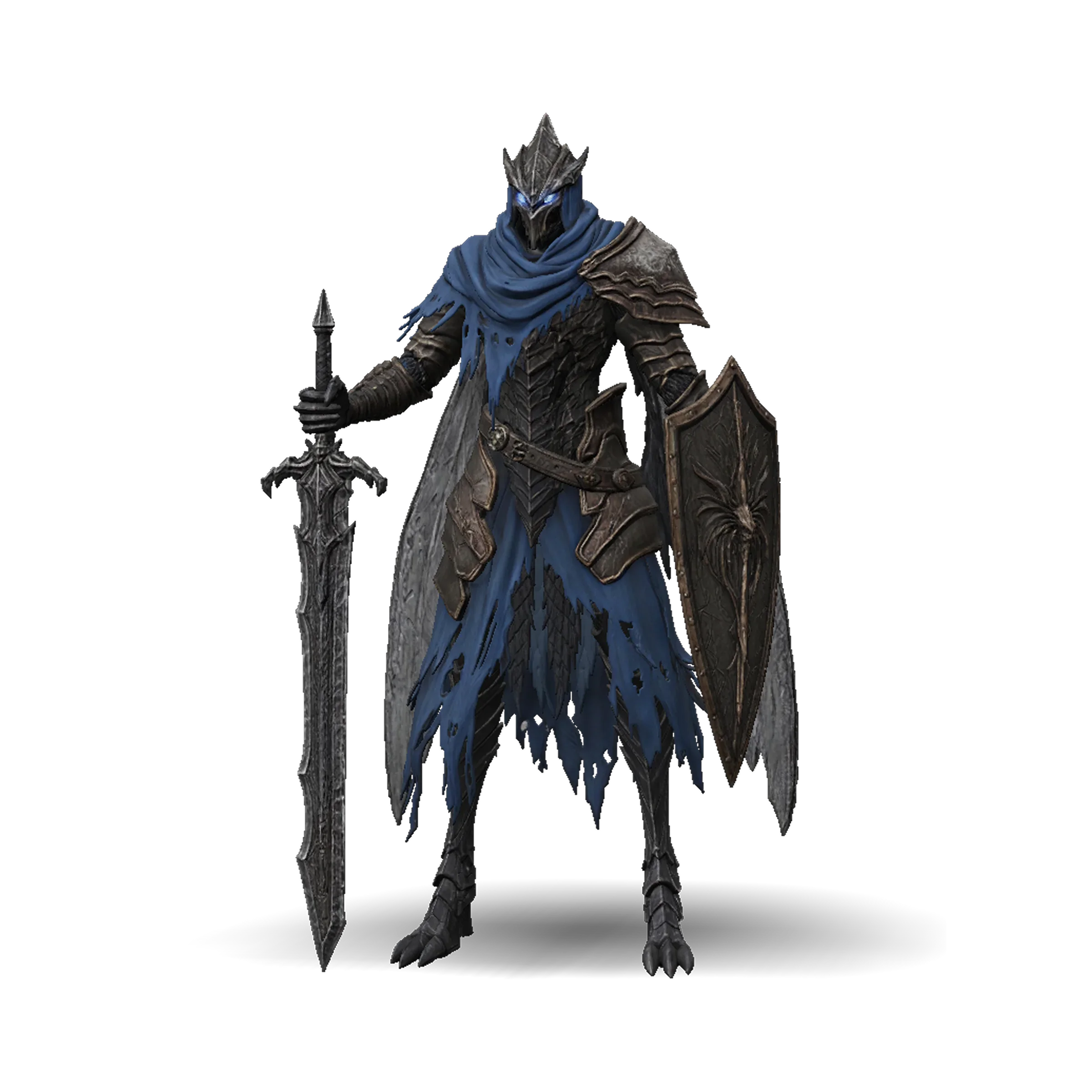
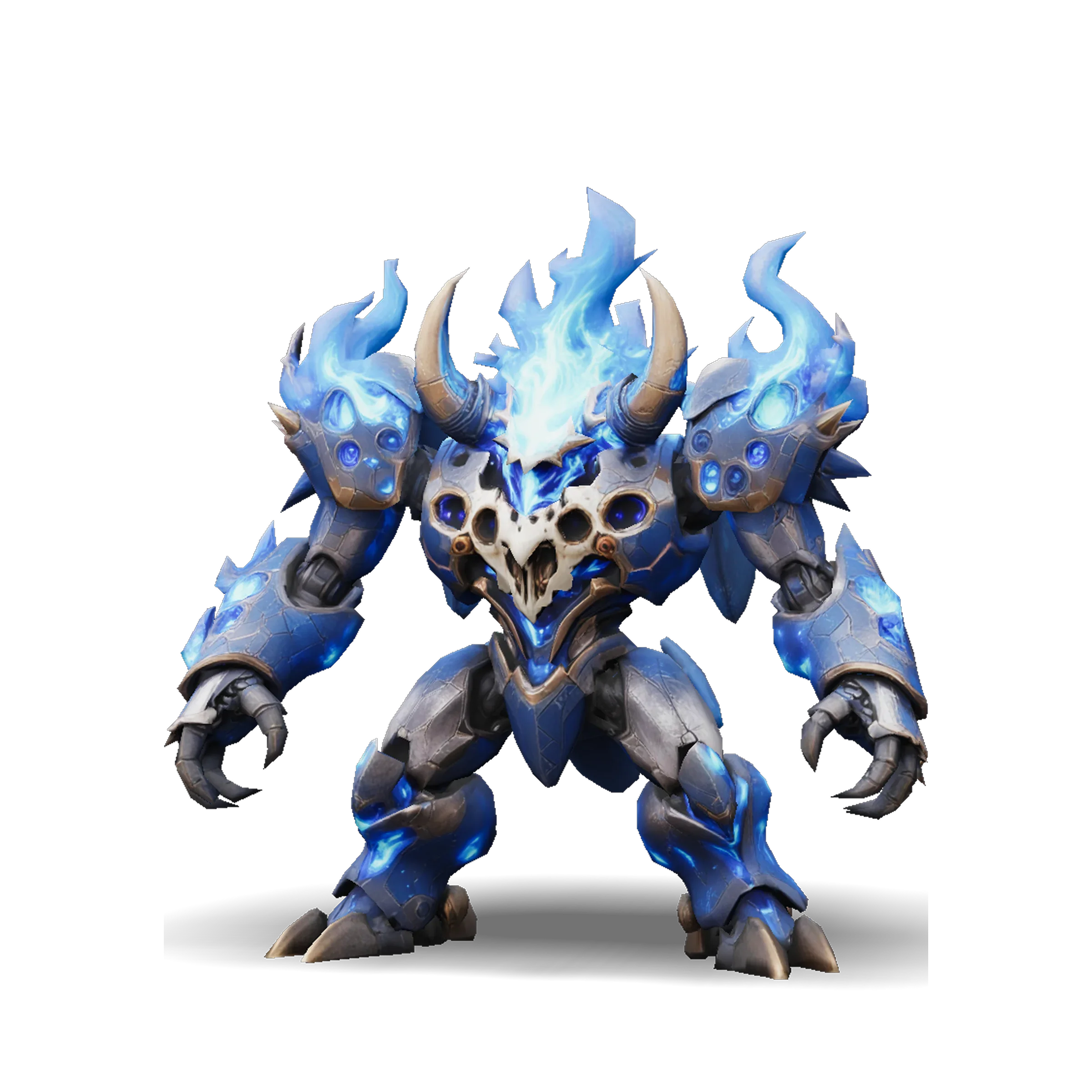
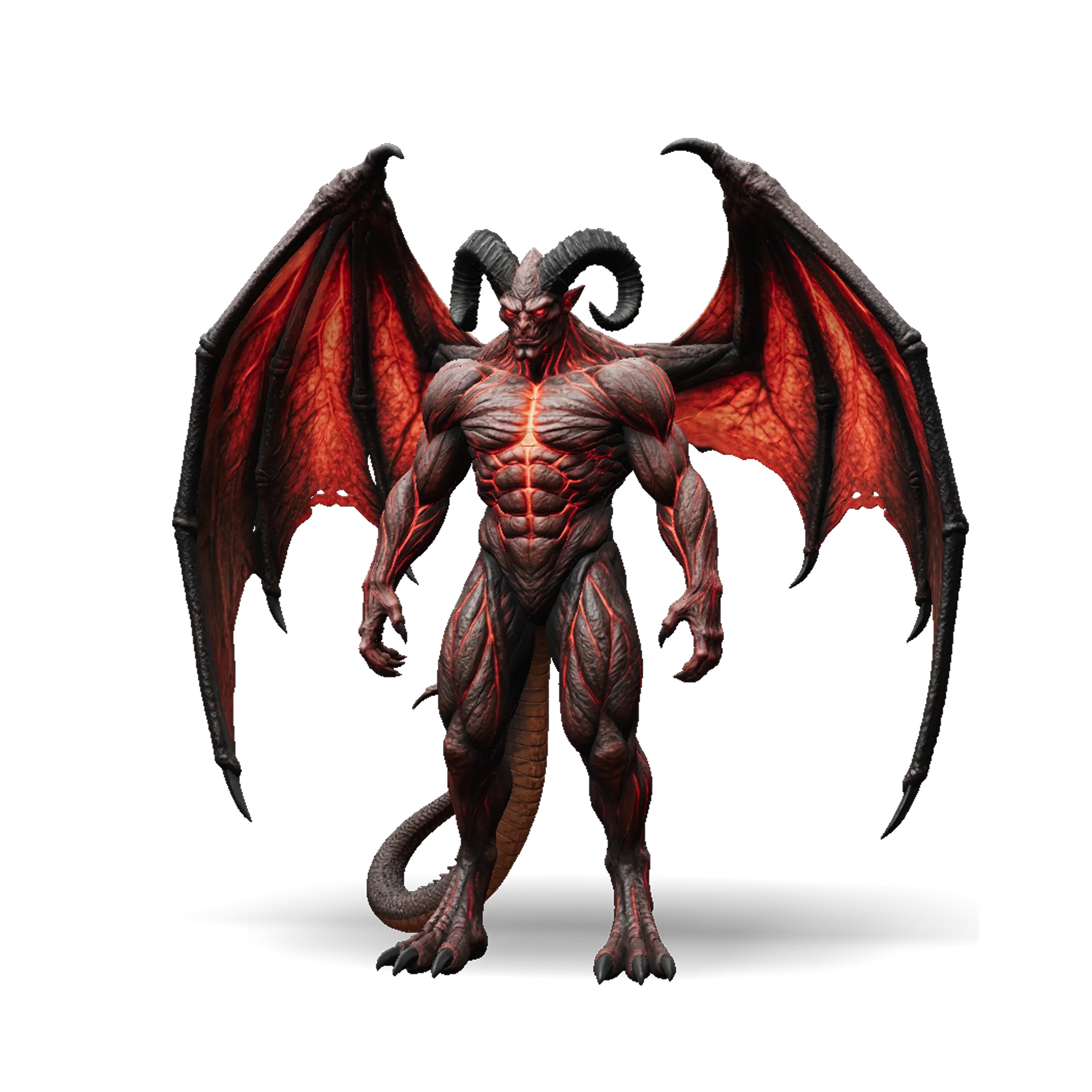
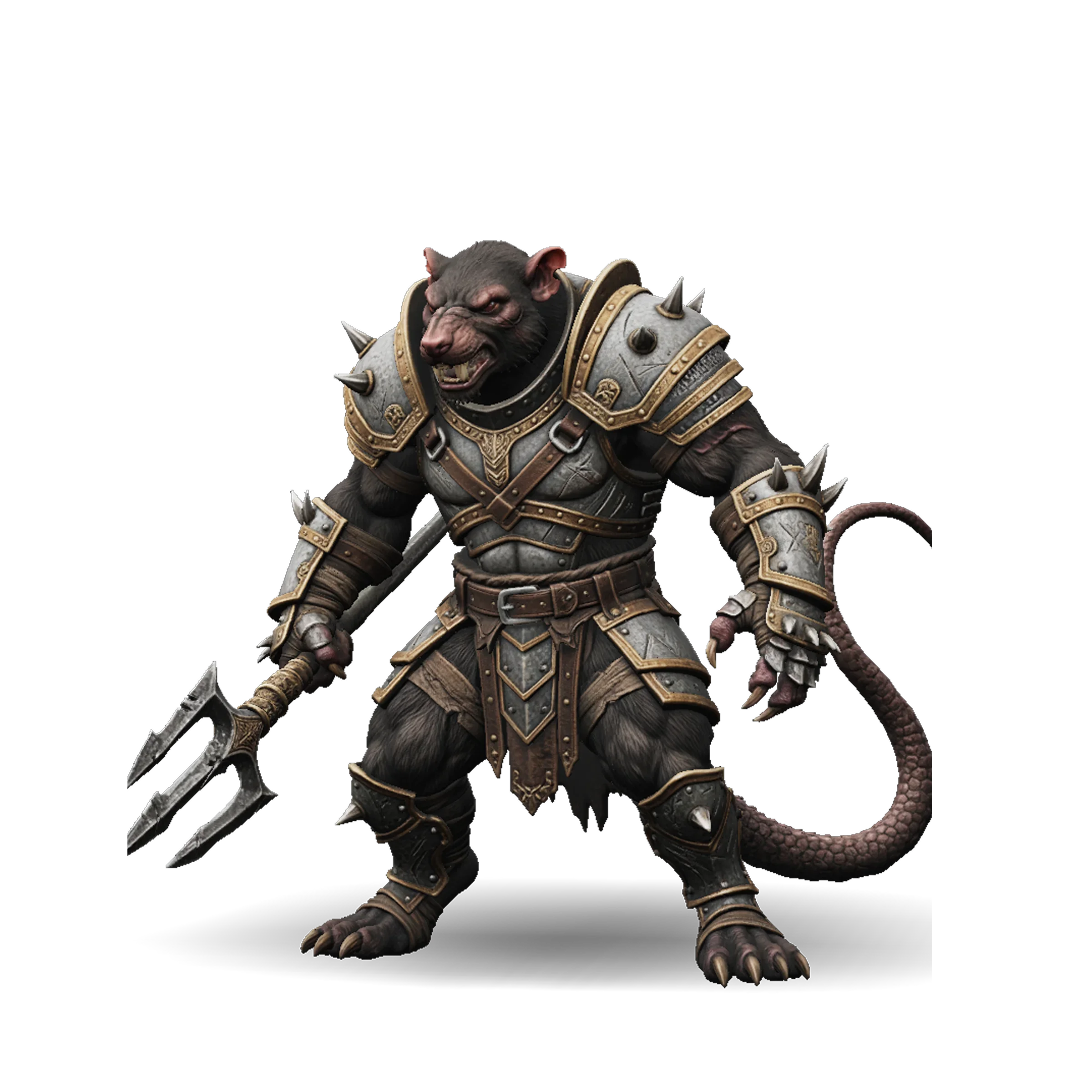
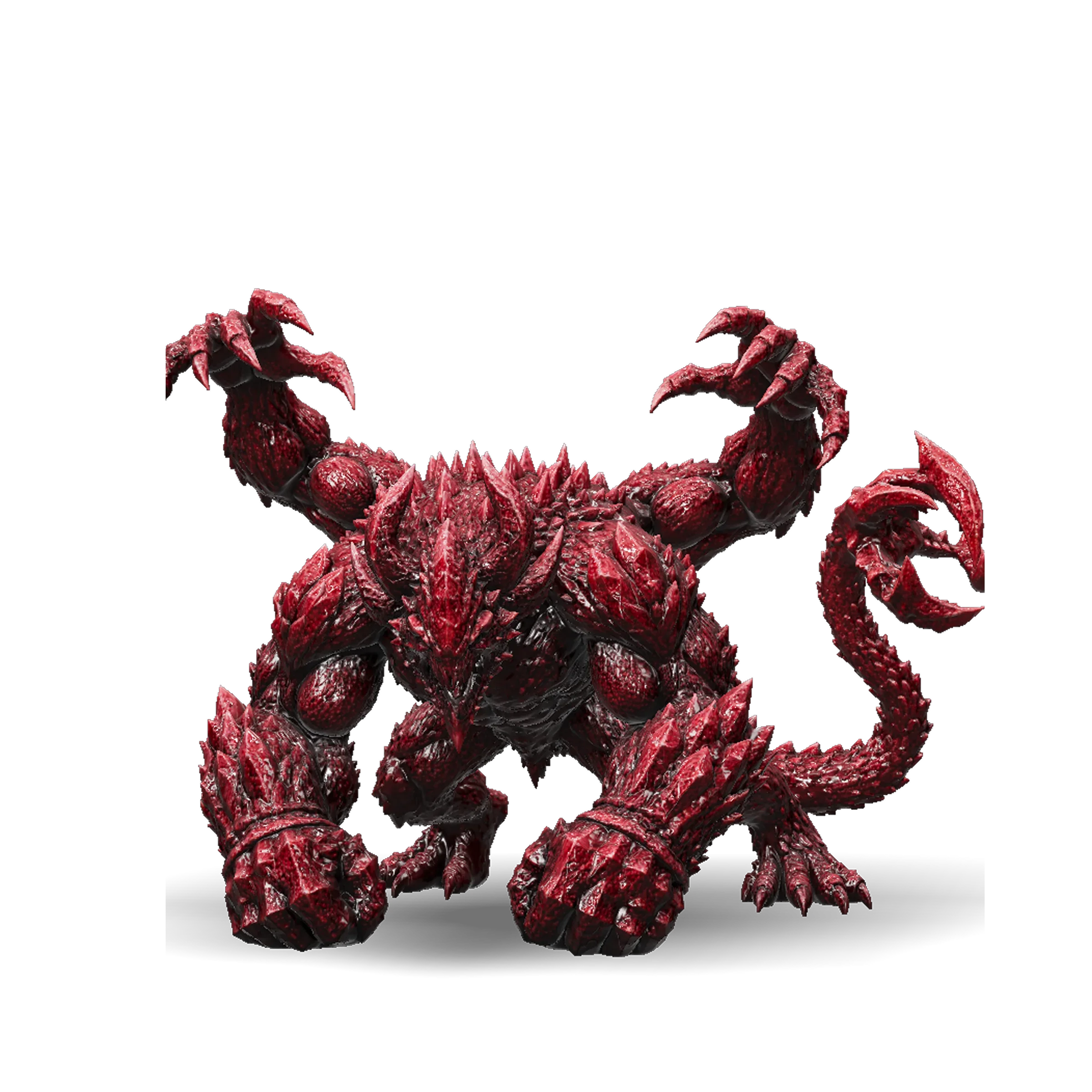
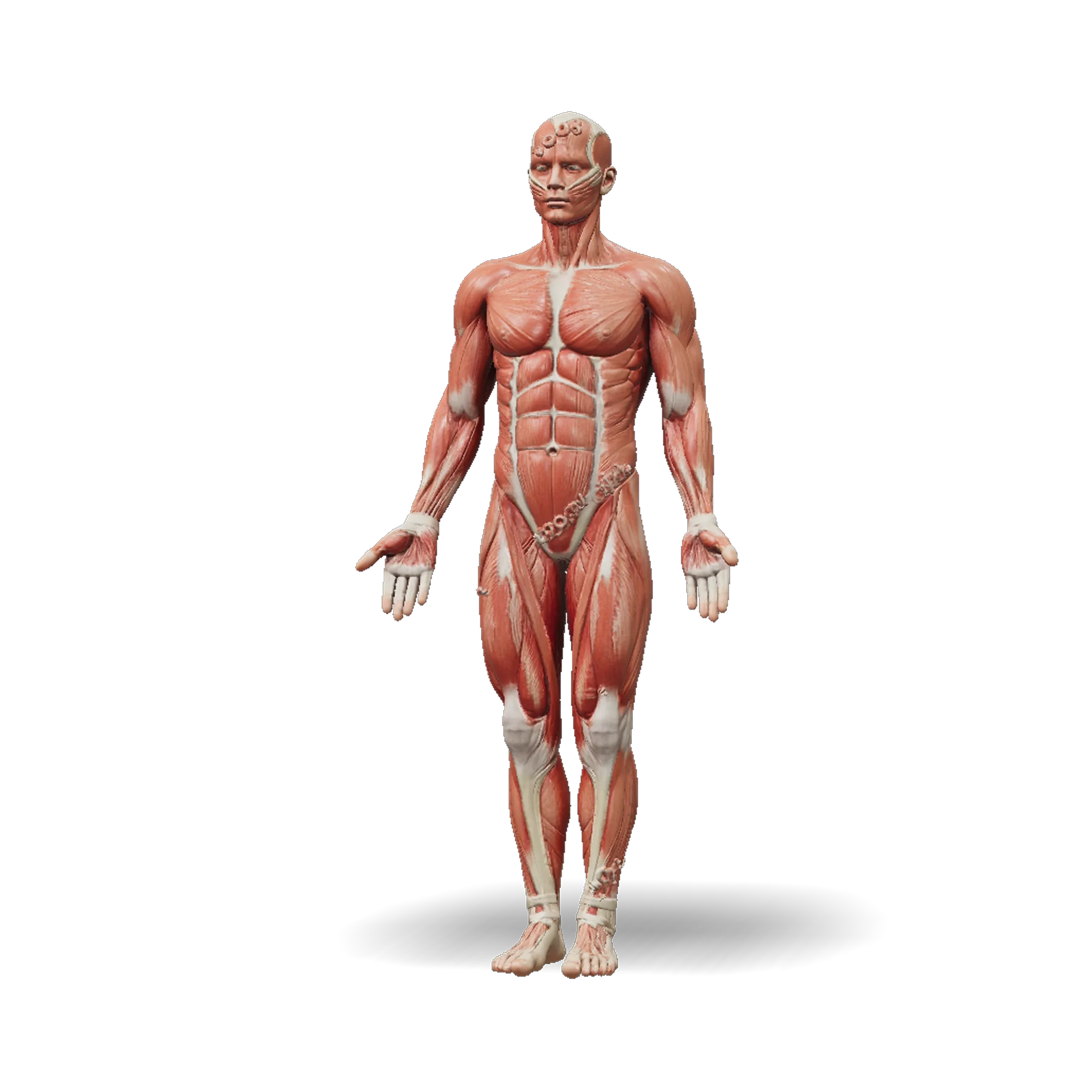
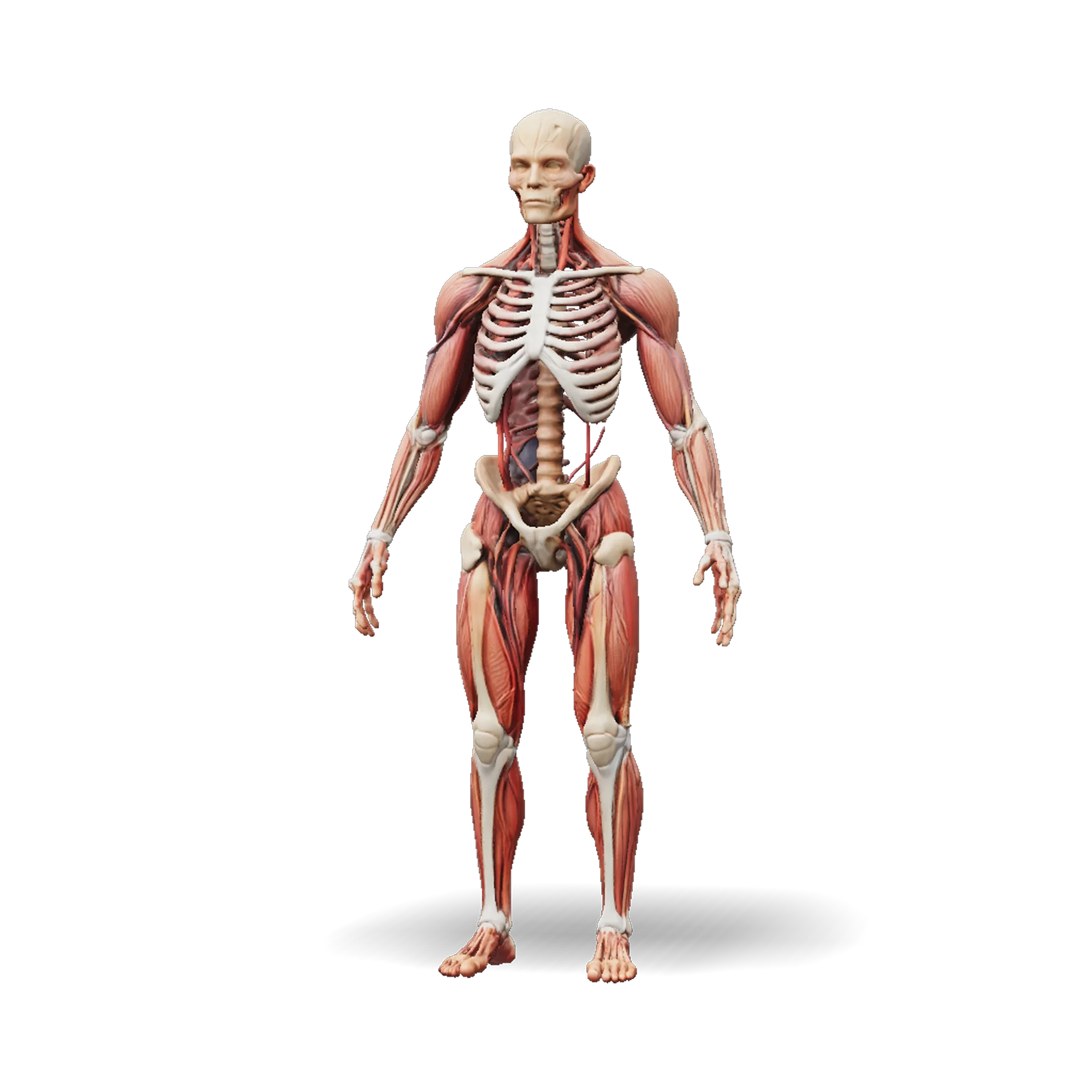
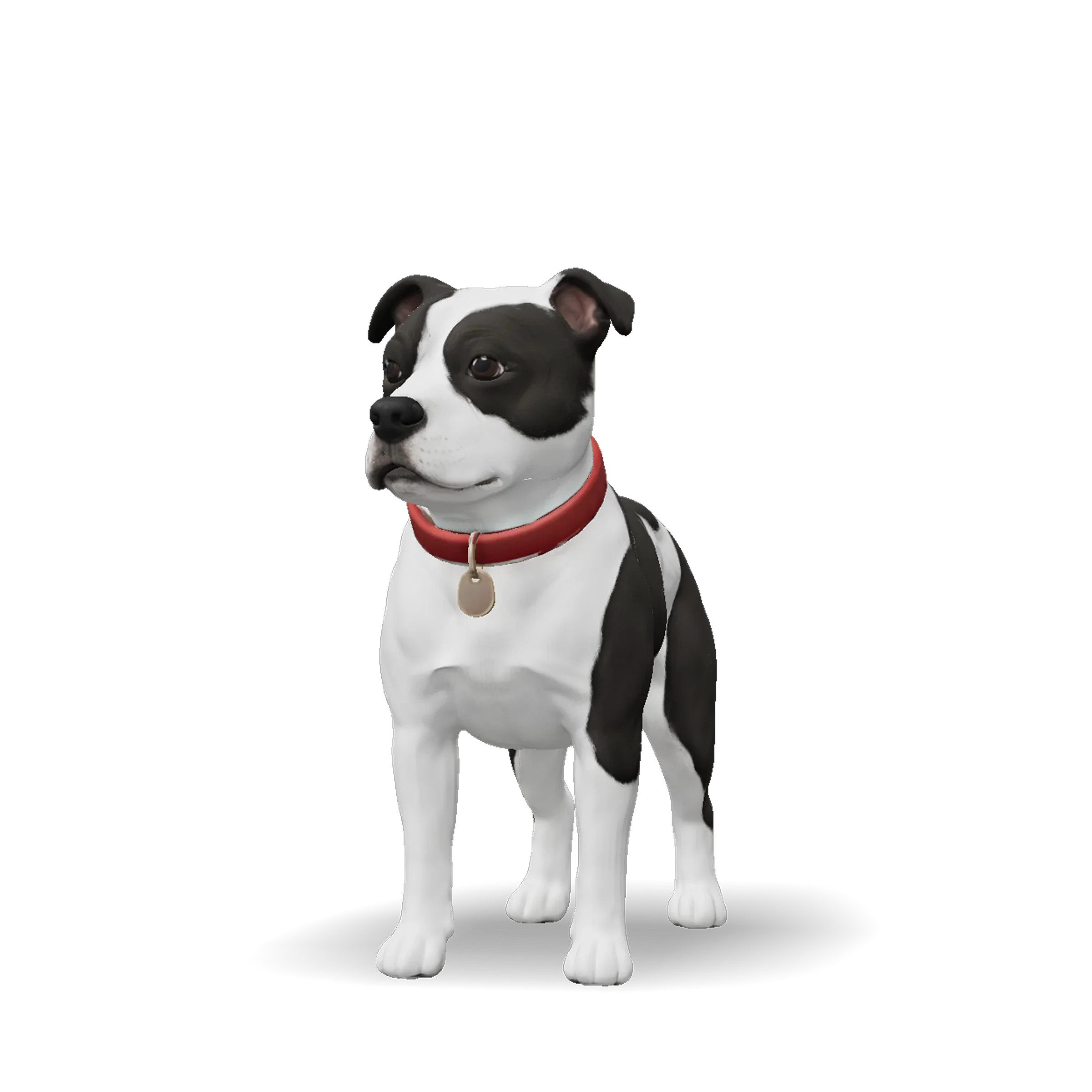
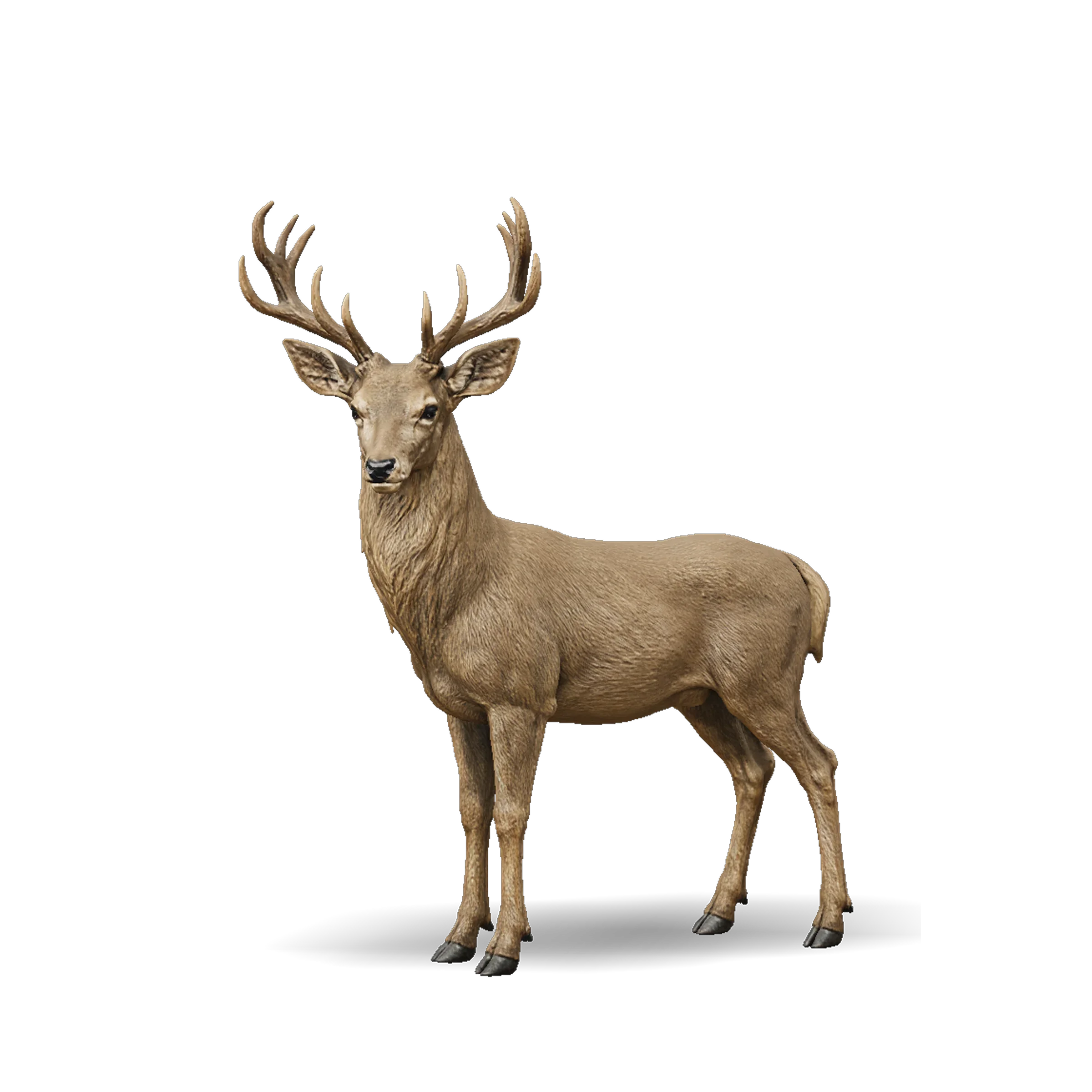
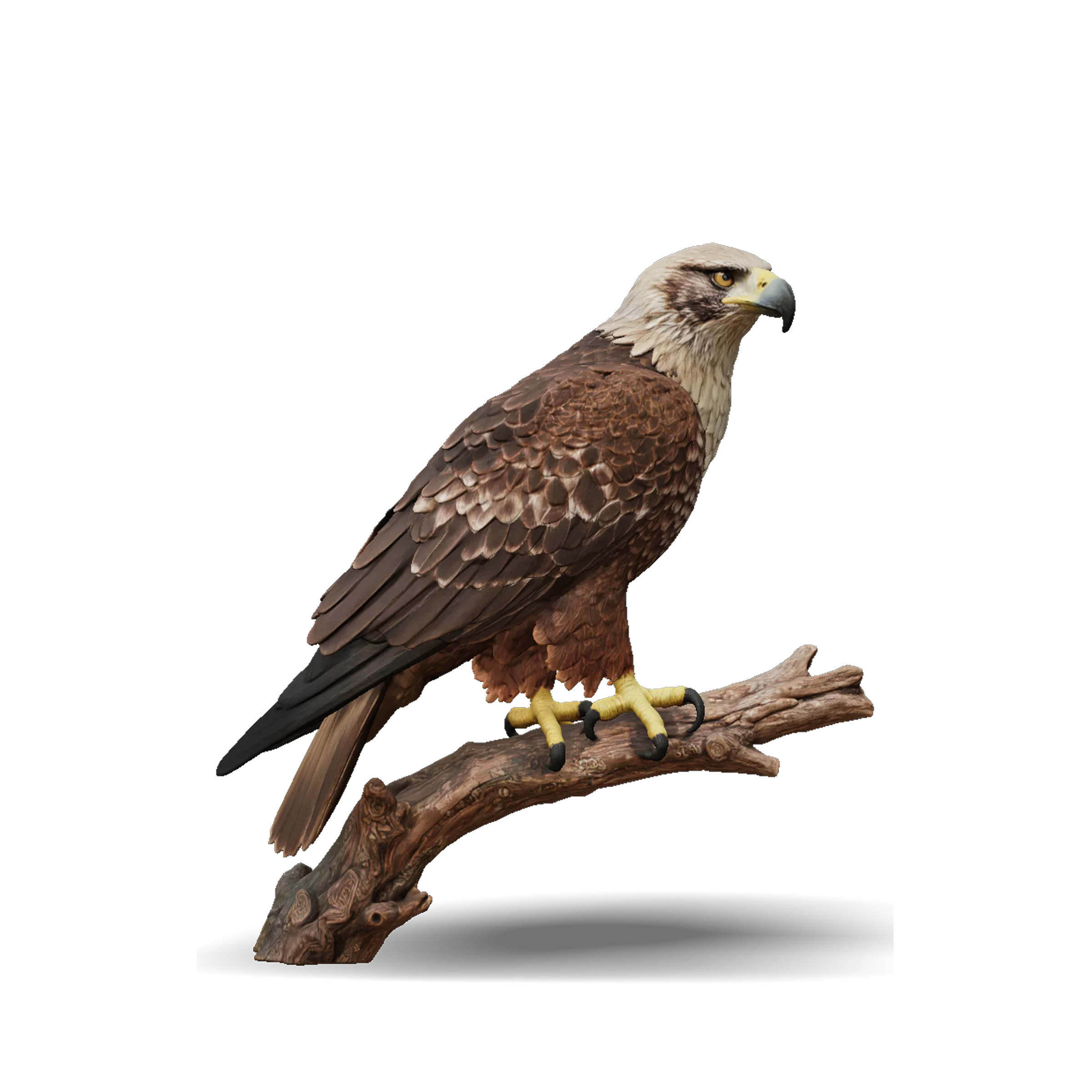
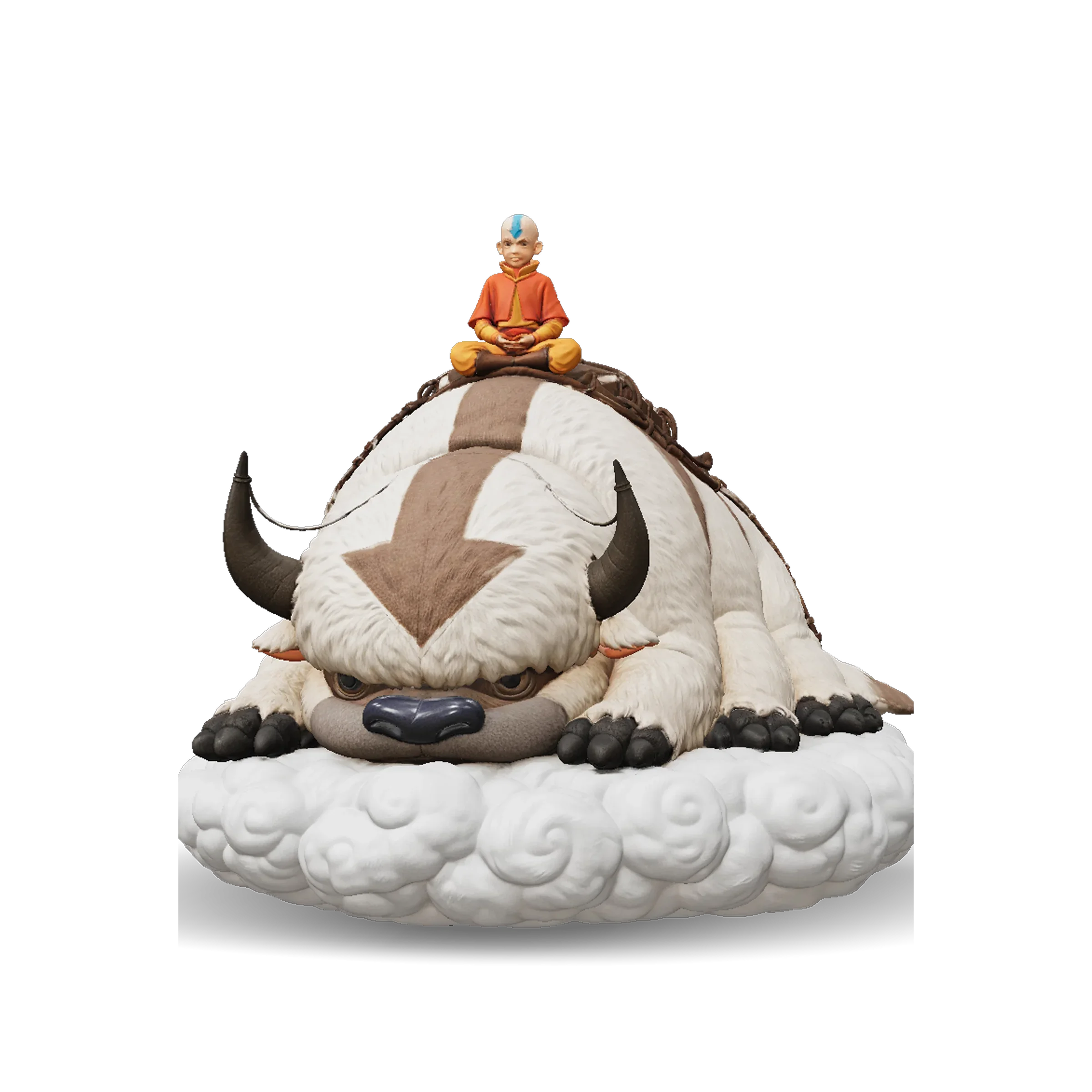
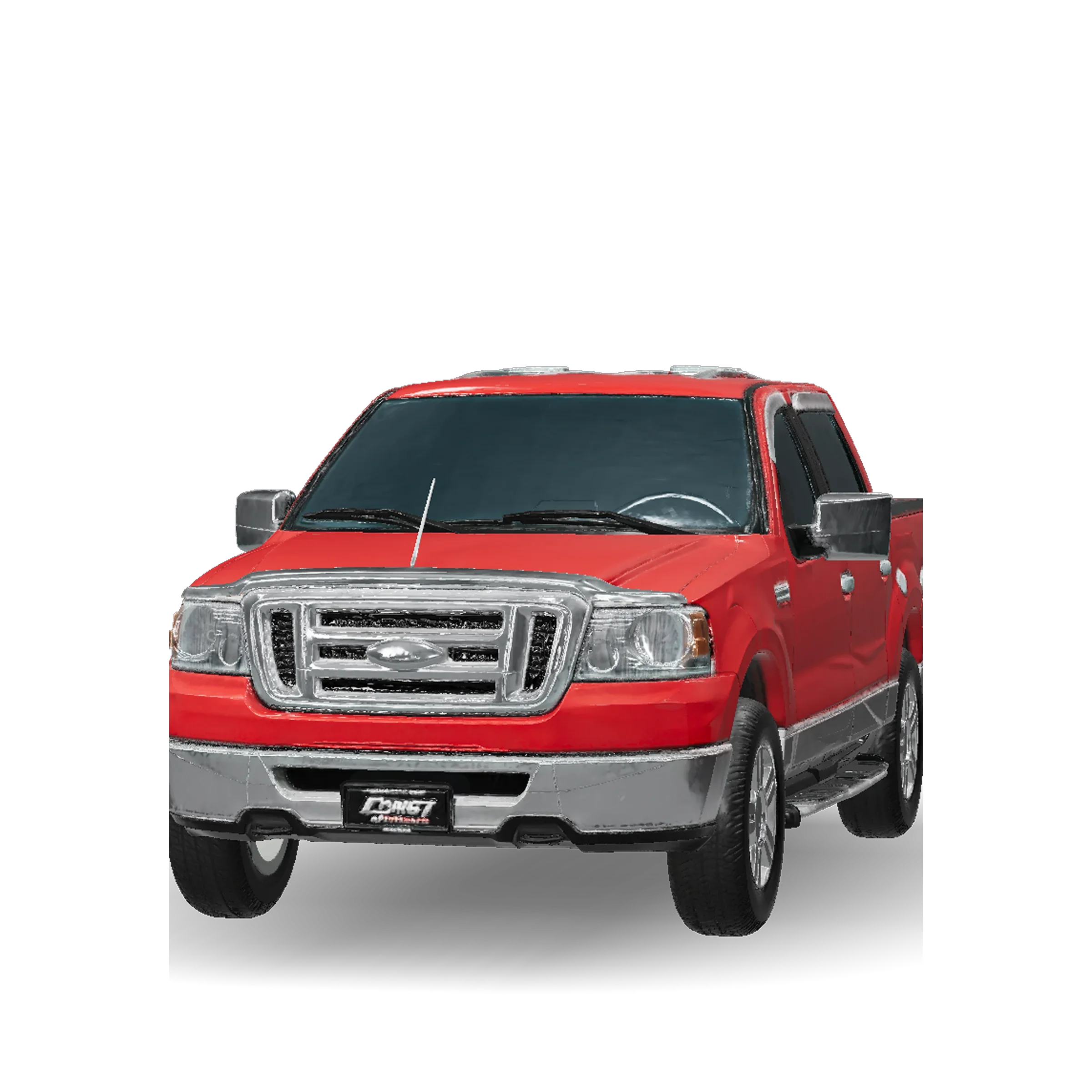
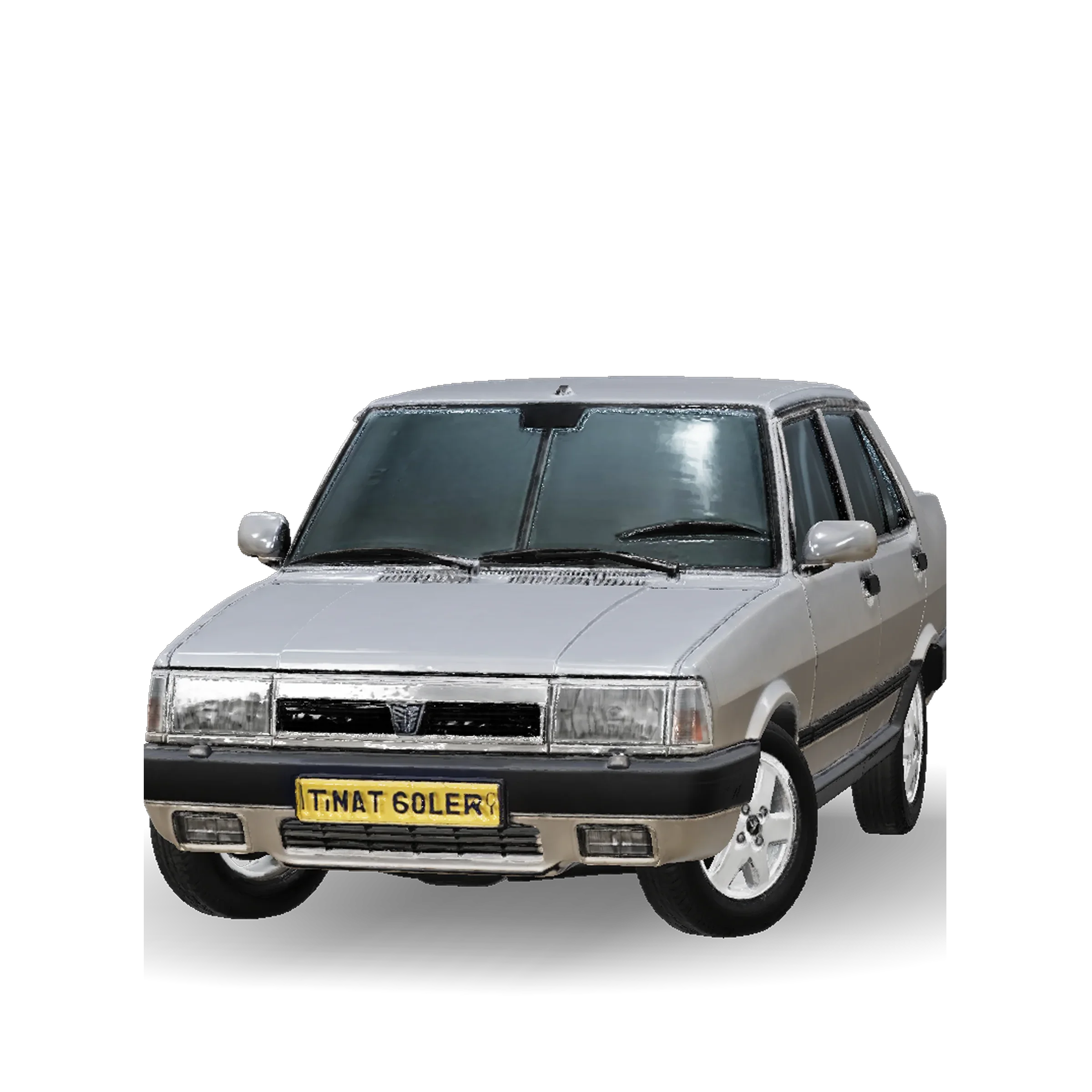
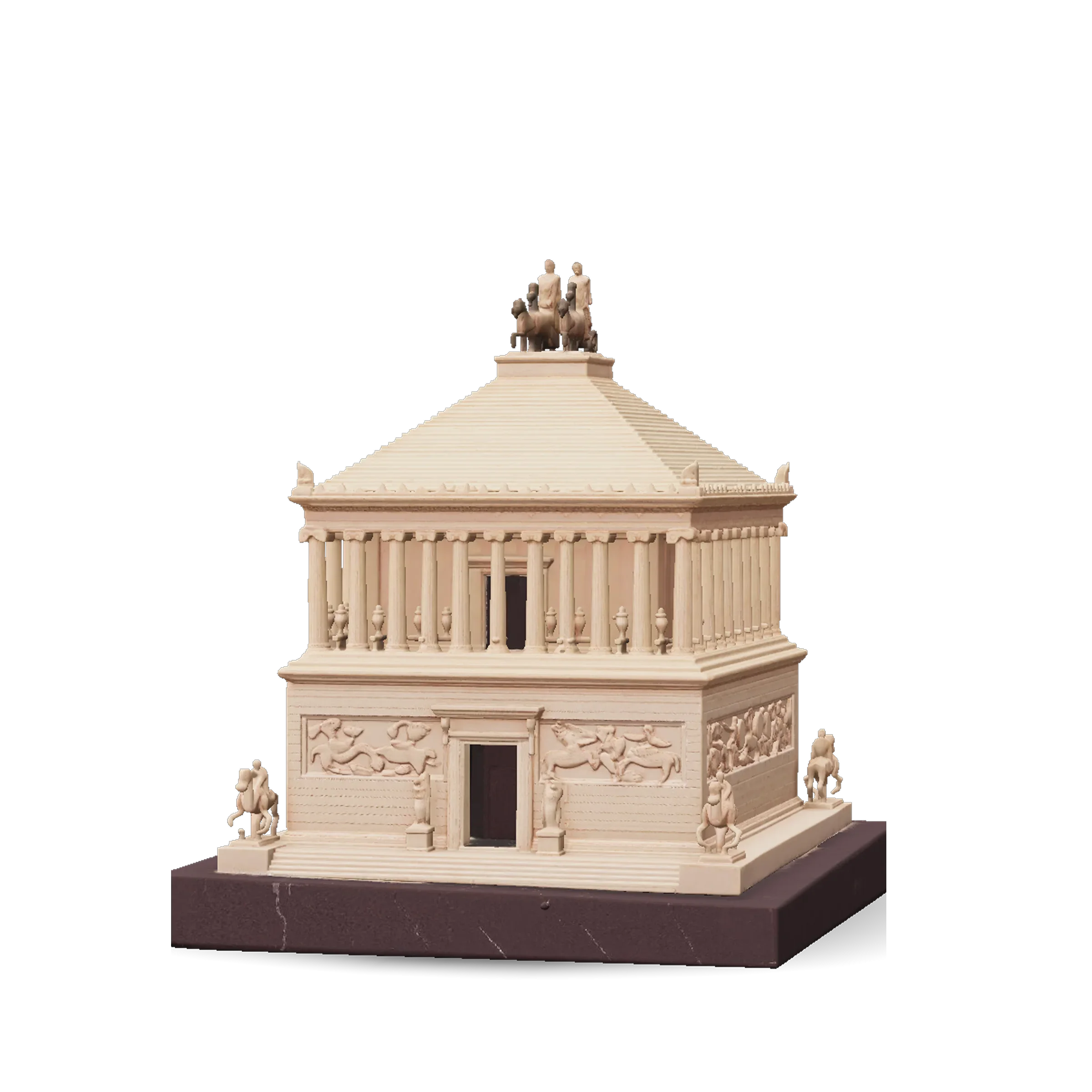
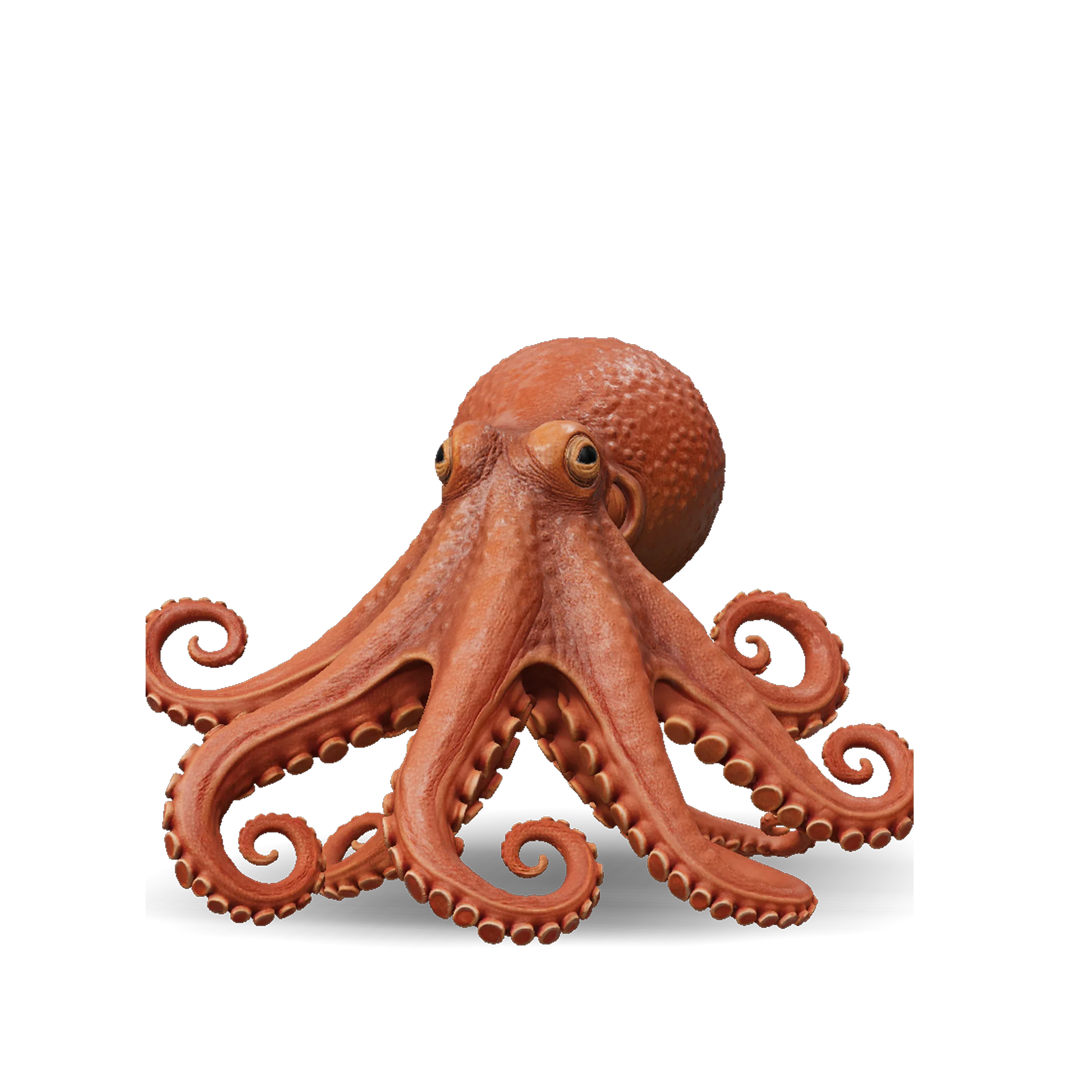
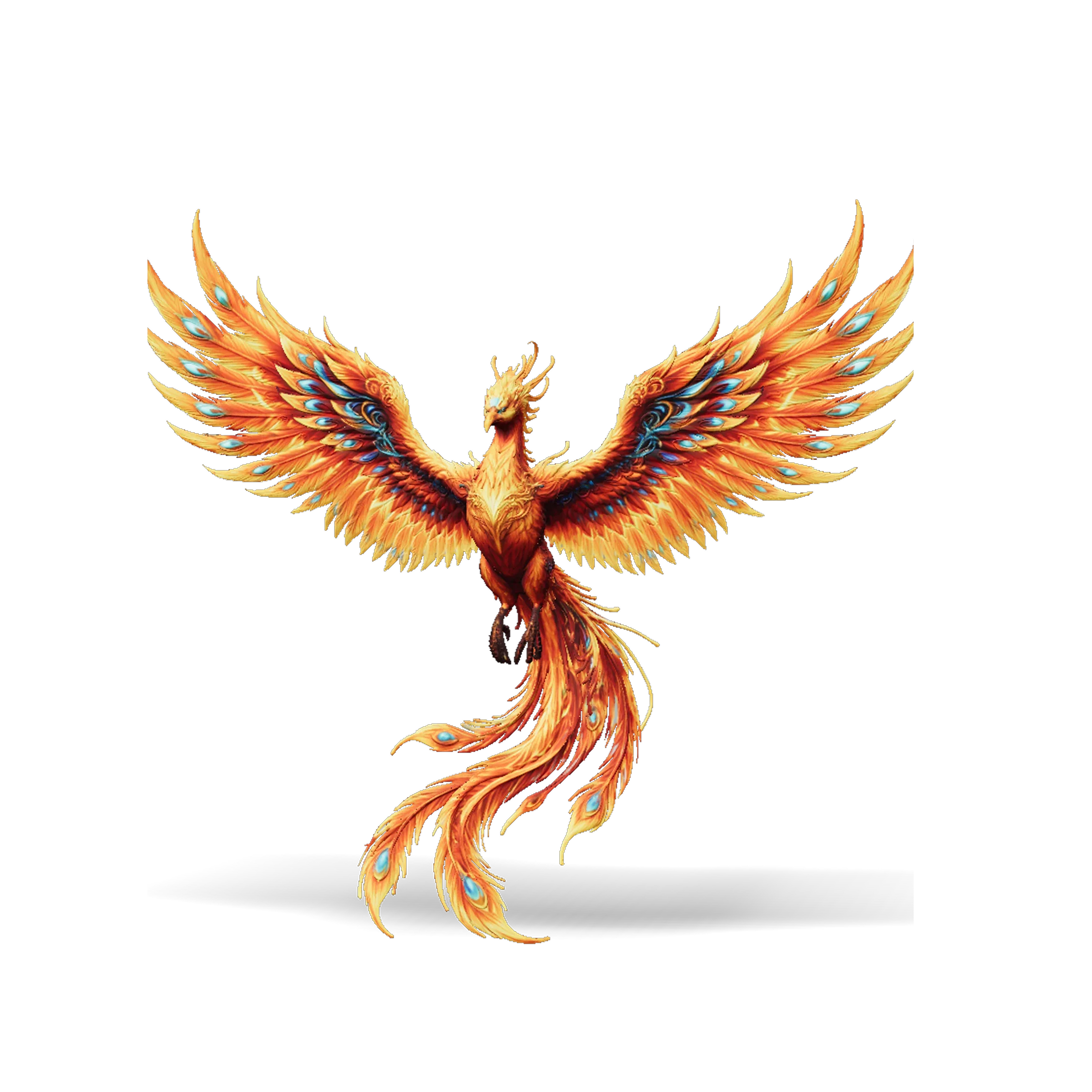
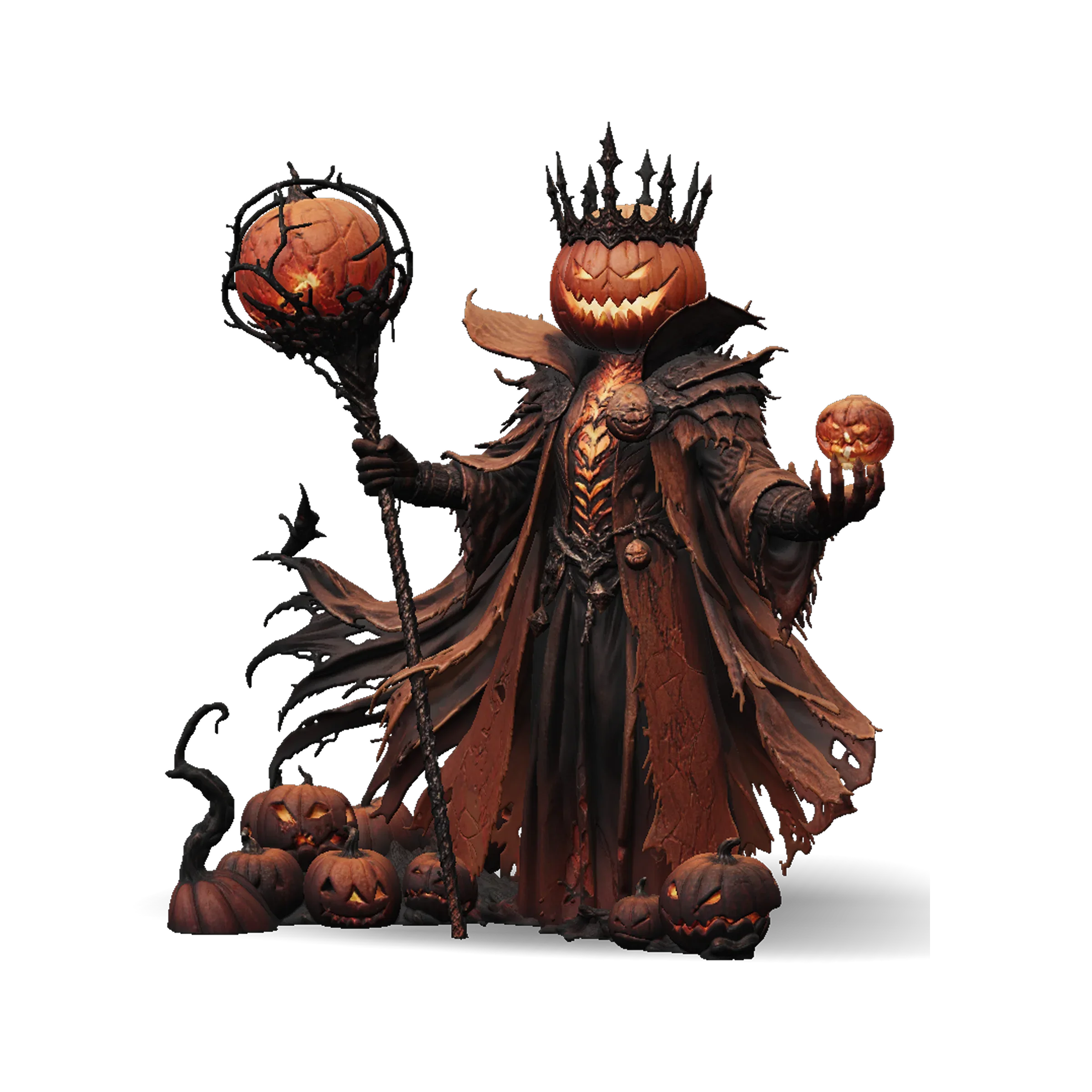
Create 3D Models in Seconds

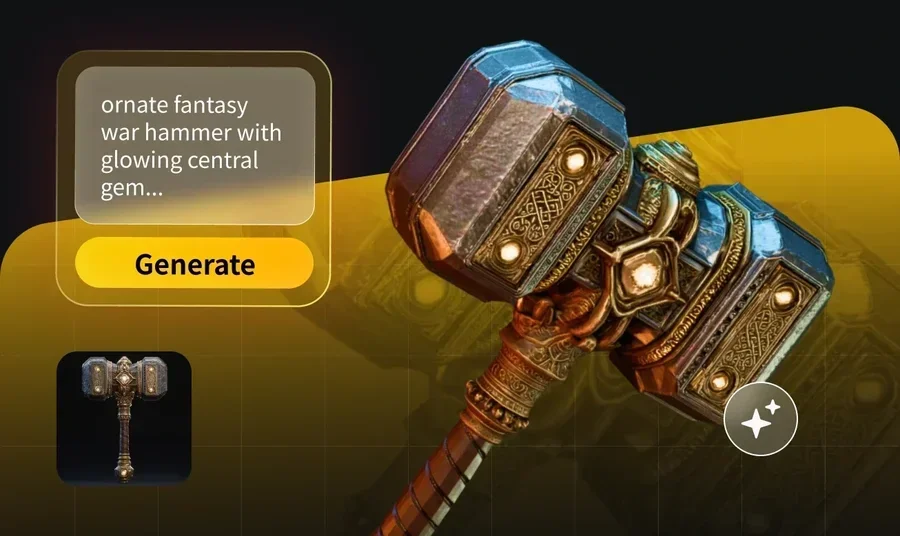
Meet Tripo, a free online AI 3D model generator that turns your text prompts or images into 3D models instantly.

Start Creating

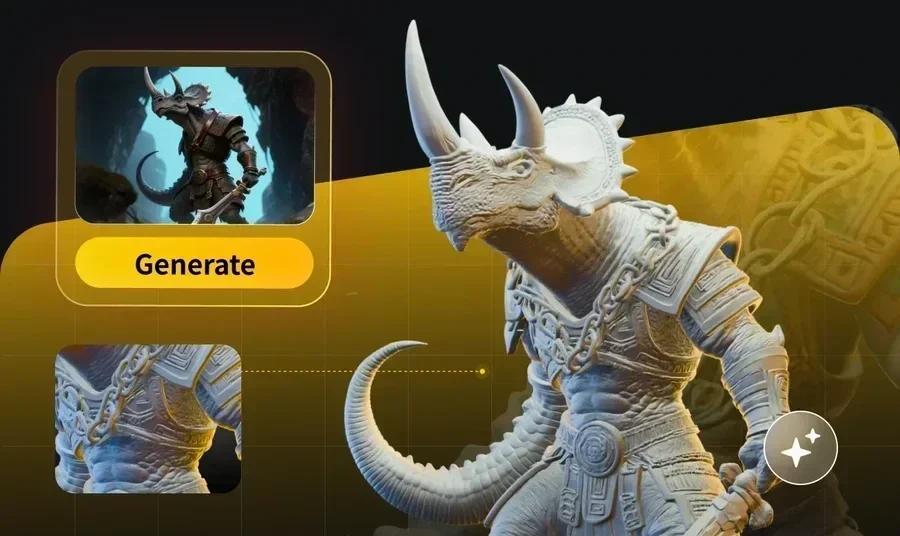
Convert Your Image to 3D Model

Two ways to generate 3D — choose sculpted detail or production-ready geometry.

High Detail Model

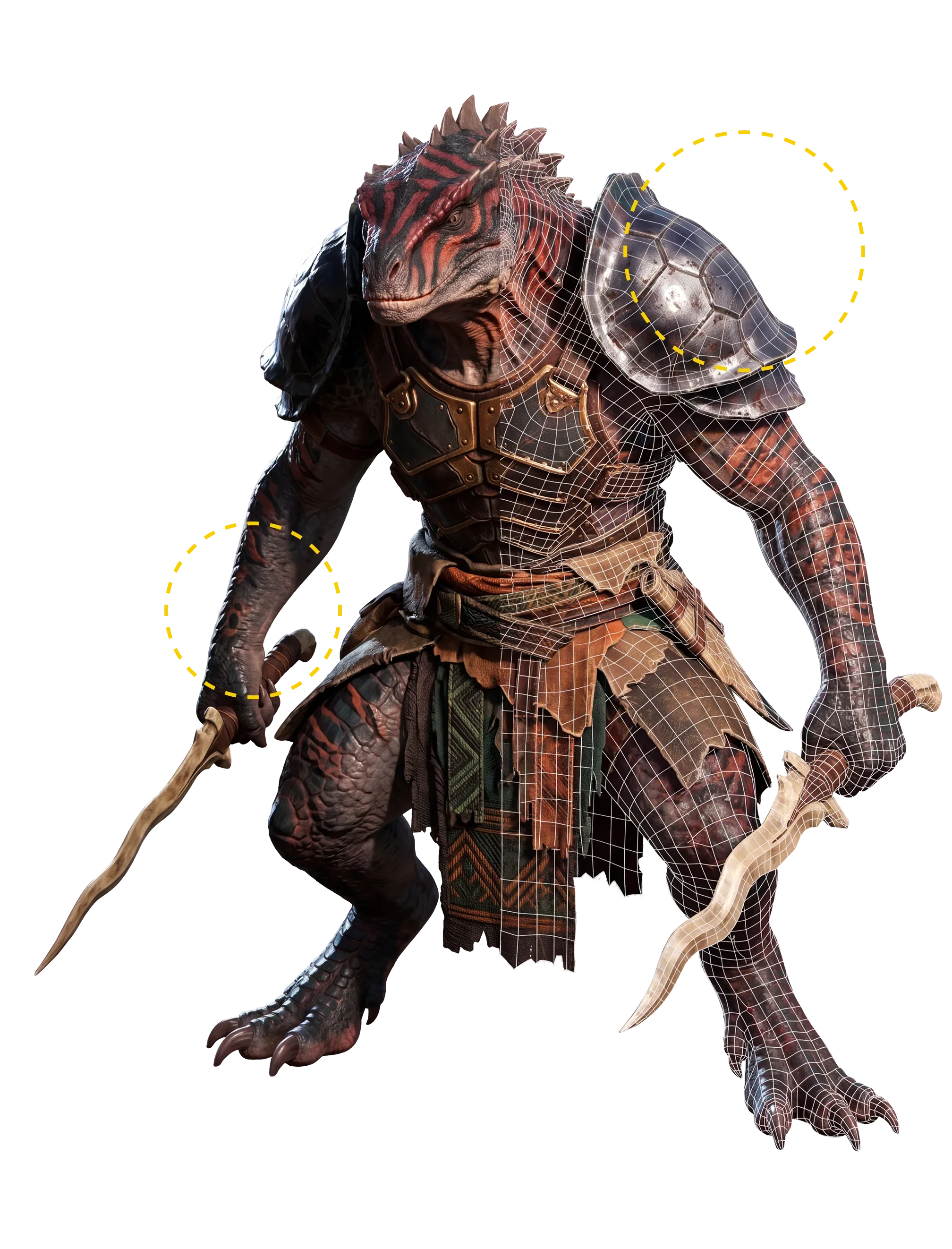
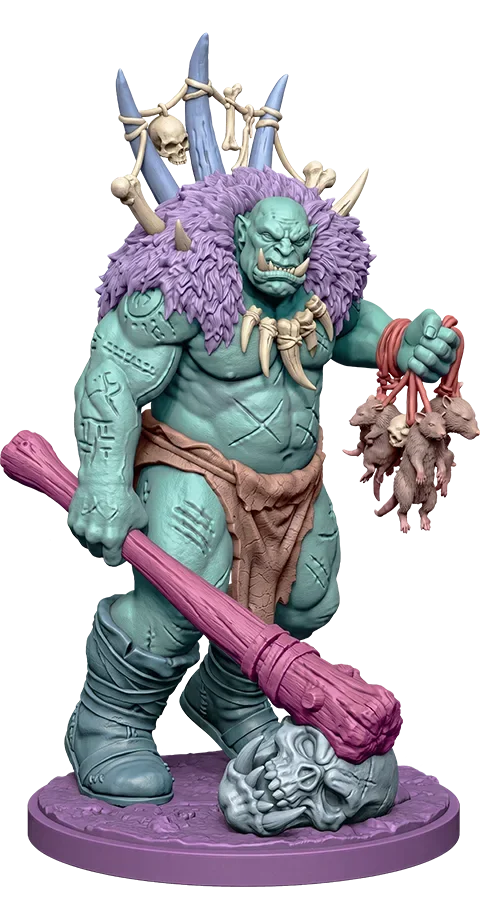
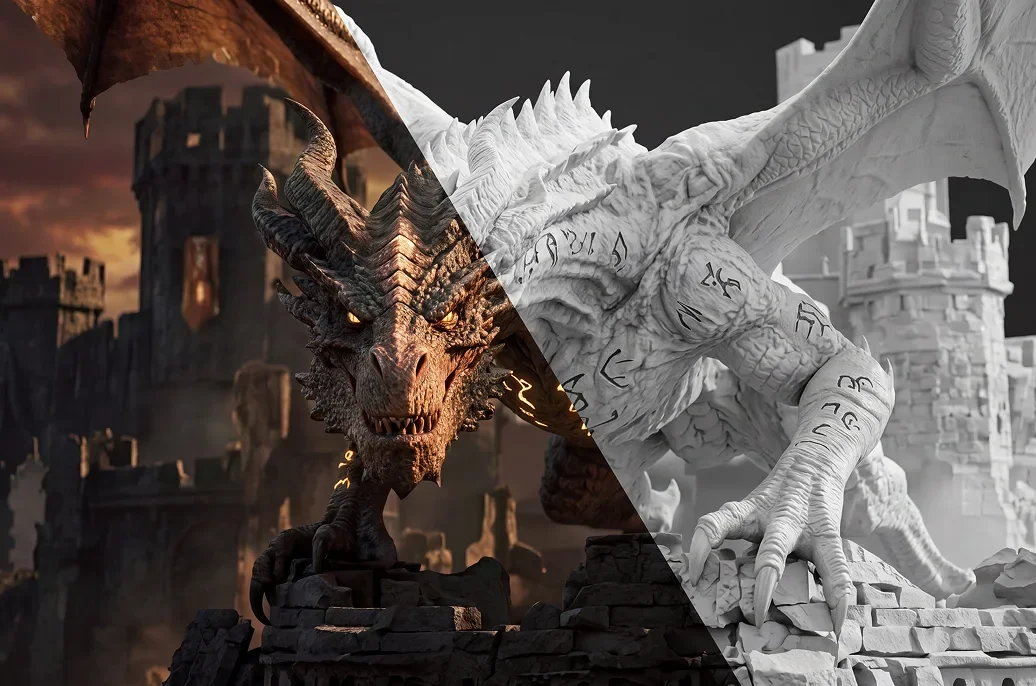
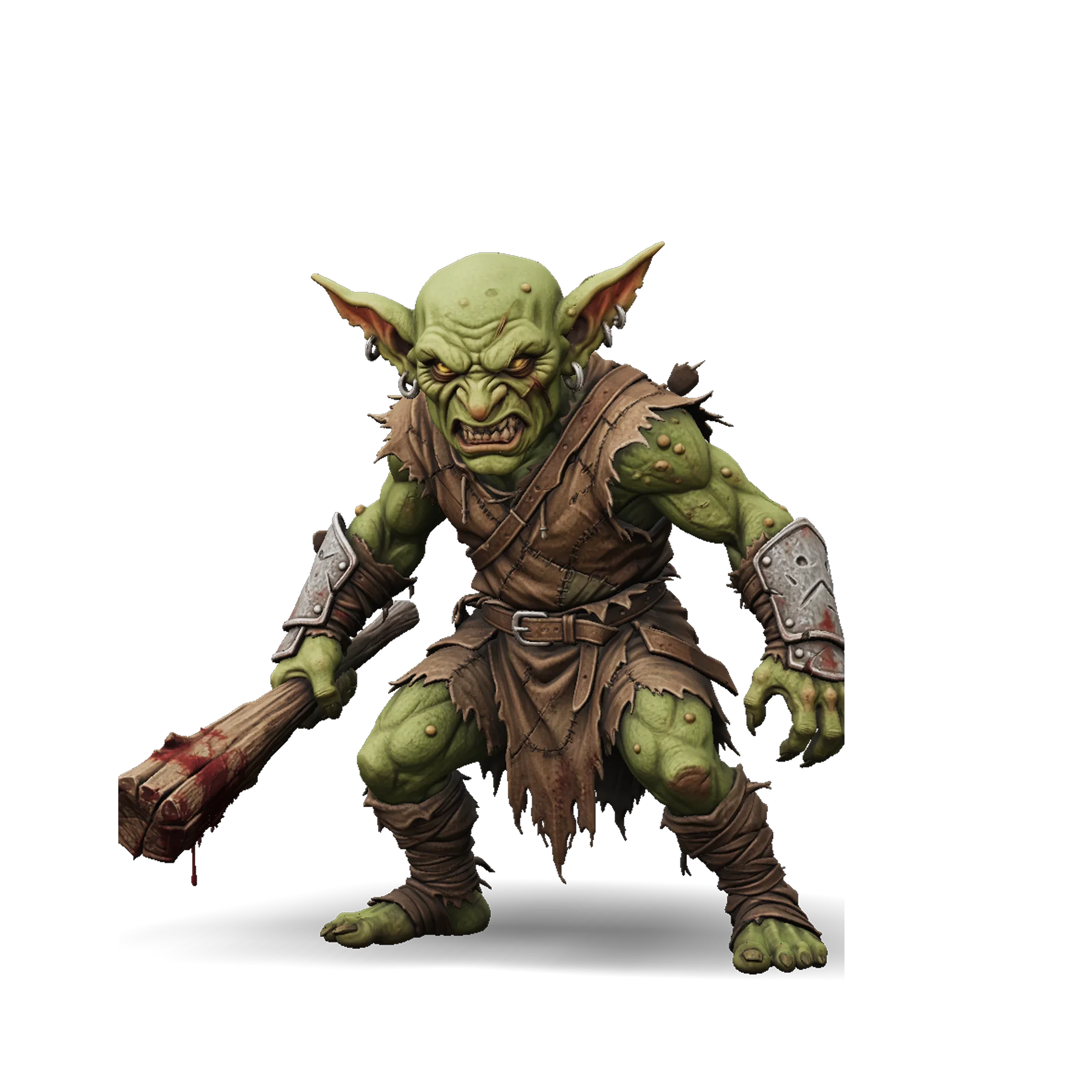
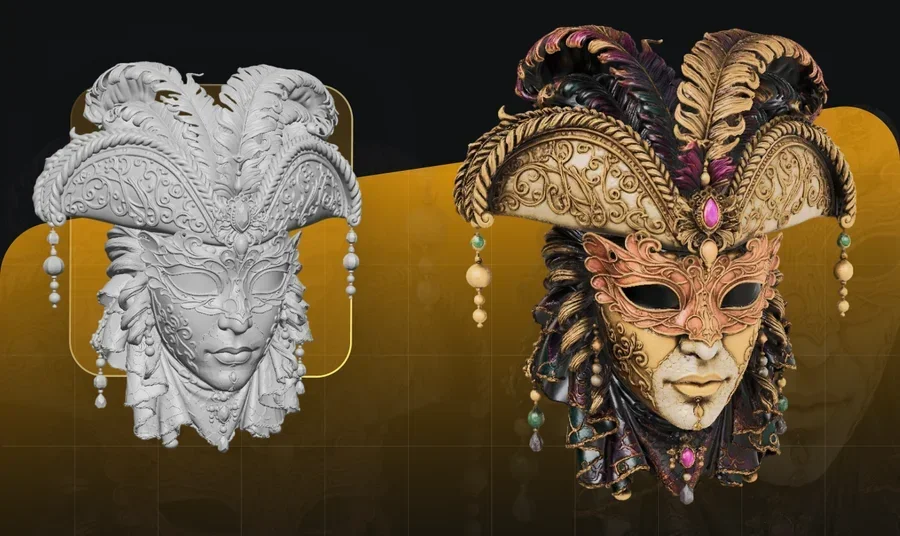
The monster 3D model with rich details generated by Tripo's High Detailed Model.Accurate StructureSharp Surface DetailPerfect Input Alignment

Capture Every Detail

Create high-fidelity 3D models with up to 2M polygons — ideal for rendering, VFX, 3D printing, e-commerce product visuals, and game pipelines that sculpt first and retopologize later.

Try Now

Smart Mesh

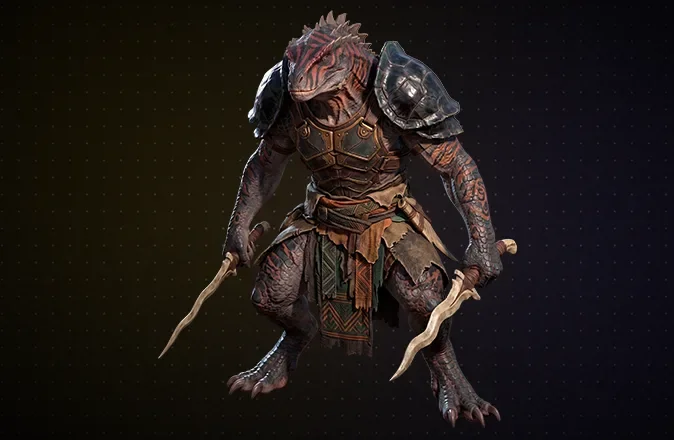
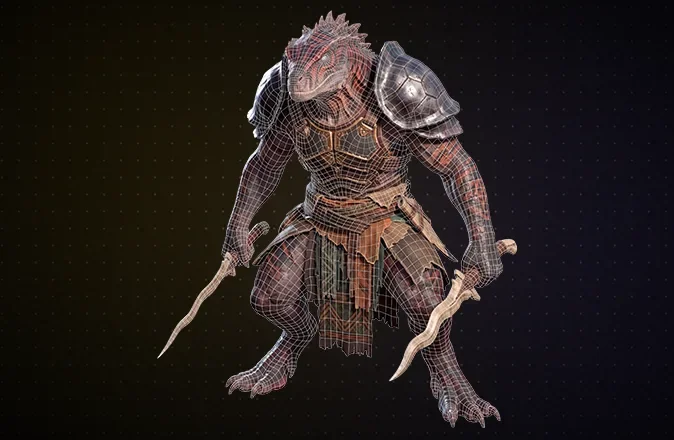
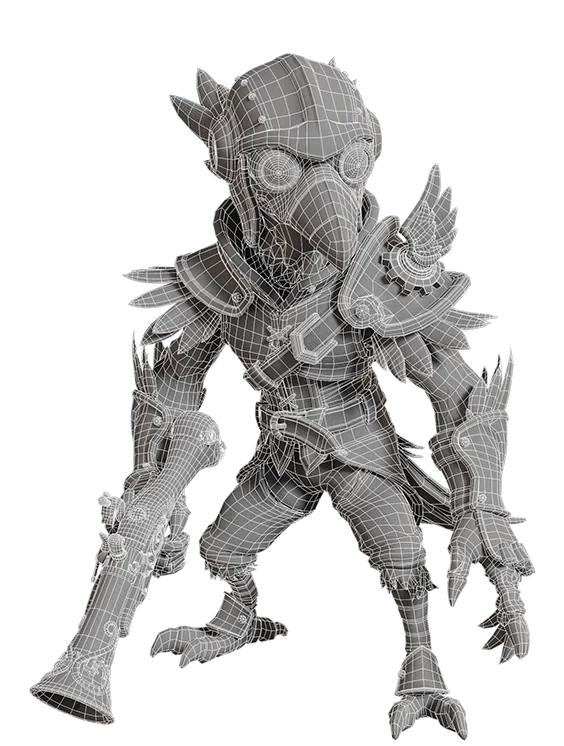
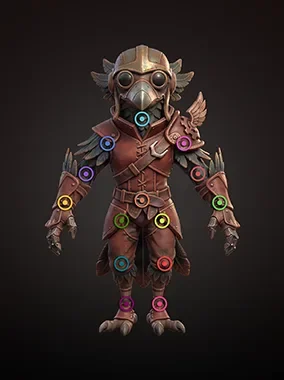
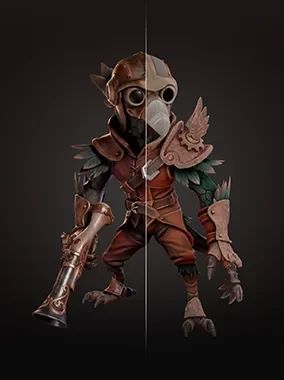
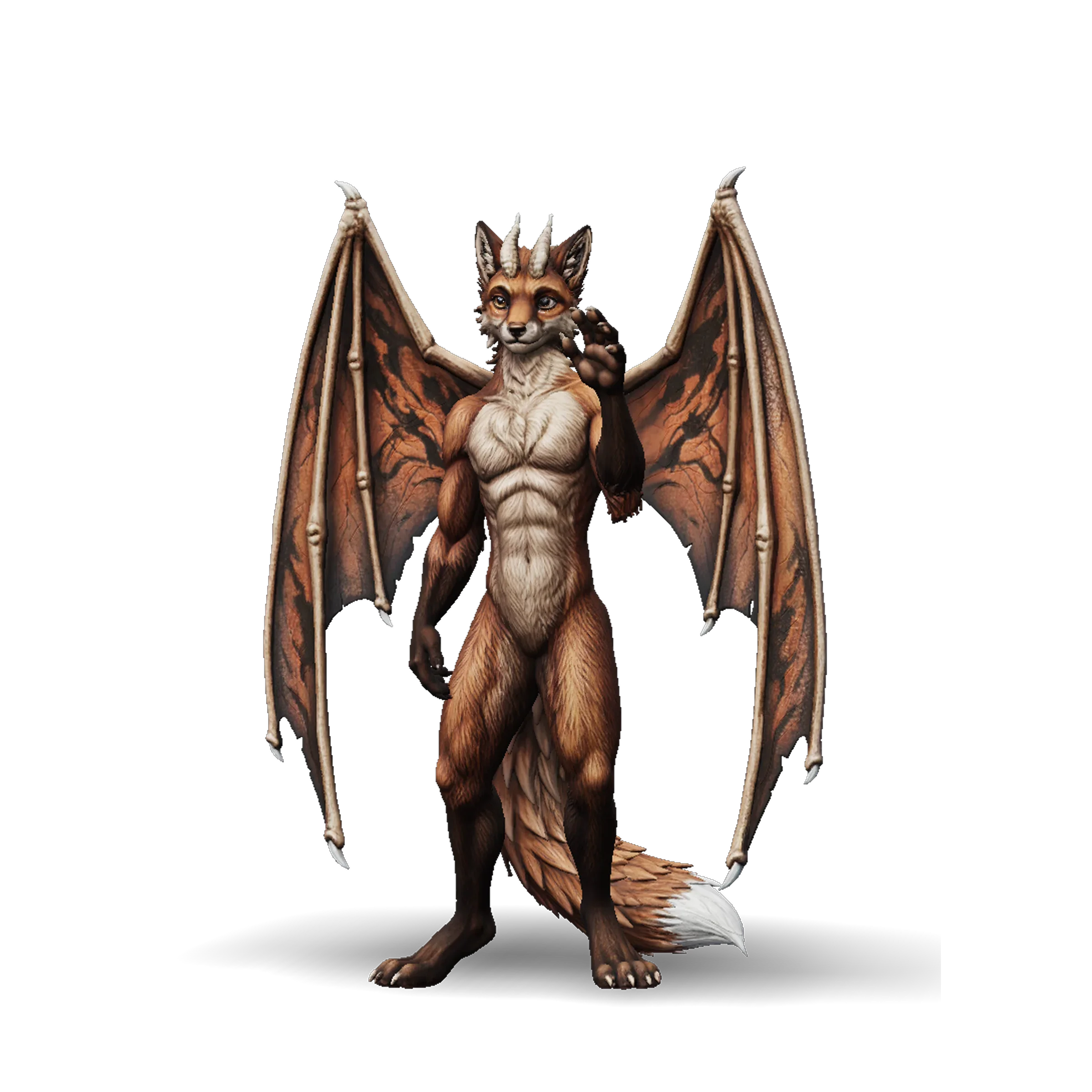
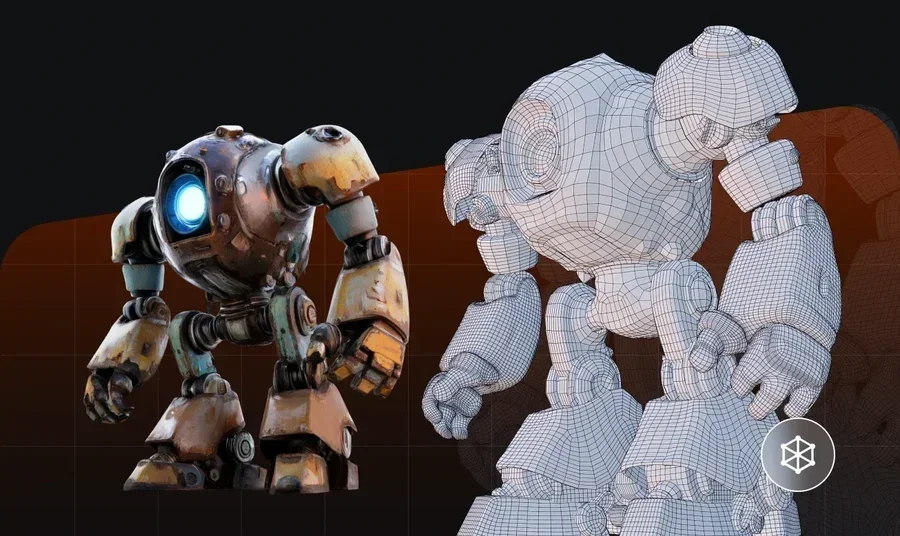
The monster 3D model with clean topology generated by Tripo's Smart Mesh.Native Quad MeshArtist-Quality Edge FlowEngine-Ready

Engine-Ready in Seconds

Generate artist-quality quad meshes from 500 to 25K polygons, optimized for games, animation, and VR/AR/XR — engine-ready with no retopology needed.

Try Now

3D Printing

Turn any image or concept into a detailed, print-ready 3D model — no repairs needed.

Photo or sketch to 3D model

Auto-split into parts that fit print beds

Export clean, slicer-ready mesh

From Concept to 3D Printer

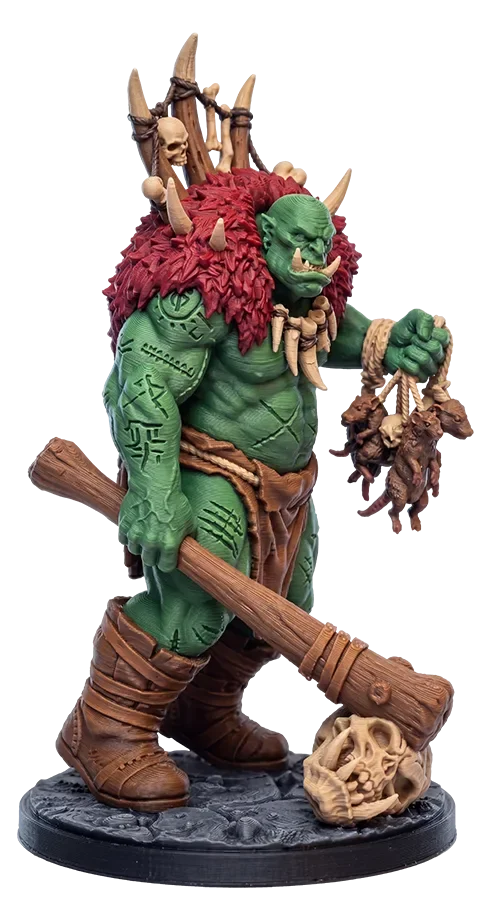
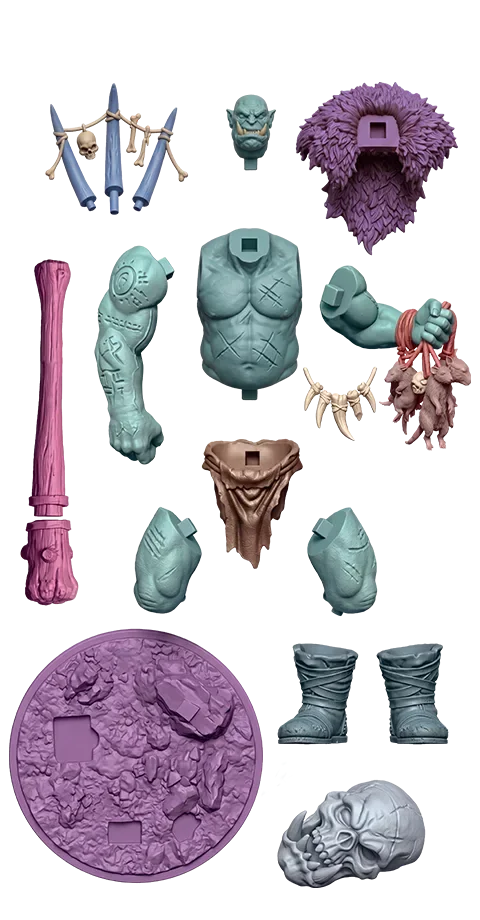
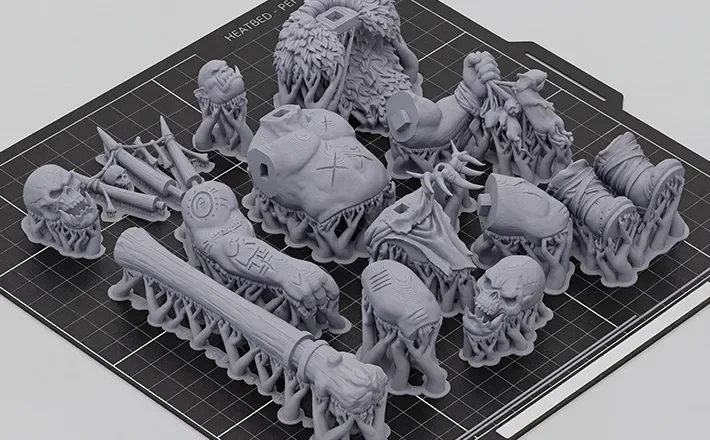
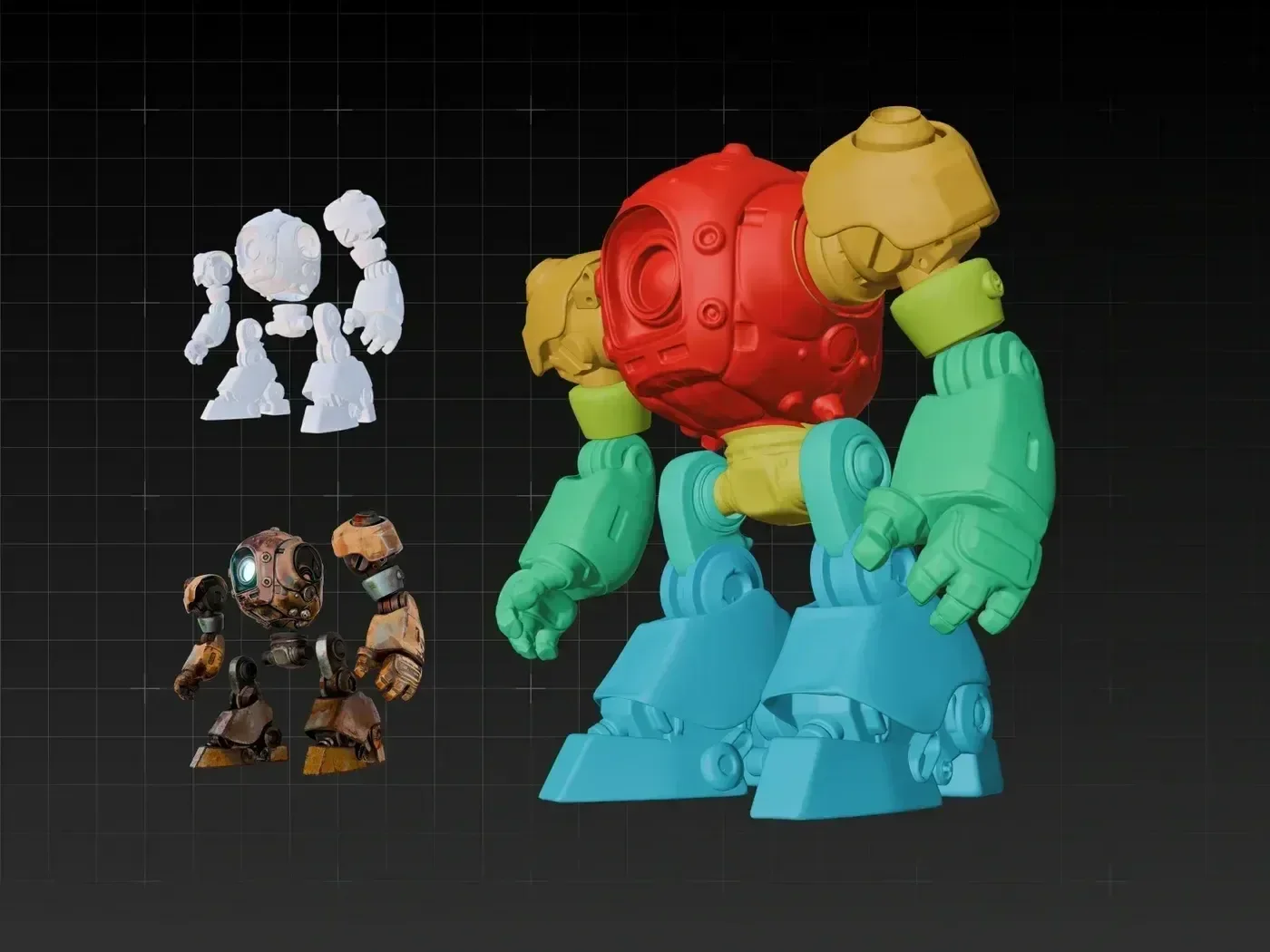
A 3D model is printed by a 3D printer. The model is generated from concept to printable 3D model via Tripo Studio.

Smart segmentation automatically splits larger models into parts sized for your print bed. Export as STL, 3MF, or OBJ — ready to slice, no cleanup required.

Create for 3D Printing

Create 3D Assets for Your Game

From image to game-ready 3D assets, exported in GLB / FBX / OBJ / USD, ready to drop into Unity / Unreal / Cocos / Godot / Roblox. Built for solo indie developers and large studio pipelines alike.

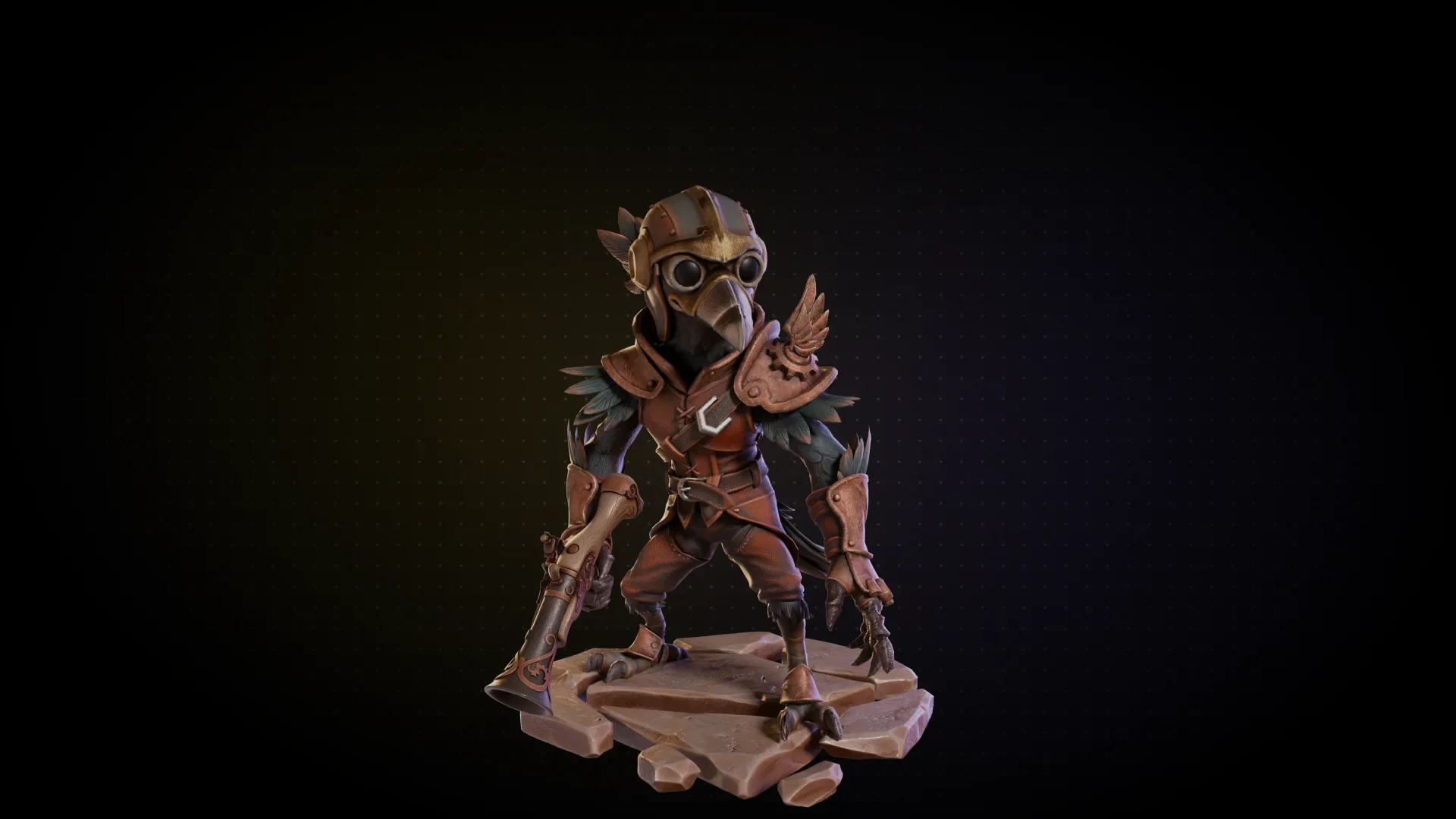
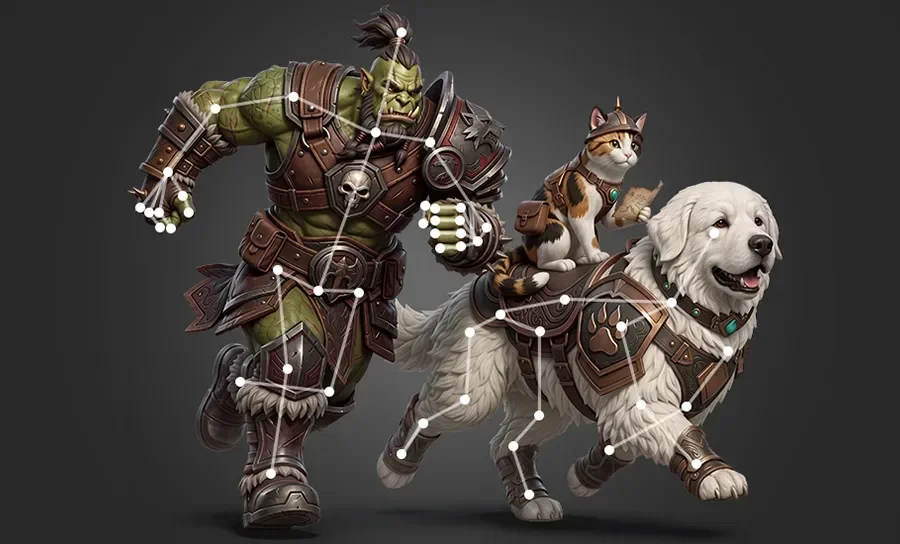
A 3D monster model with low polygons, clean mesh and quad topology

Artist-Level Quad Mesh

Clean quad meshes with precise control from 500 to 25K polygons, generated by Smart Mesh. Optimized topology and edge flow, ready for game production.

A low-poly 3D monster model that is already rigged and animated.

Rig and Animate

Automatically rig characters and creatures with production-ready skeletons for natural movement and animation.

A low-poly 3D monster model with stunning PBR texturing

Texturing

Generate textures that match your art style — full PBR sets (albedo, normal, metallic, roughness) up to 8K for realistic rendering, or clean base-color textures for stylized and hand-painted looks.

More Creative Industries We Build 3D For

Explore how Tripo's AI 3D modeling platform supports every industry. Bring it into your work and start free.

Trusted by 20M+ Creators Worldwide. Created 200M 3D Models with AI.

Lena Fischer3D Designer

The geometry is unbelievably clean. I dropped the model straight into Unreal with zero fixes.

Amelia ZhangIndustrial Designer

I use the image-to-3D feature for our product visualization, and I get accurate shape, consistent lighting, and realistic materials every time.

Noah PatelAR Developer

The Intelligent segmentation keeps everything organized, and makes complex 3D models become simple to edit and reuse.

Iris ColemanCharacter Designer

Auto-rigging works perfectly with my animation pipeline. The results were solid.

Hiro TanakaGame Artist

The AI 3D model generator is incredible. I can turn a single image into a production-ready 3D model for my game scenes.

Jonas Meier3D Printing Engineer

I generated printable 3D models straight from photos, and the watertight meshes are perfect for resin printing.

Emma LaurentVFX Artist

The Text to 3D feature has changed how I prototype characters. I can test ideas right away.

Maya Rivera3D Artist

The Image to 3D Model feature is surprisingly good. I just drop in a photo and get something usable right away.

Alex Romero3D Generalist

The AI 3D model generator saved me hours. Image to 3D actually gives clean topology I can use directly in Blender.

Kevin MüllerGame Environment Artist

I tested multiple image to 3D tools, this one gives the most consistent geometry for game assets.

Sophie NguyenConcept Artist

Text to 3D is perfect for fast prototyping. I can block out characters before modeling anything by hand.

Daniel BrooksTechnical Artist

I import the Image to 3D results straight into Unreal Engine, and most of the time I don't need to touch the mesh.

Marco RossiCharacter Animator

The auto rigging works surprisingly well. It fits right into my animation workflow in Maya.

Priya ShahAR Product Designer

I use AI 3D models for AR demos, and the scale and proportions are consistently accurate.

Tomás SilvaIndie Game Developer

The geometry from image to 3D is clean enough for real-time rendering in Unity.

FAQ

What is Tripo and how does it work?

Tripo is an AI-powered 3D model generator that creates high-quality 3D models from text descriptions or images in seconds. Simply type a prompt or upload a photo, and our AI generates a fully textured 3D model you can download and use immediately.

Is Tripo free to use?

Yes! Tripo offers a free tier that lets you generate 3D models without any cost. You can create models with text-to-3D and image-to-3D features for free.

How do I turn an image into a 3D model?

Upload any image — a photo, sketch, or concept art — and Tripo's AI will generate a 3D model that matches your reference. Single images work great, and multi-view images can produce even more accurate results. No 3D modeling experience needed.

What file formats can I export?

Tripo supports all major 3D formats including GLB / FBX / OBJ / USD. This makes it easy to import your models into any 3D software like Blender, Unity, Unreal Engine, or send directly to a 3D printer.

Can I 3D print models generated by Tripo?
Yes. Export your model as STL, and it's ready for slicing. Our models work with all major slicer software and FDM/SLA printers.
Are the generated models suitable for game development?

Yes. Tripo generates models with artist-level quad mesh that can be directly imported into Unity, Unreal Engine, and other game engines. Our models support industry-standard polygon counts and UV mapping for real-time rendering.

Can I use Tripo-generated models for commercial projects?

Yes, models generated using Tripo AI are generally available for commercial use. For the full terms of service, you can visit https://www.tripo3d.ai/terms

Do I need to install any software?

No installation required. Tripo works entirely in your browser — just visit our website, enter a prompt or upload an image, and generate 3D models instantly. We also offer an API for developers who want to integrate 3D generation into their own workflows.

Explore More

Start Creating Your First 3D Model Online

No steep learning curve. Turns your idea into a 3D model in under a minute.

Start for Free