Free Online GLB Converter for 3D Model Files
Convert OBJ, FBX, STL, 3MF, PLY, USDZ, and other supported 3D model files to GLB in your browser. Download the asset, then inspect materials, textures, scale, and animation in its target viewer.

What This GLB Converter Does

Common 3D model inputs
Common 3D model inputs
- Convert supported 3D model files—including 3MF, FBX, glTF, OBJ, PLY, STL, USDZ, and VOX—to a GLB asset for downstream delivery.

Browser-based model conversion
Browser-based model conversion
- The GLB converter processes supported model files in a browser worker, with no desktop converter installation or model upload required.

A practical delivery container
A practical delivery container
- GLB can bundle scene data, binary buffers, and images into one portable container, making it useful for web, AR, and real-time delivery.

Check the exported asset
Check the exported asset
- Inspect geometry, scale, materials, textures, skinning, and animation in the target viewer because format conversion cannot guarantee every source feature will transfer.
When Should You Convert a 3D File to GLB?
GLB is the binary container form of glTF. It is designed for efficient runtime delivery and can package scene data, buffers, and images together, but it does not preserve authoring-tool history.
Convert to GLB when

- Convert to GLB when a web viewer, product preview, AR experience, or game pipeline needs a portable runtime asset.

- Use GLB when packaging the glTF scene description and binary resources into one file simplifies delivery.
Keep the source file when
- Keep the source format when you need editable authoring data, modifiers, constraints, or application-specific scene settings.
- Retain the source model when exact material, texture, rig, or animation transfer matters; conversion can only map supported data.
How to Use the GLB File Converter
Choose a supported 3D model, convert it to GLB locally, then inspect the result in the viewer or application that will deliver it.
Upload a 3D model file
Choose a supported source format such as OBJ, FBX, STL, 3MF, PLY, USDZ, glTF, or VOX.
Convert the model to GLB
GLB stays locked as the output while the browser worker performs the model conversion.
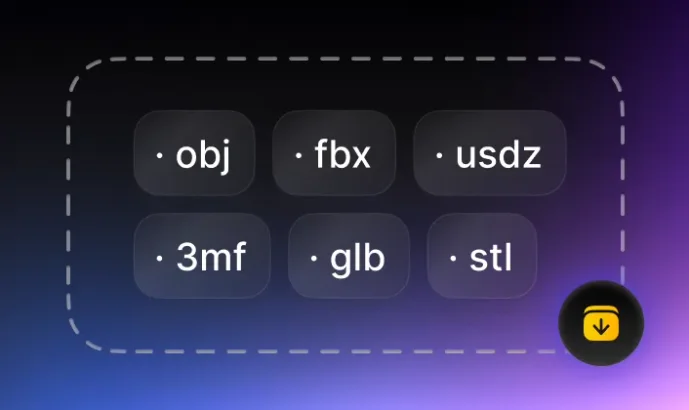
Download and check the result
Open the GLB in its target viewer and verify geometry, scale, materials, textures, and animation before publishing.
GLB File Converters by Source Format
Choose a supported source format below, return to the complete 3D converter hub, or inspect an existing asset with the GLB viewer.