





TL;DR:Tripo 支援可投入生產的 3D 工作流程,而非僅止於基礎原型製作
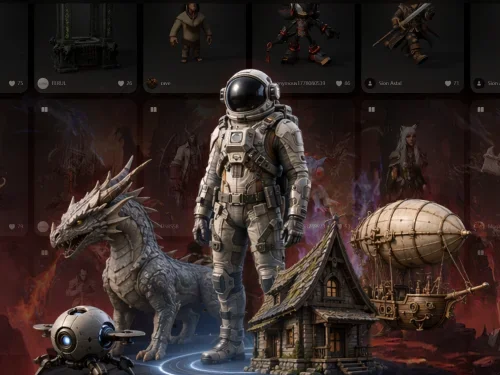
Tripo 將圖片轉 3D、文字轉 3D、Smart Mesh、HD 模型生成、8K 貼圖工作流程、影像前處理、DCC 橋接和 3D 列印支援整合到面向生產的 AI 3D 工作流程中,為創作者和團隊設計。

如果您的工作流程依賴乾淨拓撲、可投入生產的幾何結構、更高的貼圖保真度、快速迭代,以及適用於遊戲和即時應用的 Smart Mesh 低多邊形生成,請選擇 Tripo——支援 Blender、Maya、Unity、Unreal Engine、Godot、Cocos、Bambu Studio、Cura 等更多。
✓
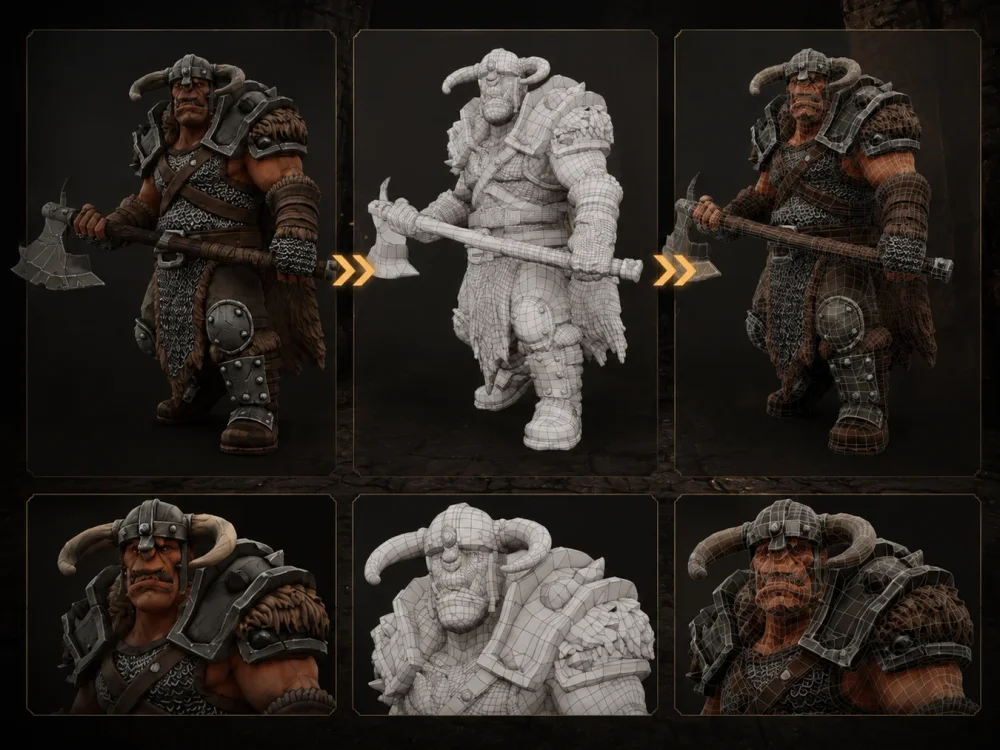
Smart Mesh 在數秒內為遊戲就緒和即時工作流程生成乾淨的低多邊形拓撲。
✓
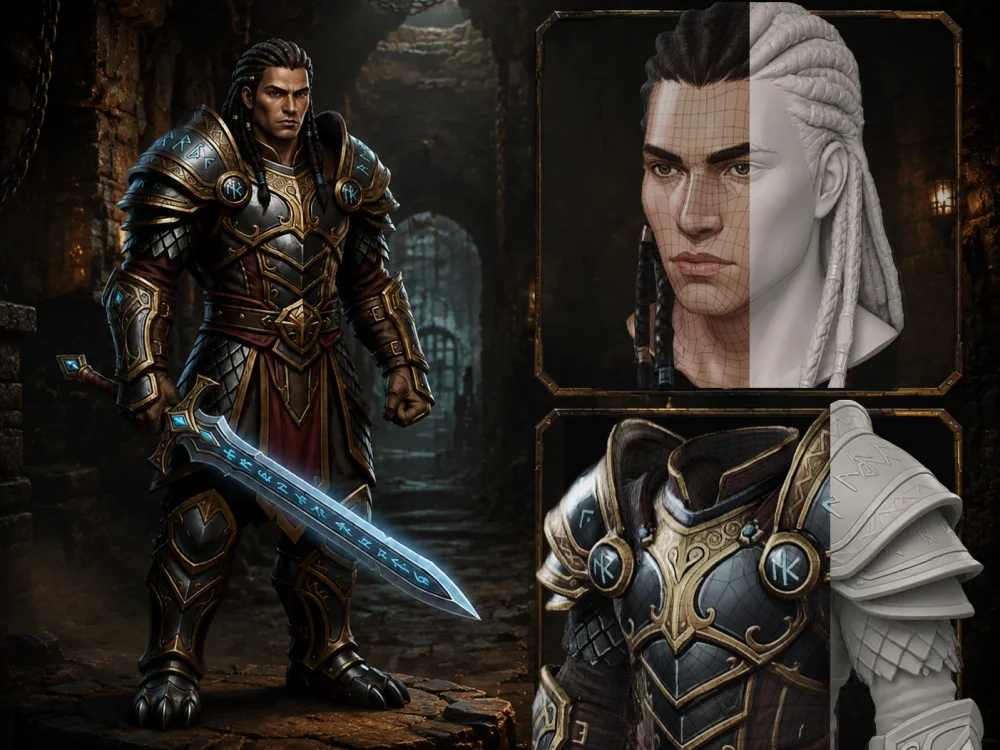
HD Model H3.1 還原更強的結構保真度、更銳利的表面和更乾淨的幾何結構。
✓
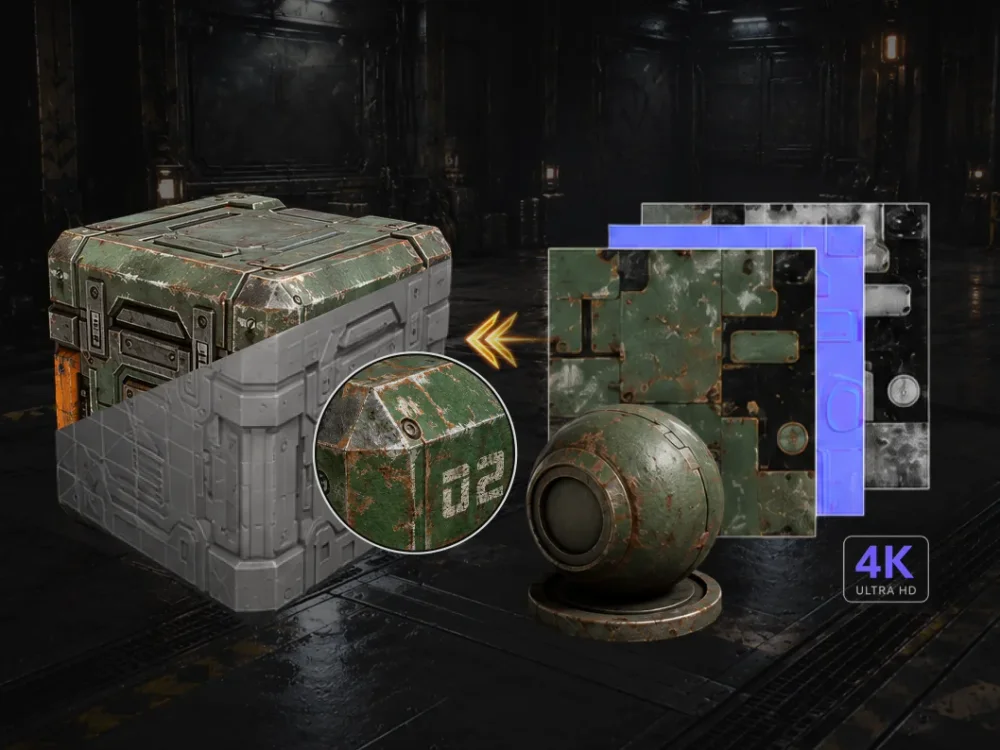
8K 貼圖工作流程提供更強的視覺保真度和可投入生產的貼圖還原。
✓
內建模型分割、骨架綁定、動畫和專業精修支援,減少手動清理。
✓
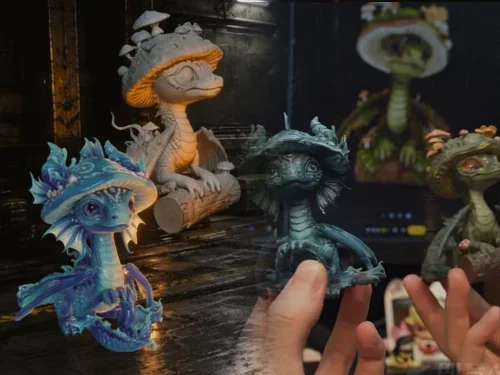
一鍵 3D 列印工作流程支援 STL/3MF 匯出、交付和配送。
✓
DCC 橋接簡化跨 Blender、Maya、Unity、Unreal Engine、Godot、Cocos 等更多的資產傳輸。


如果您的主要關注點是基本的 AI 3D 生成和輕量創意實驗工作流程,請選擇 Hyper3D。
✕
支援基本的圖片轉 3D 和文字轉 3D 創建,但複雜結構還原較為有限。
✕
無相應的 Smart Mesh 工作流程用於自動低多邊形拓撲生成。
✕
高細節生成品質在複雜結構上仍不穩定。
✕
AI 貼圖可用,但貼圖細節和可讀性可能較為有限。
✕
無內建骨架綁定或動畫工作流程用於可投入生產的角色資產。
✕
模型分割需要更多操作和更長的等待時間。
✕
無整合的 3D 列印工作流程或專業精修式的專業最佳化支援。
各平台實際得分比較。
十四項能力,由我們的團隊使用固定基準提示集以 0-5 分制評分。分數越高越好。
功能

SCORE

SCORE
圖片轉 3D
提供高保真圖片轉 3D 生成,具備更強的幾何重建、更好的形狀一致性,以及整合的 3D 前影像準備工作流程,產出可投入生產的資產。
TOP5/5
支援圖片轉 3D 創建,但在處理複雜參考時,模型細節和結構還原較為有限。
3/5
文字轉 3D
從文字提示建立 AI 3D 資產,具備靈活的風格控制和針對下游生產最佳化的工作流程。
4.5/5
支援文字轉 3D 創建,適用於基本原型製作工作流程。
3.5/5
Smart Mesh P1.0
在數秒內生成乾淨的低多邊形拓撲,幫助創作者更快進入可用於遊戲和即時工作流程,使用更可用的網格。
TOP5/5
目前不提供相應的 Smart Mesh 工作流程用於自動低多邊形拓撲生成。
HD Model H3.1
在高細節資產和複雜形態中還原更銳利的表面、更強的結構保真度和更乾淨的幾何結構。
TOP5/5
高細節生成品質在複雜結構上仍然有限。
2.5/5
貼圖品質
提供高解析度貼圖工作流程,具備更強的視覺保真度和更多可投入生產的貼圖還原。
TOP5/5
包含 AI 貼圖功能,但貼圖細節和可讀性相對較為有限。
4/5
骨架綁定
支援高多邊形和低多邊形資產的骨架綁定工作流程,包括雙足、四足和生物類模型。
3/5
目前不包含內建骨架綁定工作流程。
動畫
支援雙足和四足角色的動畫工作流程。
3/5
目前不提供動畫工作流程。
3D 前影像最佳化
包含內建 AI 影像準備模板,由 GPT Image 2、Nano Banana 2 和相關工作流程驅動,提升生成一致性。
TOP5/5
基本影像模板和有限的影像編輯工作流程。
3.5/5
模型分割
支援精確的模型分割,具備可編輯的零件分割和多種品質選項。
TOP5/5
需要多次操作和較長的等待時間。
2/5
生成速度
最佳化 Smart Mesh 和 HD 工作流程,實現更快的生產迭代和更乾淨的可用輸出,減少手動清理。
TOP5/5
某些生成步驟在更複雜的資產創建中可能需要更長時間。
2/5
外掛生態系統
簡化跨 Blender、Maya、Unity、Unreal Engine、Godot、Cocos 和相關生產管線的資產傳輸工作流程。
TOP5/5
為常見 DCC 和引擎平台提供整合工作流程。
5/5
3D 列印服務
在 Tripo Studio 中生成模型,透過一鍵工作流程直接進入 3D 列印,由整合的交付支援提供保障。
4.5/5
不提供整合的 3D 列印工作流程。
專業精修
支援專業修復和最佳化,提升可投入生產的模型品質。
TOP5/5
無相應的專業精修工作流程。
每個模型成本
每個模型約 $0.17
每個模型約 $0.50
價格方案
價格方案
方案結構
Free / Pro / Max / Team / Enterprise
Free / Creator / Business / Enterprise
免費方案
$0 / 月
$0 / 月
入門方案
Pro — $19.9 / 月 · 最多 120 個資產
Creator — $30 / 月 · 最多 60 個資產
高量方案
Max — $89.9 / 月 · 最多 1,000 個資產
Business — $120 / 月 · 最多 416 個資產
團隊方案
可用
可用
並行任務
最多 200 個
-
圖像模型
Nano Banana, Nano Banana Pro, Nano Banana 2, GPT Image 2, Midjourney 等更多
Seedream 4.5, Seedream 5.0 lite, Nano Banana 2, GPT Image 2
商用授權
免費:CC BY 4.0
付費:私人模型,明確的商用權利
付費:不限用途
評價與信任
評價與信任
G2 評分
4.8/5
—
Trustpilot 評分
4.9/5Winner
3.2/5
Product Hunt
每日最佳產品 #1
—
技術支援
以 CVPR、SIGGRAPH 和 ICCV 同行評審研究為後盾
—
專業 AI 3D 評估

支持率
71.3%的 3D 藝術家偏好 Tripo 而非其他 AI 3D 工具。
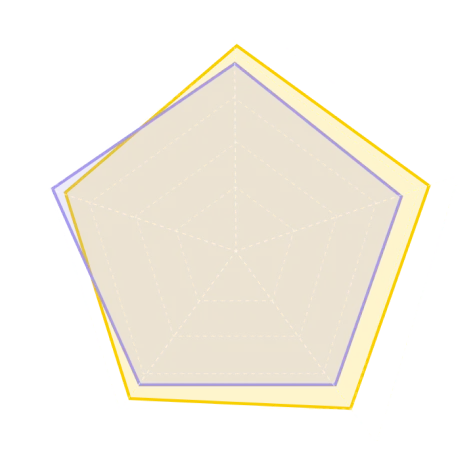
HD Mesh(4.1 vs 4.0)
Low-Poly Mesh(4.1 vs 3.9)
Texture(4.0 vs 3.8)
Texture PBR(3.8 vs 3.7)
Parts(3.6 vs 4.0)
TripoHyper3D
資料參考自 top3d.ai,一個專注於 AI 3D 模型評估的平台。↗
為什麼 3D 使用者偏好 Tripo 而非 Hyper3D
AI 3D 生成只是工作流程的開始。創作者仍需要精修拓撲、編輯資產、為骨架綁定和動畫做準備、匯出到生產工具,以及為遊戲或 3D 列印進行最佳化。Tripo 旨在支援從生成到部署的完整生產管線。
評價

ProductHunt1.4k followers
每日最佳產品 #1

G2175 reviews
4.8/5

Trustpilot679 reviews
4.9/5

Top3d.ai62 ratings
4.1/5
獎項



使用者回饋

Hiếu Đỗ QuangMechanical Design Engineer | 中小企業
"What I appreciate most is the speed and efficiency it brings to the early stages of design. Being able to go from a text prompt or an image to a printable mesh in seconds is a massive advantage. It allows me to bypass the tedious hours of basic block-out modeling and jump straight into refining and slicing. Even with the current limitations in human modeling, the AI's ability to interpret complex organic shapes is a huge time-saver for any rapid prototyping project."

Dan K.中小企業
"I really appreciate the speed, accuracy, and ease of use of Tripo Studio, especially for the professional subscription price. The ability to get from idea to visualization faster without interrupting my development workflow is a big plus for me. The integrations with Blender and Godot are the cherry on top, allowing me to pull in models quickly and stay on task, which is invaluable since I'm primarily a programmer. I also love how quick the initial setup was; it took less than a minute to create my first mesh and just a couple of minutes to get the Blender and Godot plugins working."

Sovant M.Gerente de produção | 中小企業
"I use Tripo Studio to generate 3D models for a commercial game, and I find the generated models excellent. It is fast in generating 3D models and produces detailed and accurate models. Additionally, the initial setup was easy and quick, and the interface is intuitive. I also decided to switch it for a Tencent model, as the paid version of Tripo Studio proved to be superior."
Francisco C.Arquitecto | 中小企業
"I appreciate Tripo Studio's Free Mode as it's very useful and makes well-done models from initial renders or sketches. Since I can draw faster than I sculpt, it's a godsend. It's incredibly powerful for how inexpensive it is; the free mode is super good, allowing up to 1.5 million polygons, which is insanely detailed and speeds up my workflow. The app is very comfortable to use, and the check-in rewards are fair. Even though I don't subscribe due to economic reasons, these features are really helpful. I've tried other modeling tools like Meshy, but Tripo Studio is on a whole different level."
相關文章
Tripo Smart Mesh P1.0 在數秒內建立最佳化的低多邊形拓撲
Smart Mesh P1.0 快速建構乾淨、結構化的拓撲,用於為遊戲引擎、瀏覽器體驗和即時生產工作流程設計的輕量 3D 資產。
Tripo DCC Bridge for Blender 入門指南
設定適用於 Blender(4.1+)的 Tripo DCC Bridge,透過精簡的一鍵工作流程即時將資產從 Tripo Studio 傳輸到 Blender——無需手動下載或匯入。
Tripo 透過 GPT Image 2 增強 AI 3D 管線
Tripo 整合 GPT Image 2 以改進文字轉圖片轉 3D 工作流程,幫助創作者以更少的步驟將概念轉化為更可用、可投入生產的 3D 資產。