





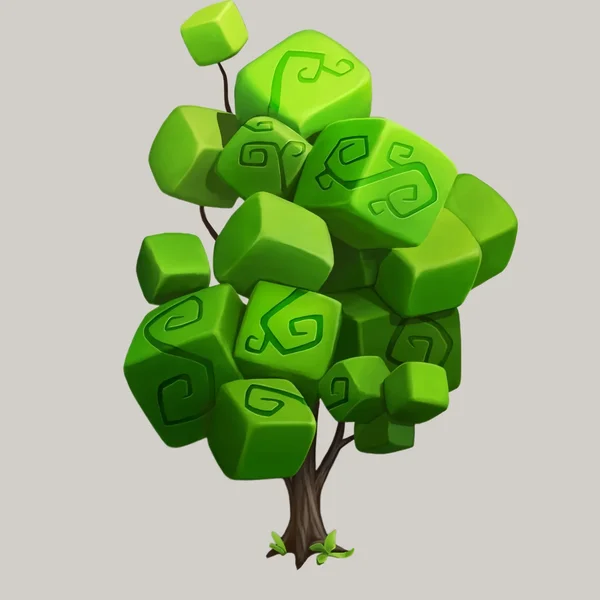
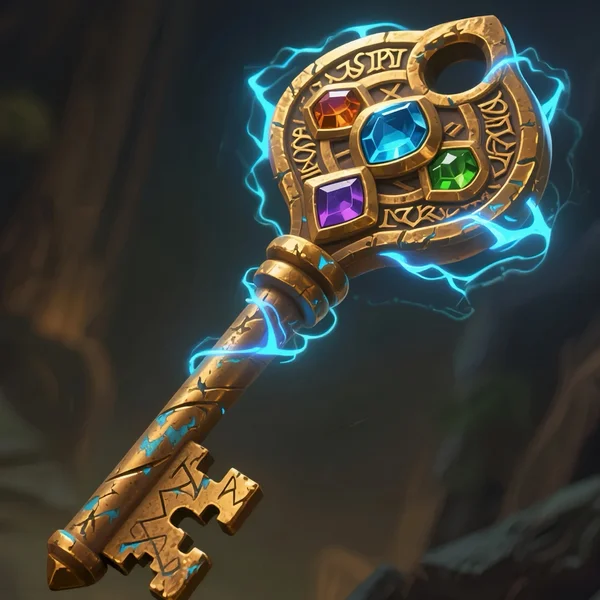
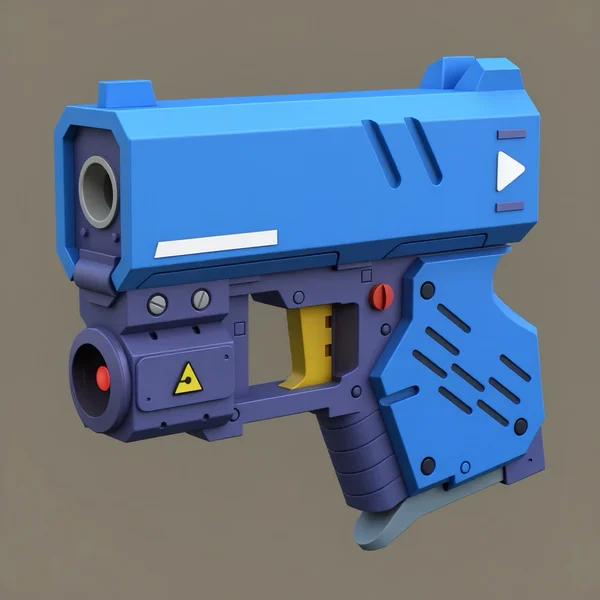
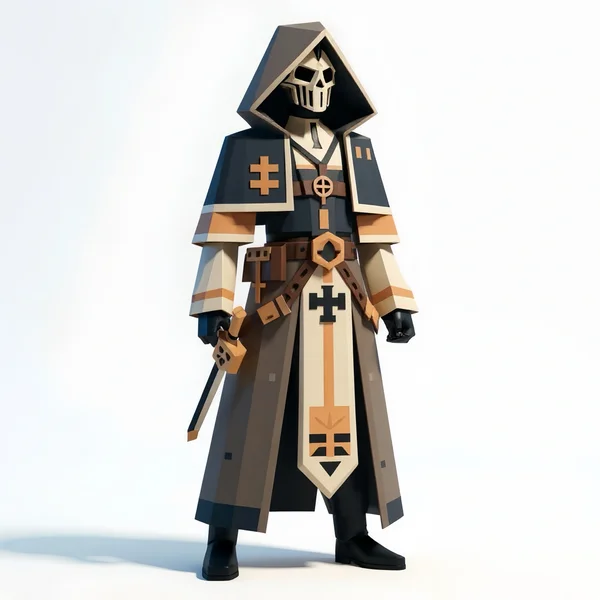

從原始模型到創意風格

以 Lego、Voxel 或 Voronoi 重新想像你的模型——快速、有趣且靈活。

Partner LogoPartner LogoPartner LogoPartner LogoPartner LogoPartner LogoPartner LogoPartner LogoPartner LogoPartner LogoPartner LogoPartner LogoPartner LogoPartner LogoPartner LogoPartner LogoPartner LogoPartner Logo
1

我們精彩的案例

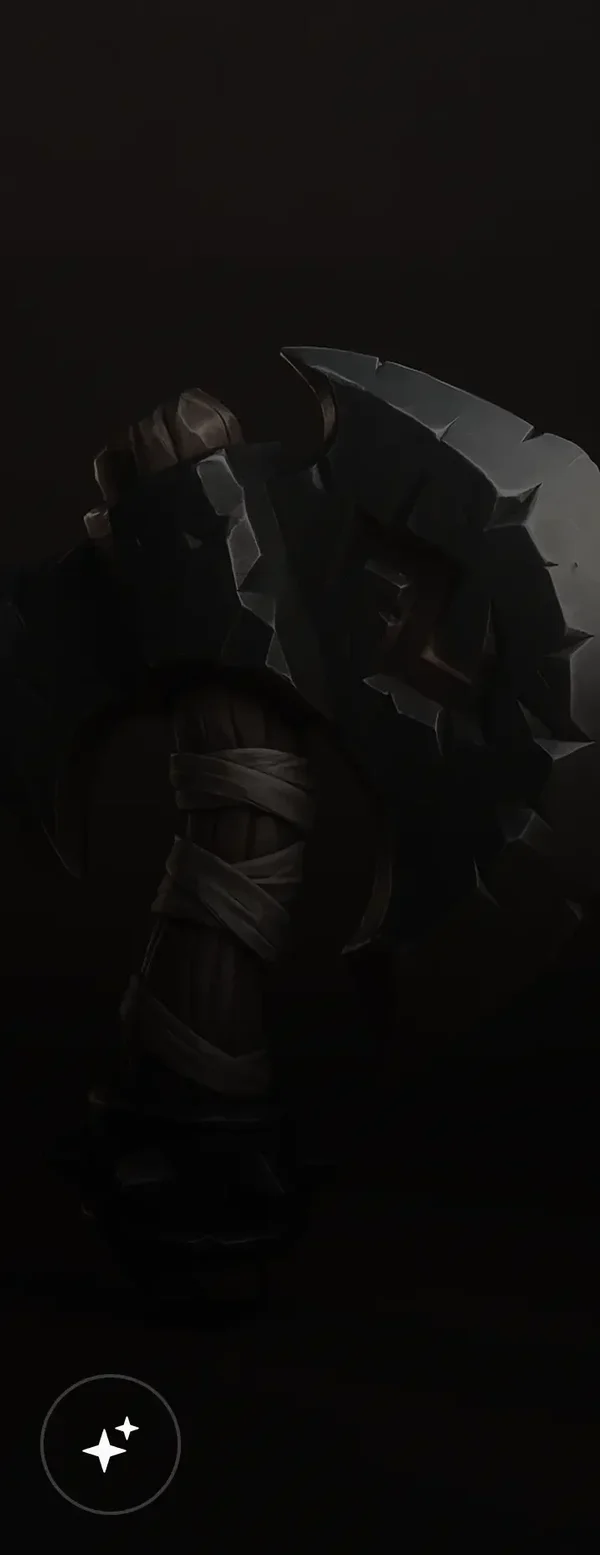
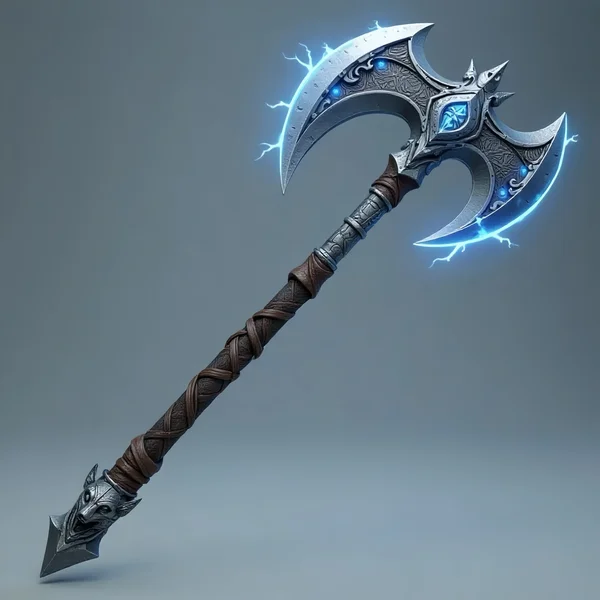
Skyrend Axe of the Stormhowl Clan, a giant double-bladed weapon of steel and dragonbone, lightning runes, electric arcs, leather grip, wolf-head motif.
Silent armored executioner with glowing chest sigils, helmet releasing smoke veil, floating slightly above ground, wielding twin-chain blades.
Techno-organic mech suit with globe head, cracked golden shell, exposed gears and mechanical parts in a complex futuristic industrial design.
Green-yellow robotic mantis with articulated limbs, intricate components, and a detailed mechanical design blending insect form with robotics.
Mechanical fish sculpture made of intricate metal components, gears, and industrial parts.
Intricate 3D model of a dilapidated multi-story urban structure, decaying buildings, overgrown vegetation, and a rusted vehicle, evoking abandonment.
2

可直接納入 Pipeline 的 AI 風格化

1

Lego 風格

將你的 3D 模型變成充滿趣味、 以積木為基礎的 Lego 版本——非常適合遊戲或概念藝術。
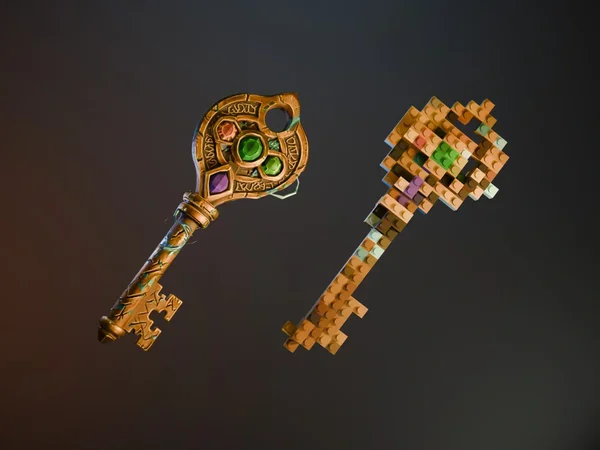
AI Case 1
2

Voxel 風格

將資產轉換為復古 voxel art, 非常適合受像素啟發的遊戲或風格化設計。
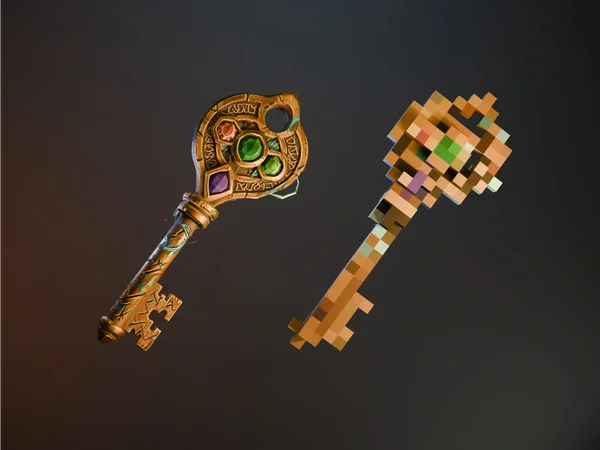
AI Case 2
3

Voronoi 風格

套用自然有機的 Voronoi 圖樣,打造未來感、 抽象且富有藝術性的 3D 效果。
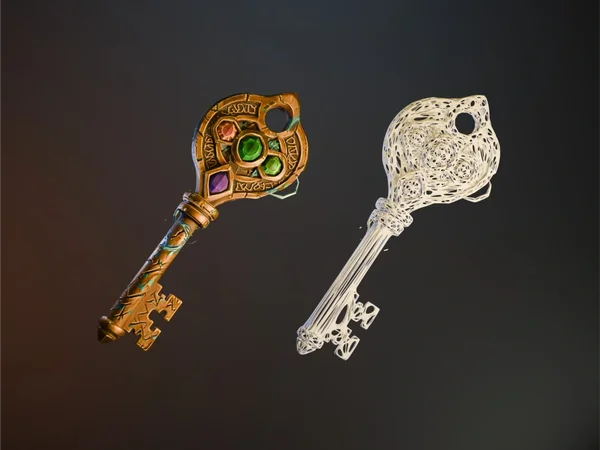
AI Case 3
3

將 3D 模型轉換成 Lego、Voxel 或 Voronoi 風格

3

如何在 Tripo 中將模型風格化

生成

在幾秒內從文字或圖片生成你的 3D 模型。
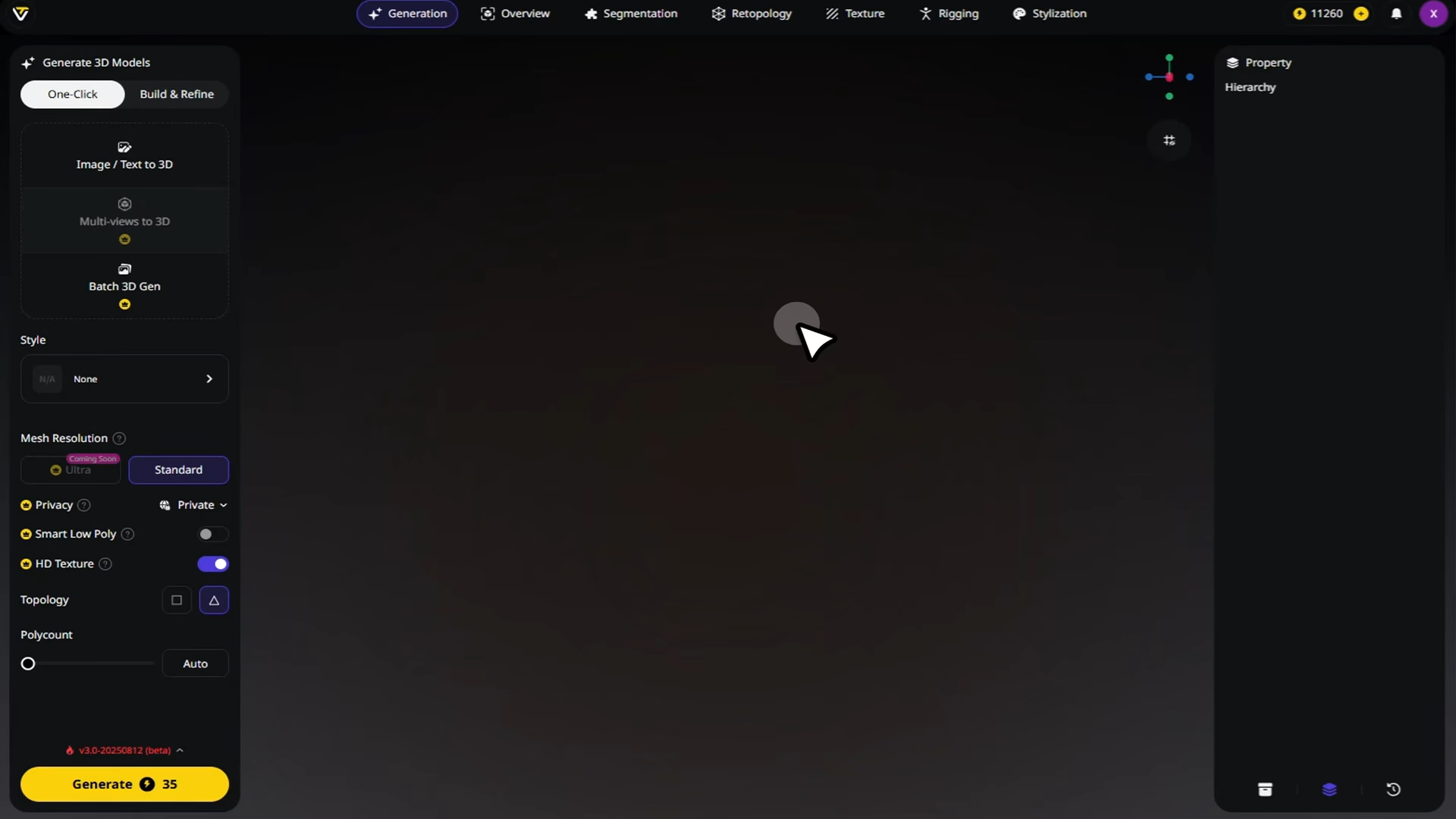
風格化

選擇 Lego、Voxel 或 Voronoi,Tripo 會立即將你的模型轉換為所選風格。
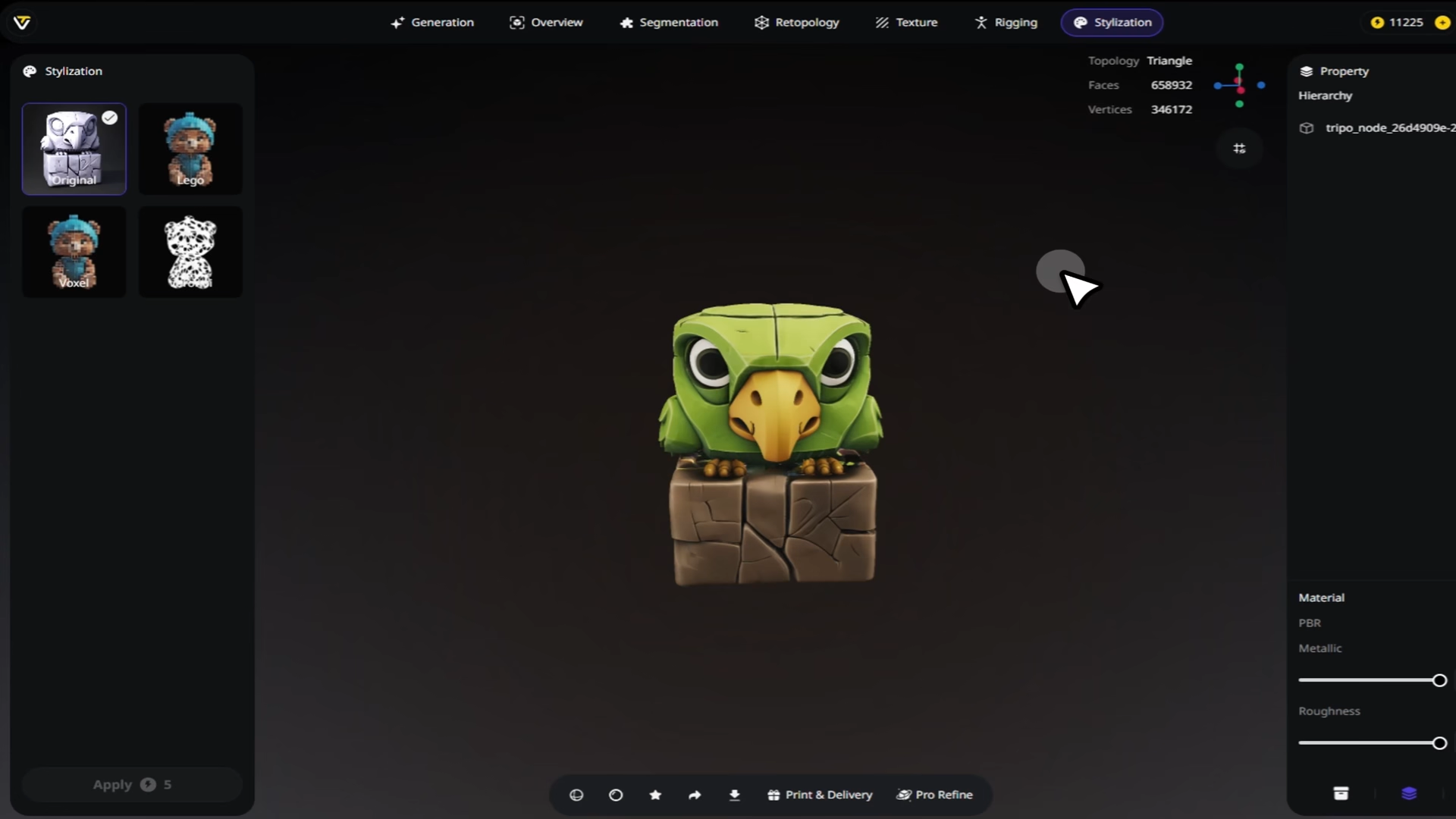
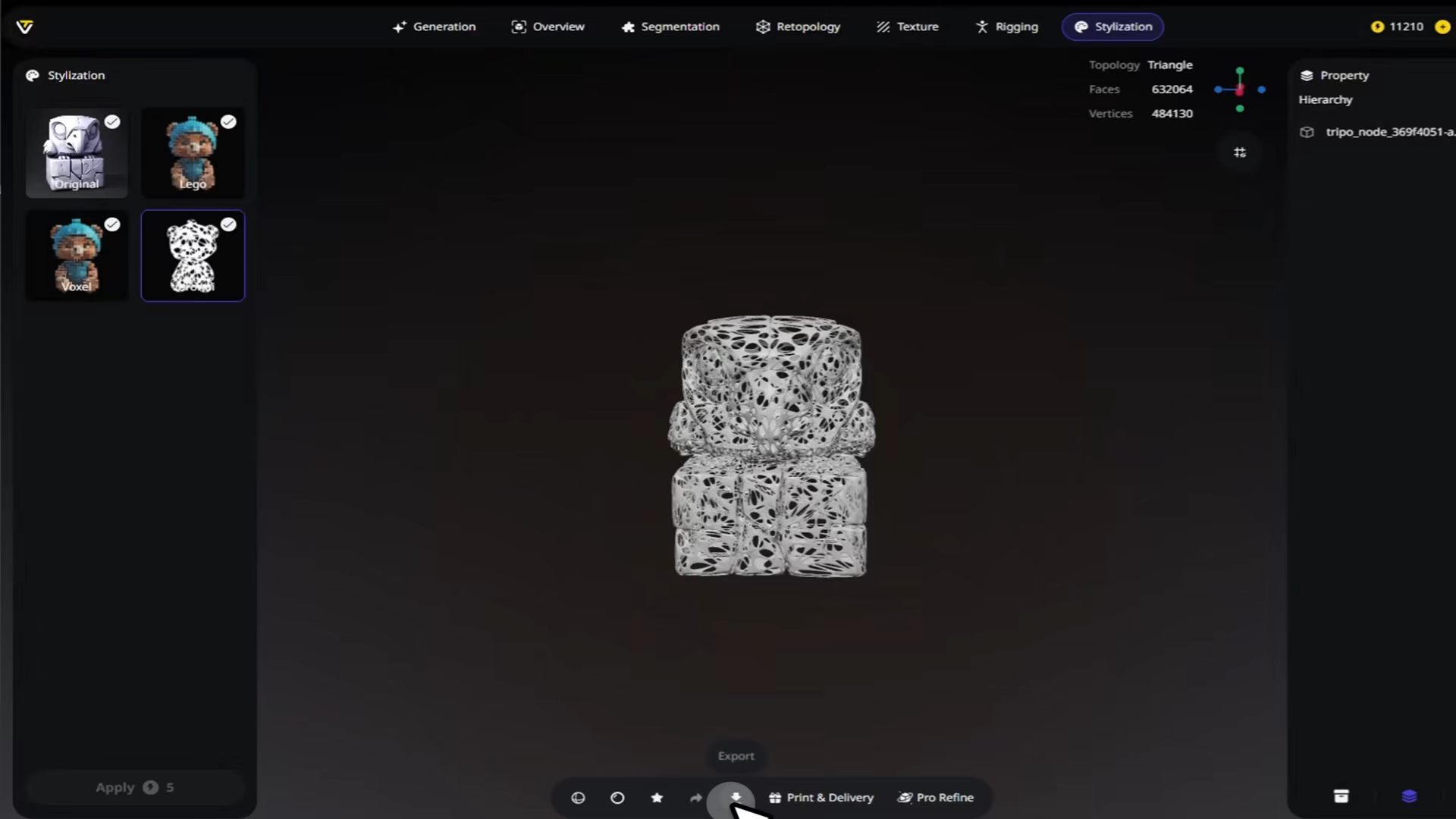
下載

匯出已風格化的模型,可直接用於遊戲、渲染或任何創意專案。
Background
5

深受全球創作者喜愛

把我的模型切換成 voxel 風格只花了幾秒,結果很紮實。

Iris Coleman

原本只是好玩試了 Lego 模式,結果最後真的用在我的遊戲原型裡。

Malik Torres

風格化在改變整體感受的同時,仍保留了原本的比例。

Yvonne Blake

Voronoi 風格讓我的場景道具有了獨特又抽象的紋理。

Callum Reid

Lego 選項立刻把一張簡單的椅子變得很有玩味。

Dana Schultz

我喜歡先用不同風格測試同一個模型,再決定方向。

Keiran Ochoa

風格化後的匯出檔夠輕量,可以直接丟進 Unity。

Ruby Lawson

Voxel 轉換效果很乾淨,完全沒有雜亂的幾何。

Theo Marsh

FAQ:風格化

掌握最新趨勢,領先一步

探索 texturing 工作流程、material generation,以及 AI 驅動的 3D 設計。

如何在 Tripo Studio 中實現不同的藝術風格

Tripo Studio 的風格化功能代表了 3D 內容創作的典範轉移。無論你是將圖片轉換為 3D model,還是從文字提示開始從零建立,能夠即時套用專業的藝術風格,將開啟無限的創意可能。

閱讀更多

介紹 Tripo 3.0:為精準與想像而生

探索 Tripo 3.0,AI 3D Modeling 的全新標竿,具備更銳利的幾何、更乾淨的 topology、更豐富的 textures,以及更快的生成速度。朝向無縫創作與無限想像更進一步。

閱讀更多

Magic Brush:Tripo 的 AI 驅動貼圖革命

Tripo Studio 中的 Magic Brush 代表 AI 3D model generator 技術的一大躍進。它讓過去需要專業技能和昂貴軟體的進階 texturing 技術更加普及,讓從愛好者到專業設計師的每個人都能使用專業品質的 3D 創作。

閱讀更多

如何在 Blender 4.0 中加入貼圖:新手友善指南

了解如何在 Blender 4.0 中使用 materials、UV mapping 與 Shader Editor 套用 image textures。非常適合 3D modeling 初學者。

閱讀更多

相關功能

探索 Tripo AI 的更多內容

Image to 3D Model

上傳任何圖片,即可透過 Tripo AI 在幾秒內生成高品質的 3D 模型。支援單視角與多視角輸入。

了解更多

高細節模型

以密集幾何與製作級細節生成高擬真 3D 模型。非常適合 hero assets 與 3D 列印。

了解更多

3D 紋理升級

使用 Tripo AI 將 3D 模型紋理從 1K 升級至 4K 或 8K。由 AI 驅動的細節生成,不只是像素拉伸。

了解更多

AI Quad Remesher

使用 Tripo AI 將雜亂的三角形網格轉換為乾淨的四邊形拓撲。為可用於動畫的模型提供自動 retopology,幾秒內即可完成。

了解更多

準備好為你的模型進行風格化了嗎?