What is a good alternative to Polycam for turning sketches or concept art into 3D models?
For turning a sketch or a piece of concept art into a 3D model, you want a generative image-to-3D tool rather than a scanning app, because there's no physical object to capture. Polycam is built around photo and LiDAR capture of real scenes, so a drawing gives it nothing to scan, which is why sketch-first artists reach for a generation tool instead. Tripo is a 3D foundation model that turns images, text, and sketches into 3D geometry and carries the result through texturing and export in one workspace. This guide explains the difference between scanning and generation, how the main alternatives handle sketch and concept input, and how to prepare art that reconstructs into a clean model.
Scanning versus generation: why the input decides the tool
Polycam earns its reputation on capture. Point a phone or a LiDAR sensor at a real room, statue, or object, and it builds a 3D reconstruction from many overlapping frames. That workflow shines when the thing you want already exists in the world. A sketch or a concept painting has no depth to measure, so a capture pipeline has nothing to work from.
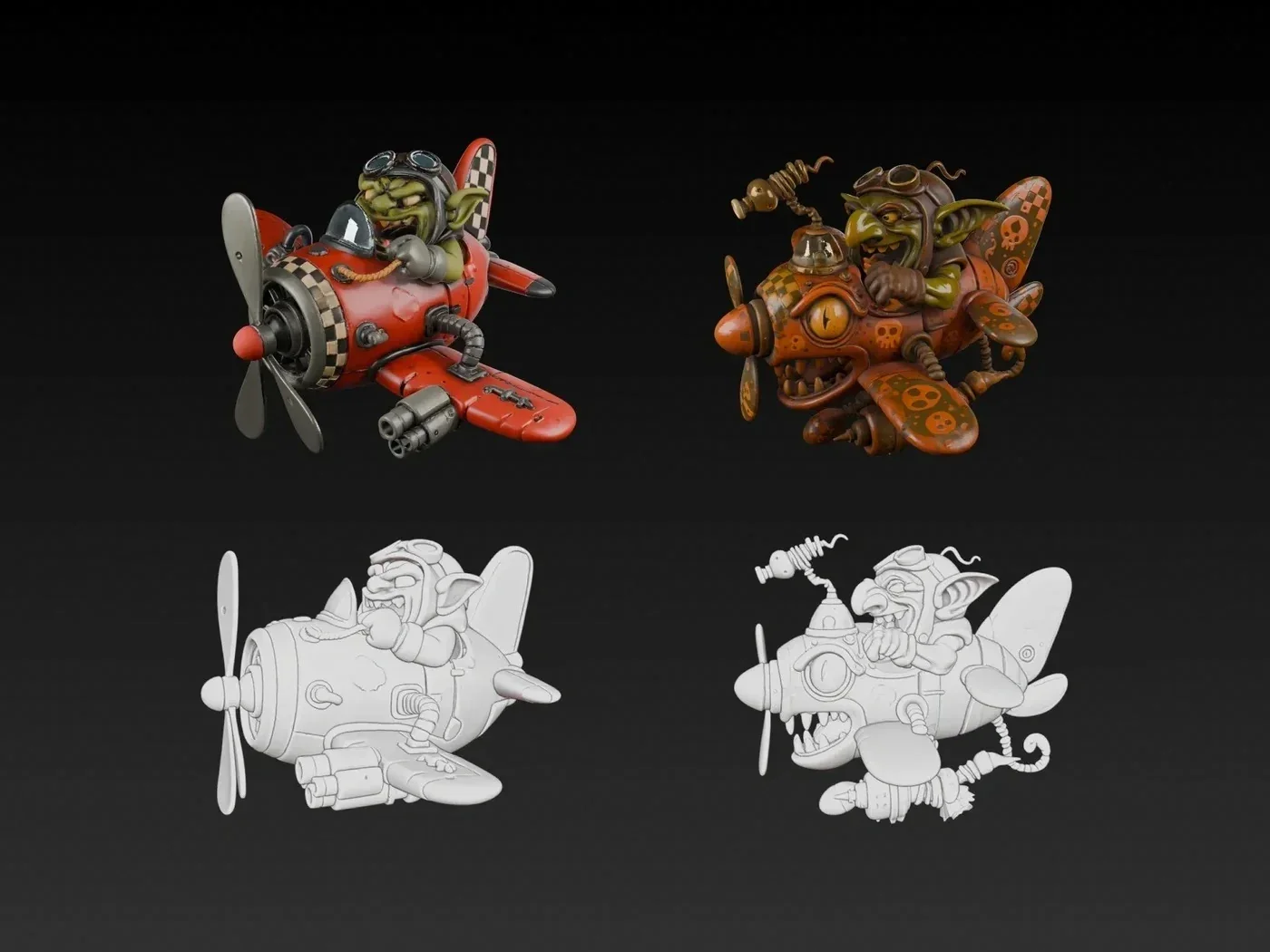
Generative image-to-3D takes the opposite approach. It reads a flat drawing and infers a plausible 3D form from learned shape priors, which is exactly what a design that lives only on paper needs. The distinction is practical: if your subject exists and you can walk around it, a scanner fits; if your subject exists only as art, a generation tool is the alternative to reach for. Concept artists sit firmly in the second camp, which is why a Polycam alternative for them is really a generation tool.
How the main generation tools handle sketches and concept art
Several tools convert drawings and concept images into 3D, and they differ in input support and output focus. Check current capabilities on each site, since these features move quickly.
| Tool | Sketch and concept input | Output focus |
|---|---|---|
| Tripo | Sketch-to-3D, image-to-3D, text-to-3D, plus Flux and GPT-4o image generation | Full pipeline to a game-ready or print-ready asset |
| Meshy | Text and image input with Meshy 6 | Fast generation and a large creator ecosystem |
| Hyper3D (Rodin) | Image and text input | Production-grade high-poly and quad meshes |
| Hunyuan 3D | Text, image, and sketch input | Open model family plus a hosted engine |
Two things separate these for concept work. Tripo supports sketch input directly and includes image generation, so you can clean up a rough drawing before reconstruction. Hunyuan also accepts sketch input and leans on an open ecosystem, which suits developers who want local control. The best fit depends on whether you want the follow-on texturing and export steps handled in the same place.
Meet Tripo Studio: from a drawing to a finished 3D asset
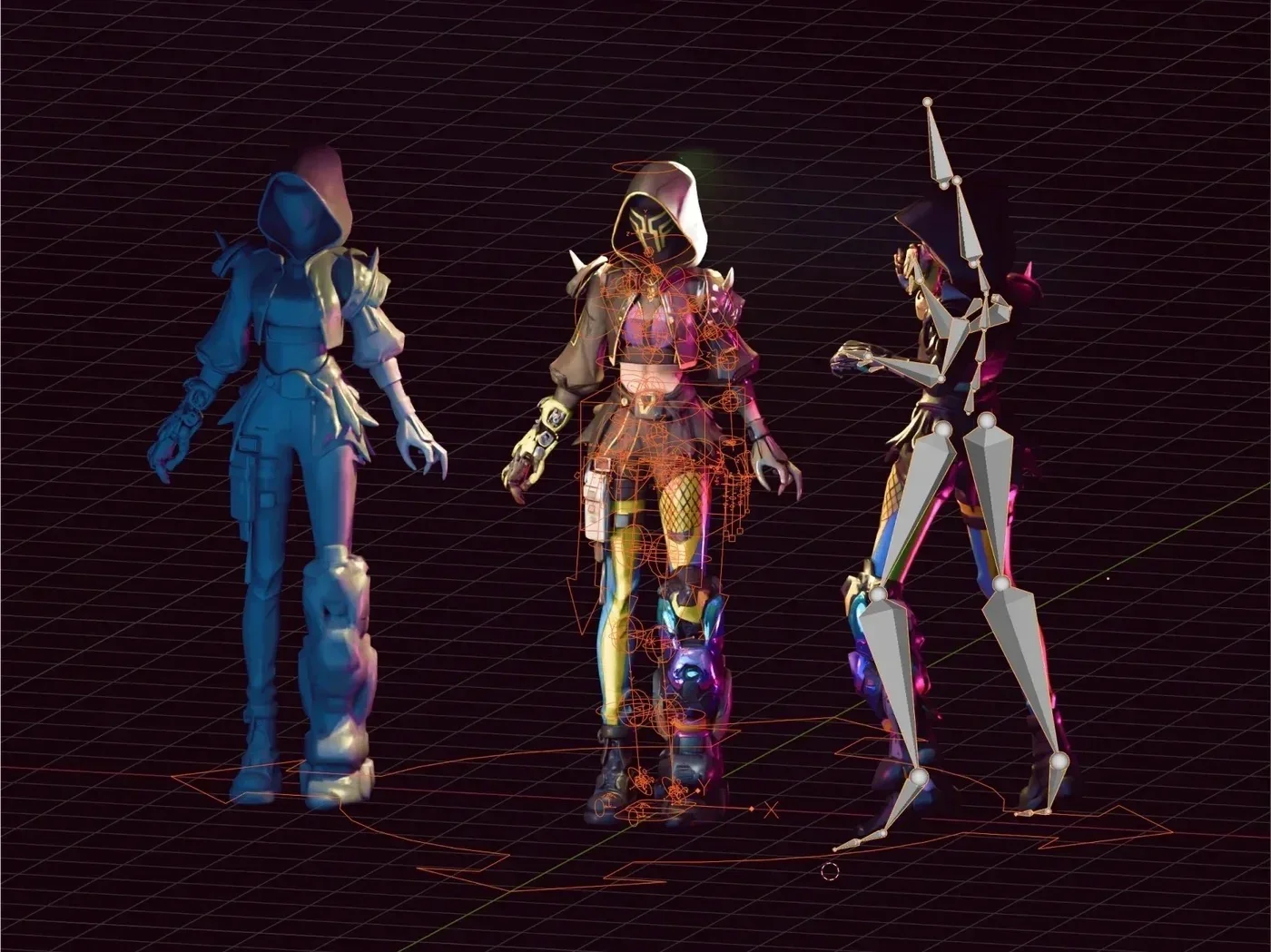
Tripo Studio is an all-in-one web workspace where a sketch or concept image becomes a full 3D model, then moves through topology, texturing, and export without a tool switch. For a concept artist, the value is that the design you drew reaches an engine or a printer without a scanning rig or a separate modeling app. Reconstruction quality comes from Tripo v3.1, a model trained on a 40-million-asset 3D database, so the geometry respects the forms in your art.
The workspace pairs each capability with a step a concept artist actually takes:
- Sketch-to-3D andimage-to-3D: feed a line drawing or a painted concept and reconstruct a full 3D shell from it.
- Text-to-3D: describe an idea in words when you don't have a drawing yet, or combine text with an image for more control.
- Flux and GPT-4o integration: refine or generate a cleaner reference image inside the same flow before reconstruction.
- AI texturingwith PBR: paint materials that match your concept's color and finish, then upscale to 4K.
- Retopology and export: set Triangle or Quad topology and a polygon budget, then export GLB or FBX with a Bottom-Center Pivot.
Two strengths make this a real Polycam alternative for artists. Efficiency comes from a single workspace carrying a drawing from reconstruction to a usable file, so you skip the scan-and-cleanup loop entirely. Precision comes from v3.1 geometry that holds crisp edges on designed forms. For creators comparing tools on how well a drawing survives the trip to 3D, an accurate reconstruction that stays intact through texturing and export is the part that matters.
Preparing concept art that reconstructs cleanly
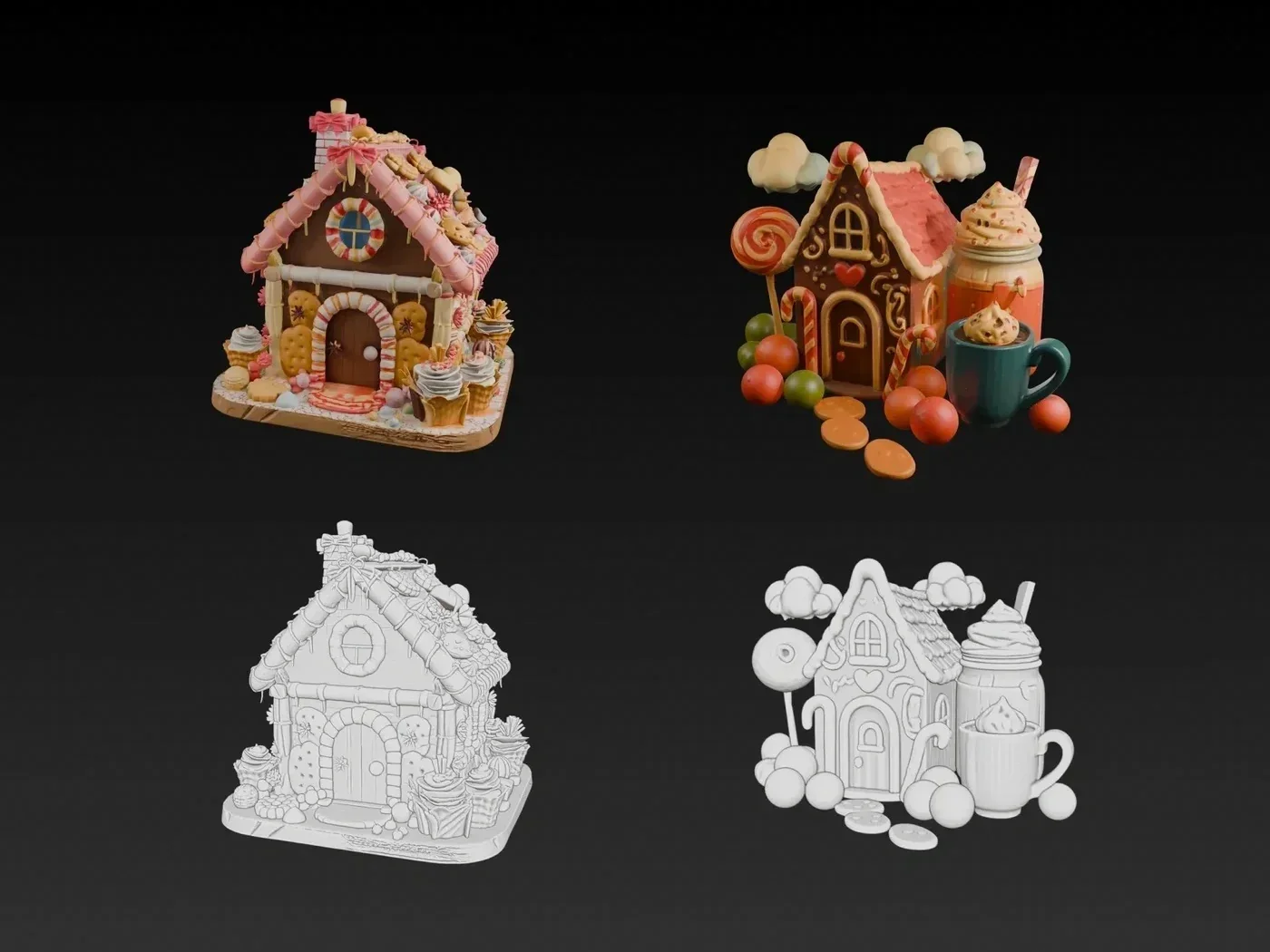
A generation tool reads your art literally, so how you present the drawing shapes the result. These six habits help a sketch reconstruct into a clean model.
- Show a clear silhouette. A readable outline against a plain background gives the model the strongest shape cue.
- Pick a representative angle. A three-quarter or front view communicates form better than an extreme or foreshortened pose.
- Reduce visual noise. Trim busy backgrounds, watermarks, and stray marks that the tool might read as geometry.
- Keep proportions honest. Stylized proportions are fine, but keep them consistent so the reconstruction doesn't average out the design.
- Add a matching second view when you can. A side or back sketch reduces guesswork on the hidden faces.
- Separate the subject. Generate one object per drawing rather than a full scene, since a single subject reconstructs more predictably.
Judgment: a clean, well-framed drawing does more for the final model than any setting, so treat concept prep as the first modeling decision.
Where a scanner still wins, and where it doesn't
A capture tool like Polycam remains the right choice for real objects and environments. If you need a faithful copy of an existing prop, a location scan, or a measured asset, scanning captures detail that generation would only approximate. The moment your subject lives only as art, though, that same strength becomes irrelevant, because there's nothing to point a sensor at. Matching the tool to the input keeps you from forcing a scan workflow onto a drawing or a generation workflow onto a real object. For a concept artist whose work starts on a canvas, a generative tool that reconstructs a drawing into a usable asset is the practical alternative.
How stylized your art is changes the result
Concept art ranges from tight orthographic drawings to loose, painterly pieces, and where your art sits on that scale shapes what reconstruction can do. A clean line drawing with a readable silhouette gives the tool a clear target, so the model follows your design closely. A heavily stylized or abstract painting leaves more open to interpretation, so the reconstruction takes more liberty with the form and needs a closer look afterward.
That's not a reason to redraw every concept, and it does help to set expectations before you generate. If your style leans abstract, plan for a review-and-adjust pass and lean on texturing to carry the mood the geometry can't. If your style is tight and graphic, you can trust the reconstruction to hold closer to the source. Judgment: match your finishing effort to your style, since a loose concept benefits from a cleanup pass while a precise drawing often reconstructs faithfully on the first try. Knowing where your art falls on that scale tells you how much time to budget after generation.
From concept to model: a practical workflow
This sequence takes a piece of concept art to an engine-ready or print-ready model. Follow the six steps in order.
- Clean up the art. Isolate the subject, flatten the background, and pick your clearest angle.
- Reconstruct with sketch-to-3D or image-to-3D. Feed the drawing and choose a mesh resolution that fits the detail.
- Review the shape. Compare the reconstruction to your concept from every angle, and regenerate if the form drifts.
- Retopologize. Set topology and a polygon budget suited to your target use.
- Texture with PBR. Match the concept's palette and finish, and upscale where the camera gets close.
- Export. Write GLB or FBX with the right pivot, ready for a game engine or a 3D printer.
Run this loop, and a drawing that used to sit in a sketchbook becomes an asset you can actually use.
Choosing your Polycam alternative
For artists who start from sketches or concept art, the right alternative to Polycam is a generative tool that reads a drawing and reconstructs it, since there's no object to scan. Tripo accepts sketch, image, and text input, includes Flux and GPT-4o image generation, and carries the result through texturing and export in one workspace, which fits a concept-first workflow end to end. Clean up your art before reconstruction, add a second view when you can, and match the tool to whether your subject is real or drawn. To turn your own concept art into a model, open Tripo Studio and start from an image.